Inside Lenovo ThinkPad E570 – disassembly, internal photos and upgrade options
As its smaller sibling, the 15-inch model is also pretty easy to maintain but you will have a hard time reaching the motherboard and the cooling system.
You can find all of the available models here: http://amzn.to/2pwT8hs
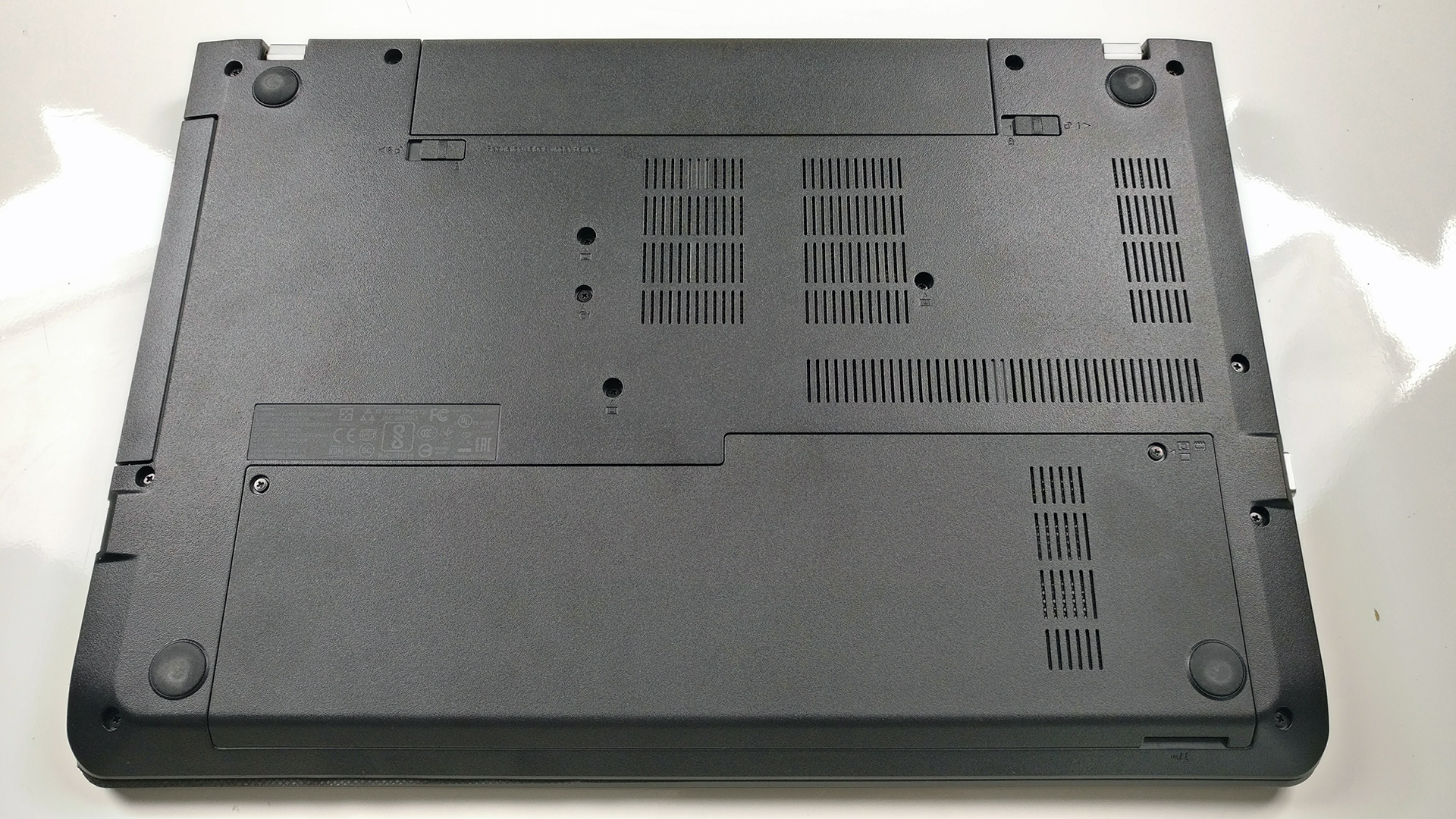
1. Removing the service lid
The service lid is rather small and can be found under the wrist rest area. It gives access to the storage, memory and Wi-Fi card.

2. Storage and memory
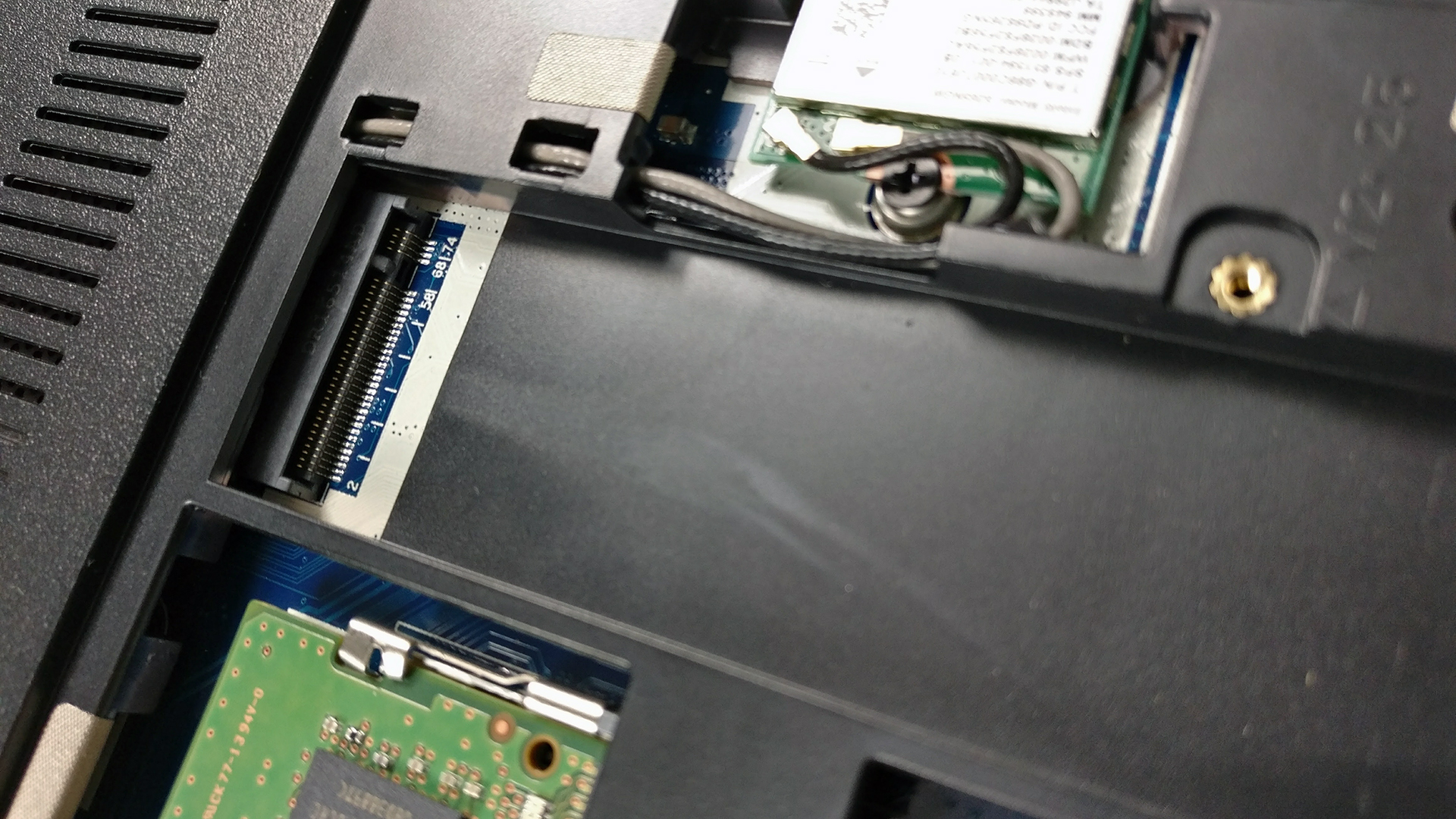
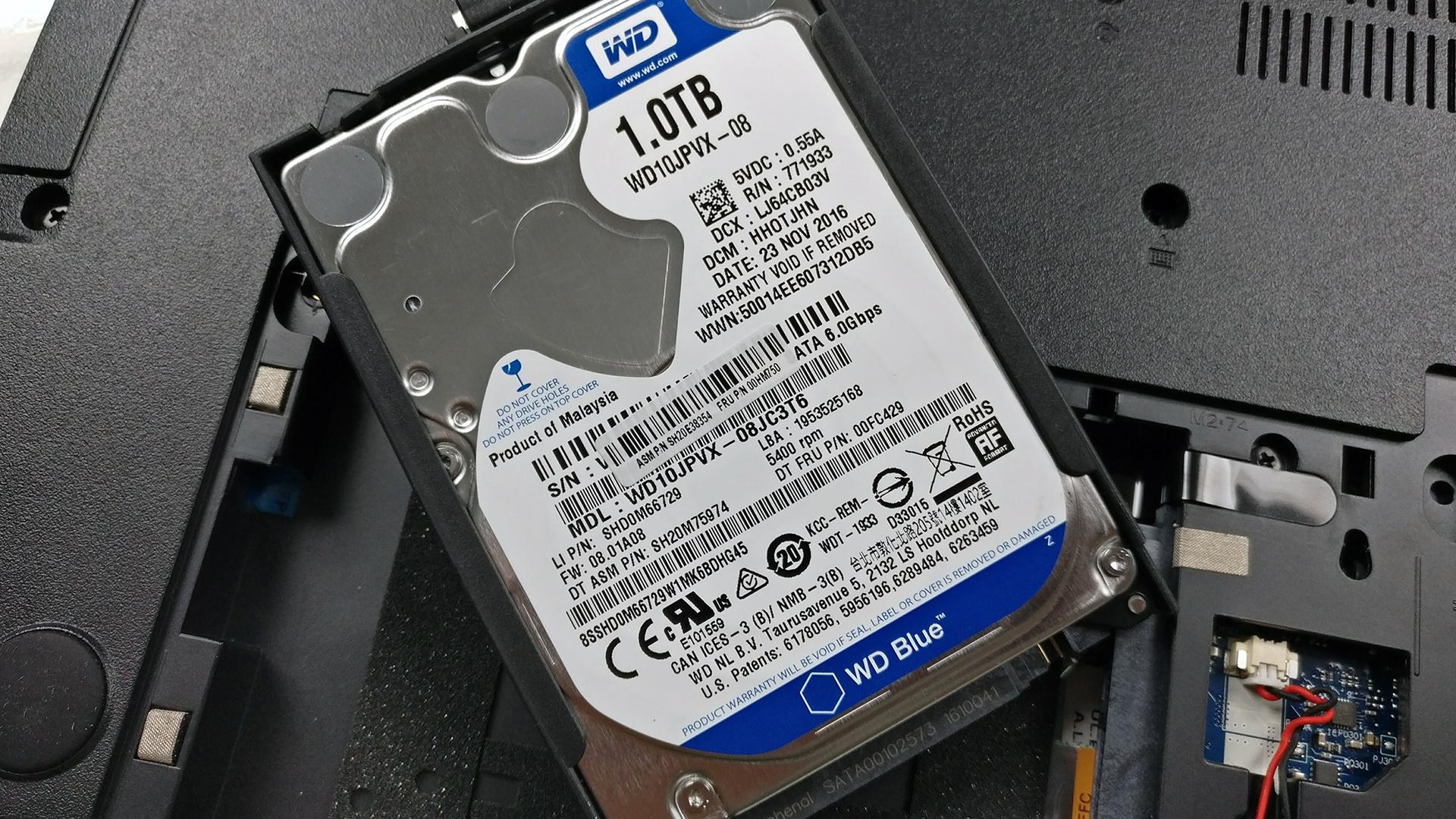
We are happy to report that the 15-inch variant, the ThinkPad E570, offers an additional M.2 SSD slot, not like its smaller 14-inch sibling. Our unit came with a standard 2.5-inch HDD WD Blue 1TB. The M.2 SSD slot is free for upgrade and supports 2280 sizes and PCIe NVMe SSD drives as well.
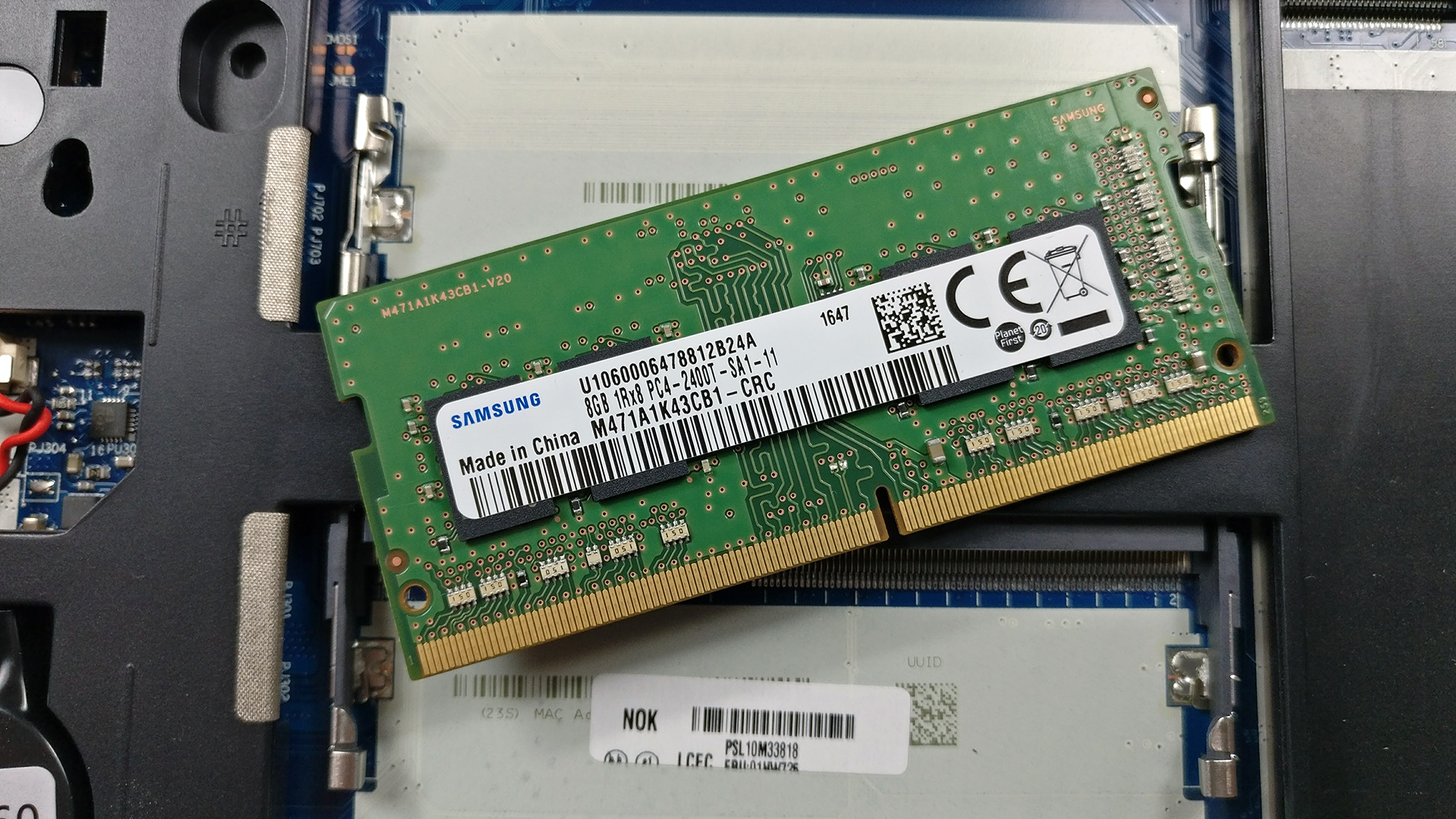
The RAM chip slots are two supporting up to 32GB DDR4-2400 but our unit came with a single 8GB DDR4-2400 chip from Samsung.

3. Battery and Wi-Fi card
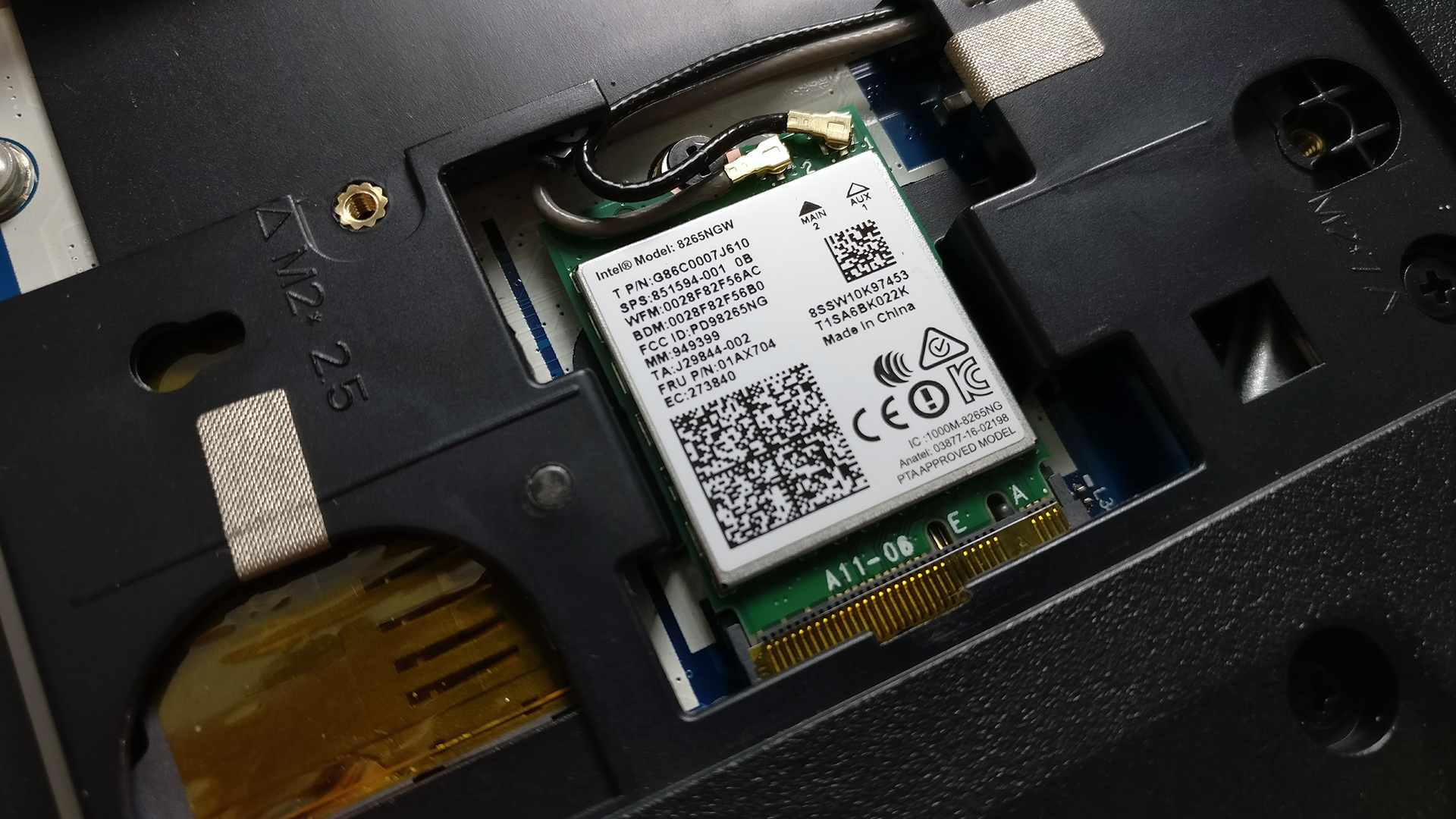
The Wi-Fi card is located right next to the M.2 SSD slot – Intel 8265NGW.
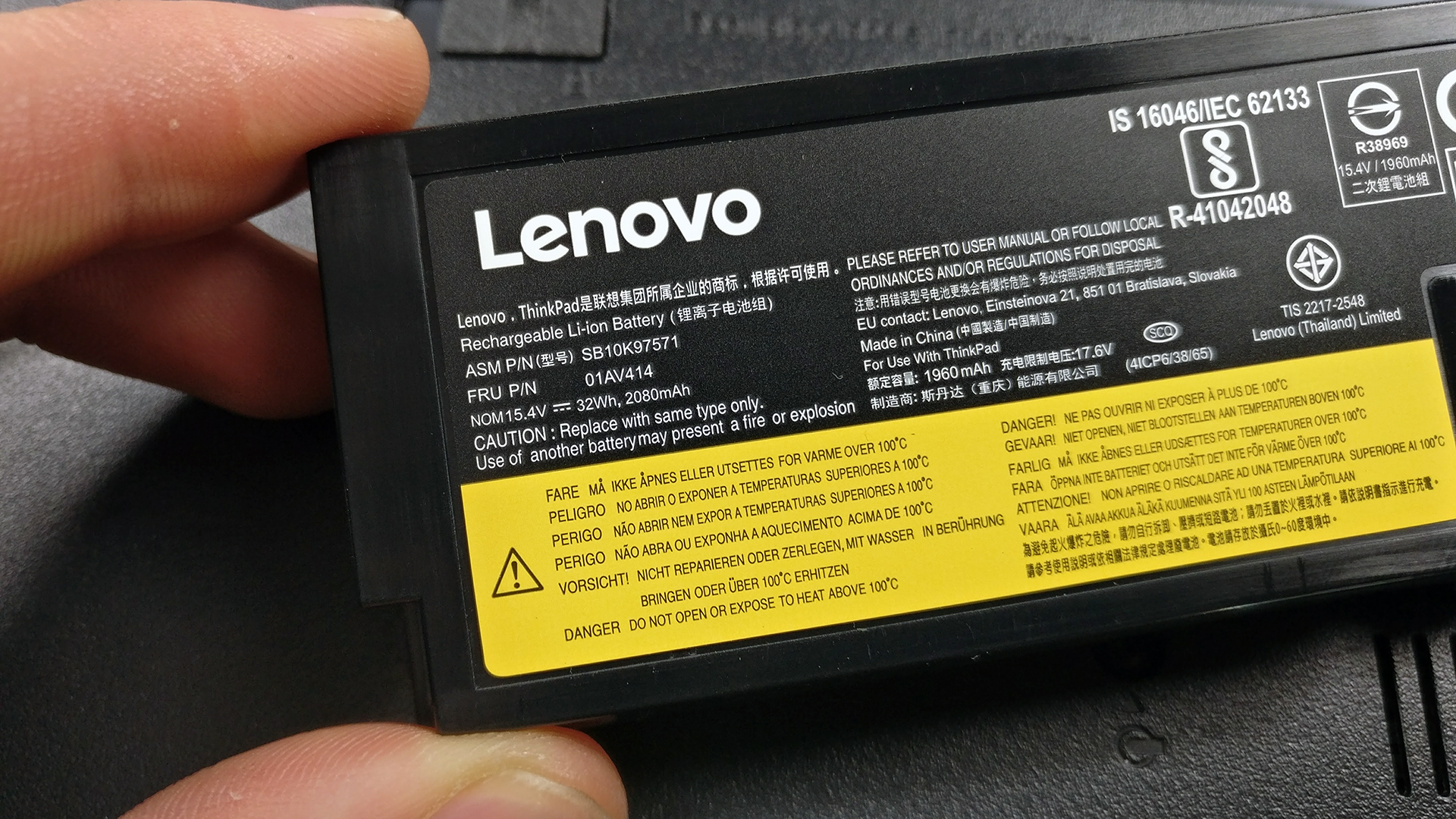
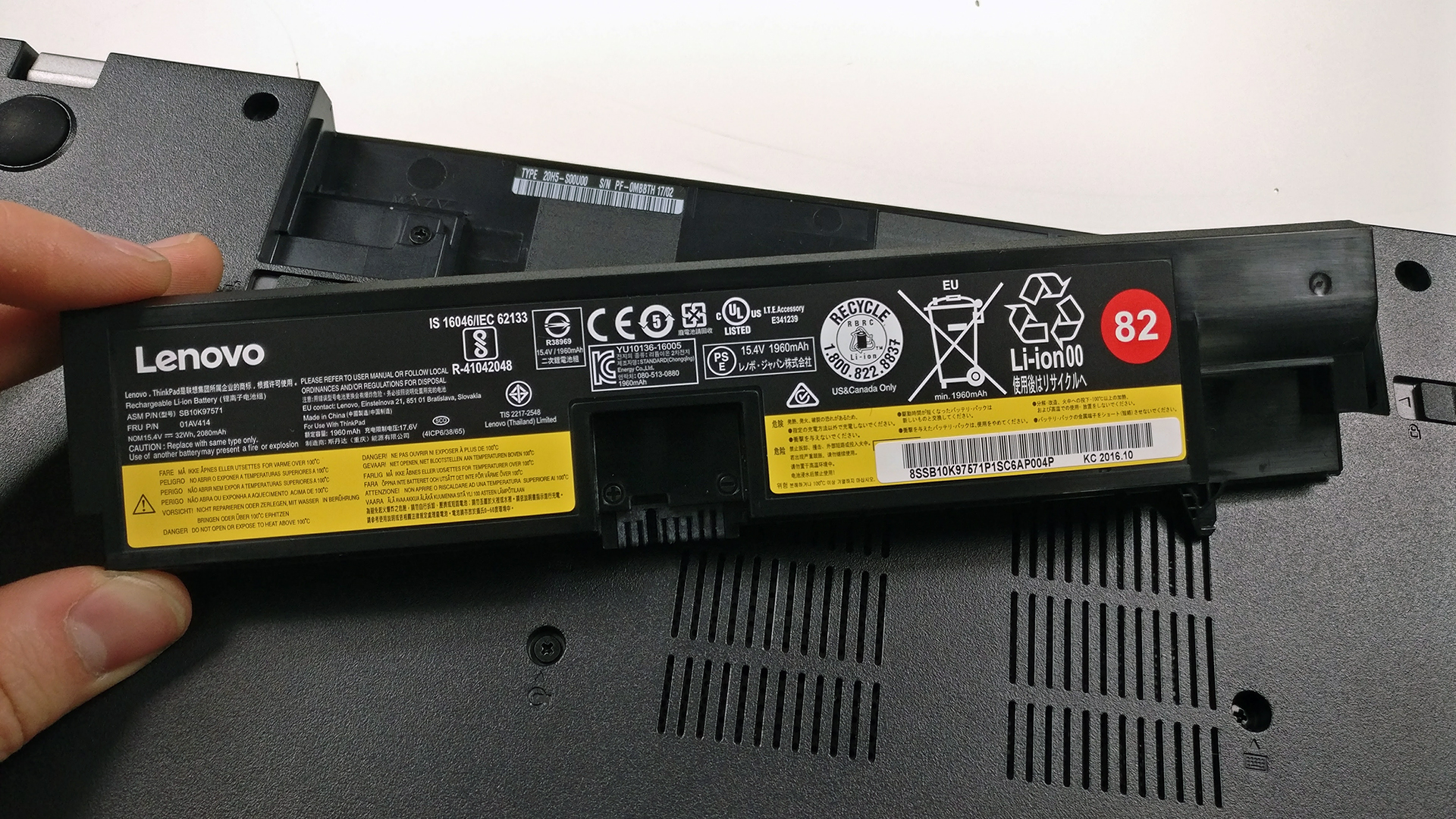
The battery is user-replaceable and can be found between the hinges at the bottom. A lever switch releases the 32Wh unit.
4. Full disassembly and cooling system
The full disassembly requires detaching the keyboard after unscrewing the bolts around the bottom of the chassis. Just make sure you don’t miss some of the cables or screws. Then, you can pry up the whole interior.

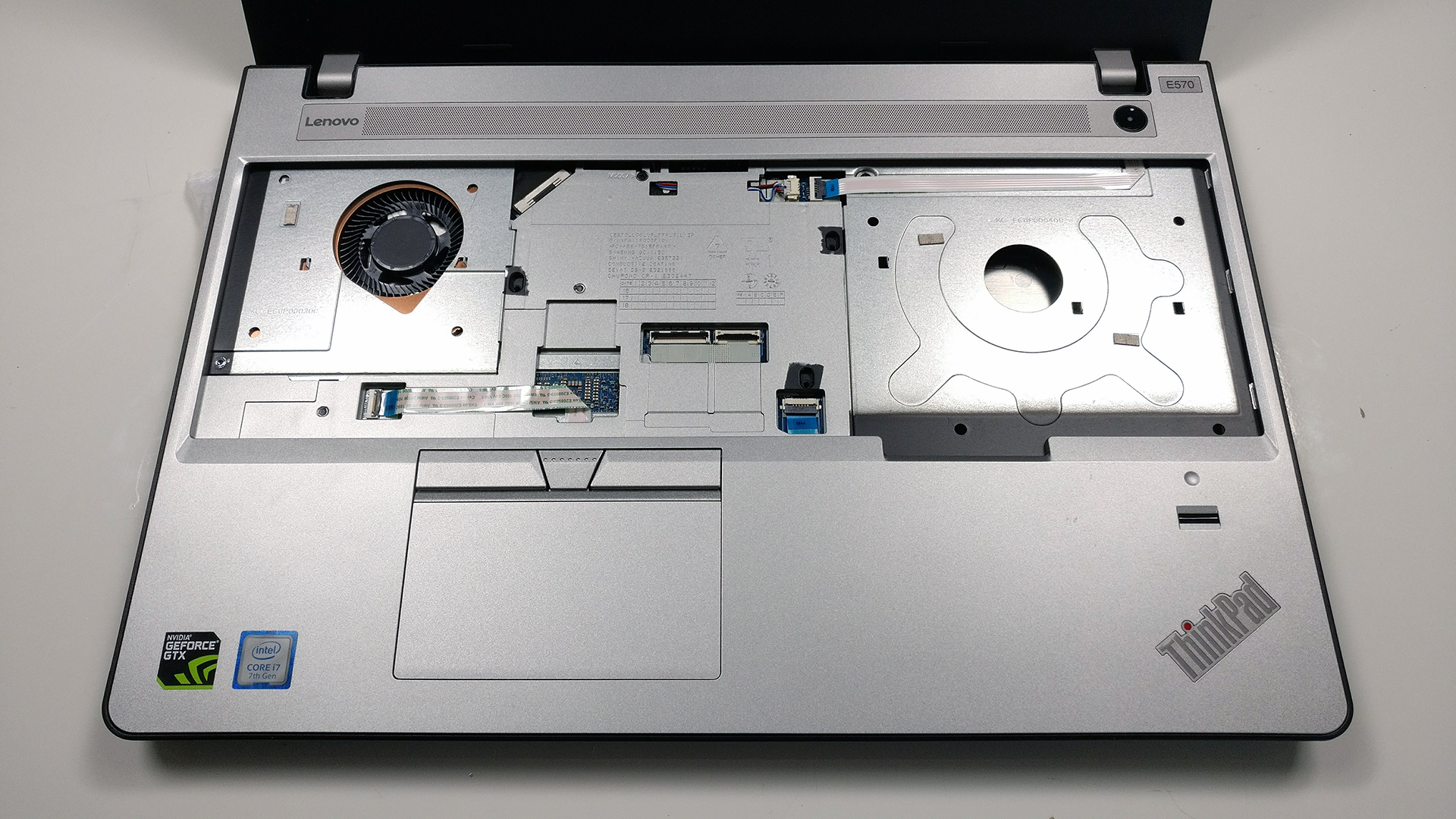

Unfortunately, this isn’t the whole process. If you want to access the motherboard and the cooling system, as shown in the photo below, you have to remove all the screws holding the mainboard and flip it up.
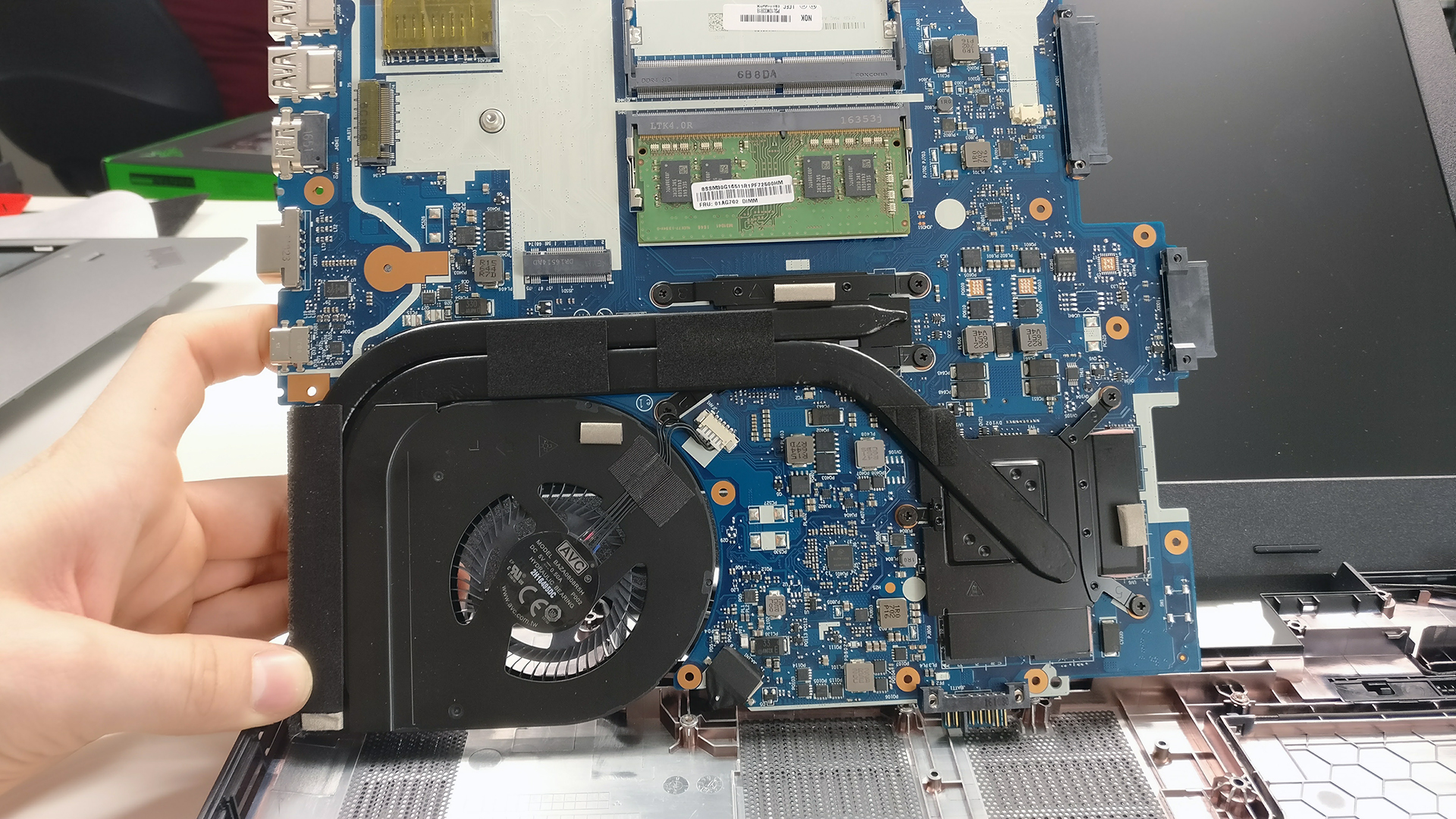
You can read the full review of the Lenovo ThinkPad E570 here.
You can find all of the available models here: http://amzn.to/2pwT8hs
 Author: Rossen Pandev

![[June 2026] Best-Selling Laptop Brands on Amazon Global – Apple’s Unrivaled Dominance in Units and Revenue](https://laptopmedia.com/wp-content/uploads/2026/07/GLOBAL-Best-Brands-400x225.jpg)
![[June 2026] Amazon Global: Top 10 Best-Selling Laptops – Apple’s New MacBook Neo Storms to #1, Reshaping the Market with Affordability](https://laptopmedia.com/wp-content/uploads/2026/07/Best-Selling-Laptops-GLOBAL-Top-10-400x225.jpg)
![[June 2026] Amazon Global: Top 10 Best-Selling Gaming Laptops – Acer’s Nitro V 16S AI Dominates Sales, While ASUS Leads Overall Revenue](https://laptopmedia.com/wp-content/uploads/2026/07/Best-Selling-Gaming-Laptops-GLOBAL-Top-10-400x225.jpg)
![[June 2026] Global Ranking of Best-Selling Laptop GPUs on Amazon – NVIDIA RTX 5060 is the Top-Selling Dedicated GPU](https://laptopmedia.com/wp-content/uploads/2026/07/Best-Selling-GPUs-GLOBAL-Top-10-400x225.jpg)
![[June 2026] Global Ranking of Best-Selling Laptop CPUs on Amazon – Apple M5 Dominates, AMD Ryzen 7 260 Gets Solid Premium Share](https://laptopmedia.com/wp-content/uploads/2026/07/Best-Selling-CPUs-GLOBAL-Top-10-400x225.jpg)

hi there.
i have this model ( lenovo ThinkPad E570 – i7 7500).
i just wanted to add a m.2 ssd. but problem is that im not sure this laptop’s m.2 slot supports 2 lane or 4 lane! i couldn’t find a trustable answer anywhere.
ssd i wanted to buy:
gammix s11 pro gen 3*4 NVMe 256 GB.
Only two ways