Qualcomm Snapdragon Laptops: A Buyer’s Guide for 2024
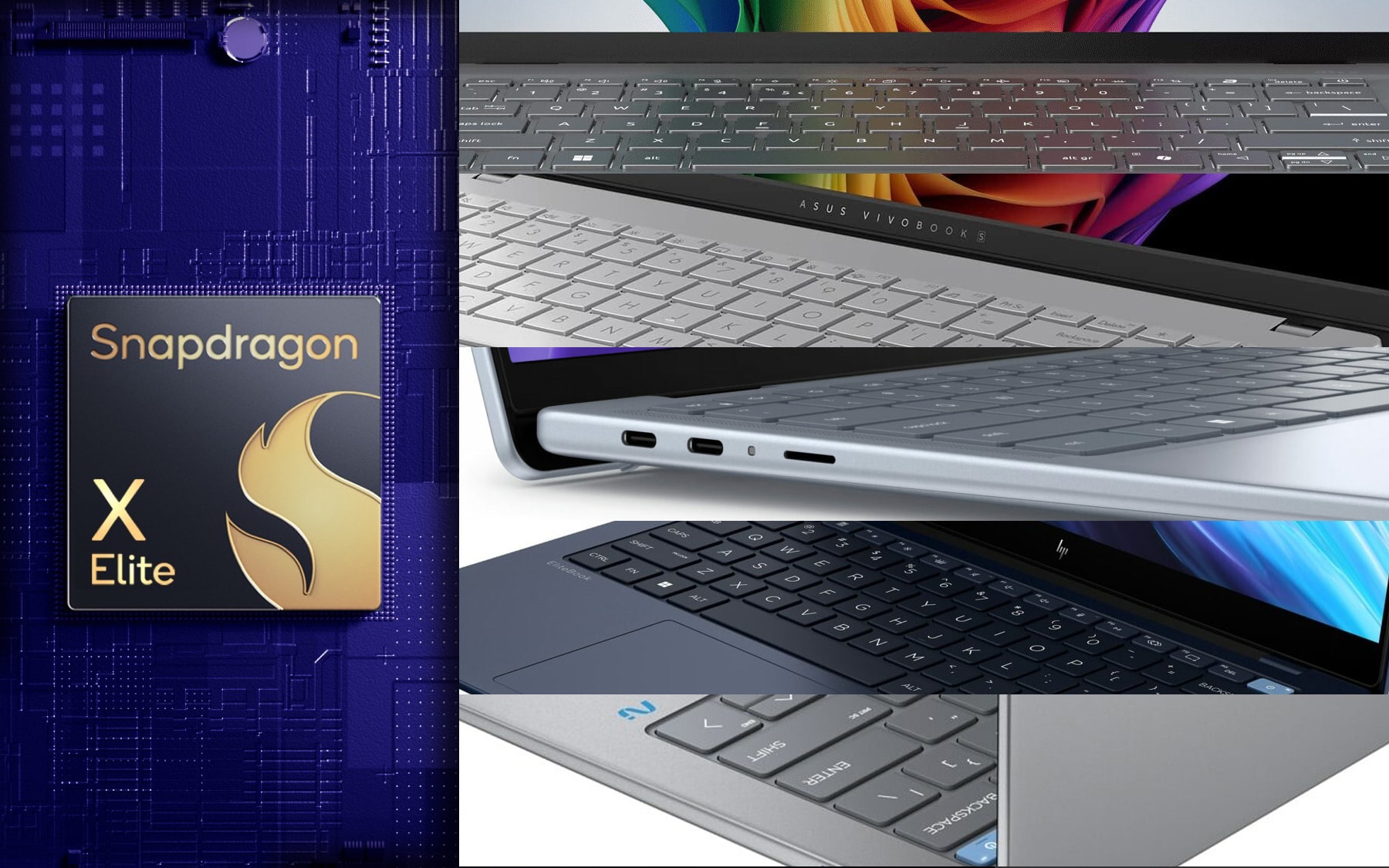 Copilot+ laptops are Microsoft’s new AI-powered devices. However, these are not Microsoft exclusive, and any manufacturer can produce them, as well as they abide by Microsoft’s specifications and requirements. While the Copilot+ program isn’t bound by the Snapdragon X Platform, all the currently available laptops are using either the X Plus or the X Elite, as AMD and Intel are readying the Ryzen AI 300-series and Lunar Lake chips, respectively.
Today we’re going over every single Snapdragon X Elite laptop that’s been announced or even released, so you can know what’s out there in case you want to get a Snapdragon-powered Windows laptop. Currently, in our experience, there are still a few compatibility issues that we’ve highlighted in our review of one Snapdragon X Elite-powered laptop.
➡️ Qualcomm Snapdragon X Showdown: Specs, Performance, and Differences
➡️ List of Apps and Games Incompatible with Qualcomm Snapdragon-Powered Computers (June 2024)
➡️ Can You Game on Snapdragon X Elite? We Tried 10 Titles — Here’s How They Run (Or Not)
Acer Swift 14 AI (SF14-11 / SF14-11T)
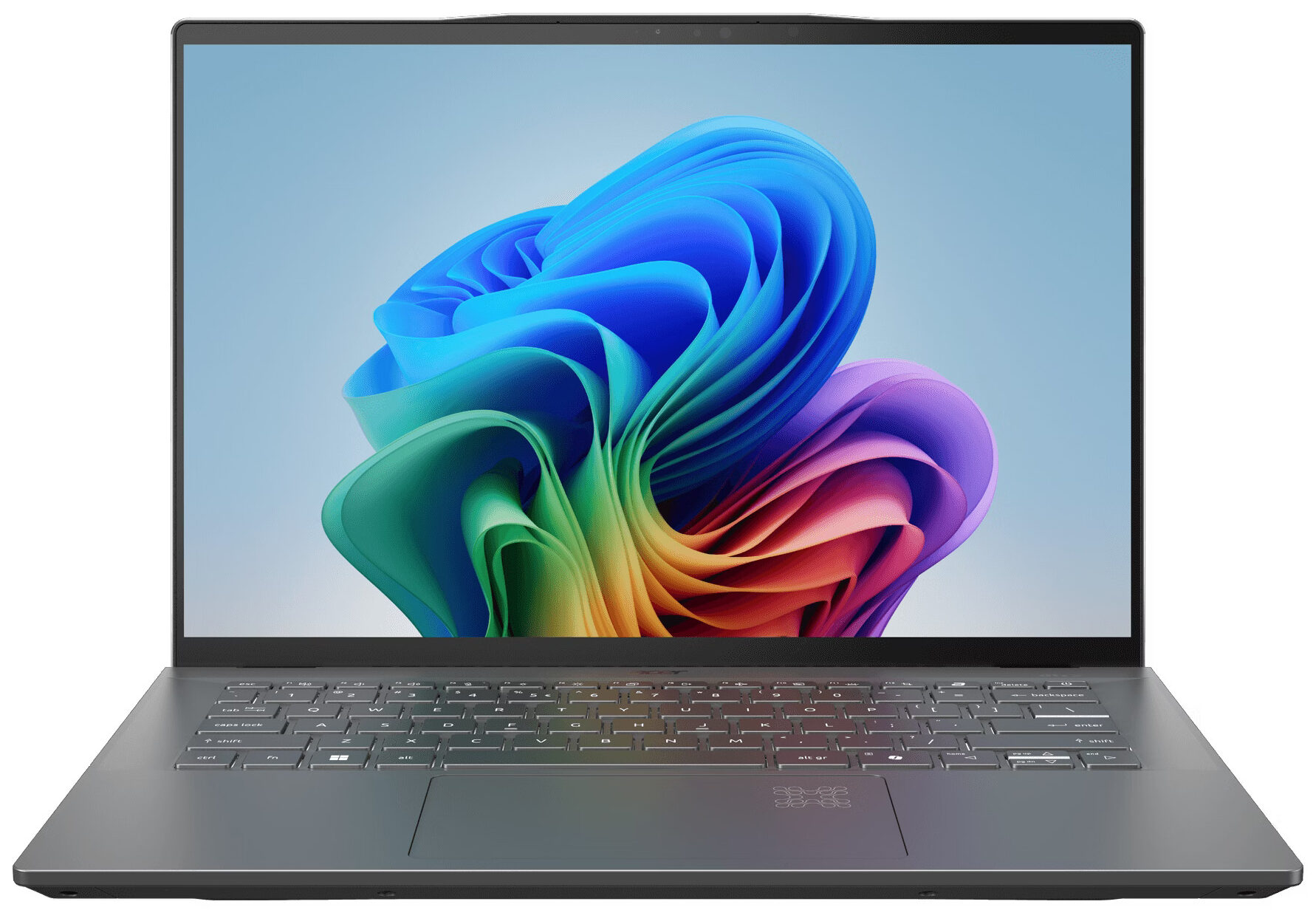 The Swift series has always delivered quality laptops and now it gets the AI supercharge that will change how we view laptops (at least this is what Microsoft believes).
Truth be told, even without the AI features, this Swift 14 will perform well and last a while, thanks to the Snapdragon X Elite. The laptop has a thin exterior with a metal finish, as well as a pretty good QHD+ IPS panel with a 120Hz refresh rate, so this can certainly be a mobile editing rig, as long as you can get any editing software going.
Check the full specs and all available configurations on its Series page: Acer Swift 14 AI (SF14-11 / SF14-11T) series
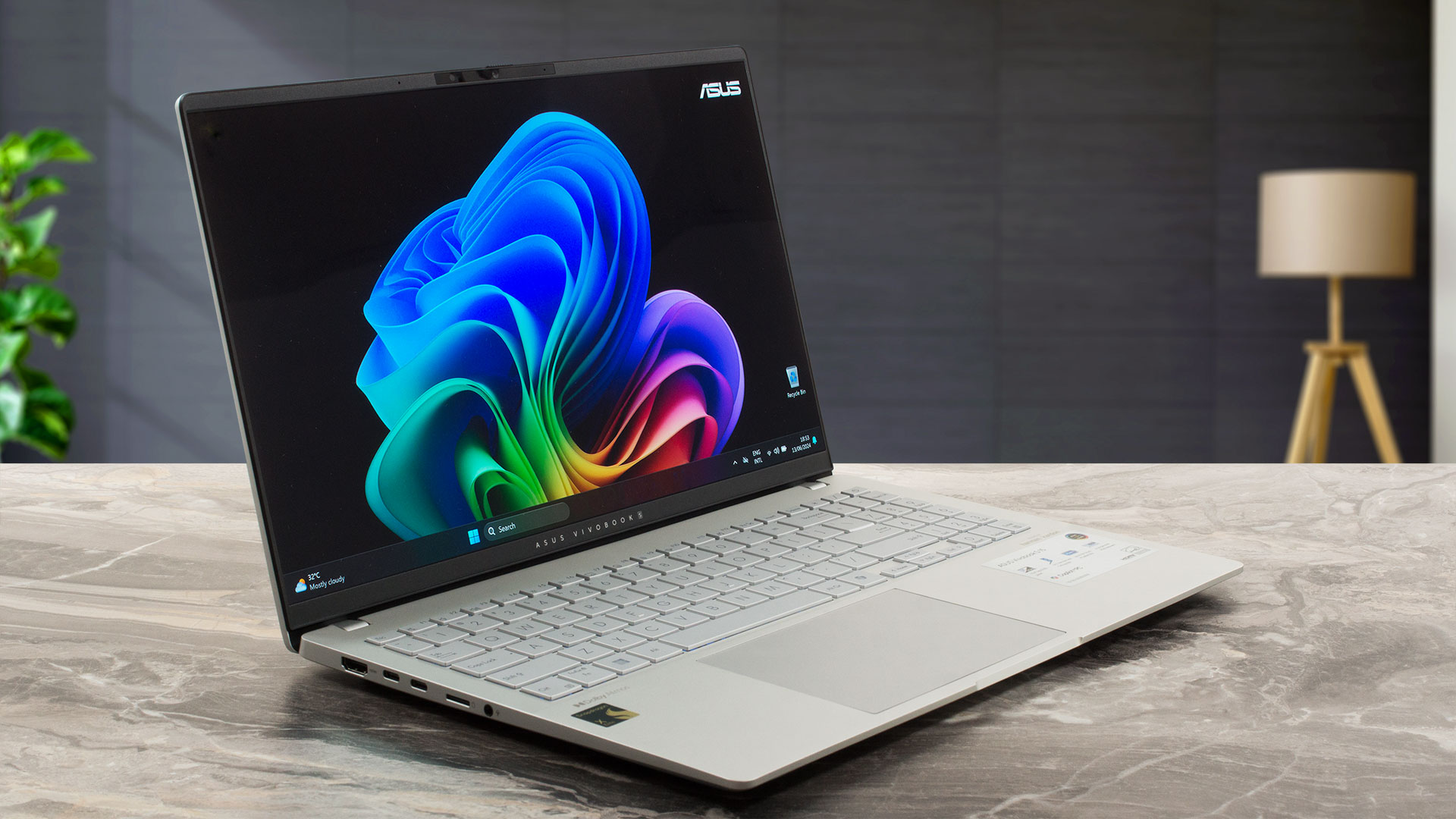
ASUS Vivobook S 15 OLED S5507
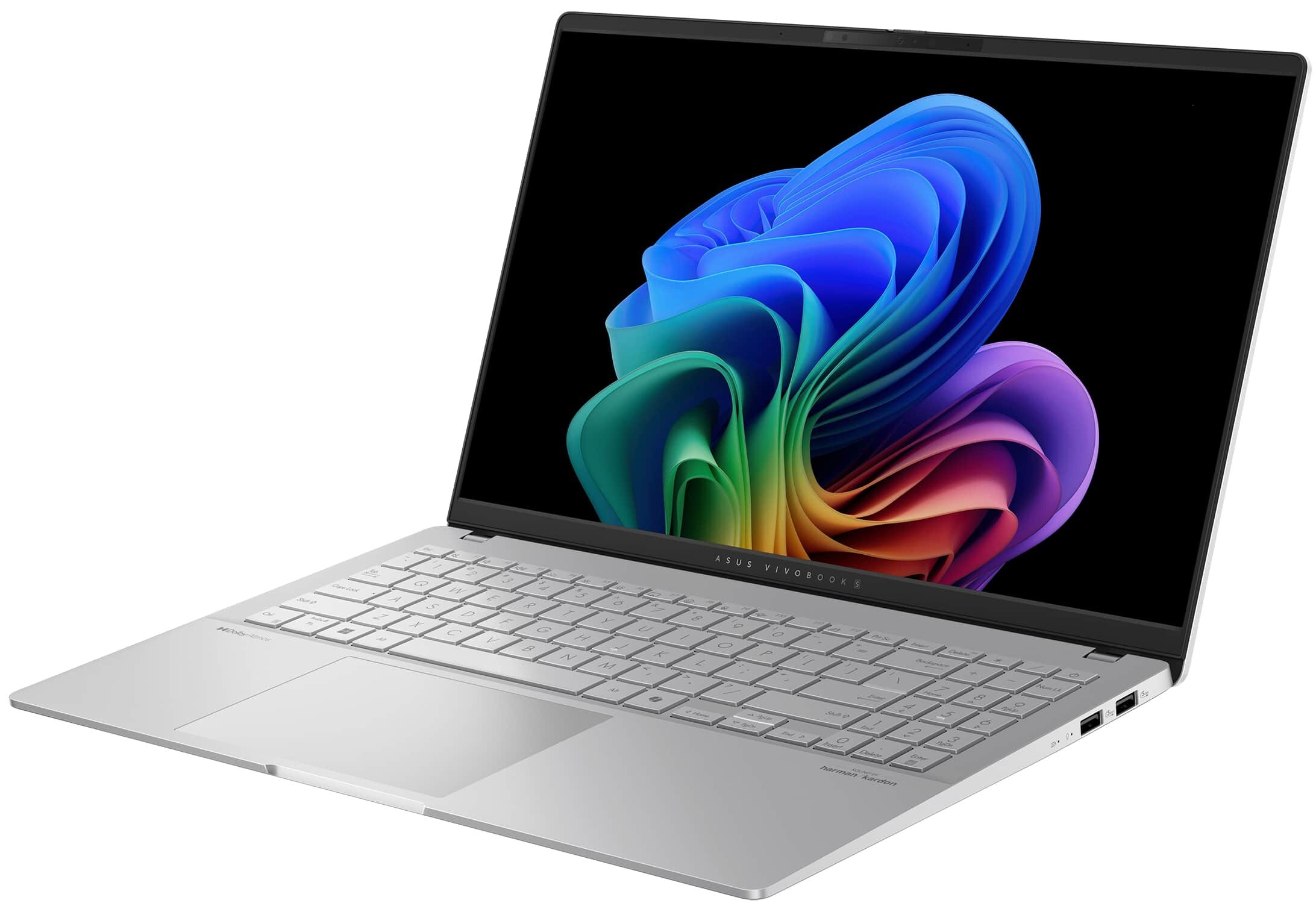 The only Snapdragon X Elite notebook that we’ve reviewed so far, the Vivobook S 15 OLED brings an OLED screen and a lightweight chassis that weights only 3.1 lbs (1.42 kg). The I/O is also on the better end, with Thunderbolt and SD card support that allows you to transfer files from your camera, which is great for photographers and filmmakers.
The X Elite performs rather well, with consistently high CPU clock speeds, as well as long battery life, with around 15 hours of video playback. The display offers full sRGB and DCI-P3 coverage, albeit at the cost of constant PWM usage, which isn’t the best for your eyes.
Check the full specs and all available configurations on its Series page: ASUS Vivobook S 15 OLED S5507 series
ASUS Vivobook S 15 OLED (S5507) in-depth review
The hype around the new AI-powered Snapdragon X Elite Processor is real and the ASUS Vivobook S 15 OLED S5507 is one of the first available devices on the market with this SoC. The main focus here is the dedicated 45 TOPS NPU chip for accelerated productivity. The laptop has tons of preinstalled AI-based Microsft and ASUS software. At least for now, only a few apps are natively designed for this ARM chip, while the others work in emulation mode.The device can be picked with Snapdragon X Plus X1P-64-100 or Snapdragon X Elite X1E-78-100 CPU. They offer 10 or 12 cores respectively plus Snapdr[...]
Pros
- Great OLED display with 100% sRGB and DCI-P3 coverage (ATNA56AC03-0)
- Infinite contrast ratio, 120Hz refresh rate, and 2880 x 1620 resolution (ATNA56AC03-0)
- Very high color accuracy (ATNA56AC03-0)
- Good audio quality
- "OLED Flicker-Free Dimming" mode in MyASUS software
- Comfortable keyboard and smooth touchpad
- 1080p IR Web camera with a privacy shutter
- Good overall performance for everyday tasks and normal office usage
- Quiet fan in "Whisper" mode
- Four USB ports + MicroSD card reader
- Long battery life
- Rock-solid 3.40 GHz CPU clock no matter the fan mode
- Metal build
- Good comfort under full CPU stress
- Snapdragon X Elite chip with rich AI capabilities
Cons
- PWM usage without the "Flicker-Free Dimming" mode (ATNA56AC03-0)
- Soldered RAM + only one M.2 Gen 4 slot
- Some apps and games don't work at all
- Expensive
Dell Inspiron 14 Plus 7441
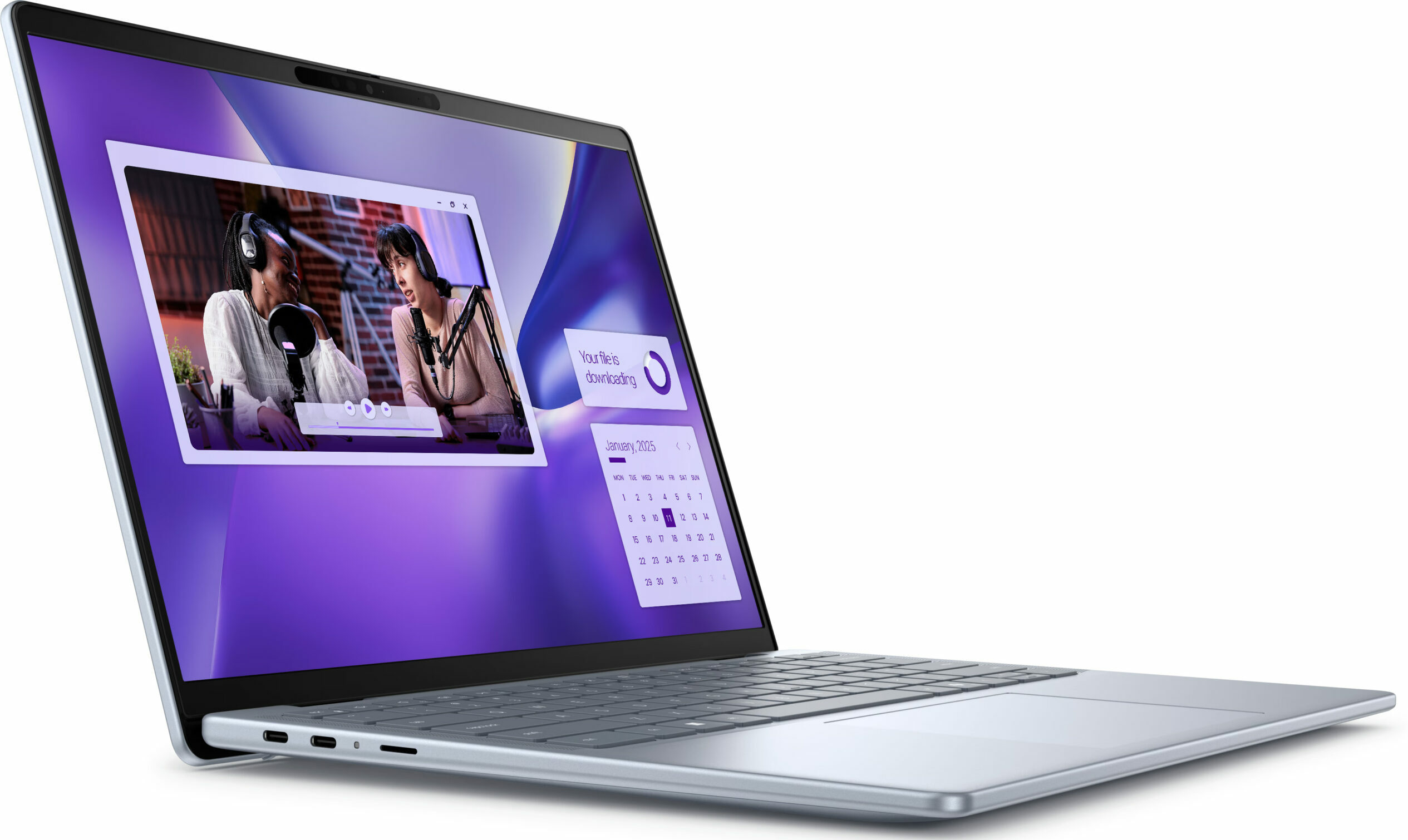 Dell’s Copilot+ implementation, the Inspiron 14 Plus 7441, uses the less powerful Snapdragon X Plus, which has 10 cores instead of 12, as well as a slightly less powerful GPU. Still, the rest of the features are pretty well selected, from the QHD screen which looks stunning at a 14.5-inch diagonal to the rich port selection. There’s also a quad-stereo speaker setup.
It will be interesting to see which company will come up with the most ingenious and creative approach when it comes to these Snapdragon laptops, as there’s certainly room to play with the form factors, memory configurations, types of cooling, and more.
Check the full specs and all available configurations on its Series page: Dell Inspiron 14 Plus 7441 series

HP EliteBook Ultra 14 G1
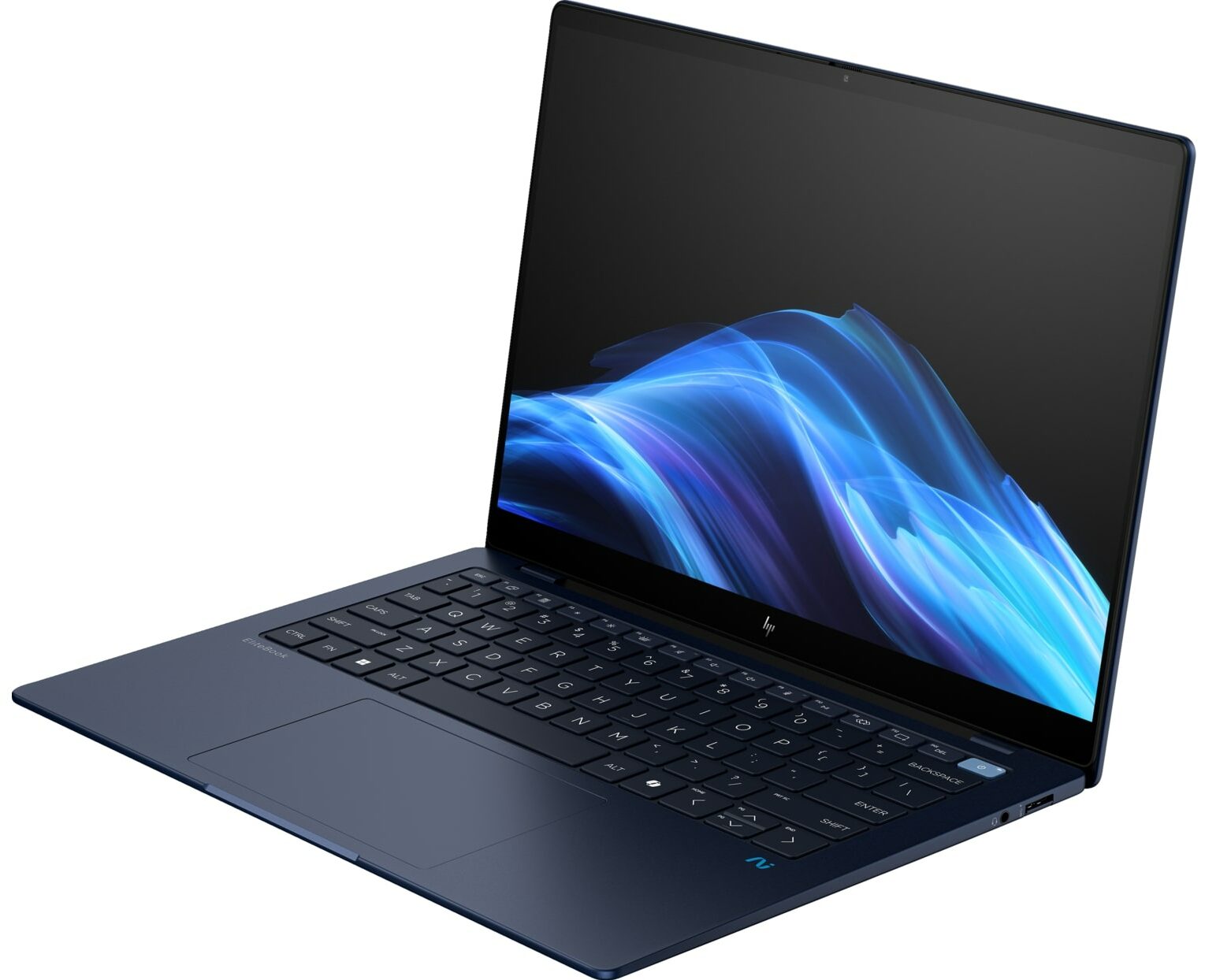 Elitebooks are the premium HP enterprise machines and the Ultra 14 G1 is the ‘first generation’ of Snapdragon laptop from HP. It’s the lightest one so far, weighing just 3 lbs (1.34 kg). However, the Elitebook loses out on the MicroSD card slot, having two Type-C ports, a Type-A port, and an audio jack.
What’s very interesting is that it’s already sold out and out of stock on HP’s website, despite the crazy price, as the notebook has an MSRP of $1,699, which is a bit too much. You get a 2.2K IPS screen with a resolution of 2200 x 1400p.
Check the full specs and all available configurations on its Series page: HP EliteBook Ultra 14 G1 series
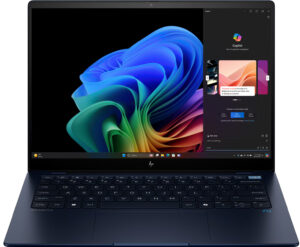
HP OmniBook X
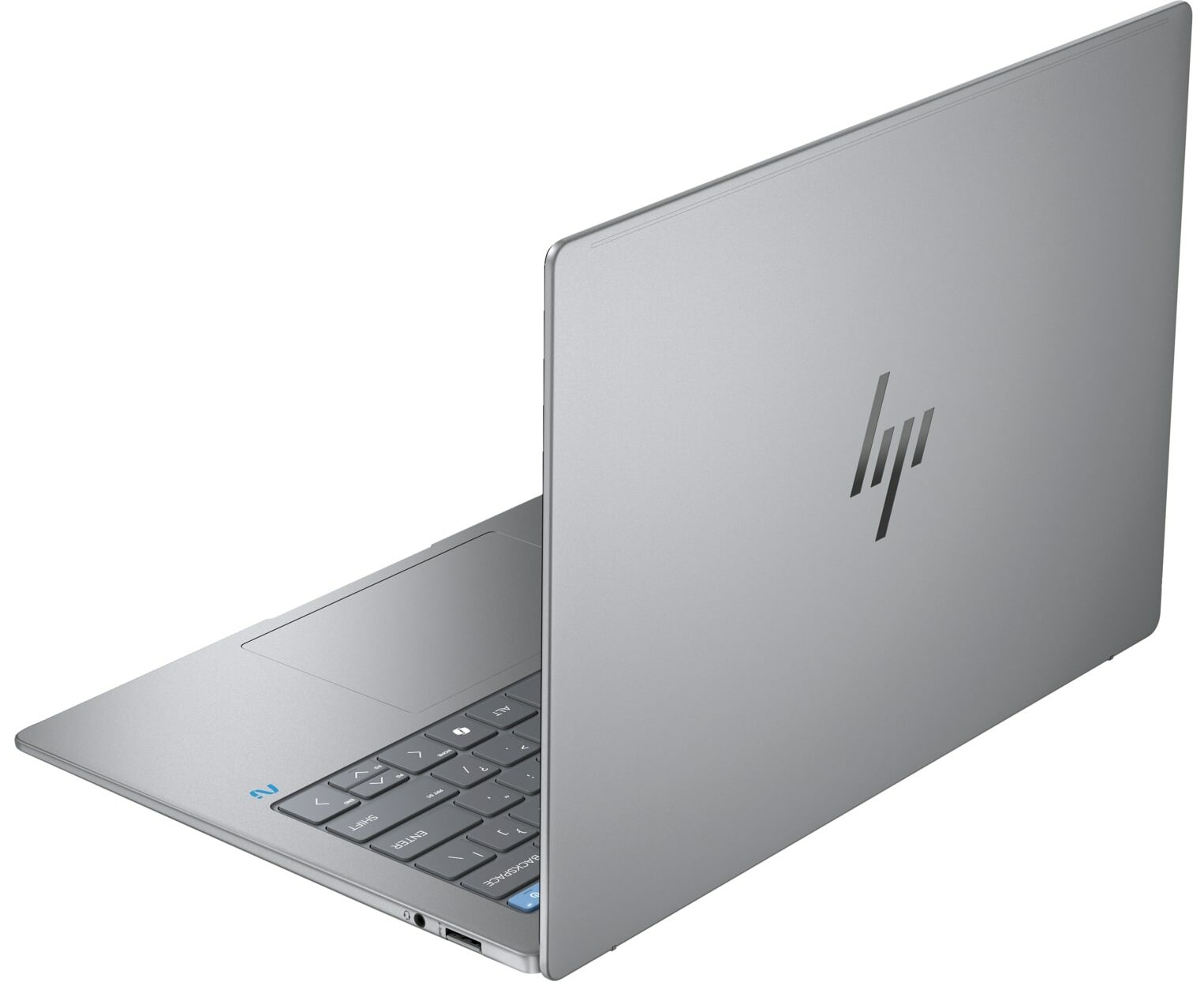 The OmniBook X is essentially the same as the EliteBook Ultra, with the same version of the Snapdragon X Elite, the same chassis, weight, and profile, as well as the same screen and port selection. However, HP markets the OmniBook as a general-use laptop, while the EliteBook is a top-notch enterprise laptop made for CEOs and high-end corporate users.
You can configure it with up to 32GB of RAM, while also having a beefy 59Wh battery pack, which supposedly can last for up to 26 hours, which enters and even exceeds MacBook territory. Both the EliteBook and the OmniBook have a Gorilla Glass screen cover, which means that the displays are touch-enabled, giving you another way to interact with the laptop.
Check the full specs and all available configurations on its Series page: HP OmniBook X series
Lenovo ThinkPad T14s Gen 6
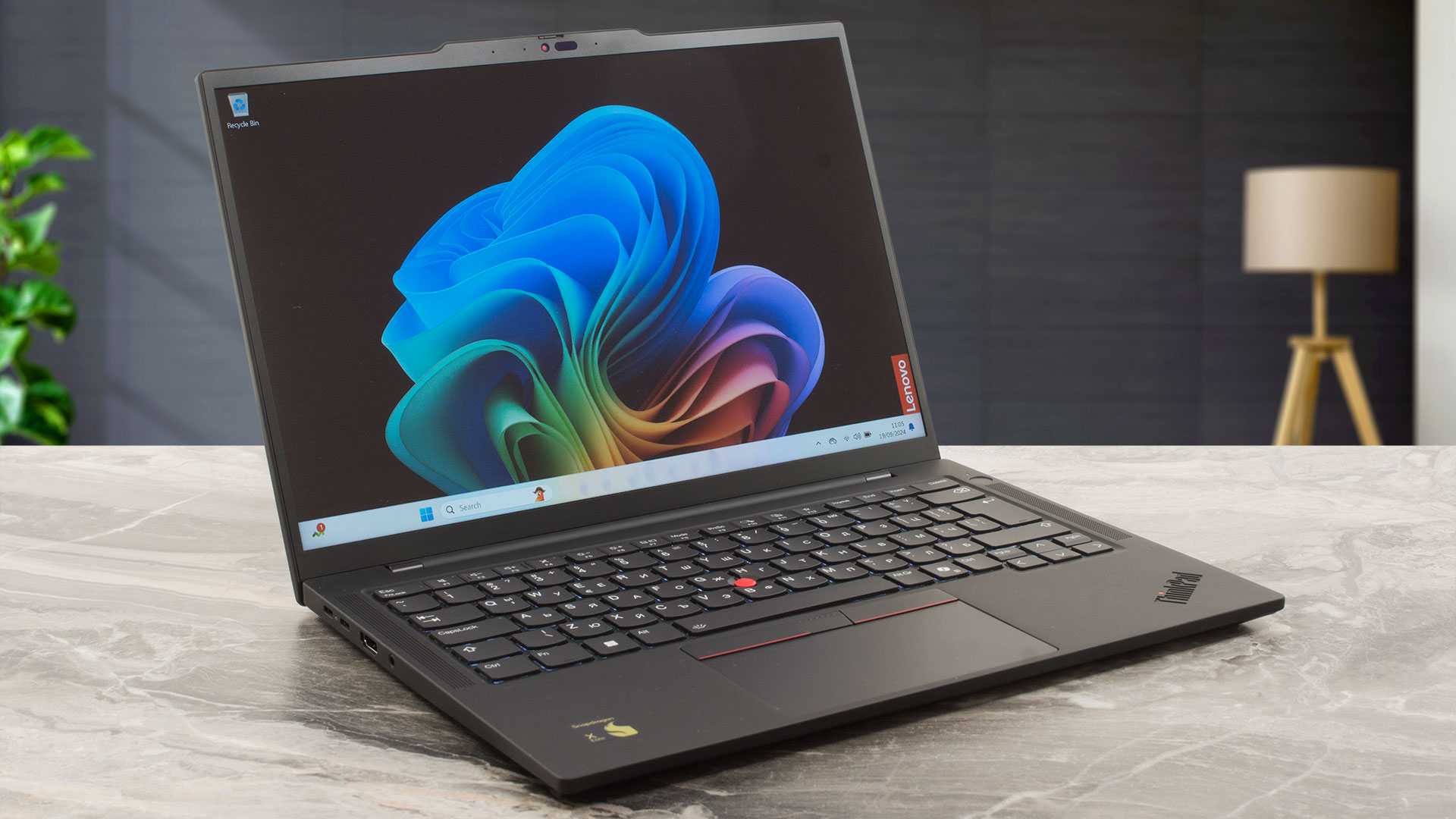
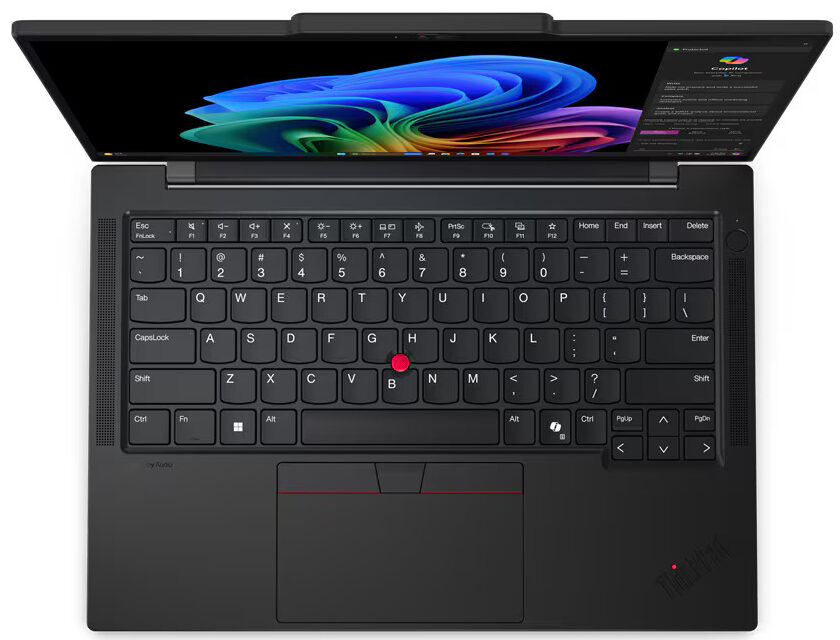 Lenovo’s business contender, the ThinkPad T14s Gen 6, has the Snapdragon X Elite enveloped in a carbon fiber polymer top and an aluminum bottom, giving you a durable chassis that weighs 2.7 lbs (1.24 kg). You can pick between a Full HD+ IPS panel with either 50% or 100% sRGB coverage and up to 400 nits of brightness.
Then you can upgrade to a 2.8K OLED panel with 100% DCI-P3 coverage and a 120Hz refresh rate. The ThinkPads have been a staple in the business world, arguably the most recognizable laptop brand in the world. In terms of pricing, the laptop has an MSRP of $1,889, which is quite steep. The keyboard and infamous TrackPoint with the dedicated buttons are still here, while the display lacks any touch functionality.
Check the full specs and all available configurations on its Series page: Lenovo ThinkPad T14s Gen 6 series
Lenovo ThinkPad T14s Gen 6 (Qualcomm) in-depth review
Right now, Copilot+ PCs aren't a rare find. The ThinkPad T14s Gen 6 (14″ Snapdragon) is one of them and it's offered with Snapdragon X Elite X1E-78-100 or Snapdragon X Plus X1P-42-100 processor. These are a good choice for people who need top-of-the-line AI performance thanks to the Qualcomm Hexagon NPU with up to 45 TOPS.Aside from that, the rest of the specs are more or less normal for a modern small machine like this one. It's full of useful extras such as Wi-Fi 7, hardware-ready Bluetooth 5.4, a backlit keyboard, and a battery with a modest capacity. The security features seem more [...]
Pros
- Solid build
- Nice portability (1.24 kg / 16.9 mm)
- Good overall performance for the class
- The fan isn't noisy during max CPU stress in "Best Performance" mode
- PWM-free panel (LEN403D)
- Comfortable viewing angles (LEN403D)
- 400 nits of max brightness (LEN403D)
- Good audio quality
- IR Web camera with a privacy shutter
- 2x Thunderbolt 4s + 2x Type As
- The CPU can sustain 3.40 GHz in short and medium loads
- Comfortable keyboard + smooth touchpad
- Up to 64GB LPDDR5x memory
- Wi-Fi 7 + Bluetooth 5.4
- Optional eSIM functionality
- Fingerprint reader
Cons
- You can't open the lid with a single hand
- Soldered RAM + just one M.2 slot
- Low CPU clocks in long loads (1.67 GHz)
- Low sRGB coverage (LEN403D)
Lenovo Yoga Slim 7 14Q8X9
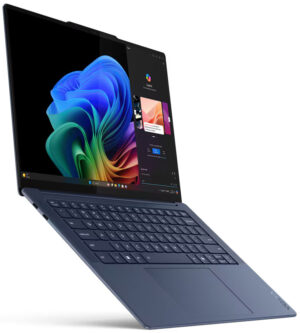
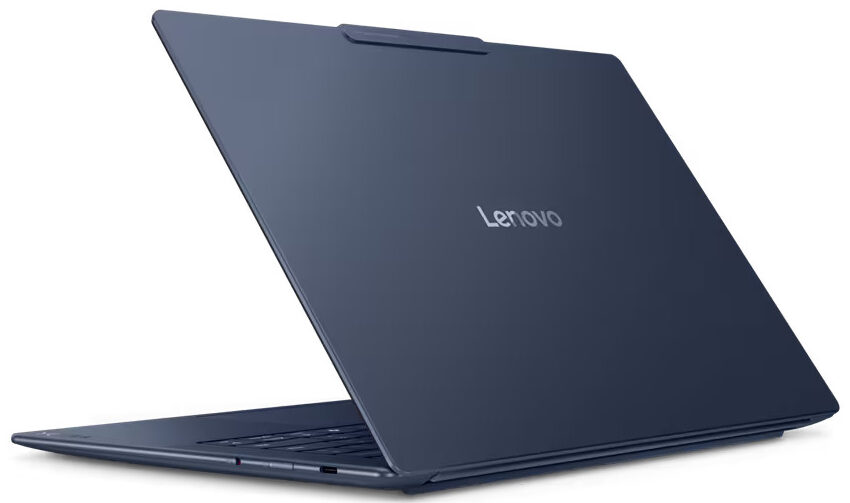 If you want a more flexible Snapdragon X Elite device, the Lenovo Yoga Slim 7 14Q8X9 is for you. The metal design and a more modern look are much more versatile for a student, or just any other professional. The 14.5-inch screen has a 3K (2944 x 1840) 90Hz OLED panel that covers 100% of the DCI-P3 color gamut and refreshes super quickly. It also reaches up to 1000 nits of brightness and has an infinite contrast ratio, which makes for a great user experience.
On the laptop itself, you can see a massive camera bump, which houses a Full HD snapper with an IR sensor for facial recognition, along with an e-shutter. Lenovo brings a quad-stereo setup, so the Yoga Slim 7 is an efficient laptop with a great screen and a fantastic sound system, making for a lightweight and powerful entertainment/creative platform.
Check the full specs and all available configurations on its Series page: Lenovo Yoga Slim 7 14Q8X9 series
Lenovo Yoga Slim 7x (14Q8X9) in-depth review
The 14.5-inch Lenovo Yoga Slim 7x Gen 9 is one of the latest Copilot+ PCs. All devices of this series come as a full package with a few exceptions here and there. This laptop has minimal optional features which is good news. You can choose between a 10-core Snapdragon X Plus X1P-64-100 or a 12-core X Elite X1E-78-100 CPU. We picked a machine with the latter. As you may already know, these chips are pretty powerful when it comes to AI tasks but they are also efficient at the same time. Yes, the battery life is great! You can change the 2242 SSD but the Wi-Fi 7 card is soldered as well as the RA[...]

Pros
- Quiet fans during heavy loads in "Best Performance" mode
- Thin and light (12.9 mm / 1.28 kg)
- Solid aluminum build
- Feels super responsive for daily or office tasks
- 90Hz OLED touchscreen with 2944x1840 resolution (LEN8AC2)
- 16:10 aspect ratio and wide viewing angles (LEN8AC2)
- 100% sRGB and DCI-P3 coverage (LEN8AC2)
- Infinite contract ratio (LEN8AC2)
- 502 nits / 929 nits of max brightness in SDR / HDR mode (LEN8AC2)
- HDR and Dolby Vision capabilities (LEN8AC2)
- 1080p IR Web camera
- E-shutter switch
- Comfortable backlit keyboard
- Smooth and accurate touchpad
- Modern port selection 3x USB4 ports
- The Snapdragon X Elite X1E-78-100 sustains a 3.42 GHz / 2.42 GHz frequency in short and long loads
- Very long battery life (~16 hours of videos)
- Fast SSD (SAMSUNG PM9C1a)
- Quality audio
- Wi-Fi 7 + Bluetooth 5.4
Cons
- No Type-A ports
- No fingerprint reader
- PWM usage (LEN8AC2)
- Some apps and games still don't work at all
- Soldered RAM and Wi-Fi card + just one M.2 slot
- Poor iGPU gaming performance
Microsoft Surface Laptop 7
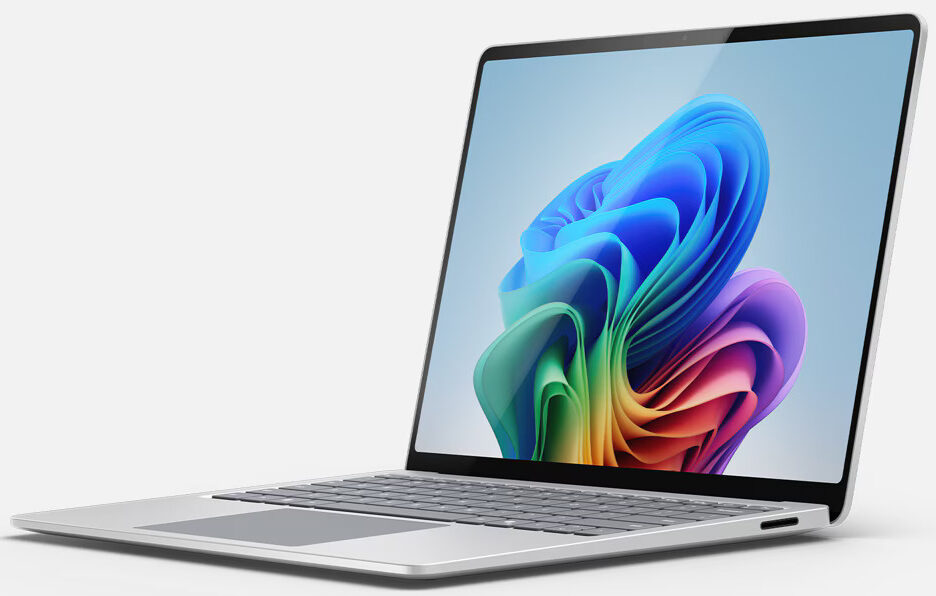 The Surface Laptop 7 comes in two form factors, either 13-inch or 15-inch. Between the two versions, the 13-inch has a slightly lower resolution and as well as less powerful SKUs of the Snapdragon X Elite. The 15-inch model is noticeably heavier, by around 300 grams.
The Surface devices are Microsoft’s own vision of what a Windows laptop should look like. The differences between the two continue, as the 15-inch laptop brings a MicroSD card slot. The rest is still the same, as the port selection is still the same, the speakers, webcam, and design language are the same too.
Check the full specs and all available configurations on its Series page: Microsoft Surface Laptop 7 (13.8) series / Microsoft Surface Laptop 7 (15.0) series

Microsoft Surface Pro 11
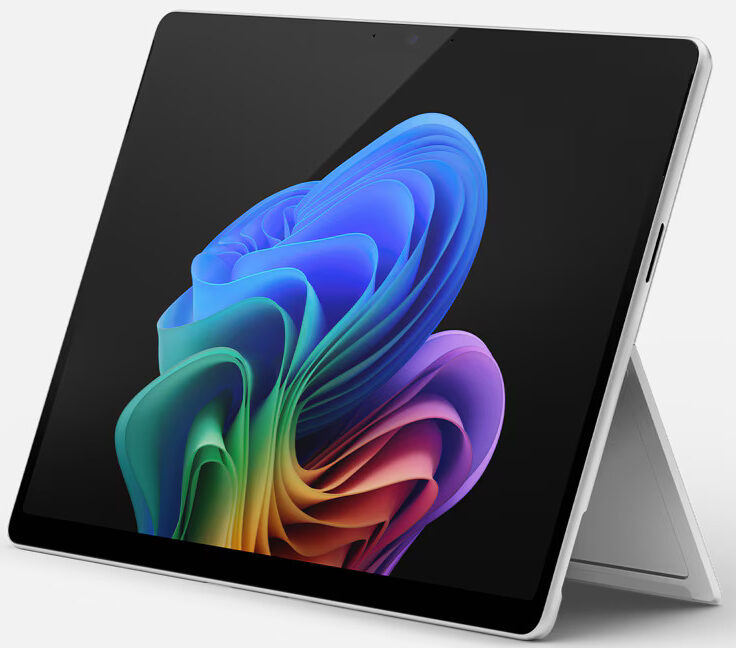 The Surface Pro 11 is a tablet device that has a keyboard attachment, so it has the ability to become a laptop and be a very functional and versatile device. The device is super lightweight, with a weight of 2 lbs (0.89 kg) and a profile of 0.37″ (9.3 mm).
You can pick between the Snapdragon X Plus and the Snapdragon X Elite, as well as between two Pixelsense screens with the same 2880 x 1800p resolution and 120Hz refresh rate.
The difference between them is that one has an IPS panel and the other has an OLED panel. In terms of ports, there are two Thunderbolt 4 ports and that’s it. The device also offers a QHD webcam, dual microphones, and a stereo speaker setup.
Check the full specs and all available configurations on its Series page: Microsoft Surface Pro 11 series
Microsoft Surface Pro 11 in-depth review
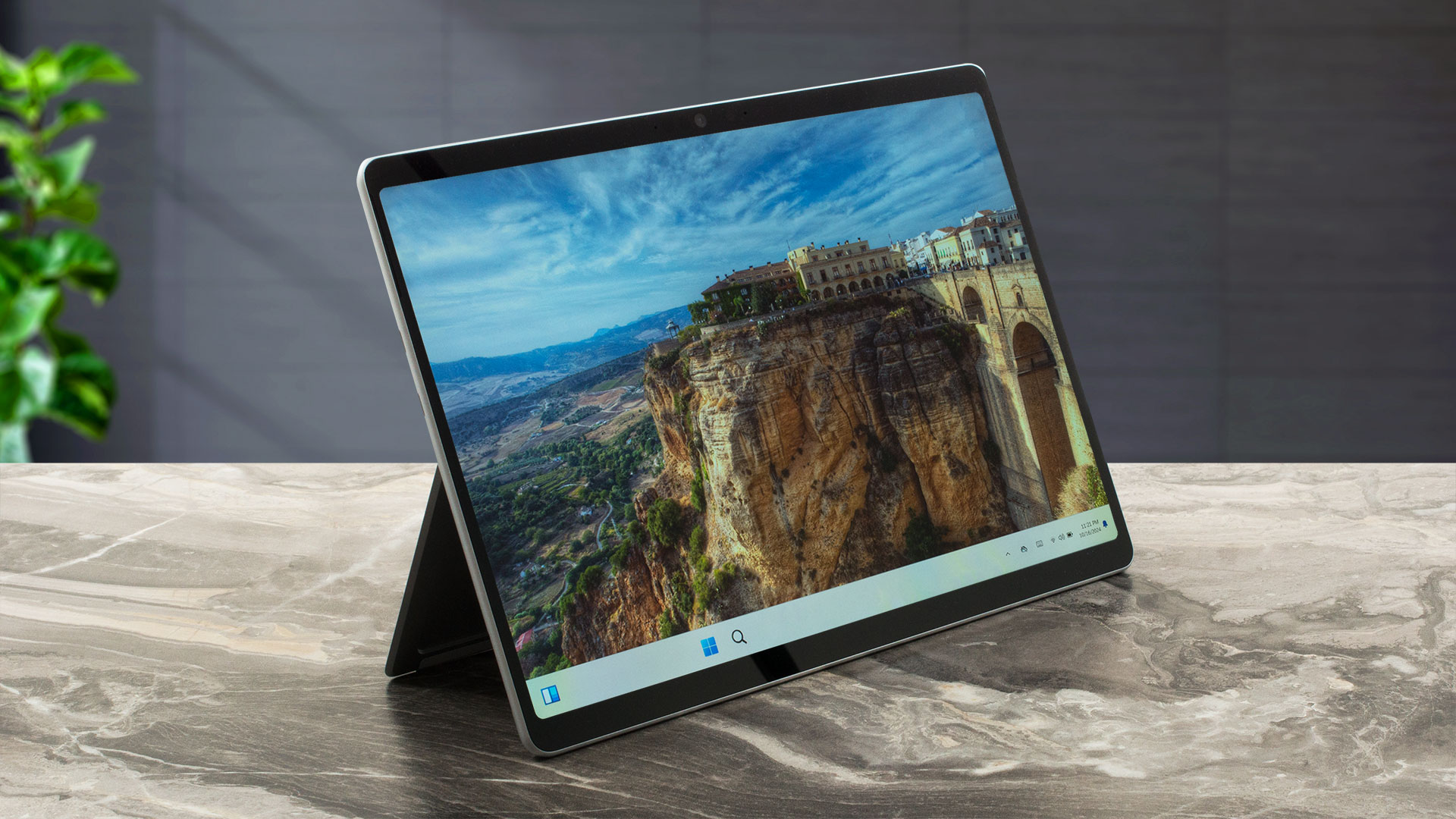
The Microsoft Surface Pro 11 could be a dream come true for users who want to replace their laptop with an ultra-portable yet powerful 2-in-1 with good AI capabilities. Speaking of which, the configurations with the top 12-core X Elite CPU model are tied to the OLED display and the more modest 10-core X Plus-based machines are available only with an IPS panel. Still, both screens come with 2880 x 1920 resolution, a 3:2 aspect ratio (which is great for work), and a 120Hz refresh rate. Of course, the OLED panel has the upper hand when it comes to contact ratio. The 1TB storage configuration is a[...]
Pros
- The fan isn't too loud during max CPU loads in “Better performance” mode
- Laptop-like performance
- Solid aluminum build
- Light and thin (895 grams / 9.3 mm)
- PWM-free (LGD077B)
- 99% sRGB coverage + accurate colors with our "Design and Gaming" profile (LGD077B)
- Near 600 nit max brightness in both HDR and SDR modes (LGD077B)
- 2880 x 1920 resolution + 3:2 aspect ratio + 120Hz refresh rate (LGD077B)
- 2x USB4 ports with charging and DisplayPort capabilities
- Very long battery life (~12 hours of videos)
- 1440p IR Web camera
- The CPU can sustain a 3.42 GHz clock in short loads
- The chassis doesn't feel hot during max stress
- Well-cooled NVMe (Samsung MZ9L4256HCJQ-00BMV)
- Up to 64GB of LPDDR5x memory
- Wi-Fi 7 + Bluetooth 5.4
Cons
- Some apps and games don’t work at all
- Pricey optional keyboard and stylus


Samsung Galaxy Book4 Edge
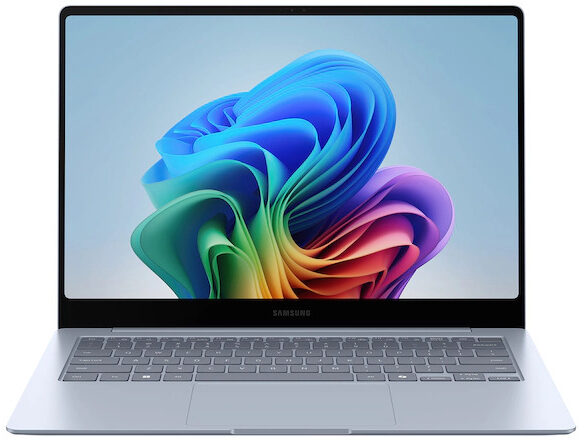 Once again, the Galaxy Book4 Edge is split into two variants, with a 14-inch and a 16-inch model. They share practically anything, with the same version of the Snapdragon X Elite and the same displays, in terms of resolution, refresh rate, and technology.
The laptops have a 3K (2880 x 1800p) OLED panel with a 120Hz refresh rate, which are bound to make them look great, with vivid and bright colors. It’s the second lightest notebook of all the ones here (the 14-inch model), which weighs 2.6 lbs (1.16 kg). Through Samsung’s ownership of AKG (and Harman), both laptops get a quad-stereo setup which are powerful and deliver quality sound.
Check the full specs and all available configurations on its Series page: Samsung Galaxy Book4 Edge (14.0) series / Samsung Galaxy Book4 Edge (16.0) series
 Author: Severin Kolakov

![[August 2026] Best-Selling Laptop Brands on Amazon Japan – Apple Dominates Market Share and Revenue Led by Strong Unit Sales](https://laptopmedia.com/wp-content/uploads/2026/09/CO.JP-Best-Brands-1-400x225.jpg)
![[August 2026] Best-Selling Laptop Brands on Amazon USA – Apple Dominates Market Revenue and Volume Despite Lower Model Diversity](https://laptopmedia.com/wp-content/uploads/2026/09/COM-Best-Brands-1-400x225.jpg)
![[August 2026] Amazon Germany: Top 8 Best-Selling Gaming Laptops – Acer Dominates the Market as the Premium Nitro V 17 AI Takes the #1 Spot](https://laptopmedia.com/wp-content/uploads/2026/09/Best-Selling-Gaming-Laptops-DE-Top-10-1-400x225.jpg)
![[August 2026] Best-Selling Laptop Brands on Amazon France – Apple Dominates Revenue Despite Lenovo and HP Leading in Catalog Breadth and Volume](https://laptopmedia.com/wp-content/uploads/2026/09/FR-Best-Brands-1-400x225.jpg)
![[August 2026] Amazon Italy: Top 10 Best-Selling Laptops – Apple MacBook Neo Claims the Crown as Budget and Mid-Range Windows Machines Dominate Volume](https://laptopmedia.com/wp-content/uploads/2026/09/Best-Selling-Laptops-IT-Top-10-400x225.jpg)
