_000041.jpg)

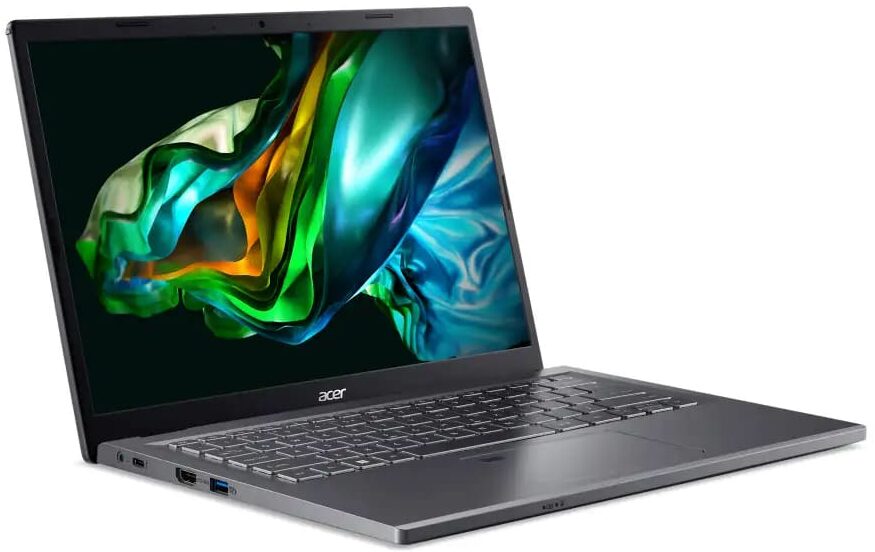
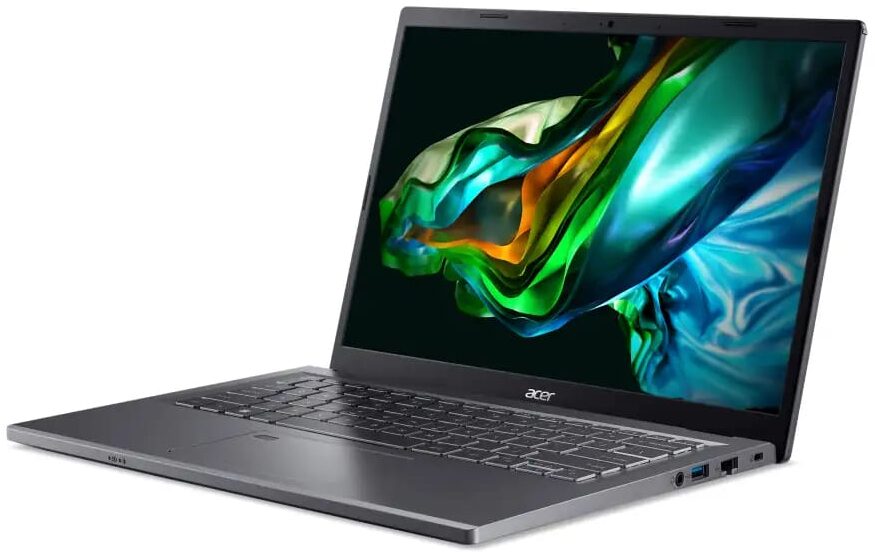

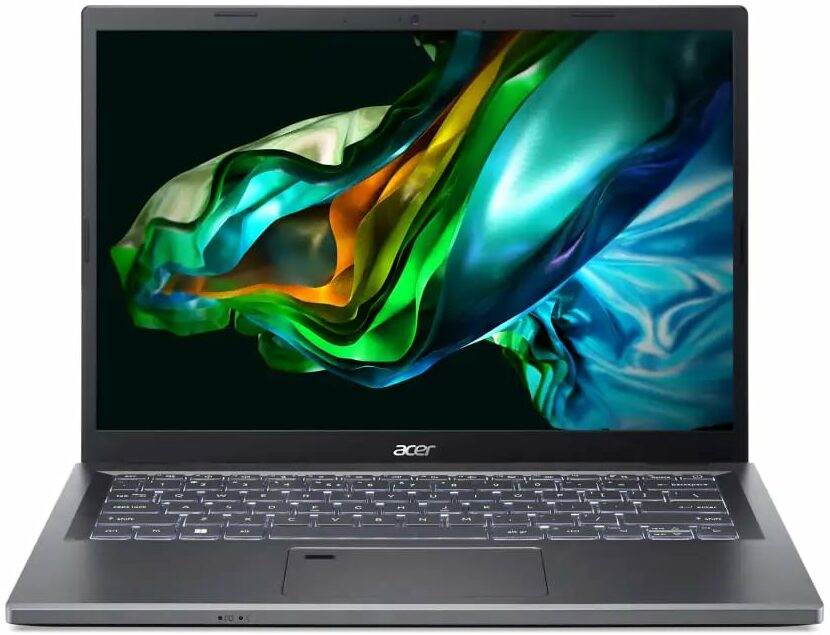
- Date Published: 05 Jun 2023
- Intel Core i7-1355U
- NVIDIA GeForce RTX 2050 (Laptop)
- 14.0”, WUXGA (1920 x 1200), IPS
- 512GB SSD
- 16GB DDR4
- 1.48 kg (3.3 lbs)

Specs
- Display

- HDD/SSD
- 512GB SSD
- M.2 Slot
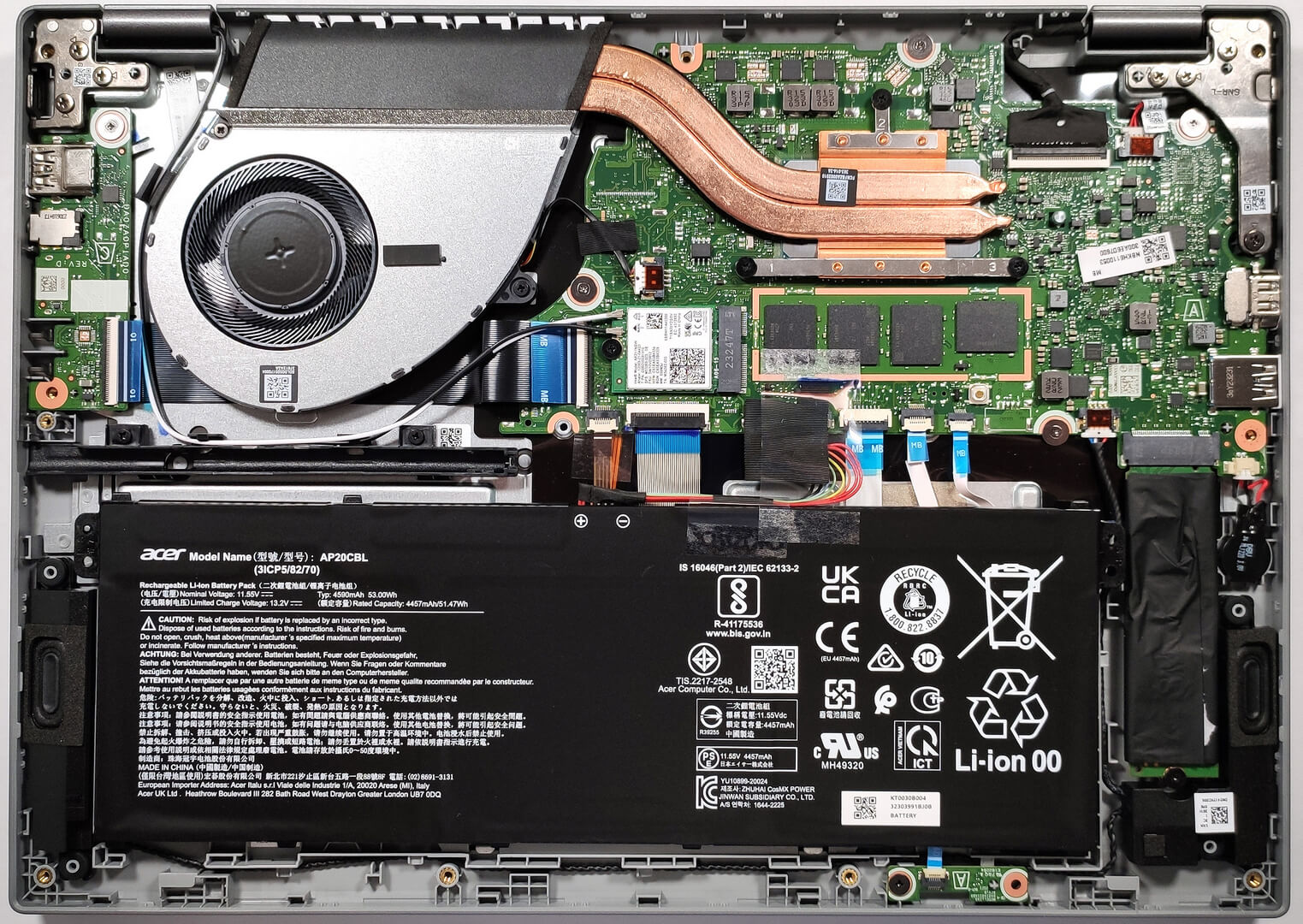
- 1x 2280 M.2 NVMe PCIe 4.0 x4 See photo
- RAM
- 16GB DDR4
- OS
- Windows 11 Home
- Body Material
- Plastic / Polycarbonate, Aluminum
- Dimensions
- 317.5 x 226.06 x 17.78 mm (12.50" x 8.90" x 0.70")
- Weight
- 1.48 kg (3.3 lbs)
- Ports and connectivity
- 1x USB Type-A
- 3.2 Gen 1 (5 Gbps)
- 1x USB Type-A
- 3.2 Gen 1 (5 Gbps)
- 1x USB Type-C
- 3.2 Gen 2 (10 Gbps), Thunderbolt 4, Power Delivery (PD)
- HDMI
- 2.1
- Card Reader
- Ethernet LAN
- 10, 100, 1000 Mbit/s
- Wi-Fi
- 802.11ax
- Bluetooth
- 5.1
- Audio jack
- 3.5mm Combo Jack
- Features
- Fingerprint reader
- Web camera
- FHD
- Backlit keyboard
- Microphone
- 2x Microphones
- Speakers
- 2x Speakers
- Optical drive
- Security Lock slot
- Kensington Lock
Portability
Review
Acer Aspire 5 in-depth review
If you are on the hunt for a compact, light, and powerful laptop for office and home tasks that doesn't cost an arm and a leg, the Acer Aspire 5 (A514-56M) should possibly be on your shortlist. The notebook isn't expensive and it has a display with a 16:10 aspect ratio which is more comfortable for work because the pannel is taller. The machine can be configured with Intel Raptor Lake U CPUs which are efficient and don't require significant cooling. The manufacturer has used some clever tricks to keep the processor temperatures as low as possible. This includes the well-known lever hinge and an air-inlet keyboard.At least for now, the device is offered with just one display model but since it's an IPS variant with 1200p resolution, it seems enough for this kind of price tag. The absen[...]
Read the full review
Pros
- Long battery life
- Good performance
- PWM-free IPS panel (AUO B140UAN04.0 (AUO7DA7))
- Comfortable viewing angles (AUO B140UAN04.0 (AUO7DA7))
- Portable chassis with a metal lid
- Decent port selection with Thunderbolt 4 and optional fingerprint reader
Cons
- Soldered memory and just one M.2 slot
Disassembly, maintenance and upgrade options
Step 1: Accessing the Internal ComponentsEnsure the Acer Aspire 5 (A514-56M) is powered off and placed on a soft, clean surface to prevent scratches or damage. Remove the 10 Phillips-head screws from the bottom of the laptop. Use a plastic tool to gently pry the bottom plate off, starting from one of the upper two corners.Hint: Proceed with caution to avoid damaging the internal clips or the laptop casing.Step 2: Removing the BatteryDisconnect the battery by pulling out its connector from the motherboard. Lift the 53Wh battery away from the device, noting t[...]
Read more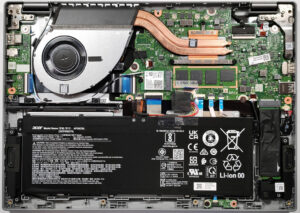


![[June 2026] Best-Selling Laptop Brands on Amazon Global – Apple’s Unrivaled Dominance in Units and Revenue](https://laptopmedia.com/wp-content/uploads/2026/07/GLOBAL-Best-Brands-400x225.jpg)
![[June 2026] Amazon Global: Top 10 Best-Selling Laptops – Apple’s New MacBook Neo Storms to #1, Reshaping the Market with Affordability](https://laptopmedia.com/wp-content/uploads/2026/07/Best-Selling-Laptops-GLOBAL-Top-10-400x225.jpg)
![[June 2026] Amazon Global: Top 10 Best-Selling Gaming Laptops – Acer’s Nitro V 16S AI Dominates Sales, While ASUS Leads Overall Revenue](https://laptopmedia.com/wp-content/uploads/2026/07/Best-Selling-Gaming-Laptops-GLOBAL-Top-10-400x225.jpg)
![[June 2026] Global Ranking of Best-Selling Laptop GPUs on Amazon – NVIDIA RTX 5060 is the Top-Selling Dedicated GPU](https://laptopmedia.com/wp-content/uploads/2026/07/Best-Selling-GPUs-GLOBAL-Top-10-400x225.jpg)
![[June 2026] Global Ranking of Best-Selling Laptop CPUs on Amazon – Apple M5 Dominates, AMD Ryzen 7 260 Gets Solid Premium Share](https://laptopmedia.com/wp-content/uploads/2026/07/Best-Selling-CPUs-GLOBAL-Top-10-400x225.jpg)