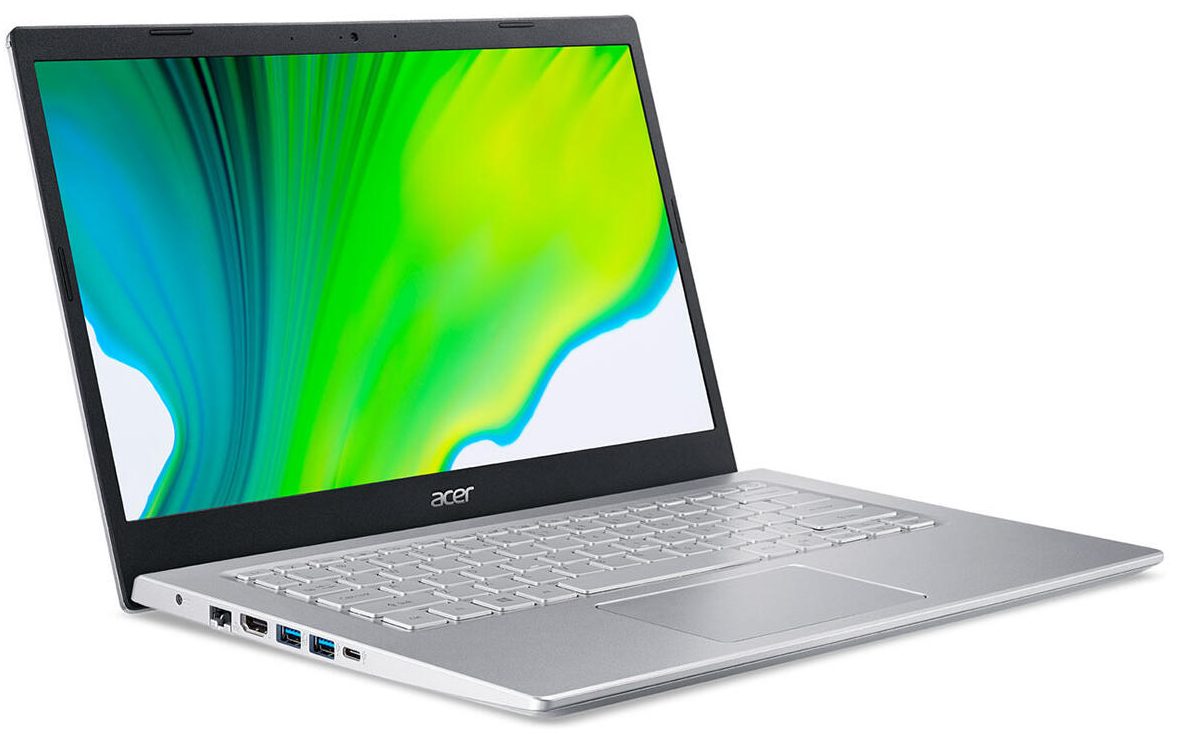
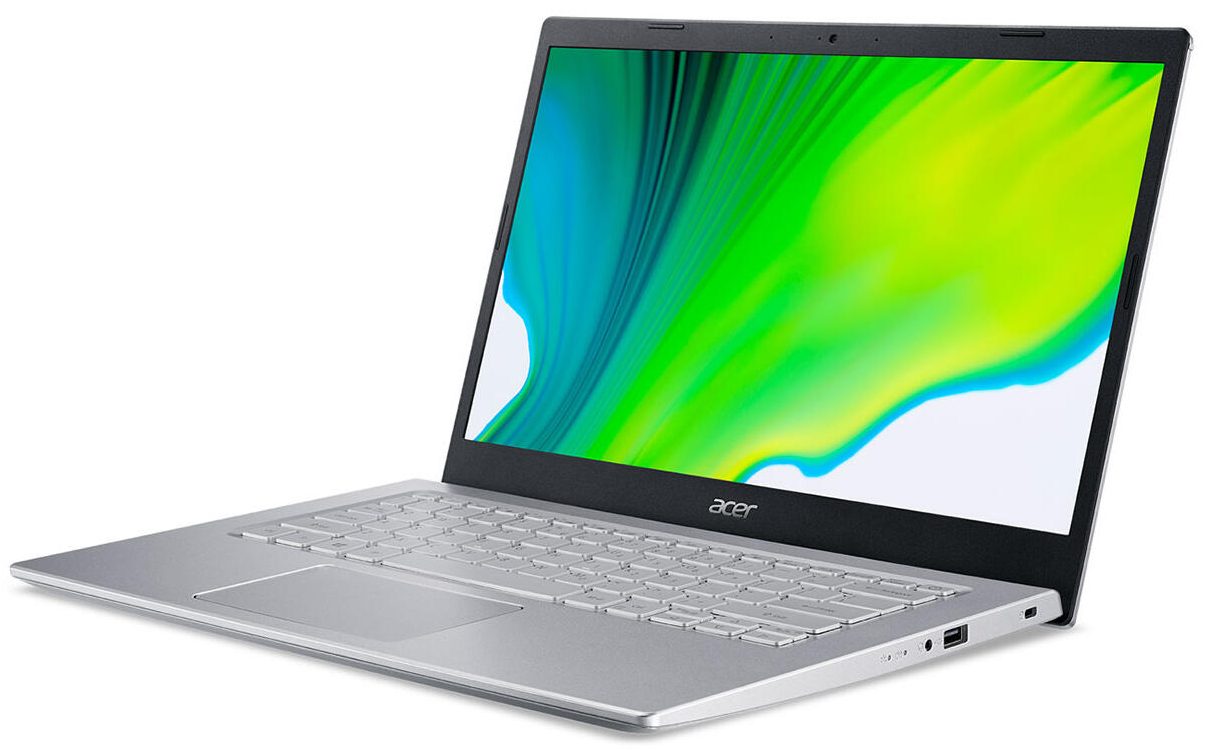
Acer Aspire 5
_1 50.jpg)

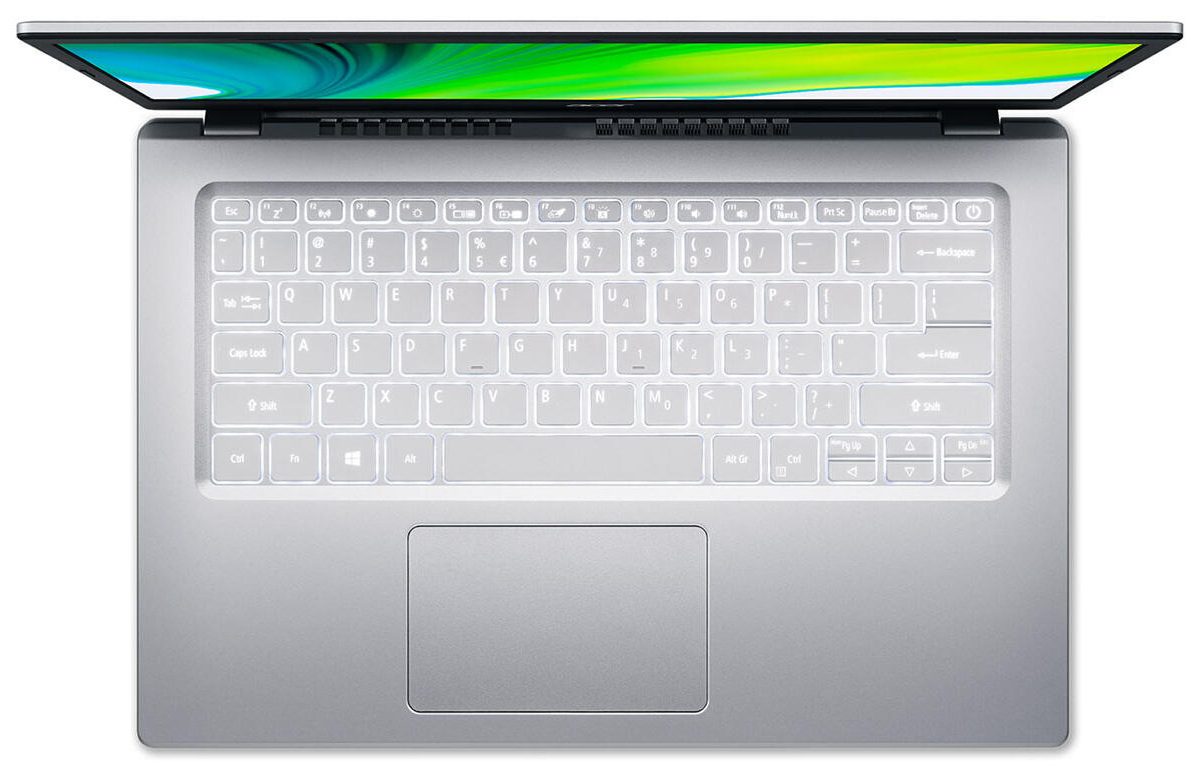
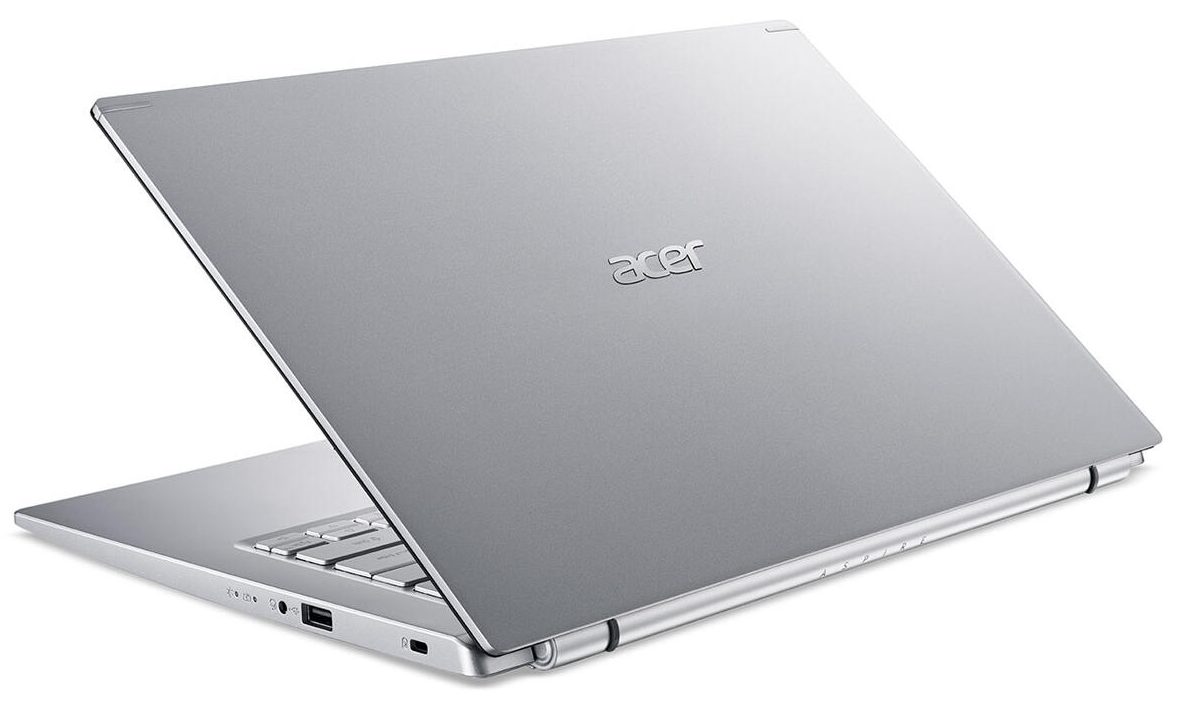
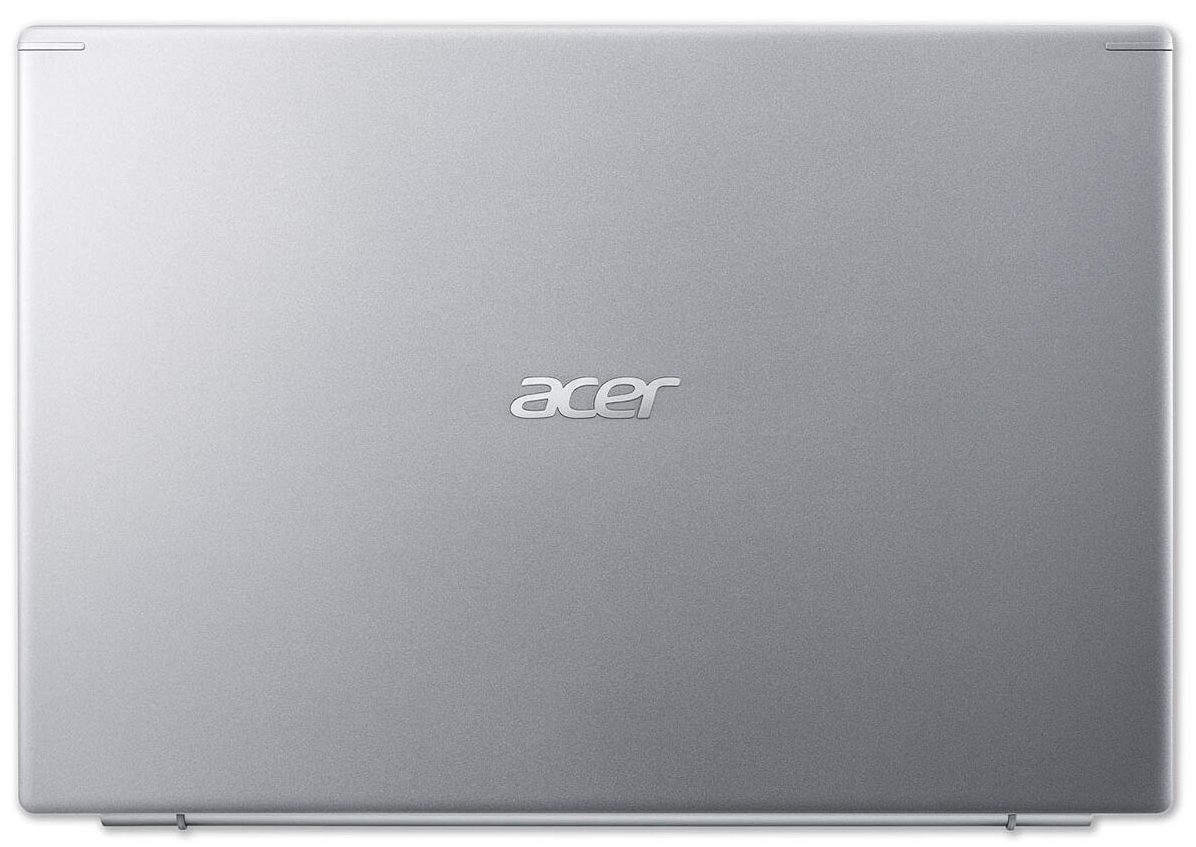
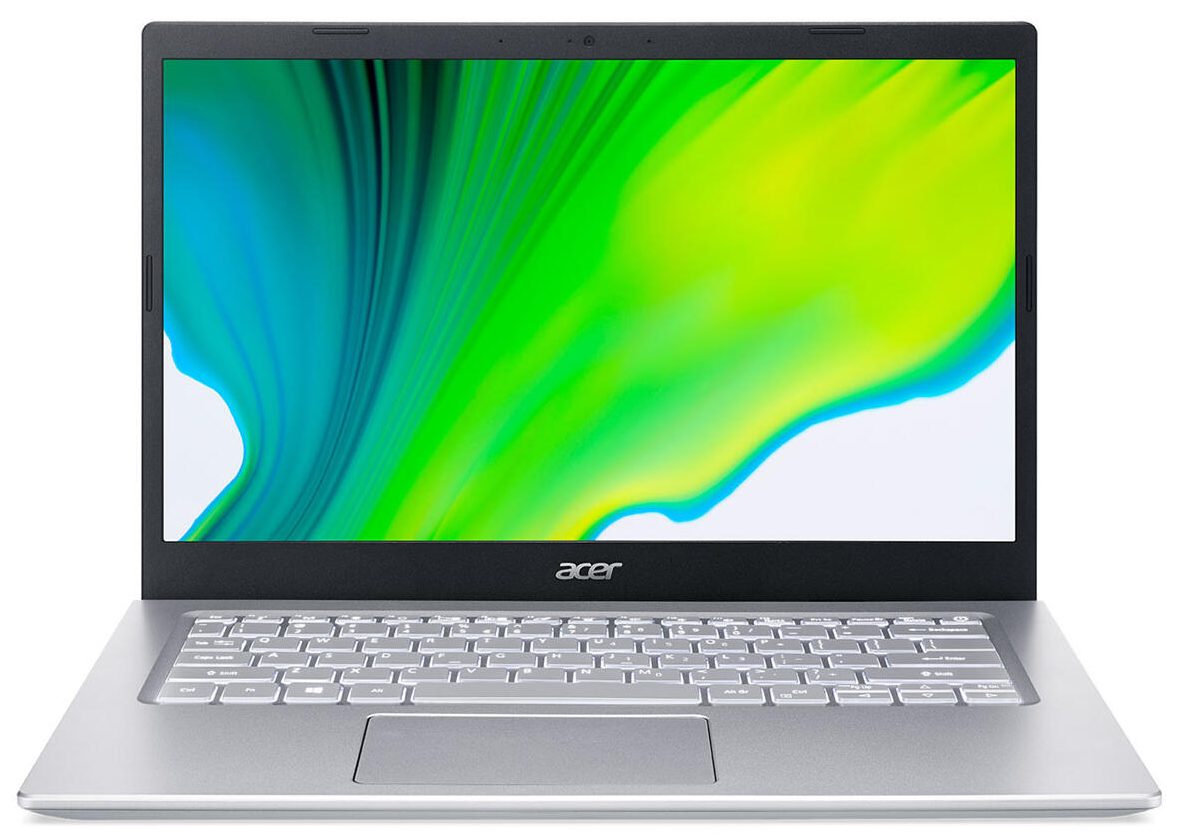
- Date Published: 17 Feb 2025
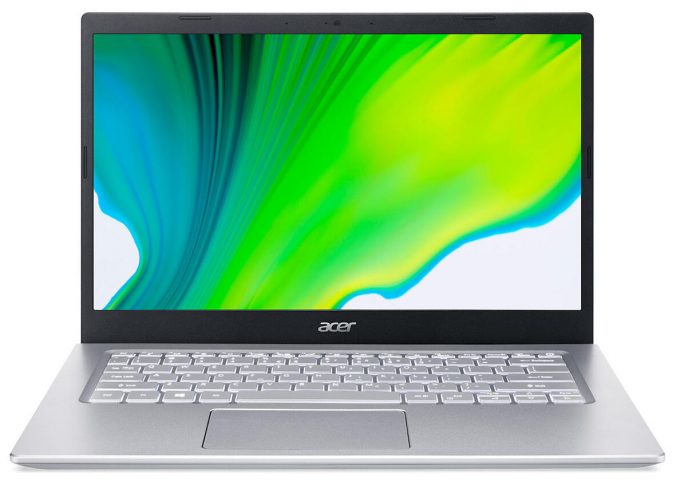
- Intel Core i5-1135G7
- Intel Iris Xe Graphics G7 (80EU)
- 14.0”, Full HD (1920 x 1080), IPS
- 512GB SSD
- 8GB RAM
- 1.45 kg (3.2 lbs)
Specs

- HDD/SSD
- 512GB SSD
- M.2 Slot
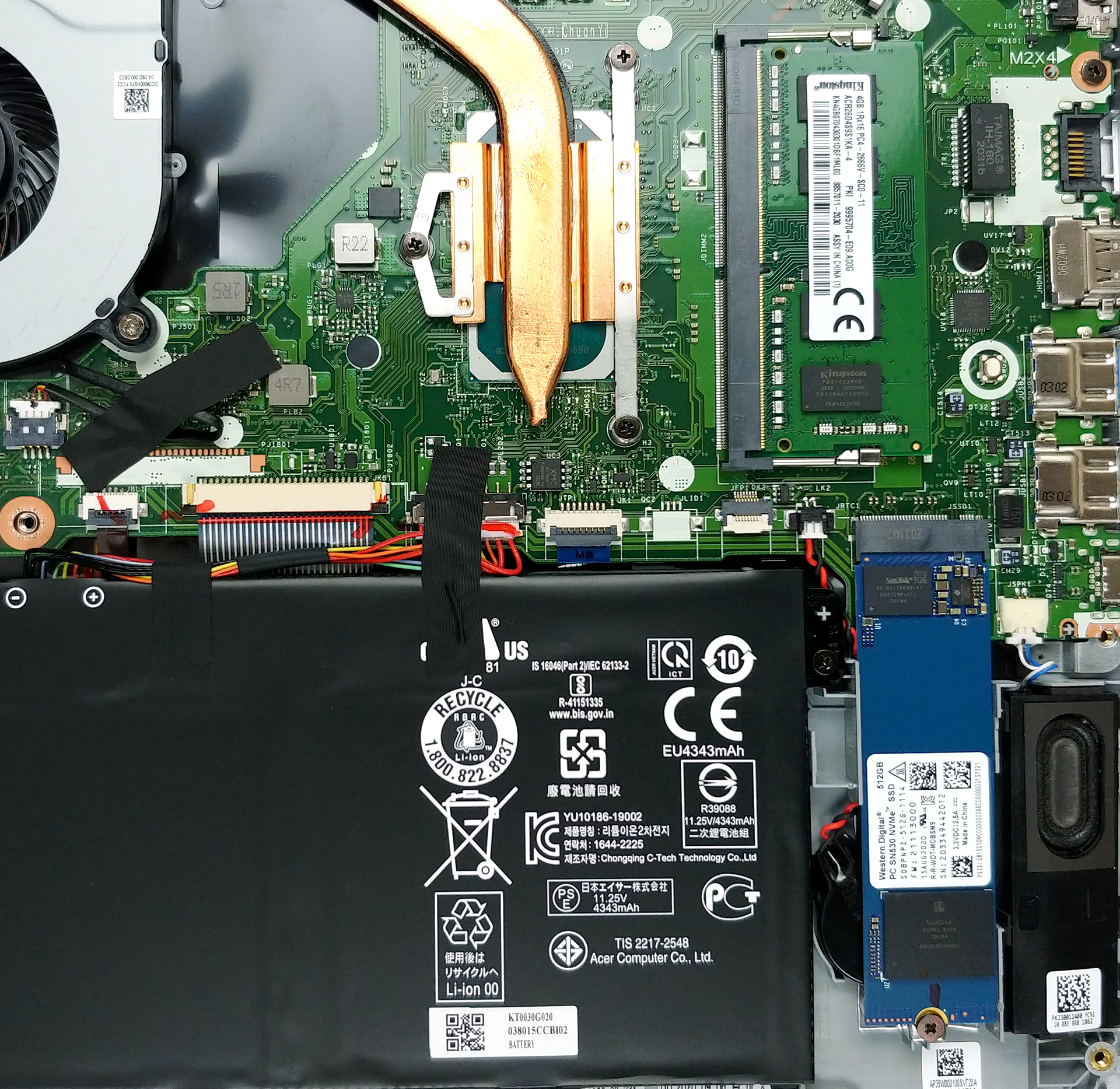
- 1x 2280 M.2 NVMe slot See photo
- RAM
- 8GB RAM
- OS
- Windows 11 Home
- Body Material
- Plastic / Polycarbonate, Aluminum
- Dimensions
- 328 x 223 x 17.9 mm (12.91" x 8.78" x 0.70")
- Weight
- 1.45 kg (3.2 lbs)
- Ports and connectivity
- 1x USB Type-C
- 3.2 Gen 1 (5 Gbps)
- 2x USB Type-A
- 3.2 Gen 1 (5 Gbps)
- HDMI
- 2.0
- Ethernet LAN
- 10, 100, 1000 Mbit/s
- Wi-Fi
- 802.11ax
- Bluetooth
- 5.0
- Audio jack
- 3.5mm Combo Jack
- Features
- Fingerprint reader
- Web camera
- HD
- Backlit keyboard
- Microphone
- Speakers
- 2 Speakers, Acer TrueHarmony
Portability
Review
Acer Aspire 5 in-depth review
The medium-budget Aspire lineup of devices has been updated with the Tiger Lake processors by Intel. This provides quite a substantial upgrade, especially on the GPU side. Moreover, we saw the Aspire 5 (A514-54) listed with a GeForce MX450, which also sounds interesting for the moment.However, the Aspire series has never been intended for gaming or heavy computing. Instead, they are meant for people that need to do stuff on the go, and they want them done quickly. Well, this particular unit, configured with the Core i5-1135G7 aims to do exactly that, and as an extra - you could be able to play an occasional light game. But we'll see about that later on.Additionally, the laptop comes with a 14-inch 1080p IPS display, whose lid lifts the backside of the base, to ensure a better a[...]
Read the full review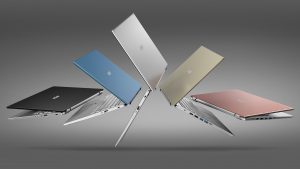
Pros
- Fine upgradeability
- Very good thermals
- Appetizing price tag
- Decent battery life
- Can be configured with very capable hardware
Cons
- Our unit was a bit underwhelming when it comes to the GPU performance
- No SD card reader
Disassembly, maintenance and upgrade options
Acer Aspire 5 is one of the first budget-oriented devices that comes with Intel's latest and greatest Tiger Lake processors.Check out all Acer Aspire 5 (A514-54) prices and configurations in our Specs System or read more in our In-Depth review.1. Remove the bottom plate The first thing you need to do is to undo all 11 Philips-head screws, that are holding the bottom panel in place. Then, pry the panel with a plastic tool, and lift it away from the chassis.2. Battery When it comes to the battery, you get a 50Wh unit, which is reasonable for a 14-inch notebook.3. Memo[...]
Read more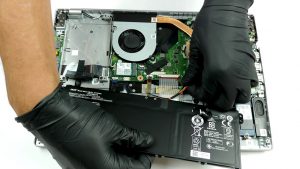


![[June 2026] Best-Selling Laptop Brands on Amazon Global – Apple’s Unrivaled Dominance in Units and Revenue](https://laptopmedia.com/wp-content/uploads/2026/07/GLOBAL-Best-Brands-400x225.jpg)
![[June 2026] Amazon Global: Top 10 Best-Selling Laptops – Apple’s New MacBook Neo Storms to #1, Reshaping the Market with Affordability](https://laptopmedia.com/wp-content/uploads/2026/07/Best-Selling-Laptops-GLOBAL-Top-10-400x225.jpg)
![[June 2026] Amazon Global: Top 10 Best-Selling Gaming Laptops – Acer’s Nitro V 16S AI Dominates Sales, While ASUS Leads Overall Revenue](https://laptopmedia.com/wp-content/uploads/2026/07/Best-Selling-Gaming-Laptops-GLOBAL-Top-10-400x225.jpg)
![[June 2026] Global Ranking of Best-Selling Laptop GPUs on Amazon – NVIDIA RTX 5060 is the Top-Selling Dedicated GPU](https://laptopmedia.com/wp-content/uploads/2026/07/Best-Selling-GPUs-GLOBAL-Top-10-400x225.jpg)
![[June 2026] Global Ranking of Best-Selling Laptop CPUs on Amazon – Apple M5 Dominates, AMD Ryzen 7 260 Gets Solid Premium Share](https://laptopmedia.com/wp-content/uploads/2026/07/Best-Selling-CPUs-GLOBAL-Top-10-400x225.jpg)