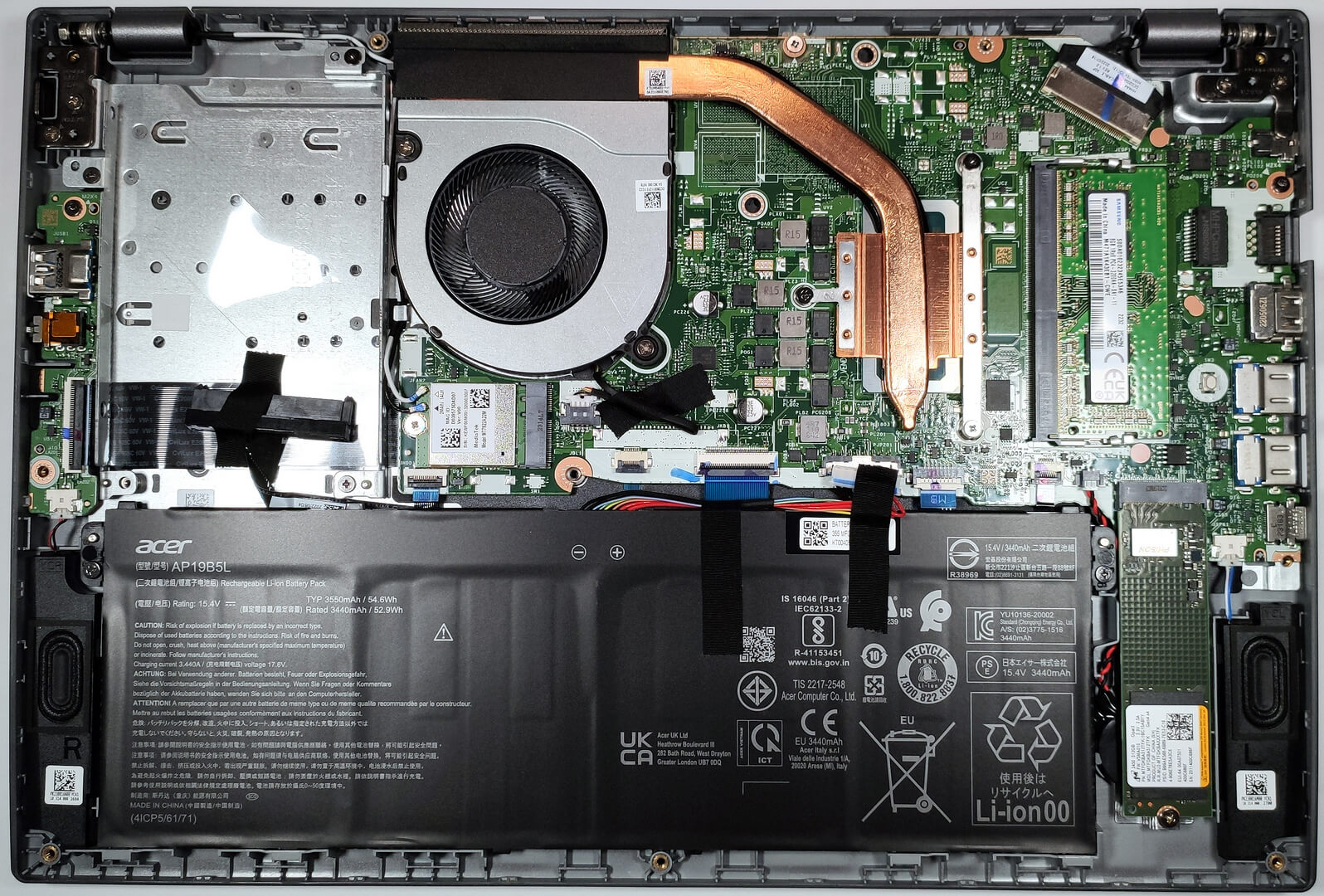
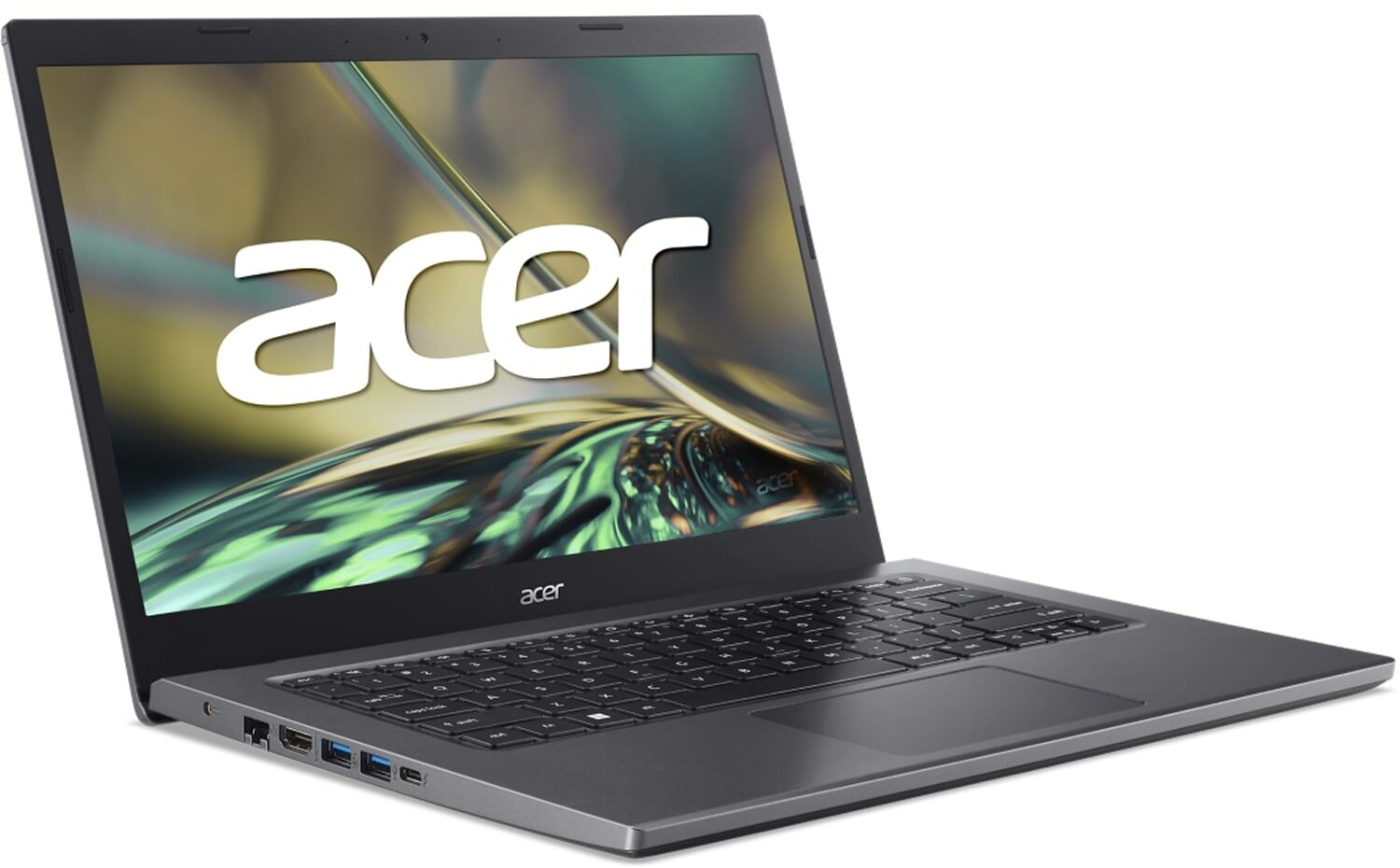
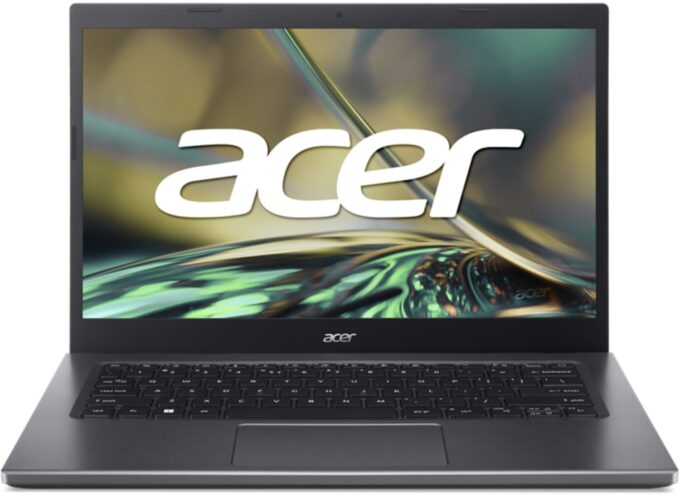
Acer Aspire 5




- Date Published: 29 Apr 2025
- Intel Core i5-1235U
- Intel Iris Xe Graphics G7 (80EU)
- 14.0”, Full HD (1920 x 1080), IPS
- 2000GB SSD
- 20GB RAM
- 1.49 kg (3.3 lbs)
Specs

- HDD/SSD
- 2000GB SSD
- M.2 Slot
- 1x 2280 M.2 NVMe PCIe 4.0 x4 + SATA slot See photo
- RAM
- 20GB RAM
- OS
- Windows 11 Pro
- Body Material
- Plastic / Polycarbonate, Aluminum
- Dimensions
- 328.1 x 221.2 x 17.9 mm (12.92" x 8.71" x 0.70")
- Weight
- 1.49 kg (3.3 lbs)
- Ports and connectivity
- 3x USB Type-A
- 3.2 Gen 1 (5 Gbps)
- 1x USB Type-C
- 3.2 Gen 2 (10 Gbps), Thunderbolt 4
- 1x USB
- HDMI
- 2.0
- Ethernet LAN
- 10, 100, 1000 Mbit/s
- Wi-Fi
- 802.11ax
- Bluetooth
- 5.2
- Audio jack
- 3.5mm Combo Jack
- Features
- Fingerprint reader
- Web camera
- HD
- Backlit keyboard
- Microphone
- Dual Microphones
- Speakers
- 2x Stereo Speakers
- Security Lock slot
- Security Lock Slot
- Gifts
- 32GB USB Drive
Portability
Review
Acer Aspire 5 in-depth review
Right now, you can find tons of budget laptops on the market. Even the entry-level Intel and AMD processors are okay for daily usage if they are paired with a decent amount of RAM and an SSD. The Acer Aspire 5 (A514-55) is an inexpensive device that is meant for normal home and office usage. You can configure it with battery-friendly Alder Lake U CPUs or if you need more power, there are also P-series processor options. Yep, you can transform this machine into a little beast if you choose the Core i7-1260P which is the most powerful chip variant. This is an unpretentious device so there is just one display model (at least for now). It's an IPS panel with 1080p resolution which is enough for such a laptop.This notebook brings a good amount of features to the table like an optional fing[...]
Read the full review
Pros
- Decent battery life
- Good performance for the class
- PWM-free IPS display (LP140WFH-SPD8 (LGD072C)
- Wide viewing angles (LP140WFH-SPD8 (LGD072C)
- Solid chassis with a metal lid
- Decent port selection with Thunderbolt 4 and optional fingerprint reader
- Has 1x SODIMM + 1x M.2 slot and 1x SATA slot
- The price tag is pleasant
Cons
- Part of the memory is soldered
- Low sRGB coverage (LP140WFH-SPD8 (LGD072C)
- The lid can't be opened with a single hand
Disassembly, maintenance and upgrade options
Step 1: Accessing the Internal ComponentsEnsure the Acer Aspire 5 (A514-55) is powered off and placed on a soft, clean surface to prevent scratches or damage. Remove the 10 Phillips-head screws from the bottom of the laptop. Use a plastic tool to gently pry the bottom panel off, starting from one of the upper two corners.Hint: Be careful during this process to avoid damaging the internal clips or the laptop casing.Step 2: Removing the BatteryDisconnect the battery by removing its connector from the motherboard. Undo the two Phillips-head screws securing the[...]
Read more


![[June 2026] Best-Selling Laptop Brands on Amazon Global – Apple’s Unrivaled Dominance in Units and Revenue](https://laptopmedia.com/wp-content/uploads/2026/07/GLOBAL-Best-Brands-400x225.jpg)
![[June 2026] Amazon Global: Top 10 Best-Selling Laptops – Apple’s New MacBook Neo Storms to #1, Reshaping the Market with Affordability](https://laptopmedia.com/wp-content/uploads/2026/07/Best-Selling-Laptops-GLOBAL-Top-10-400x225.jpg)
![[June 2026] Amazon Global: Top 10 Best-Selling Gaming Laptops – Acer’s Nitro V 16S AI Dominates Sales, While ASUS Leads Overall Revenue](https://laptopmedia.com/wp-content/uploads/2026/07/Best-Selling-Gaming-Laptops-GLOBAL-Top-10-400x225.jpg)
![[June 2026] Global Ranking of Best-Selling Laptop GPUs on Amazon – NVIDIA RTX 5060 is the Top-Selling Dedicated GPU](https://laptopmedia.com/wp-content/uploads/2026/07/Best-Selling-GPUs-GLOBAL-Top-10-400x225.jpg)
![[June 2026] Global Ranking of Best-Selling Laptop CPUs on Amazon – Apple M5 Dominates, AMD Ryzen 7 260 Gets Solid Premium Share](https://laptopmedia.com/wp-content/uploads/2026/07/Best-Selling-CPUs-GLOBAL-Top-10-400x225.jpg)