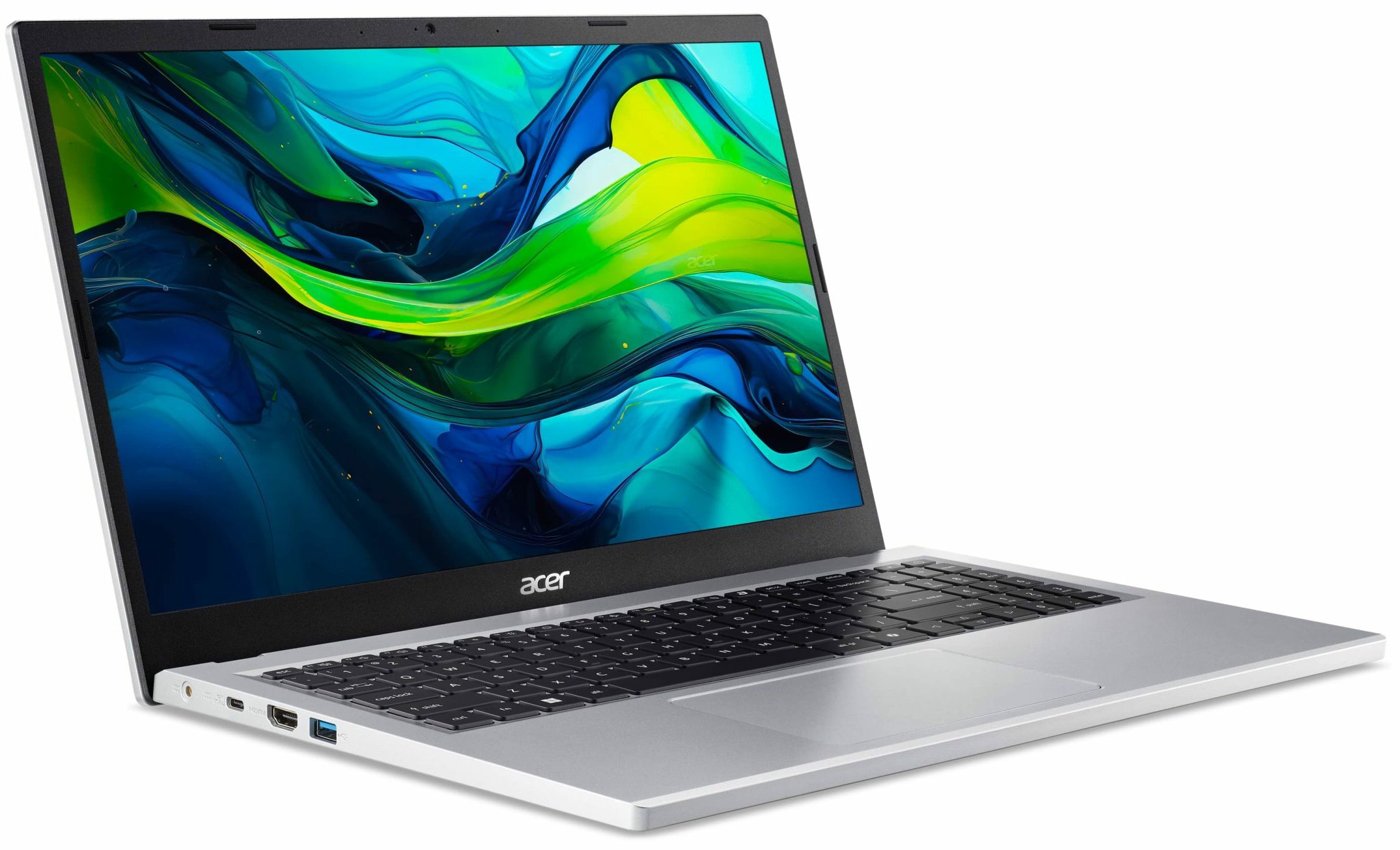
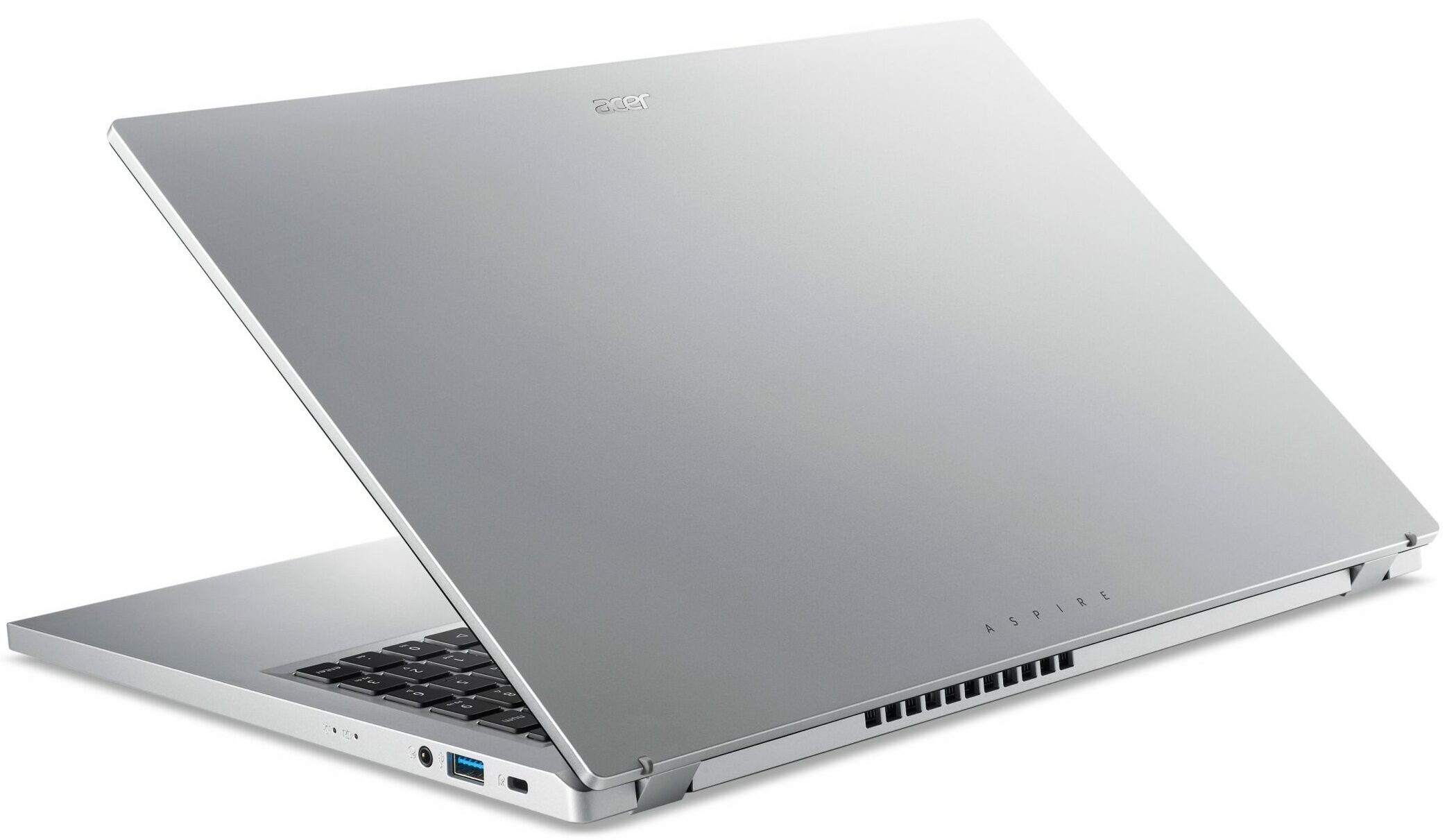
Acer Aspire Go



- Date Published: 06 Feb 2025
- Intel Core i3-N305
- Intel UHD Graphics Xe 750 (32EU)
- 15.6”, Full HD (1920 x 1080), TN
- 128GB SSD
- 8GB RAM
- 1.75 kg (3.9 lbs)

Specs
- Display
- HDD/SSD
- 128GB SSD
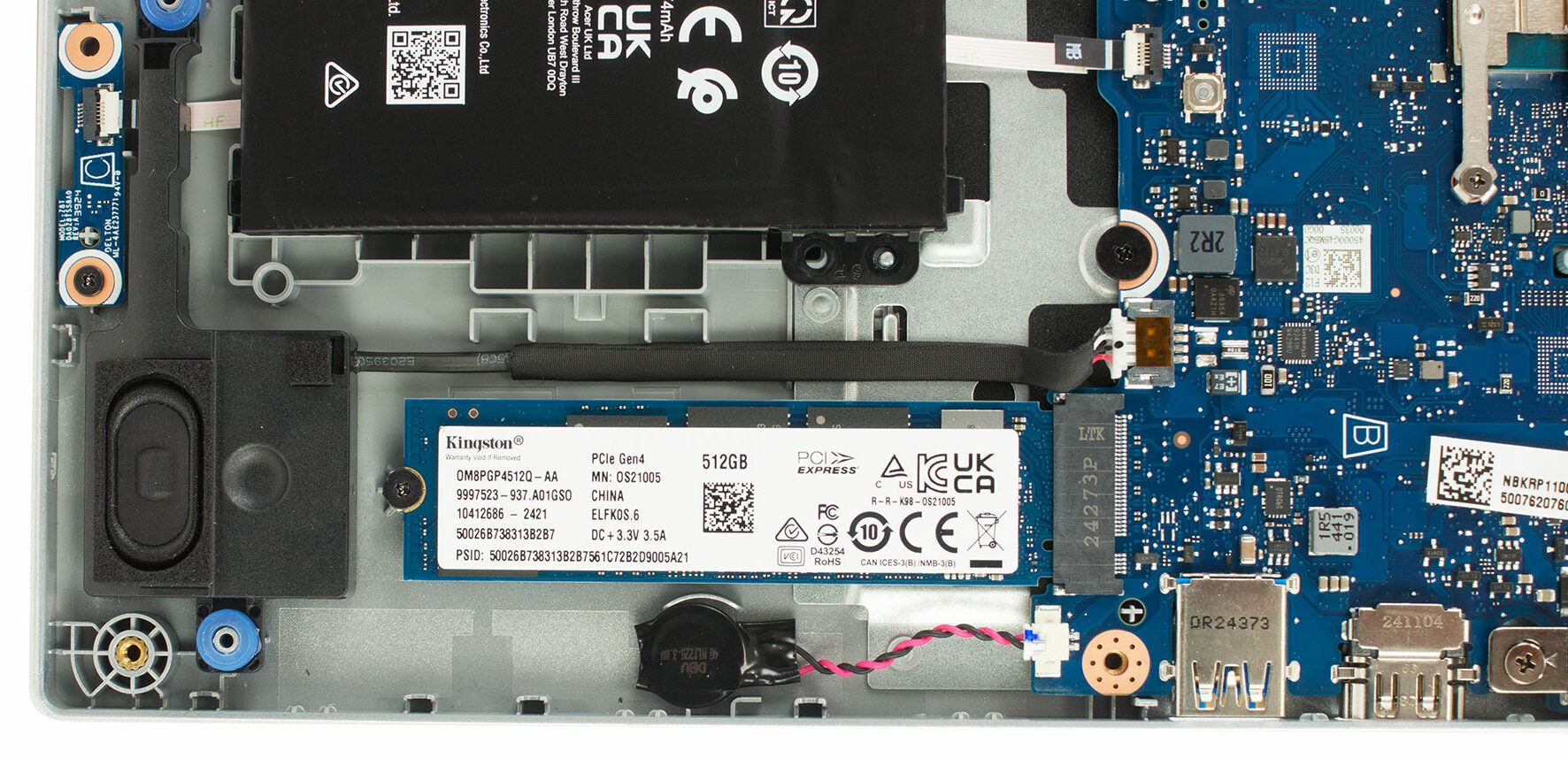
- M.2 Slot
- 1x 2280 M.2 NVMe PCIe 3.0 x4 See photo
- RAM
- 8GB RAM
- OS
- Windows 11 Home
- Body Material
- Plastic / Polycarbonate
- Dimensions
- 362.9 x 239.6 x 18.9 mm (14.29" x 9.43" x 0.74")
- Weight
- 1.75 kg (3.9 lbs)
- Ports and connectivity
- 2x USB Type-A
- 3.2 Gen 1 (5 Gbps)
- 1x USB Type-C
- 3.2 Gen 2 (10 Gbps), Power Delivery (PD), DisplayPort, Sleep and Charge
- HDMI
- 2.1
- Card Reader
- Ethernet LAN
- Wi-Fi
- 802.11ax
- Bluetooth
- 5.1
- Audio jack
- 3.5mm Combo Jack
- Features
- Fingerprint reader
- Web camera
- HD with Temporal Noise Reduction
- Backlit keyboard
- Microphone
- Dual Microphones with Acer Purified Voice, AI noise reduction
- Speakers
- 2x Stereo Speakers
- Security Lock slot
- Gifts
- HDMI Cable
Portability
Review
Acer Aspire Go in-depth review
You're searching for value, functionality, and maybe, just maybe, something that doesn't scream "compromise" from across the room? Enter the Acer Aspire Go 15 (AG15-31P). At first glance, it throws a curveball – a sleek, minimalist design that genuinely looks like it belongs in a higher price bracket. It catches the eye, makes you lean in closer, and perhaps wonder: have Acer cracked the code? Is this the budget champion that delivers more than its price tag suggests?But as seasoned explorers of the tech landscape, we know that surface appearances can be deceiving, especially when balancing features against cost. Does the Aspire Go 15 live up to its initial visual promise, or are there significant trade-offs hidden beneath that surprisingly elegant plastic shell? What compromises were [...]
Read the full review
Pros
- Surprisingly elegant design for a budget laptop
- Comfortable keyboard and excellent, large trackpad
- Versatile USB Type-C port (Gen 2, DisplayPort, Power Delivery)
- Excellent battery life - more than 10 hours!
- PWM-free display backlight ensures flicker-free viewing
- Functional port selection including HDMI 2.1
Cons
- Low CPU and GPU performance, suitable only for basic tasks
- Poor display color coverage (51% sRGB)
- Soldered RAM limits future upgradeability
- No physical webcam privacy shutter or fingerprint reader
- Keyboard backlight is optional (absent on tested unit)
Disassembly, maintenance and upgrade options
Opening the Acer Aspire Go 15 (AG15-31P) Hint: Make sure the laptop is fully powered off and unplugged before proceeding.Use a Phillips PH0 screwdriver to remove the 10 screws securing the bottom cover. With a thin plastic pry tool, begin releasing the clips near the hinge area. Work your way around the perimeter to fully detach the bottom panel without damaging the clips.More info: The inside of the panel is pressure-fitted with plastic guides that help hold the battery in place.Battery Removal Caution: Use a pointed plastic tool to avoid damaging the connector. [...]
Read more


![[June 2026] Best-Selling Laptop Brands on Amazon Global – Apple’s Unrivaled Dominance in Units and Revenue](https://laptopmedia.com/wp-content/uploads/2026/07/GLOBAL-Best-Brands-400x225.jpg)
![[June 2026] Amazon Global: Top 10 Best-Selling Laptops – Apple’s New MacBook Neo Storms to #1, Reshaping the Market with Affordability](https://laptopmedia.com/wp-content/uploads/2026/07/Best-Selling-Laptops-GLOBAL-Top-10-400x225.jpg)
![[June 2026] Amazon Global: Top 10 Best-Selling Gaming Laptops – Acer’s Nitro V 16S AI Dominates Sales, While ASUS Leads Overall Revenue](https://laptopmedia.com/wp-content/uploads/2026/07/Best-Selling-Gaming-Laptops-GLOBAL-Top-10-400x225.jpg)
![[June 2026] Global Ranking of Best-Selling Laptop GPUs on Amazon – NVIDIA RTX 5060 is the Top-Selling Dedicated GPU](https://laptopmedia.com/wp-content/uploads/2026/07/Best-Selling-GPUs-GLOBAL-Top-10-400x225.jpg)
![[June 2026] Global Ranking of Best-Selling Laptop CPUs on Amazon – Apple M5 Dominates, AMD Ryzen 7 260 Gets Solid Premium Share](https://laptopmedia.com/wp-content/uploads/2026/07/Best-Selling-CPUs-GLOBAL-Top-10-400x225.jpg)