Acer Chromebook Spin 311
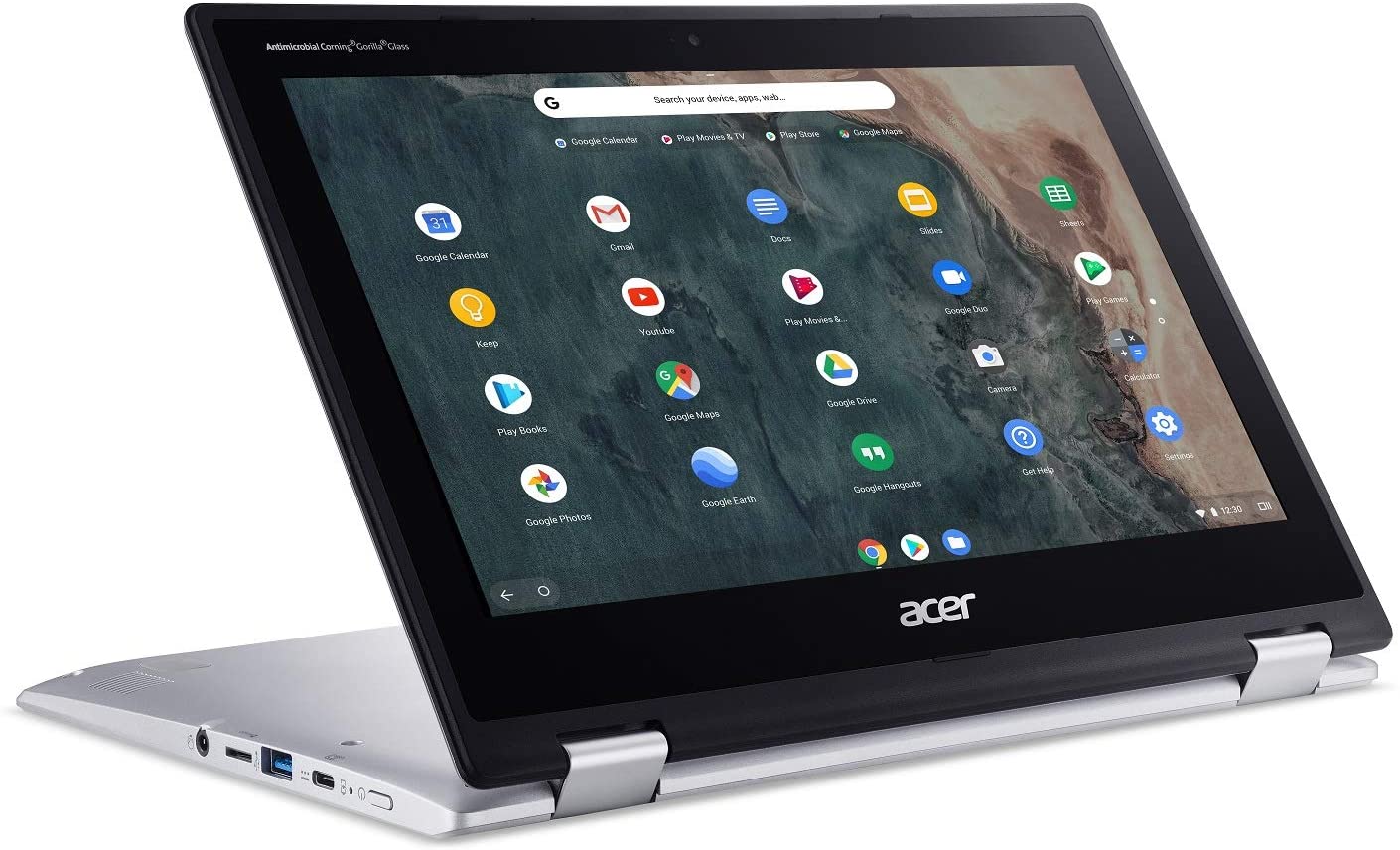
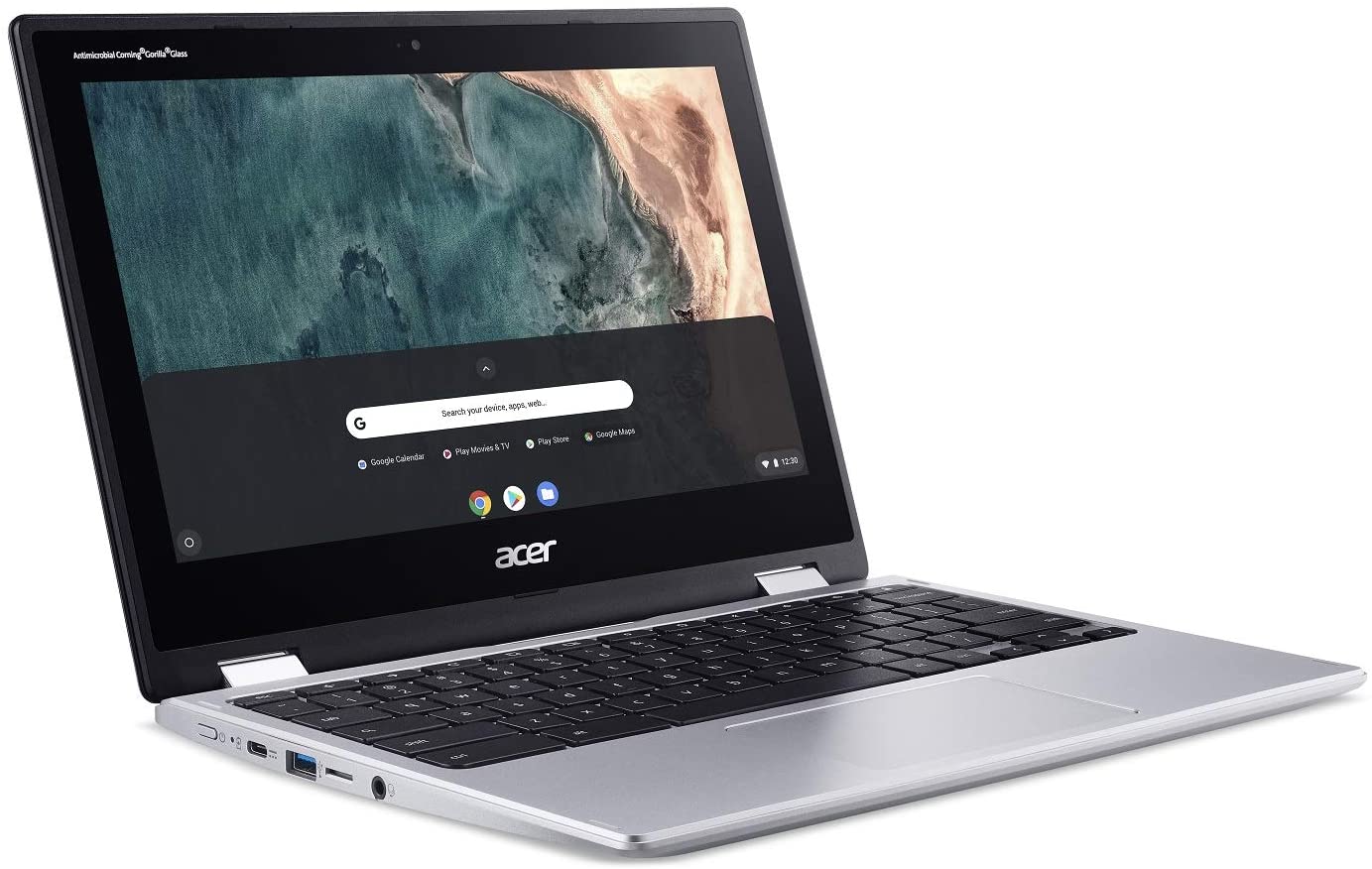
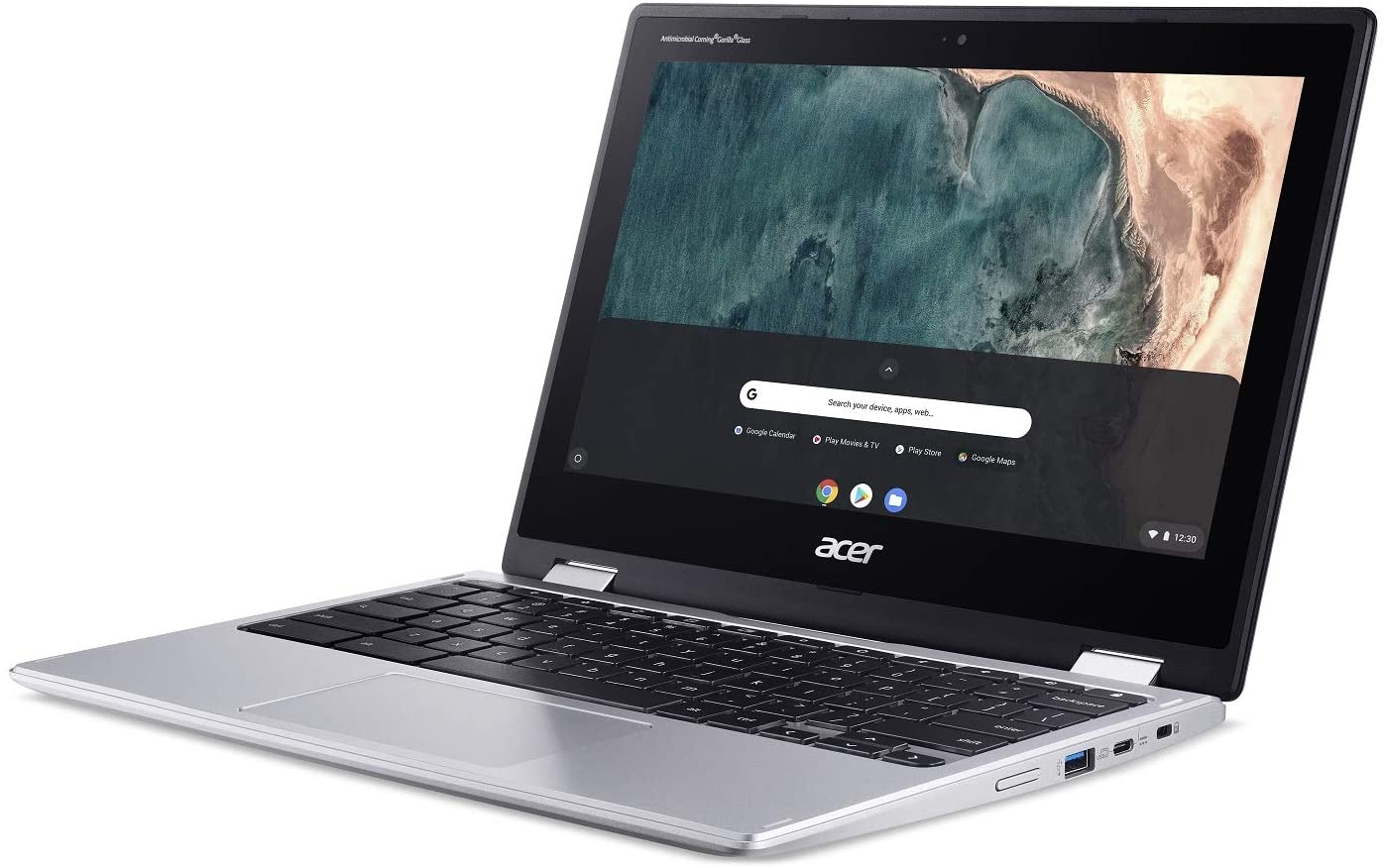
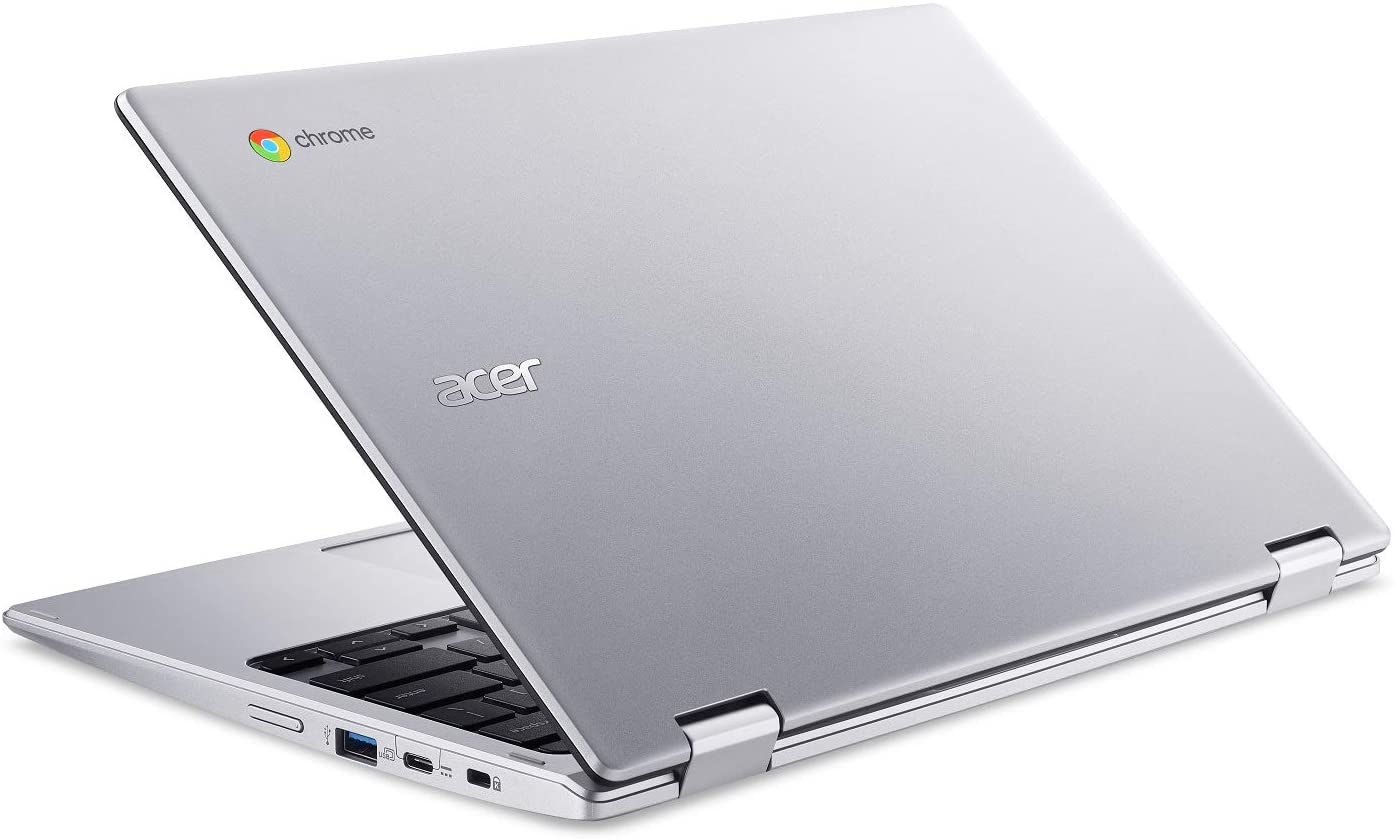
- Date Published: 28 Sep 2020
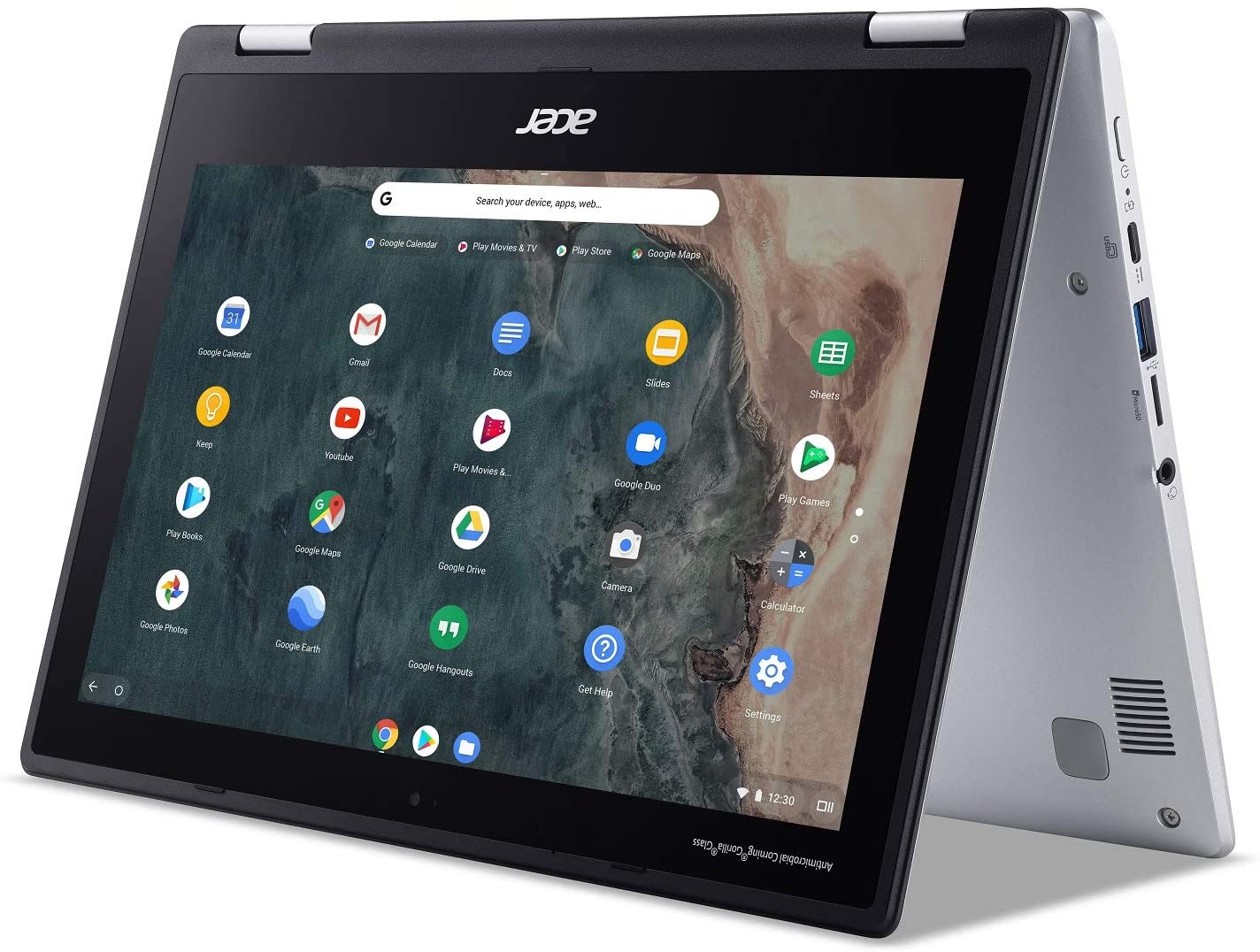
- Intel Celeron N4000
- Intel UHD Graphics 600
- 11.6”, HD (1366 x 768), IPS
- 64GB SSD
- 4GB LPDDR4
- 1.20 kg (2.6 lbs)
Specs
- Display
- HDD/SSD
- 64GB eMMC
- RAM
- 4GB LPDDR4
- OS
- Chrome OS
- Dimensions
- 297.1 x 205.7 x 20 mm (11.70" x 8.10" x 0.79")
- Weight
- 1.20 kg (2.6 lbs)
- Ports and connectivity
- 2x USB Type-A
- 3.2 Gen 1 (5 Gbps)
- 2x USB Type-C
- 3.2 Gen 1 (5 Gbps), DisplayPort
- Card Reader
- MicroSD
- Wi-Fi
- 802.11ac
- Bluetooth
- 5.0
- Audio jack
- 3.5 mm combo
- Features
- Web camera
- HD
- Microphone
- Speakers
- 2 Stereo Speakers
- Optical drive
- Security Lock slot
Portability
Review
Acer Chromebook Spin 311 in-depth review
A couple of years back, Chromebooks were an interesting new prospect. They were meant for students, children, and most people, who are not in need of a powerful machine that requires an expensive Windows certification (if you're going legal way). However, the first notebooks that came with the Chrome OS were not perceived very well in the community. They were clunky, had limited usability, compared with the well-known architecture. Moreover, probably the biggest issue of all was the lack of choice.Nowadays, this has changed, as almost every laptop manufacturer has a Chromebook offering. Not only that, but there are even some premium models, like the Pixelbook Go from Google, itself. We'll leave the Pixelbook for now and we're going to focus on the laptop that we have on our test bench[...]
Read the full review
Pros
- Snappy experience
- The OS loads in an instant
- Two USB Type-C ports that charge the laptop and can output DisplayPort
- Its display has comfortable viewing angles and good contrast ratio (AUO145C)
- Doesn't use PWM to adjust screen brightness (AUO145C)
- MicroSD card storage expansion
Cons
- A bit on the large side for an 11-inch notebook
- Covers only 58% of sRGB (AUO145C)
- Memory and storage are soldered to the motherboard
- Feels clunky and dated because of its fat bezels
Disassembly, maintenance and upgrade options
Due to the nature of Chrome OS, Chromebooks are more complete units. What we mean by that is, you won't really be able to make some changes. At least not without a soldering iron.Check out all Acer Chromebook Spin 311 (CP311-2H) prices and configurations in our Specs System or read more in our In-Depth review.1. Remove the bottom plate Despite its relatively small size, there are 12 Phillips-head screws holding the bottom panel in place. After you undo them, carefully pry the plate with a plastic tool, preferably starting at the back - around the hinges, where it would be easier[...]
Read more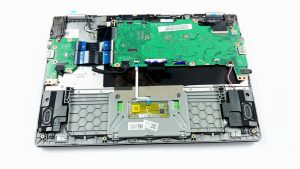


![[June 2026] Best-Selling Laptop Brands on Amazon Global – Apple’s Unrivaled Dominance in Units and Revenue](https://laptopmedia.com/wp-content/uploads/2026/07/GLOBAL-Best-Brands-400x225.jpg)
![[June 2026] Amazon Global: Top 10 Best-Selling Laptops – Apple’s New MacBook Neo Storms to #1, Reshaping the Market with Affordability](https://laptopmedia.com/wp-content/uploads/2026/07/Best-Selling-Laptops-GLOBAL-Top-10-400x225.jpg)
![[June 2026] Amazon Global: Top 10 Best-Selling Gaming Laptops – Acer’s Nitro V 16S AI Dominates Sales, While ASUS Leads Overall Revenue](https://laptopmedia.com/wp-content/uploads/2026/07/Best-Selling-Gaming-Laptops-GLOBAL-Top-10-400x225.jpg)
![[June 2026] Global Ranking of Best-Selling Laptop GPUs on Amazon – NVIDIA RTX 5060 is the Top-Selling Dedicated GPU](https://laptopmedia.com/wp-content/uploads/2026/07/Best-Selling-GPUs-GLOBAL-Top-10-400x225.jpg)
![[June 2026] Global Ranking of Best-Selling Laptop CPUs on Amazon – Apple M5 Dominates, AMD Ryzen 7 260 Gets Solid Premium Share](https://laptopmedia.com/wp-content/uploads/2026/07/Best-Selling-CPUs-GLOBAL-Top-10-400x225.jpg)
