Acer Nitro V 14
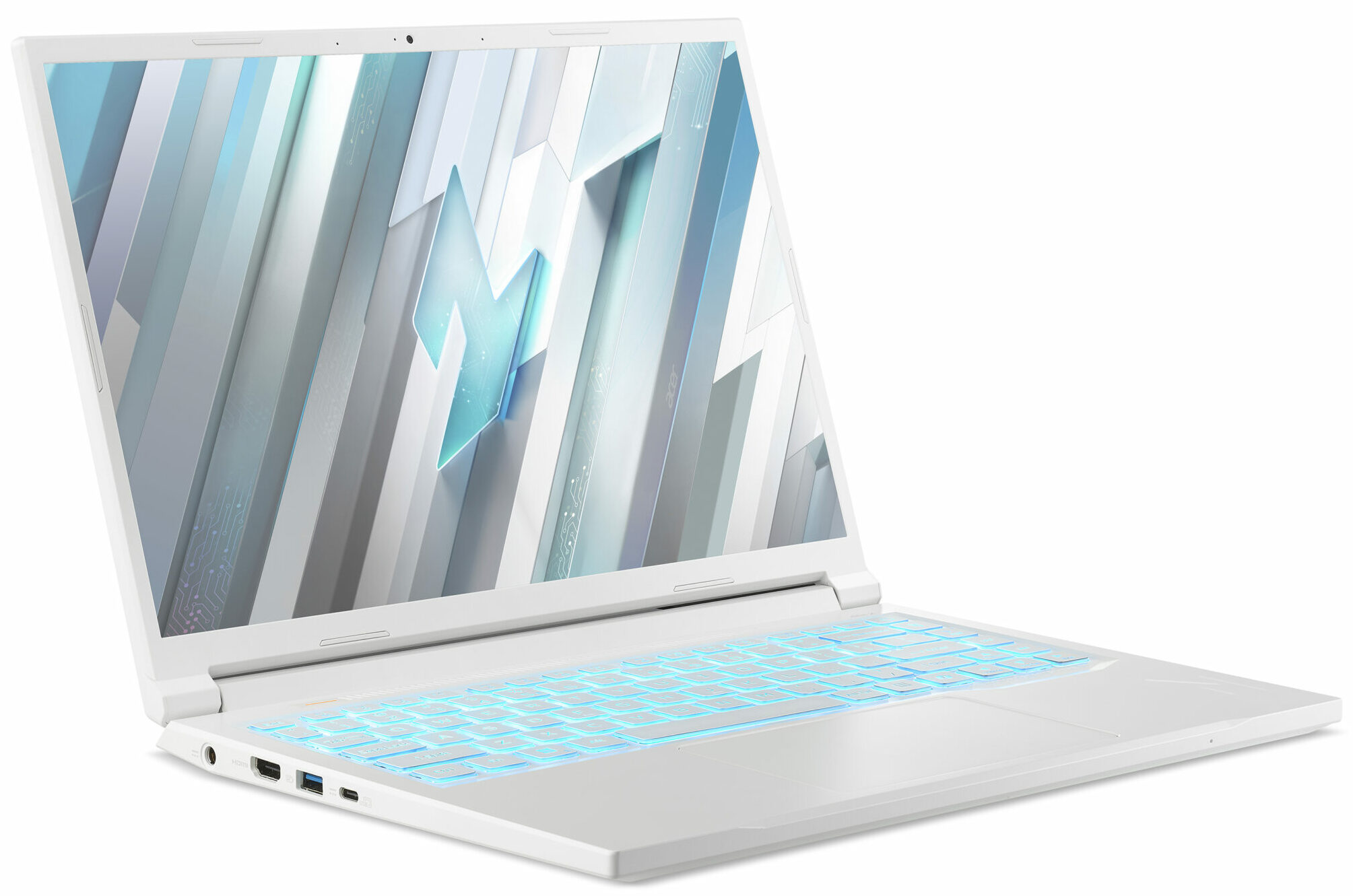
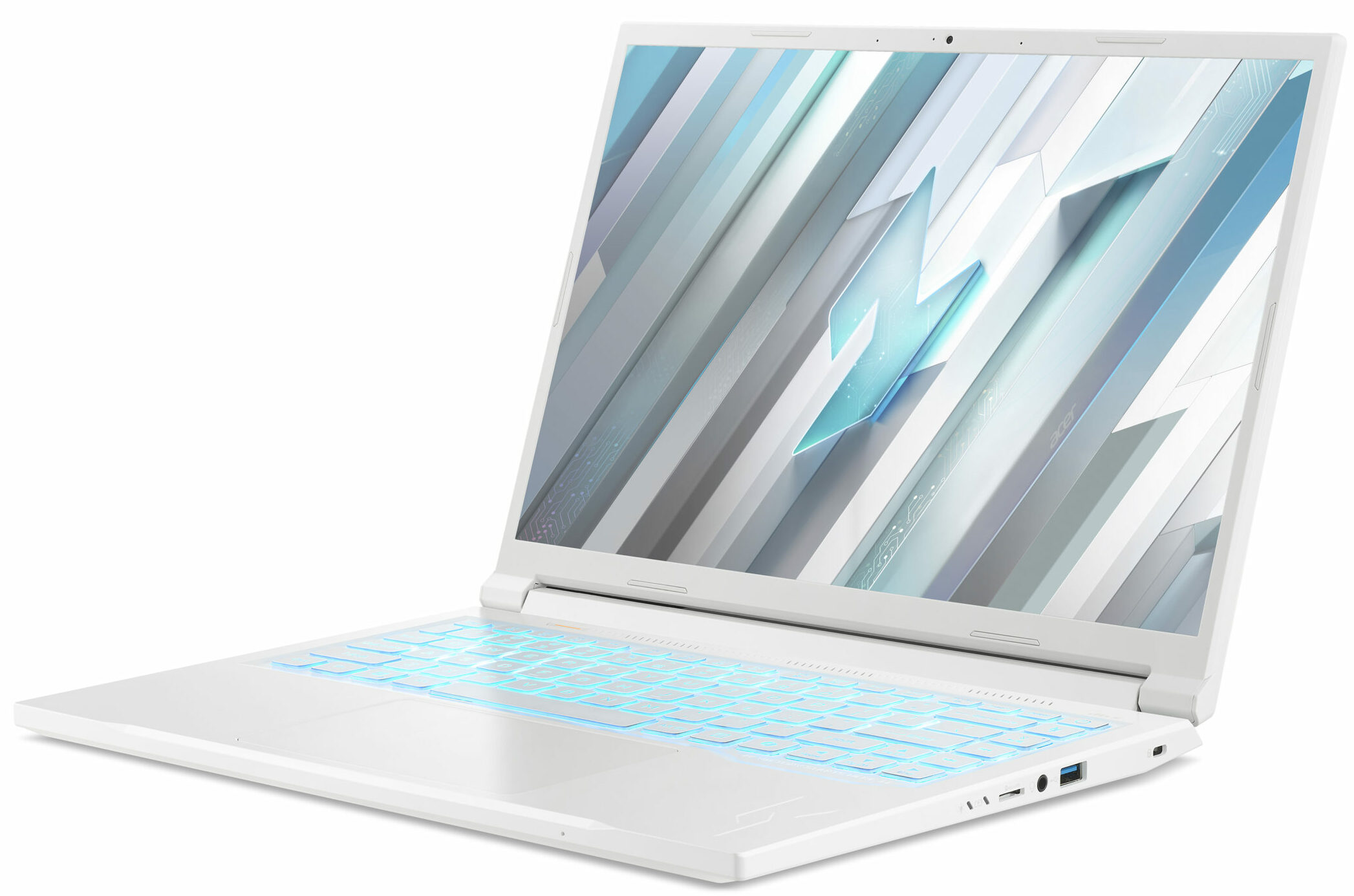
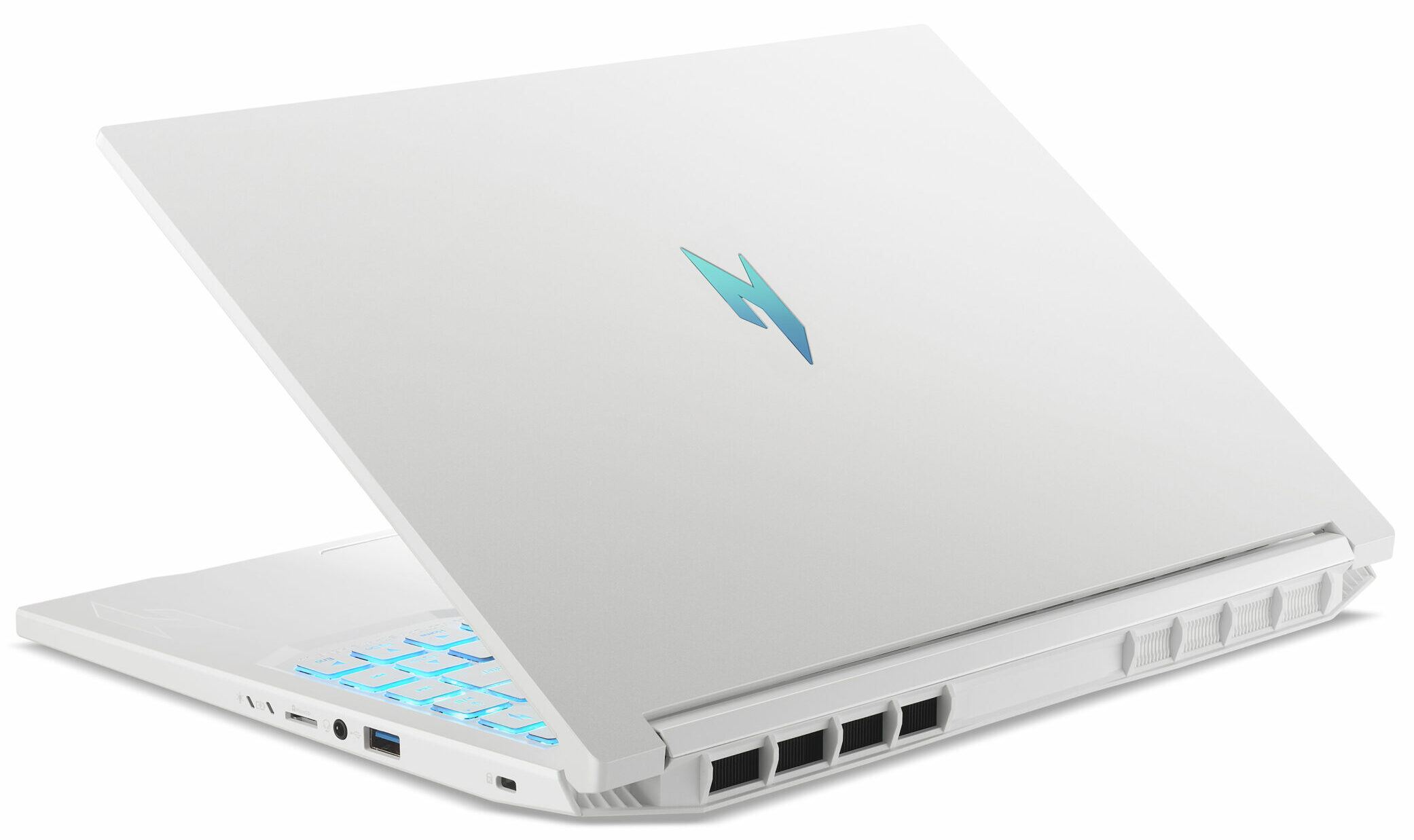
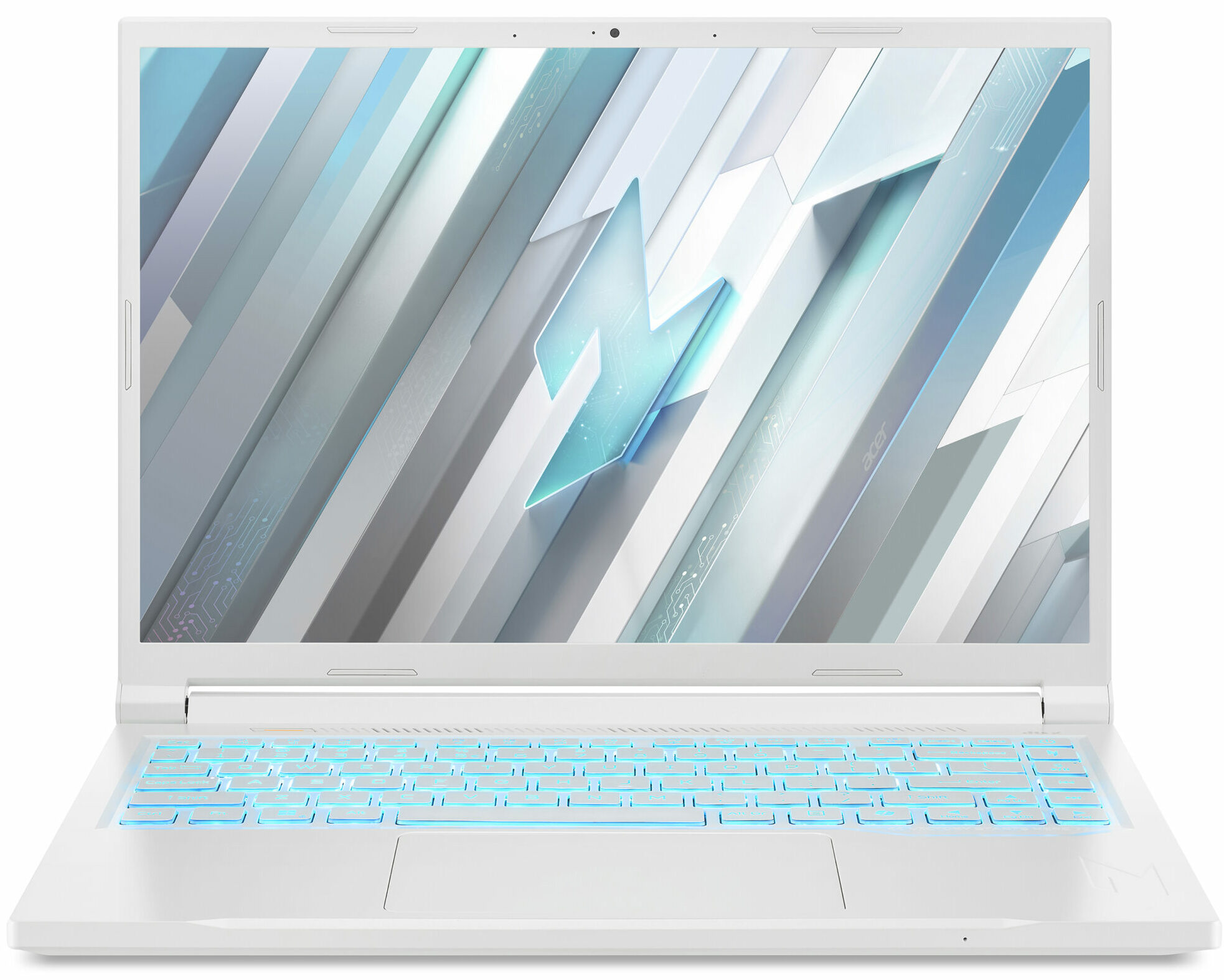
- Date Published: 17 Feb 2025
- AMD Ryzen 7 8845HS
- NVIDIA GeForce RTX 4050 (Laptop, 60W)
- 14.5″, 2.5K (2560 x 1600), 120 Hz, IPS
- 1000GB SSD
- 16GB RAM
- 1.70 kg (3.7 lbs)
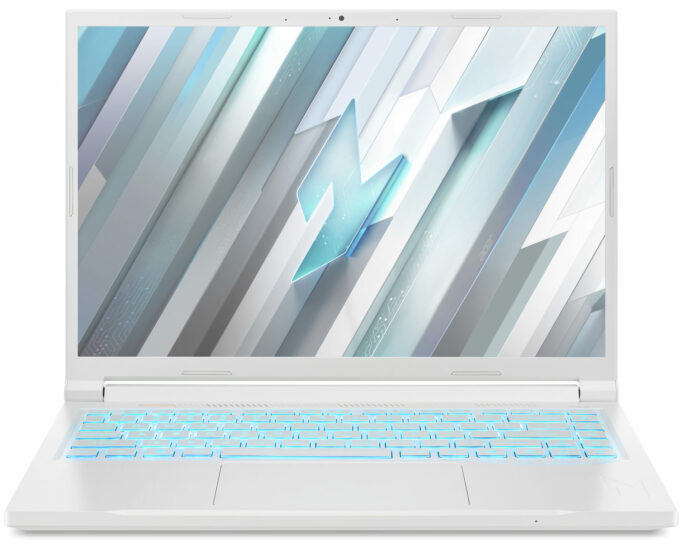
Review
Acer Nitro V 14 in-depth review
Gaming laptops have long wrestled with an identity crisis—too bulky for cafes, too flashy for boardrooms, and sometimes not quite powerful enough to justify the compromises. The Acer Nitro V 14 (ANV14-61) enters this fray with a bold promise: high performance, a 14-inch frame that won’t scream “gamer”, and reasonable price.We spent two weeks stress-testing this machine beyond marketing claims, from its RTX 4050’s real-world gaming chops to its surprisingly upgradeable internals. For creators and gamers tired of choosing between portability and power—or anyone who’s suffered through a six-pound “ultraportable”—this review cuts through the hype to reveal what truly matters.So - eye-friendly 120Hz screen, lightweight body, great design, good performance, affordable price....What could[...]
Read the full review
Pros
- Lightweight, portable design with understated aesthetics
- Excellent 1600p display without PWM
- Surprisingly strong GPU performance for its size
- Upgrade-friendly dual RAM slots and dual M.2 SSD bays
- Responsive keyboard and large trackpad
- Robust port selection including USB4 and HDMI 2.1
- Wi-Fi 6E support for high-speed, low-latency connectivity
- Effective cooling system with minimal noise under load
- Easy disassembly for easy upgrades/maintenance
Cons
- Short battery life due to small 57Wh capacity
- No fingerprint sensor or webcam privacy shutter
Disassembly, maintenance and upgrade options
Step 1: Opening the Acer Nitro V 14 (ANV14-61)Shut down the laptop and place it on a stable, static-free surface. Undo the nine Phillips-head screws securing the bottom panel. Carefully pry the panel off with a thin plastic tool, starting from one of the rear corners and working your way around the sides and front until the plate is fully released.Memory UpgradeThis 14-inch device impressively provides two DDR5 SO-DIMM slots instead of soldered memory, which is rare in this class. Our unit came with both slots occupied by 8GB 1Rx16 PC5-5600B modules for a total of [...]
Read more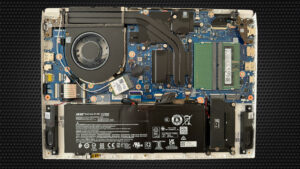
DISPLAY: 14.5-inch, 2560 x 1600, IPS
- Name
- AUO B145QAN01.J (AUOF3A7)
- Diagonal
- 14.5"
- Pixel density
- 208.20 ppi
- Brightness
- 347 cd/m2
- sRGB
- 98%
- Panel Type
- IPS
- Resolution
- 2560 x 1600
- Becomes "Retina" from
- 17 inches (42 cm)
- Contrast
- 1400:1
- dE Color Checker
- 4.4 1.6

Buy our profiles for AUO B145QAN01.J (AUOF3A7)
In addition to receiving efficient and health-friendly profiles, by buying LaptopMedia's products you also support the development of our labs, where we test devices in order to produce the most objective reviews possible.

Office Work
Office Work should be used mostly by users who spend most of the time looking at pieces of text, tables or just surfing. This profile aims to deliver better distinctness and clarity by keeping a flat gamma curve (2.20), native color temperature and perceptually accurate colors.

Design and Gaming
This profile is aimed at designers who work with colors professionally, and for games and movies as well. Design and Gaming takes display panels to their limits, making them as accurate as possible in the sRGB IEC61966-2-1 standard for Web and HDTV, at white point D65.

Health-Guard
Health-Guard eliminates the harmful Pulse-Width Modulation (PWM) and reduces the negative Blue Light which affects our eyes and body. Since it’s custom tailored for every panel, it manages to keep the colors perceptually accurate. Health-Guard simulates paper so the pressure on the eyes is greatly reduced.



![[June 2026] Best-Selling Laptop Brands on Amazon Global – Apple’s Unrivaled Dominance in Units and Revenue](https://laptopmedia.com/wp-content/uploads/2026/07/GLOBAL-Best-Brands-400x225.jpg)
![[June 2026] Amazon Global: Top 10 Best-Selling Laptops – Apple’s New MacBook Neo Storms to #1, Reshaping the Market with Affordability](https://laptopmedia.com/wp-content/uploads/2026/07/Best-Selling-Laptops-GLOBAL-Top-10-400x225.jpg)
![[June 2026] Amazon Global: Top 10 Best-Selling Gaming Laptops – Acer’s Nitro V 16S AI Dominates Sales, While ASUS Leads Overall Revenue](https://laptopmedia.com/wp-content/uploads/2026/07/Best-Selling-Gaming-Laptops-GLOBAL-Top-10-400x225.jpg)
![[June 2026] Global Ranking of Best-Selling Laptop GPUs on Amazon – NVIDIA RTX 5060 is the Top-Selling Dedicated GPU](https://laptopmedia.com/wp-content/uploads/2026/07/Best-Selling-GPUs-GLOBAL-Top-10-400x225.jpg)
![[June 2026] Global Ranking of Best-Selling Laptop CPUs on Amazon – Apple M5 Dominates, AMD Ryzen 7 260 Gets Solid Premium Share](https://laptopmedia.com/wp-content/uploads/2026/07/Best-Selling-CPUs-GLOBAL-Top-10-400x225.jpg)
