Acer Nitro V 16
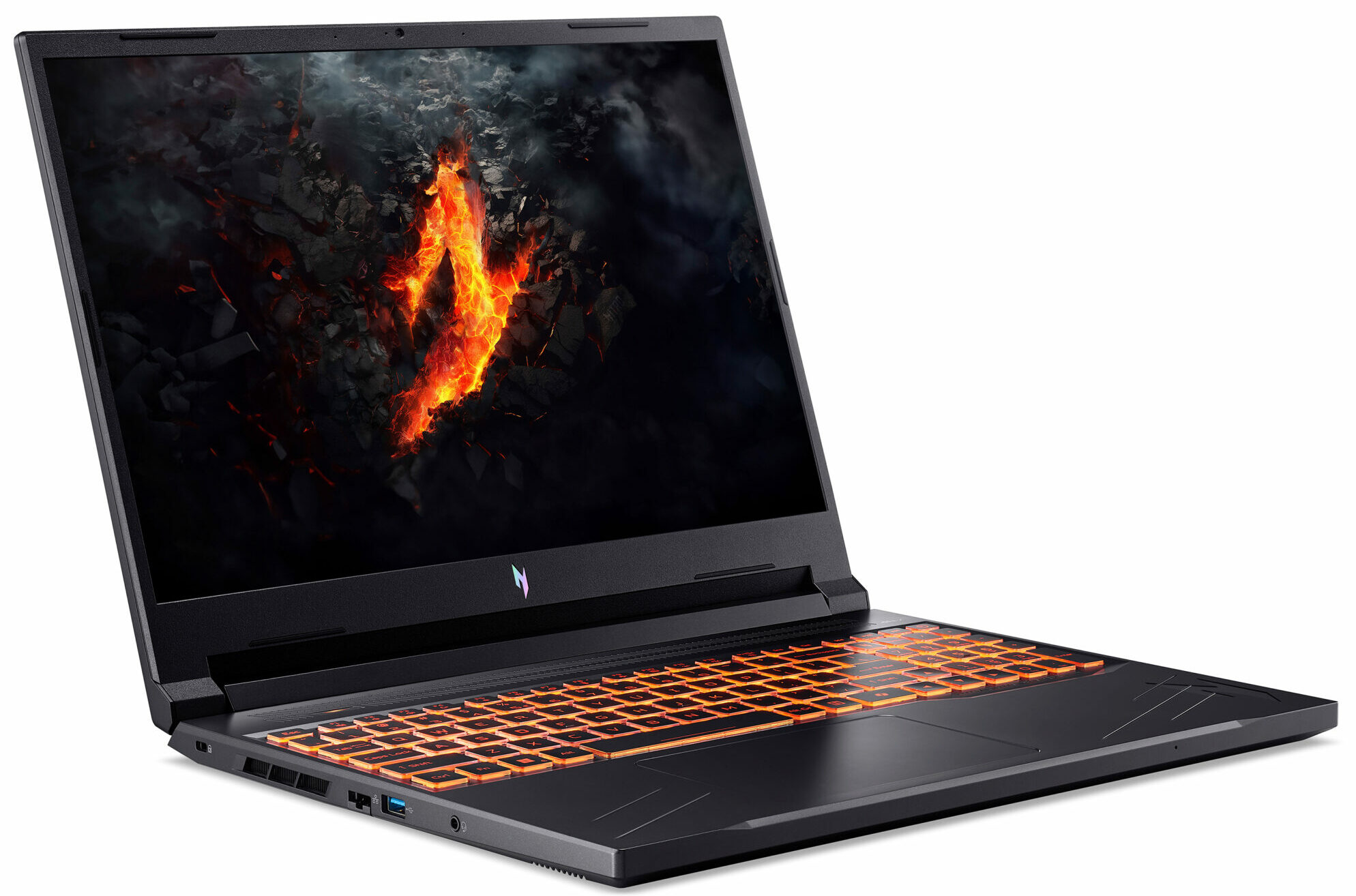
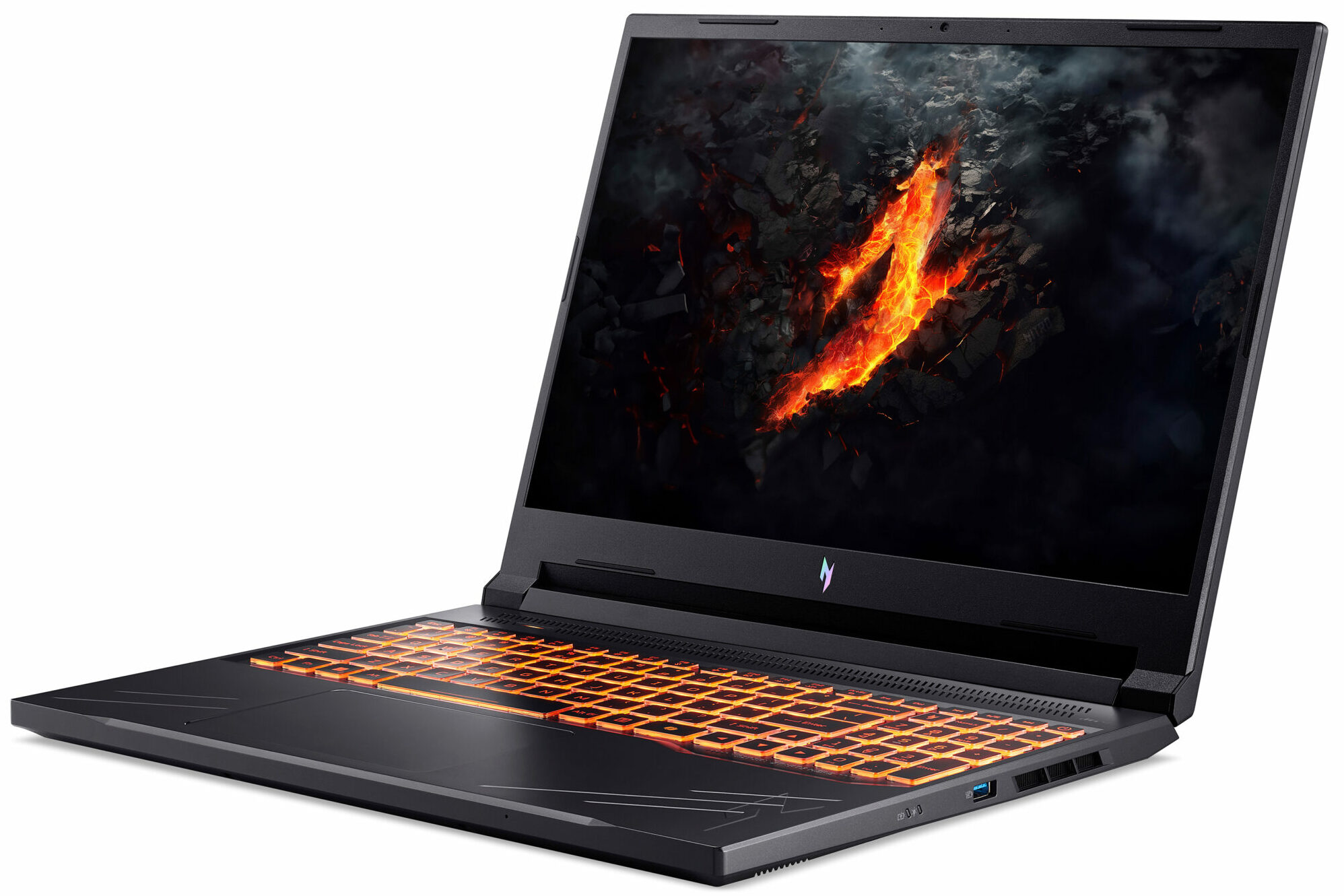
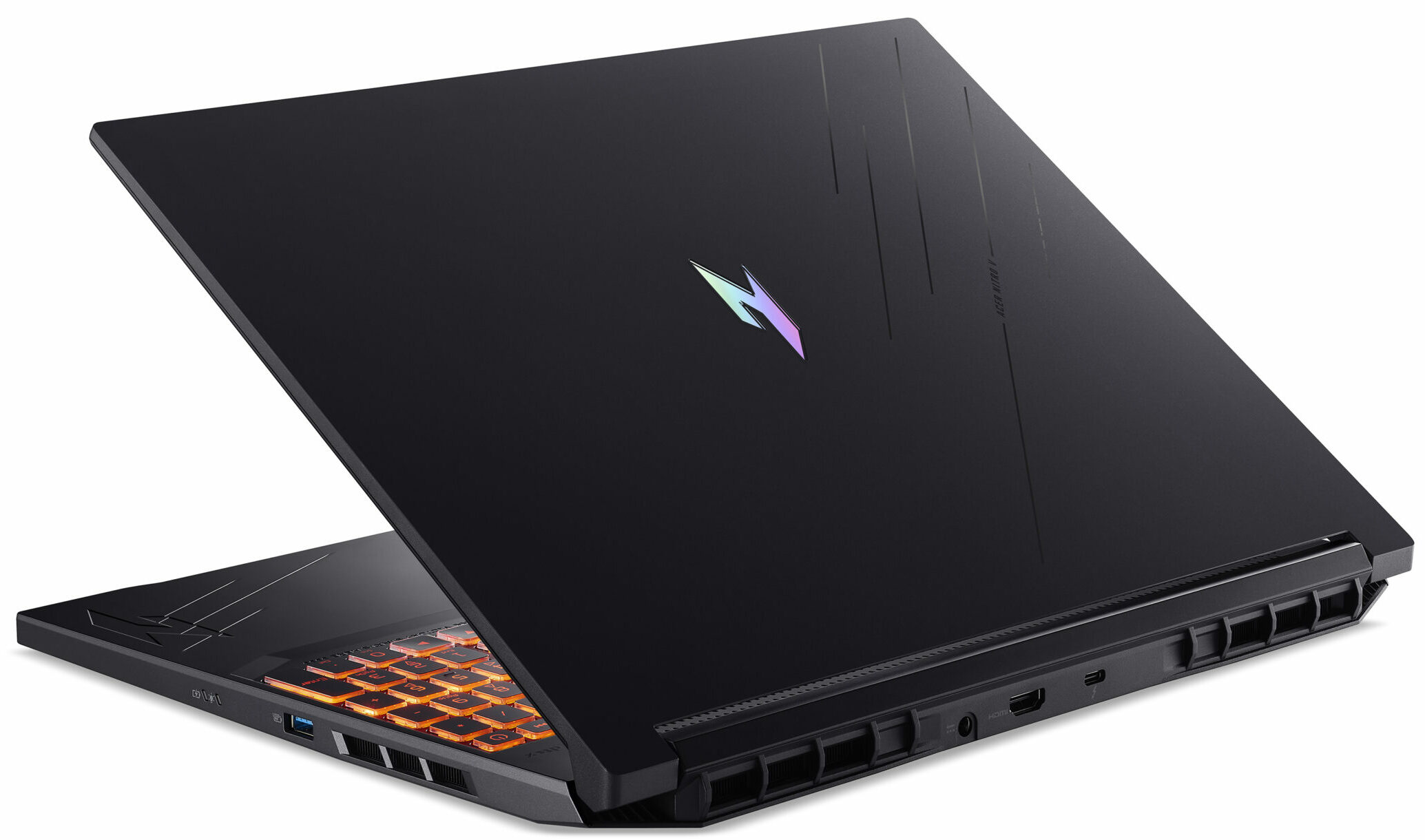
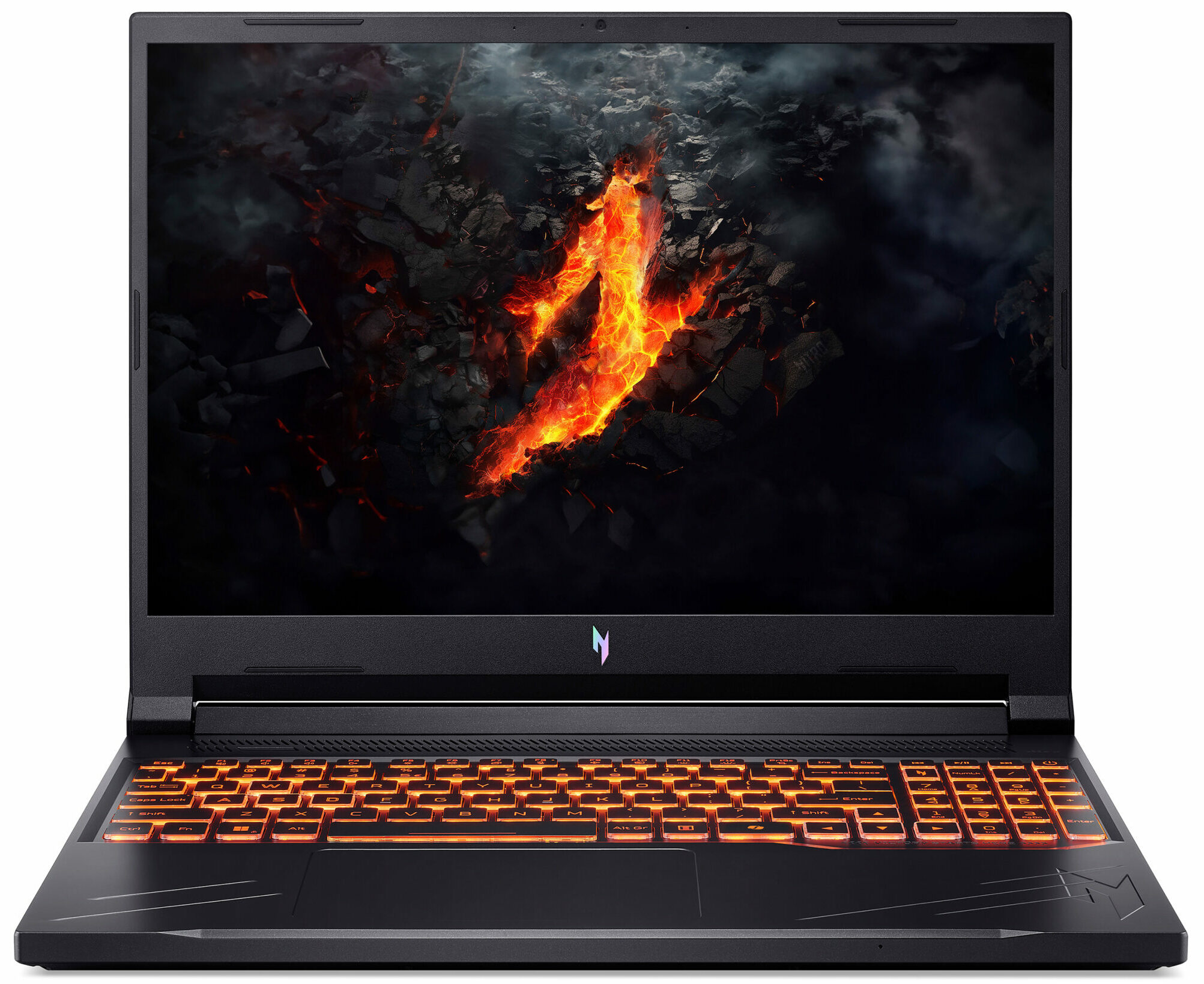
- Date Published: 04 Sep 2024
- Intel Core i7-14650HX
- NVIDIA GeForce RTX 4050 (Laptop, 85W)
- 16.0", WQXGA (2560 x 1600), 165 Hz, IPS
- 2000GB SSD
- 32GB RAM
- 2.50 kg (5.5 lbs)
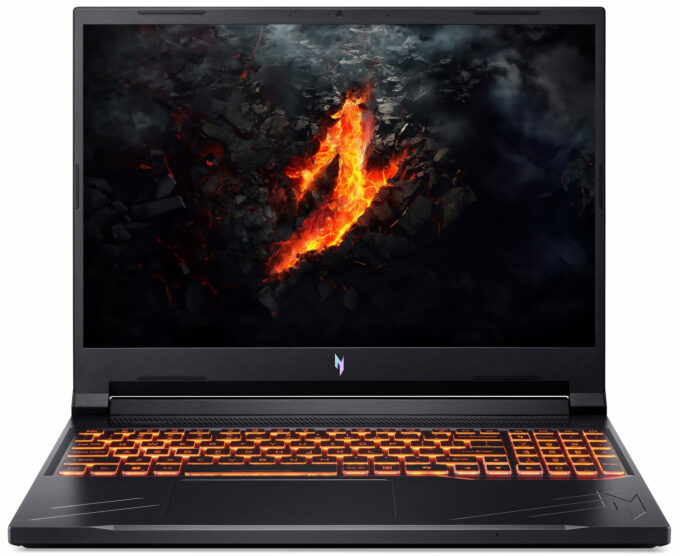
Review
Acer Nitro V 16 in-depth review
Acer is trying to conquer the mobile budget gaming segment with its Nitro V series of devices. The ANV16-71 model is positioned higher in the Nitro ranks. It's powered by Intel Raptor Lake-HX Refresh CPUs with a hefty 55W base power limit. Regarding graphics, you can choose from an RTX 3050 with 6GB VRAM or two RTX 4000 GPUs. We decided to buy a laptop with the most powerful processor and graphics card for this Acer series which are the Core i7-14650HX and an 85W GeForce RTX 4060. Despite its affordable price, the laptop offers good upgradability and a decent selection of ports. The manufacturer sells this device with a choice of three IPS displays. This includes two 165Hz 1200p units with different sRGB coverage and the top dog is a 1600p panel with a 180Hz refresh rate. Just for info, o[...]
Read the full review
Pros
- Good overall performance for the class
- PWM-free (AUOD8B1)
- 165Hz refresh rate + wide viewing angles (AUOD8B1)
- MUX switch
- Thunderbolt 4 port + 2.5 Gbps LAN + HDMI 2.1
- Great backlit keyboard
- Solid base
- The CPU sustains ~ 3.20 GHz / 2.60 GHz P and E core clock in short and medium loads
- The GeForce RTX 4060 maintains an 83W power limit and almost 2300 MHz core frequency during gaming
- Pretty good "Performance" preset that offers less aggressive fans and a 70W GPU TGP
- Snappy SSD (WD PC SN5000S SDEQNSJ-1T00-1014)
- 2x SODIMMs + 2x 2280 Gen 4 M.2 slots
- Dedicated thermal pads for the memory and storage drives
- Good sound quality
- Well priced
Cons
- The lid could've been more stable
- Just three USB ports
- The glossy lid is a fingerprint magnet
- Short battery life (~3 hours and a half of videos)
Disassembly, maintenance and upgrade options
Opening the Acer Nitro V 16 Hint: Ensure the laptop is powered off and unplugged before starting.Undo the 11 Phillips-head screws securing the bottom panel of the laptop. Hold the two plastic vents on the rear and pop the back of the panel. For a safer approach, use both hands to pop the exhausts one by one. If this method doesn’t release the internal clips, pry the sides and the front with a thin plastic tool to fully detach the bottom panel. Carefully remove the panel to access the internals.More info: The inside of the bottom plate houses metal plates with ther[...]
Read more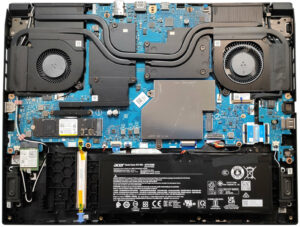


![[June 2026] Best-Selling Laptop Brands on Amazon Global – Apple’s Unrivaled Dominance in Units and Revenue](https://laptopmedia.com/wp-content/uploads/2026/07/GLOBAL-Best-Brands-400x225.jpg)
![[June 2026] Amazon Global: Top 10 Best-Selling Laptops – Apple’s New MacBook Neo Storms to #1, Reshaping the Market with Affordability](https://laptopmedia.com/wp-content/uploads/2026/07/Best-Selling-Laptops-GLOBAL-Top-10-400x225.jpg)
![[June 2026] Amazon Global: Top 10 Best-Selling Gaming Laptops – Acer’s Nitro V 16S AI Dominates Sales, While ASUS Leads Overall Revenue](https://laptopmedia.com/wp-content/uploads/2026/07/Best-Selling-Gaming-Laptops-GLOBAL-Top-10-400x225.jpg)
![[June 2026] Global Ranking of Best-Selling Laptop GPUs on Amazon – NVIDIA RTX 5060 is the Top-Selling Dedicated GPU](https://laptopmedia.com/wp-content/uploads/2026/07/Best-Selling-GPUs-GLOBAL-Top-10-400x225.jpg)
![[June 2026] Global Ranking of Best-Selling Laptop CPUs on Amazon – Apple M5 Dominates, AMD Ryzen 7 260 Gets Solid Premium Share](https://laptopmedia.com/wp-content/uploads/2026/07/Best-Selling-CPUs-GLOBAL-Top-10-400x225.jpg)
