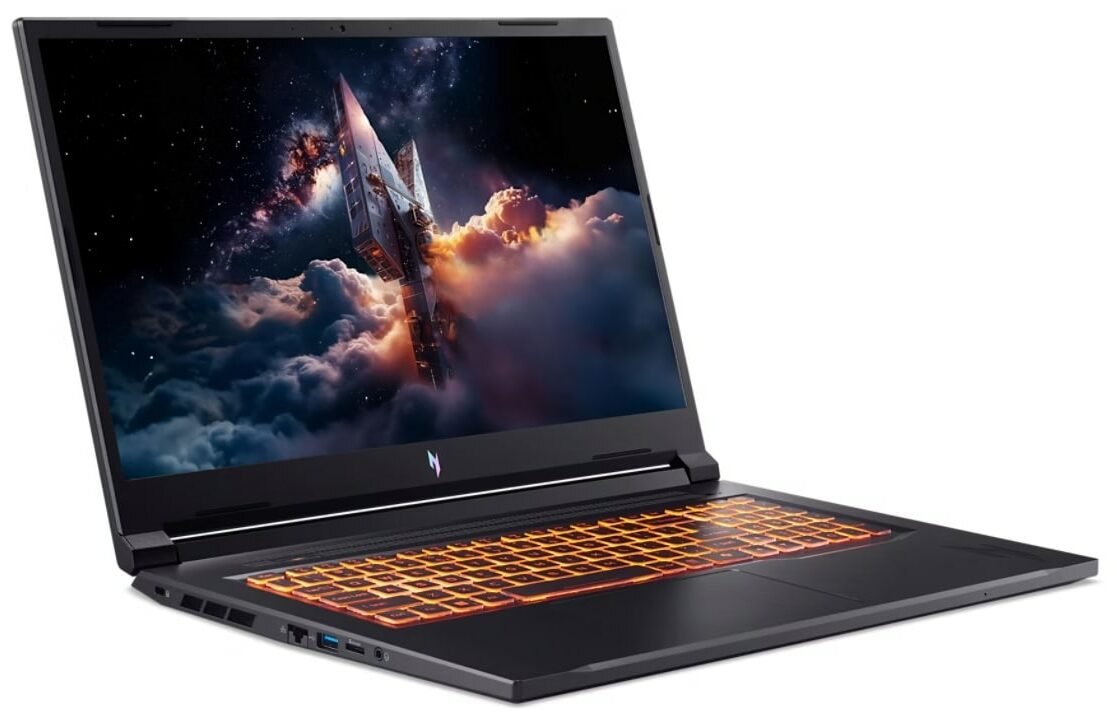
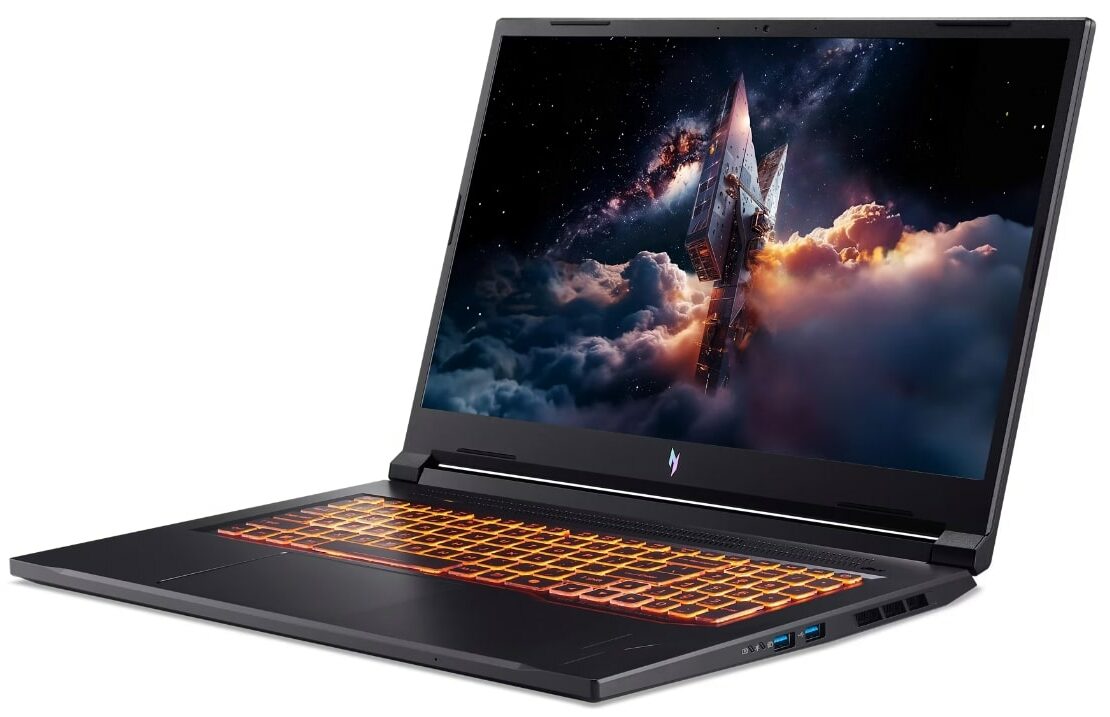
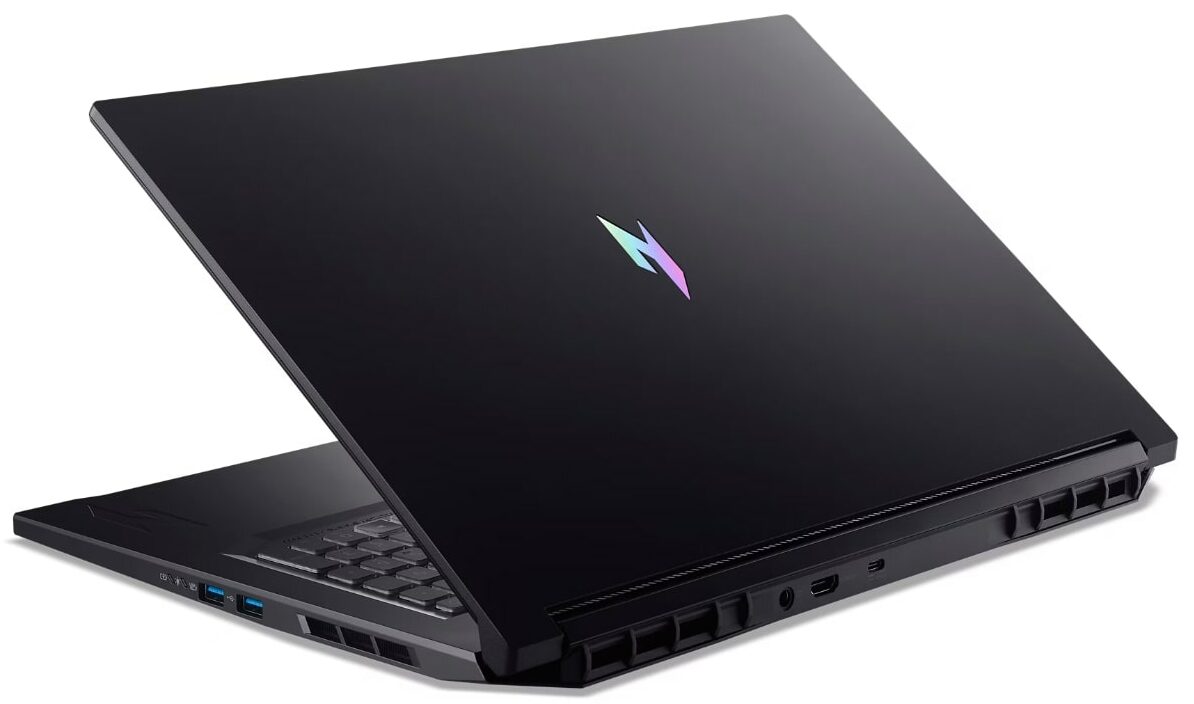
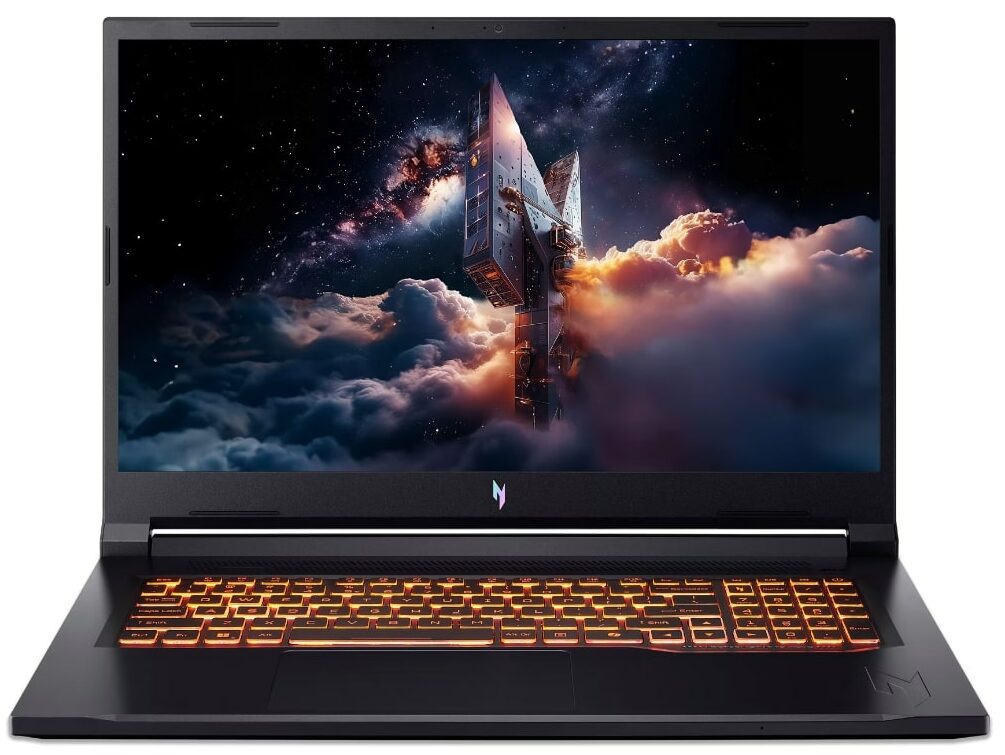
Acer Nitro V 17 AI
- Date Published: 01 Jul 2026
- AMD Ryzen 7 260
- NVIDIA GeForce RTX 5060 (Laptop)
- 17.3”, Full HD (1920 x 1080), 180 Hz, IPS
- 1000GB SSD
- 16GB RAM
- 2.71 kg (6 lbs)
Specs
- HDD/SSD
- 1000GB SSD
- M.2 Slot
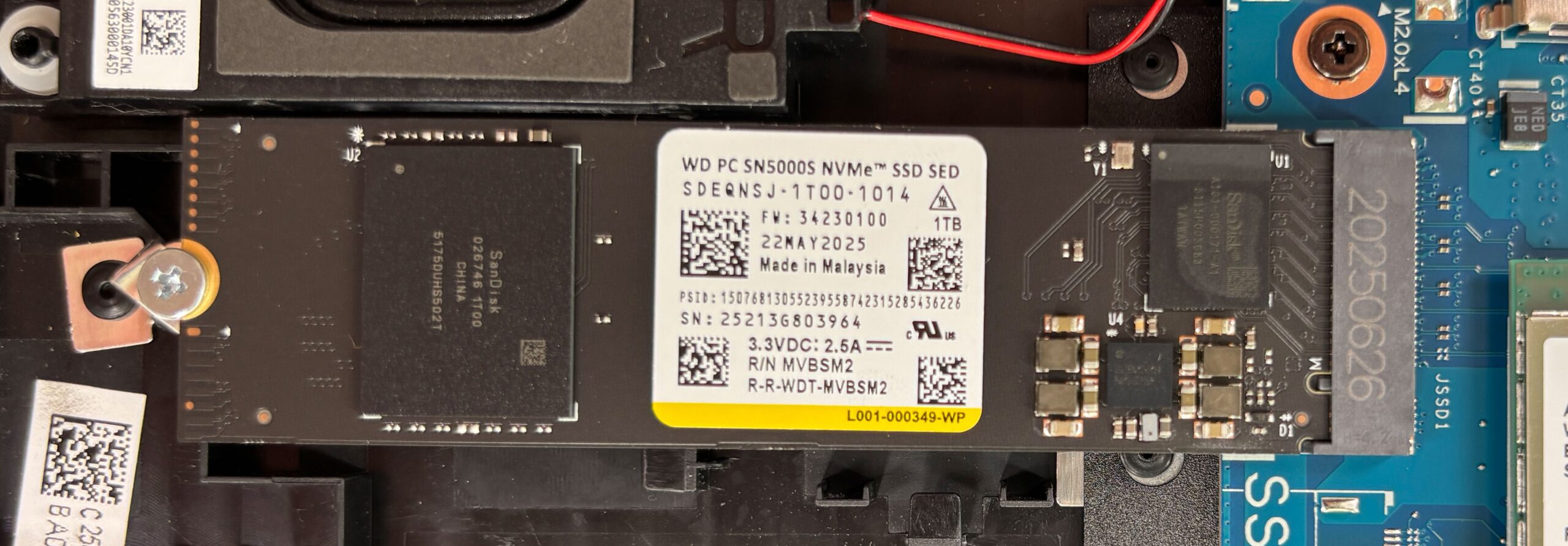
- 2x 2280 PCIe NVMe 4.0 x4 See photo
- RAM
- 16GB RAM
- OS
- Windows 11 Home
- Body Material
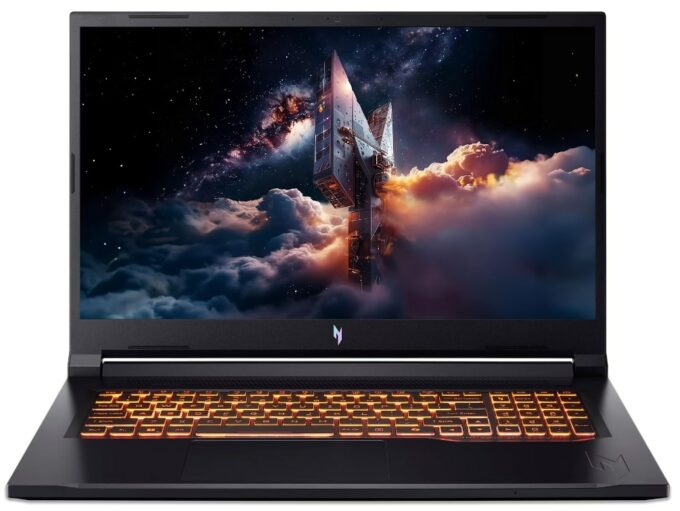
- Plastic / Polycarbonate
- Dimensions
- 401 x 276 x 17 - 24 mm (15.79" x 10.87" x 0.67")
- Weight
- 2.71 kg (6 lbs)
- Ports and connectivity
- 1x USB Type-A
- 3.2 Gen 1 (5 Gbps)
- 1x USB Type-A
- 3.2 Gen 2 (10 Gbps)
- 1x USB Type-A
- 3.2 Gen 2 (10 Gbps), Power Delivery (PD)
- 1x USB Type-C
- 4.0, Power Delivery (PD), DisplayPort
- HDMI
- 2.1
- Card Reader
- microSD (microSD, microSDHC, microSDXC)
- Ethernet LAN
- 10, 100, 1000 Mbit/s
- Wi-Fi
- Wi-Fi 6E
- Bluetooth
- 5.3
- Audio jack
- 3.5mm Combo Jack
- Features
- Fingerprint reader
- Web camera
- HD
- Backlit keyboard
- Microphone
- 3x Microphones with Acer Purified Voice 2.0 and AI Noise Reduction
- Speakers
- 2x Stereo Speakers, DTS:X Ultra
- Security Lock slot
- Gifts
- three months of PC Game Pass
Portability
Review
Acer Nitro V 17 AI in-depth review
The 17-inch gaming laptop market is a battleground of power versus portability, and the Acer Nitro V 17 AI (ANV17-41) enters the fray with a refreshing strategy: balance. Instead of chasing aggressive aesthetics or unsustainable performance peaks, Acer has delivered a machine that prioritizes stability, display quality, and a surprisingly refined design. With a stunning QHD screen and a robust cooling system, it aims to be the dependable daily driver for gamers who want a big-screen experience without the typical gaming laptop flash. But in a segment crowded with powerful rivals, does this measured approach offer enough excitement to justify the price? We put it to the test to find out.You can check the prices and configurations in our Specs System: https://laptopmedia.com/series/a[...]
Read the full review
Pros
- Excellent 165Hz QHD display with 96% DCI-P3 coverage
- Great thermal management keeps the system cool and stable
- Fantastic upgradeability with two RAM and two M.2 slots
- PWM-free screen is great for eye comfort
- Versatile connectivity including a USB4 port
- Refined, understated design with solid build quality
Cons
- Conservative GPU power limits result in lower peak performance
- No physical privacy shutter or biometric login options
- Battery life is average compared to class leaders
Disassembly, maintenance and upgrade options
Before you start: Shut the laptop down, unplug the charger and all peripherals, and hold the power button for a few seconds to discharge residual power. Work on a clean, non-conductive surface and, if possible, use an anti-static wrist strap. Opening the bottom panelPlace the laptop upside down with the rear vents facing away from you. Undo the ten Phillips-head (cross-head) screws that secure the bottom panel. All screws are the same length, which simplifies reassembly. Insert a thin plastic pry tool between the chassis and the bottom panel near one [...]
Read more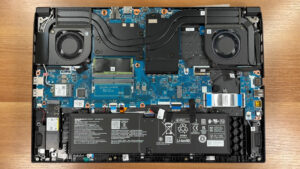


![[June 2026] Best-Selling Laptop Brands on Amazon Global – Apple’s Unrivaled Dominance in Units and Revenue](https://laptopmedia.com/wp-content/uploads/2026/07/GLOBAL-Best-Brands-400x225.jpg)
![[June 2026] Amazon Global: Top 10 Best-Selling Laptops – Apple’s New MacBook Neo Storms to #1, Reshaping the Market with Affordability](https://laptopmedia.com/wp-content/uploads/2026/07/Best-Selling-Laptops-GLOBAL-Top-10-400x225.jpg)
![[June 2026] Amazon Global: Top 10 Best-Selling Gaming Laptops – Acer’s Nitro V 16S AI Dominates Sales, While ASUS Leads Overall Revenue](https://laptopmedia.com/wp-content/uploads/2026/07/Best-Selling-Gaming-Laptops-GLOBAL-Top-10-400x225.jpg)
![[June 2026] Global Ranking of Best-Selling Laptop GPUs on Amazon – NVIDIA RTX 5060 is the Top-Selling Dedicated GPU](https://laptopmedia.com/wp-content/uploads/2026/07/Best-Selling-GPUs-GLOBAL-Top-10-400x225.jpg)
![[June 2026] Global Ranking of Best-Selling Laptop CPUs on Amazon – Apple M5 Dominates, AMD Ryzen 7 260 Gets Solid Premium Share](https://laptopmedia.com/wp-content/uploads/2026/07/Best-Selling-CPUs-GLOBAL-Top-10-400x225.jpg)