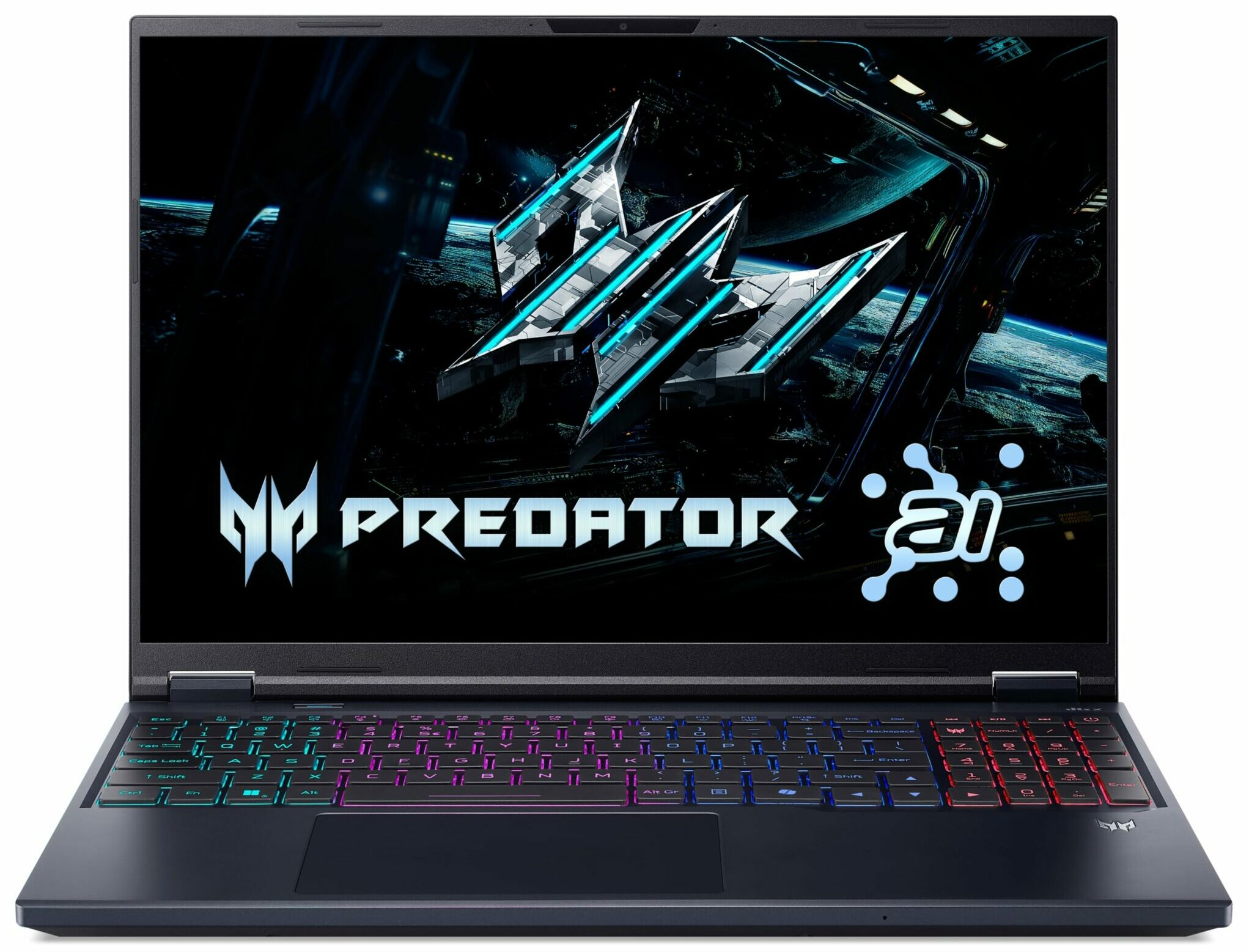
Acer Predator Helios Neo 16 AI
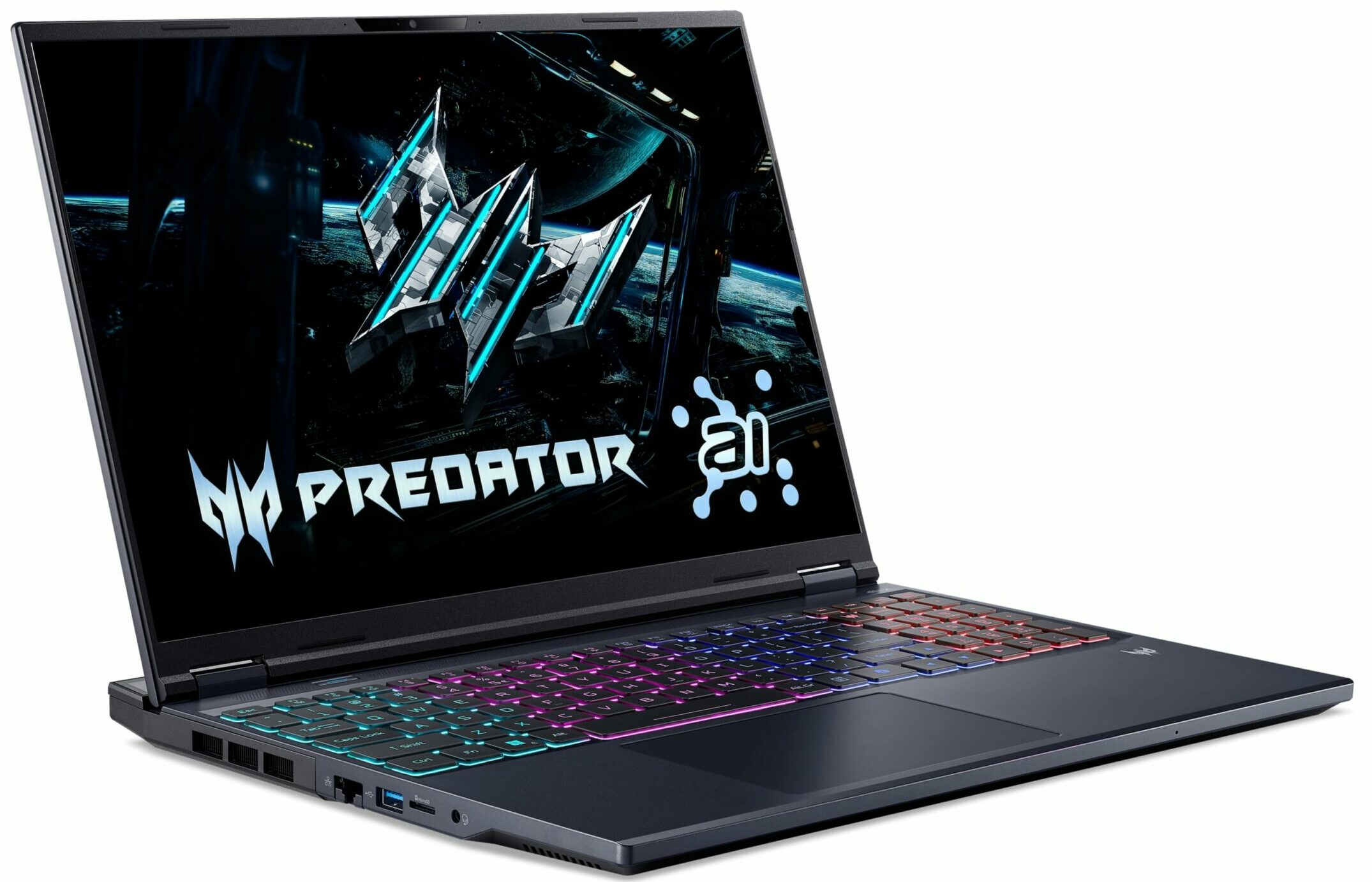
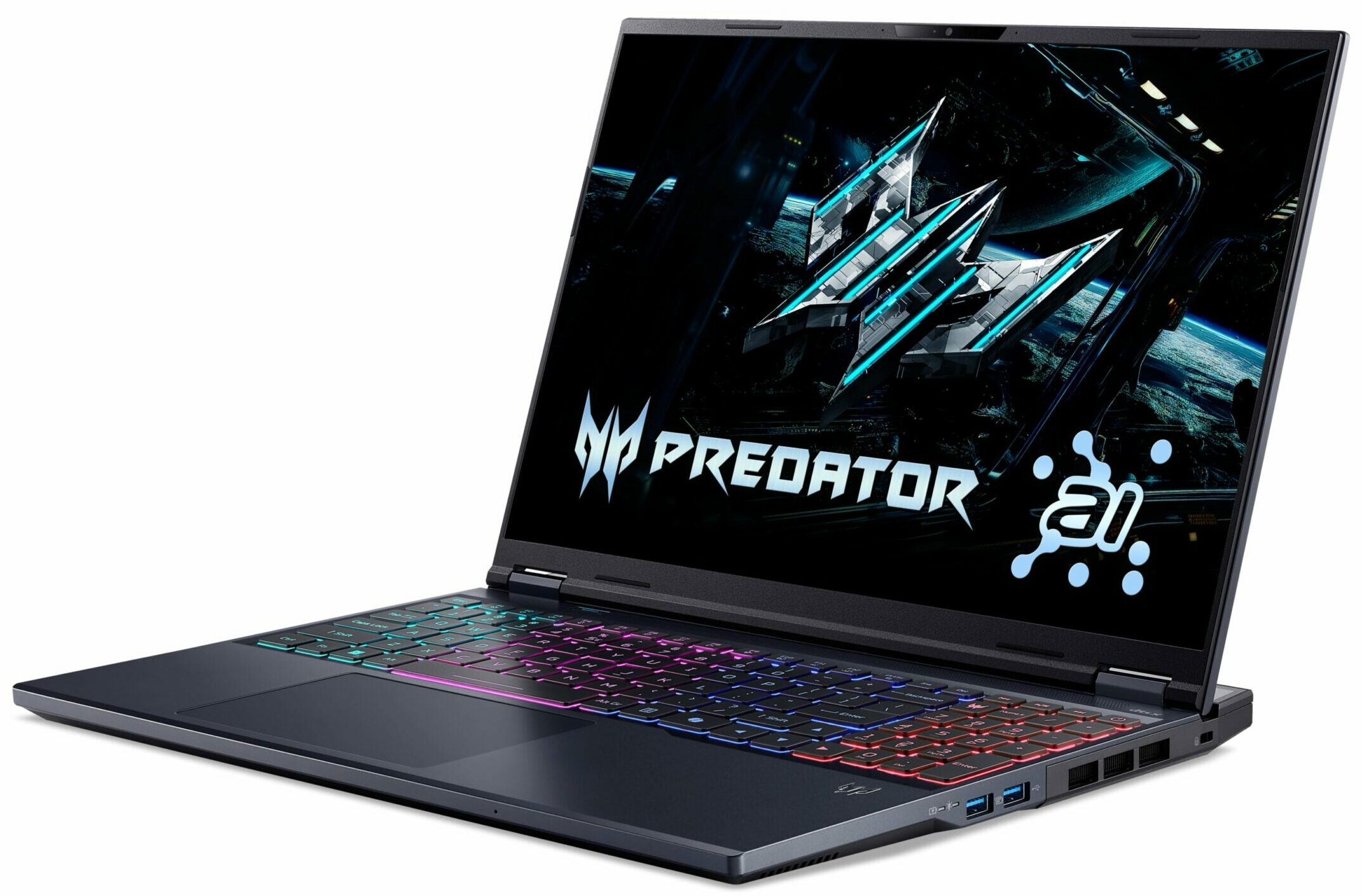
- Date Published: 07 Oct 2025
- Intel Core Ultra 9 275HX
- NVIDIA GeForce RTX 5070 Ti (Laptop)
- 16.0", WQXGA (2560 x 1600), 240 Hz, OLED
- 2000GB SSD
- 64GB RAM
- 2.70 kg (6 lbs)
Review
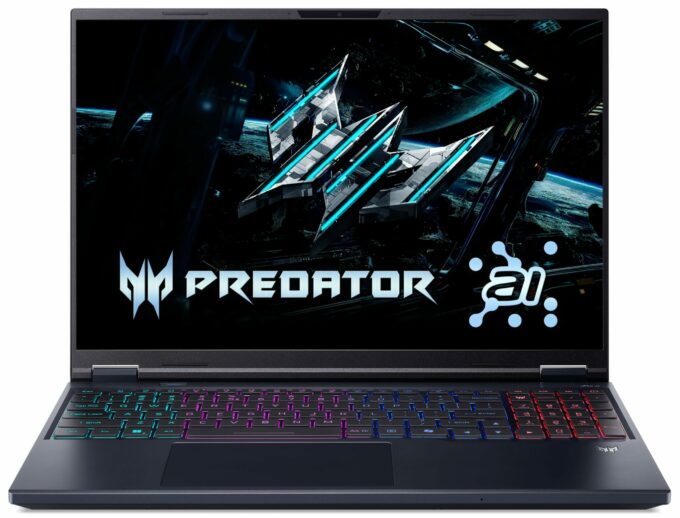
Acer Predator Helios Neo 16 AI in-depth review
The Acer Predator Helios Neo 16 AI (PHN16-73) arrives as a compelling contender in the high-performance gaming laptop space, aiming to strike that elusive sweet spot between raw power, a premium feel, and a manageable form factor. On paper, it's a winner, centered around a spectacular 240Hz OLED display that promises a top-tier visual experience. However, this machine is a true paradox. As we discovered, its greatest strength, that beautiful screen, is also the source of its most significant and frustrating flaws. This is a story of a laptop that gets so much right, yet stumbles badly on the very feature it's built around.You can check the prices and configurations in our Specs System: https://laptopmedia.com/series/acer-predator-helios-neo-16-ai-phn16-73/Specs, Drivers, [...]
Read the full review
Pros
- Stunning 240Hz OLED display with 100% DCI-P3 coverage
- Excellent and stable gaming performance
- Fantastic upgradeability with two RAM and two M.2 slots
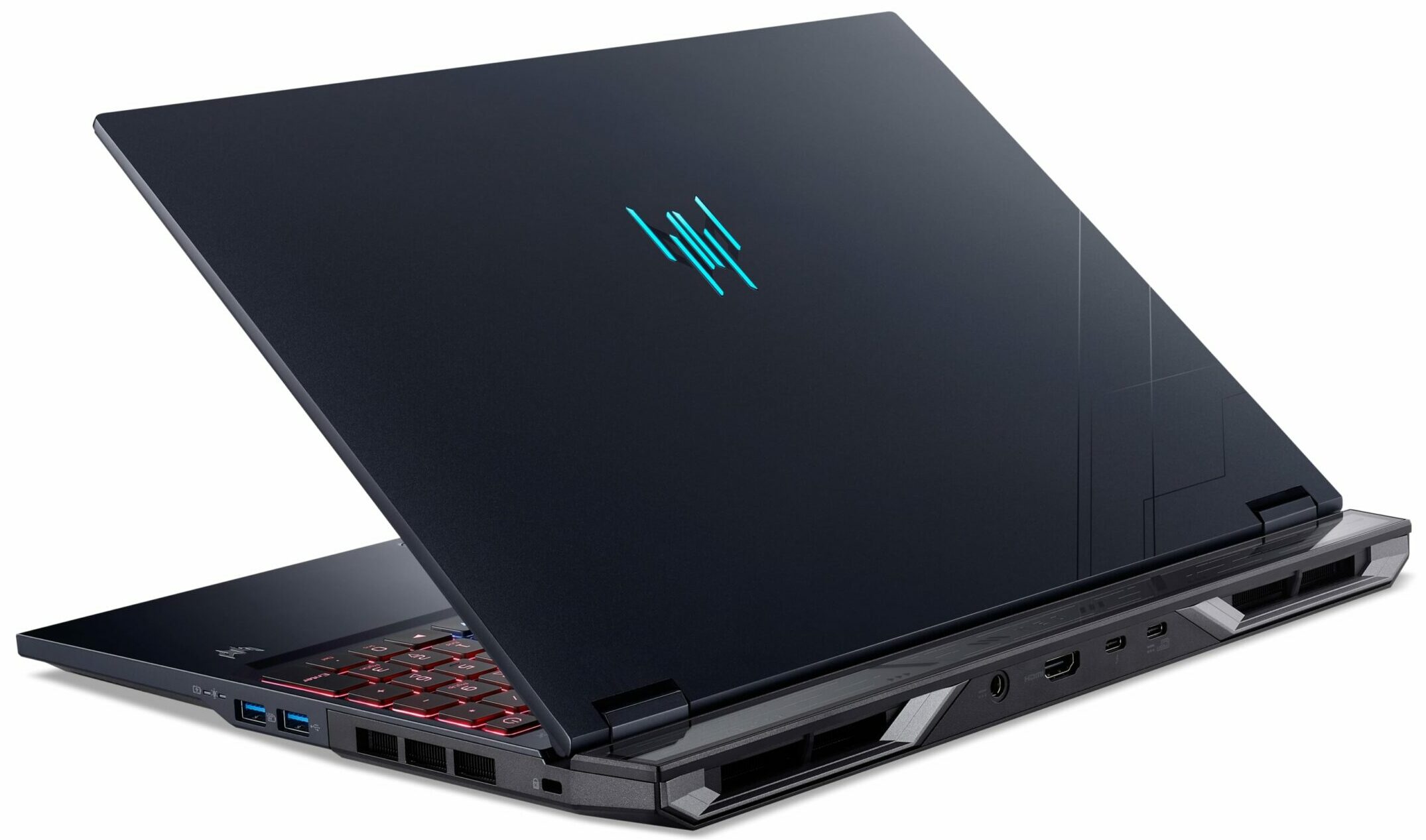
- Great port selection, including a Thunderbolt 4 port
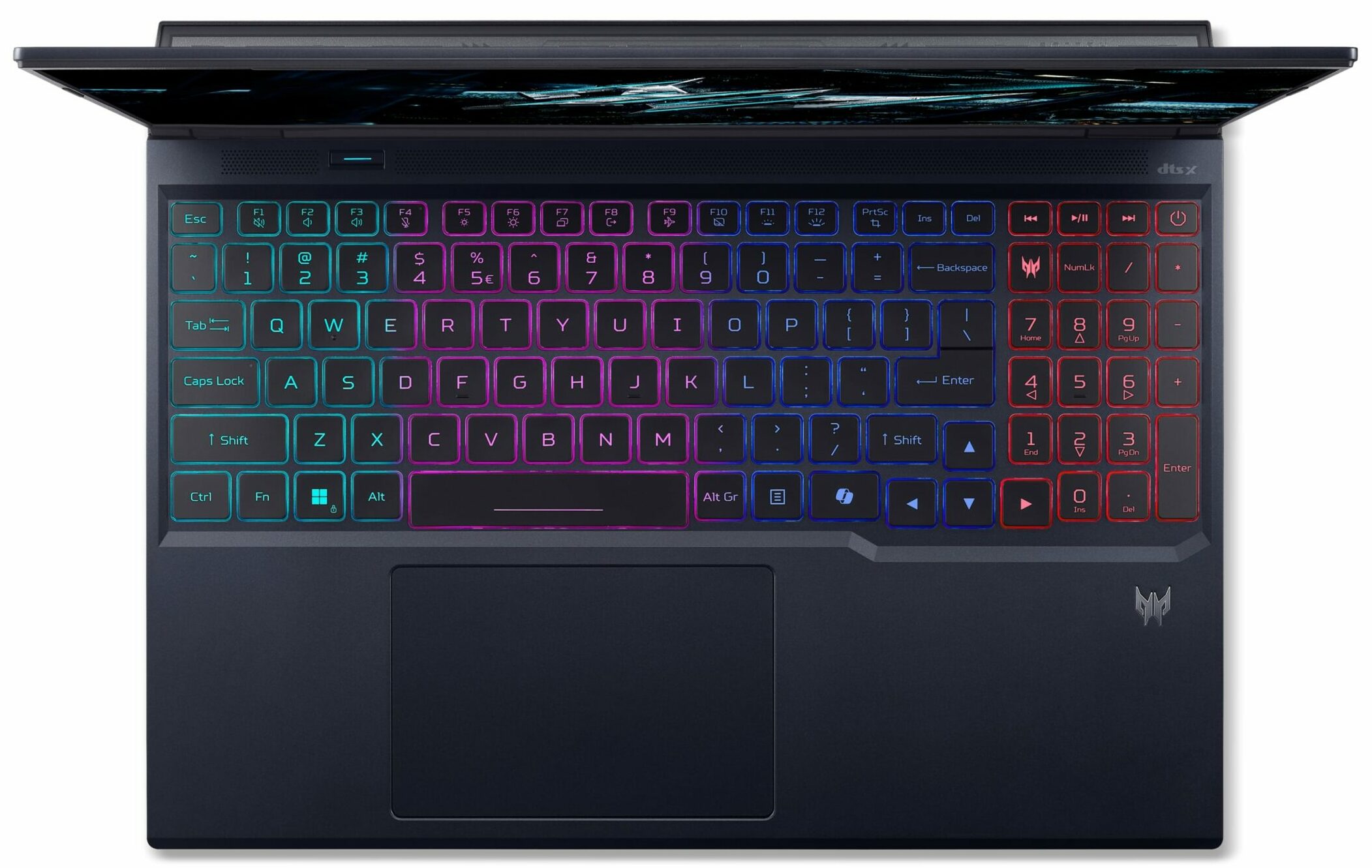
- Comfortable keyboard with full-sized arrow keys and a NumPad
- Premium-feeling and chic design
Cons
- Extremely reflective glossy screen, one of the worst measured + PWM for brightness control, bad for eye-safety
- Mediocre battery life for a 90Wh capacity
- No physical privacy shutter for the webcam
Disassembly, maintenance and upgrade options
Opening the device Hint: Use a Torx T6 screwdriver and a plastic pry tool to avoid scratching the chassis.Remove the ten Torx T6 screws from the bottom panel. Release the clips around the perimeter using a plastic tool. Lift the panel away to expose the internals.Battery removal Caution: The 90 Wh battery has exposed cells—handle carefully to avoid puncturing.Locate the four-cell 90 Wh battery pack in the lower section. Disconnect the battery cable from the motherboard. Lift the battery free of the frame—no brackets or screws secure it.Memory upgra[...]
Read more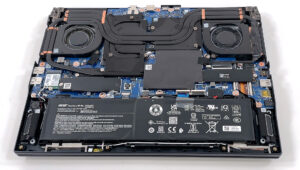


![[June 2026] Best-Selling Laptop Brands on Amazon Global – Apple’s Unrivaled Dominance in Units and Revenue](https://laptopmedia.com/wp-content/uploads/2026/07/GLOBAL-Best-Brands-400x225.jpg)
![[June 2026] Amazon Global: Top 10 Best-Selling Laptops – Apple’s New MacBook Neo Storms to #1, Reshaping the Market with Affordability](https://laptopmedia.com/wp-content/uploads/2026/07/Best-Selling-Laptops-GLOBAL-Top-10-400x225.jpg)
![[June 2026] Amazon Global: Top 10 Best-Selling Gaming Laptops – Acer’s Nitro V 16S AI Dominates Sales, While ASUS Leads Overall Revenue](https://laptopmedia.com/wp-content/uploads/2026/07/Best-Selling-Gaming-Laptops-GLOBAL-Top-10-400x225.jpg)
![[June 2026] Global Ranking of Best-Selling Laptop GPUs on Amazon – NVIDIA RTX 5060 is the Top-Selling Dedicated GPU](https://laptopmedia.com/wp-content/uploads/2026/07/Best-Selling-GPUs-GLOBAL-Top-10-400x225.jpg)
![[June 2026] Global Ranking of Best-Selling Laptop CPUs on Amazon – Apple M5 Dominates, AMD Ryzen 7 260 Gets Solid Premium Share](https://laptopmedia.com/wp-content/uploads/2026/07/Best-Selling-CPUs-GLOBAL-Top-10-400x225.jpg)
