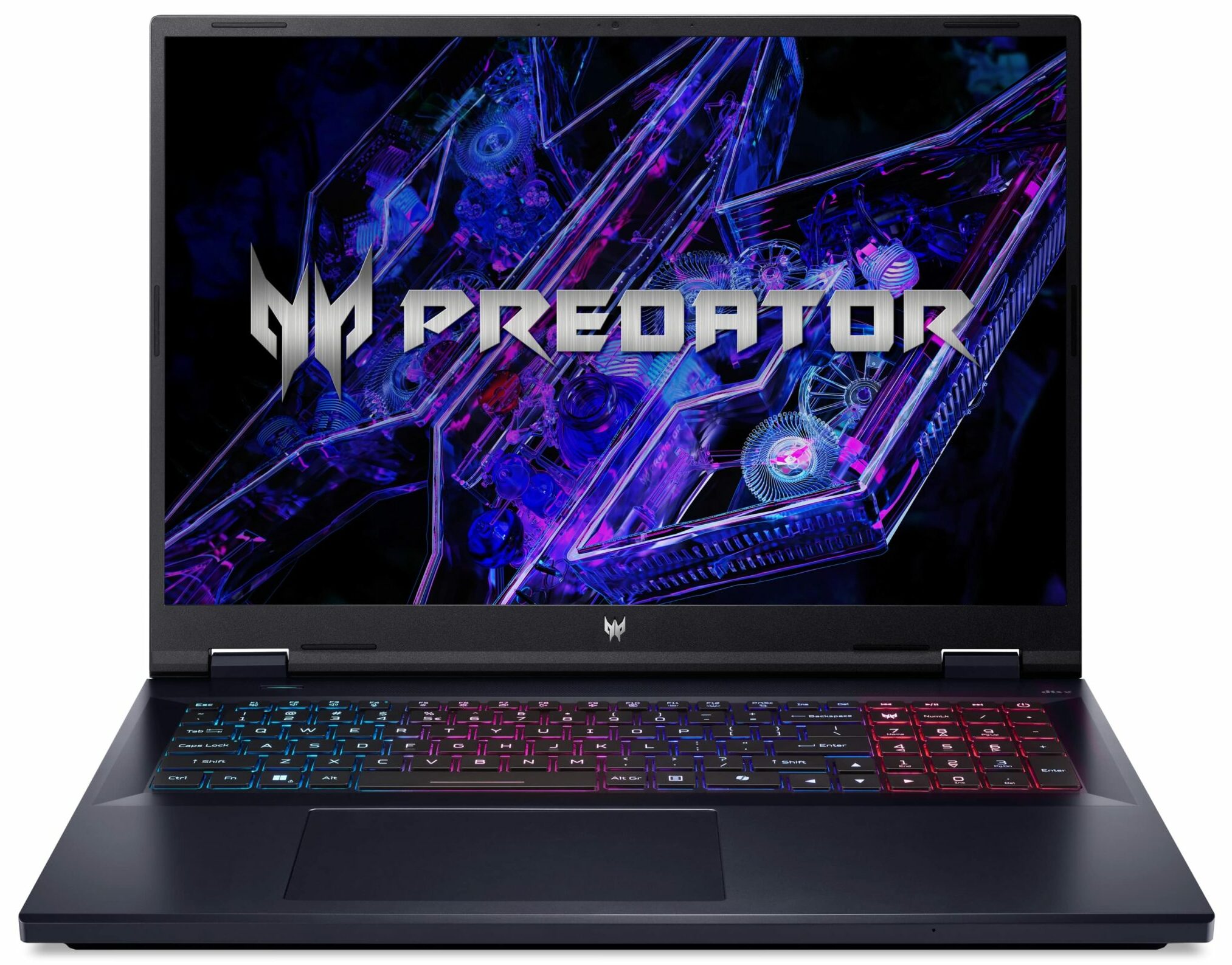
Acer Predator Helios Neo 18
_000052.jpg)


- Date Published: 29 Apr 2025
- Intel Core i9-14900HX
- NVIDIA GeForce RTX 4080 (Laptop)
- 18.0", WQXGA (2560 x 1600), 240 Hz, IPS
- 4000GB SSD
- 64GB RAM
- 3.40 kg (7.5 lbs)

Review
Acer Predator Helios Neo 18 in-depth review
With the Predator Helios Neo 18 (PHN18-71), Acer wants to offer a not-so-expensive 18-incher that is still a capable gaming device with a huge display. The design and even the internals are very similar to the Acer Predator Helios 18 (PH18-72). This is great because the PH18-72 sibling is one of the best high-end devices that we have tested up to date. The latter is configured with just top-of-the-line hardware. This also applies to the PHN18-71 if you pick a machine with the most powerful CPU and GPU options. Here, you can choose between five Intel Raptor Lake-HX processors and three NVIDIA Ada Lovelace video cards. That's one of the main reasons for the more pleasant price of the Neo 18 model - the most powerful graphics card for the series is the 140W Geforce RTX 4070 (Laptop).Ther[...]
Read the full review
Pros
- 2x SODIMMs + 2x M.2 Gen 4 slots
- 100% sRGB and 99% DCI-P3 coverage + accurate color representation with our "Design and Gaming" profile (AUO B180QAN01.1 (AUOEB95))
- 165Hz 1600p IPS display with snappy pixel response times (AUO B180QAN01.1 (AUOEB95))
- G-Sync support + MUX switch + NVIDIA Advanced Optimus
- Great port selection with two Thunderbolt 4 connectors
- Comfortable input devices
- Good chassis rigidity
- Very high GPU clocks during gaming + around 134W GPU TGP
- The optional Core i9-14900HX can maintain high frequencies under long full loads
- The fans aren't extremely noisy in "Turbo" mode
- The bottom plate can be easily opened
- Great overall performance
- A lot of RGB options
- The PredatorSense app offers many useful extras
Cons
- Short battery life
Disassembly, maintenance and upgrade options
Step 1: Opening the Acer Predator Helios Neo 18 (PHN18-71)Power off the laptop and place it on a soft surface to avoid scratches. Remove the 13 Torx-head screws from the bottom panel. Carefully lift the rear side by holding the two plastic exhaust vents. Ensure not to apply excessive force to avoid damage. Use a plastic pry tool to gently separate the rest of the panel, starting from the Ethernet connector area and moving towards the front.Step 2: Battery RemovalDisconnect the battery by unplugging its connector from the motherboard. Remove the 2 Phillips-he[...]
Read more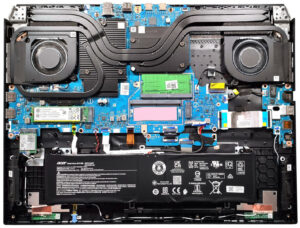


![[June 2026] Best-Selling Laptop Brands on Amazon Global – Apple’s Unrivaled Dominance in Units and Revenue](https://laptopmedia.com/wp-content/uploads/2026/07/GLOBAL-Best-Brands-400x225.jpg)
![[June 2026] Amazon Global: Top 10 Best-Selling Laptops – Apple’s New MacBook Neo Storms to #1, Reshaping the Market with Affordability](https://laptopmedia.com/wp-content/uploads/2026/07/Best-Selling-Laptops-GLOBAL-Top-10-400x225.jpg)
![[June 2026] Amazon Global: Top 10 Best-Selling Gaming Laptops – Acer’s Nitro V 16S AI Dominates Sales, While ASUS Leads Overall Revenue](https://laptopmedia.com/wp-content/uploads/2026/07/Best-Selling-Gaming-Laptops-GLOBAL-Top-10-400x225.jpg)
![[June 2026] Global Ranking of Best-Selling Laptop GPUs on Amazon – NVIDIA RTX 5060 is the Top-Selling Dedicated GPU](https://laptopmedia.com/wp-content/uploads/2026/07/Best-Selling-GPUs-GLOBAL-Top-10-400x225.jpg)
![[June 2026] Global Ranking of Best-Selling Laptop CPUs on Amazon – Apple M5 Dominates, AMD Ryzen 7 260 Gets Solid Premium Share](https://laptopmedia.com/wp-content/uploads/2026/07/Best-Selling-CPUs-GLOBAL-Top-10-400x225.jpg)
