Acer Predator Triton 300 (PT315-51)
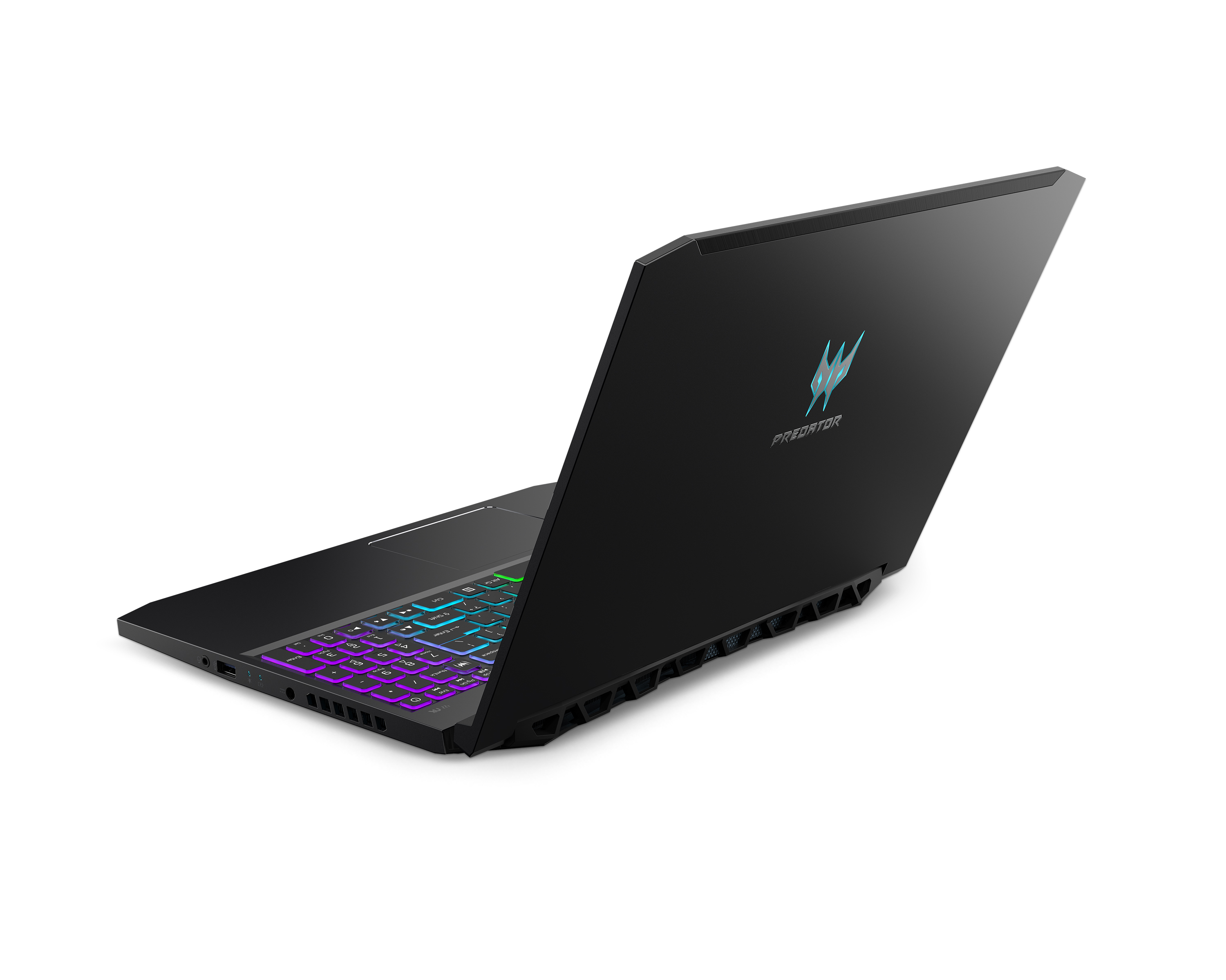

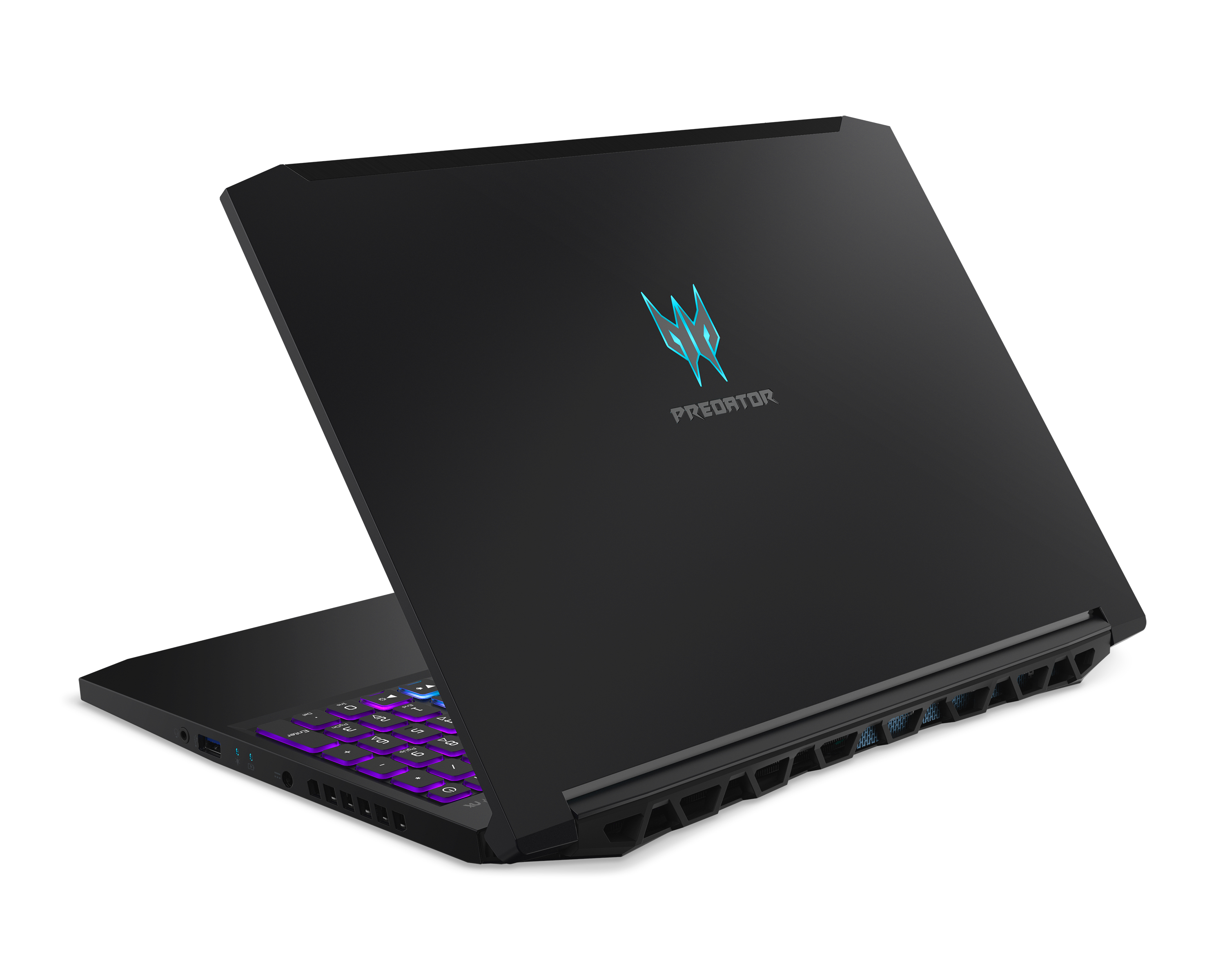
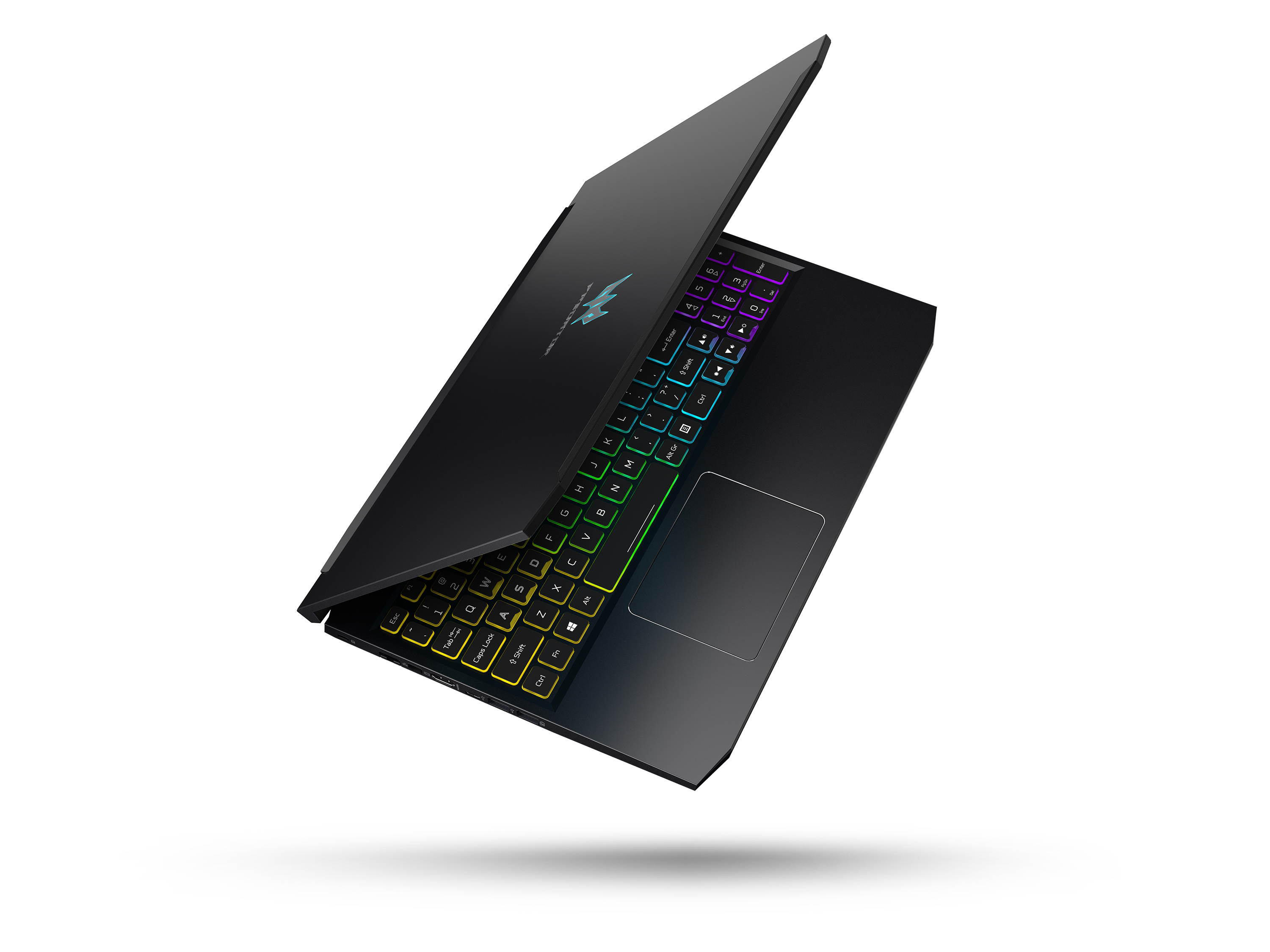

- Date Published: 13 Nov 2020
- Intel Core i7-9750H
- NVIDIA GeForce GTX 1650 (Laptop, 50W)
- 15.6”, Full HD (1920 x 1080), 144 Hz, IPS
- 512GB SSD
- 16GB (1x 16384MB) - DDR4, 2666MHz
- 2.50 kg (5.5 lbs)
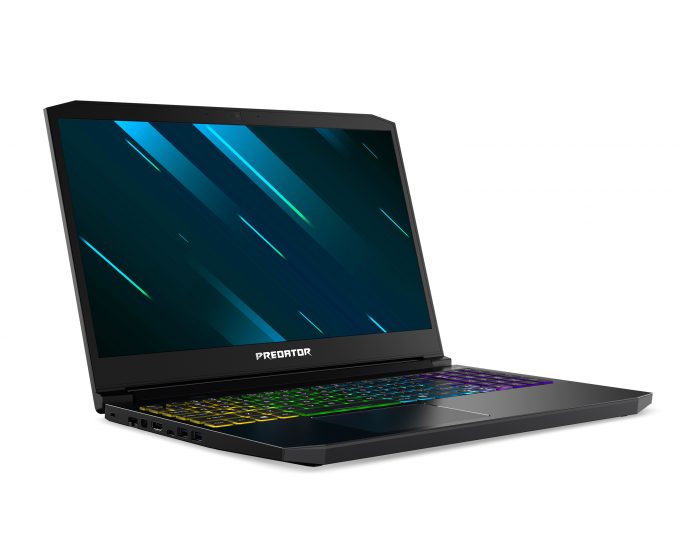
Review
Acer Predator Triton 300 (PT315-51) in-depth review
Among all of the Predator brands of Acer, there is one in particular, that received a major overhaul this season - the Triton. Earlier this year, we were able to get our hands on both the Triton 500 and Triton 900, which were the newcomers in the laptop gaming industry. Now, there is a third one - the Triton 300, which is dubbed as the lower budget model.Interestingly, this laptop looks incredibly similar to the Helios 300 and the Acer Nitro 5 (AN515-54). So, what is the reason Acer is duplicating their hardware and is it actually duplicating? Of course, all of the aforementioned are parts of different subbrands, which in many cases means different target groups. No matter if we are talking about a fan base or region availability.Other than that, the Triton 300 (PT315-51) can be c[...]
Read the full review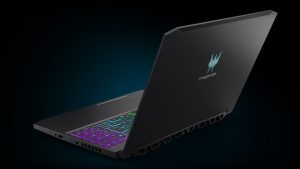
Pros
- All-aluminum build
- 91% sRGB coverage and no aggressive PWM for brightness adjustment (Innolux N156HCE-N1)
- Great keyboard for gaming
- Upgradability is on point with two M.2 PCIe SSD slots
- PredatorSense app offers good customization
- Impressive battery life
Cons
- Lacks Thunderbolt connector
- Doesn't feature an SD card reader
- Gets warm in long gaming sessions
Disassembly, maintenance and upgrade options
The Predator Triton 300 is the new boy in the Predator line-up of Gaming notebooks of Acer. Let's see how does it look on the inside, and give you a quick run-through of its components.Check out all Acer Predator Triton 300 (PT315-51) prices and configurations in our Specs System or read more in our In-Depth review.1. Remove the bottom plate What do you need to remove the bottom panel? Just unscrew the 11 Phillips-head screws and pop it open with a plastic tool.2. Battery For your own safety and that of the machine, remove the battery connector before you proceed with upg[...]
Read more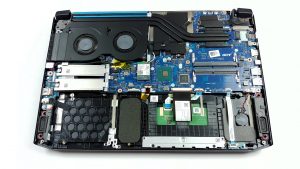


![[June 2026] Best-Selling Laptop Brands on Amazon Global – Apple’s Unrivaled Dominance in Units and Revenue](https://laptopmedia.com/wp-content/uploads/2026/07/GLOBAL-Best-Brands-400x225.jpg)
![[June 2026] Amazon Global: Top 10 Best-Selling Laptops – Apple’s New MacBook Neo Storms to #1, Reshaping the Market with Affordability](https://laptopmedia.com/wp-content/uploads/2026/07/Best-Selling-Laptops-GLOBAL-Top-10-400x225.jpg)
![[June 2026] Amazon Global: Top 10 Best-Selling Gaming Laptops – Acer’s Nitro V 16S AI Dominates Sales, While ASUS Leads Overall Revenue](https://laptopmedia.com/wp-content/uploads/2026/07/Best-Selling-Gaming-Laptops-GLOBAL-Top-10-400x225.jpg)
![[June 2026] Global Ranking of Best-Selling Laptop GPUs on Amazon – NVIDIA RTX 5060 is the Top-Selling Dedicated GPU](https://laptopmedia.com/wp-content/uploads/2026/07/Best-Selling-GPUs-GLOBAL-Top-10-400x225.jpg)
![[June 2026] Global Ranking of Best-Selling Laptop CPUs on Amazon – Apple M5 Dominates, AMD Ryzen 7 260 Gets Solid Premium Share](https://laptopmedia.com/wp-content/uploads/2026/07/Best-Selling-CPUs-GLOBAL-Top-10-400x225.jpg)
