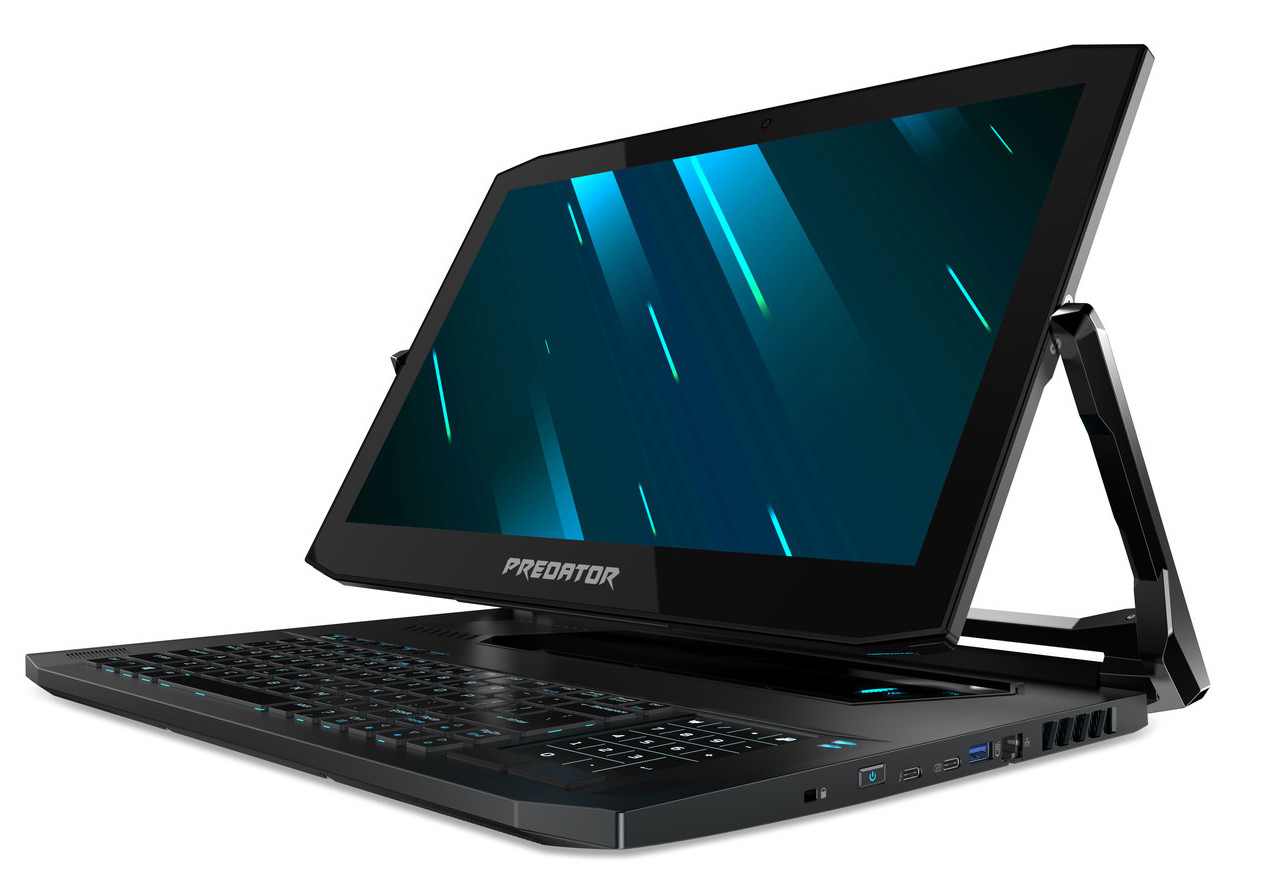
Acer Predator Triton 900
- Date Published: 07 Nov 2019
- Intel Core i7-9750H
- NVIDIA GeForce RTX 2080 (Laptop)
- 17.3”, 4K UHD (3840 x 2160), IPS
- 1000GB SSD
- 32GB DDR4
- 4.50 kg (9.9 lbs)
Review
Acer Predator Triton 900 in-depth review
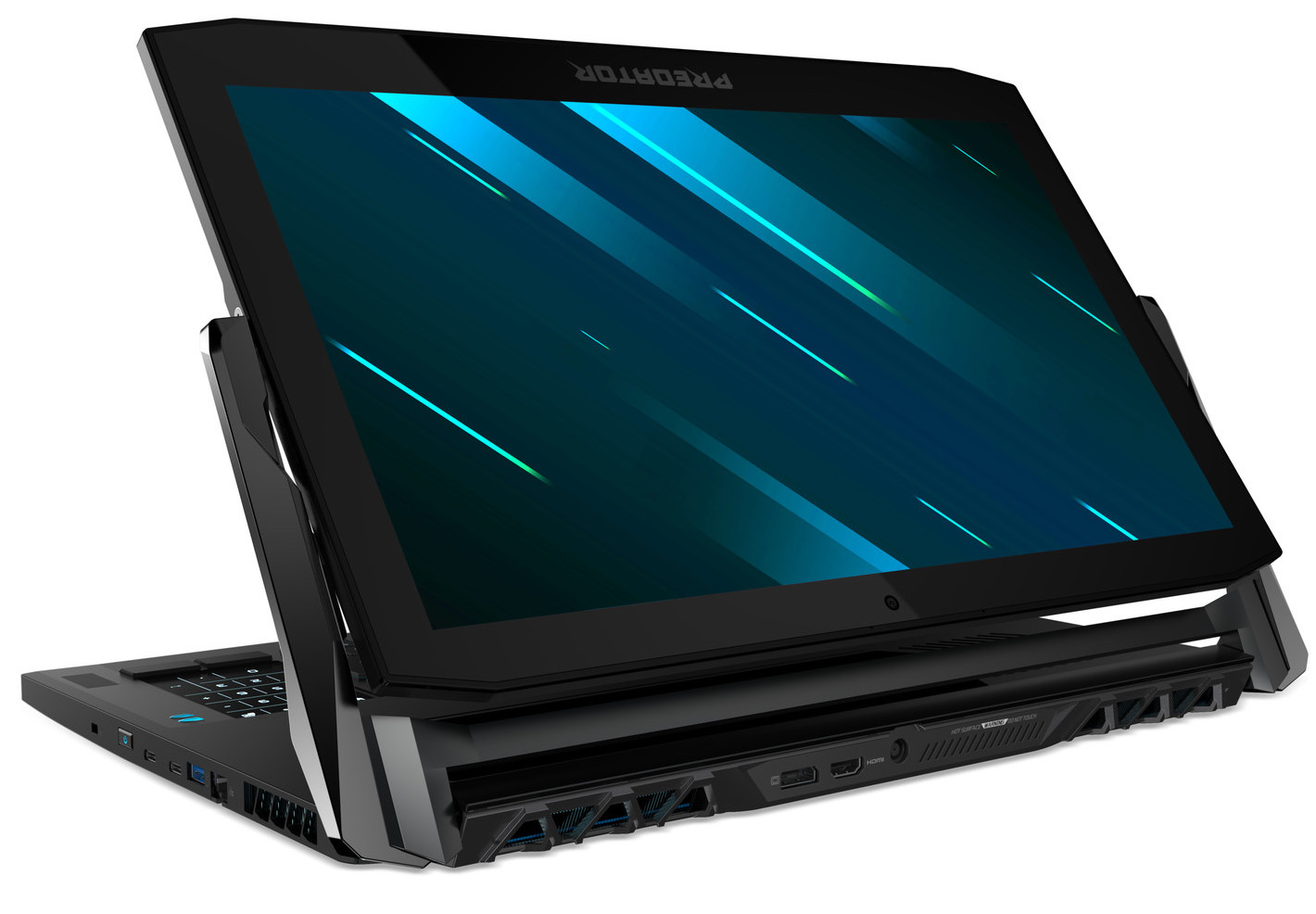
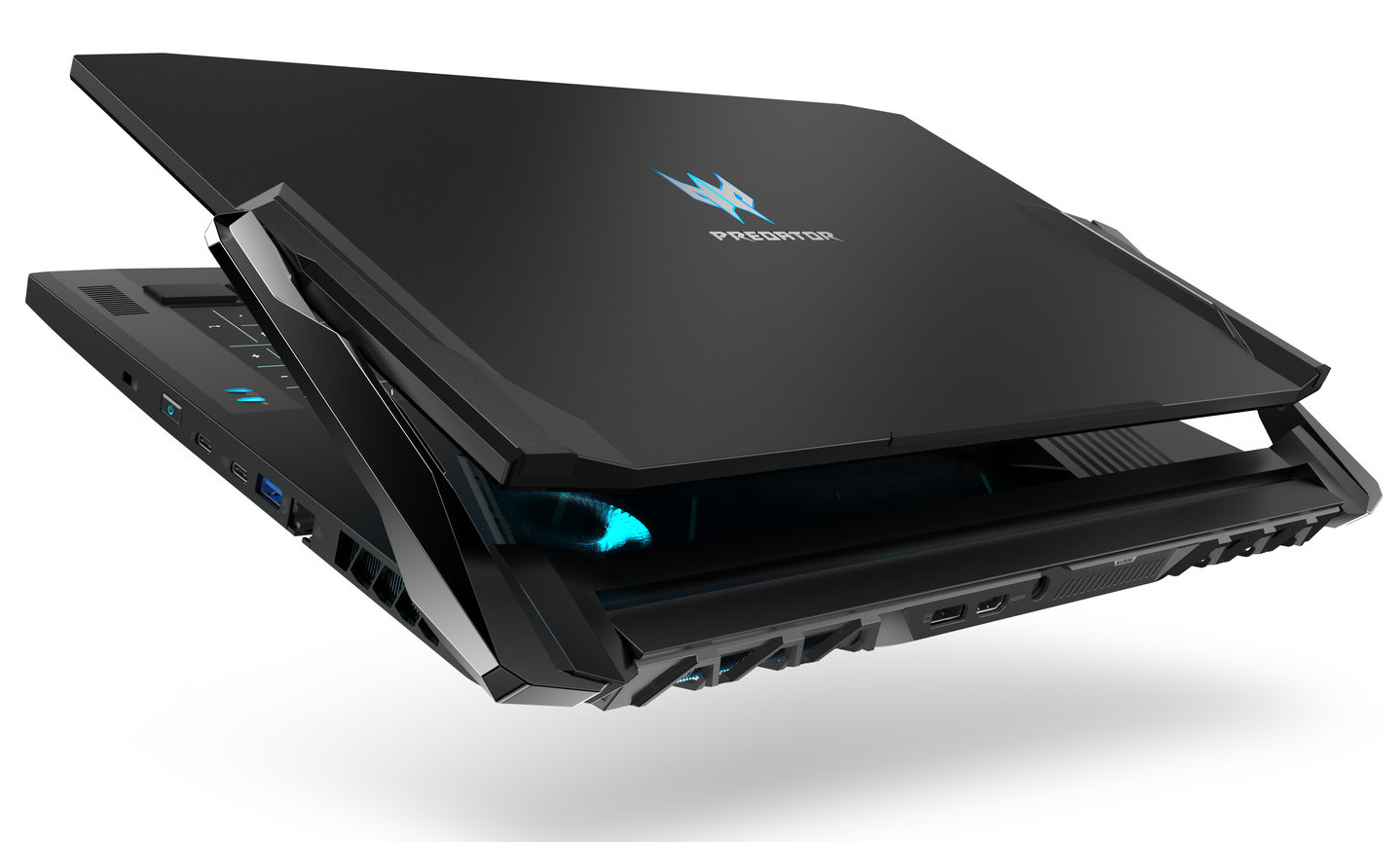
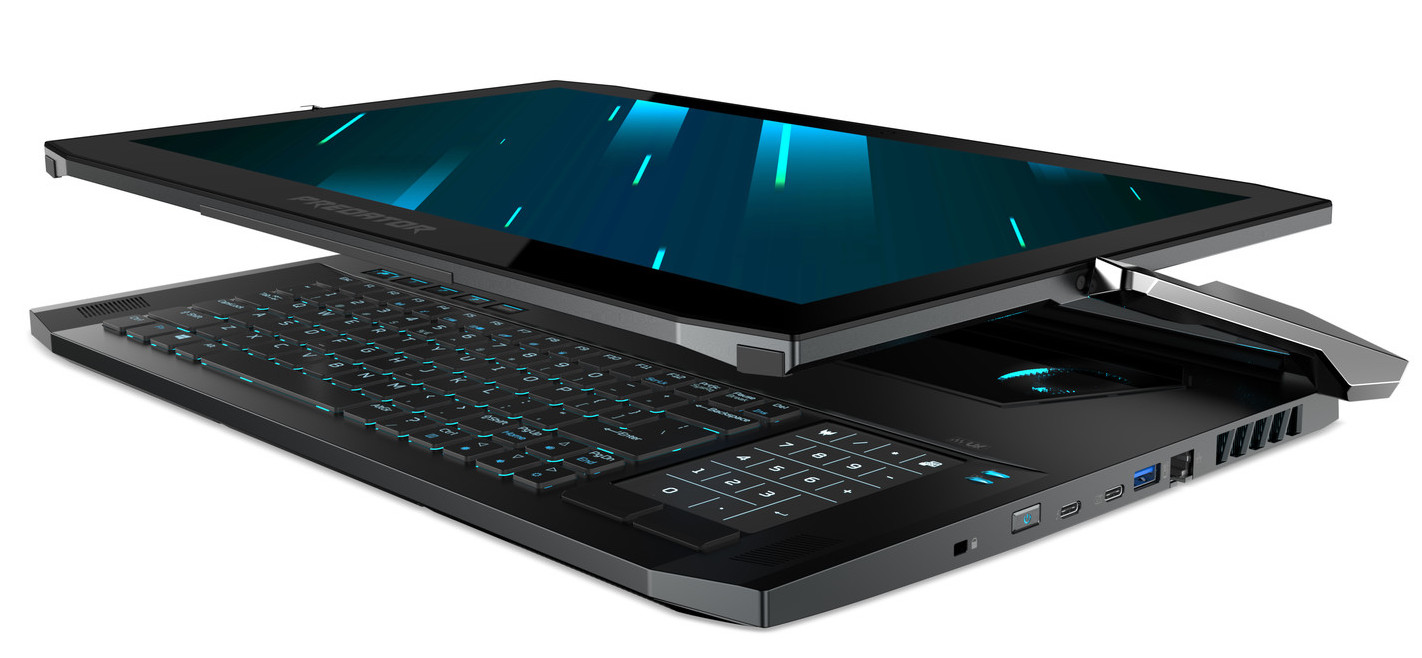
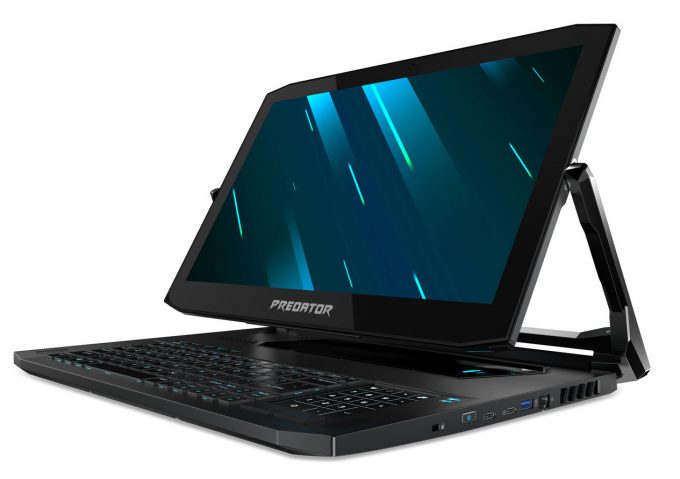
At CES in January this year, Acer announced two very interesting devices. While they bear a similar name, they are completely different from each other, thus are their target markets. One of them is the Triton 500 (which we've already reviewed), while the other is called the Acer Predator Triton 900. At 17-inch, it not only is a substantially bigger device, but it features a breakthrough in laptop design.It has a hinge, which enables the screen to move at almost 180 degrees, which when coupled with the axial movement of the hinge itself (Ezel Aero Hinge as Acer calls it), results in a Microsoft Surface Studio experience - in a laptop... for games. By the way, it was one of three major approaches taken by manufacturers, in order to revolutionize the market. While, this is a more conven[...]
Read the full review
Pros
- Adequate cooling
- Easy to upgrade
- 100% Adobe RGB coverage, spreading in DCI-P3 territory (AUO B173ZAN01.0 (AUO109B))
- Just 23.9 mm profile, despite the full-blown RTX 2080
- 4K touchscreen display, that doesn't use PWM to adjust its brightness (AUO B173ZAN01.0 (AUO109B))
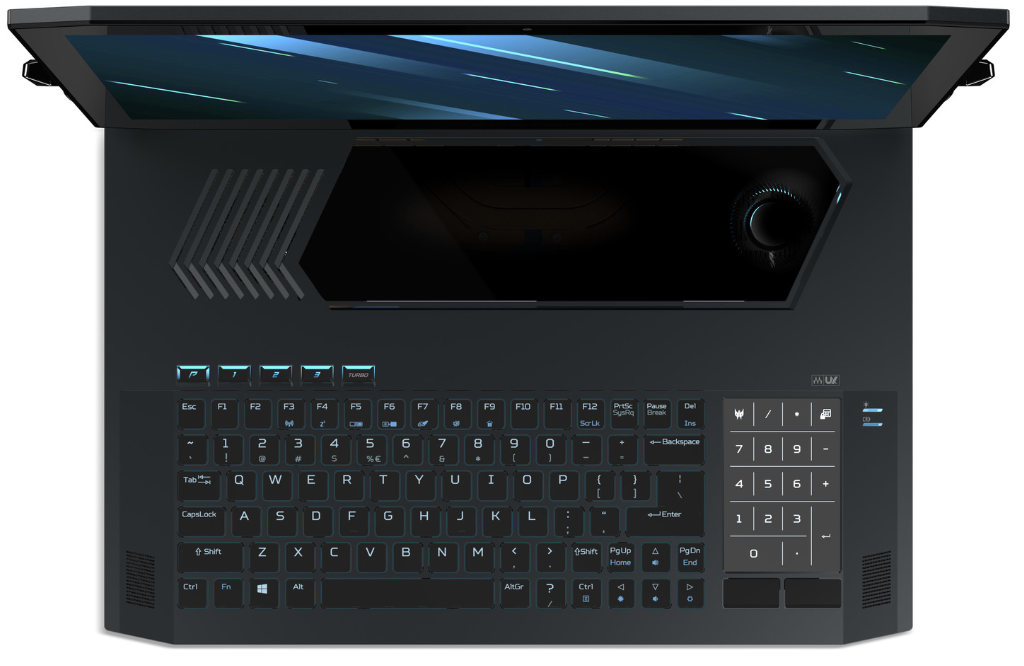
- RGB backlit mechanical keyboard
- Extravagant innovative hinge design
- Incredibly potent hardware
Cons
- Gets quite loud during gaming
- Bends a little bit when held at the edge
- Pretty heavy for such a thin profile
- Terrible battery life
Disassembly, maintenance and upgrade options
Acer Predator Triton 900 is one of the most sophisticated laptops of early 2019. It not only embodies a full-blown RTX 2080 in a rather thin chassis but also houses a rotatable touchscreen display, thanks to its revolutionary hinge assembly.Check out all Acer Predator Triton 900 prices and configurations in our Specs System or read more in our In-depth Review.1. Remove the bottom plate After you unscrew all of the 12 Phillips-head screws, you need to turn the laptop around and carefully pry the base up. Mind the fact, that there are two ribbon-styled cables and one regular one, [...]
Read more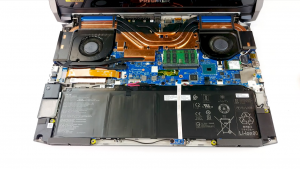
DISPLAY: 17.3-inch, 3840 x 2160, IPS
- Name
- AUO B173ZAN01.0
- Diagonal
- 17.3"
- Pixel density
- 254.67 ppi
- Brightness
- 388 cd/m2
- sRGB
- 100%
- Panel Type
- IPS
- Resolution
- 3840 x 2160
- Becomes "Retina" from
- 14 inches (34 cm)
- Contrast
- 1030:1
- dE Color Checker
- 4.7 1.1

Buy our profiles for AUO B173ZAN01.0
In addition to receiving efficient and health-friendly profiles, by buying LaptopMedia's products you also support the development of our labs, where we test devices in order to produce the most objective reviews possible.

Office Work / Web Design
If your field is office work or web design, or you just want your monitor's color set to be as accurate as possible for the Internet color space, this profile will prove to be useful.

Gaming and Movie Nights
We developed this profile especially for games and movies. It makes fine nuances in dark scenes easier to discern during long sessions in front of the display.

Health-Guard
This profile reduces the negative impact of Pulse-Width Modulation (PWM) and the Blue Light spectrum, while keeping colors perceptually accurate for this panel.



![[June 2026] Best-Selling Laptop Brands on Amazon Global – Apple’s Unrivaled Dominance in Units and Revenue](https://laptopmedia.com/wp-content/uploads/2026/07/GLOBAL-Best-Brands-400x225.jpg)
![[June 2026] Amazon Global: Top 10 Best-Selling Laptops – Apple’s New MacBook Neo Storms to #1, Reshaping the Market with Affordability](https://laptopmedia.com/wp-content/uploads/2026/07/Best-Selling-Laptops-GLOBAL-Top-10-400x225.jpg)
![[June 2026] Amazon Global: Top 10 Best-Selling Gaming Laptops – Acer’s Nitro V 16S AI Dominates Sales, While ASUS Leads Overall Revenue](https://laptopmedia.com/wp-content/uploads/2026/07/Best-Selling-Gaming-Laptops-GLOBAL-Top-10-400x225.jpg)
![[June 2026] Global Ranking of Best-Selling Laptop GPUs on Amazon – NVIDIA RTX 5060 is the Top-Selling Dedicated GPU](https://laptopmedia.com/wp-content/uploads/2026/07/Best-Selling-GPUs-GLOBAL-Top-10-400x225.jpg)
![[June 2026] Global Ranking of Best-Selling Laptop CPUs on Amazon – Apple M5 Dominates, AMD Ryzen 7 260 Gets Solid Premium Share](https://laptopmedia.com/wp-content/uploads/2026/07/Best-Selling-CPUs-GLOBAL-Top-10-400x225.jpg)
