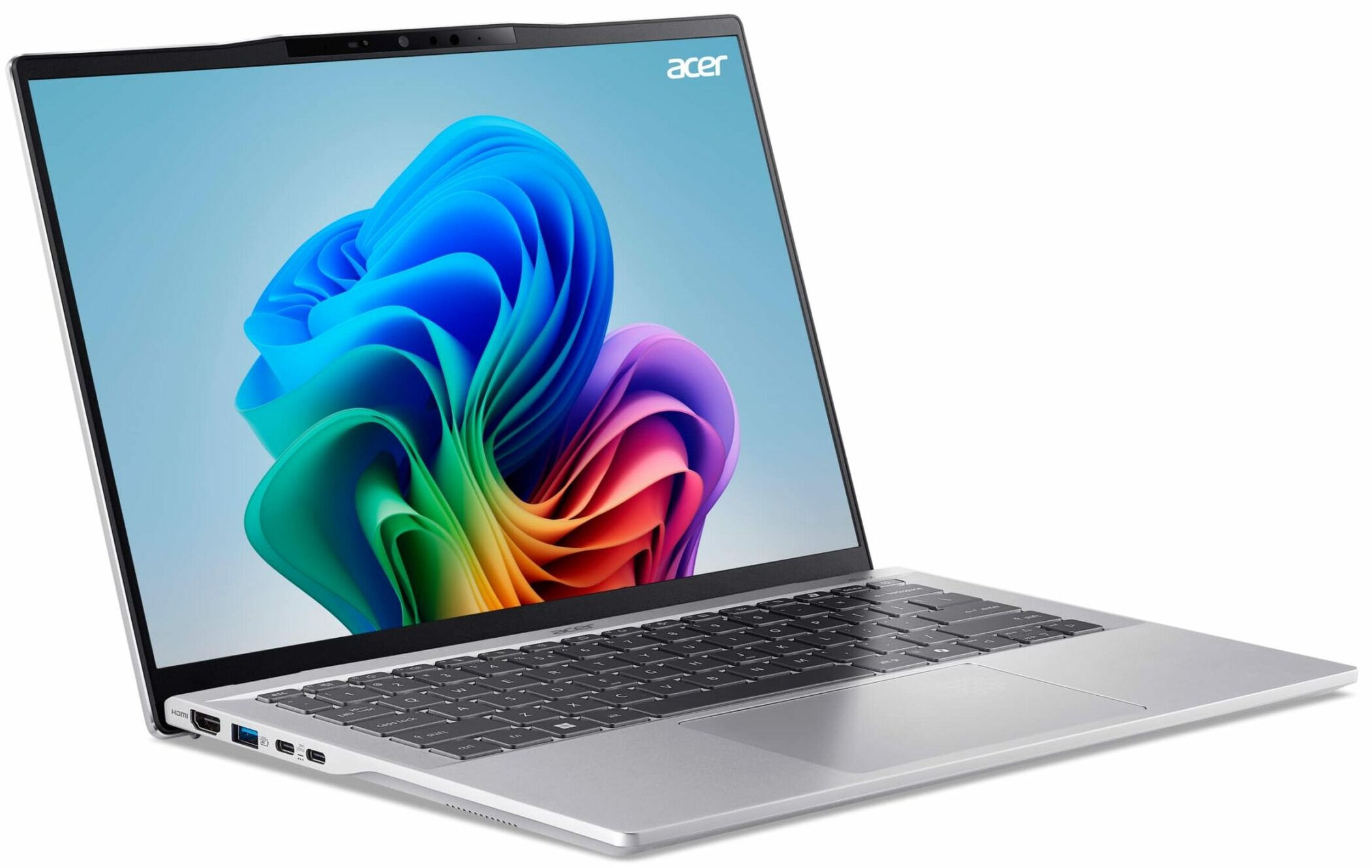
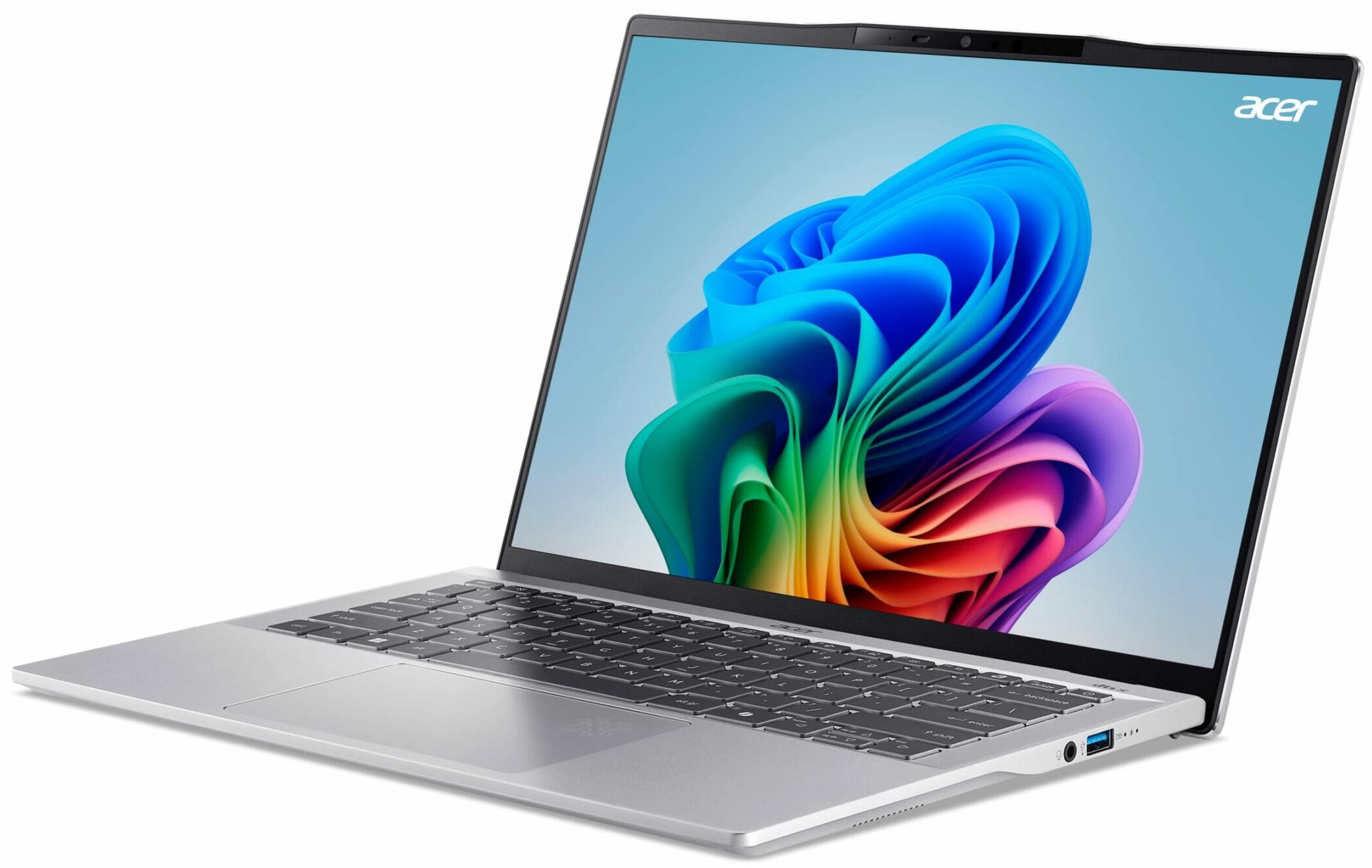
Acer Swift 14 AI
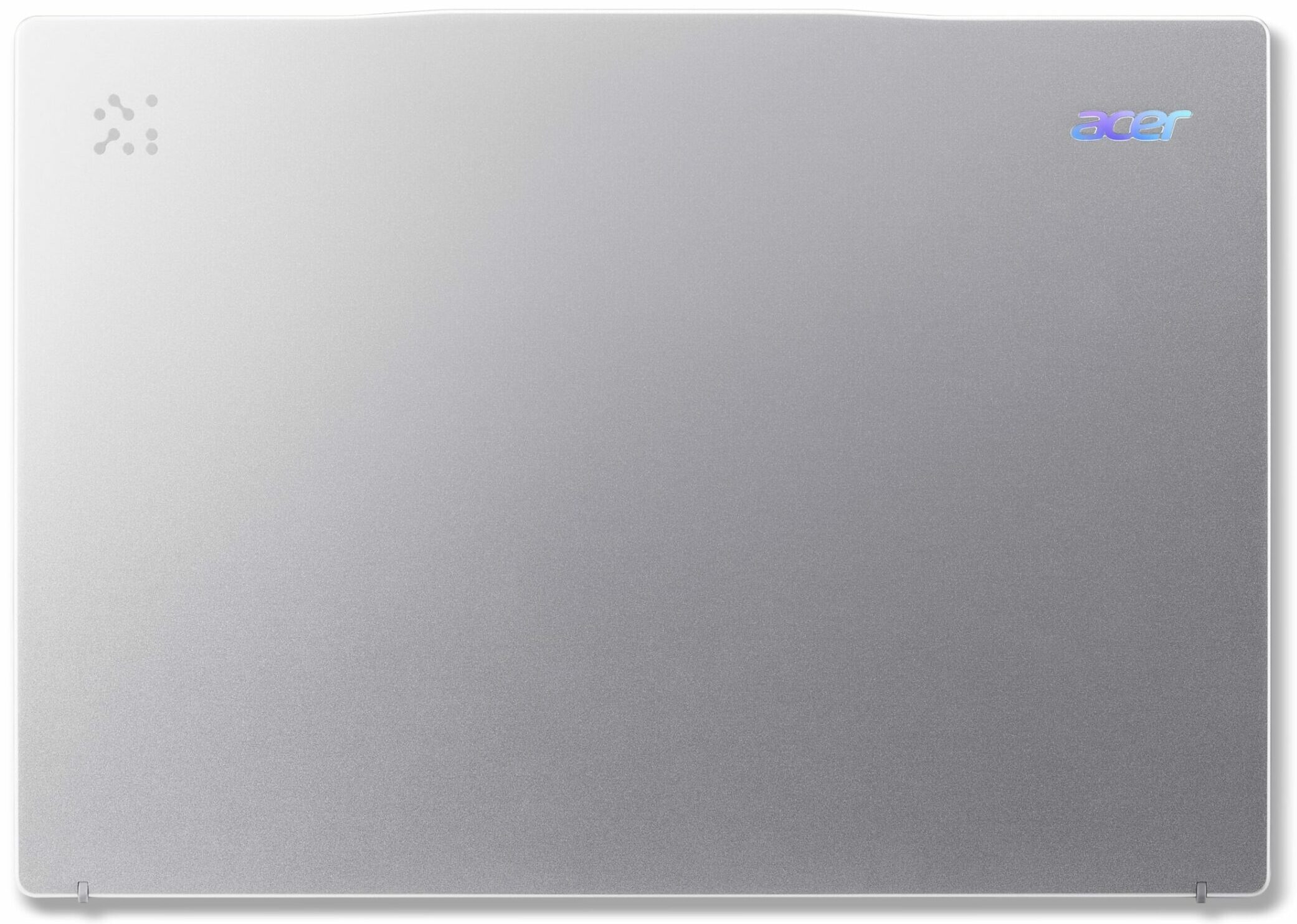
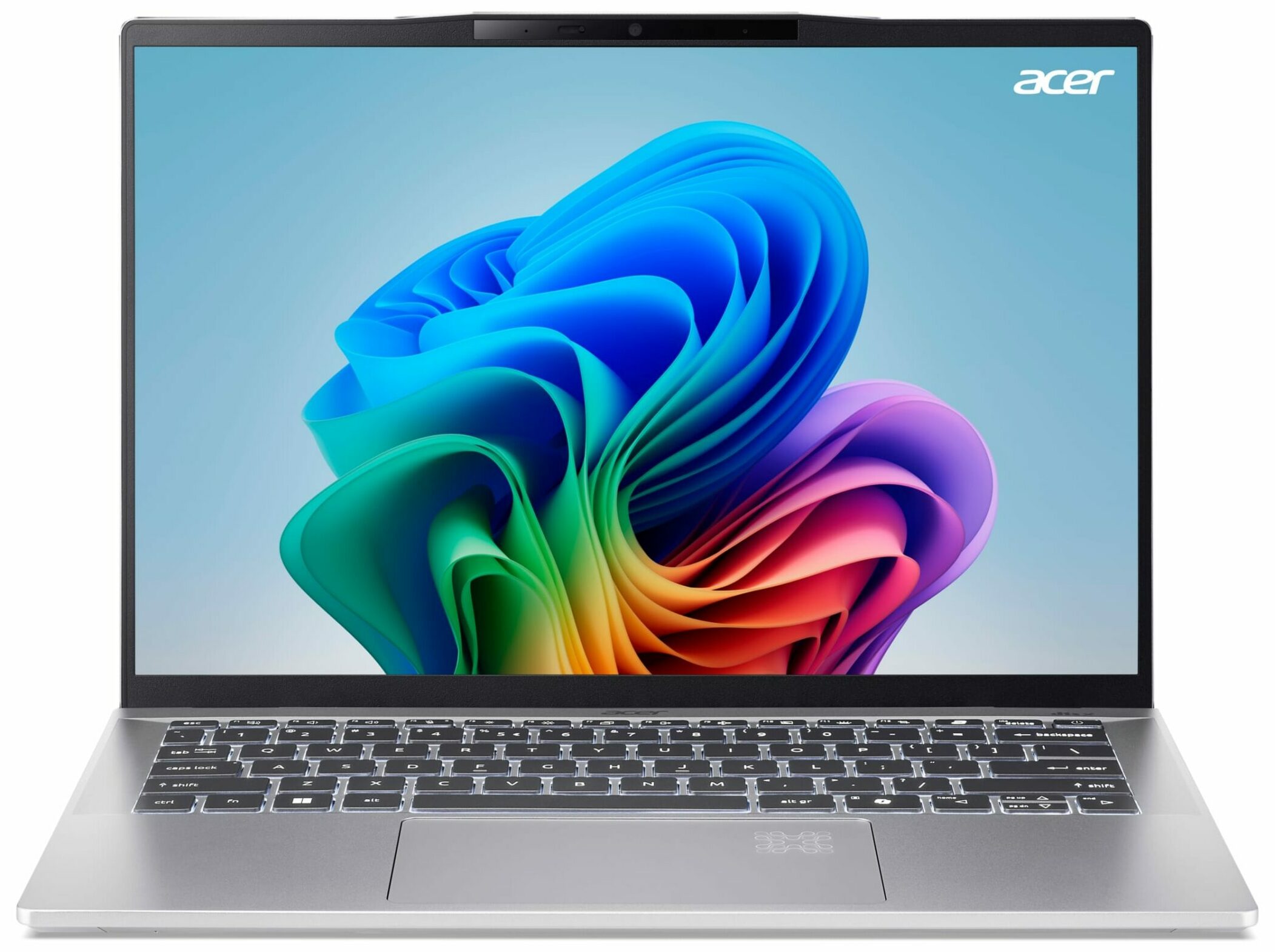
- Date Published: 20 Oct 2025
- AMD Ryzen AI 9 365
- AMD Radeon 880M
- 14.0”, WUXGA (1920 x 1200), IPS
- 1000GB SSD
- 32GB RAM
- 1.32 kg (2.9 lbs)
Specs
- Display

- HDD/SSD
- 1000GB SSD
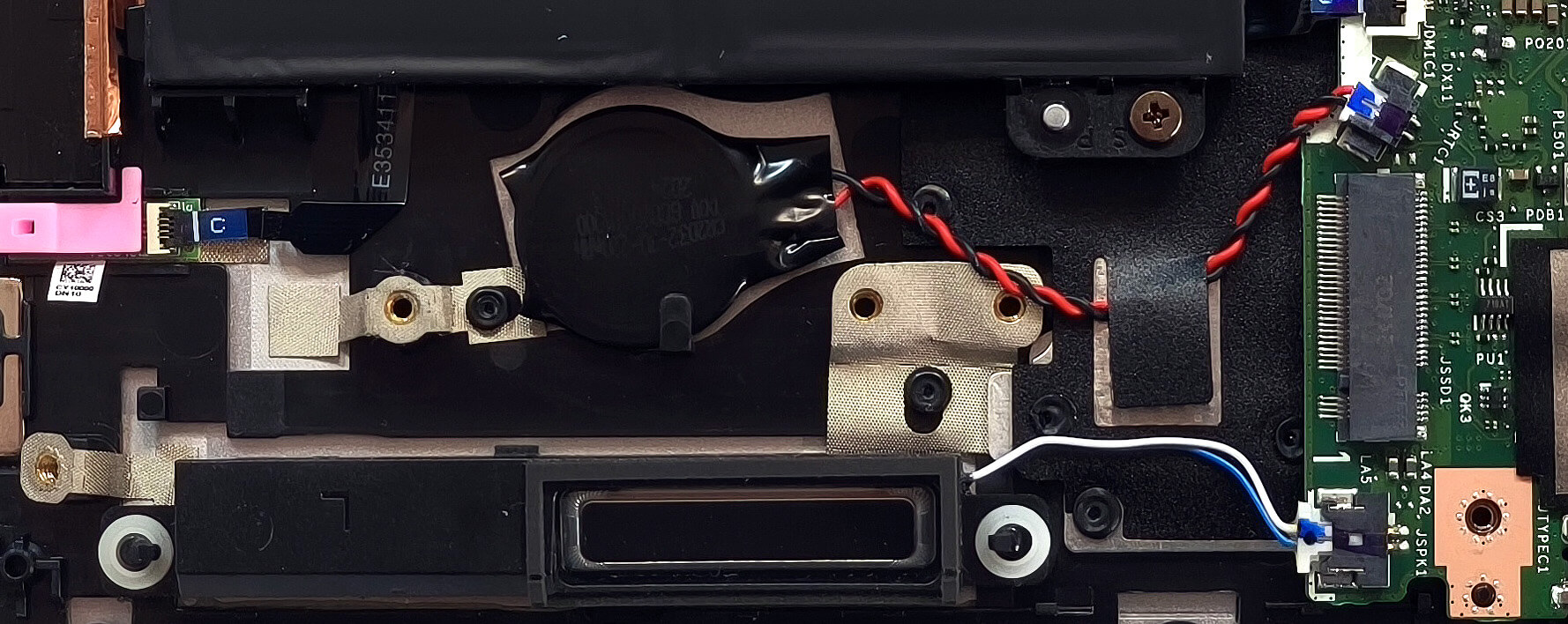
- M.2 Slot
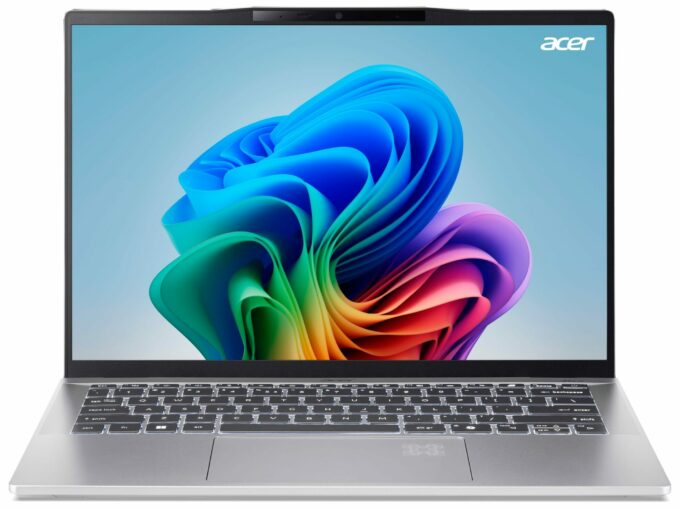
- 1x or 2x 2280 M.2 NVMe PCIe4.0 x4 See photo
- RAM
- 32GB RAM
- OS
- Windows 11 Home
- Body Material
- Aluminum
- Dimensions
- 312.9 x 222.11 x 10 - 17.9 mm (12.32" x 8.74" x 0.39")
- Weight
- 1.32 kg (2.9 lbs)
- Ports and connectivity
- 2x USB Type-A
- 3.2 Gen 1 (5 Gbps)
- 2x USB Type-C
- 4.0, Power Delivery (PD)
- HDMI
- 2.1
- Card Reader
- Ethernet LAN
- Wi-Fi
- Wi-Fi 7
- Bluetooth
- 5.4
- Audio jack
- 3.5mm Combo Jack
- Features
- Fingerprint reader
- Web camera
- QHD with Temporal Noise Reduction
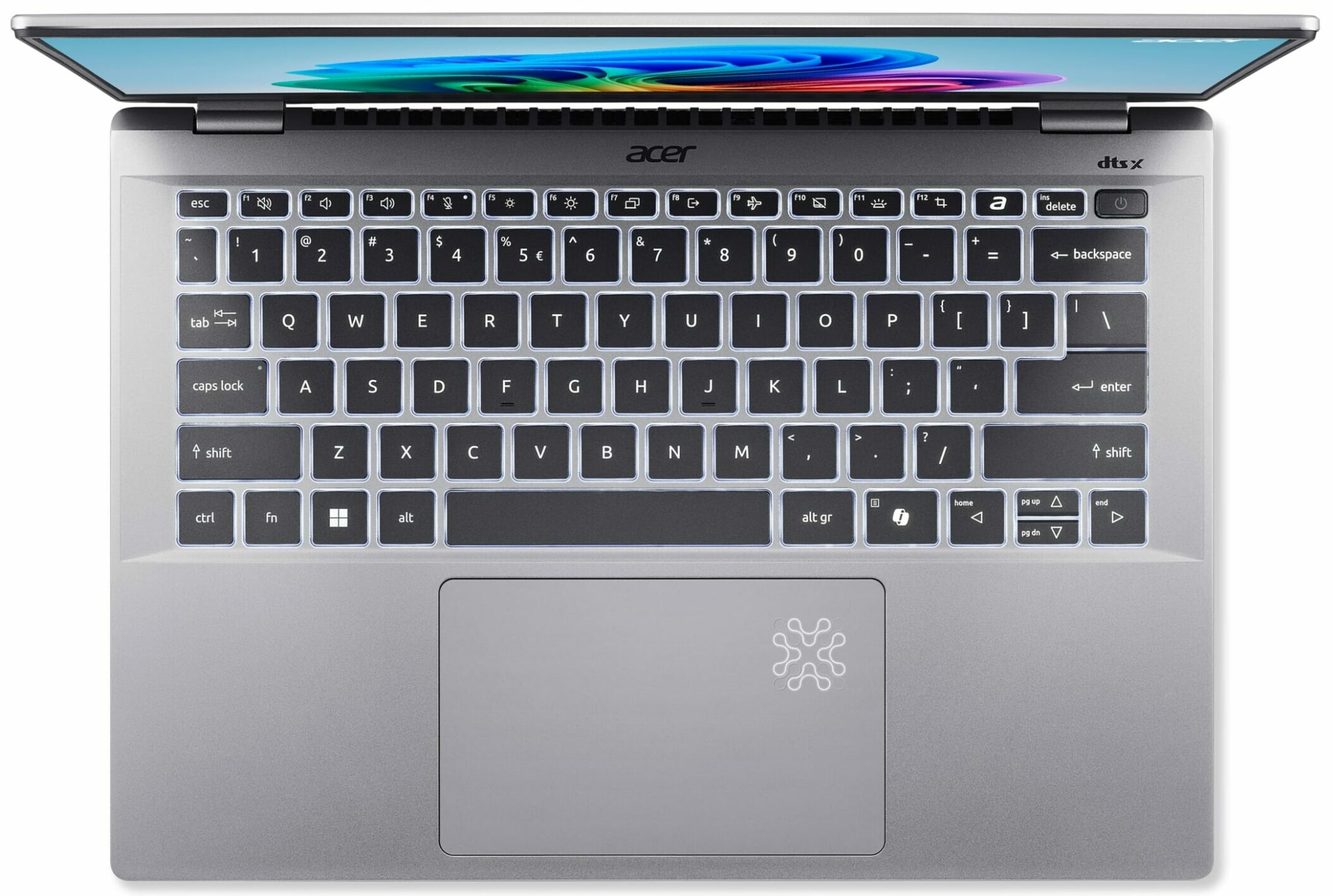
- Backlit keyboard
- Microphone
- 3x Microphones with Acer Purified Voice 2.0 and AI Noise Reduction
- Speakers
- Speaker System optimized by DTS X:Ultra Audio
- Security Lock slot
Portability
Review
Acer Swift 14 AI in-depth review
In 2025, laptops with AI features can be found in every price class. The Swift 14 AI (SF14-61T) is a small device that is powered by mighty Strix Point Zen 5 CPUs which offer pretty potent iGPUs and up to 50 TOPS of NPU power. The device is thin and light, and that's why we aren't surprised by the soldered memory. Actually, the max amount of 32GB LPDDR5x memory is quite generous for daily or office work. The connectivity is up to date thanks to the soldered Wi-Fi 7 card. The port selection is also rich, we like the presence of two full-function USB4 connectors.Our machine is equipped with a 1200p IPS touchscreen. It's a color-accurate unit with vibrant colors. According to Acer's Web site, 3K IPS and OLED screens are also available but these two are region-dependable.The cooling of[...]
Read the full review
Pros
- Long battery life even with the default 65Wh unit ~ 14 hours of videos
- Light and thin (1.32 kg / 10 - 17.9 mm)
- Aluminum build
- The anodized finish seems fingerprint-proof
- PWM-free touchscreen (CMN1459)
- Wide viewing angles + 16:10 aspect ratio (CMN1459)
- 419 nits of max brightness + 1650:1 contrast ratio (CMN1459)
- 98% sRGB coverage and great color accuracy when our "Design and Office" profile is applied (CMN1459)
- Wi-Fi 7 + Bluetooth 5.4
- Good comfort during full system loads
- The Ryzen AI 9 HX 370 maintains ~ 3.30 GHz / 2.41 GHz in longer stress
- Up to 32GB LPDDR5x
- You can pop the bottom plate pretty easily
- Modern port selection with 2x USB4s and 2x Type-As
- Pluton Security Processor + privacy shutter + fingerprint reader
- 1440p IR Web camera
- Great touchpad
- Lid with a lever design
- Impressive CPU and iGPU performance for a 14-incher
- Keybaord with antibacterial treatment
- Copilot+ PC
Cons
- Limited upgradability
- The keyboard could be better
- 91°C CPU temperature in longer loads
- No eSIM, SD Card slot, or NFC functionality
Disassembly, maintenance and upgrade options
Step 1: Opening the Acer Swift 14 AI (SF14-61T)Shut down the laptop and place it on a stable surface. Undo the ten Torx-head screws securing the bottom panel. Pop the two areas behind the hinges using a thin plastic tool to create a gap. Carefully pry the top corners and the back, then work your way around the sides and the front to release the bottom panel. Lift the panel away to reveal the internals.More info: A large dust filter is integrated into the inside of the bottom plate, covering the ventilation grill to reduce dust ingress.Battery Removal and R[...]
Read more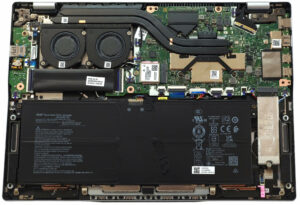


![[June 2026] Best-Selling Laptop Brands on Amazon Global – Apple’s Unrivaled Dominance in Units and Revenue](https://laptopmedia.com/wp-content/uploads/2026/07/GLOBAL-Best-Brands-400x225.jpg)
![[June 2026] Amazon Global: Top 10 Best-Selling Laptops – Apple’s New MacBook Neo Storms to #1, Reshaping the Market with Affordability](https://laptopmedia.com/wp-content/uploads/2026/07/Best-Selling-Laptops-GLOBAL-Top-10-400x225.jpg)
![[June 2026] Amazon Global: Top 10 Best-Selling Gaming Laptops – Acer’s Nitro V 16S AI Dominates Sales, While ASUS Leads Overall Revenue](https://laptopmedia.com/wp-content/uploads/2026/07/Best-Selling-Gaming-Laptops-GLOBAL-Top-10-400x225.jpg)
![[June 2026] Global Ranking of Best-Selling Laptop GPUs on Amazon – NVIDIA RTX 5060 is the Top-Selling Dedicated GPU](https://laptopmedia.com/wp-content/uploads/2026/07/Best-Selling-GPUs-GLOBAL-Top-10-400x225.jpg)
![[June 2026] Global Ranking of Best-Selling Laptop CPUs on Amazon – Apple M5 Dominates, AMD Ryzen 7 260 Gets Solid Premium Share](https://laptopmedia.com/wp-content/uploads/2026/07/Best-Selling-CPUs-GLOBAL-Top-10-400x225.jpg)