Acer TravelMate P2
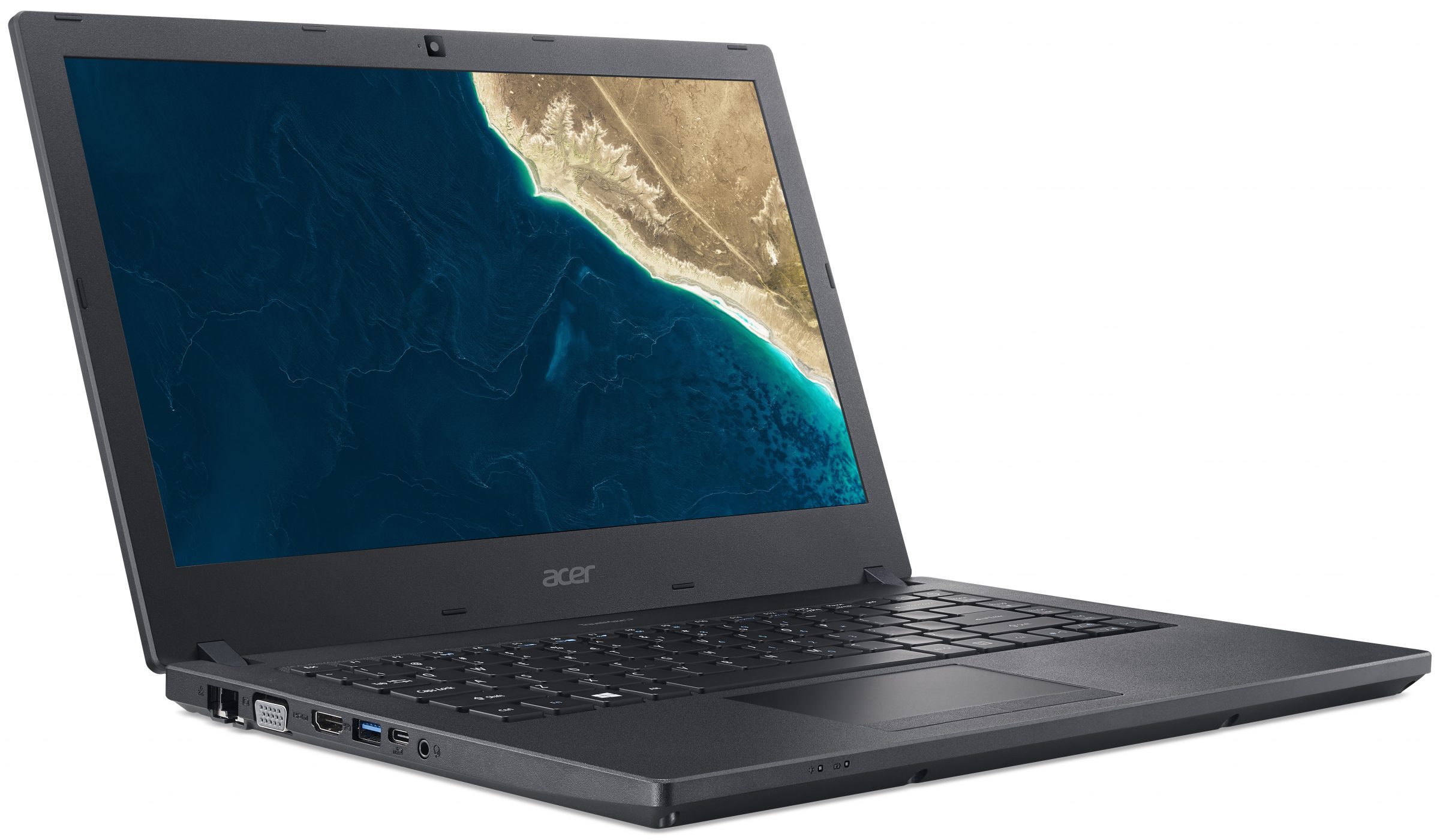

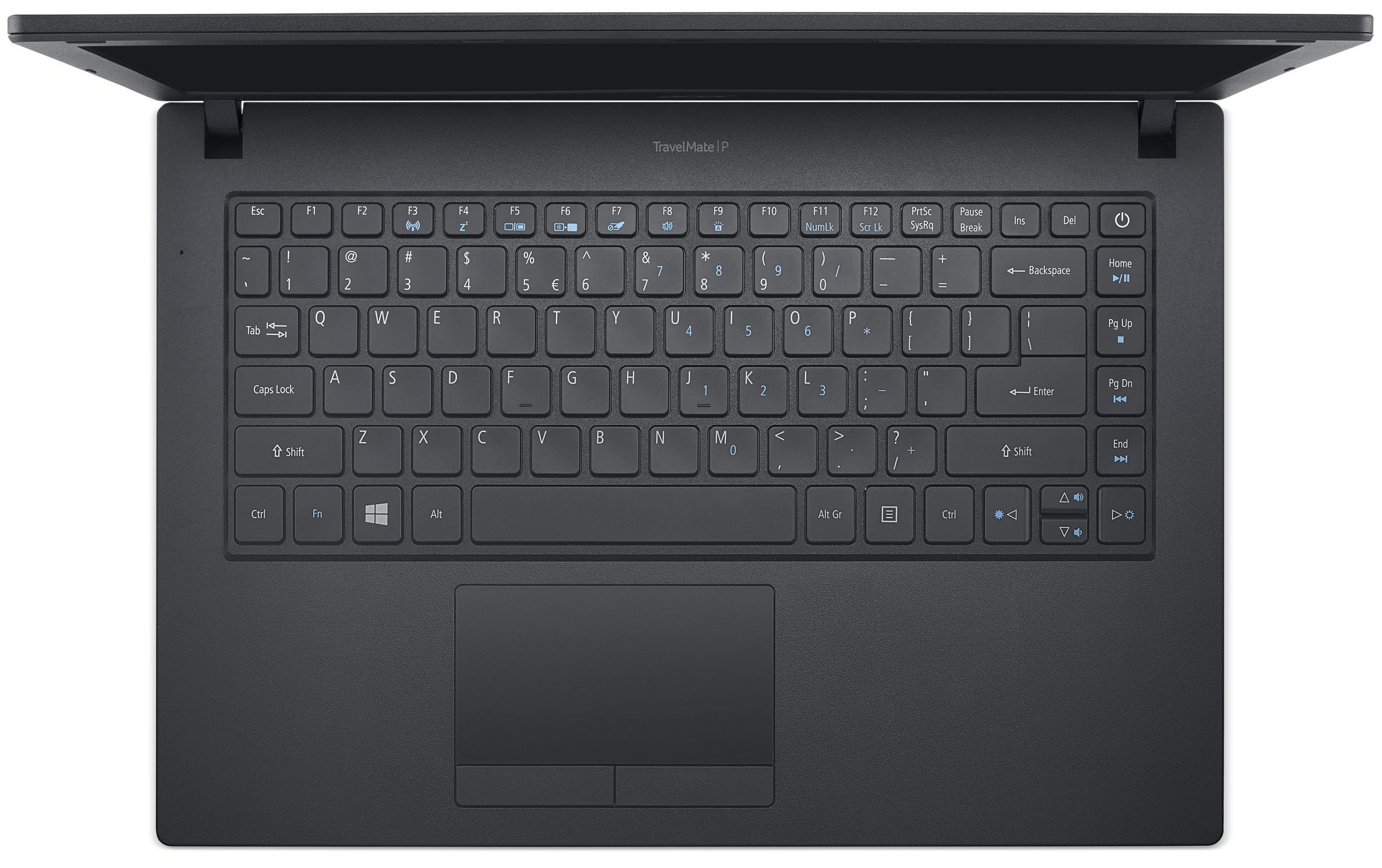
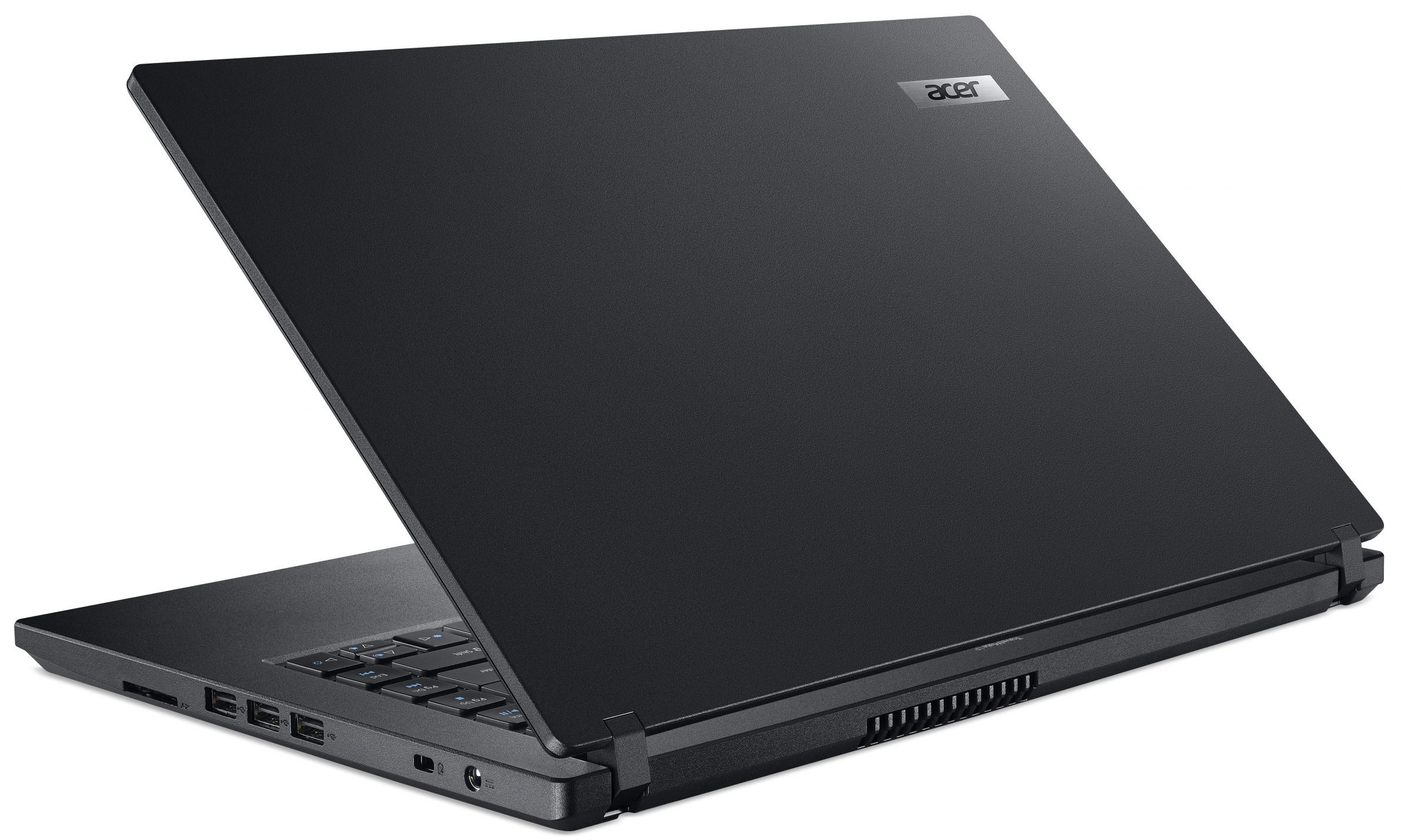
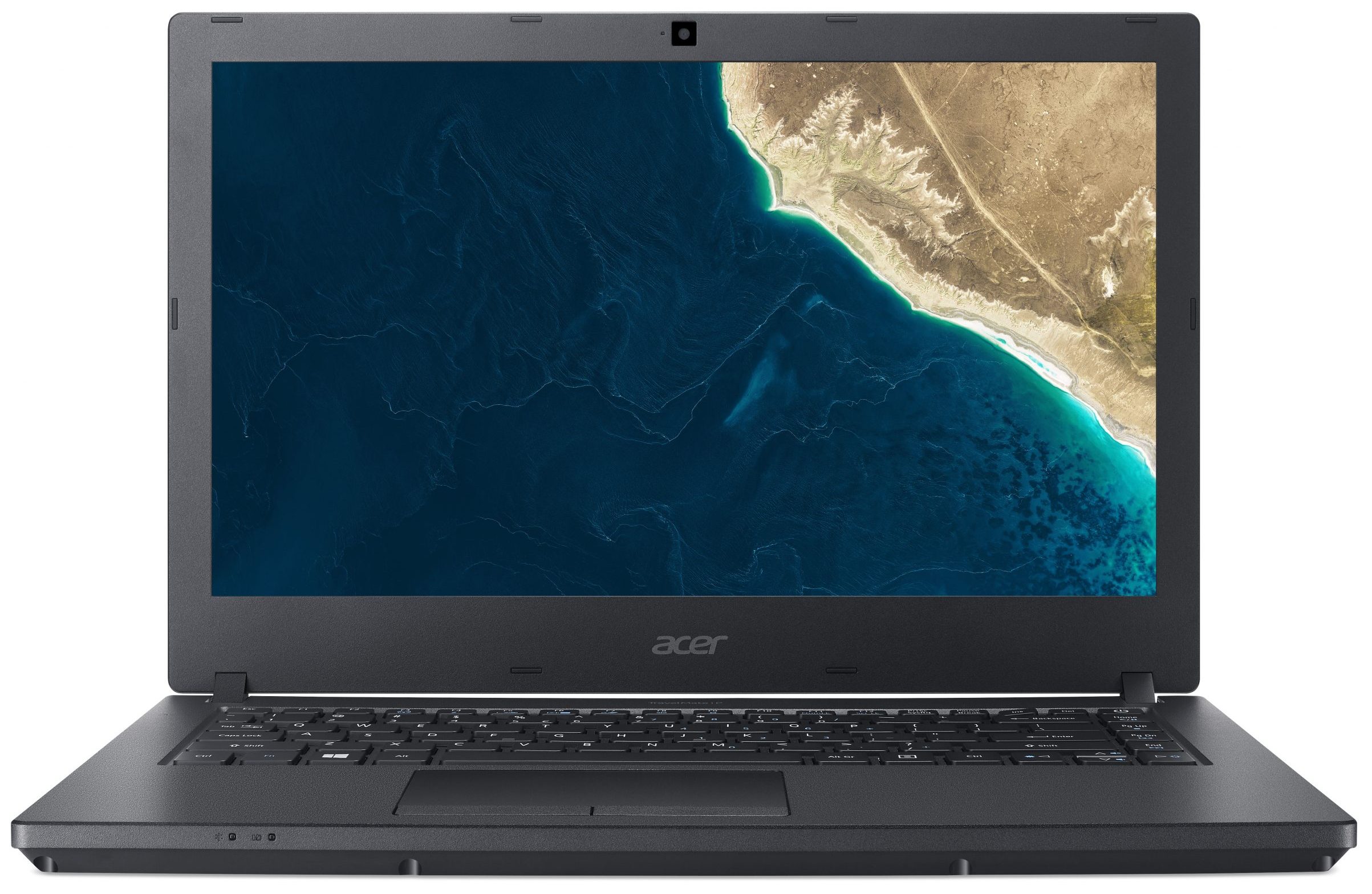
- Date Published: 26 May 2022
- Intel Core i3-8130U
- Intel UHD Graphics 620
- 14.0”, HD (1366 x 768), TN
- 500GB HDD
- 4GB DDR4
- 1.80 kg (4 lbs)
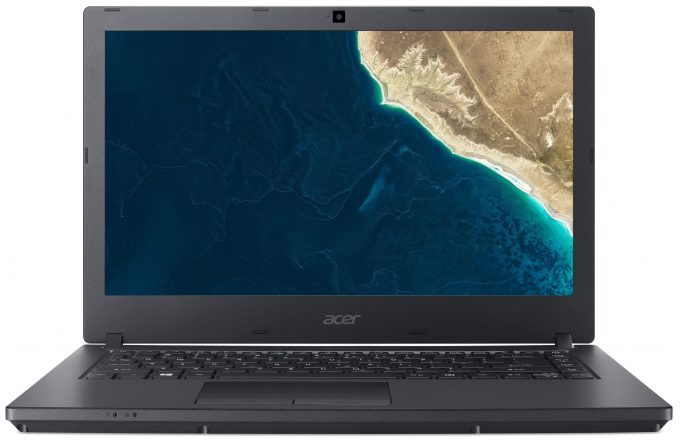
Review
Acer TravelMate P2 in-depth review
Acer's TravelMate P2 series is all about security, privacy, and versatility. The devices coming from there won't be power horses, nor they will be the perfect assistant for artists and designers. However, they would provide all of the necessary goodies for students, business people, and even quality control at factories.In order to stay behind their words, Acer has given the TravelMate P2 (P2410-M) the MIL-STD-810G treatment (or at least some of the tests), and they state that the device would be able to resist some falls, hits, and even rain. Sadly, we won't be putting this notebook through hell for the sake of the review, but we will certainly check everything it has to offer.Our unit features a 768p TN panel a budget energy-efficient processor, as well as all of the hardware an[...]
Read the full review
Pros
- Surprisingly good value
- Great input devices
- SD card slot, USB Type-C connection, and four more USB Type-A ports
- Very good battery life
- Rigid body
- Very good upgradability with two service lids
Cons
- Budget TN panel with a low resolution, poor contrast ratio and uncomfortable viewing angles (Innolux N140BGA-EA3)
- Covers only 51% of sRGB (Innolux N140BGA-EA3)
- Uses aggressive PWM for brightness adjustment (our Health-Guard profile fixes that) (Innolux N140BGA-EA3)
Disassembly, maintenance and upgrade options
This is a budget offering, which provides good cooling and quite the upgradability.Check out all Acer TravelMate P2 (P2410-M) prices and configurations in our Specs System or read more in our In-Depth review.1. Remove the bottom plate Rarely seen in 2020, this laptop features two service lids for quick upgrades. They are held in place by only a single Phillips-head screw, each. Beneath, you can find a RAM SODIMM slot, as well as a 2.5-inch SATA drive slot. Should you need to access all of the internals, there are further 11 screws of the same type. Then, pry your way around the [...]
Read more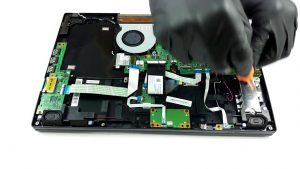
DISPLAY: 14-inch, 1366 x 768, TN
- Name
- Innolux N140BGA-EA3
- Diagonal
- 14"
- Pixel density
- 111.94 ppi
- Refresh rate
- 60 Hz
- Brightness
- 256 cd/m2
- sRGB
- 52%
- Panel Type
- TN
- Resolution
- 1366 x 768
- Becomes "Retina" from
- 31 inches (78 cm)
- Contrast
- 380:1
- dE Color Checker
- 3.6

Buy our profiles for Innolux N140BGA-EA3
In addition to receiving efficient and health-friendly profiles, by buying LaptopMedia's products you also support the development of our labs, where we test devices in order to produce the most objective reviews possible.

Office Work / Web Design
If your field is office work or web design, or you just want your monitor's color set to be as accurate as possible for the Internet color space, this profile will prove to be useful.

Gaming and Movie Nights
We developed this profile especially for games and movies. It makes fine nuances in dark scenes easier to discern during long sessions in front of the display.

Health-Guard
This profile reduces the negative impact of Pulse-Width Modulation (PWM) and the Blue Light spectrum, while keeping colors perceptually accurate for this panel.



![[June 2026] Best-Selling Laptop Brands on Amazon Global – Apple’s Unrivaled Dominance in Units and Revenue](https://laptopmedia.com/wp-content/uploads/2026/07/GLOBAL-Best-Brands-400x225.jpg)
![[June 2026] Amazon Global: Top 10 Best-Selling Laptops – Apple’s New MacBook Neo Storms to #1, Reshaping the Market with Affordability](https://laptopmedia.com/wp-content/uploads/2026/07/Best-Selling-Laptops-GLOBAL-Top-10-400x225.jpg)
![[June 2026] Amazon Global: Top 10 Best-Selling Gaming Laptops – Acer’s Nitro V 16S AI Dominates Sales, While ASUS Leads Overall Revenue](https://laptopmedia.com/wp-content/uploads/2026/07/Best-Selling-Gaming-Laptops-GLOBAL-Top-10-400x225.jpg)
![[June 2026] Global Ranking of Best-Selling Laptop GPUs on Amazon – NVIDIA RTX 5060 is the Top-Selling Dedicated GPU](https://laptopmedia.com/wp-content/uploads/2026/07/Best-Selling-GPUs-GLOBAL-Top-10-400x225.jpg)
![[June 2026] Global Ranking of Best-Selling Laptop CPUs on Amazon – Apple M5 Dominates, AMD Ryzen 7 260 Gets Solid Premium Share](https://laptopmedia.com/wp-content/uploads/2026/07/Best-Selling-CPUs-GLOBAL-Top-10-400x225.jpg)
