ASUS Chromebook Flip CX5
- Date Published: 22 Jun 2025
- Intel Core i5-1130G7
- Intel Iris Xe Graphics G7 (80EU)
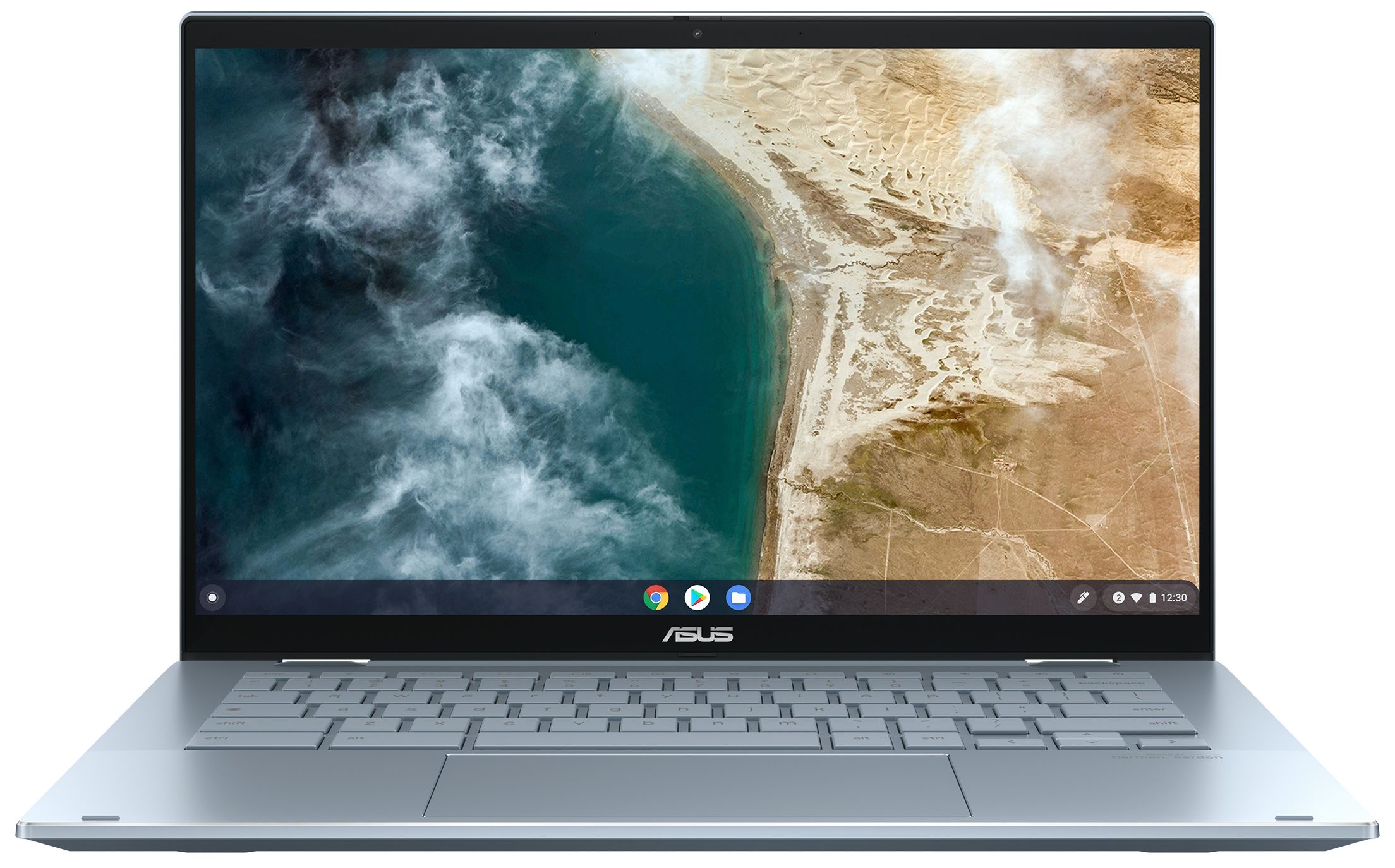
- 14.0”, Full HD (1920 x 1080), IPS
- 512GB SSD
- 16GB RAM
- 1.40 kg (3.1 lbs)
Review
ASUS Chromebook Flip CX5 in-depth review
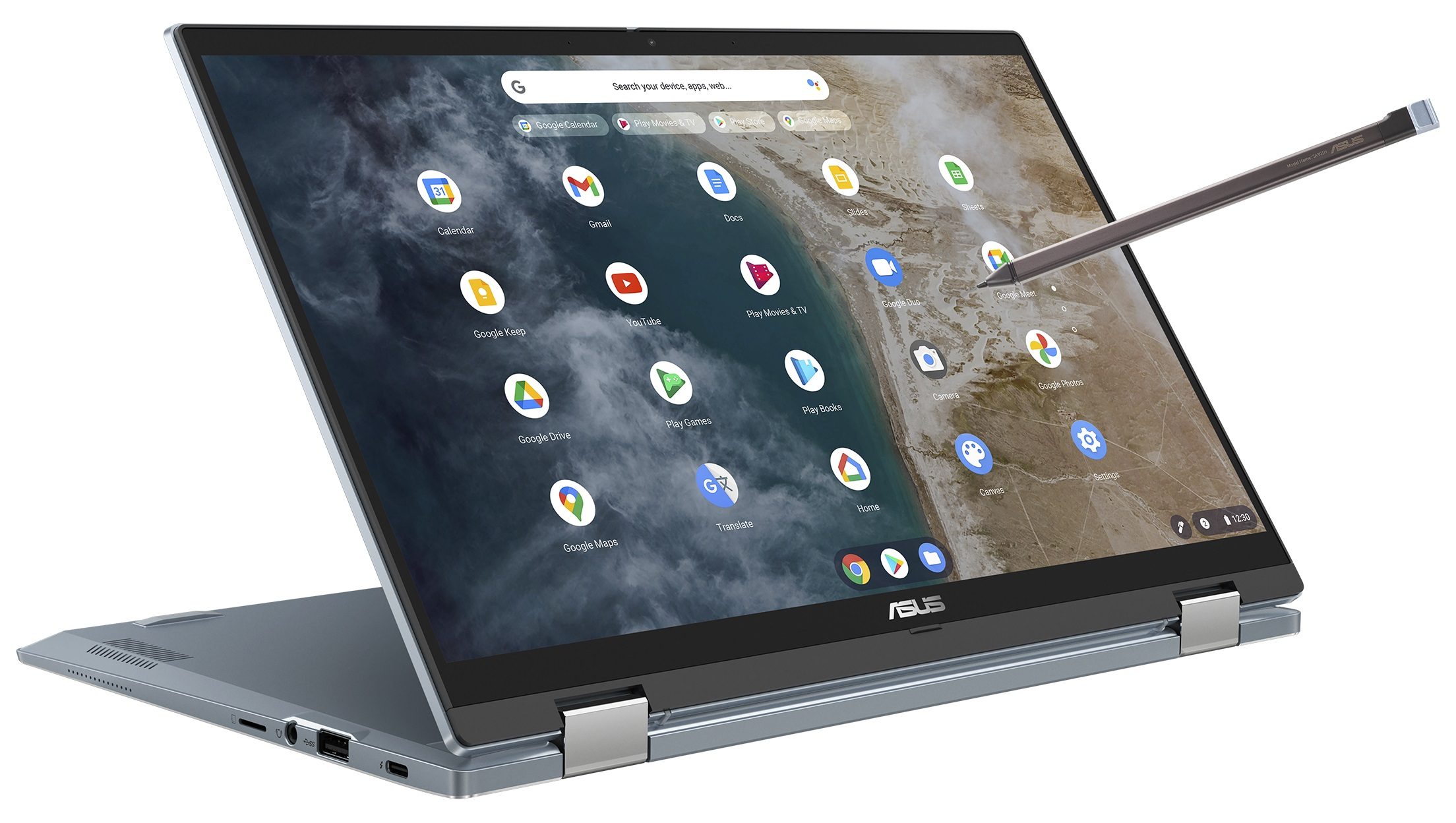
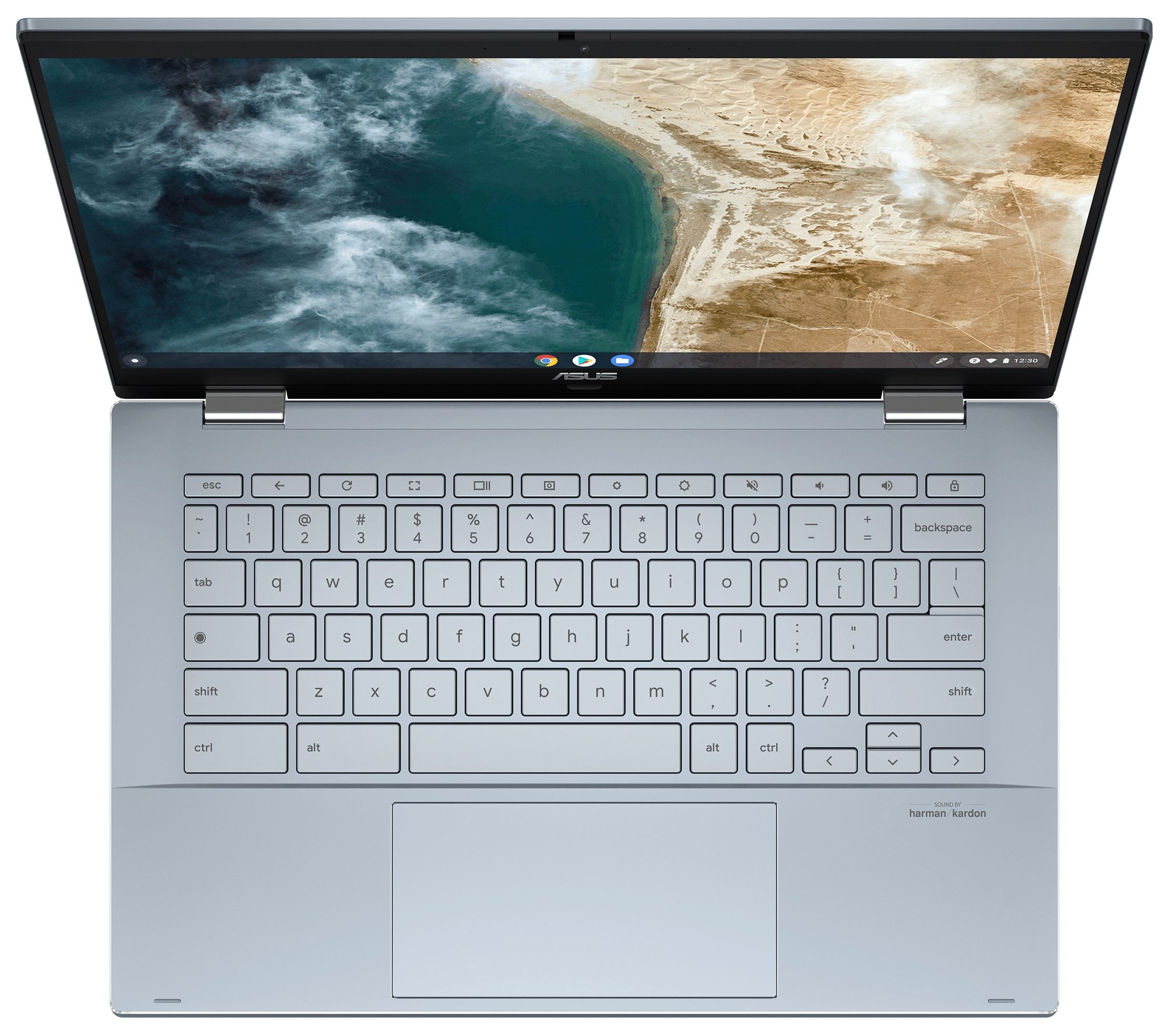
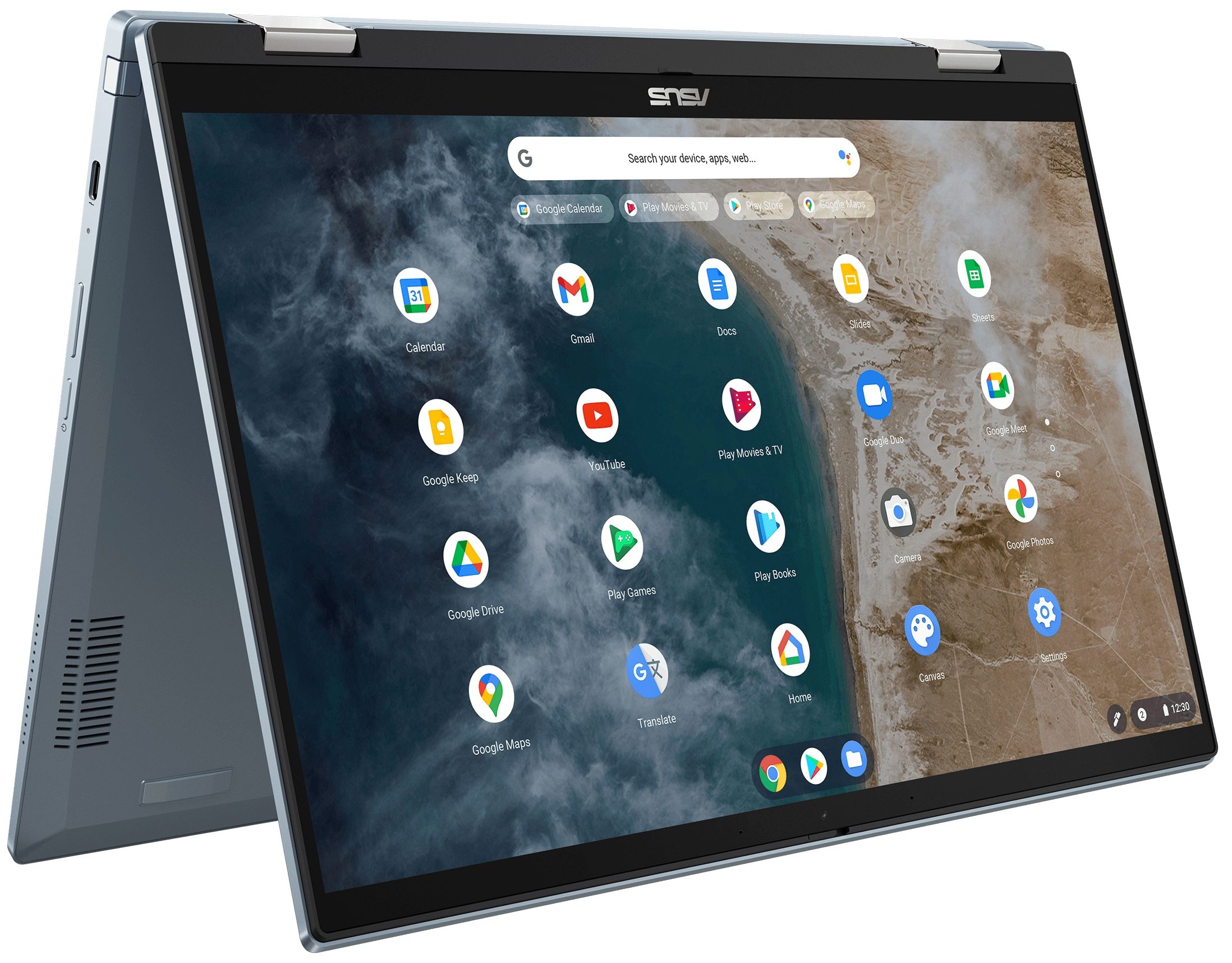
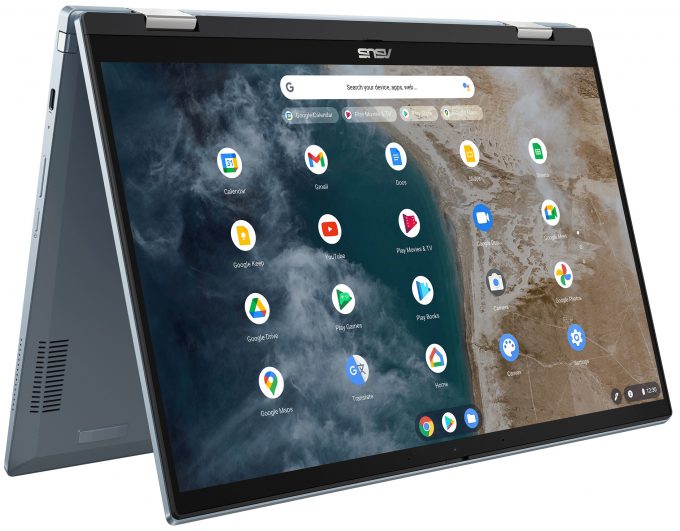
The Chromebooks are a curious case. These are regular-looking laptops that rely on ChromeOS. This means you can install most of your favorite Android apps and enjoy them on a larger screen. Yep, games like Asphalt Legends Unite look pretty good on the 14-inch screen of the ASUS Chromebook Flip CX5 (CX5400) that we're going to inspect today. Speaking of which, you get a choice of two 1080p IPS touch panels. The tested model is good in terms of sRGB color coverage.The hardware of this ASUS 2-in-1 laptop is dated, literally. The Tiger Lake CPUs are kind of old-school tech in 2024. However, the OS is light and all apps run fast without hiccups. Still, given the 2020 hardware under the bonnet, this notebook seems expensive for what it is.If you pop the bottom panel, you'll see that the [...]
Read the full review
Pros
- Good IPS display with 92% sRGB coverage
- Wide viewing angles and 327 nit average brightness
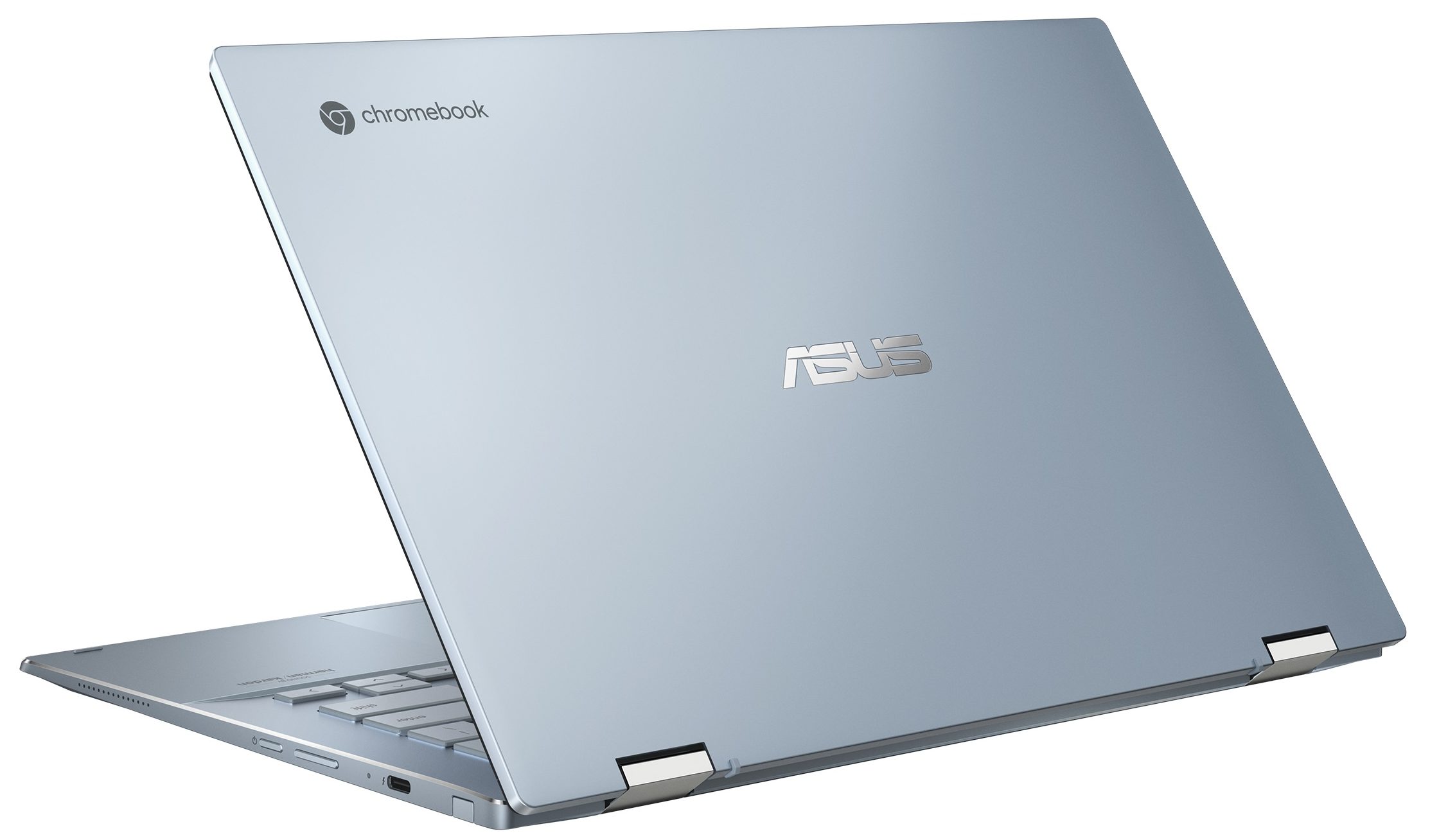
- Solid metal build
- ErgoLift hinge that raises the back of the base
- Good audio setup
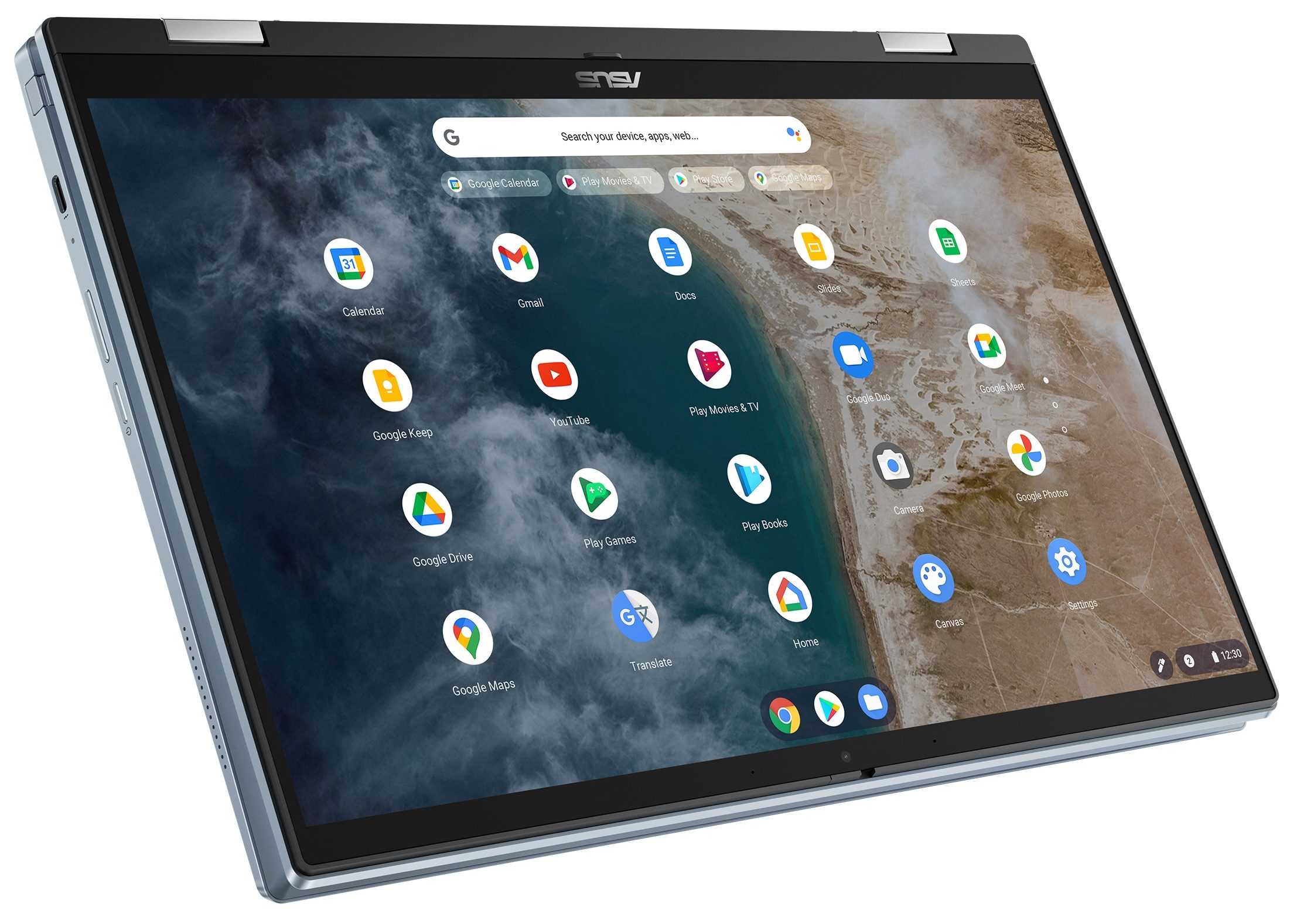
- 360-degree hinge for tent and laptop modes
- Decent input devices
- Privacy shutter
- Passive cooling - zero noise
- Decent battery life
- 2x USB4 ports + Type-C charging
- Thin and light (15.7 mm, 1.40 kg)
Cons
- Too expensive for what it is
- Only one M.2 slot + soldered RAM
- The CromeOS could be a limitation factor for some users
Disassembly, maintenance and upgrade options
Opening the DeviceUndo the 10 Phillips-head screws securing the bottom panel. Pry the sides and the front. Be aware that the panel goes deep into the chassis, so you may need to push harder than usual to pop it. Use caution to avoid bending the chassis, especially if your plastic tool isn't thin enough. Pop the back by lifting it in the zones behind the hinges with a lever tool. Afterward, pry the top edges and the rest of the rear. You can unplug the stylus, but it's not necessary for this process.More info: Here's how the bottom panel looks on the inside.[...]
Read more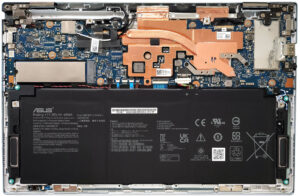


![[June 2026] Best-Selling Laptop Brands on Amazon Global – Apple’s Unrivaled Dominance in Units and Revenue](https://laptopmedia.com/wp-content/uploads/2026/07/GLOBAL-Best-Brands-400x225.jpg)
![[June 2026] Amazon Global: Top 10 Best-Selling Laptops – Apple’s New MacBook Neo Storms to #1, Reshaping the Market with Affordability](https://laptopmedia.com/wp-content/uploads/2026/07/Best-Selling-Laptops-GLOBAL-Top-10-400x225.jpg)
![[June 2026] Amazon Global: Top 10 Best-Selling Gaming Laptops – Acer’s Nitro V 16S AI Dominates Sales, While ASUS Leads Overall Revenue](https://laptopmedia.com/wp-content/uploads/2026/07/Best-Selling-Gaming-Laptops-GLOBAL-Top-10-400x225.jpg)
![[June 2026] Global Ranking of Best-Selling Laptop GPUs on Amazon – NVIDIA RTX 5060 is the Top-Selling Dedicated GPU](https://laptopmedia.com/wp-content/uploads/2026/07/Best-Selling-GPUs-GLOBAL-Top-10-400x225.jpg)
![[June 2026] Global Ranking of Best-Selling Laptop CPUs on Amazon – Apple M5 Dominates, AMD Ryzen 7 260 Gets Solid Premium Share](https://laptopmedia.com/wp-content/uploads/2026/07/Best-Selling-CPUs-GLOBAL-Top-10-400x225.jpg)
