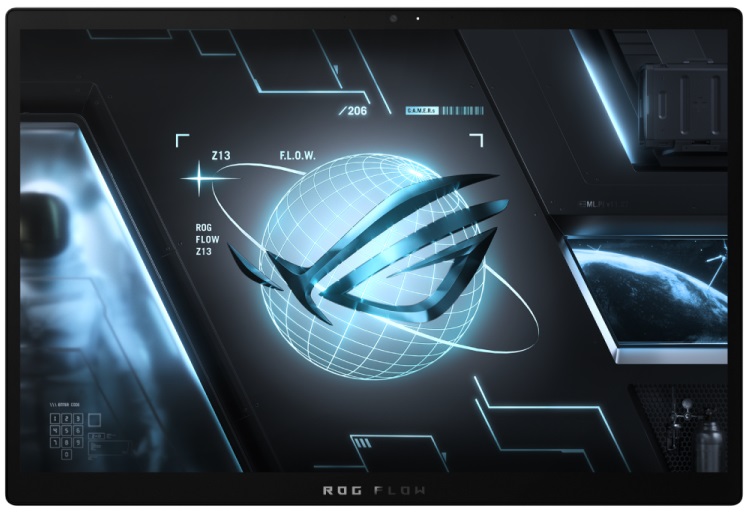
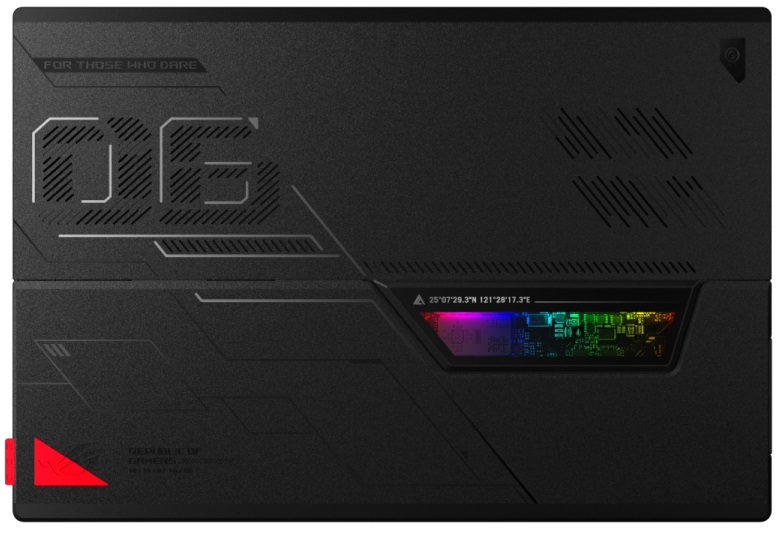
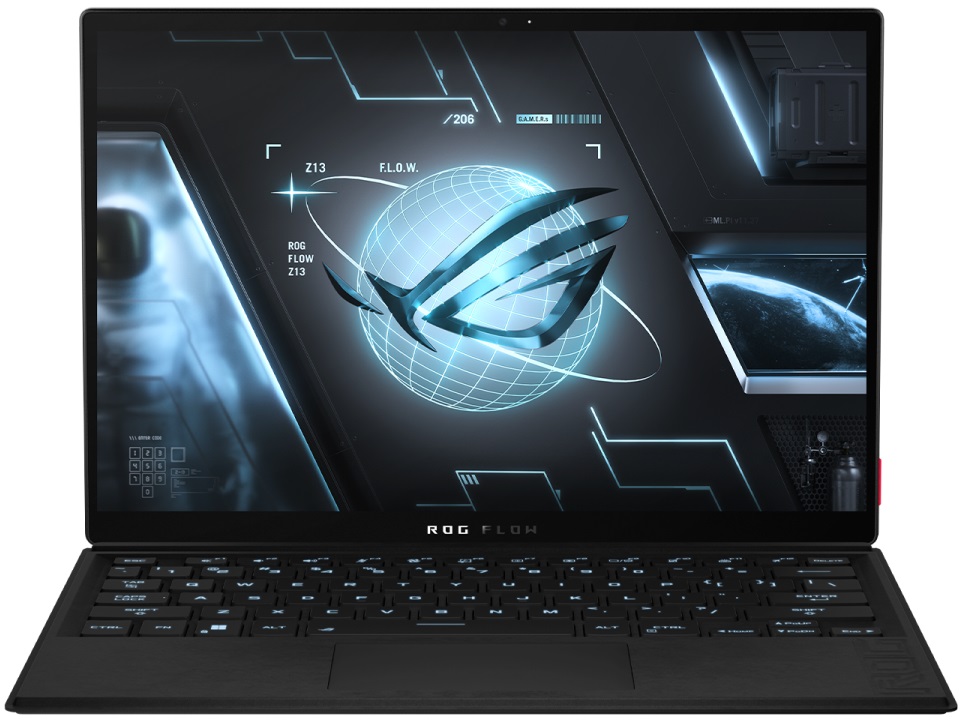
ASUS ROG Flow Z13
- Date Published: 04 Jul 2025
- Intel Core i5-12500H
- Intel Iris Xe Graphics G7 (80EU)
- 13.4", FHD+ (1920 x 1200), 120 Hz, IPS
- 512GB SSD
- 16GB RAM
- 1.12 kg (2.5 lbs)
Review
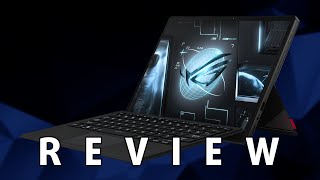
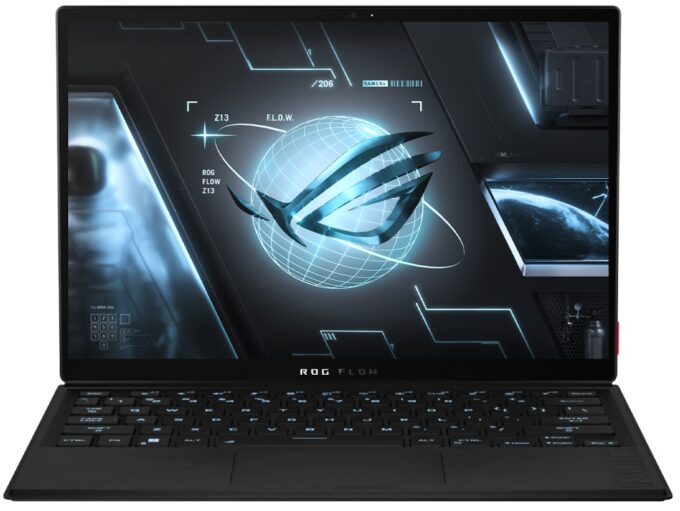
ASUS ROG Flow Z13 in-depth review
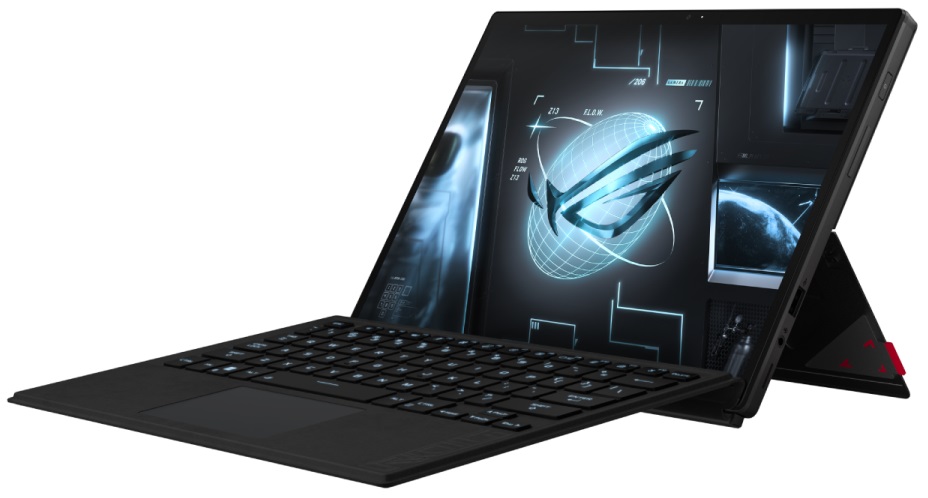
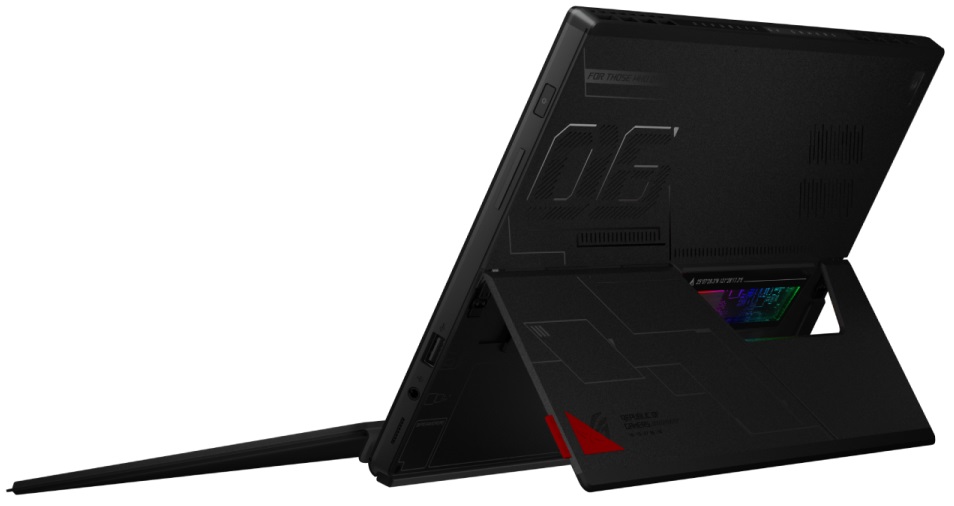
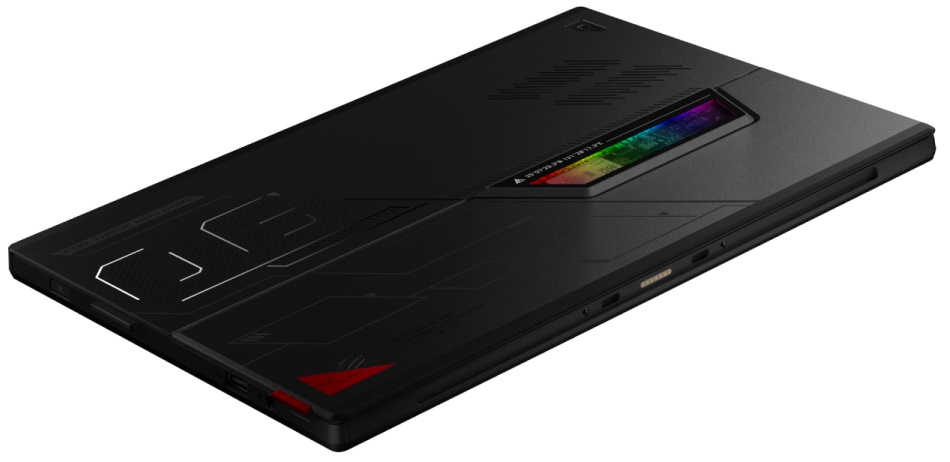
Last year, ASUS had an ace up its sleeve. Its name was the ROG Flow X13, and it was the fastest and baddest 13-inch convertible on the market. As if it hadn't disrupted the market enough already, the company released an even more groundbreaking notebook. Or... a tablet?Perhaps, the ROG Flow Z13 (GZ301) is indeed a tablet, since it can work without a keyboard, and relies on a stand to stay upright. You see, this concept is poised to take over the laptop world. Actually, ASUS itself tried such a device in the form of the Mothership. Indeed, it was a beast that housed all of its major components inside of the display part.In fact, this is the special part of the Flow Z13 as well. Yes, it is significantly smaller, thus far more comfortable to carry around. However, by moving all of th[...]
Read the full review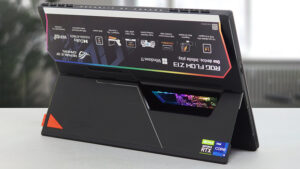
Pros
- The most powerful tablet out there
- Vapor chamber and liquid metal on the CPU
- The 16:10 aspect ratio is great for work and the 1200p panel has a 120Hz refresh rate (Sharp LQ134N1JW54)
- Covers 95% of sRGB and our Gaming and Web design profile helps it reach an Average dE of <2.0 (Sharp LQ134N1JW54)
- Doesn't use PWM for brightness adjustment (Sharp LQ134N1JW54)
- Can make use of XG Mobile eGPUs
- Great build quality and revolutionary design
- Fingerprint reader + Stylus inside the box
- Thunderbolt 4 + Wi-Fi 6E + MicroSD card slot
- Has a MUX switch
Cons
- Pricey
- Soldered memory and hard to get inside of
- Limited I/O
- 100W charger is a bottleneck for the CPU performance
DISPLAY: 13.4-inch, 1920 x 1200, IPS
- Name
- Sharp LQ134N1JW54 (SHP154F)
- Diagonal
- 13.4"
- Pixel density
- 168.97 ppi
- Brightness
- 511 cd/m2
- sRGB
- 95%
- Panel Type
- IPS
- Resolution
- 1920 x 1200
- Becomes "Retina" from
- 20 inches (52 cm)
- Contrast
- 1230:1
- dE Color Checker
- 2.3 1.2

Buy our profiles for Sharp LQ134N1JW54 (SHP154F)
In addition to receiving efficient and health-friendly profiles, by buying LaptopMedia's products you also support the development of our labs, where we test devices in order to produce the most objective reviews possible.

Office Work
Office Work should be used mostly by users who spend most of the time looking at pieces of text, tables or just surfing. This profile aims to deliver better distinctness and clarity by keeping a flat gamma curve (2.20), native color temperature and perceptually accurate colors.

Design and Gaming
This profile is aimed at designers who work with colors professionally, and for games and movies as well. Design and Gaming takes display panels to their limits, making them as accurate as possible in the sRGB IEC61966-2-1 standard for Web and HDTV, at white point D65.

Health-Guard
Health-Guard eliminates the harmful Pulse-Width Modulation (PWM) and reduces the negative Blue Light which affects our eyes and body. Since it’s custom tailored for every panel, it manages to keep the colors perceptually accurate. Health-Guard simulates paper so the pressure on the eyes is greatly reduced.



![[July 2026] Global Ranking of Best-Selling Laptop GPUs on Amazon – RTX 5060 Dominate Premium, Intel Still Rules Budget](https://laptopmedia.com/wp-content/uploads/2026/08/Best-Selling-GPUs-GLOBAL-Top-10-400x225.jpg)
![[July 2026] Global Ranking of Best-Selling Laptop CPUs on Amazon – Apple Dominates Premium, Intel Holds Overall Crown](https://laptopmedia.com/wp-content/uploads/2026/08/Best-Selling-CPUs-GLOBAL-Top-10-400x225.jpg)
![[July 2026] Amazon Canada: Top 10 Best-Selling Laptops – Apple MacBook Neo Dominates the Market to Claim the #1 Spot](https://laptopmedia.com/wp-content/uploads/2026/08/Best-Selling-Laptops-CA-Top-10-2-400x225.jpg)
![[July 2026] Best-Selling Laptop Brands on Amazon Japan – HP and Lenovo Dominate Units and Revenue Amid Fierce Competition](https://laptopmedia.com/wp-content/uploads/2026/08/CO.JP-Best-Brands-2-400x225.jpg)
![[July 2026] Amazon Italy: Top 10 Best-Selling Laptops – Apple MacBook Neo Claims the #1 Spot Amid Budget-Friendly Dominance](https://laptopmedia.com/wp-content/uploads/2026/08/Best-Selling-Laptops-IT-Top-10-400x225.jpg)
