ASUS ROG Zephyrus M16 GU604
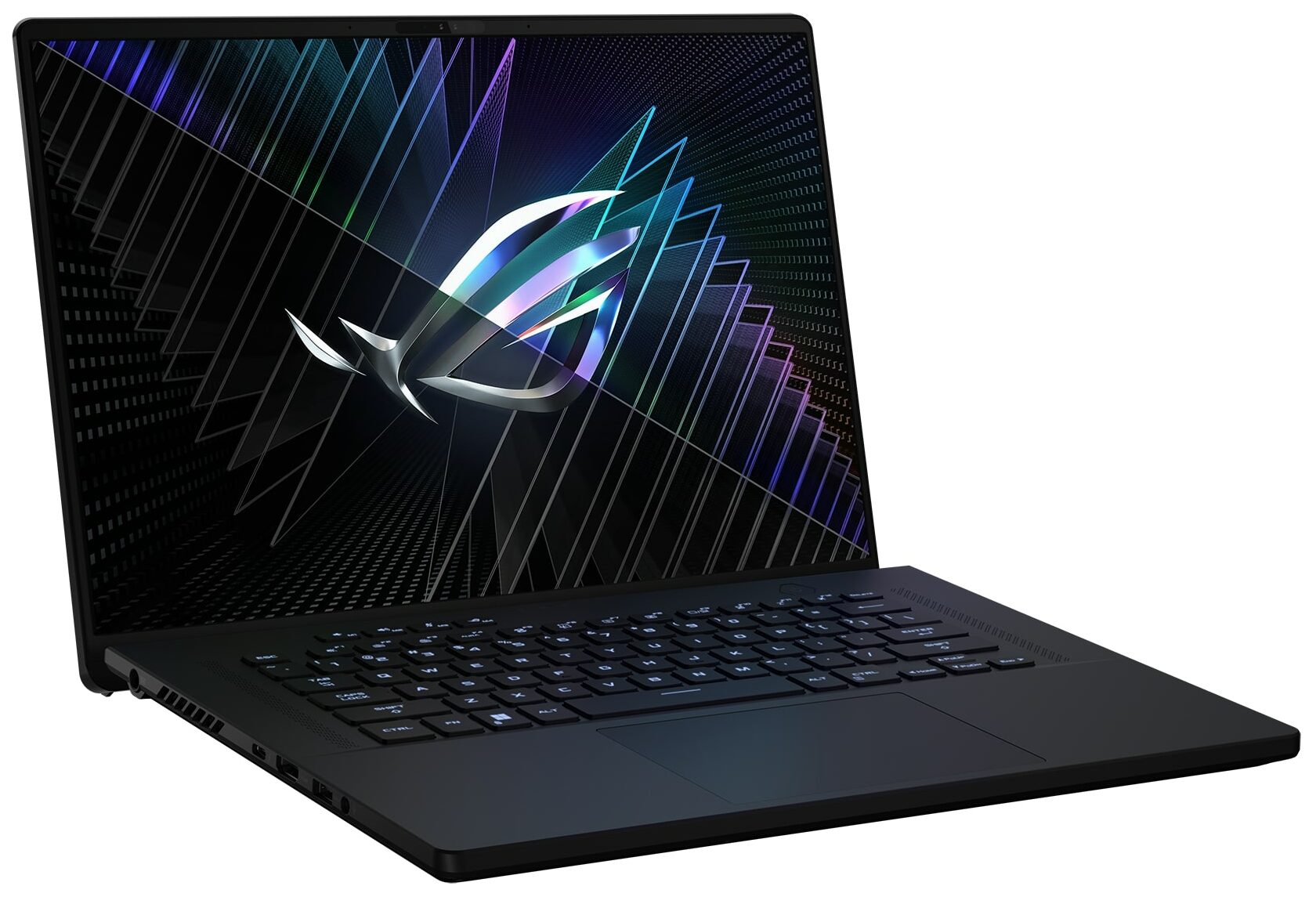
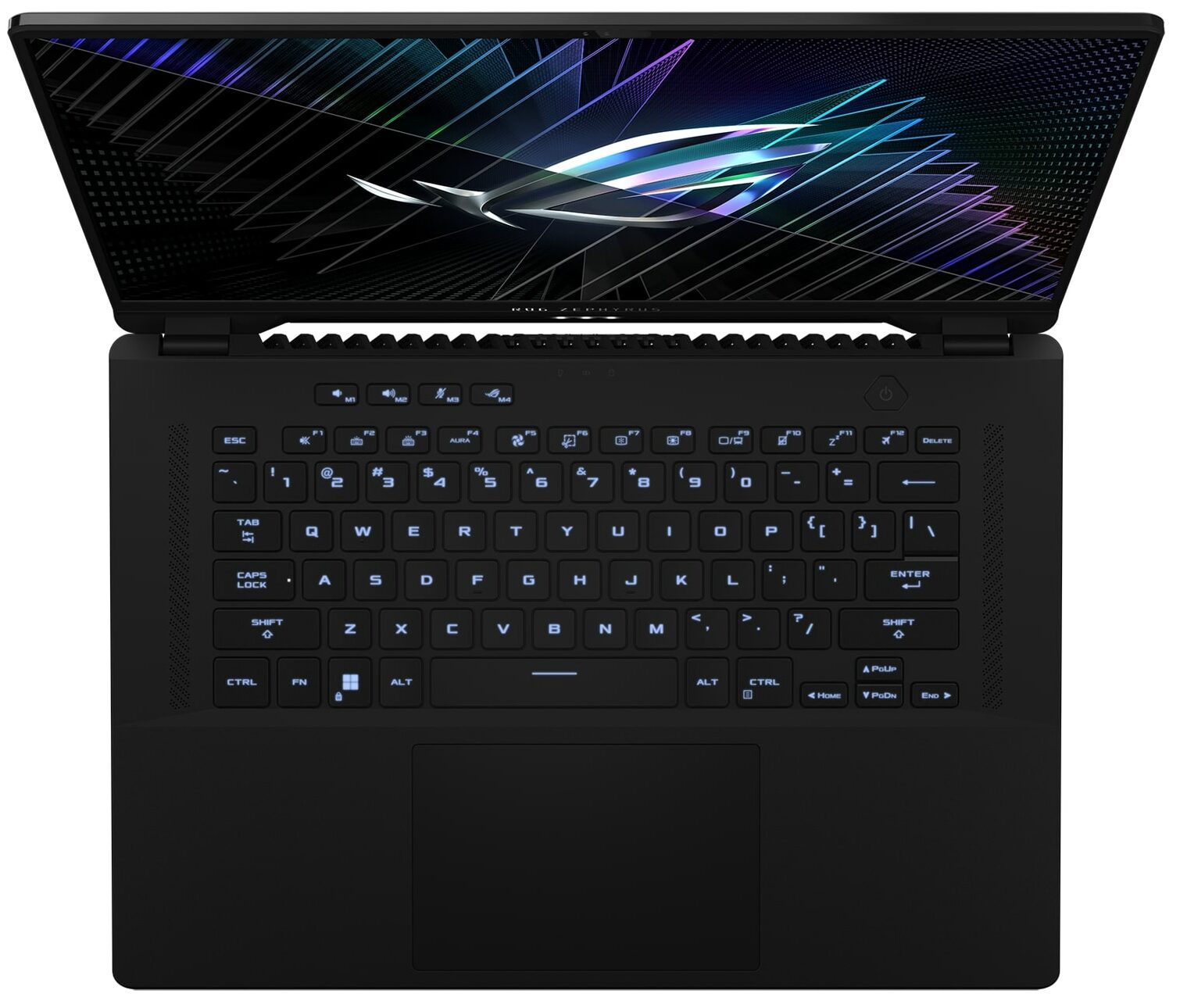
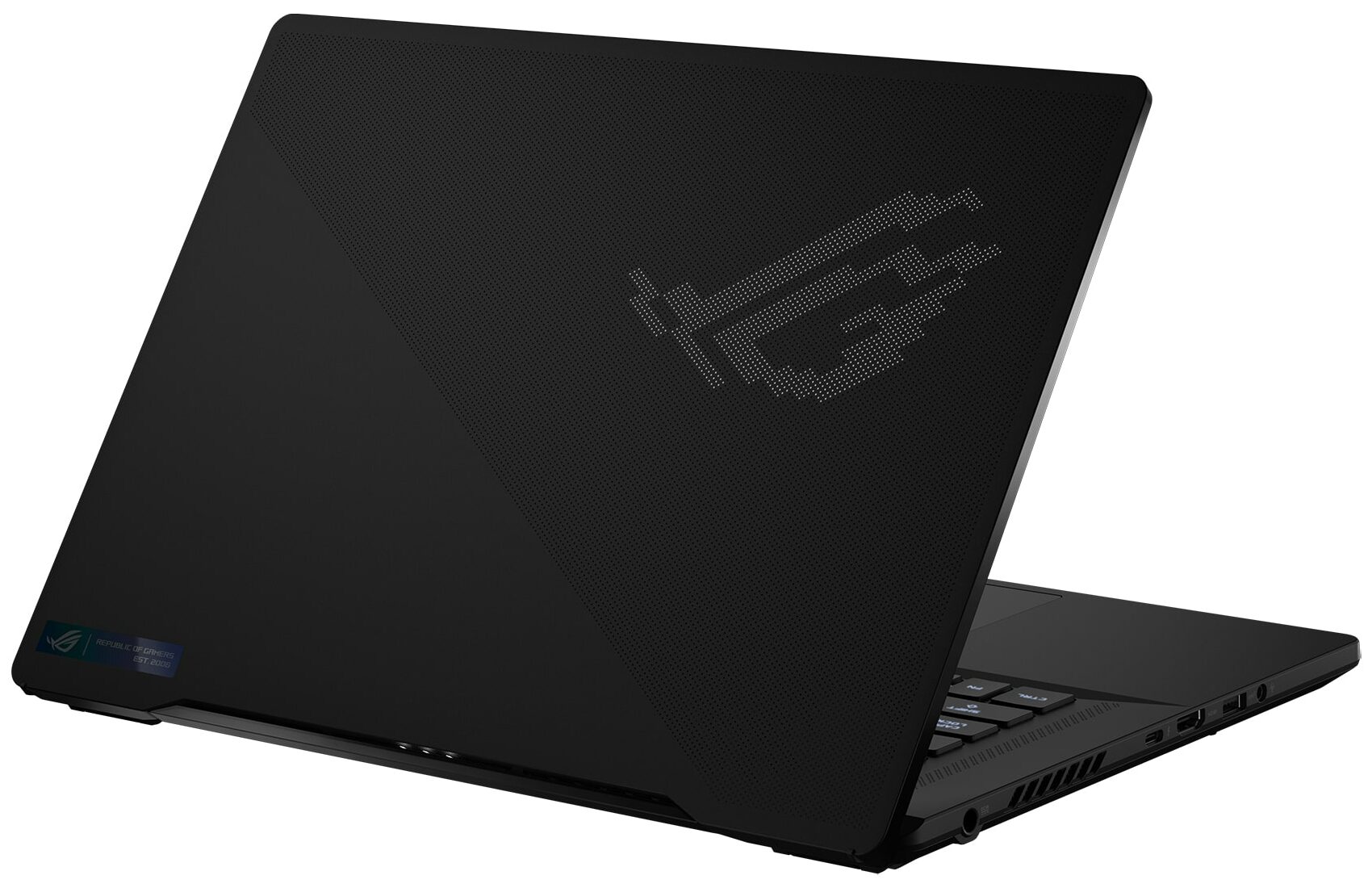
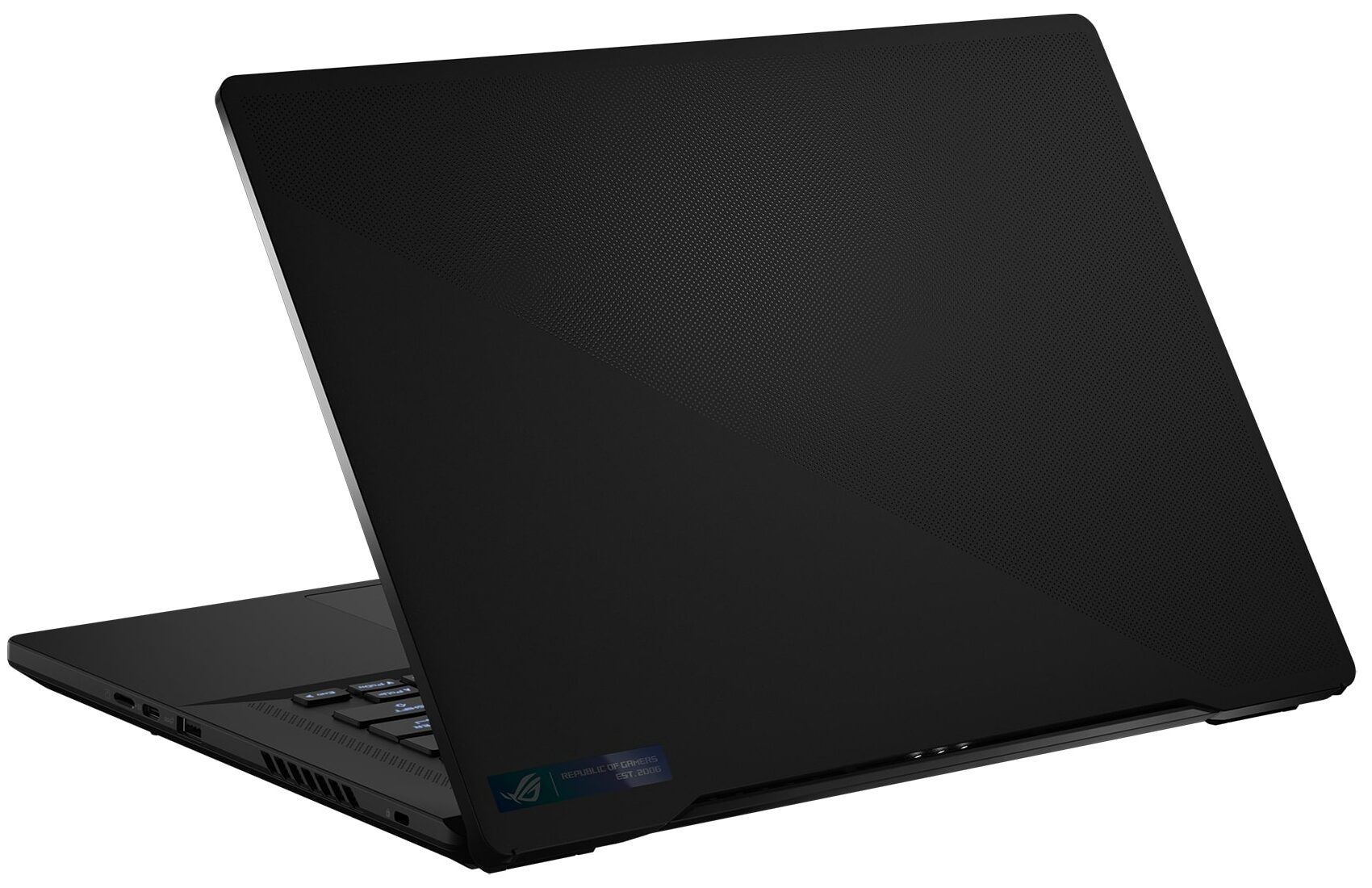
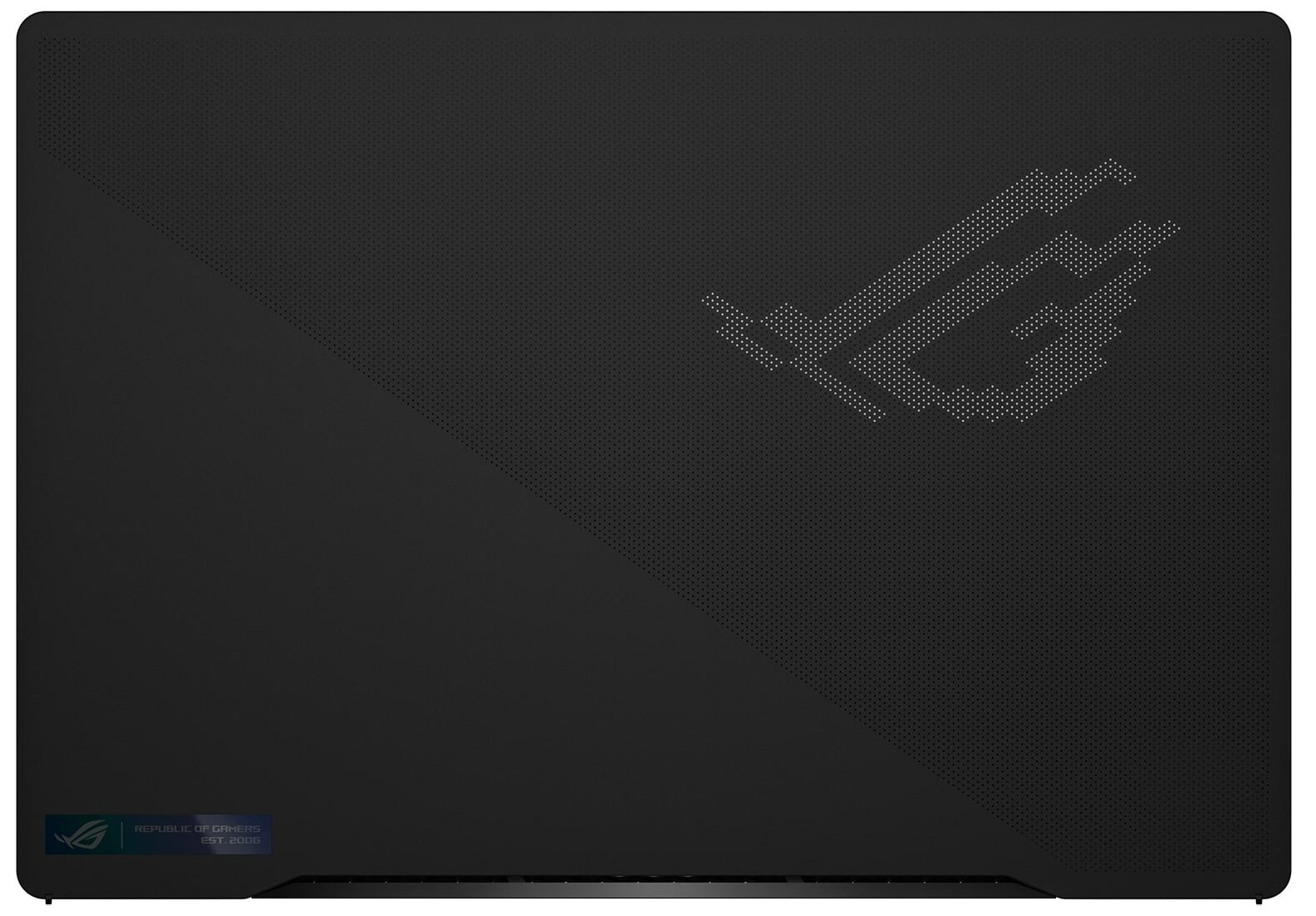
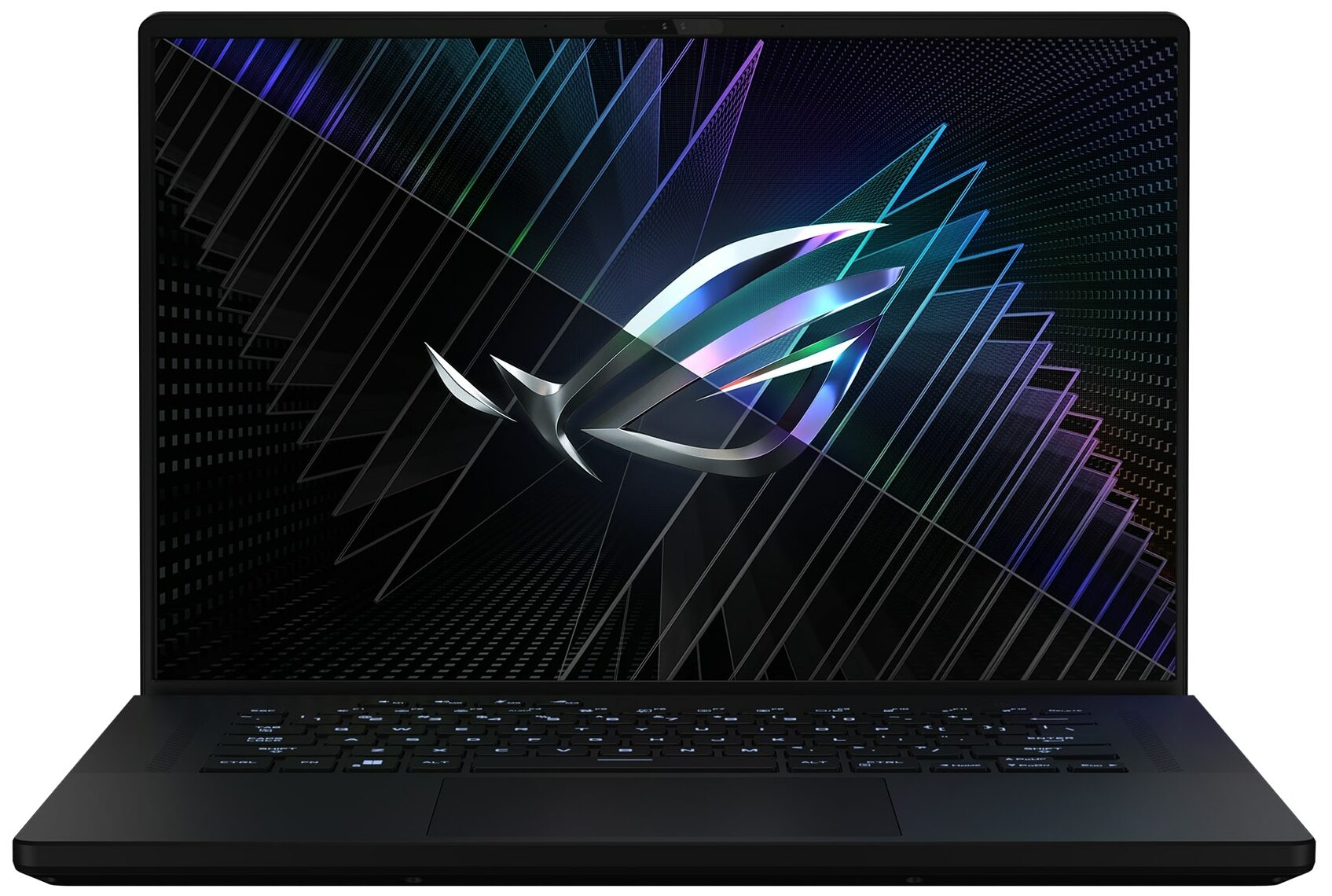
- Date Published: 10 Nov 2024
- Intel Core i9-13900H
- NVIDIA GeForce RTX 4080 (Laptop, 145W)
- 16.0", WQXGA (2560 x 1600), 240 Hz, IPS
- 4000GB SSD
- 64GB RAM
- 2.10 kg (4.6 lbs)
Specs

- HDD/SSD
- 4000GB SSD
- M.2 Slot
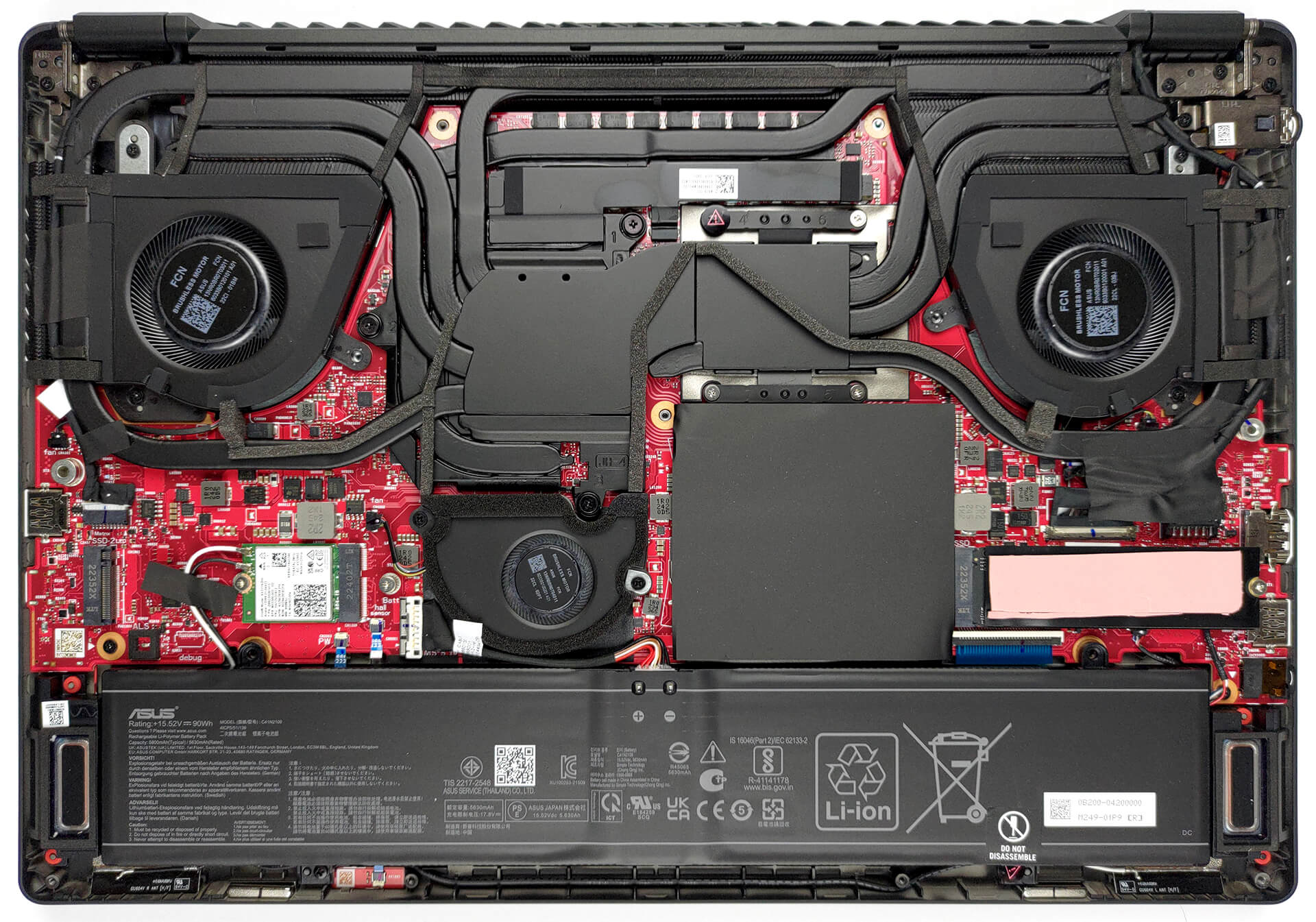
- 2x 2280 PCIe NVMe 4.0 x4 See photo
- RAM
- 64GB RAM
- OS
- Windows 11 Home
- Body Material
- Aluminum
- Dimensions
- 355 x 246 x 19.9/21.1 - 22.3/22.9 mm (13.98" x 9.69" x 0.78")
- Weight
- 2.10 kg (4.6 lbs)
- Ports and connectivity
- 2x USB Type-A
- 3.2 Gen 2 (10 Gbps)
- 1x USB Type-C
- 3.2 Gen 2 (10 Gbps), Power Delivery (PD), DisplayPort
- 1x USB Type-C
- Thunderbolt 4, Power Delivery (PD), DisplayPort
- HDMI
- 2.1
- Card Reader
- MicroSD (UHS-II)
- Ethernet LAN
- Wi-Fi
- 802.11ax
- Bluetooth
- 5.2
- Audio jack
- 3.5mm Combo Jack
- Features
- Fingerprint reader
- Web camera
- FHD IR Camera for Windows Hello
- Backlit keyboard
- Microphone
- 3x Microphone Array with Ai noise-canceling technology
- Speakers
- 2x 2W Tweeters + 2x 2W dual-force Woofers, Smart Amp, Dolby Atmos
- Security Lock slot
- Kensington Lock
- Gifts
- Dockztorm USB Hub
Portability
Review
ASUS ROG Zephyrus M16 GU604 in-depth review
The ASUS ROG Zephyrus subbrand has always been about combining style with super-fast hardware. This is easier said than done since the CPUs and GPUs for mobile devices have gotten really hungry for power.That hunger translates to a lot of heat. And to get good thermal management, your laptop needs either a lot of heat pipes or a bulky vapor chamber. Regardless of what the manufacturer chooses, the sheer volume of copper will significantly increase the weight of the device.This is why building the ROG Zephyrus M16 (GU604, 2023) has inevitably been a huge challenge for ASUS engineers. Thankfully, this is far from a first-gen product, so the manufacturer clearly knows what it's doing.Moreover, the laptop features a liquid metal thermal compound on the CPU die. This helps for supe[...]
Read the full review
Pros
- Bright RGB
- Good cooling setup + liquid metal on CPU
- 98% DCI-P3 coverage (BOE NE160QDM-NM4 (BOE0B74))
- 240Hz panel has very quick pixel response times (BOE NE160QDM-NM4 (BOE0B74))
- HDR, G-Sync, and MUX switch on board
- Wi-Fi 6E and 2.5Gbit Ethernet support
- Great keyboard and touchpad
- 2x DDR5 SODIMM + 2x M.2 PCIe x4 slots
- Populous port selection
Cons
- Loud during gaming
- Keyboard gets pretty warm during gaming
Disassembly, maintenance and upgrade options
This laptop's insides are mesmerizing. They comprise a labyrinth of heat pipes and are infused with a couple of SODIMM slots, and M.2 PCIe x4 storage slots.Check out all ASUS ROG Zephyrus M16 (GU604, 2023) prices and configurations in our Specs System, or read more in our In-Depth review.1. Remove the bottom plate To get inside this device, you first need to remove a total of 7 rubber caps. Then, undo all 15 Phillips-head screws, and pry the bottom panel with a plastic tool. Start from the gap opened by the screw in the bottom left corner.2. Remove the battery Here, we fi[...]
Read more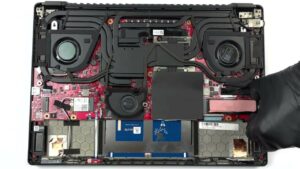


![[June 2026] Best-Selling Laptop Brands on Amazon Global – Apple’s Unrivaled Dominance in Units and Revenue](https://laptopmedia.com/wp-content/uploads/2026/07/GLOBAL-Best-Brands-400x225.jpg)
![[June 2026] Amazon Global: Top 10 Best-Selling Laptops – Apple’s New MacBook Neo Storms to #1, Reshaping the Market with Affordability](https://laptopmedia.com/wp-content/uploads/2026/07/Best-Selling-Laptops-GLOBAL-Top-10-400x225.jpg)
![[June 2026] Amazon Global: Top 10 Best-Selling Gaming Laptops – Acer’s Nitro V 16S AI Dominates Sales, While ASUS Leads Overall Revenue](https://laptopmedia.com/wp-content/uploads/2026/07/Best-Selling-Gaming-Laptops-GLOBAL-Top-10-400x225.jpg)
![[June 2026] Global Ranking of Best-Selling Laptop GPUs on Amazon – NVIDIA RTX 5060 is the Top-Selling Dedicated GPU](https://laptopmedia.com/wp-content/uploads/2026/07/Best-Selling-GPUs-GLOBAL-Top-10-400x225.jpg)
![[June 2026] Global Ranking of Best-Selling Laptop CPUs on Amazon – Apple M5 Dominates, AMD Ryzen 7 260 Gets Solid Premium Share](https://laptopmedia.com/wp-content/uploads/2026/07/Best-Selling-CPUs-GLOBAL-Top-10-400x225.jpg)