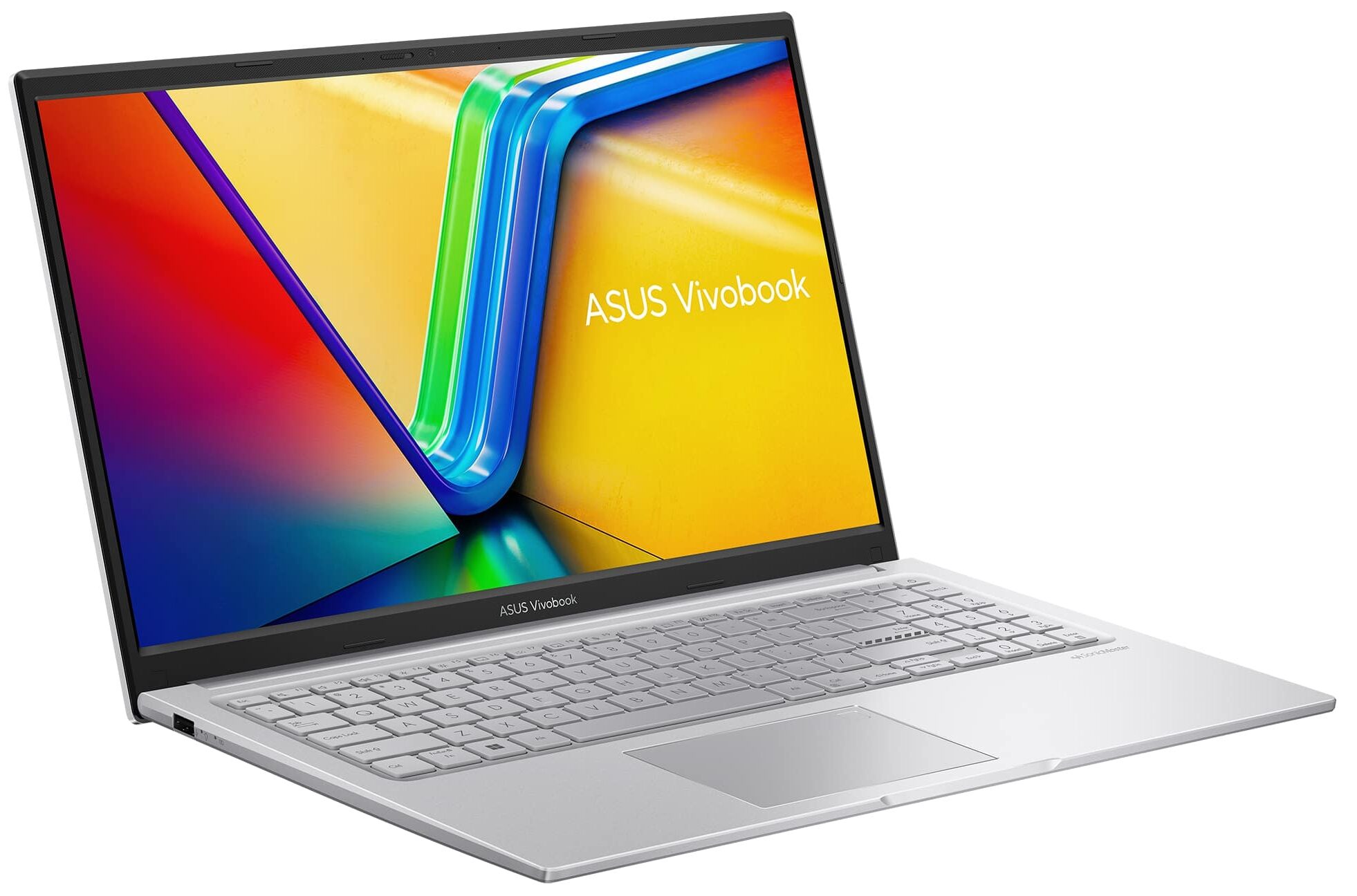
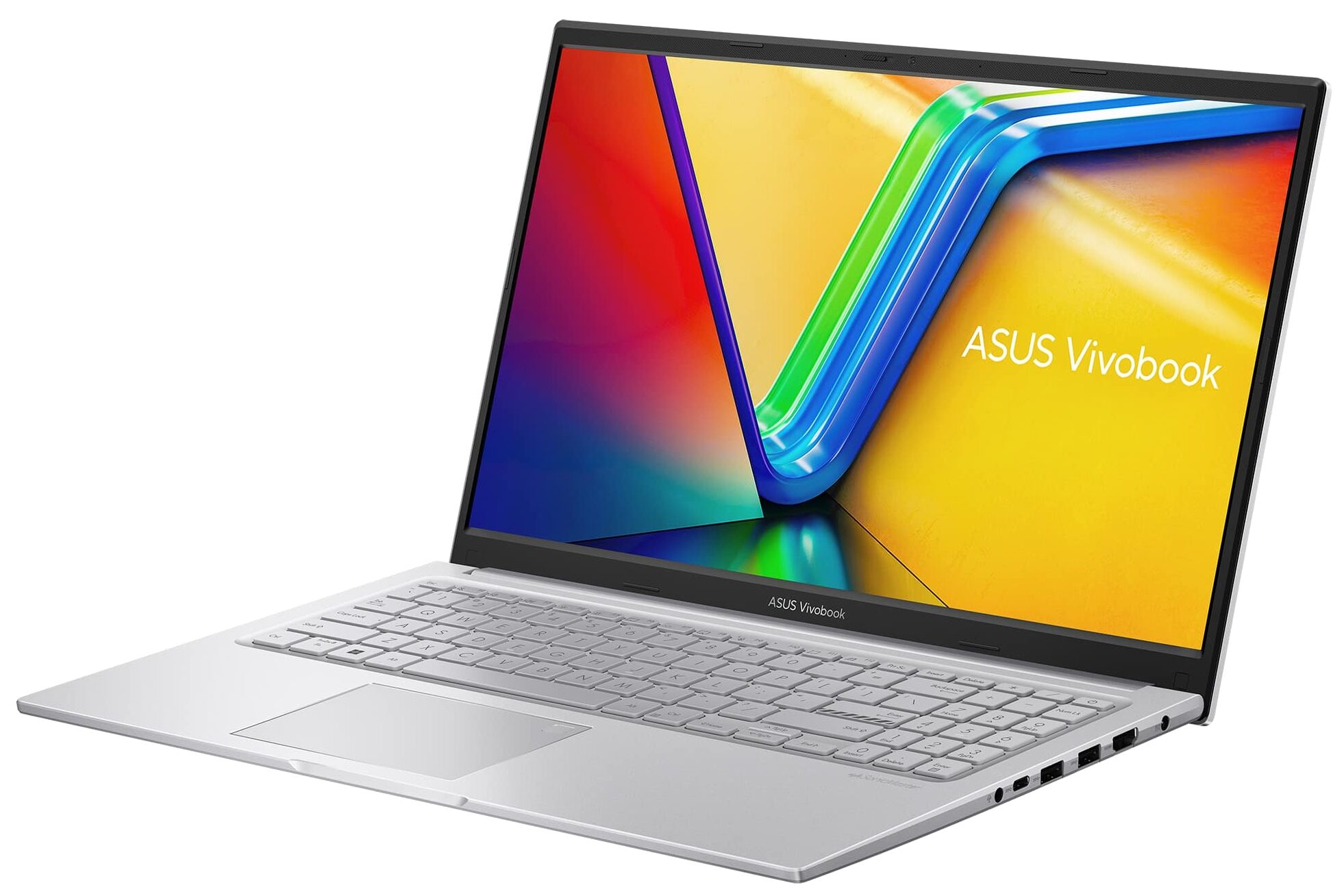
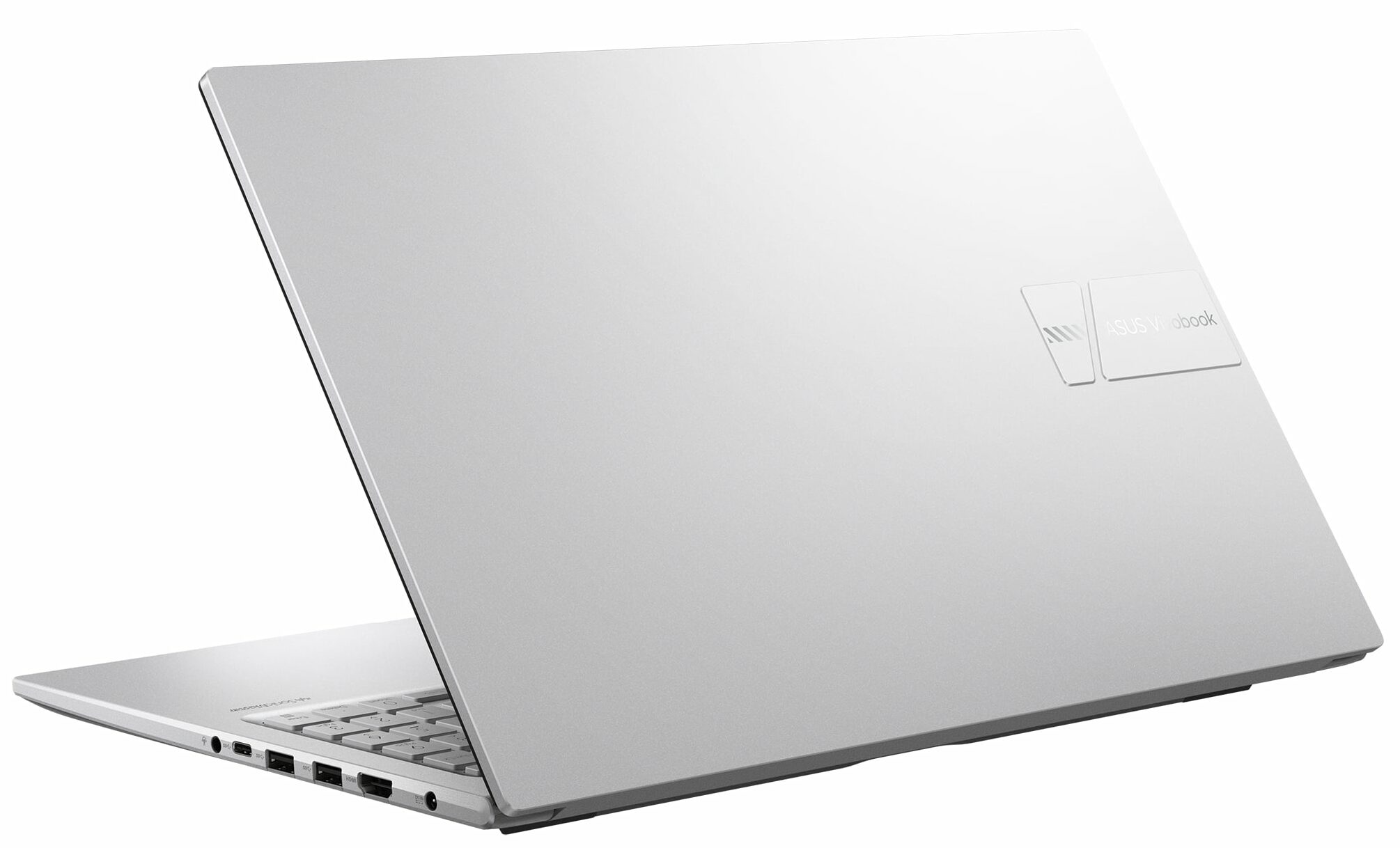
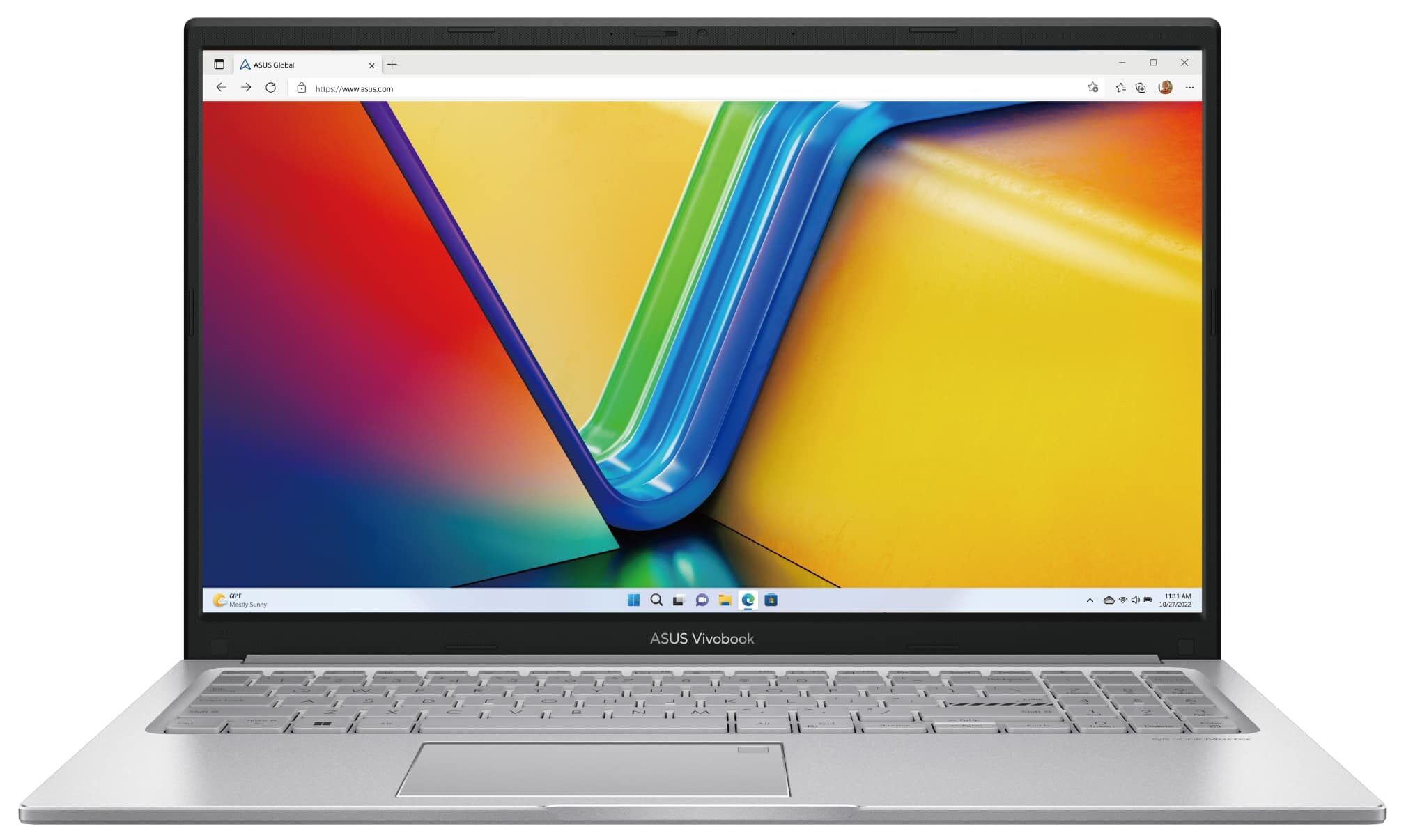
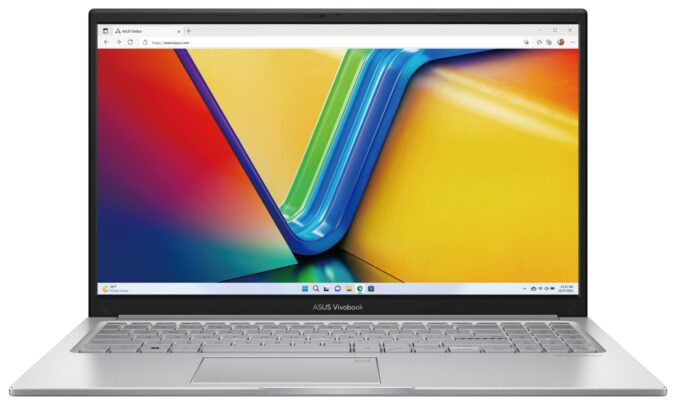
ASUS Vivobook 15 F1504
_000041.jpg)


- Date Published: 29 Oct 2025
- Intel Core i7-1355U
- Intel Iris Xe Graphics G7 (96EU)
- 15.6”, Full HD (1920 x 1080), IPS
- 4000GB SSD
- 40GB RAM
- 1.70 kg (3.7 lbs)
Specs

- HDD/SSD
- 4000GB SSD
- M.2 Slot
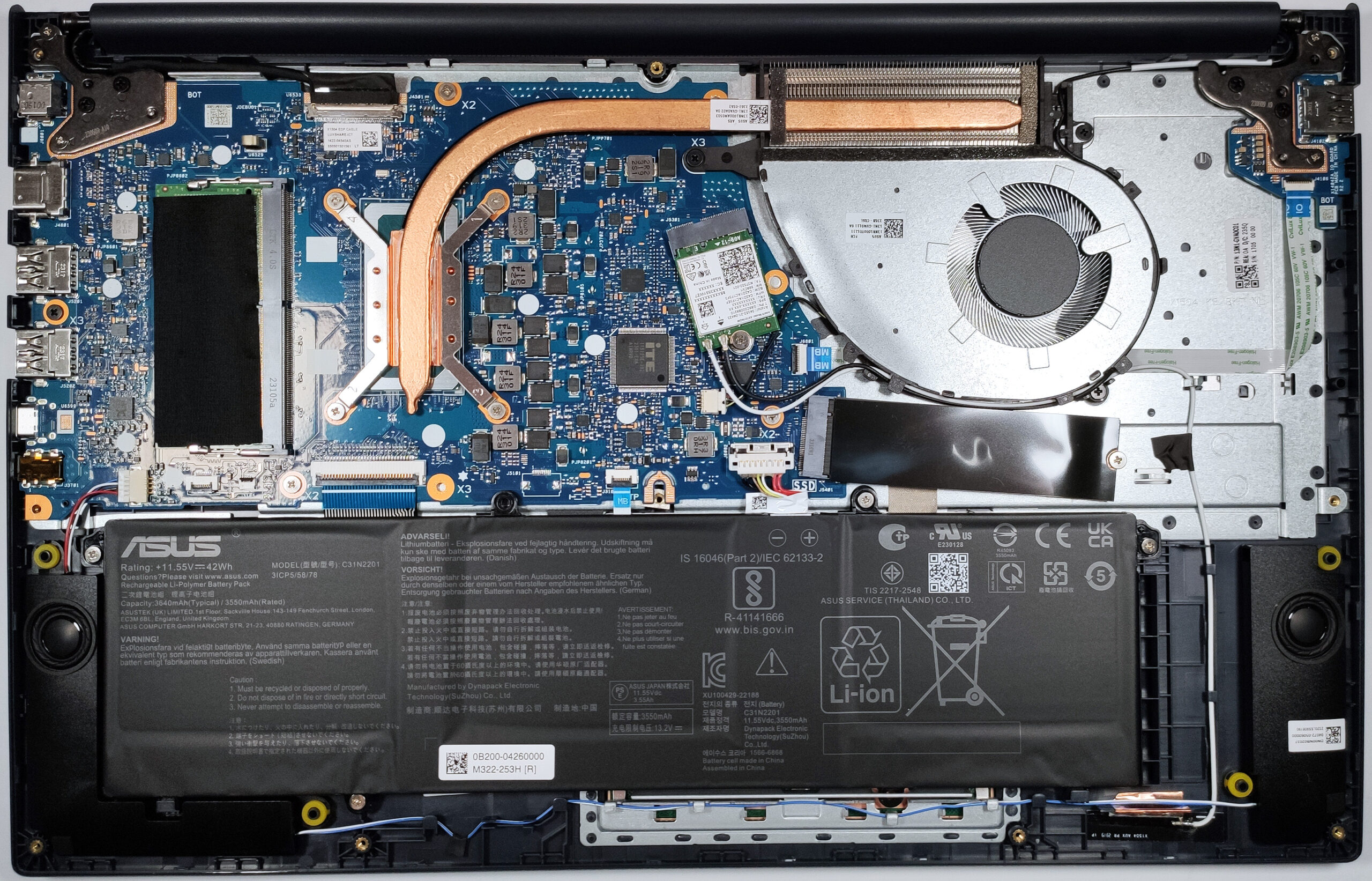
- 1x 2280 M.2 NVMe PCIe 4.0 x4 See photo
- RAM
- 40GB RAM
- OS
- Windows 10 Pro
- Body Material
- Plastic / Polycarbonate
- Dimensions
- 359.7 x 23205 x 17.9 mm (14.16" x 913.58" x 0.70")
- Weight
- 1.70 kg (3.7 lbs)
- Ports and connectivity
- 1x USB Type-A
- 2.0
- 2x USB Type-A
- 3.2 Gen 1 (5 Gbps)
- 1x USB Type-C
- 3.2 Gen 1 (5 Gbps)
- HDMI
- 1.4
- Card Reader
- Ethernet LAN
- Wi-Fi
- 802.11ax
- Bluetooth
- 5.0
- Audio jack
- 3.5mm Combo Jack
- Features
- Fingerprint reader
- Web camera
- HD with privacy shutter
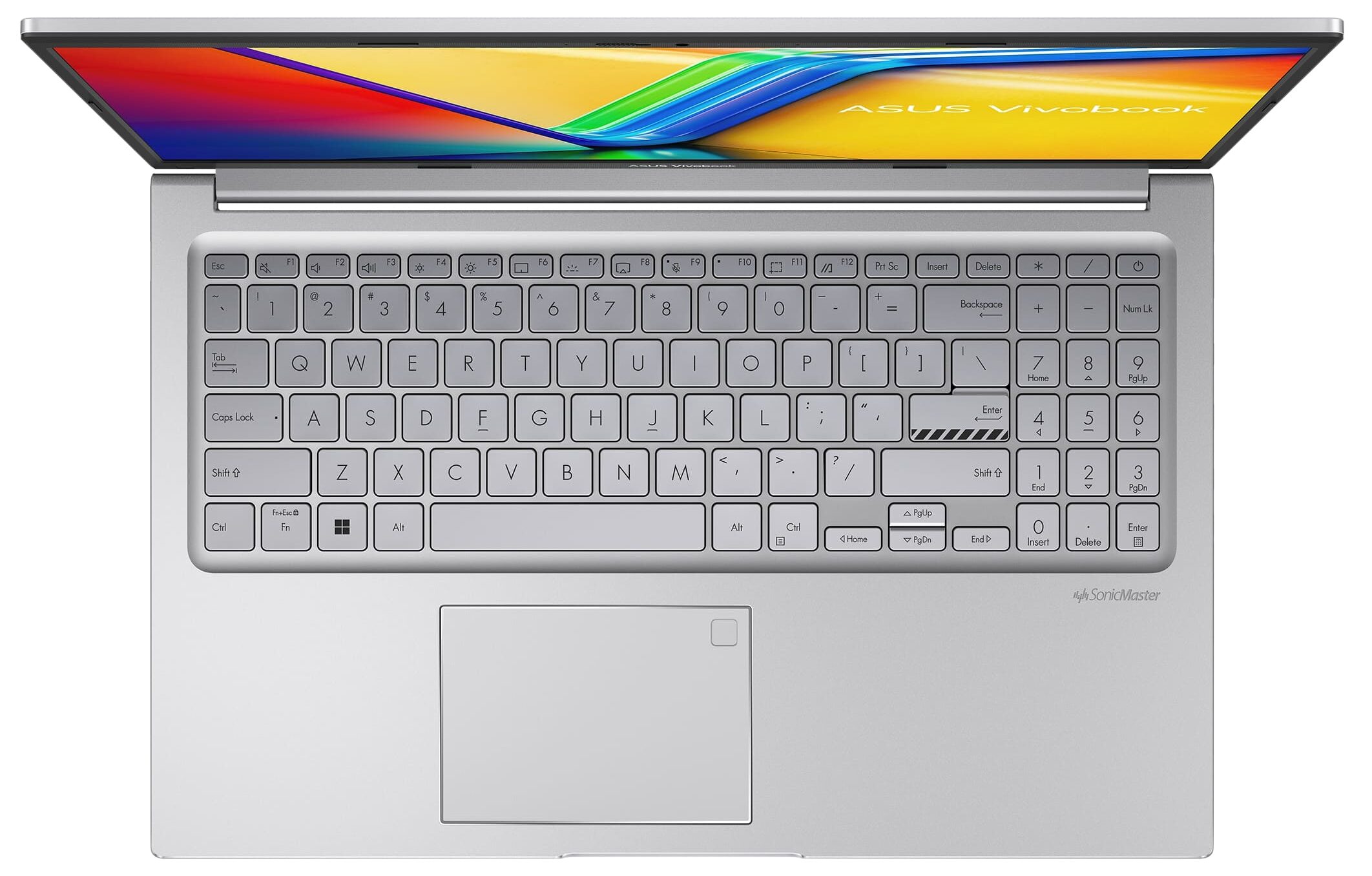
- Backlit keyboard
- Microphone
- Array Microphone with Cortana Support
- Speakers
- Stereo Speakers, SonicMaster
- Security Lock slot
Portability
Review
ASUS Vivobook 15 F1504 in-depth review
The ASUS Vivobook lineup offers plenty of machines in different price categories. One of the laptops is the ASUS Vivobook 15 F1504 (X1504). This fella doesn't cost much but it's loaded with an adequate amount of features and performance for the class.The notebook is available with Intel Raptor Lake-U chips but if you want to save some bucks, you can get the same laptop with Alder Lake-U chip. These 12th Gen processors are still powerful enough for daily tasks, office usage, and even for light gaming. There are three display options all with a 16:9 aspect ratio and 1080p resolution. One of them is a TN variant - avoid it like the plague. The other two are IPS panels and the top-tier model has a touchscreen function.This ASUS device has an antibacterial coating which can be important[...]
Read the full review
Pros
- Affordable
- No PWM (AUO B156HAN02.1 (AUO21ED))
- Antibacterial coating
- Comfortable keyboard and touchpad
- Camera with a privacy shutter
- Nice performance for the class
- Good comfort during heavy load
Cons
- No SD card reader
- Limited I/O and the USB Type-C port is only for data transfers
- Covers 55% of sRGB colors (AUO B156HAN02.1 (AUO21ED))
- Plastic build
- NVMe with QLC memory
Disassembly, maintenance and upgrade options
Opening the ASUS Vivobook 15 Hint: Ensure the laptop is powered off and unplugged before starting.Undo the 10 Torx-head screws securing the bottom panel to the chassis. Insert a thin plastic tool into the top edges to create a gap and pry along the sides to release the clips. Pop the front of the panel and use a lever tool to pry the rear carefully.More info: The inside of the bottom panel provides access to the battery, RAM slot, Wi-Fi card, and SSD.Battery Removal Caution: Wear gloves to avoid electrical zaps and handle the battery with care.Slide upwa[...]
Read more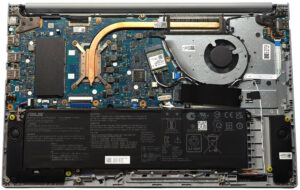


![[June 2026] Best-Selling Laptop Brands on Amazon Global – Apple’s Unrivaled Dominance in Units and Revenue](https://laptopmedia.com/wp-content/uploads/2026/07/GLOBAL-Best-Brands-400x225.jpg)
![[June 2026] Amazon Global: Top 10 Best-Selling Laptops – Apple’s New MacBook Neo Storms to #1, Reshaping the Market with Affordability](https://laptopmedia.com/wp-content/uploads/2026/07/Best-Selling-Laptops-GLOBAL-Top-10-400x225.jpg)
![[June 2026] Amazon Global: Top 10 Best-Selling Gaming Laptops – Acer’s Nitro V 16S AI Dominates Sales, While ASUS Leads Overall Revenue](https://laptopmedia.com/wp-content/uploads/2026/07/Best-Selling-Gaming-Laptops-GLOBAL-Top-10-400x225.jpg)
![[June 2026] Global Ranking of Best-Selling Laptop GPUs on Amazon – NVIDIA RTX 5060 is the Top-Selling Dedicated GPU](https://laptopmedia.com/wp-content/uploads/2026/07/Best-Selling-GPUs-GLOBAL-Top-10-400x225.jpg)
![[June 2026] Global Ranking of Best-Selling Laptop CPUs on Amazon – Apple M5 Dominates, AMD Ryzen 7 260 Gets Solid Premium Share](https://laptopmedia.com/wp-content/uploads/2026/07/Best-Selling-CPUs-GLOBAL-Top-10-400x225.jpg)