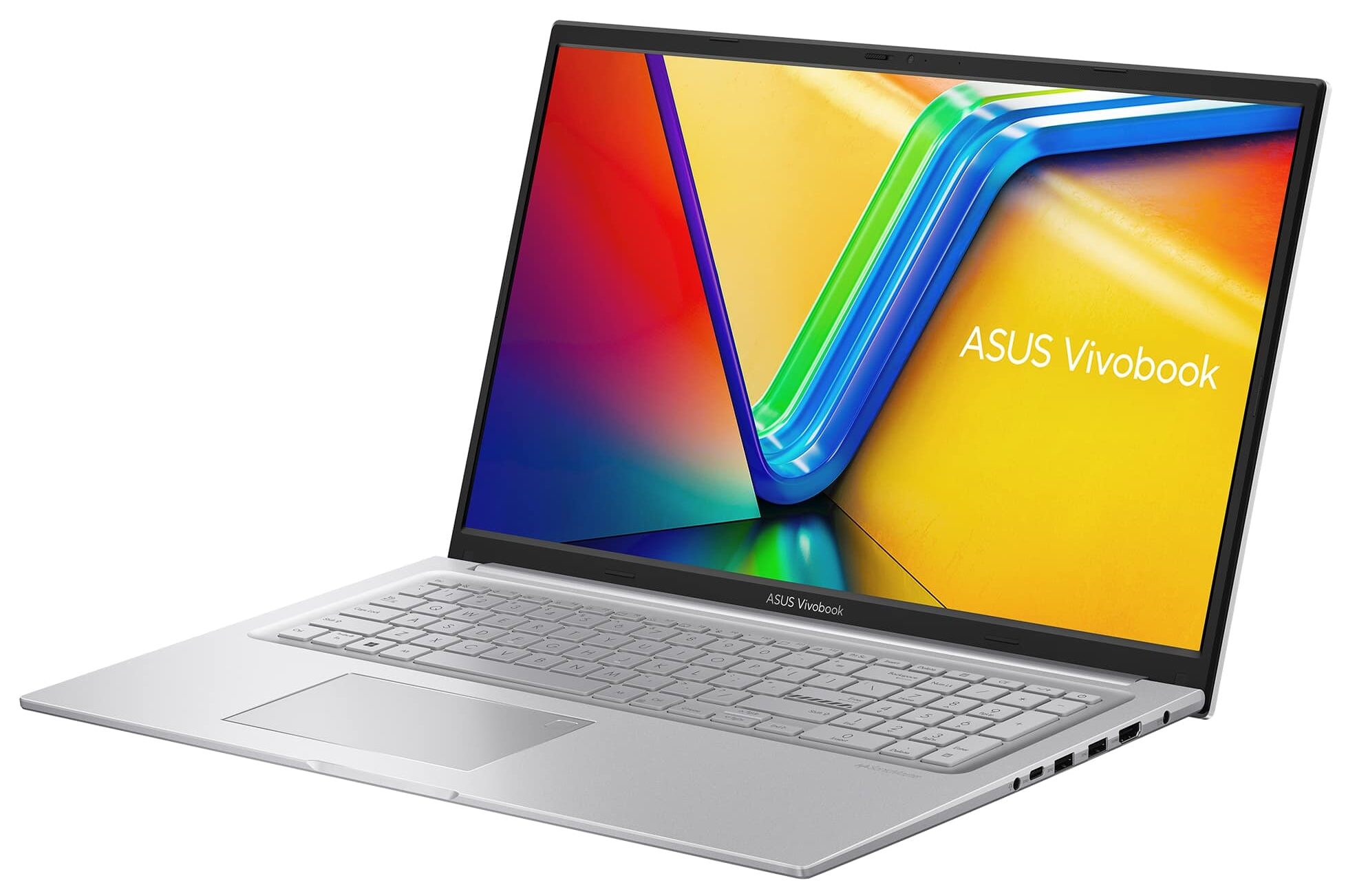
ASUS Vivobook 17 F1704
_000045.jpg)



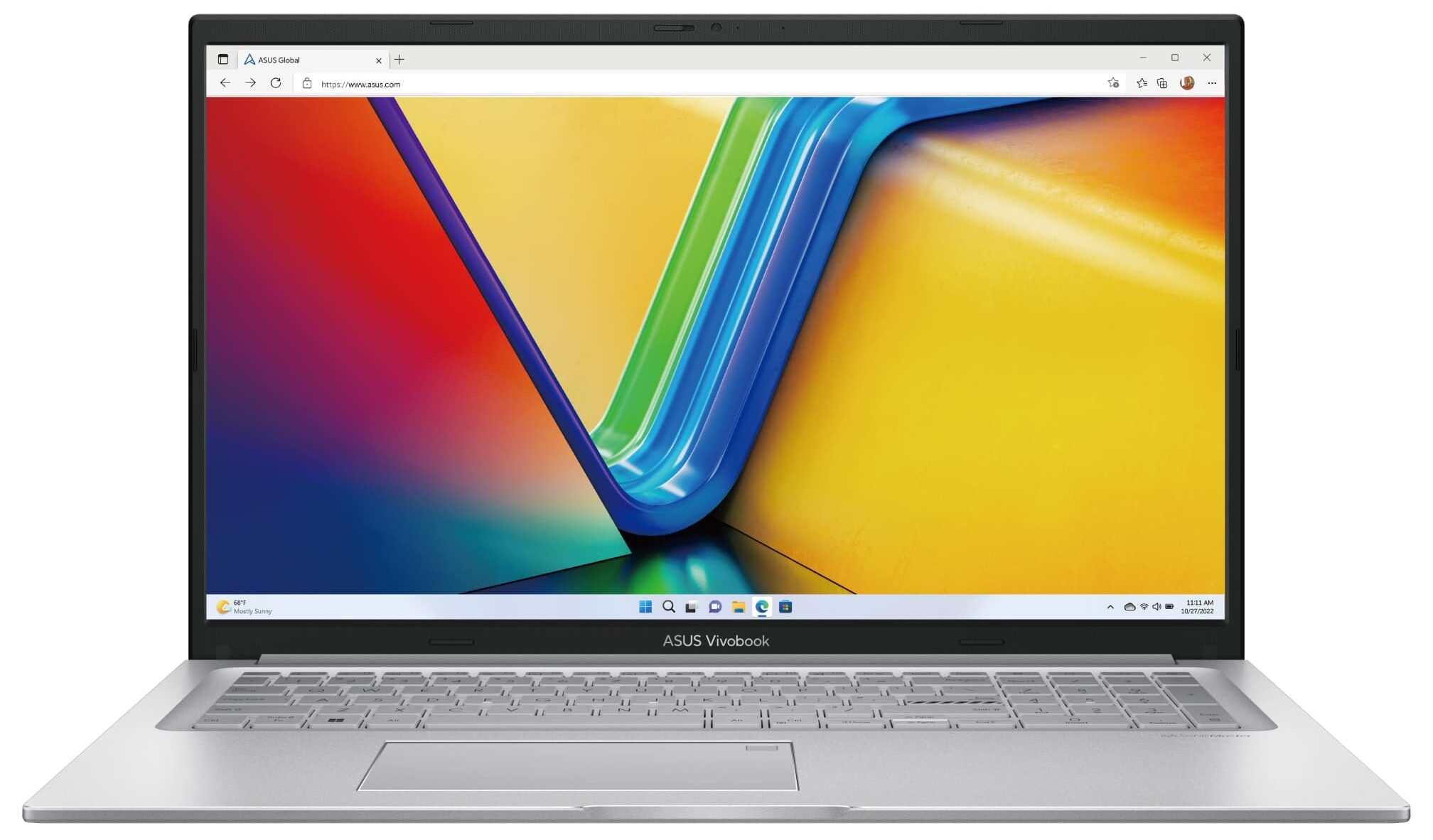
- Date Published: 18 Dec 2025
- Intel Core i7-1355U
- Intel Iris Xe Graphics G7 (96EU)
- 17.3”, Full HD (1920 x 1080), IPS
- 1000GB SSD
- 24GB RAM
- 2.10 kg (4.6 lbs)
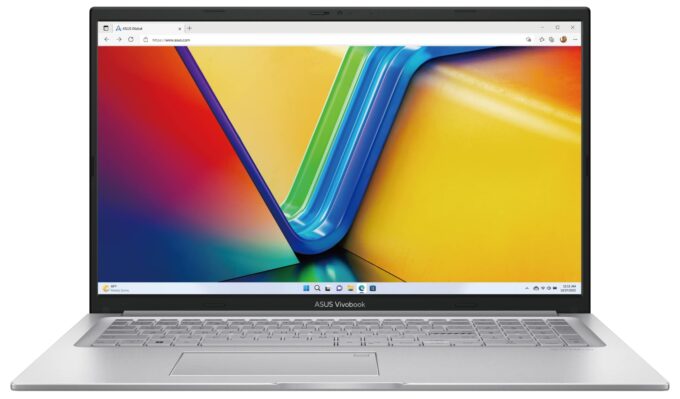
Specs

- HDD/SSD
- 1000GB SSD
- M.2 Slot
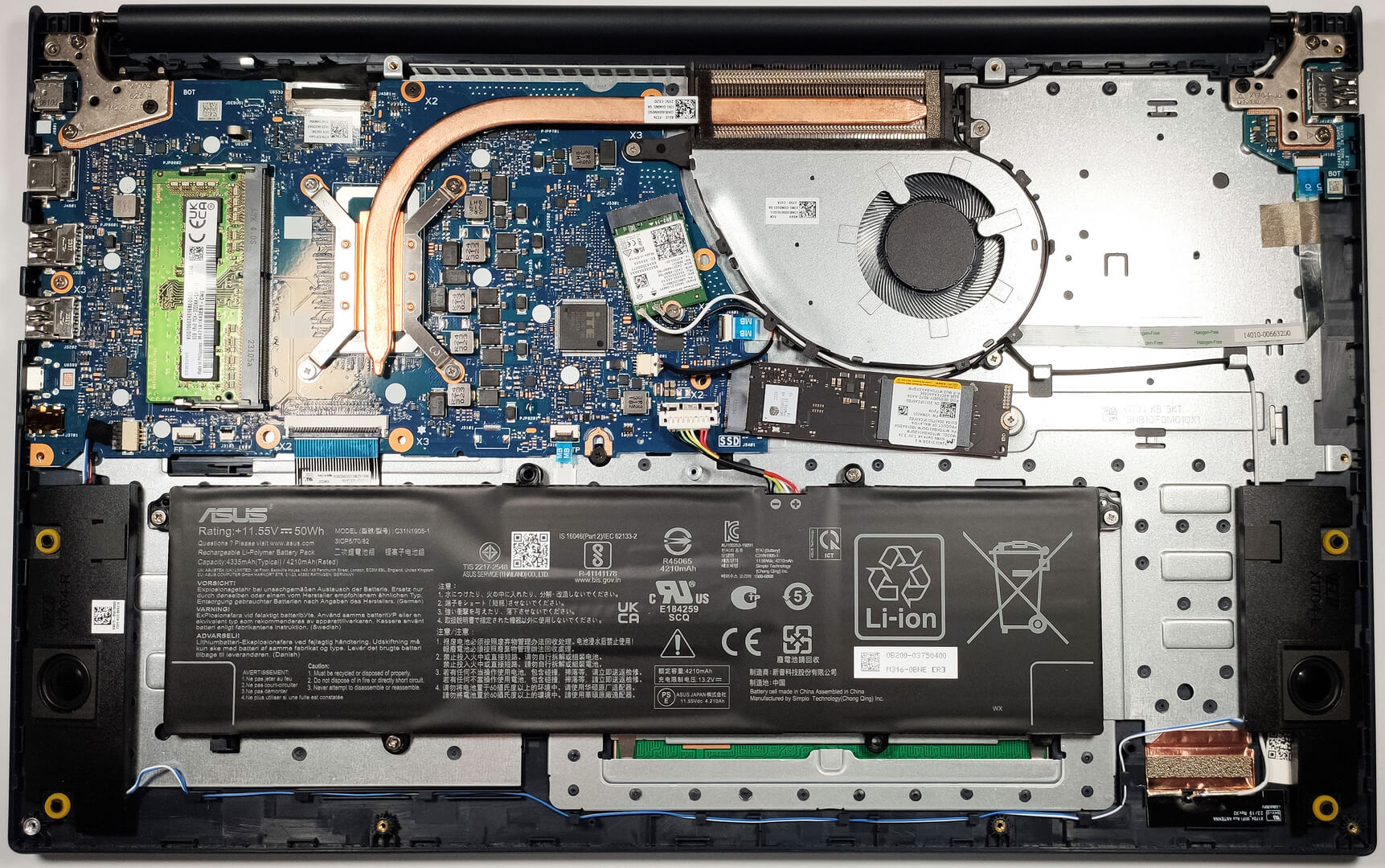
- 1x 2280 PCIe NVMe 4.0 x4 See photo
- RAM
- 24GB RAM
- OS
- Windows 11 Pro
- Body Material
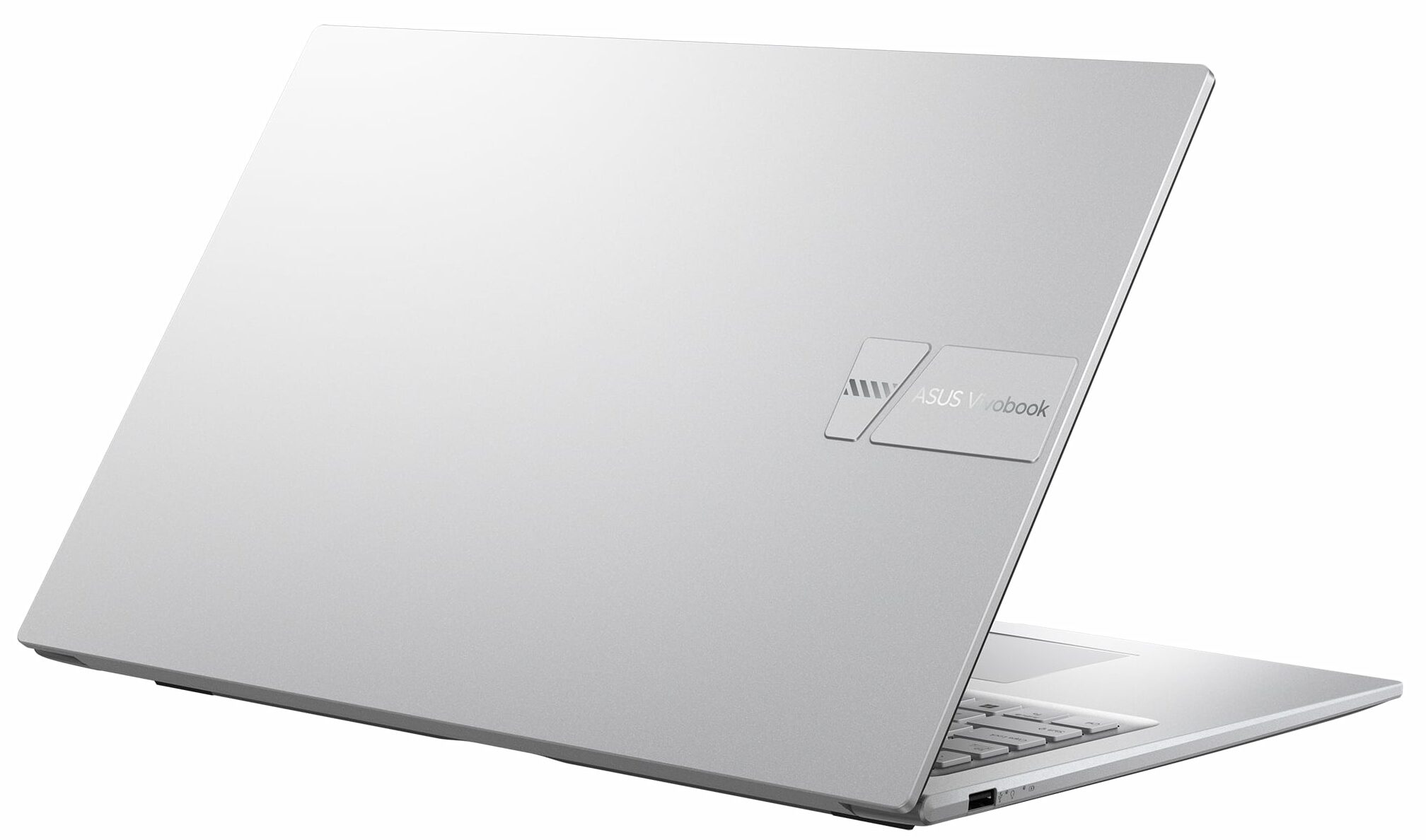
- Plastic / Polycarbonate
- Dimensions
- 399.3 x 254.3 x 19.9 mm (15.72" x 10.01" x 0.78")
- Weight
- 2.10 kg (4.6 lbs)
- Ports and connectivity
- 2x USB Type-A
- 2.0
- 1x USB Type-A
- 3.2 Gen 1 (5 Gbps)
- 1x USB Type-C
- 3.2 Gen 1 (5 Gbps)
- HDMI
- 1.4
- Card Reader
- Ethernet LAN
- Wi-Fi
- 802.11ax
- Bluetooth
- 5.0
- Audio jack
- 3.5mm Combo Jack
- Features
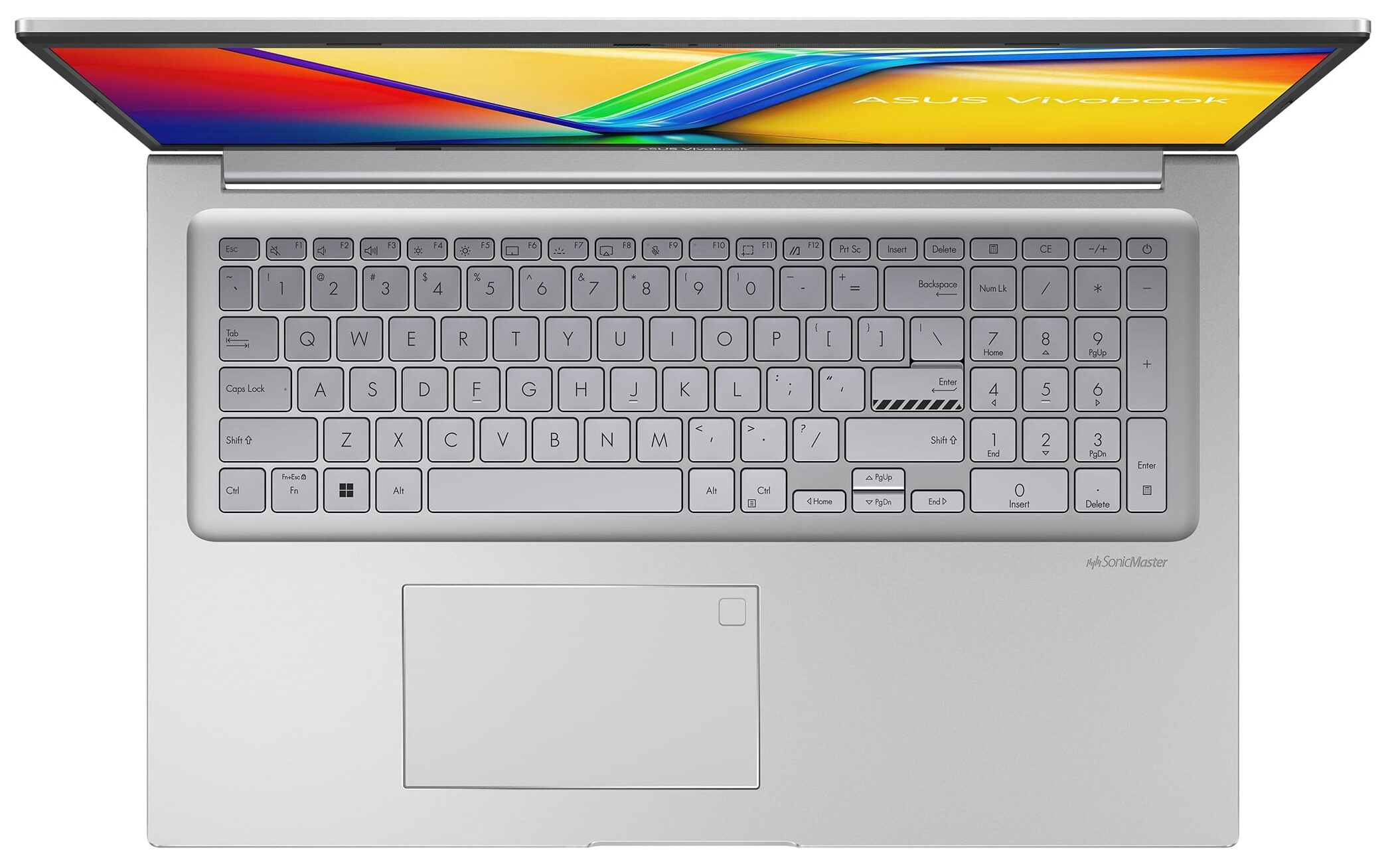
- Fingerprint reader
- Web camera
- HD with privacy shutter
- Backlit keyboard
- Microphone
- Array Microphone with Cortana Support
- Speakers
- Speakers by SonicMaster
- Security Lock slot
- Gifts
- PLUSERA Earphones
Portability
Review
ASUS Vivobook 17 F1704 in-depth review
Some people need a big-screen laptop for a daily driver. In this case, a gaming notebook is an unnecessary and expensive buy. You don't need so much power for just browsing the Web and watching videos. The ASUS Vivobook 17 F1704 (X1704) is a machine that is suitable for light tasks.It comes with efficient Alder Lake-U or Raptor Lake-U CPU options that pack enough power even for playing light games. At the same time, these chips are much more battery-friendly compared to the P and H-series processors. The main event here is the display. This device is a bit more expensive than its 15.6-inch sibling (the ASUS Vivobook 15 F1504 (X1504)) but it has a 17.3" panel which is a desirable feature for users who are consuming a lot of content like movies, social media, etc. Speaking of which, ther[...]
Read the full review
Pros
- Affordable for a 17-incher
- PWM-free IPS display (BOE NV173FHM-N49 (BOE084E))
- Antibacterial coating
- Comfortable input devices
- Web camera with a privacy shutter
- Snappy performance for the class
- The fan is almost quiet during heavy load
Cons
- No SD card reader
- The port selection is limited and the USB Type-C port is only for data transfers
- Covers 53% of the sRGB gamut (BOE NV173FHM-N49 (BOE084E))
- All-plastic build
- NVMe with QLC memory
Disassembly, maintenance and upgrade options
Step 1: Accessing the Internal ComponentsEnsure the ASUS Vivobook 17 F1704 (X1704) is powered off and placed on a soft, clean surface to prevent scratches or damage. Remove the 11 Phillips-head screws from the bottom of the laptop. Use a plastic tool to gently pry the bottom panel off, starting from one of the top two corners.Hint: Be careful during this process to avoid damaging the internal clips or the laptop casing.Step 2: Removing the BatteryDisconnect the battery by pulling out its connector from the motherboard. Remove the 4 Phillips-head screws secu[...]
Read more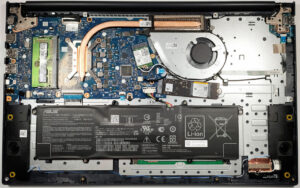


![[August 2026] Amazon Global: Top 10 Best-Selling Laptops – Apple MacBook Neo Dominates the Charts as Budget and Mid-Range Windows Portables Fight for Volume](https://laptopmedia.com/wp-content/uploads/2026/09/Best-Selling-Laptops-GLOBAL-Top-10-400x225.jpg)
![[August 2026] Best-Selling Laptop Brands on Amazon Global – Apple Dominates Revenue While HP Leads in Model Variety](https://laptopmedia.com/wp-content/uploads/2026/09/GLOBAL-Best-Brands-400x225.jpg)
![[August 2026] Amazon Global: Top 10 Best-Selling Gaming Laptops – HP Victus 15 Captures the Crown as Budget-Friendly Models Dominate the Charts](https://laptopmedia.com/wp-content/uploads/2026/09/Best-Selling-Gaming-Laptops-GLOBAL-Top-10-400x225.jpg)
![[August 2026] Best-Selling Laptop Brands on Amazon Japan – Apple Dominates Market Share and Revenue Led by Strong Unit Sales](https://laptopmedia.com/wp-content/uploads/2026/09/CO.JP-Best-Brands-1-400x225.jpg)
![[August 2026] Best-Selling Laptop Brands on Amazon USA – Apple Dominates Market Revenue and Volume Despite Lower Model Diversity](https://laptopmedia.com/wp-content/uploads/2026/09/COM-Best-Brands-1-400x225.jpg)