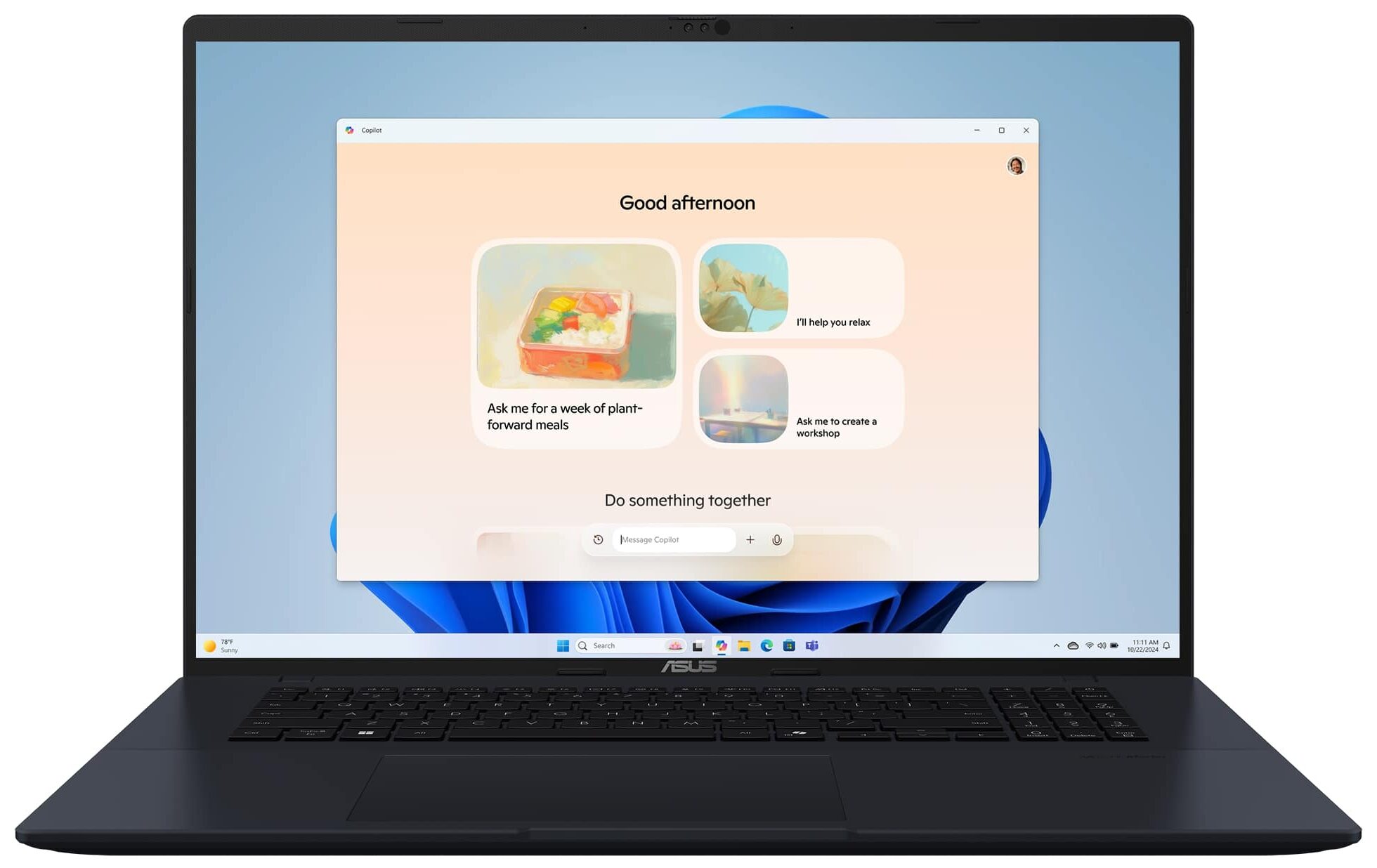
ASUS Vivobook 18
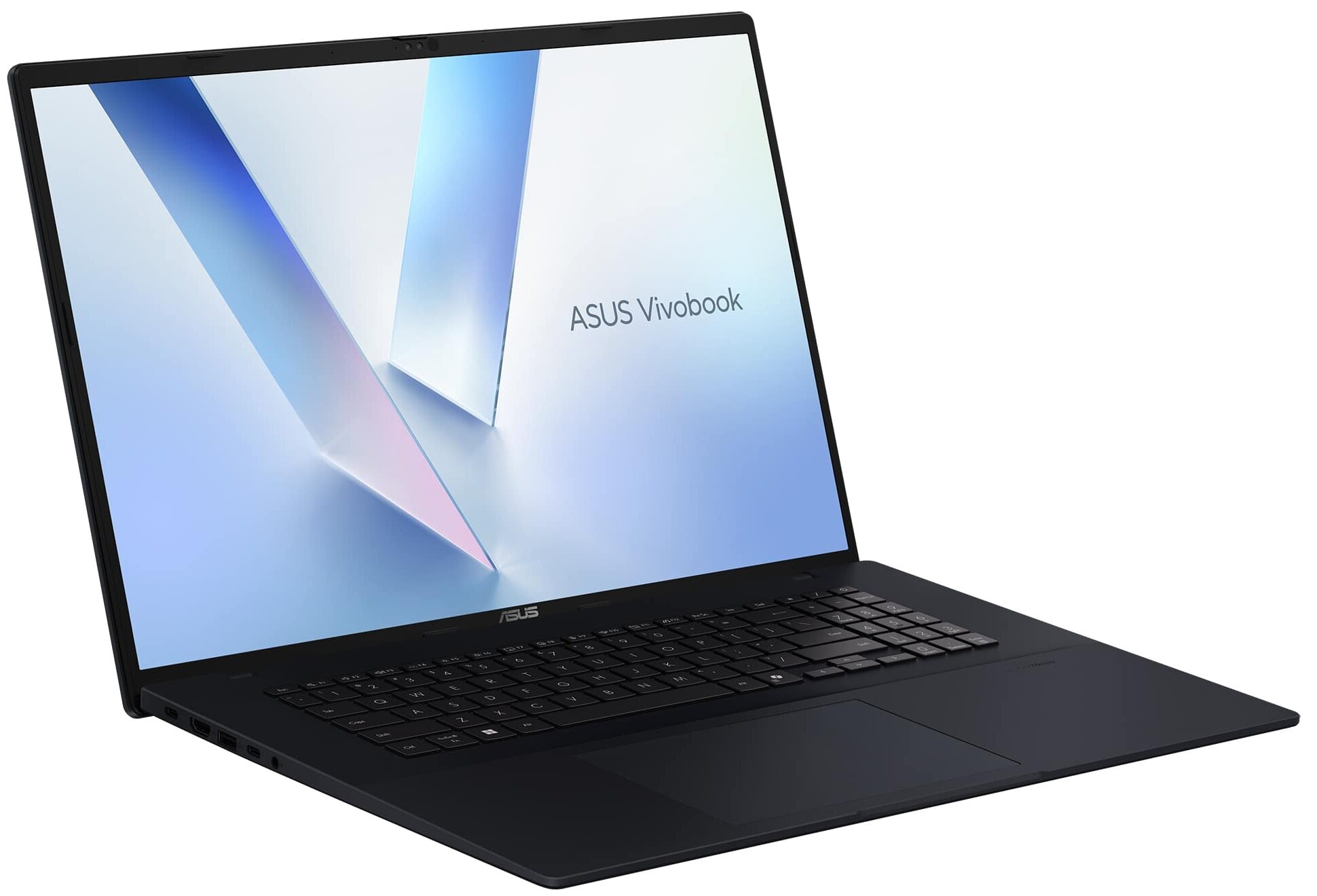
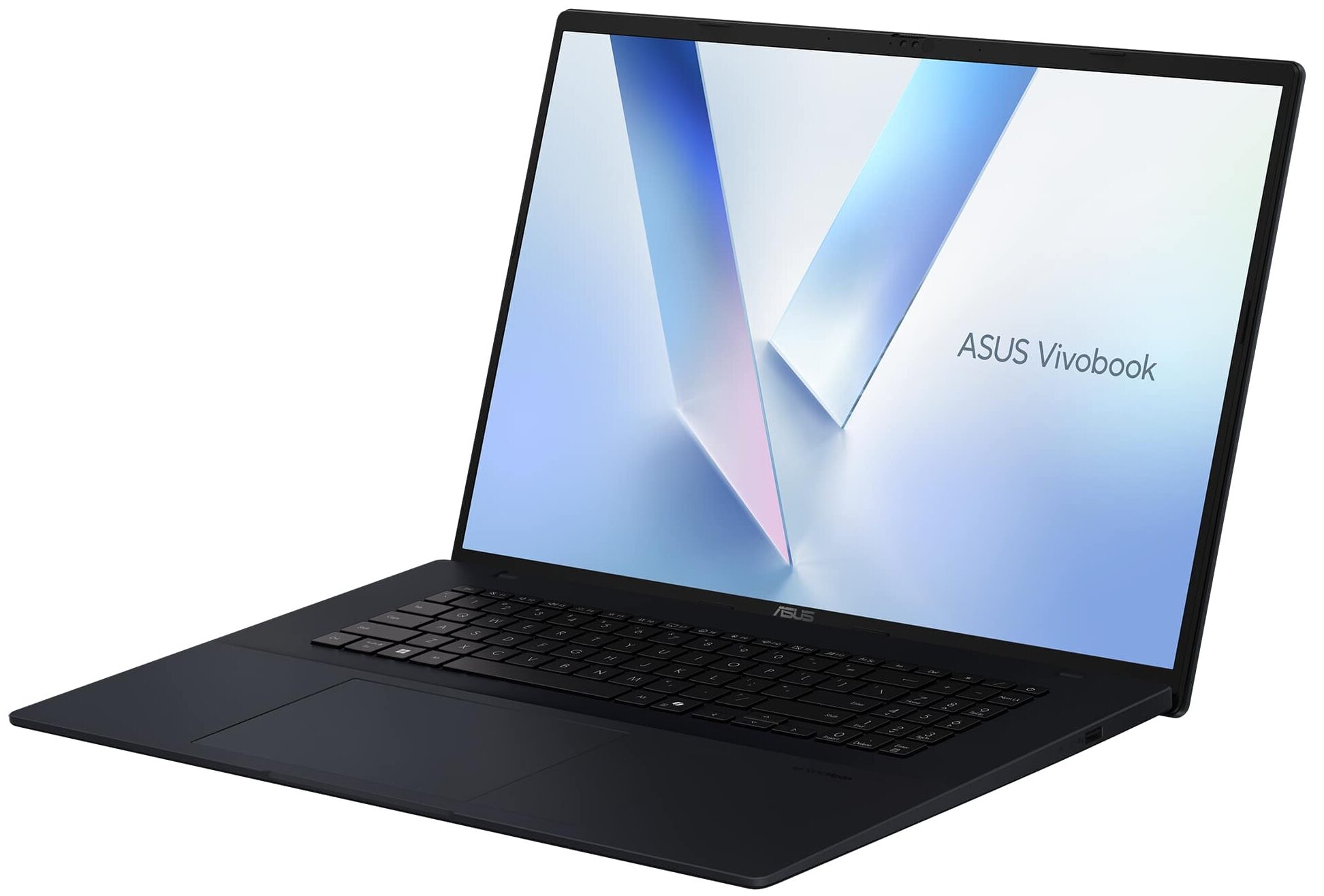
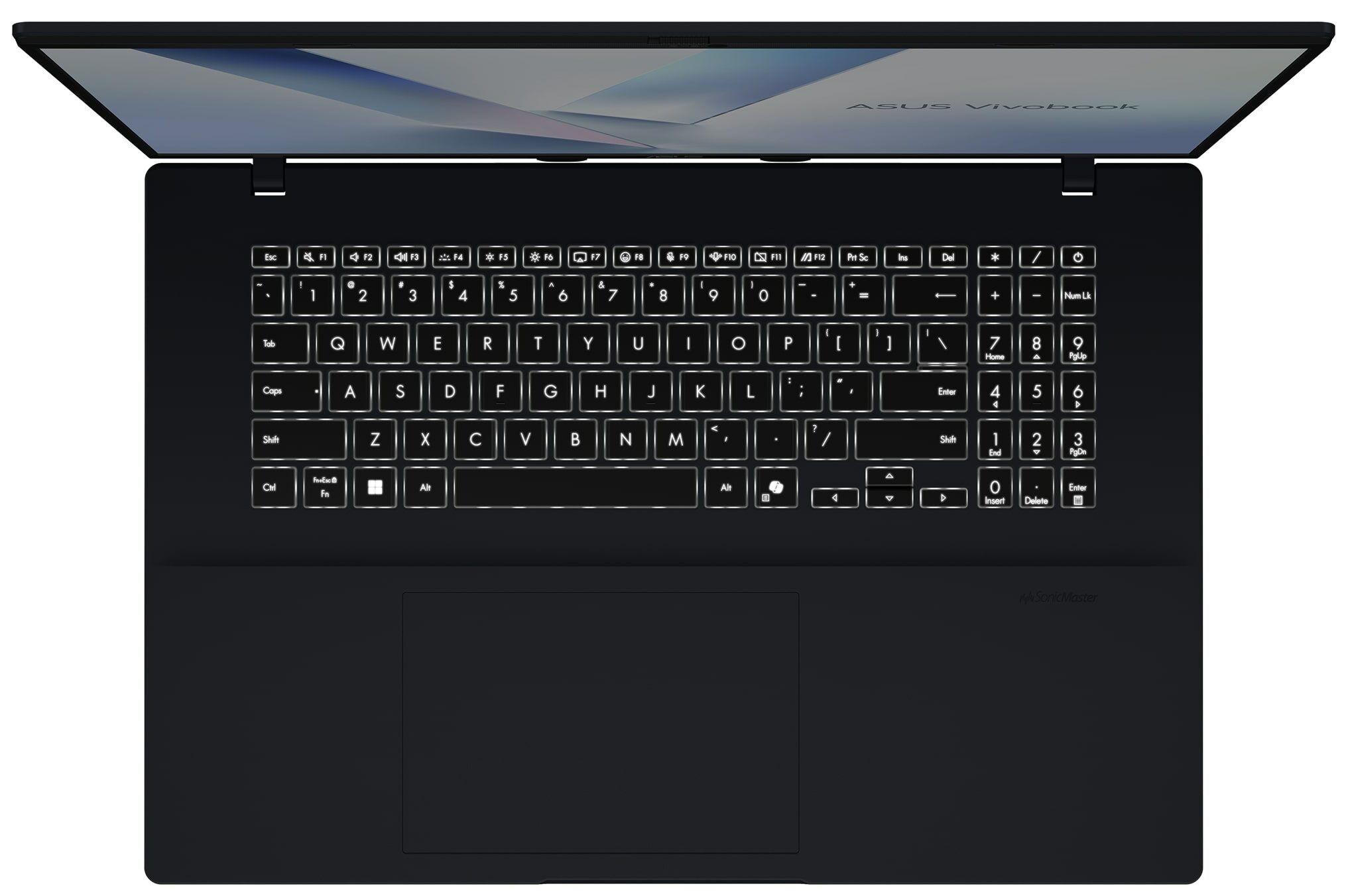
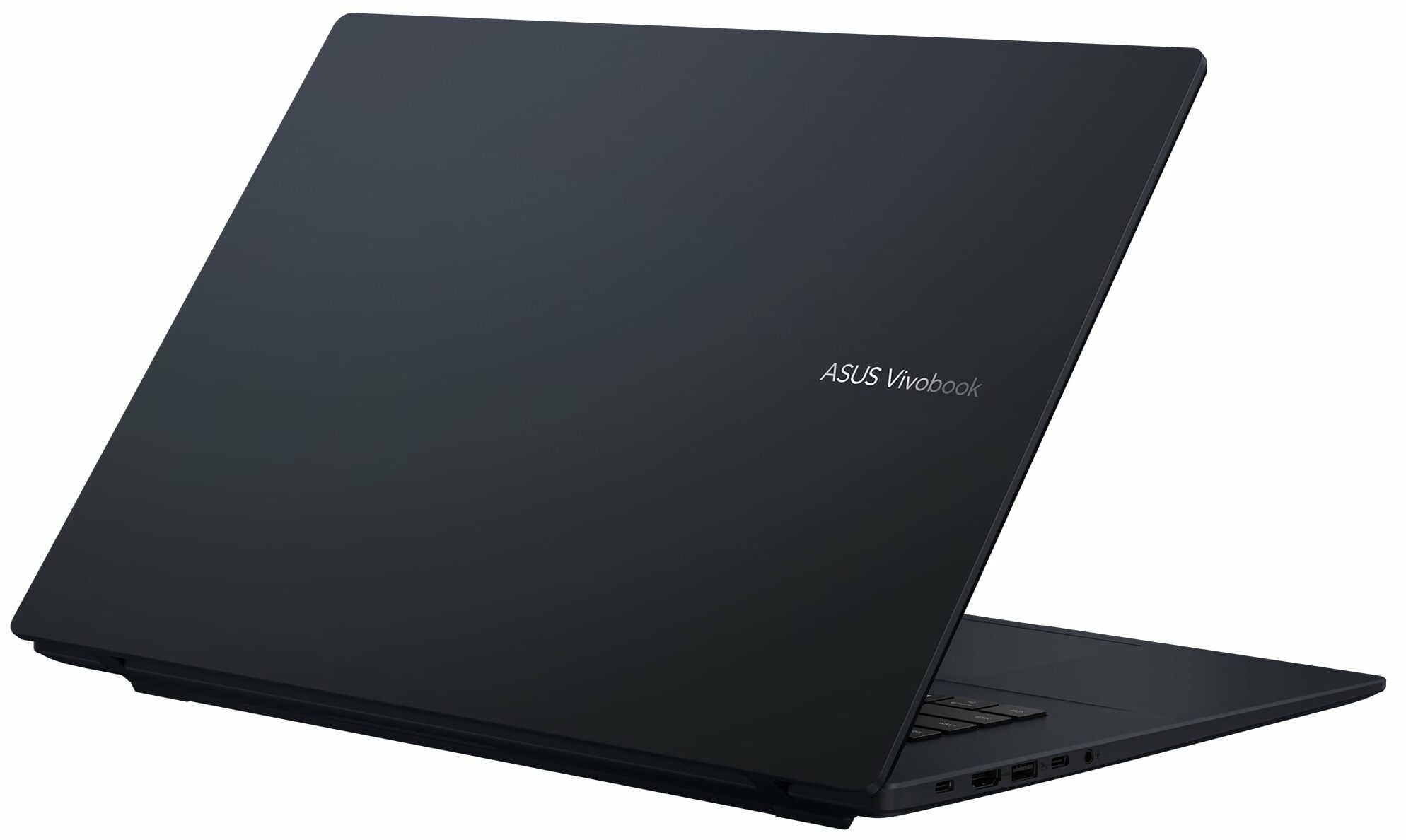
- Date Published: 09 Jul 2026
- AMD Ryzen 7 260
- AMD Radeon 780M
- 18.4”, WUXGA (1920 x 1200), 144 Hz, IPS
- 2000GB SSD
- 48GB RAM
- 2.60 kg (5.7 lbs)
Review
ASUS Vivobook 18 in-depth review
Most 18-inch laptops are bulky gaming machines with powerful GPUs, loud cooling systems, and heavy chargers. The ASUS Vivobook 18 (M1807) takes a different route. It is a large-screen productivity laptop built around a huge 18-inch 16:10 display, modern AMD hardware, integrated graphics, and a surprisingly practical 70Wh battery.This makes it an interesting option for users who want more workspace for office work, browsing, coding, multitasking, and media consumption, but do not necessarily need a dedicated GPU or a flashy gaming design. The Vivobook 18 is not trying to be a workstation, though. Its large body hides some clear compromises, including a plastic chassis, modest 1920 x 1200 sharpness, and basic 5Gbps connectivity. The real question is whether the screen size, performan[...]
Read the full review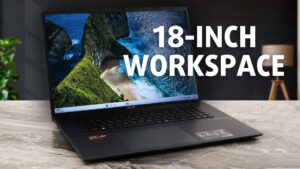
Pros
- Huge 18-inch 16:10 workspace
- Excellent battery life for this screen size
- Strong sustained CPU performance
- 144Hz IPS display with 97% sRGB coverage
- PWM-free panel for better eye comfort
- Large and comfortable touchpad
- FHD IR camera with physical privacy shutter
- Accessible SODIMM slot, SSD, Wi-Fi card, battery, and fan
Cons
- 1920 x 1200 resolution is not very sharp on an 18-inch screen
- Average brightness and contrast
- Plastic chassis flexes under pressure
- Cramped NumPad and half-height arrow keys
- All USB ports are limited to 5Gbps, No USB4, Ethernet, or SD card reader
- Only one M.2 SSD slot
- Integrated GPU is suitable mainly for casual gaming
Disassembly, maintenance and upgrade options
Disassembly, Upgrade options, and MaintenanceGetting inside the ASUS Vivobook 18 (M1807) starts with removing the bottom panel, which is held in place by 11 screws. One of them is captive and helps lift the panel slightly, giving you a starting point for the plastic clips. Keep in mind that some of the screws are shorter than the others, so it is worth separating them during disassembly. Once the bottom cover is removed, the layout is easy to understand: the large battery occupies the front section, while the motherboard, cooling system, and upgradeable components are positioned toward t[...]
Read more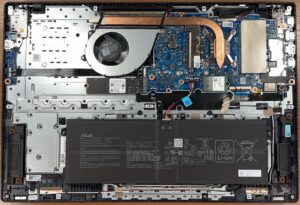


![[June 2026] Best-Selling Laptop Brands on Amazon Global – Apple’s Unrivaled Dominance in Units and Revenue](https://laptopmedia.com/wp-content/uploads/2026/07/GLOBAL-Best-Brands-400x225.jpg)
![[June 2026] Amazon Global: Top 10 Best-Selling Laptops – Apple’s New MacBook Neo Storms to #1, Reshaping the Market with Affordability](https://laptopmedia.com/wp-content/uploads/2026/07/Best-Selling-Laptops-GLOBAL-Top-10-400x225.jpg)
![[June 2026] Amazon Global: Top 10 Best-Selling Gaming Laptops – Acer’s Nitro V 16S AI Dominates Sales, While ASUS Leads Overall Revenue](https://laptopmedia.com/wp-content/uploads/2026/07/Best-Selling-Gaming-Laptops-GLOBAL-Top-10-400x225.jpg)
![[June 2026] Global Ranking of Best-Selling Laptop GPUs on Amazon – NVIDIA RTX 5060 is the Top-Selling Dedicated GPU](https://laptopmedia.com/wp-content/uploads/2026/07/Best-Selling-GPUs-GLOBAL-Top-10-400x225.jpg)
![[June 2026] Global Ranking of Best-Selling Laptop CPUs on Amazon – Apple M5 Dominates, AMD Ryzen 7 260 Gets Solid Premium Share](https://laptopmedia.com/wp-content/uploads/2026/07/Best-Selling-CPUs-GLOBAL-Top-10-400x225.jpg)
