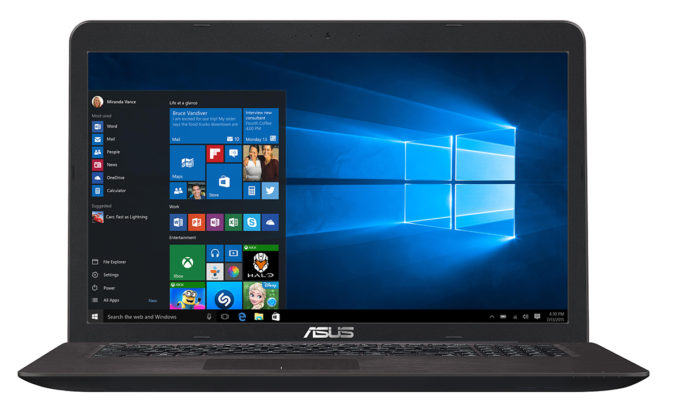
ASUS X756
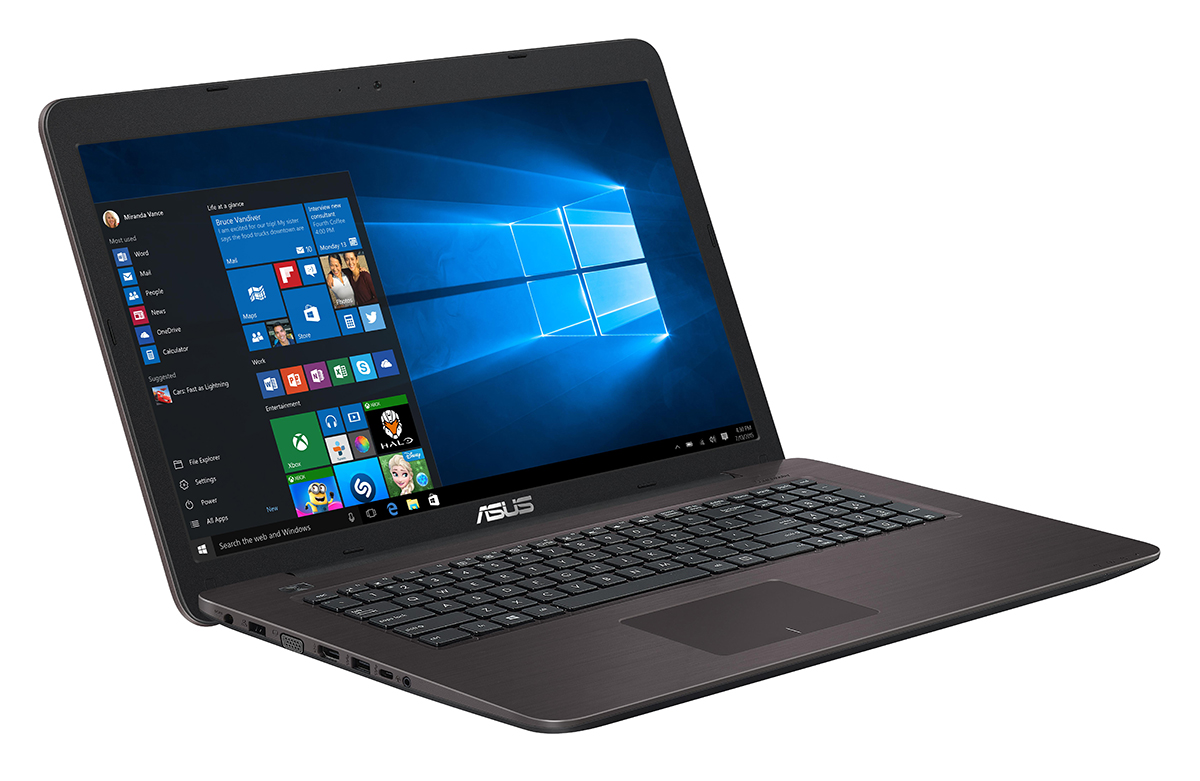
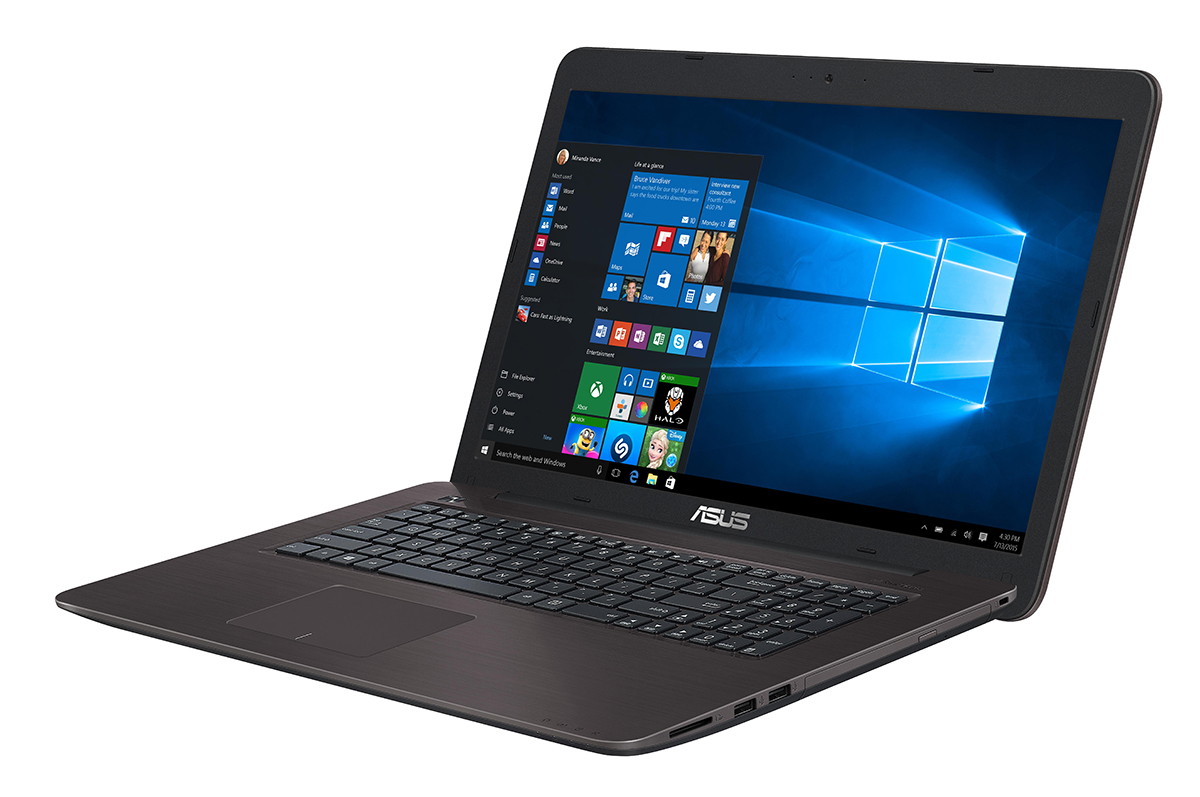
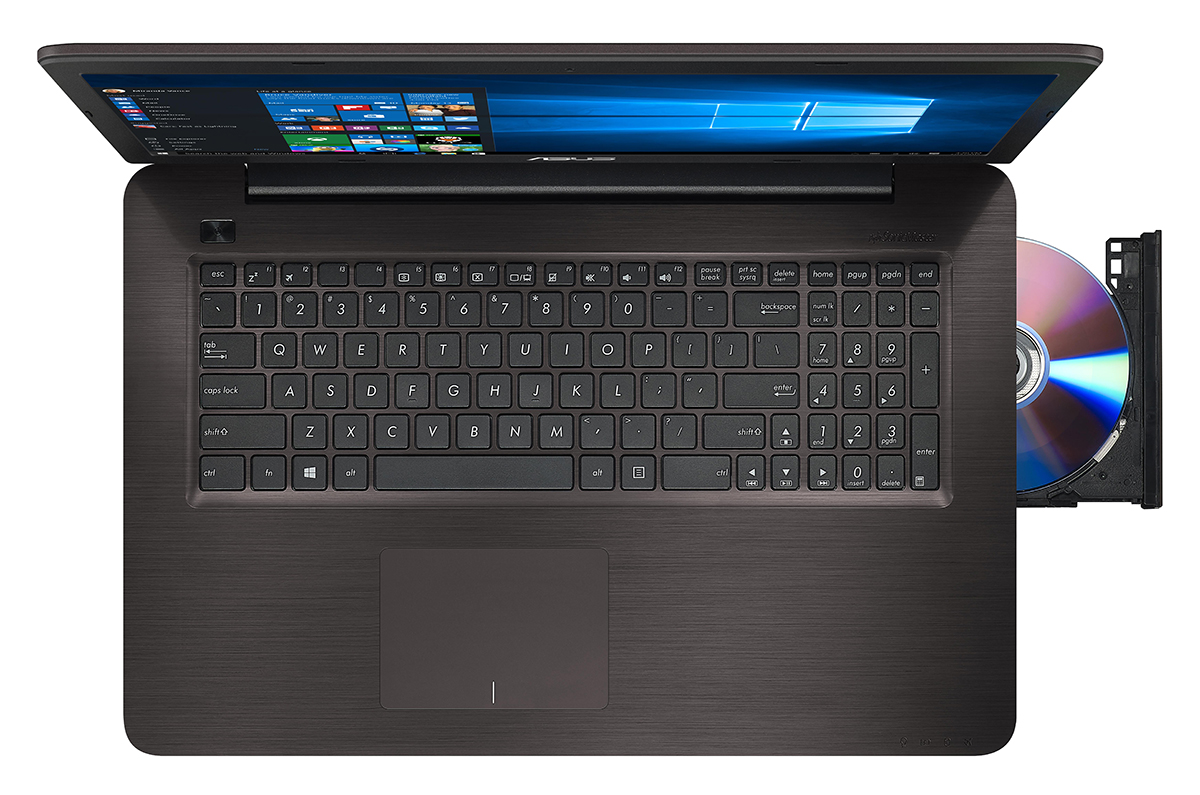

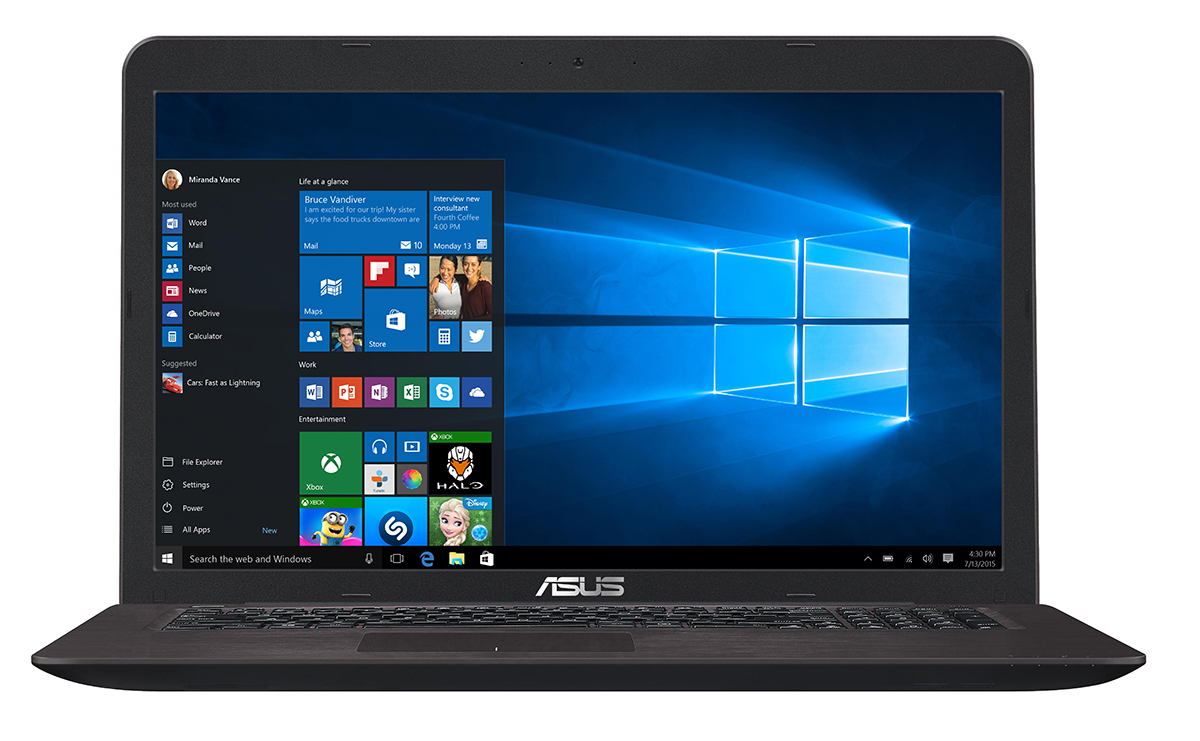
- Date Published: 16 Sep 2025
- Intel Core i7-6500U
- Intel HD Graphics 520
- 17.3”, HD (1366 x 768), TN
- 1000GB HDD
- 8GB RAM
- 2.70 kg (6 lbs)
Specs
- Display
- HDD/SSD
- 1000GB HDD
- RAM
- 8GB RAM
- OS
- Windows OS
- Body Material
- Plastic / Polycarbonate, Aluminum (Aluminum lid, plastic base)
- Dimensions
- 415 x 273 x 30 mm (16.34" x 10.75" x 1.18")
- Weight
- 2.70 kg (6 lbs)
- Ports and connectivity
- 1x USB Type-A
- 3.2 Gen 1 (5 Gbps)
- 2x USB Type-A
- 2.0
- 1x USB Type-C
- 3.2 Gen 1 (5 Gbps)
- HDMI
- Card Reader
- SD
- Ethernet LAN
- Wi-Fi
- 802.11b/g/n
- Bluetooth
- 4.0
- Audio jack
- headphone/microphone
- Features
- Fingerprint reader
- Web camera
- Backlit keyboard
- Microphone
- Speakers
- Security Lock slot
Portability
Review
ASUS X756 in-depth review
We often criticize the mid-range and low-end 17-inch notebooks because they often cost more than its 15-inch alternatives while offering less powerful hardware or even subpar image quality. This is exactly the case with the ASUS X756UQ, which is advertised as a multimedia machine but fails to impress as one mostly due to the 17.3-inch TN panel. We can immediately think of a much better multimedia solution that's not only more portable but considerably more powerful as well - the ASUS VivoBook Pro 15 N580VD.We recently reviewed the latter with the pricier Core i7-7700HQ CPU but you can easily get the Core i5-7300HQ version that costs just a tad more than the ASUS K756UQ, which drags behind with a ULV (ultra-low voltage) processor (Core i5-7200U) and a GPU that's more of a multimedia[...]
Read the full review
Pros
- Good build quality
- The display has almost full sRGB coverage
- Decent input devices
Cons
- Poor battery life
- Not the most portable 17-inch solution
- Fails to utilize the full performance of the CPU and GPU during heavy workloads
- Dim TN display with low maximum brightness and poor viewing angles
- Aggressive PWM from 0 to 99% brightness (our Health-Guard profile takes care of that)
- No keyboard backlight


![[June 2026] Best-Selling Laptop Brands on Amazon Global – Apple’s Unrivaled Dominance in Units and Revenue](https://laptopmedia.com/wp-content/uploads/2026/07/GLOBAL-Best-Brands-400x225.jpg)
![[June 2026] Amazon Global: Top 10 Best-Selling Laptops – Apple’s New MacBook Neo Storms to #1, Reshaping the Market with Affordability](https://laptopmedia.com/wp-content/uploads/2026/07/Best-Selling-Laptops-GLOBAL-Top-10-400x225.jpg)
![[June 2026] Amazon Global: Top 10 Best-Selling Gaming Laptops – Acer’s Nitro V 16S AI Dominates Sales, While ASUS Leads Overall Revenue](https://laptopmedia.com/wp-content/uploads/2026/07/Best-Selling-Gaming-Laptops-GLOBAL-Top-10-400x225.jpg)
![[June 2026] Global Ranking of Best-Selling Laptop GPUs on Amazon – NVIDIA RTX 5060 is the Top-Selling Dedicated GPU](https://laptopmedia.com/wp-content/uploads/2026/07/Best-Selling-GPUs-GLOBAL-Top-10-400x225.jpg)
![[June 2026] Global Ranking of Best-Selling Laptop CPUs on Amazon – Apple M5 Dominates, AMD Ryzen 7 260 Gets Solid Premium Share](https://laptopmedia.com/wp-content/uploads/2026/07/Best-Selling-CPUs-GLOBAL-Top-10-400x225.jpg)
