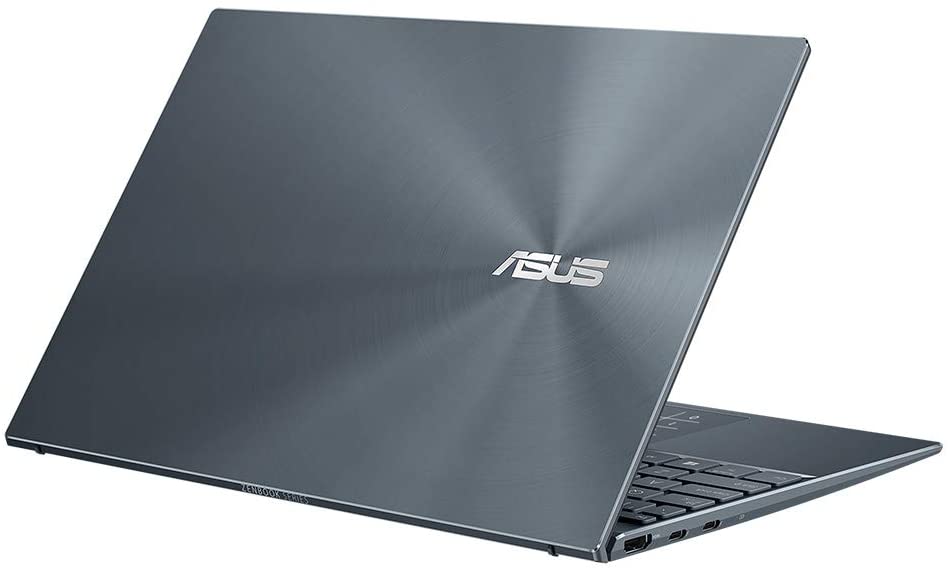
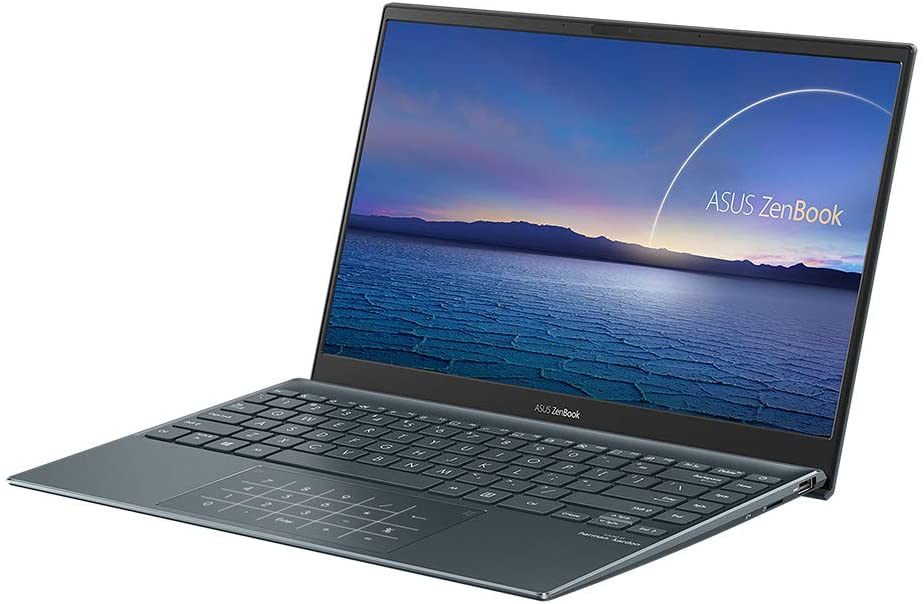
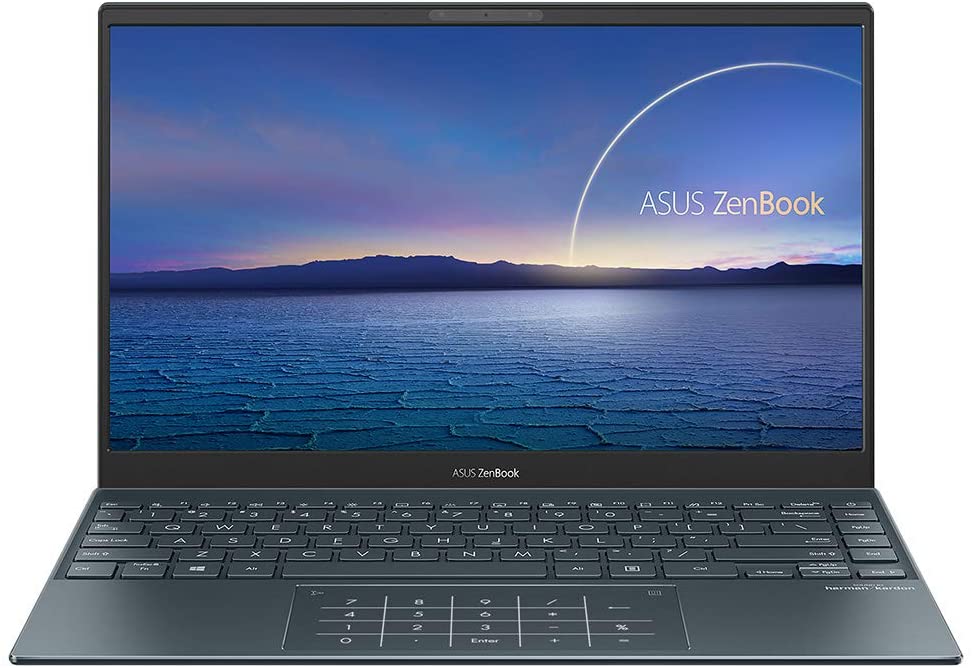
ASUS ZenBook 13 UX325
- Date Published: 16 Jul 2025
- Intel Core i5-1035G4
- Intel Iris Plus Graphics G4
- 13.3”, Full HD (1920 x 1080), IPS
- 512GB SSD
- 16GB RAM
- 1.07 kg (2.4 lbs)
Specs

- HDD/SSD
- 512GB SSD
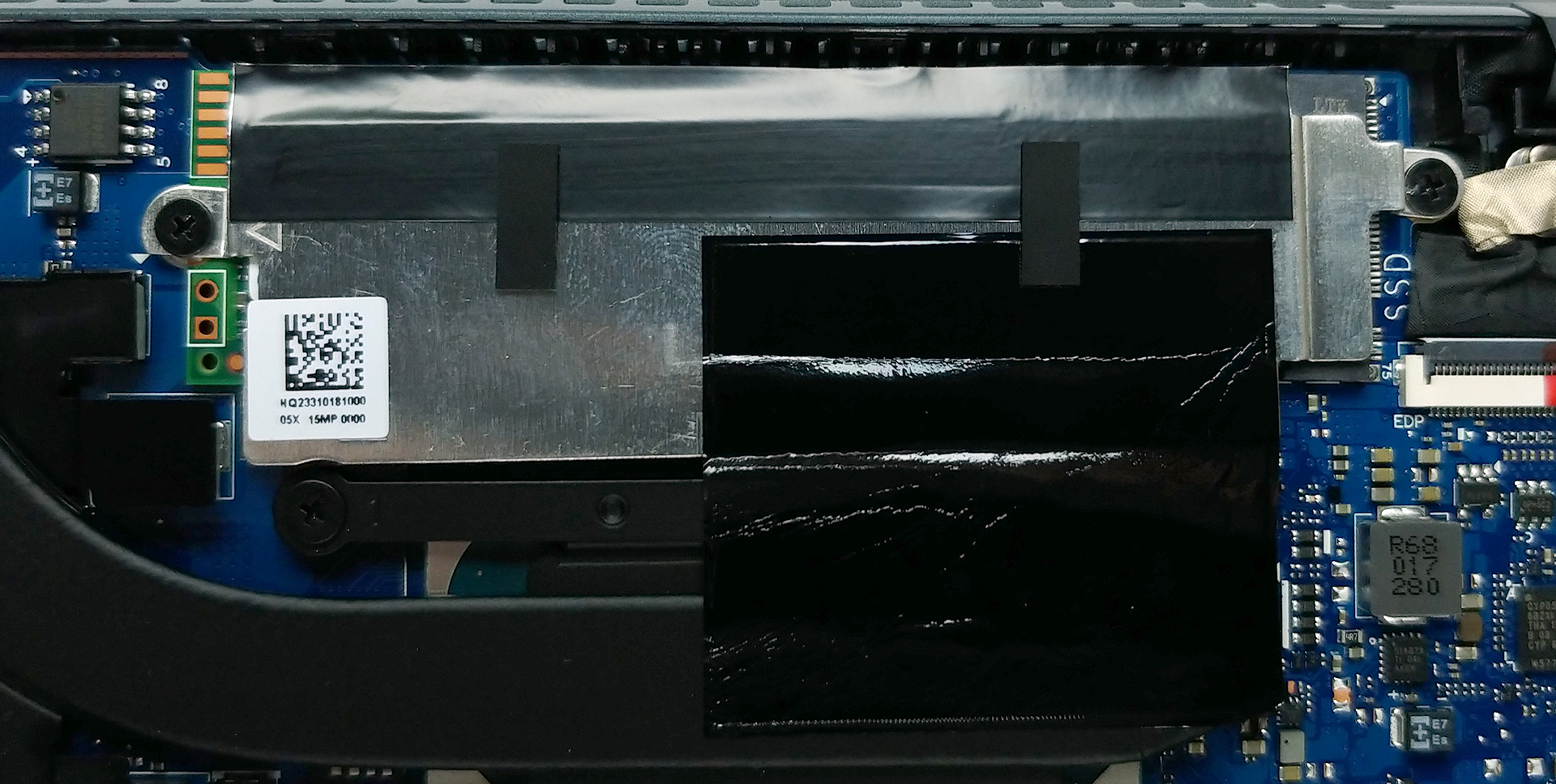
- M.2 Slot
- 1x 2280 PCIe NVMe 3.0 x4 See photo
- RAM
- 16GB RAM
- OS
- Windows 10 Home
- Body Material
- Aluminum
- Dimensions
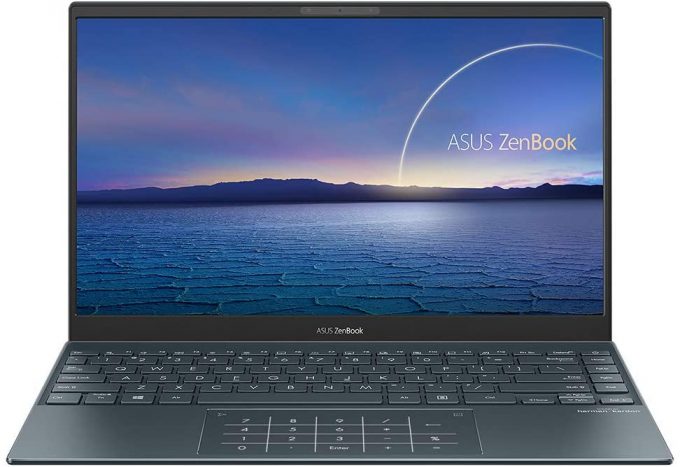
- 304 x 203 x 13.9 mm (11.97" x 7.99" x 0.55")
- Weight
- 1.07 kg (2.4 lbs)
- Ports and connectivity
- 1x USB Type-A
- 2x USB Type-C
- Thunderbolt 3
- HDMI
- Card Reader
- MicroSD
- Wi-Fi
- 802.11ax
- Bluetooth
- 5.0
- Features
- Fingerprint reader
- Web camera
- HD
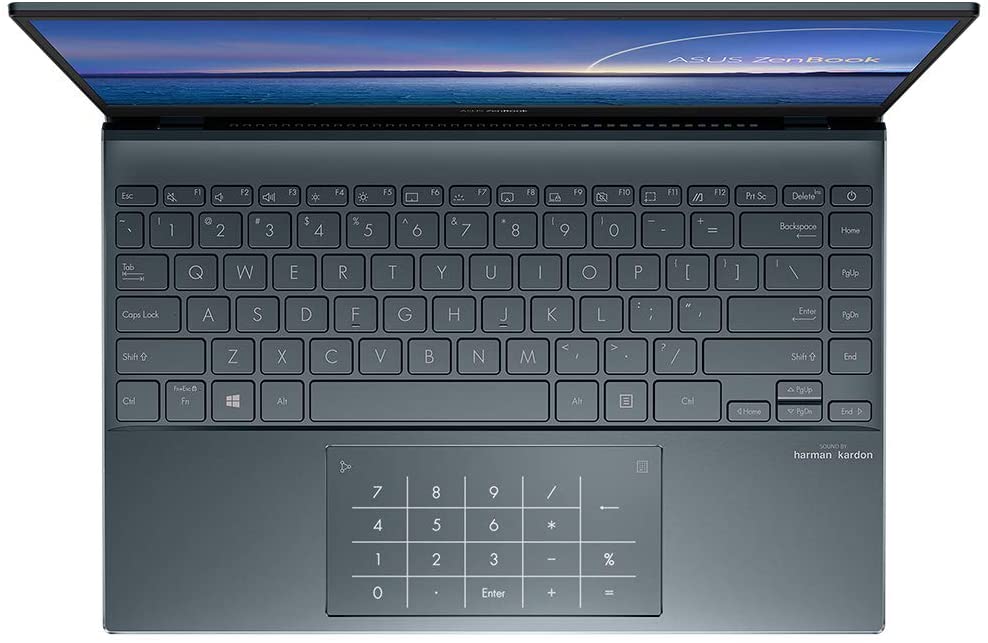
- Backlit keyboard
- Microphone
- Array Microphone w/ Cortana or Alexa Voice Rec.
- Speakers
- Stereo Speakers, Harman Kardon
- Gifts
- USB-C to Audio Jack Adapter
Portability
Review
ASUS ZenBook 13 UX325 in-depth review
For quite some time now, the ZenBook series has been setting the standards for the modern ultrabook. It was where ASUS introduced their ErgoLift hinge, as well as the Screen/NumberPad touchpad enhancements. Now, we have the ZenBook 13 UX325, which comes equipped with processors, coming from the Ice Lake family of Intel.What makes a great initial impression is the small form factor of the notebook. And boy does it look pretty. Ultimately, the idea behind it is to provide the best portability, both in terms of battery life and weight. By the way, ASUS is stating that their notebook can last for up to 22 hours. These claims are pretty bold, and we are surely going to test them.Also, we are going to check how the screen performs, because many of these devices are being used for design[...]
Read the full review
Pros
- Covers 98% of the sRGB gamut and has great color accuracy with our Gaming and Web design profile (Sharp LQ133M1JW40)
- Very good battery life
- Two Thunderbolt 3 ports and Wi-Fi 6 support
- Doesn't use aggressive PWM (Sharp LQ133M1JW40)
- ErgoLift hinge and a very large NumberPad touchpad
- IR face recognition
- Thin and light premium build
Cons
- No RAM upgradability post-purchase
- AMD processors would make it a lot better
- The fan kicks in even under a light workload
Disassembly, maintenance and upgrade options
As with pretty much any ultrabook out there, you shouldn't expect to see great upgrade options on this machine.Check out all ASUS ZenBook 13 UX325 prices and configurations in our Specs System or read more in our In-Depth review.1. Remove the bottom plate At first glance, only 5 Torx-head screws are holding this laptop's bottom panel. However, ASUS has hidden two of them beneath the back feet of the laptop. Remove the feet with a sharp plastic tool. Then, undo all of the 7 total screws, and carefully pry the bottom plate.2. Battery Interestingly, you'll find a huge 67Wh b[...]
Read more


![[June 2026] Best-Selling Laptop Brands on Amazon Global – Apple’s Unrivaled Dominance in Units and Revenue](https://laptopmedia.com/wp-content/uploads/2026/07/GLOBAL-Best-Brands-400x225.jpg)
![[June 2026] Amazon Global: Top 10 Best-Selling Laptops – Apple’s New MacBook Neo Storms to #1, Reshaping the Market with Affordability](https://laptopmedia.com/wp-content/uploads/2026/07/Best-Selling-Laptops-GLOBAL-Top-10-400x225.jpg)
![[June 2026] Amazon Global: Top 10 Best-Selling Gaming Laptops – Acer’s Nitro V 16S AI Dominates Sales, While ASUS Leads Overall Revenue](https://laptopmedia.com/wp-content/uploads/2026/07/Best-Selling-Gaming-Laptops-GLOBAL-Top-10-400x225.jpg)
![[June 2026] Global Ranking of Best-Selling Laptop GPUs on Amazon – NVIDIA RTX 5060 is the Top-Selling Dedicated GPU](https://laptopmedia.com/wp-content/uploads/2026/07/Best-Selling-GPUs-GLOBAL-Top-10-400x225.jpg)
![[June 2026] Global Ranking of Best-Selling Laptop CPUs on Amazon – Apple M5 Dominates, AMD Ryzen 7 260 Gets Solid Premium Share](https://laptopmedia.com/wp-content/uploads/2026/07/Best-Selling-CPUs-GLOBAL-Top-10-400x225.jpg)