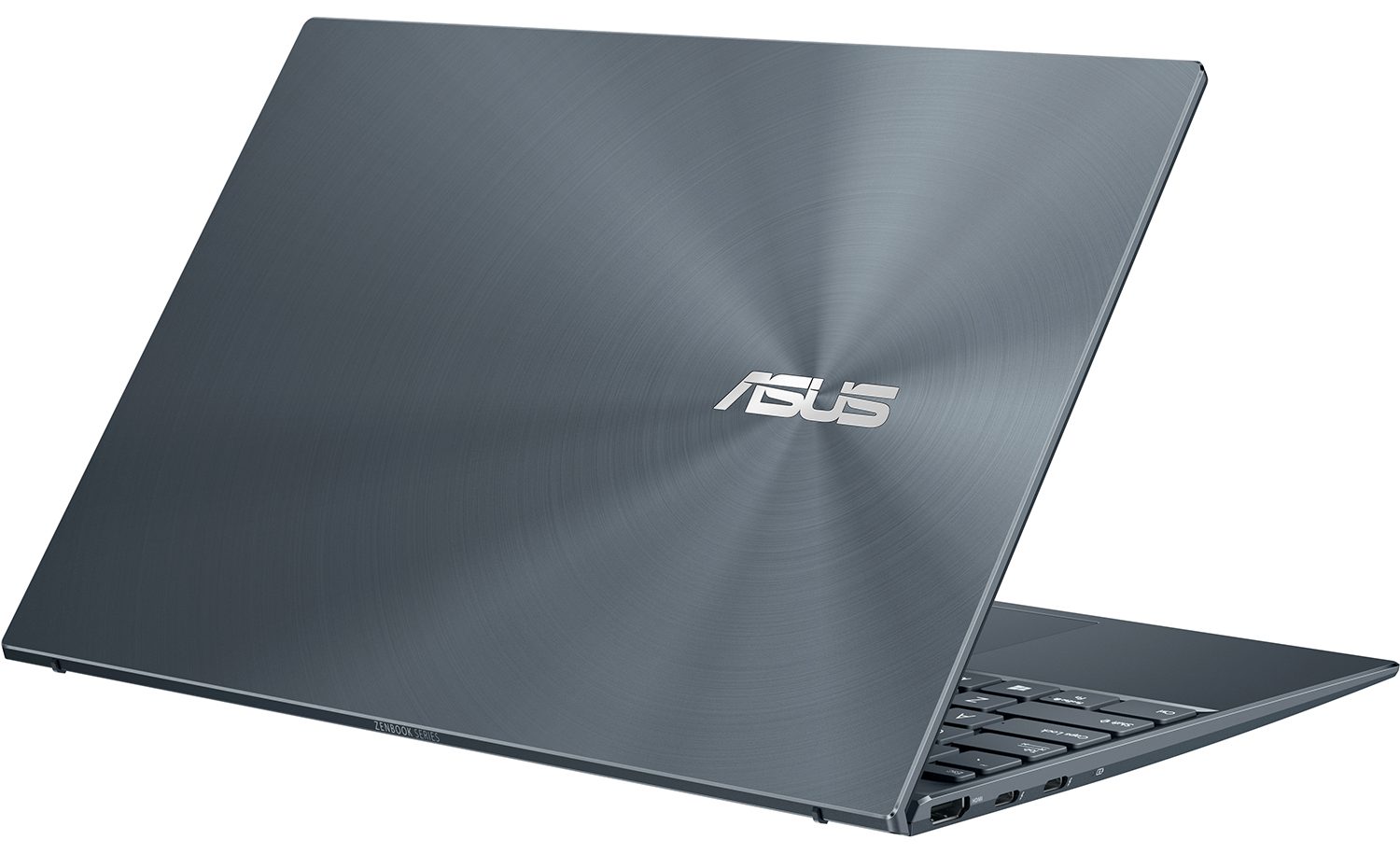
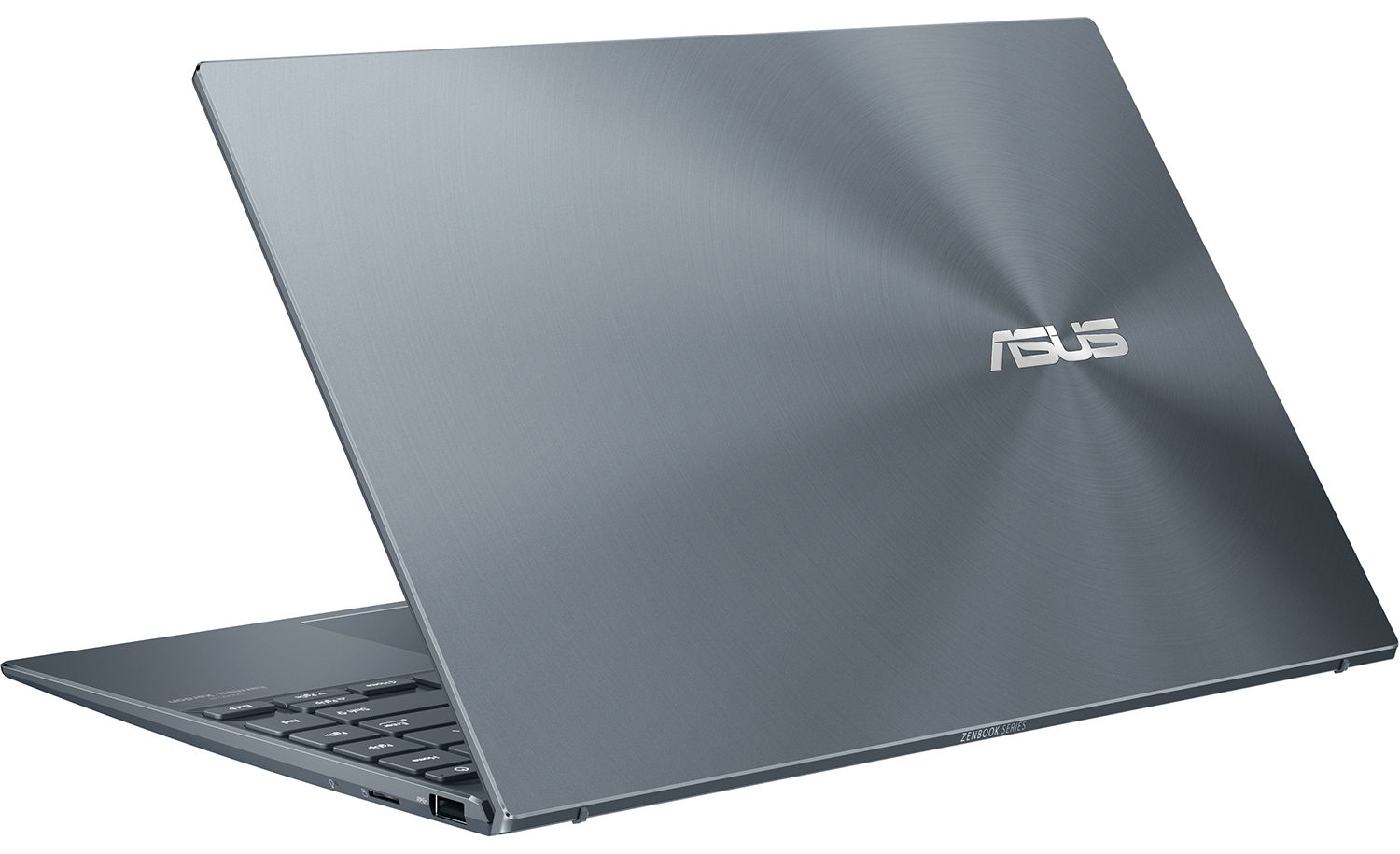
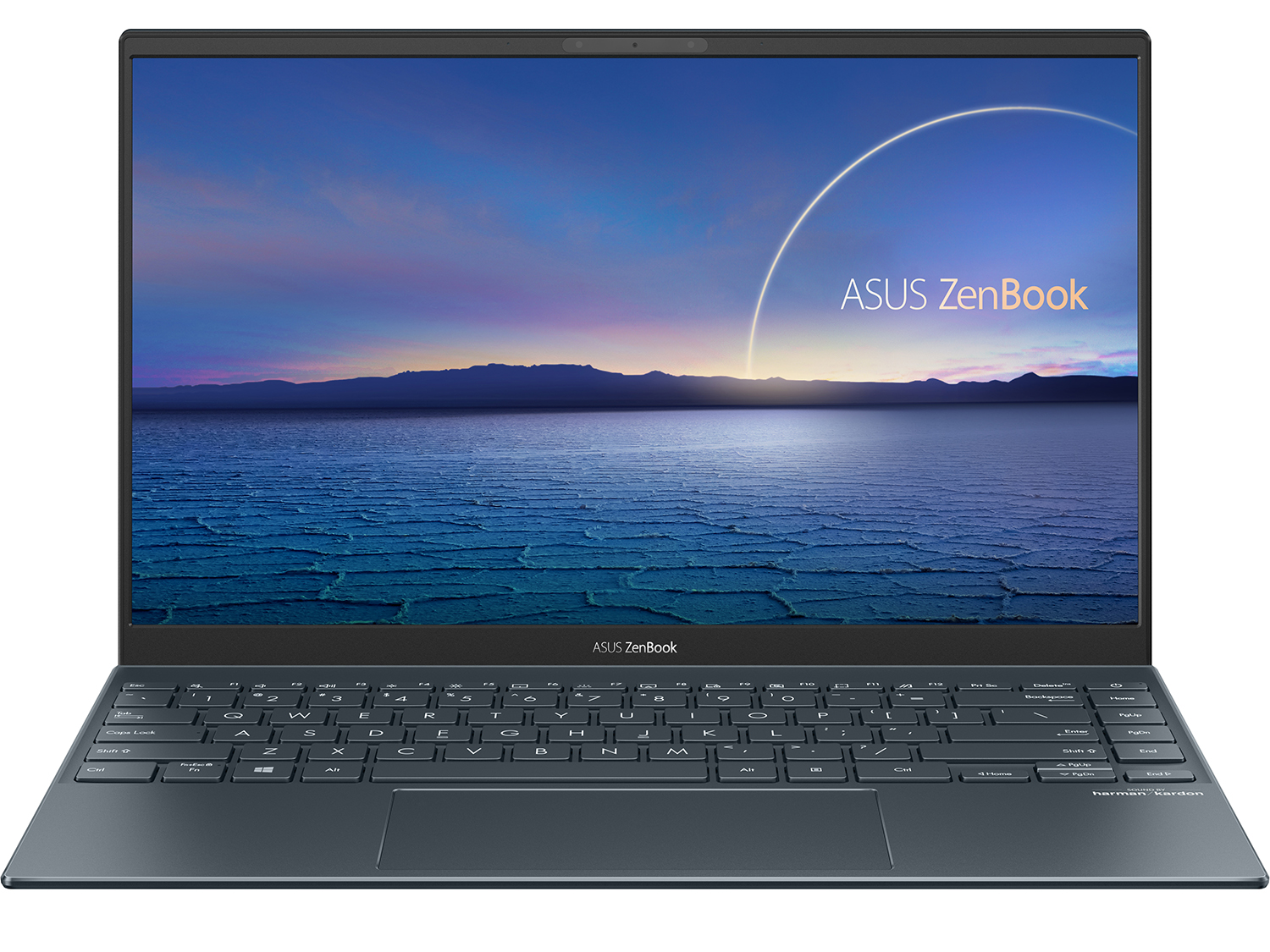
ASUS ZenBook 14 (UX425JA-EB51)
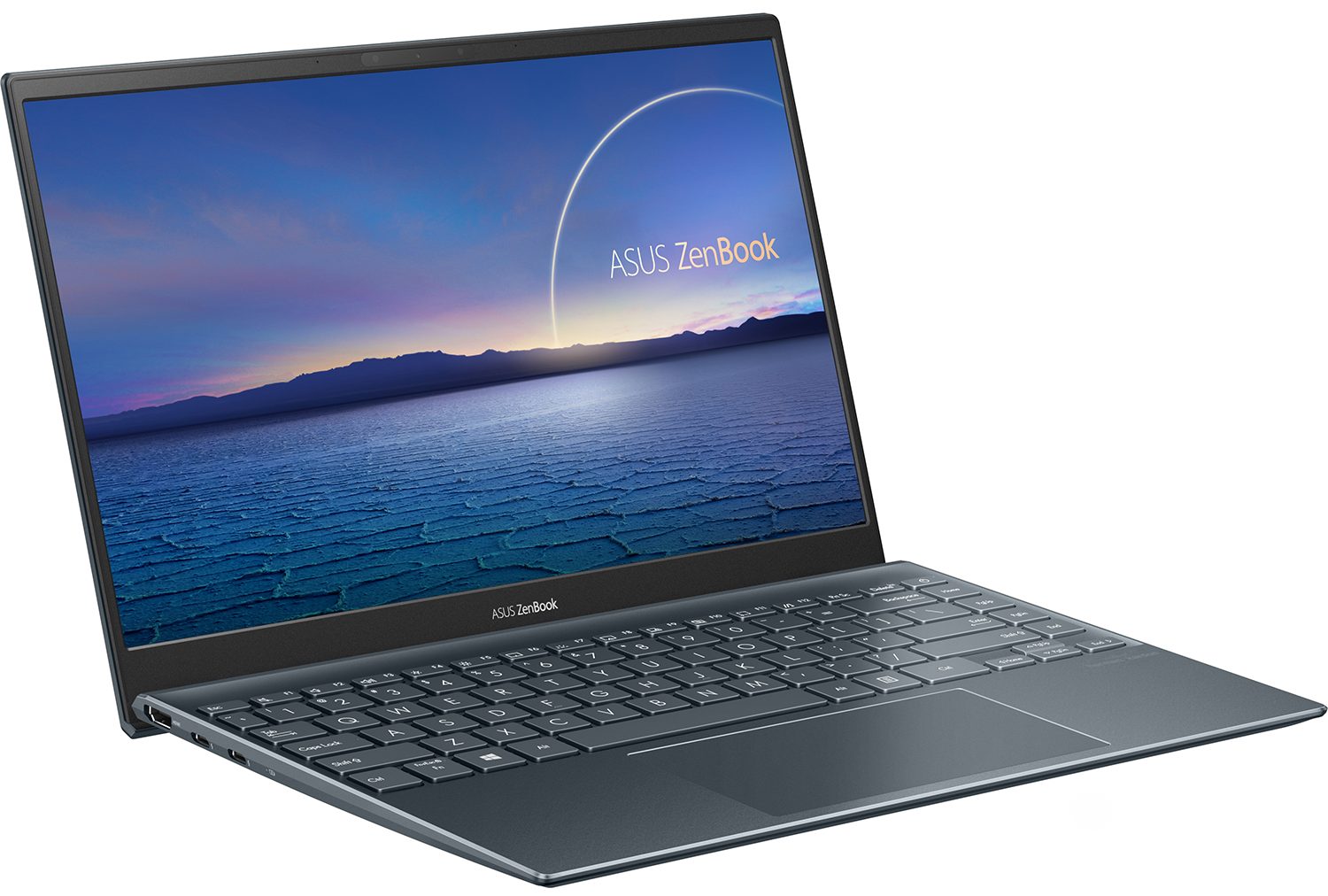
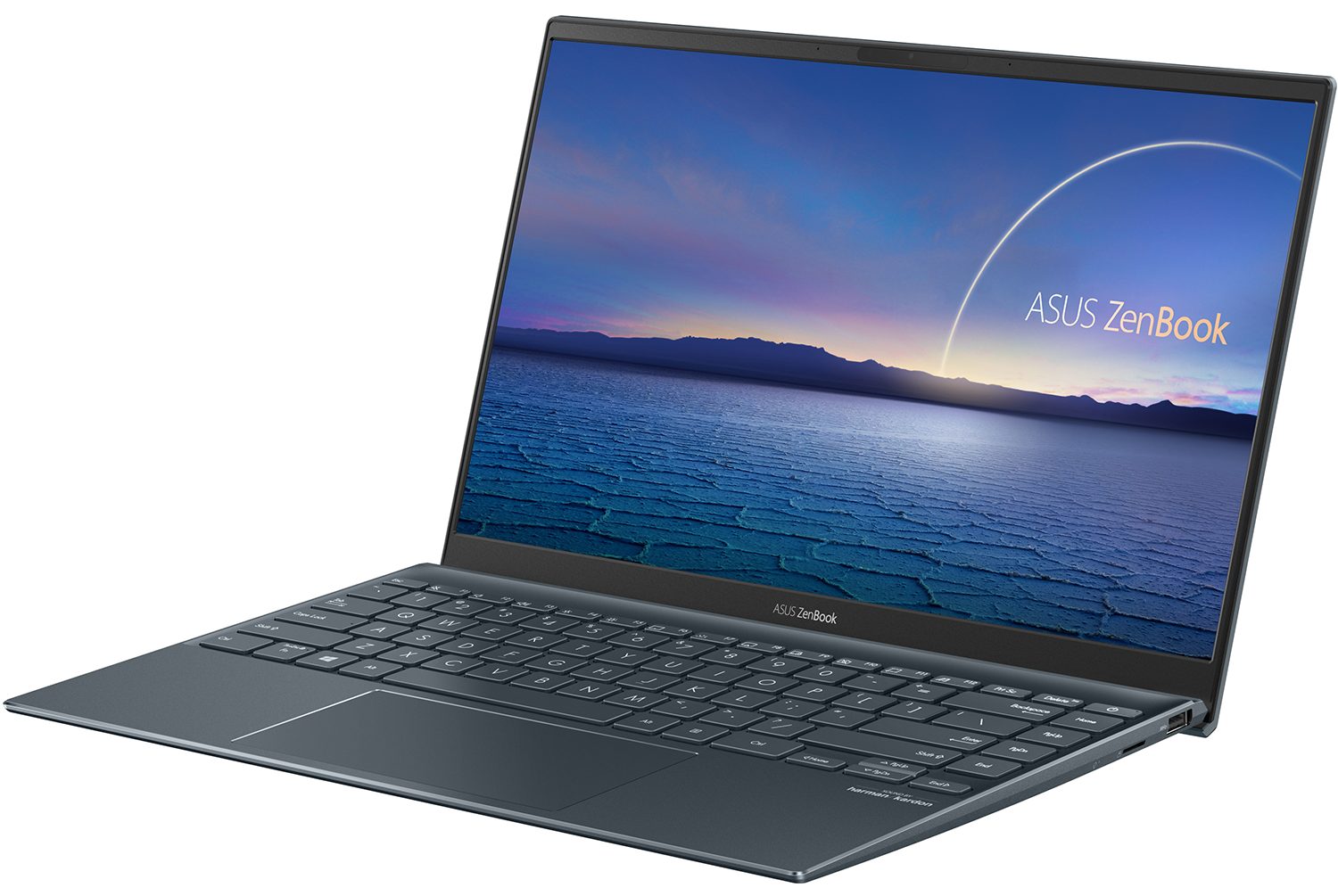
- Date Published: 12 Oct 2020
- Intel Core i5-1035G1
- Intel UHD Graphics G1
- 14.0”, Full HD (1920 x 1080), IPS
- 4000GB SSD
- 8GB LPDDR4x, 3200 MHz
- 1.13 kg (2.5 lbs)
Specs

- HDD/SSD
- 4TB SSD
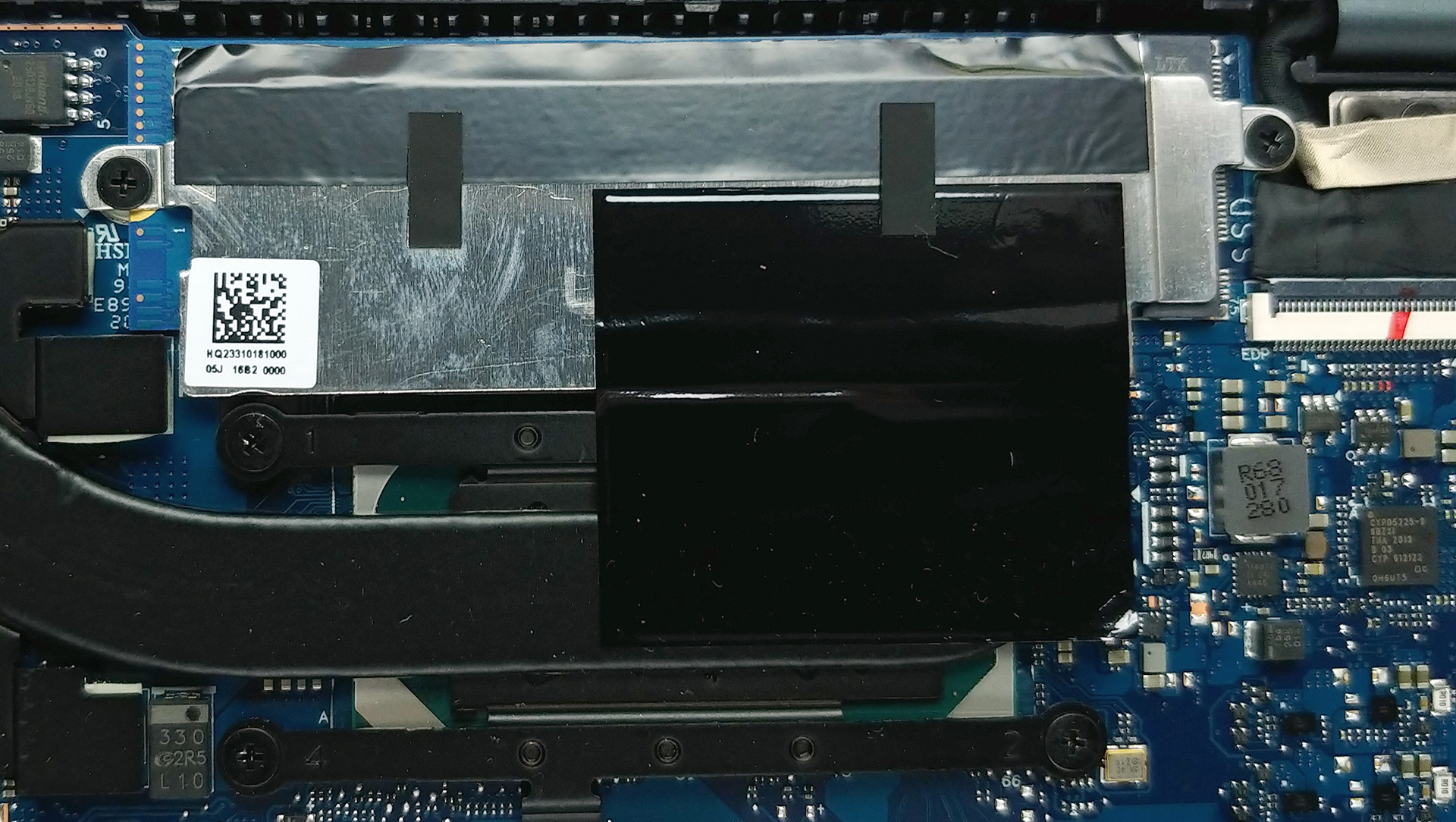
- M.2 Slot
- 1x 2280 PCIe NVMe 3.0 x4 See photo
- RAM
- 8GB LPDDR4x, 3200 MHz
- OS
- Windows 10 Home
- Body Material
- Aluminum
- Dimensions
- 319 x 208 x 13.9 mm (12.56" x 8.19" x 0.55")
- Weight
- 1.13 kg (2.5 lbs)
- Ports and connectivity
- 1x USB Type-A
- 3.2 Gen 1 (5 Gbps)
- 2x USB Type-C
- Thunderbolt 3
- HDMI
- 2.0b
- Card Reader
- MicroSD
- Wi-Fi
- 802.11ax
- Bluetooth
- 5.0
- Features
- Web camera
- HD
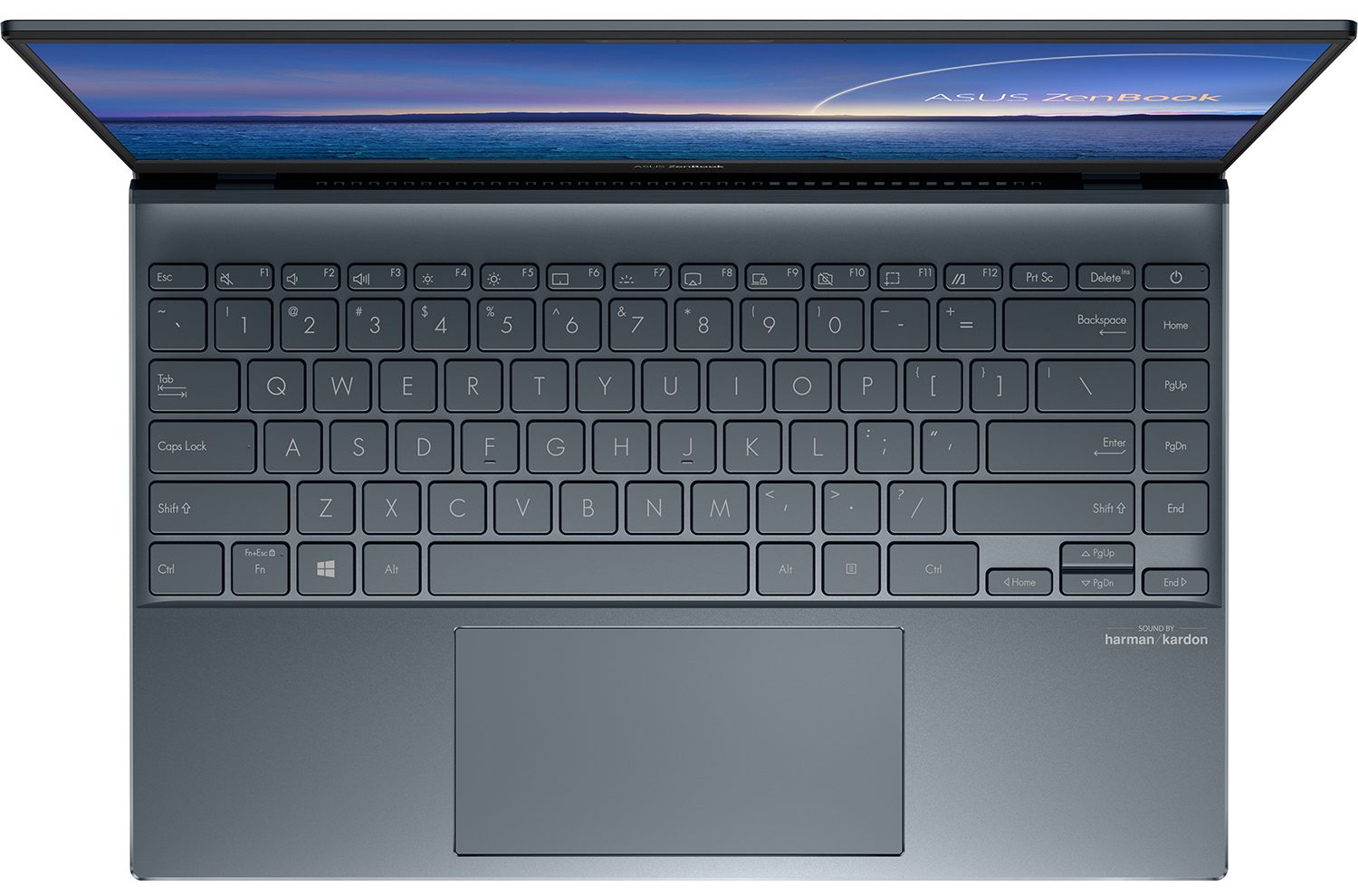
- Backlit keyboard
- Microphone
- Array Microphone w/ Cortana or Alexa Voice Rec.
- Speakers
- ASUS SonicMaster Technology
- Optical drive
Portability
Review
ASUS ZenBook 14 (UX425JA-EB51) in-depth review
Stylish, elegant, and portable are perhaps the three words that best describe ASUS' ZenBook family of notebooks. Most of our reviews on them have been based on 14nm Intel-equipped devices or Ryzen 3000U laptops, but today, we have our hands on one of the few notebooks that come with Intel Ice Lake processors - the ZenBook 14 UX425.Clearly, its best quality is versatility - with its lightweight body and presumably huge battery life, you can basically take it anywhere you want. Also, it features one of the trademarks of ASUS - the NumberPad 2.0, which is now bigger and offers less latency than its predecessor.Without further ado, let's see if this little machine can stand against one of the best Swift 3 laptops Acer was able to produce last year - the Swift 3 (SF314-57).You can [...]
Read the full review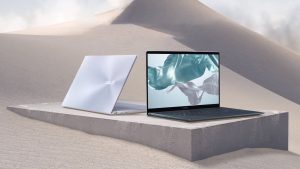
Pros
- Excellent battery life
- Thin and light all-metal design
- Has two Thunderbolt 3 port
- It doesn't use aggressive PWM to adjust screen brightness (Innolux N140HCE-EN2)
- Supports PCIe x4 M.2 drives
- Covers 97% of sRGB and has an accurate color representation thanks to our Gaming and Web design profile (Innolux N140HCE-EN2)
- Useful NumberPad 2.0 and ErgoLift goodies from ASUS
- A set of USB Type-C dongles, as well as a protective sleeve inside the box
Cons
- Memory is soldered to the motherboard
Disassembly, maintenance and upgrade options
Perhaps to no surprise, the upgrade options for this notebook are extremely limited. On the bright side, there are still some surprises.Check out all ASUS ZenBook 14 UX425 prices and configurations in our Specs System or read more in our In-Depth review.1. Remove the bottom plate In the same fashion as its 13-inch sibling, this notebook requires the removal of its bottom panel in order to access the internals. Thankfully, this is not difficult at all, and you have to undo 5 Torx-head screws plus two hidden beneath the back rubber feet. After that, pry your way around the laptop [...]
Read more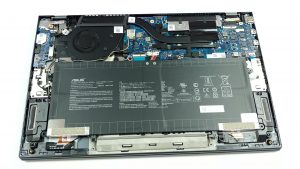


![[June 2026] Best-Selling Laptop Brands on Amazon Global – Apple’s Unrivaled Dominance in Units and Revenue](https://laptopmedia.com/wp-content/uploads/2026/07/GLOBAL-Best-Brands-400x225.jpg)
![[June 2026] Amazon Global: Top 10 Best-Selling Laptops – Apple’s New MacBook Neo Storms to #1, Reshaping the Market with Affordability](https://laptopmedia.com/wp-content/uploads/2026/07/Best-Selling-Laptops-GLOBAL-Top-10-400x225.jpg)
![[June 2026] Amazon Global: Top 10 Best-Selling Gaming Laptops – Acer’s Nitro V 16S AI Dominates Sales, While ASUS Leads Overall Revenue](https://laptopmedia.com/wp-content/uploads/2026/07/Best-Selling-Gaming-Laptops-GLOBAL-Top-10-400x225.jpg)
![[June 2026] Global Ranking of Best-Selling Laptop GPUs on Amazon – NVIDIA RTX 5060 is the Top-Selling Dedicated GPU](https://laptopmedia.com/wp-content/uploads/2026/07/Best-Selling-GPUs-GLOBAL-Top-10-400x225.jpg)
![[June 2026] Global Ranking of Best-Selling Laptop CPUs on Amazon – Apple M5 Dominates, AMD Ryzen 7 260 Gets Solid Premium Share](https://laptopmedia.com/wp-content/uploads/2026/07/Best-Selling-CPUs-GLOBAL-Top-10-400x225.jpg)