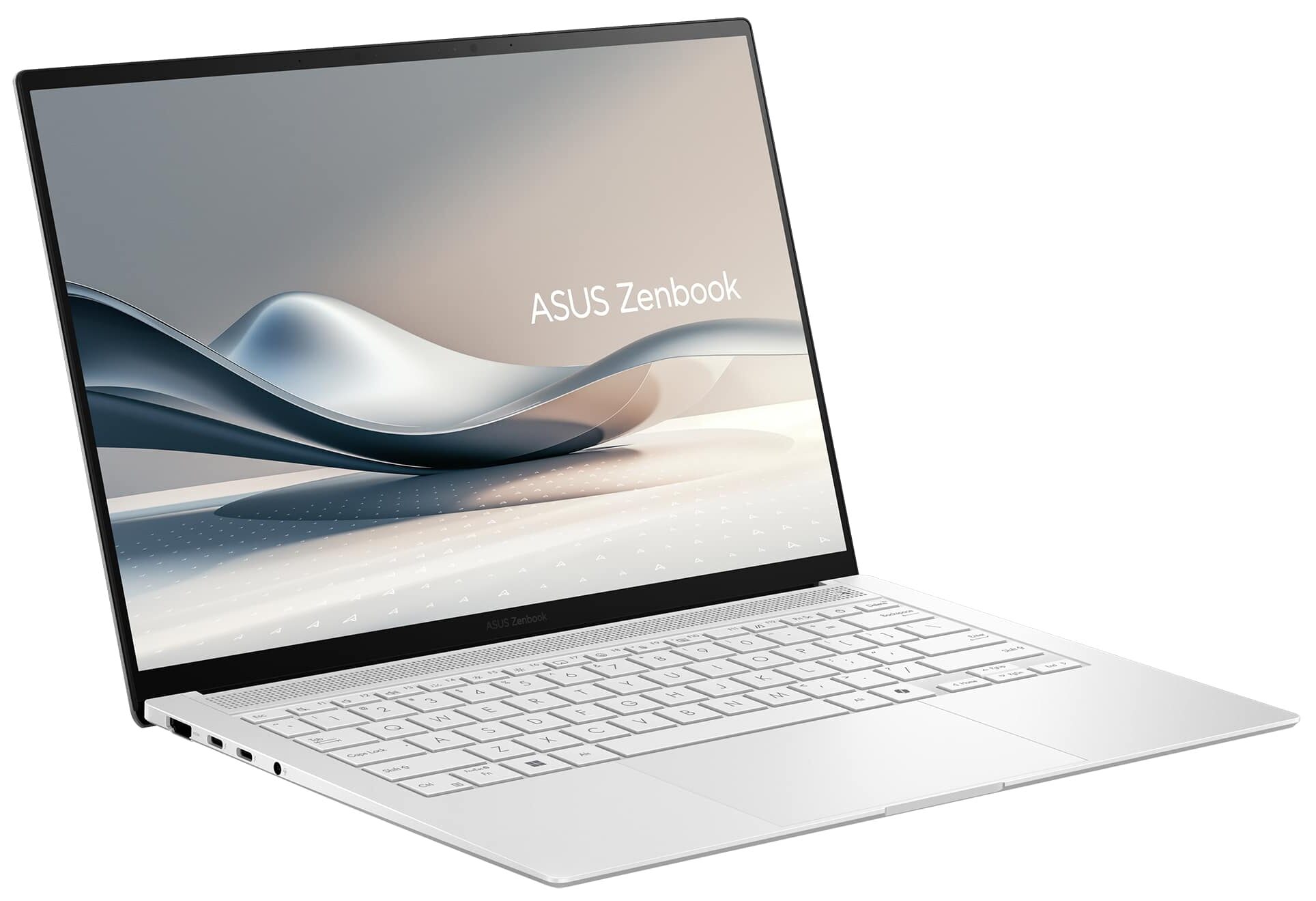
ASUS Zenbook S 14
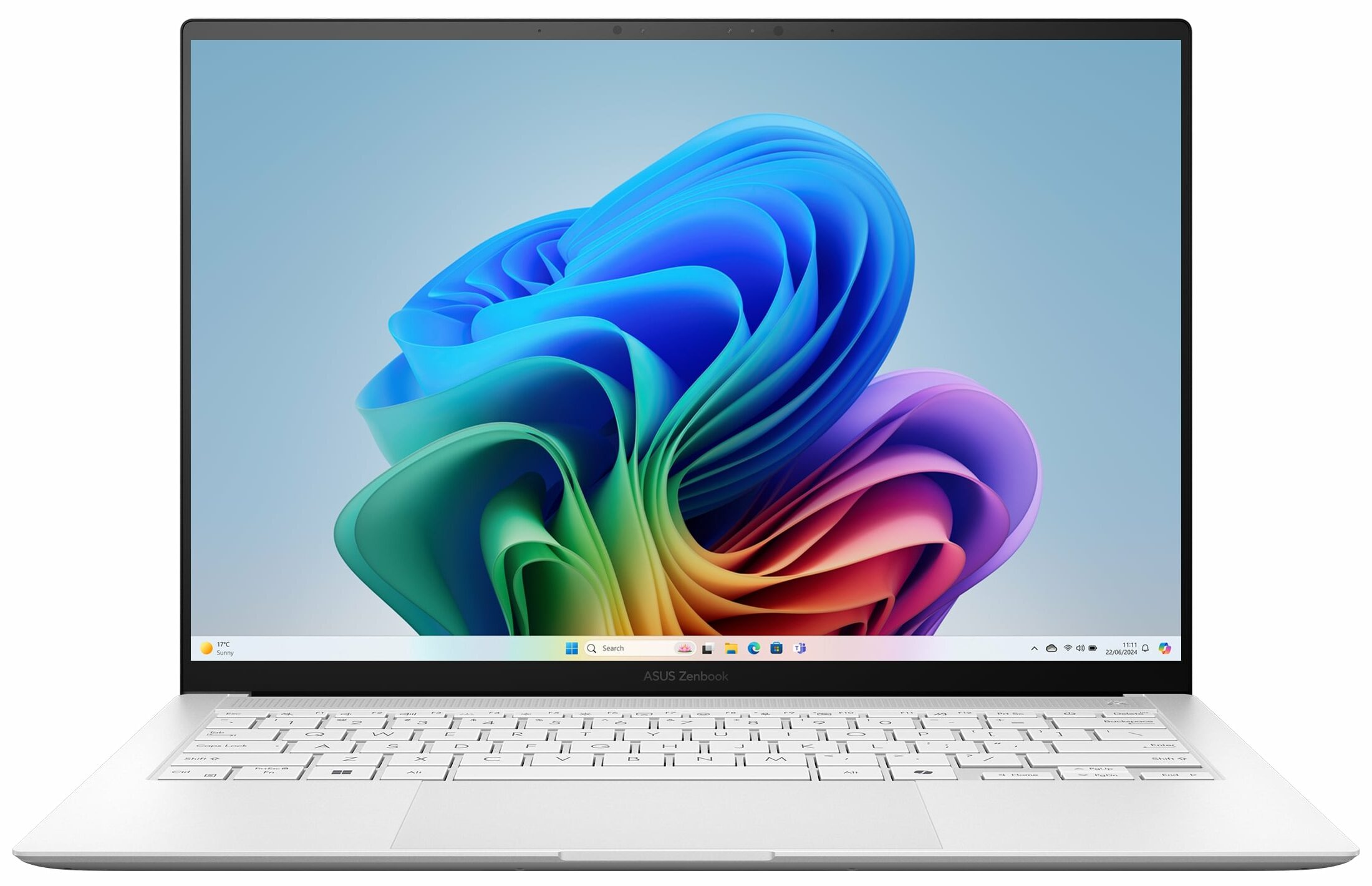
- Date Published: 07 Jul 2026
- Intel Core Ultra 7 258V
- Intel Arc Graphics 140V
- 14.0″, 2.8K (2880 x 1800), 120 Hz, OLED
- 1000GB SSD
- 32GB RAM
- 1.20 kg (2.6 lbs)
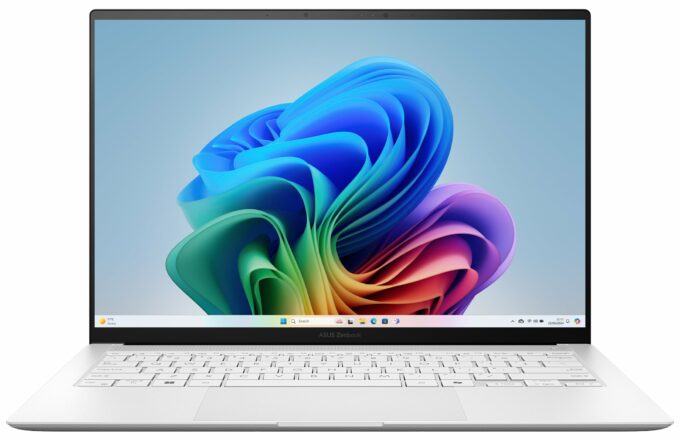
Specs

- HDD/SSD
- 1000GB SSD
- M.2 Slot
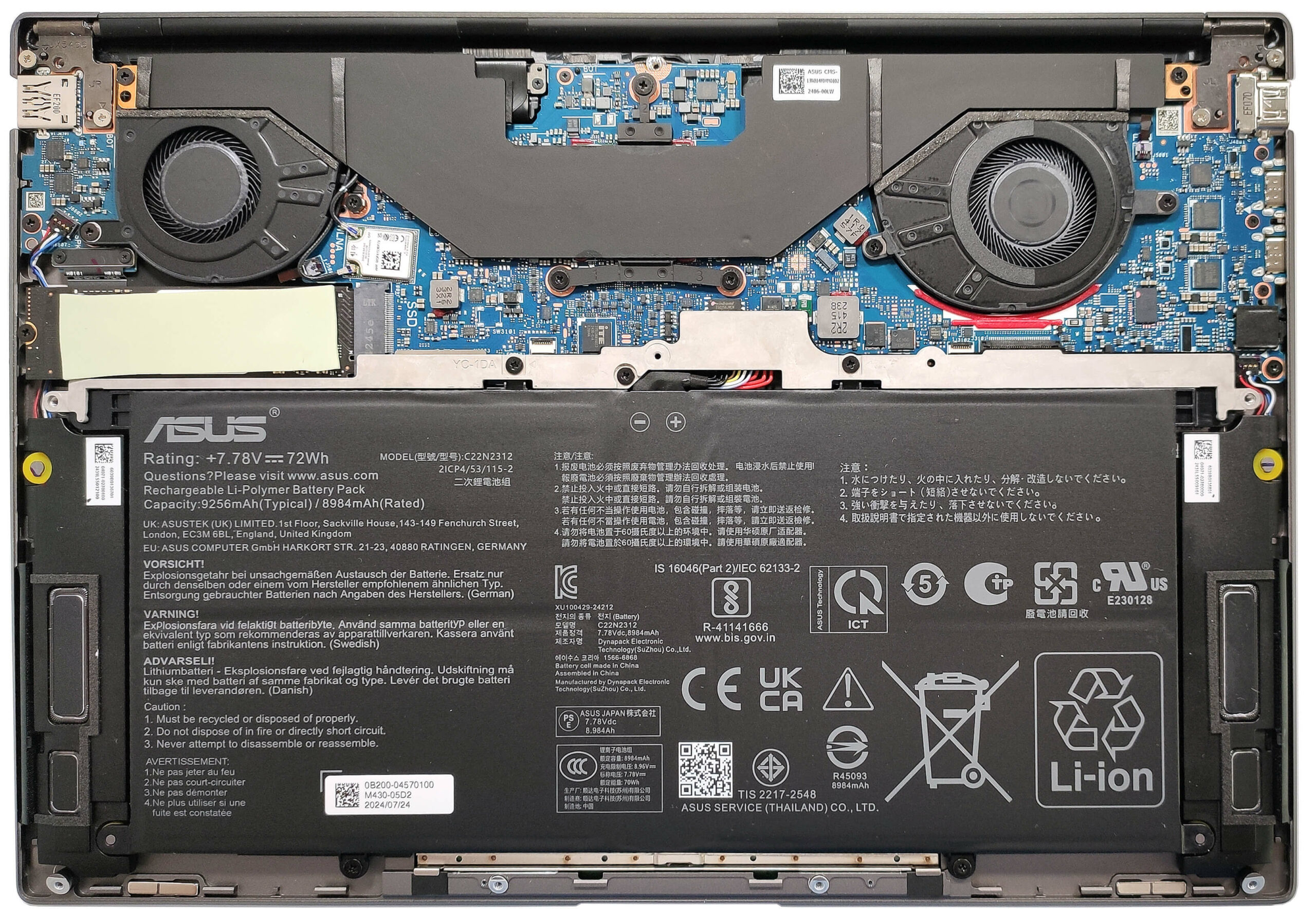
- 1x 2280 M.2 NVMe PCIe 4.0 x4 See photo
- RAM
- 32GB RAM
- OS
- Windows 11 Pro
- Body Material
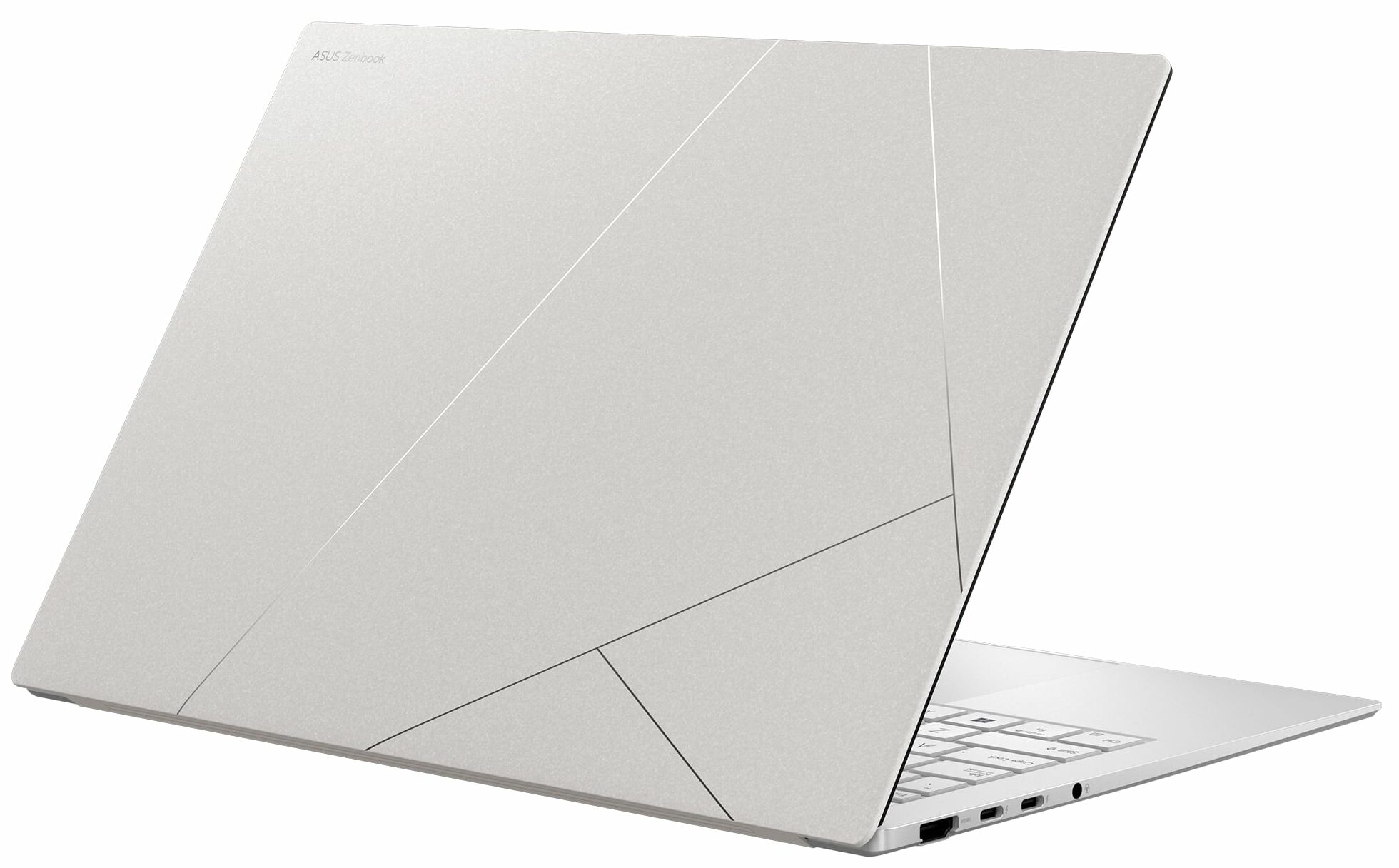
- Aluminum
- Dimensions
- 310.3 x 214.7 x 11.9 - 12.9 mm (12.22" x 8.45" x 0.47")
- Weight
- 1.20 kg (2.6 lbs)
- Ports and connectivity
- 1x USB Type-A
- 3.2 Gen 2 (10 Gbps)
- 2x USB Type-C
- Thunderbolt 4, Power Delivery (PD), DisplayPort
- HDMI
- 2.1
- Card Reader
- Ethernet LAN
- Wi-Fi
- Wi-Fi 7
- Bluetooth
- 5.4
- Audio jack
- 3.5mm Combo Jack
- Features
- Fingerprint reader
- Web camera
- FHD IR with support for Windows Hello Face Authentication
- Backlit keyboard
- Microphone
- Array Microphone
- Speakers
- 4x Stereo Speakers, Smart Amp, harman/kardon
- Security Lock slot
- Gifts
- notebook case
- Gifts
- notebook sleeve
Portability
Review
ASUS Zenbook S 14 in-depth review
The ASUS Zenbook S 14 UX5406 is not just an ultra-thin well-crafted laptop. The new Intel Lunar Lake CPUs power it (these are also known as Intel Core Ultra 200V or Core Ultra (Series 2)). You can choose from three chips with 17W base power and the top dog is a 30W model. The main focus here isn't top-of-the-line performance, this time it's all about efficiency and power management. Here, Intel ditches Hyper-Threading and that's why you get four P cores (Lion Cove) and the same amount of LP E cores (Skymont). Intel's Thread Director firmware hints to the OS about which and how many cores are best suited for each task and load. The LPDDR5x memory is placed onto the CPU which reduces latency and frees some space on the motherboard allowing the manufacturers to create even thinner devices. Th[...]
Read the full review
Pros
- Superb OLED display with 100% sRGB and DCI-P3 coverage (SDC419D)
- Infinite contrast ratio, 120Hz refresh rate, and 2880 x 1800 resolution (SDC419D)
- 591 nits in HDR and 364 nits max brightness in SDR mode (SDC419D)
- Tremendous color accuracy (SDC419D)
- Quality Harman Kardon-certified four-speaker audio system with Dolby Atmos support
- Vapor chamber cooling with two fans
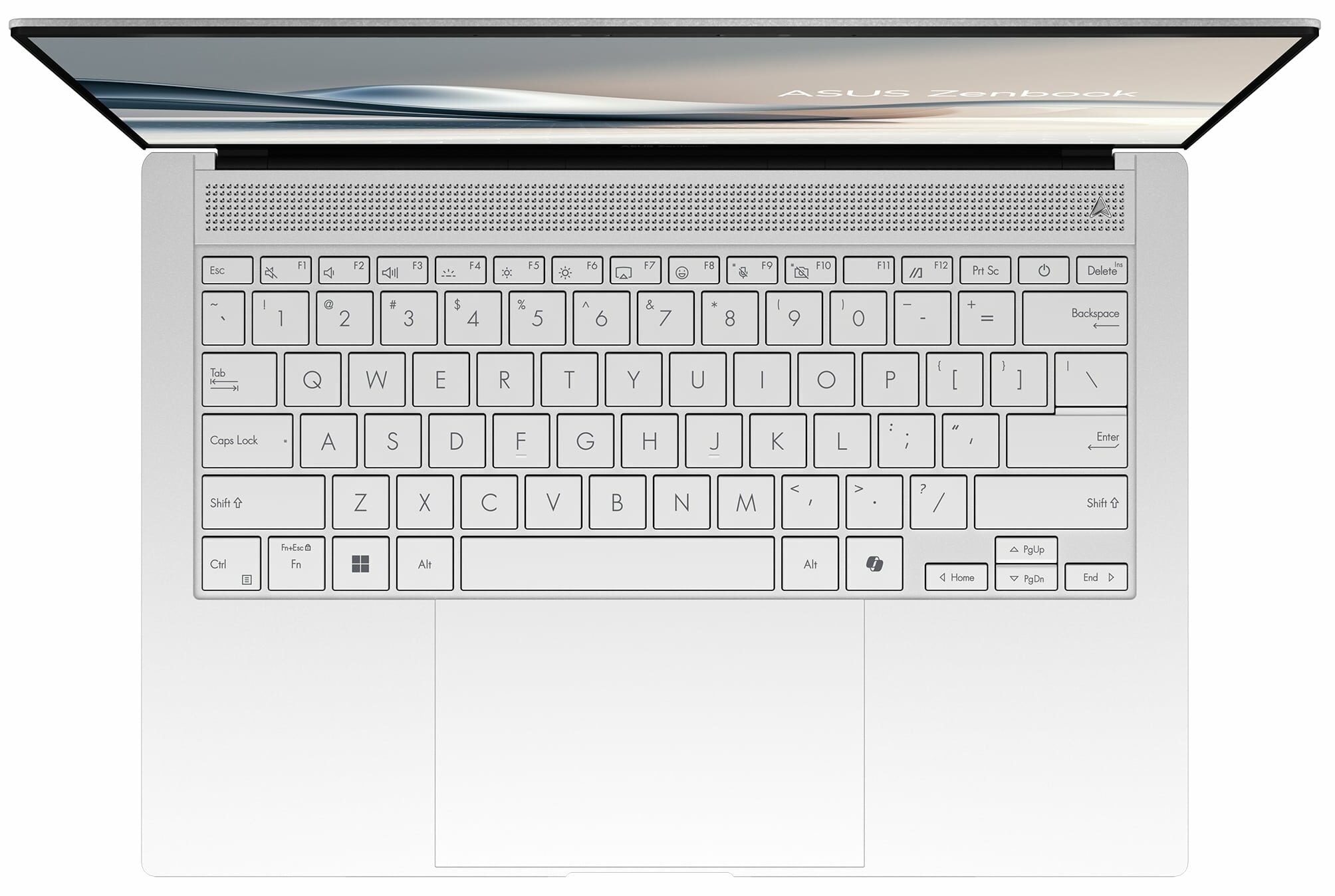
- Comfortable keyboard
- Big and smooth touchpad
- 1080p IR Web camera
- Very good overall CPU and iGPU performance given the thin profile
- The fans aren't too noisy in "Full-speed mode" mode during heavy loads
- Up to 32GB of soldered LPDDR5x
- Long battery life
- The Core Ultra 7 258V can maintain 2.70 GHz / 3.35 GHz for the P and LP E cores in short loads
- Great solid premium build quality
- 2x Thunderbolt 4 ports + Type-C charging
Cons
- The P-core frequency drops down below the official base clock in long loads
- Only one M.2 slot + soldered RAM
Disassembly, maintenance and upgrade options
Opening the DeviceUndo the 10 Torx-head screws securing the bottom panel. If you’re confident, the easiest way to start is from the cutouts. Insert a thin plastic tool at a 45-degree angle, with the top side pointing inside the bottom panel. Pop half of the plate by lifting the tool, then work your way around the sides, back, and front. Alternatively, pry the top two edges (but note the stiff internal clips), then continue with the back, sides, and front.More info: Be cautious not to insert the tool horizontally as it may damage the speakers. Here's the internal look o[...]
Read more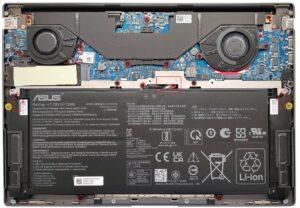


![[June 2026] Best-Selling Laptop Brands on Amazon Global – Apple’s Unrivaled Dominance in Units and Revenue](https://laptopmedia.com/wp-content/uploads/2026/07/GLOBAL-Best-Brands-400x225.jpg)
![[June 2026] Amazon Global: Top 10 Best-Selling Laptops – Apple’s New MacBook Neo Storms to #1, Reshaping the Market with Affordability](https://laptopmedia.com/wp-content/uploads/2026/07/Best-Selling-Laptops-GLOBAL-Top-10-400x225.jpg)
![[June 2026] Amazon Global: Top 10 Best-Selling Gaming Laptops – Acer’s Nitro V 16S AI Dominates Sales, While ASUS Leads Overall Revenue](https://laptopmedia.com/wp-content/uploads/2026/07/Best-Selling-Gaming-Laptops-GLOBAL-Top-10-400x225.jpg)
![[June 2026] Global Ranking of Best-Selling Laptop GPUs on Amazon – NVIDIA RTX 5060 is the Top-Selling Dedicated GPU](https://laptopmedia.com/wp-content/uploads/2026/07/Best-Selling-GPUs-GLOBAL-Top-10-400x225.jpg)
![[June 2026] Global Ranking of Best-Selling Laptop CPUs on Amazon – Apple M5 Dominates, AMD Ryzen 7 260 Gets Solid Premium Share](https://laptopmedia.com/wp-content/uploads/2026/07/Best-Selling-CPUs-GLOBAL-Top-10-400x225.jpg)