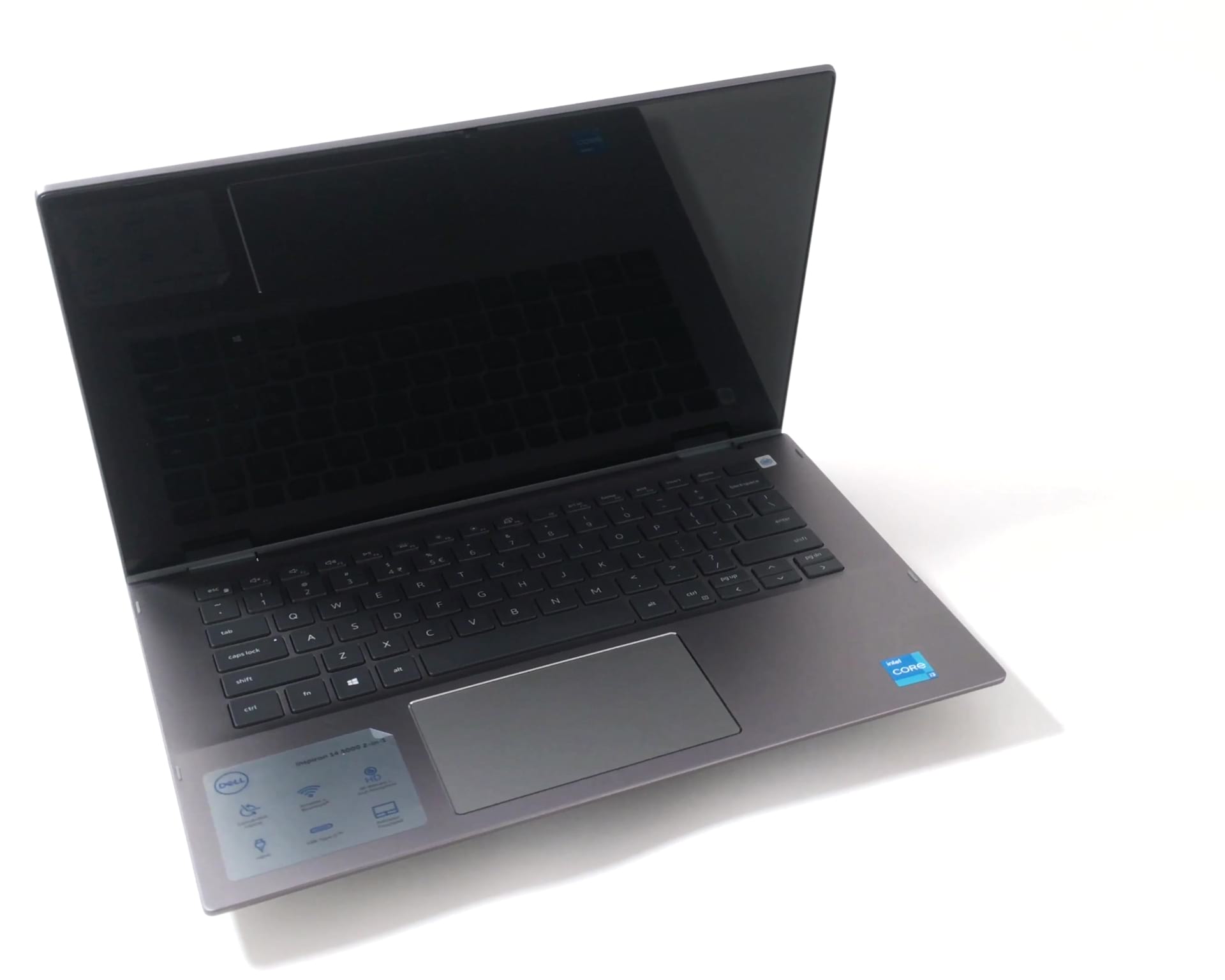
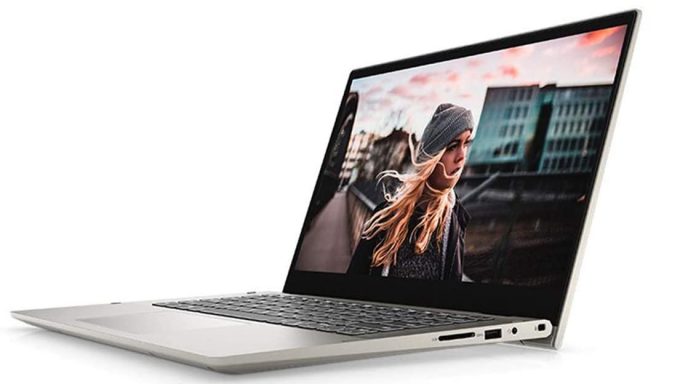
Dell Inspiron 5406 2-in-1

- Date Published: 18 Aug 2021
- Intel Core i5-1135G7
- Intel Iris Xe Graphics G7 (80EU)
- 14.0”, HD (1366 x 768), TN
- 512GB SSD
- 16GB DDR4
- 1.72 kg (3.8 lbs)
Review
Dell Inspiron 5406 2-in-1 in-depth review
Every once in a while, we try to find the latest 14-inch 5000 series convertible laptop and take it for a ride. So far, we were far from pleased with what we saw, as previous iterations of the machine were either too fat, or too heavy, or their displays weren't on the level of 2-in-1 machinery.And when we got the Inspiron 14 5406 2-in-1 we really thought it is going to be different. However, year after year, model after model, Dell is making the same inconvenient, user-defying choices that we can't understand from a technological point of view. Now, the base model of this device comes with the Core i3-1115G4, which is actually not a bad CPU. However, they are pairing it with 4GB of memory, 128GB SSD, and a 768p TN panel. Then, they are kindly sliming Windows 10 in S mode under the tab[...]
Read the full review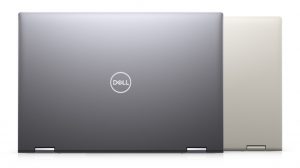
Pros
- Memory upgrades thanks to two SODIMM slots
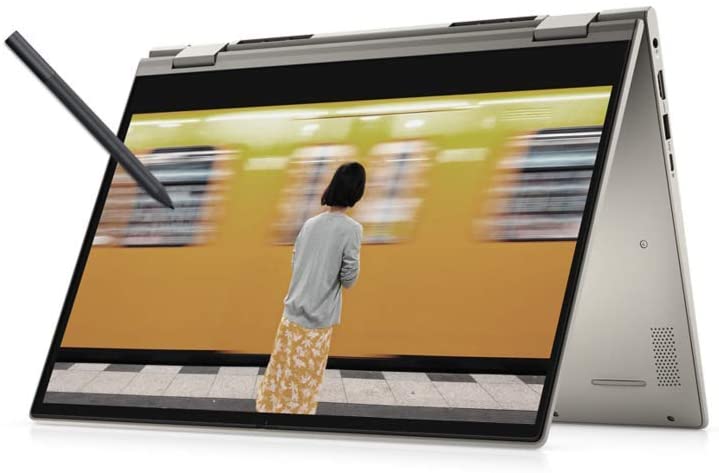
- There is an included stylus
- Good input devices
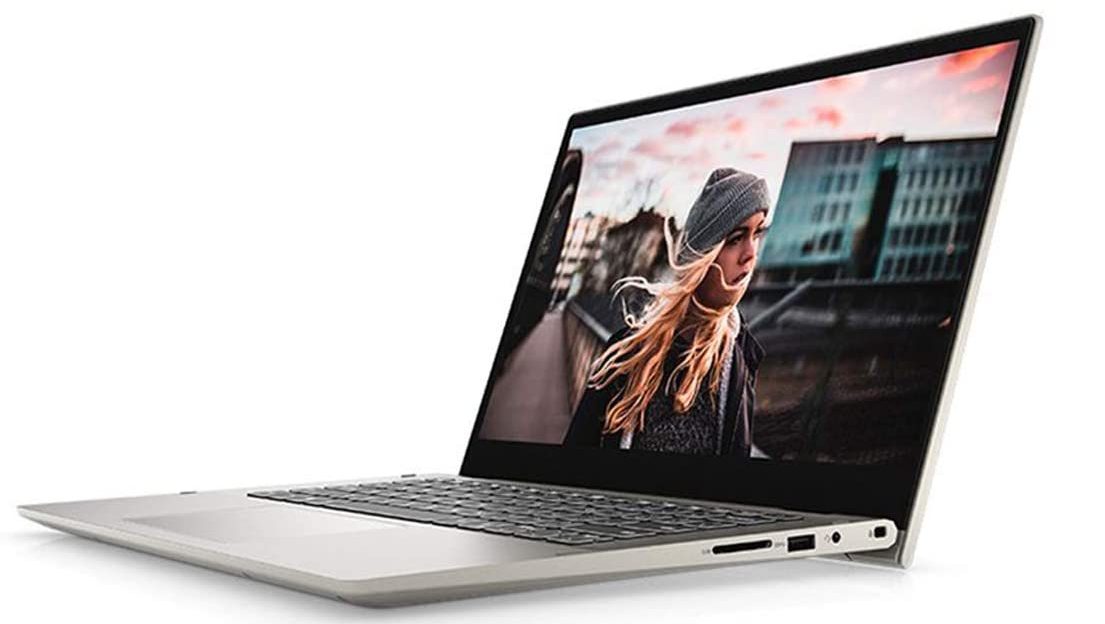
- Wi-Fi 6 + SD card slot
Cons
- Its display uses aggressive PWM for brightness adjustment (our Health-Guard profile fixes the issue) (BOE NV14N4M-22G8N)
- Covers less than half of the colors in sRGB (BOE NV14N4M-22G8N)
- Crippled base options
- Too heavy for a 14-inch convertible
Disassembly, maintenance and upgrade options
Most convertible laptops on the market lack RAM upgradability, which makes them a less optimal option for the future. This is why we were surprised with what we found inside the Inspiron 14 5406 2-in-1.Check out all Dell Inspiron 14 5406 2-in-1 prices and configurations in our Specs System or read more in our In-Depth review.1. Remove the bottom plate To take this laptop apart, you need to undo all 9 Phillips-head screws. The three on the back remain attached and lift the panel so that you can start the prying process from there.2. Battery, memory, and storage There are t[...]
Read more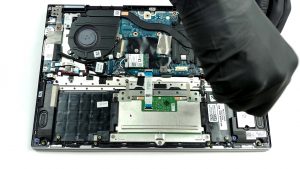


![[June 2026] Best-Selling Laptop Brands on Amazon Global – Apple’s Unrivaled Dominance in Units and Revenue](https://laptopmedia.com/wp-content/uploads/2026/07/GLOBAL-Best-Brands-400x225.jpg)
![[June 2026] Amazon Global: Top 10 Best-Selling Laptops – Apple’s New MacBook Neo Storms to #1, Reshaping the Market with Affordability](https://laptopmedia.com/wp-content/uploads/2026/07/Best-Selling-Laptops-GLOBAL-Top-10-400x225.jpg)
![[June 2026] Amazon Global: Top 10 Best-Selling Gaming Laptops – Acer’s Nitro V 16S AI Dominates Sales, While ASUS Leads Overall Revenue](https://laptopmedia.com/wp-content/uploads/2026/07/Best-Selling-Gaming-Laptops-GLOBAL-Top-10-400x225.jpg)
![[June 2026] Global Ranking of Best-Selling Laptop GPUs on Amazon – NVIDIA RTX 5060 is the Top-Selling Dedicated GPU](https://laptopmedia.com/wp-content/uploads/2026/07/Best-Selling-GPUs-GLOBAL-Top-10-400x225.jpg)
![[June 2026] Global Ranking of Best-Selling Laptop CPUs on Amazon – Apple M5 Dominates, AMD Ryzen 7 260 Gets Solid Premium Share](https://laptopmedia.com/wp-content/uploads/2026/07/Best-Selling-CPUs-GLOBAL-Top-10-400x225.jpg)
