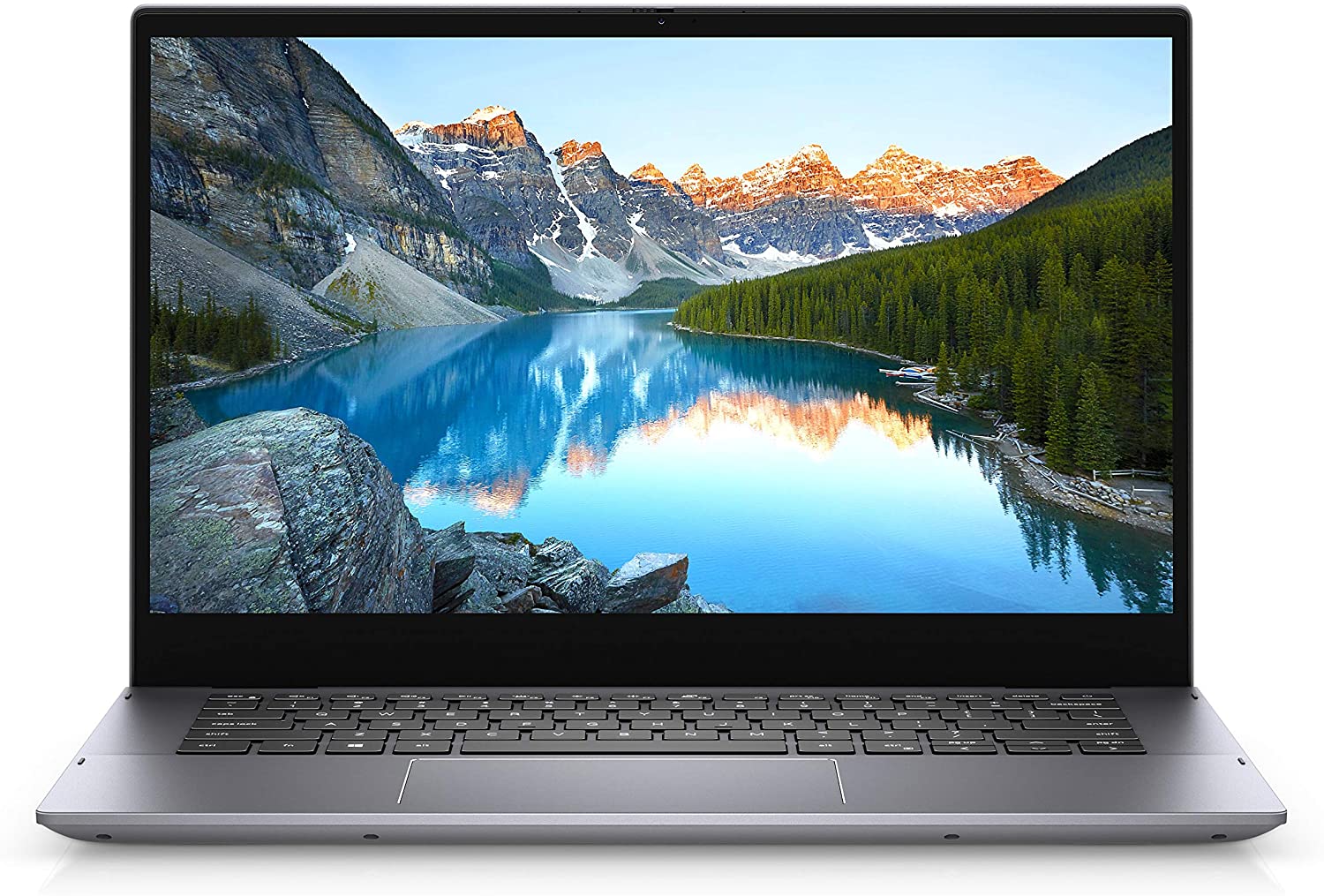
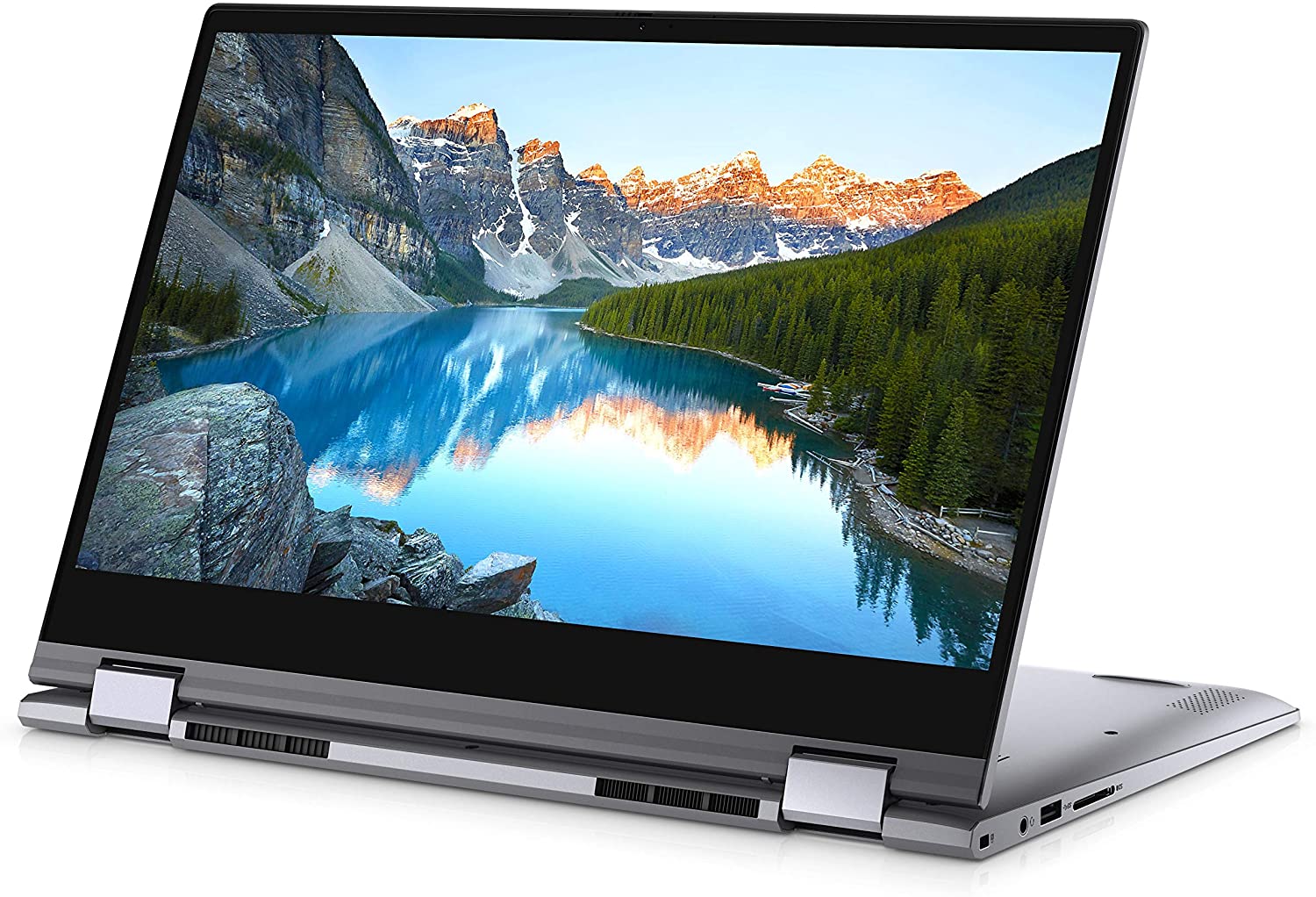
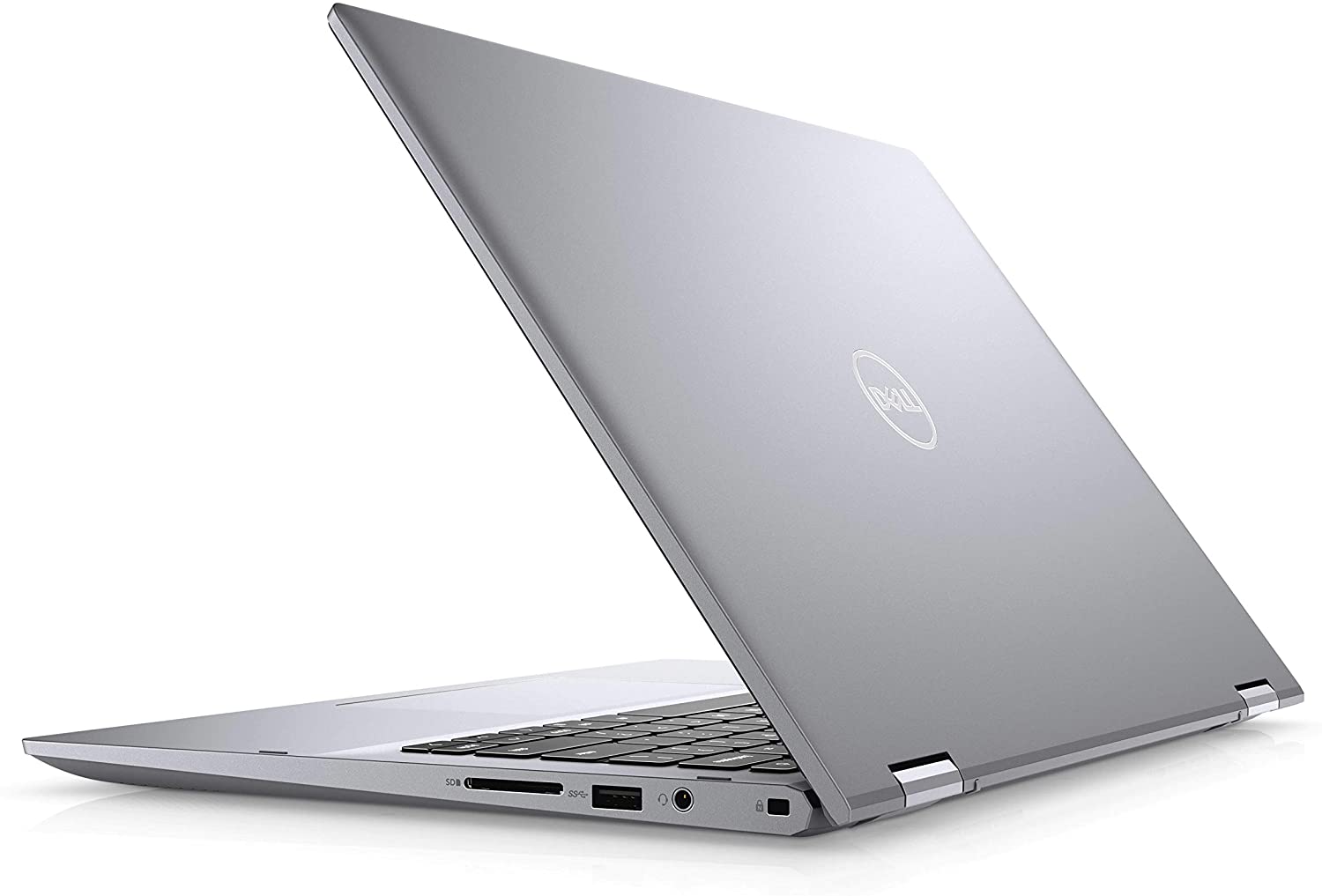
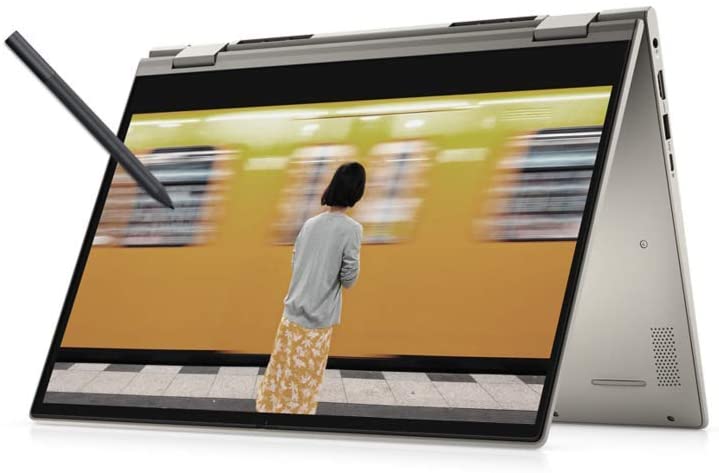
Dell Inspiron 14 5406 (2-in-1)
Dell Inspiron 14 5406 (2-in-1) - Specs
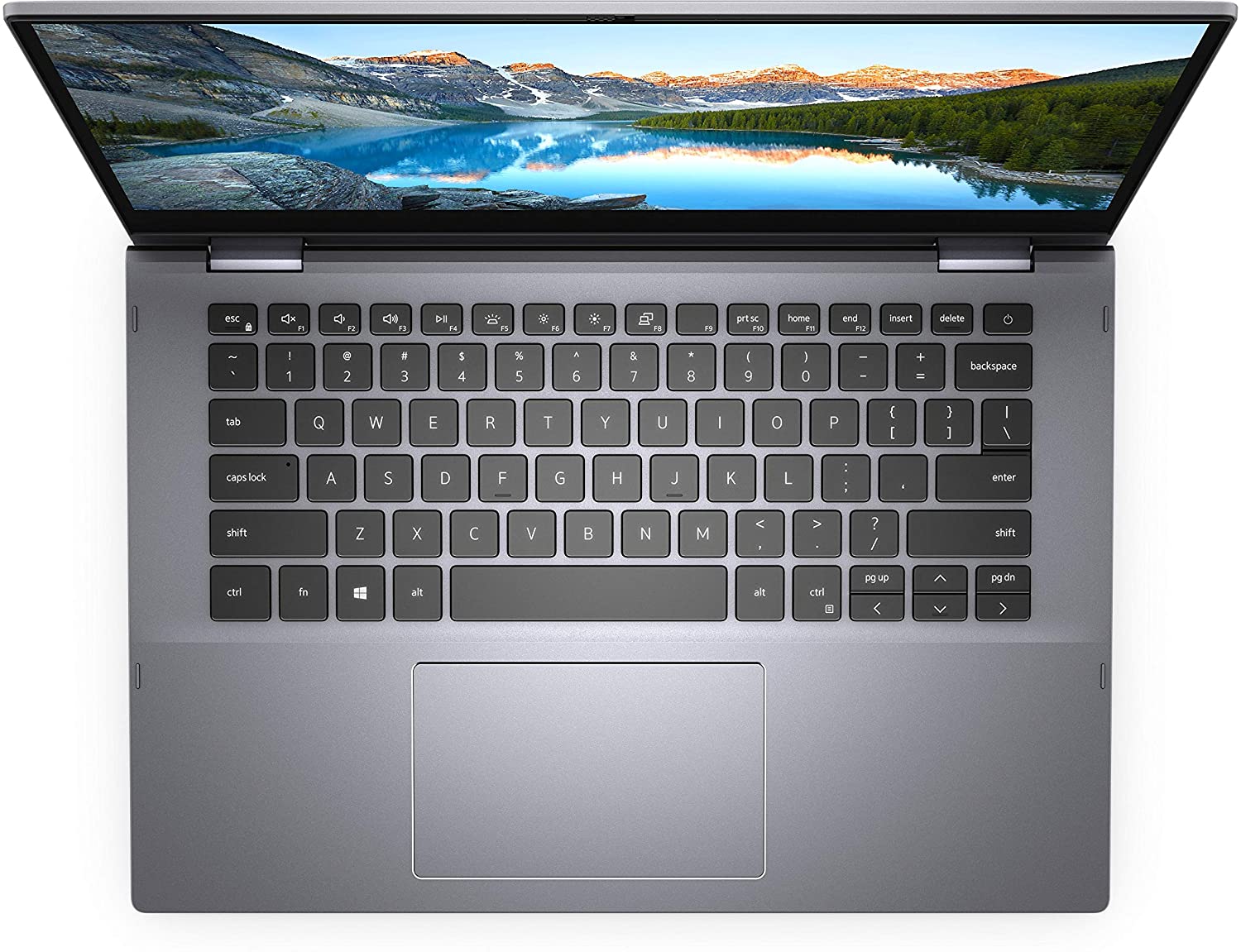
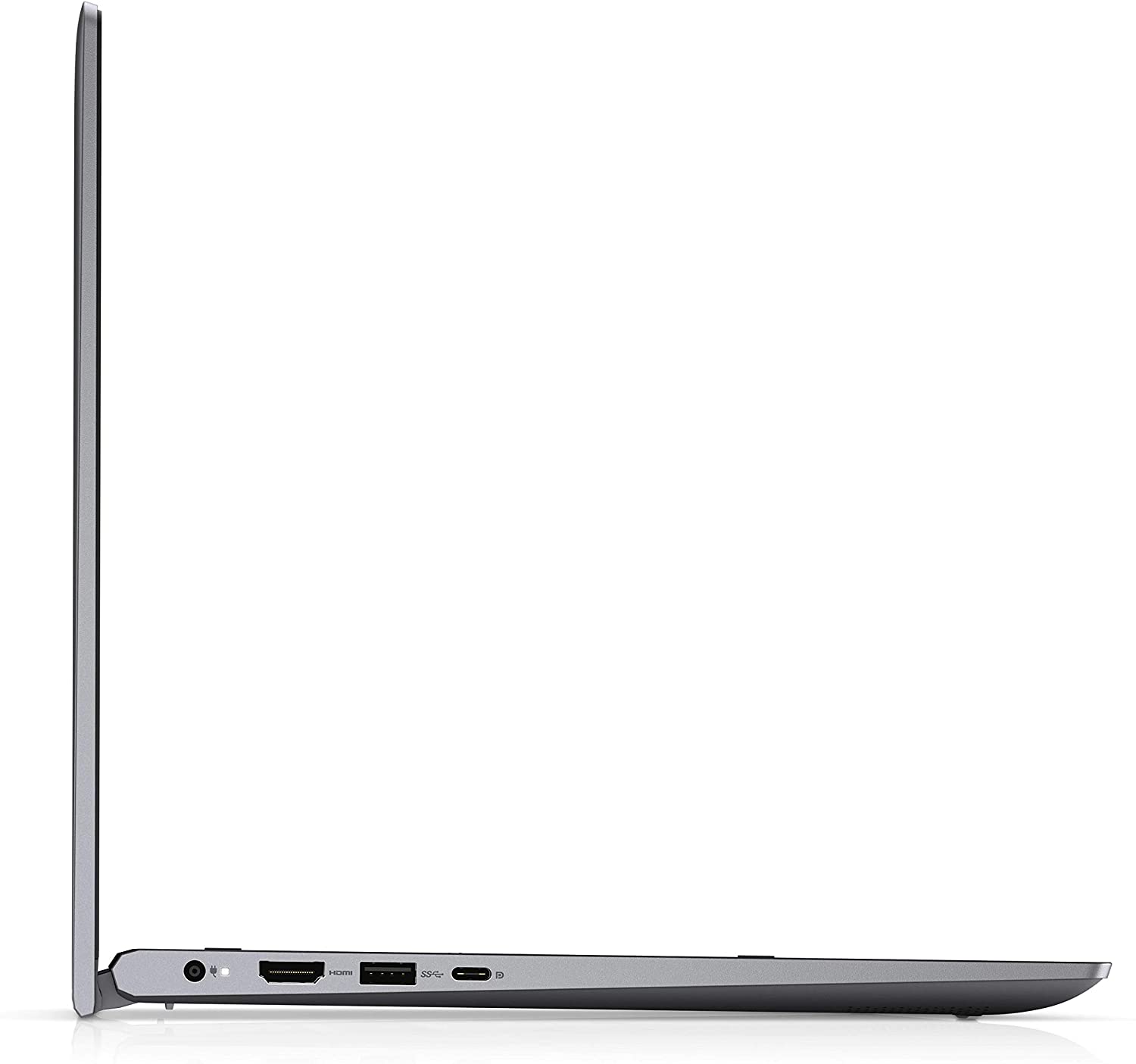
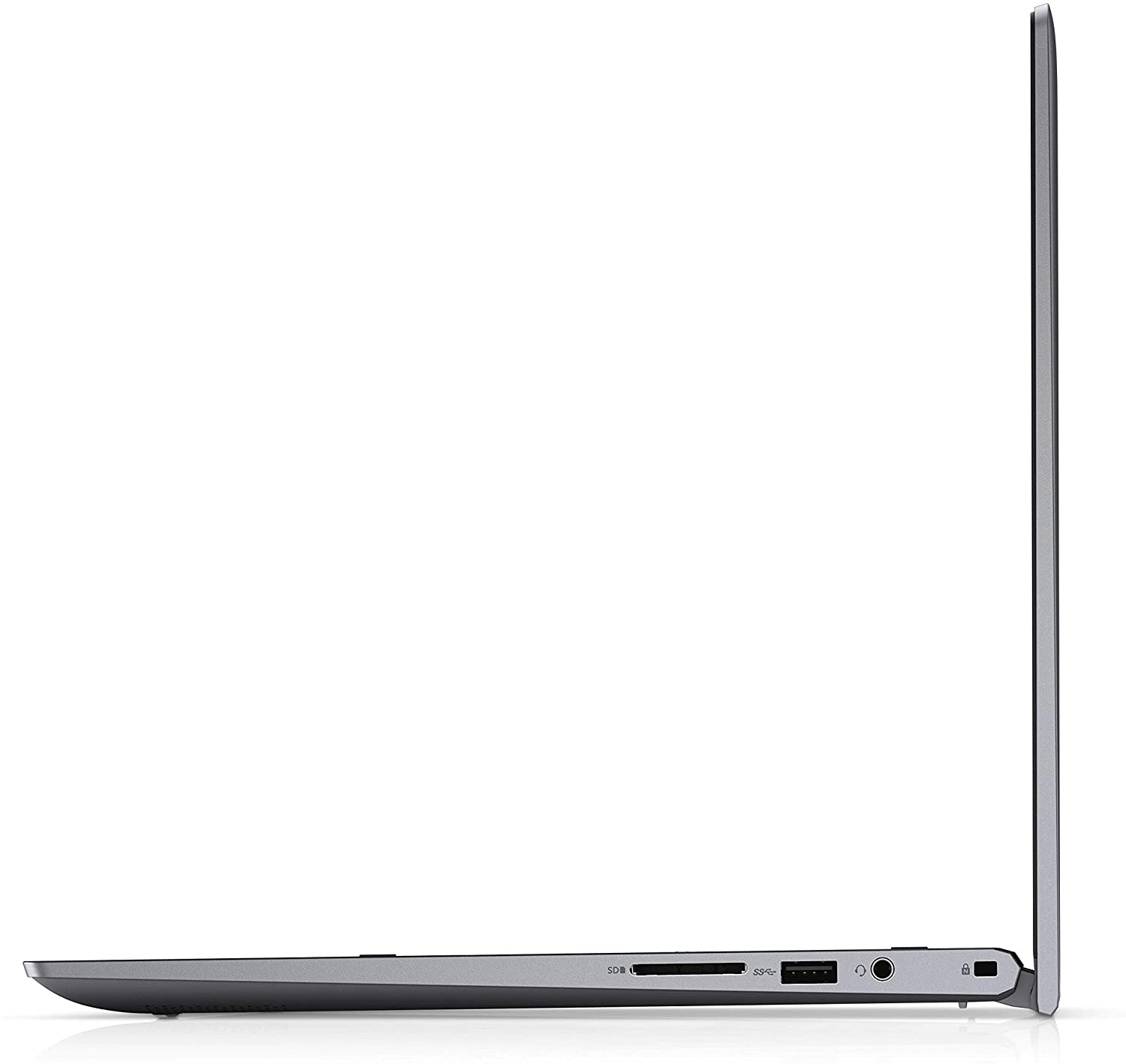
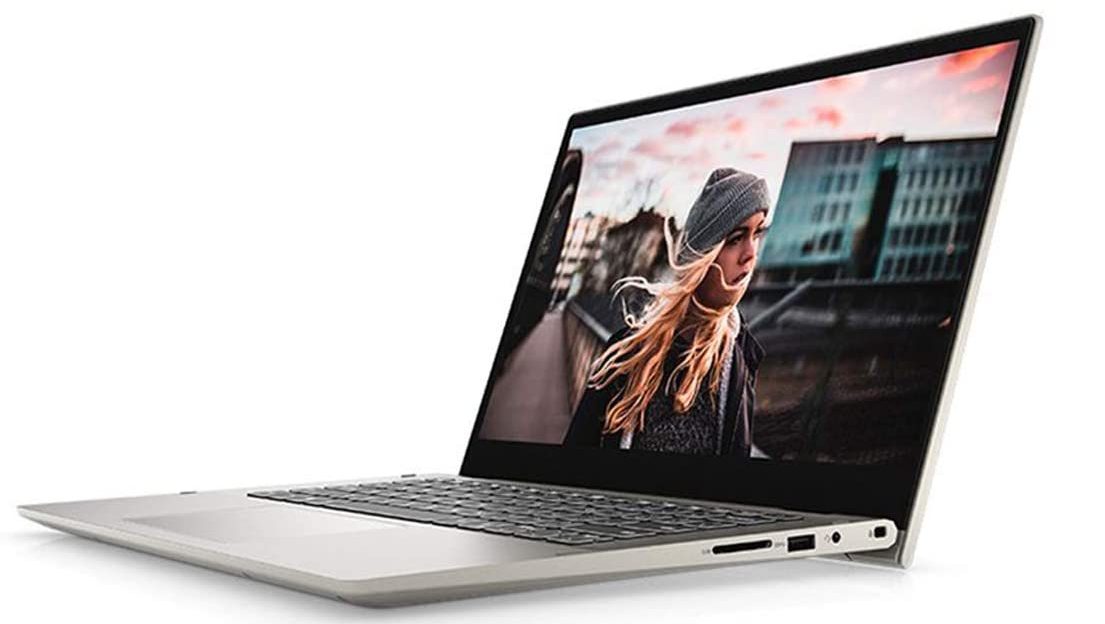

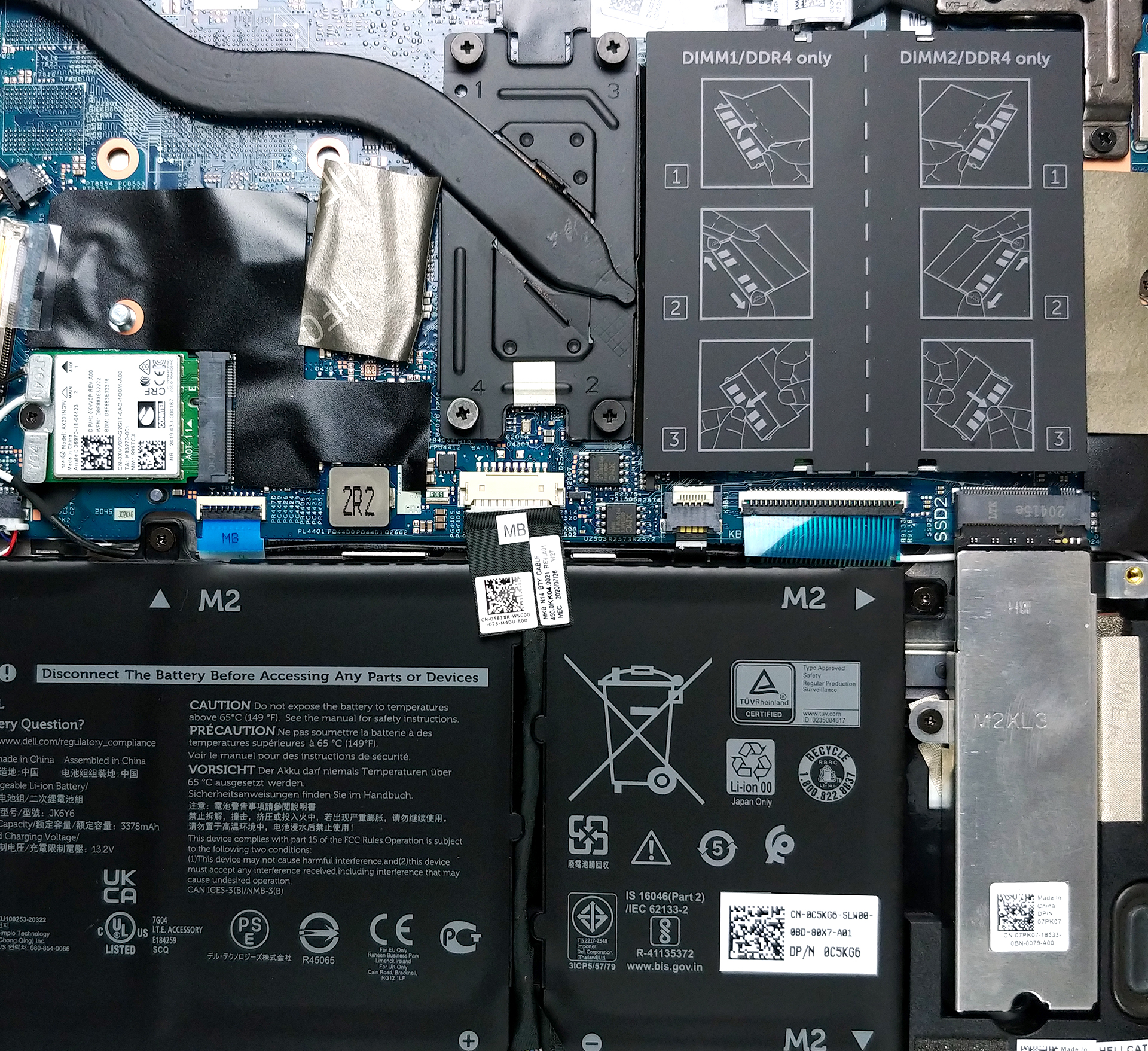
- HDD/SSD
- up to 8000GB SSD
- M.2 Slot
- 1x 2280 PCIe NVMe 3.0 x4 See photo
- RAM
- up to 64GB
- OS
- Windows 10 Pro, Windows 10 Home, Windows 10 S, Windows 11 Home, Windows 11 Pro, Windows OS
- Battery
- 40Wh, 3-cell, 41Wh, 3-cell, 54Wh, 4-cell, 40Wh, 3-cell , Dell Inspiron 5406 2-in-1, 53Wh, 4-cell, 40Wh, 4-cell
- Body material
- Plastic / Polycarbonate, Aluminum
- Dimensions
- 343.3 x 222.9 x 17 ~ 18.9 mm (13.52" x 8.78" x 0.67")
- Weight
- 1.72 kg (3.8 lbs)
- Ports and connectivity
- 2x USB Type-A
- 3.2 Gen 1 (5 Gbps)
- 1x USB Type-C
- 3.2 Gen 2 (10 Gbps), DisplayPort
- HDMI
- 1.4
- Card reader
- SD, SDHC, SDXC
- Wi-Fi
- 802.11a/b/g/n/ac/ax
- Bluetooth
- 5.0/5.1
- Audio jack
- 3.5mm Combo Jack
- Features
- Fingerprint reader
- optional
- Web camera
- HD
- Backlit keyboard
- optional
- Microphone
- Dual Array Microphones
- Speakers
- 2x 2W, Stereo Speakers
- Optical drive
- Security Lock slot
- Noble Lock
All Dell Inspiron 14 5406 (2-in-1) configurations
Buy our profiles for BOE NV14N4M-22G8N (BOE08AD) / 14.0”, Full HD (1920 x 1080), IPS
In addition to receiving efficient and health-friendly profiles, by buying LaptopMedia's products you also support the development of our labs, where we test devices in order to produce the most objective reviews possible.

Office Work
Office Work should be used mostly by users who spend most of the time looking at pieces of text, tables or just surfing. This profile aims to deliver better distinctness and clarity by keeping a flat gamma curve (2.20), native color temperature and perceptually accurate colors.

Design and Gaming
This profile is aimed at designers who work with colors professionally, and for games and movies as well. Design and Gaming takes display panels to their limits, making them as accurate as possible in the sRGB IEC61966-2-1 standard for Web and HDTV, at white point D65.

Health-Guard
Health-Guard eliminates the harmful Pulse-Width Modulation (PWM) and reduces the negative Blue Light which affects our eyes and body. Since it’s custom tailored for every panel, it manages to keep the colors perceptually accurate. Health-Guard simulates paper so the pressure on the eyes is greatly reduced.
Get all 3 profiles with 33% discount

CPU performance
Here you can find the price/performance difference between all the CPUs that come in the Dell Inspiron 14 5406 (2-in-1) series.
Results are from the Cinebench R23 CPU test (the higher the score, the better)
GPU performance
Here you can find the price/performance difference between all the GPUs that come in the Dell Inspiron 14 5406 (2-in-1) series.
The results are from 3DMark Time Spy (Graphics). Higher is better.
Dell Inspiron 14 5406 (2-in-1) in-depth review
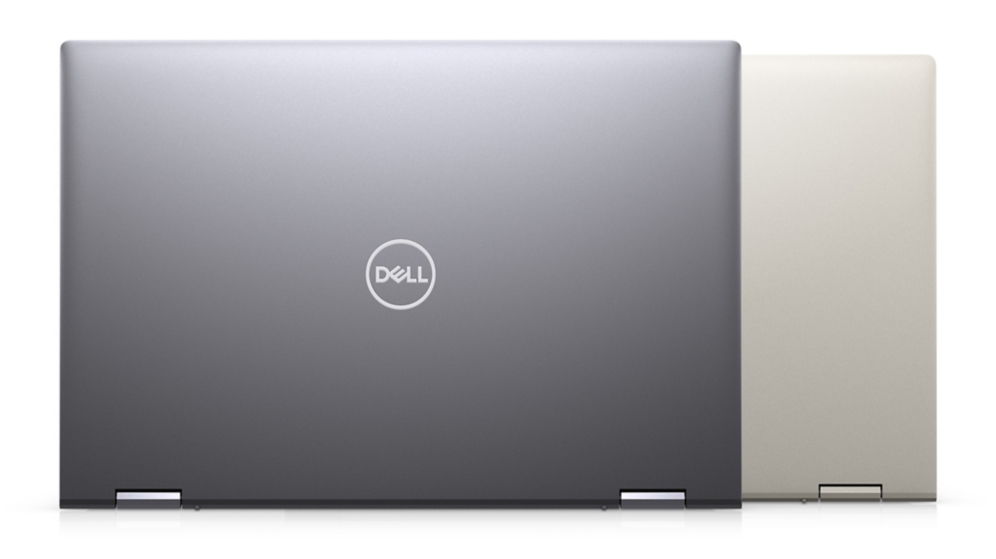
Every once in a while, we try to find the latest 14-inch 5000 series convertible laptop and take it for a ride. So far, we were far from pleased with what we saw, as previous iterations of the machine were either too fat, or too heavy, or their displays weren't on the level of 2-in-1 machinery.And when we got the Inspiron 14 5406 2-in-1 we really thought it is going to be different. However, year after year, model after model, Dell is making the same inconvenient, user-defying choices that we can't understand from a technological point of view. Now, the base model of this device comes wit[...]
Pros
- Memory upgrades thanks to two SODIMM slots
- There is an included stylus
- Good input devices
- Wi-Fi 6 + SD card slot
Cons
- Its display uses aggressive PWM for brightness adjustment (our Health-Guard profile fixes the issue) (BOE NV14N4M-22G8N)
- Covers less than half of the colors in sRGB (BOE NV14N4M-22G8N)
- Crippled base options
- Too heavy for a 14-inch convertible
Games you can play on this laptop series

Resolution: 1920 x 1080 (Full HD) |
MIN |
MAX |
|---|---|---|
 | 537 FPS PLAY VIDEO | 50 FPS PLAY VIDEO |
| Intel UHD Graphics Xe G4 (48EU) | 318 FPS PLAY VIDEO | 36 FPS PLAY VIDEO |
| NVIDIA GeForce MX330 (2GB GDDR5, 25W) | 228 FPS | 51 FPS |

Resolution: 1920 x 1080 (Full HD) |
VERY LOW |
MED |
MAX |
|---|---|---|---|
| 243 FPS | 202 FPS | 191 FPS |
| Intel Iris Xe Graphics G7 (96EU) | 231 FPS PLAY VIDEO | 183 FPS PLAY VIDEO | 142 FPS PLAY VIDEO |
| Intel UHD Graphics Xe G4 (48EU) | 168 FPS PLAY VIDEO | 129 FPS PLAY VIDEO | 103 FPS PLAY VIDEO |

Resolution: 1920 x 1080 (Full HD) |
MIN |
MED |
ULTRA |
|---|---|---|---|
| 239 FPS | 65 FPS | 30 FPS |
| Intel Iris Xe Graphics G7 (96EU) | 174 FPS PLAY VIDEO | 41 FPS PLAY VIDEO | 23 FPS PLAY VIDEO |
| Intel UHD Graphics Xe G4 (48EU) | 110 FPS PLAY VIDEO | 19 FPS PLAY VIDEO | 9 FPS PLAY VIDEO |

Resolution: 1920 x 1080 (Full HD) |
MIN |
MED |
MAX |
|---|---|---|---|
| 42 FPS PLAY VIDEO | 33 FPS PLAY VIDEO | 23 FPS PLAY VIDEO |
| NVIDIA GeForce MX330 (2GB GDDR5, 25W) | 39 FPS | 28 FPS | 18 FPS |

Resolution: 1920 x 1080 (Full HD) |
PERF. |
ORIG. |
ENCH. |
|---|---|---|---|
| 72 FPS | 67 FPS | 63 FPS |
| Intel Iris Xe Graphics G7 (96EU) | 53 FPS PLAY VIDEO | 47 FPS PLAY VIDEO | 41 FPS PLAY VIDEO |

Resolution: 1920 x 1080 (Full HD) |
LOW |
NORMAL |
HIGH |
MAX |
|---|---|---|---|---|
| 115 FPS | 82 FPS | 55 FPS | 43 FPS |
| Intel Iris Xe Graphics G7 (96EU) | 94 FPS PLAY VIDEO | 63 FPS PLAY VIDEO | 45 FPS PLAY VIDEO | 34 FPS PLAY VIDEO |
| Intel UHD Graphics Xe G4 (48EU) | 66 FPS | 39 FPS | 23 FPS | 18 FPS |

Resolution: 1920 x 1080 (Full HD) |
LOW |
MED |
MAX |
|---|---|---|---|
| 143 FPS | 115 FPS | 91 FPS |
| Intel Iris Xe Graphics G7 (96EU) | 117 FPS PLAY VIDEO | 79 FPS PLAY VIDEO | 39 FPS PLAY VIDEO |
| Intel UHD Graphics Xe G4 (48EU) | 65 FPS PLAY VIDEO | 38 FPS PLAY VIDEO | 27 FPS PLAY VIDEO |

Resolution: 1920 x 1080 (Full HD) |
HIGH PERF |
HIGH QLT |
|---|---|---|
| 193 FPS | 73 FPS |
| Intel Iris Xe Graphics G7 (96EU) | 97 FPS PLAY VIDEO | 43 FPS PLAY VIDEO |
| Intel UHD Graphics Xe G4 (48EU) | 53 FPS PLAY VIDEO | 24 FPS PLAY VIDEO |

Resolution: 1920 x 1080 (Full HD) |
LOW |
MED |
HIGH |
ULTRA |
|---|---|---|---|---|
| Intel Iris Xe Graphics G7 (96EU) | 33 FPS PLAY VIDEO | 25 FPS PLAY VIDEO | 22 FPS PLAY VIDEO | - PLAY VIDEO |

Resolution: 1920 x 1080 (Full HD) |
LOW |
MED |
HIGH |
ULTRA |
|---|---|---|---|---|
| 36 FPS | 26 FPS | 21 FPS | 11 FPS |
| Intel Iris Xe Graphics G7 (96EU) | 37 FPS PLAY VIDEO | 28 FPS PLAY VIDEO | 23 FPS PLAY VIDEO | - PLAY VIDEO |


![[August 2026] Amazon Italy: Top 10 Best-Selling Laptops – Apple MacBook Neo Claims the Crown as Budget and Mid-Range Windows Machines Dominate Volume](https://laptopmedia.com/wp-content/uploads/2026/09/Best-Selling-Laptops-IT-Top-10-400x225.jpg)
![[August 2026] Amazon Italy: Top 7 Best-Selling Gaming Laptops – ASUS V16 Claims the #1 Spot Amid Strong Mid-Range Demand](https://laptopmedia.com/wp-content/uploads/2026/09/Best-Selling-Gaming-Laptops-IT-Top-10-400x225.jpg)
![[August 2026] Best-Selling Laptop Brands on Amazon Italy – Lenovo Dominates Market Share and Revenue Leadership](https://laptopmedia.com/wp-content/uploads/2026/09/IT-Best-Brands-400x225.jpg)
![[August 2026] Amazon India: Top 10 Best-Selling Laptops – Apple MacBook Neo Dominates the Charts with Massive Sales Lead](https://laptopmedia.com/wp-content/uploads/2026/09/Best-Selling-Laptops-IN-Top-10-400x225.jpg)
![[August 2026] Amazon India: Top 10 Best-Selling Gaming Laptops – HP Victus 15 Dominates the Market with Massive Unit Lead](https://laptopmedia.com/wp-content/uploads/2026/09/Best-Selling-Gaming-Laptops-IN-Top-10-400x225.jpg)