Dell Latitude 3510
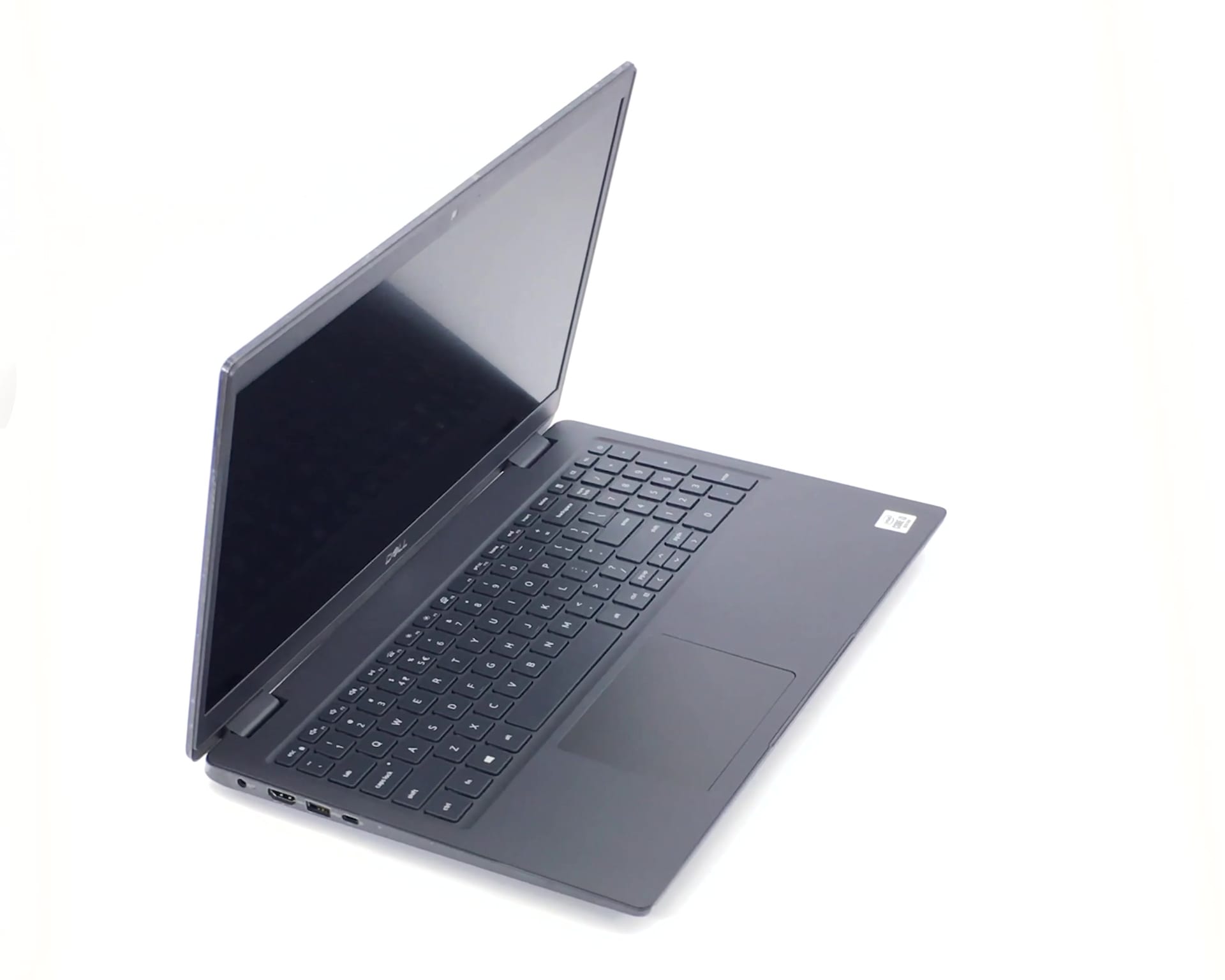

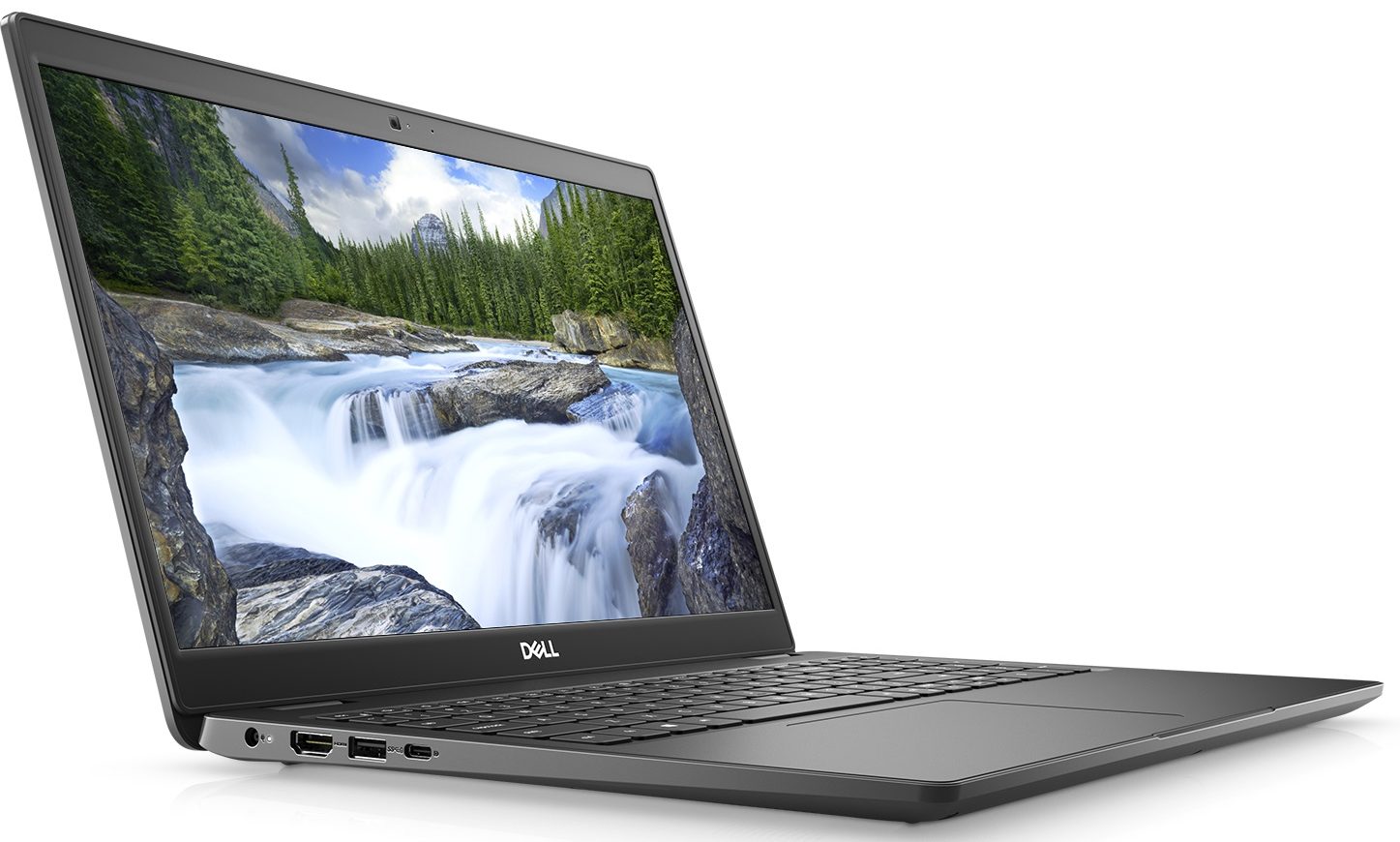
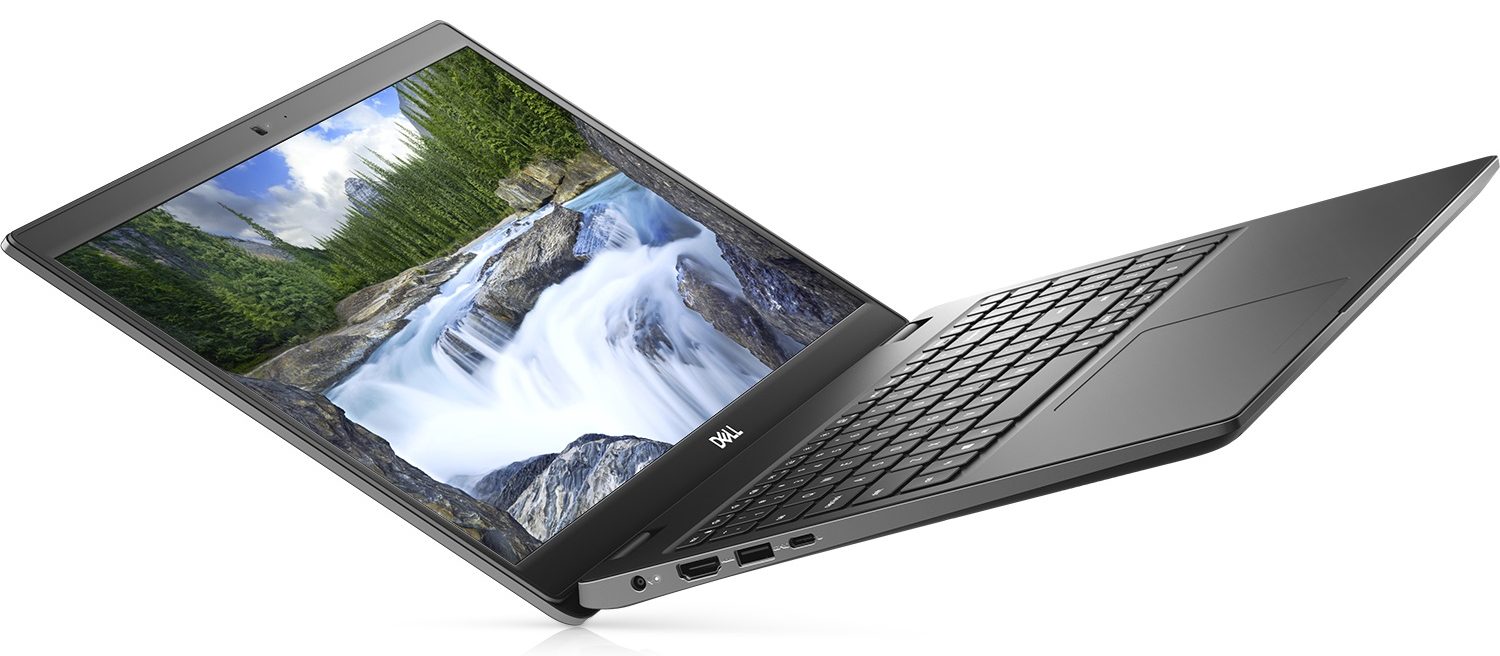
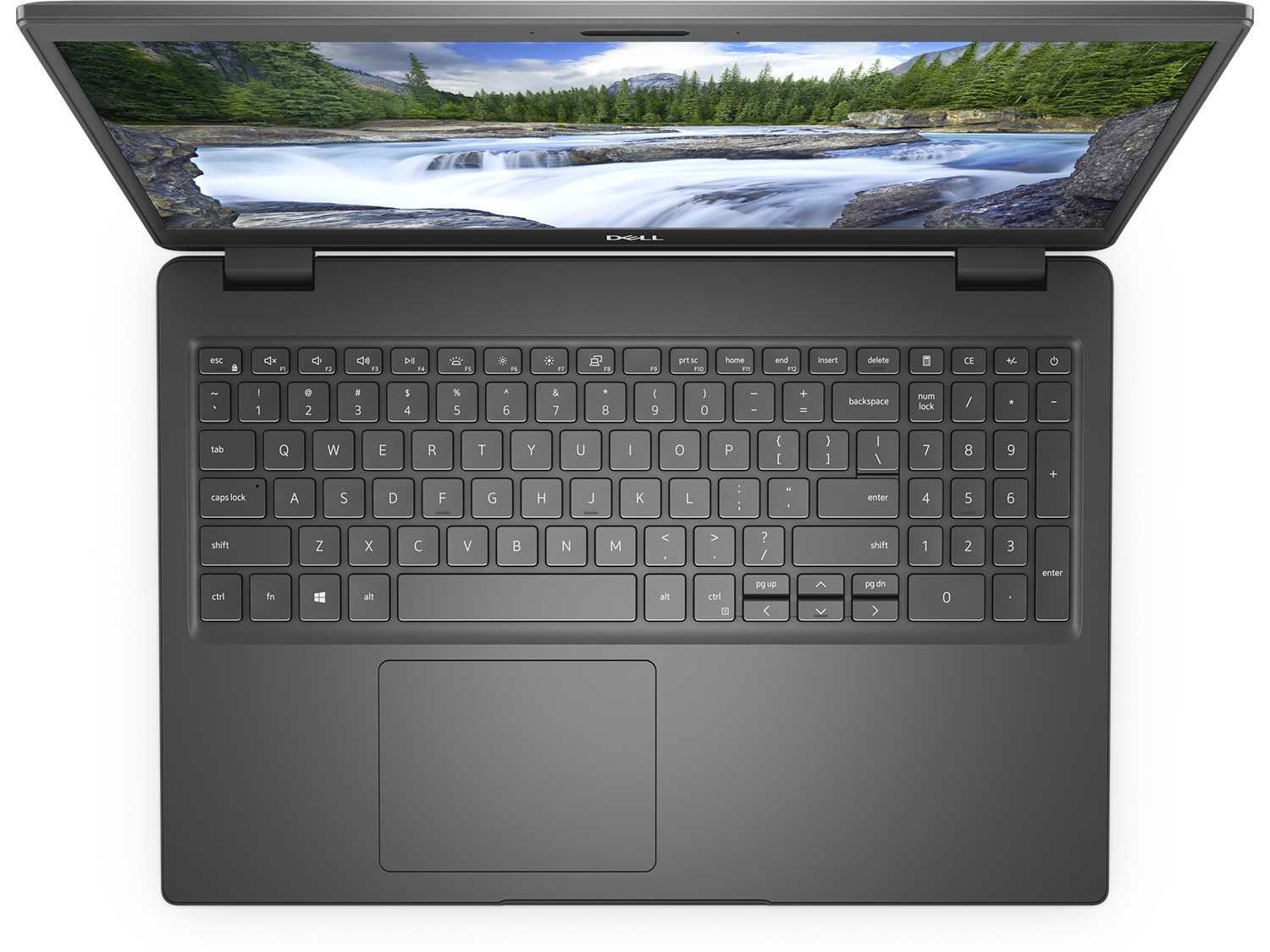
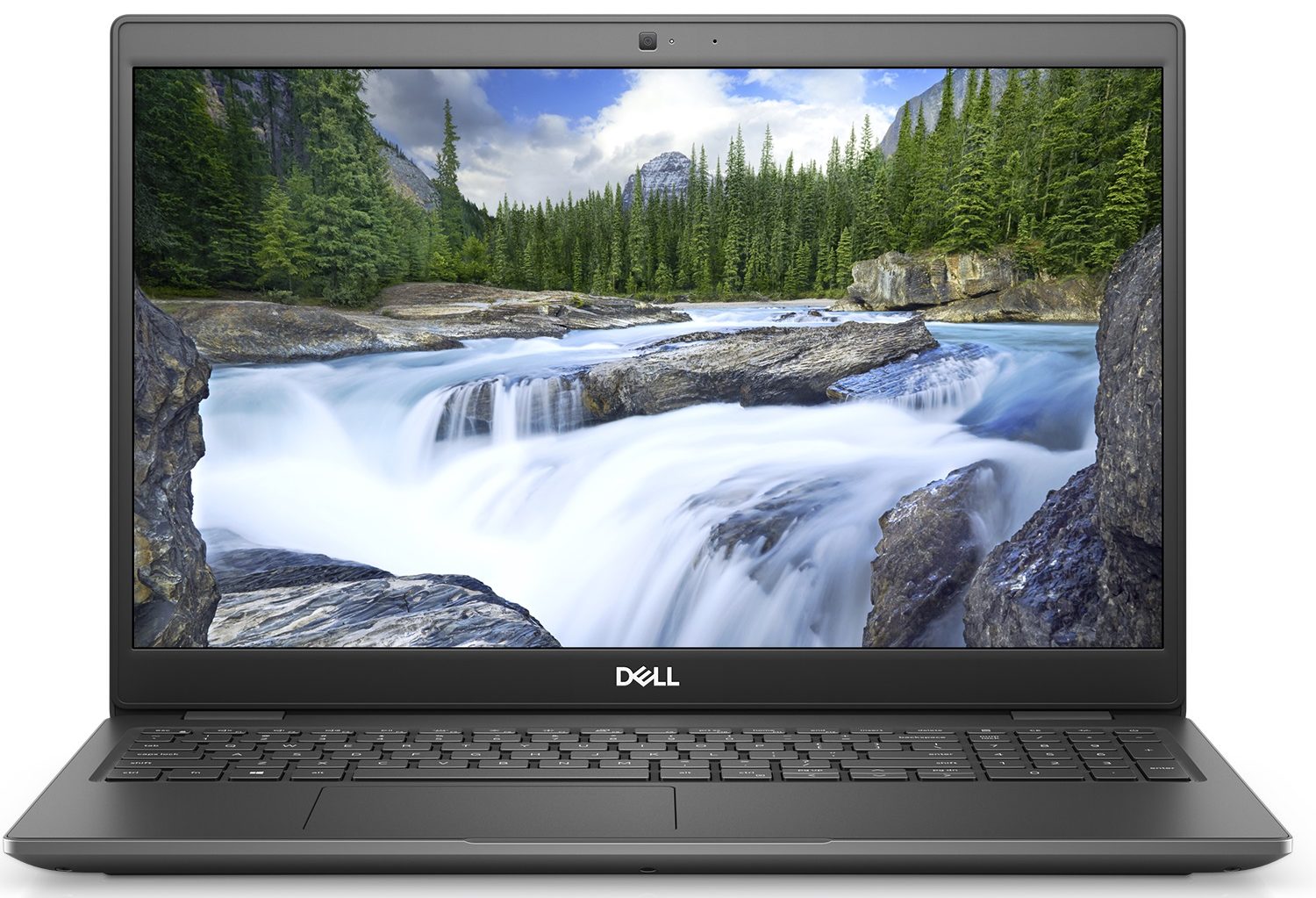
- Date Published: 08 Sep 2021
- Intel Core i3-10110U
- Intel UHD Graphics
- 15.6”, HD (1366 x 768), TN
- 1000GB SSD
- 16GB DDR4
- 1.79 kg (3.9 lbs)
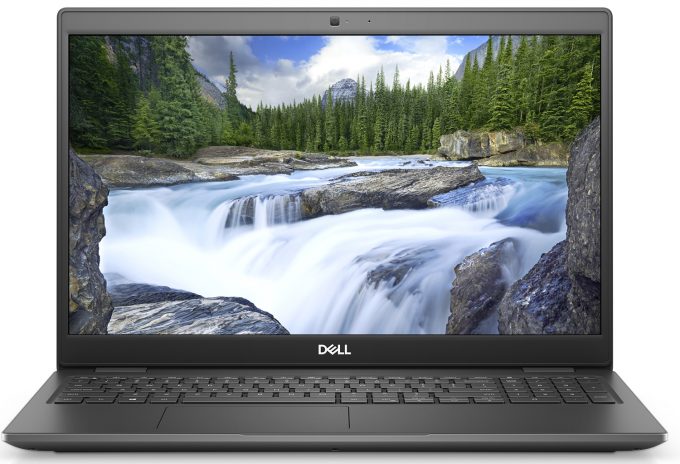
Specs
- Display
- HDD/SSD
- 1TB SSD
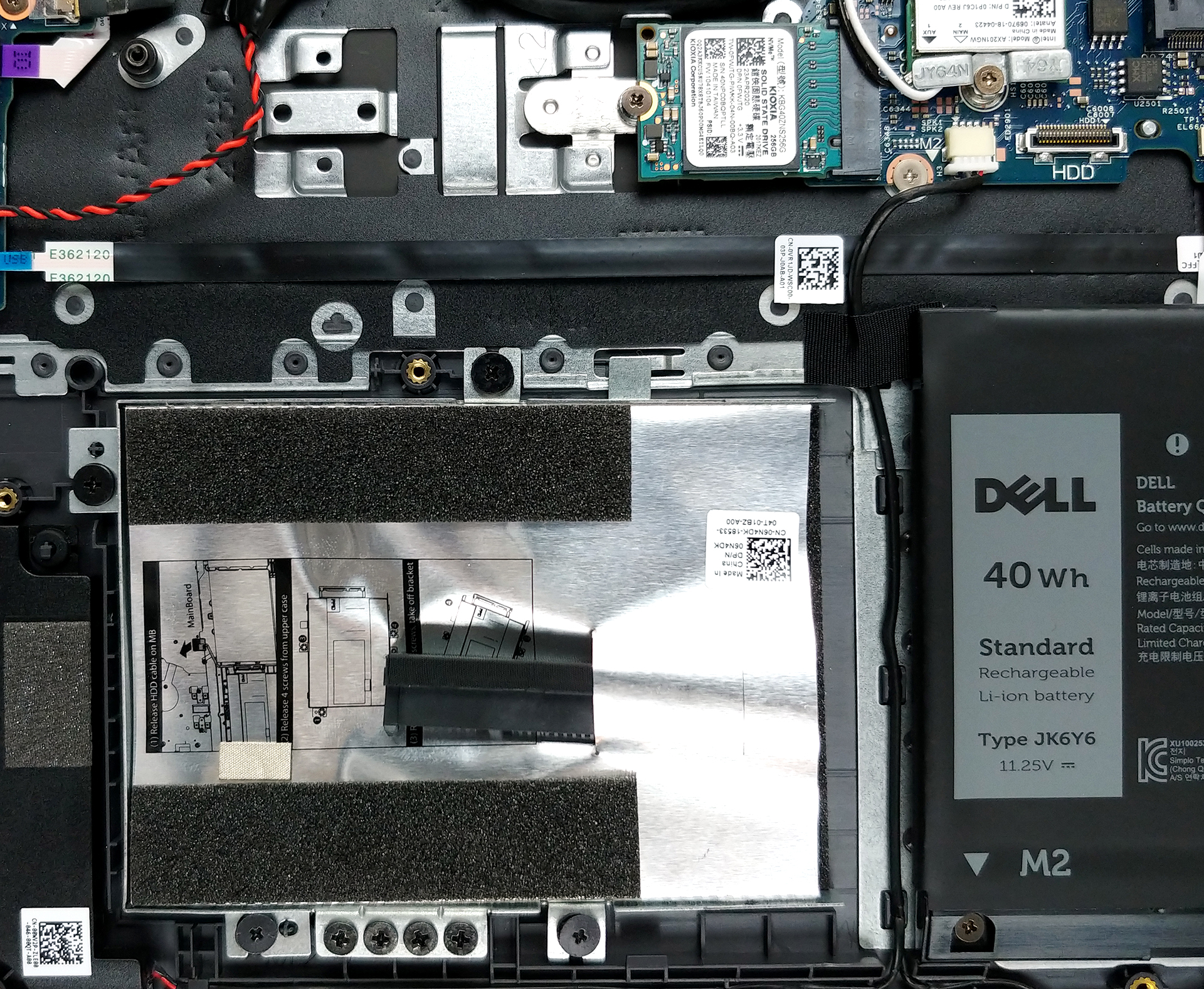
- M.2 Slot
- 1x 2280 PCIe NVMe 3.0 x4 See photo
- RAM
- 16GB DDR4
- OS
- Windows 10 Pro
- Body Material
- Plastic / Polycarbonate
- Dimensions
- 361.4 x 247.8 x 18 mm (14.23" x 9.76" x 0.71")
- Weight
- 1.79 kg (3.9 lbs)
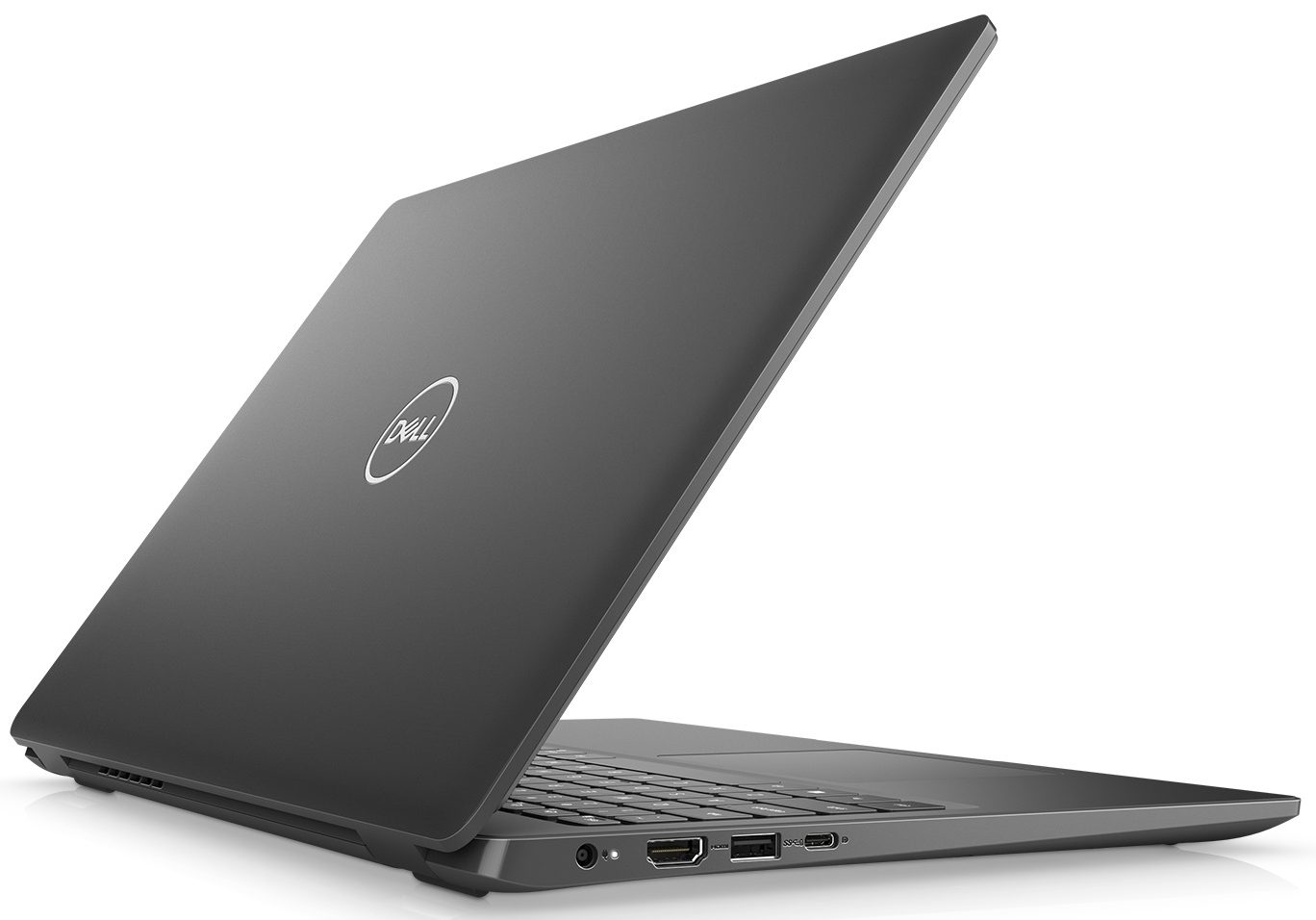
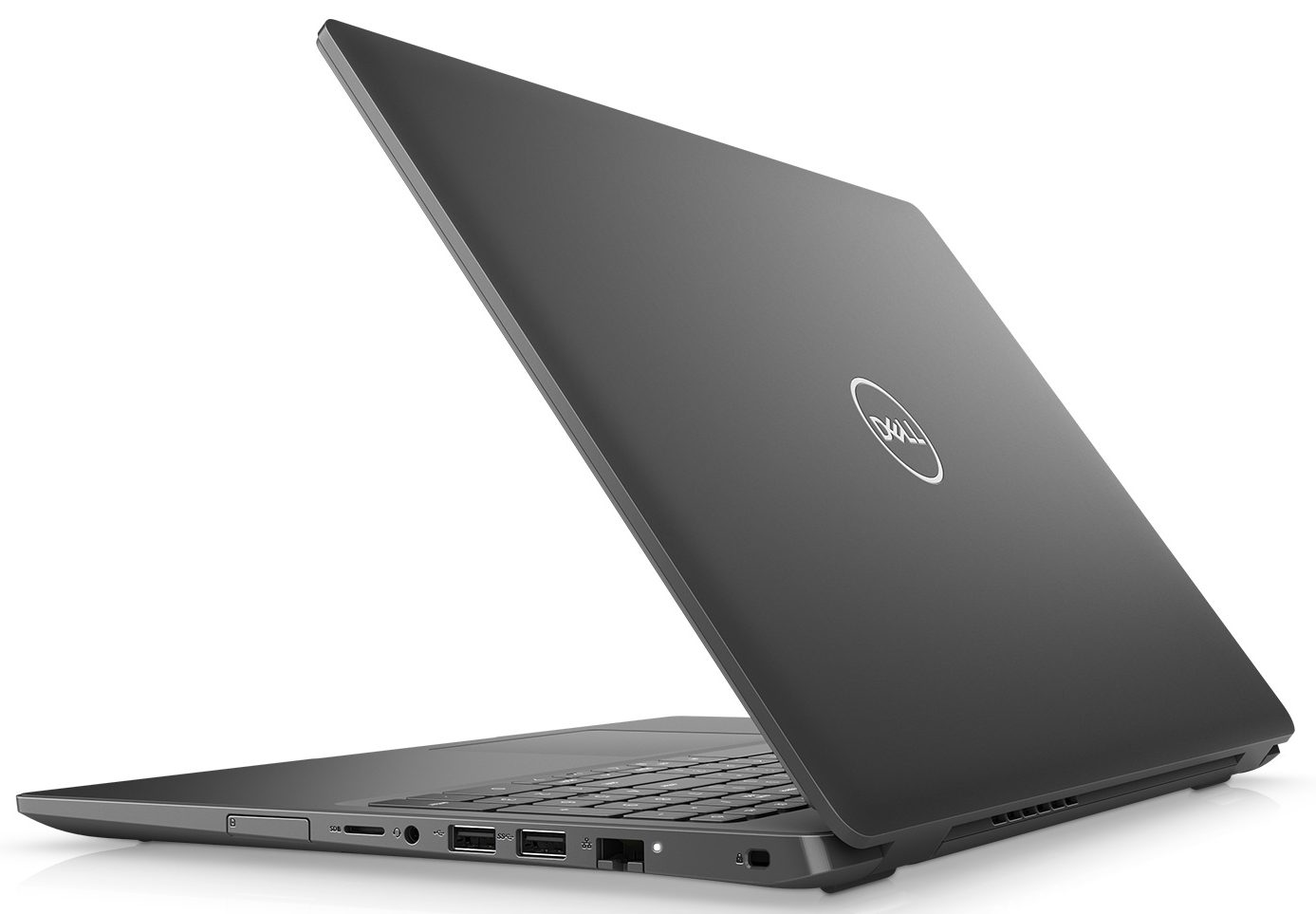
- Ports and connectivity
- 1x USB Type-A
- 2.0
- 1x USB Type-A
- 3.2 Gen 1 (5 Gbps)
- 1x USB Type-A
- 3.2 Gen 2 (10 Gbps), Sleep and Charge
- 1x USB Type-C
- Power Delivery (PD), DisplayPort
- HDMI
- 1.4
- Card Reader
- MicroSD
- Ethernet LAN
- 10, 100, 1000 Mbit/s
- Wi-Fi
- 802.11ac/ax
- Bluetooth
- 5.1
- Audio jack
- 3.5 Combo Jack
- Features
- Web camera
- HD
- Microphone
- Speakers
- 2x 2W, Stereo Speakers
- Optical drive
- Security Lock slot
Portability
Review
Dell Latitude 3510 in-depth review
Dell's Latitude or Lenovo's ThinkPad. This is an age-old question, which we are probably not going to answer today. On the other hand, we are going to tell you more about the Latitude 15 3510, and see whether the budget nature of the notebook is something that would attract more people, or the quality of execution will actually drive them away.Interestingly, when you look at the official listing on Dell's website, you will see statements like "World's smallest 15-inch essential business notebook" and mentions of the "Dell Optimizer AI", which contrary to the expectations is not a superhuman robot from the future, but something more like a task priority manager.Also, it's worth saying that Dell still offers a business notebook in 2020 with a 768p TN display option, which is an utte[...]
Read the full review
Pros
- Great upgradability
- Good battery life
- MicroSD card slot and an optional Wi-Fi 6 support
- Optional fingerprint reader
Cons
- Uses aggressive PWM for all brightness levels (our Health-Guard profile fixes that) (BOE T1WD3-NV15N3D)
- Unexpectedly hot under extreme load
- Covers only half of the colors in the sRGB gamut (BOE T1WD3-NV15N3D)
- Soft and mushy keyboard
Disassembly, maintenance and upgrade options
One of the strongest points of this notebook is its upgradability - take a look.Check out all Dell Latitude 15 3510 prices and configurations in our Specs System or read more in our In-Depth review.1. Remove the bottom plate Getting inside this notebook requires the removal of 8 Phillips-head screws. Thankfully, they stay attached to the bottom panel, so you won't lose them. Anyway, the next thing you need to do is to pry the panel away with a plastic tool. We found it easier to gently lift the base and start the prying process in a semi-opened position.2. Battery As you [...]
Read more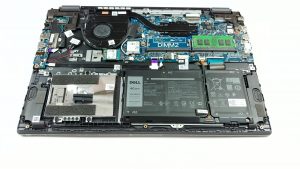


![[August 2026] Amazon Global: Top 10 Best-Selling Laptops – Apple MacBook Neo Dominates the Charts as Budget and Mid-Range Windows Portables Fight for Volume](https://laptopmedia.com/wp-content/uploads/2026/09/Best-Selling-Laptops-GLOBAL-Top-10-400x225.jpg)
![[August 2026] Best-Selling Laptop Brands on Amazon Global – Apple Dominates Revenue While HP Leads in Model Variety](https://laptopmedia.com/wp-content/uploads/2026/09/GLOBAL-Best-Brands-400x225.jpg)
![[August 2026] Amazon Global: Top 10 Best-Selling Gaming Laptops – HP Victus 15 Captures the Crown as Budget-Friendly Models Dominate the Charts](https://laptopmedia.com/wp-content/uploads/2026/09/Best-Selling-Gaming-Laptops-GLOBAL-Top-10-400x225.jpg)
![[August 2026] Best-Selling Laptop Brands on Amazon Japan – Apple Dominates Market Share and Revenue Led by Strong Unit Sales](https://laptopmedia.com/wp-content/uploads/2026/09/CO.JP-Best-Brands-1-400x225.jpg)
![[August 2026] Best-Selling Laptop Brands on Amazon USA – Apple Dominates Market Revenue and Volume Despite Lower Model Diversity](https://laptopmedia.com/wp-content/uploads/2026/09/COM-Best-Brands-1-400x225.jpg)