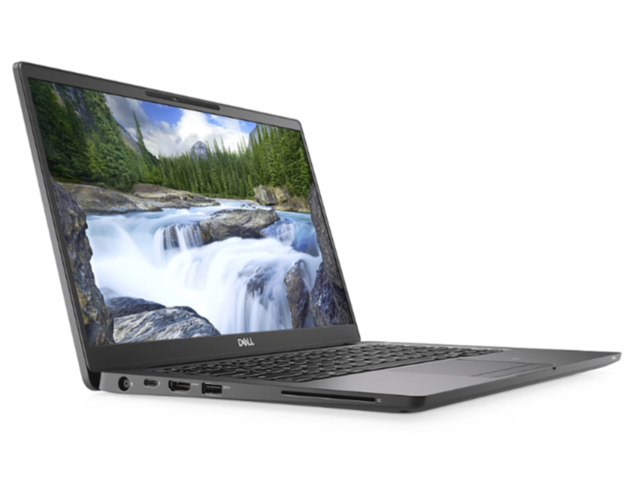
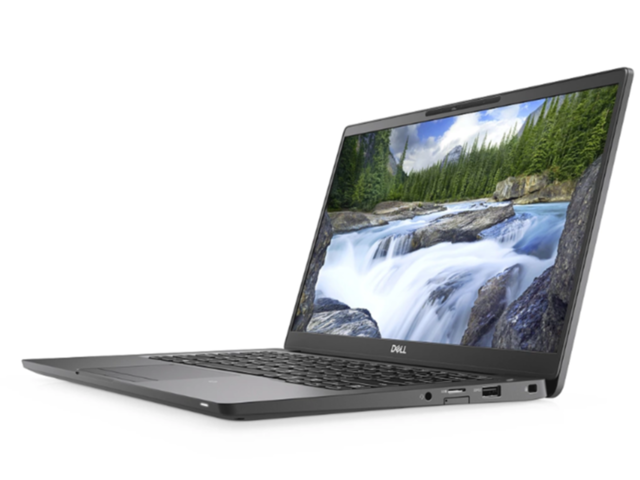
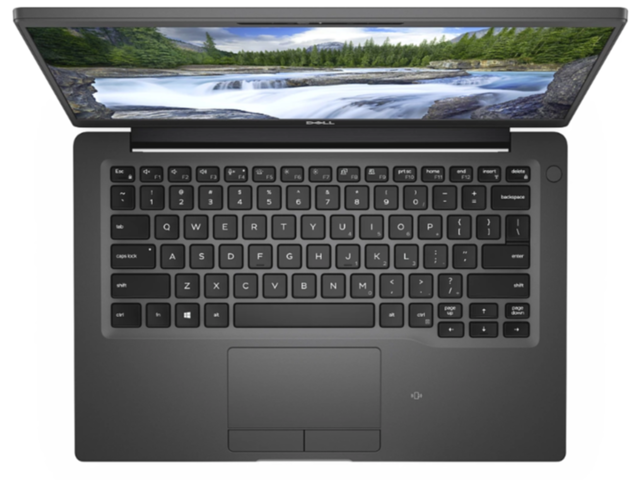
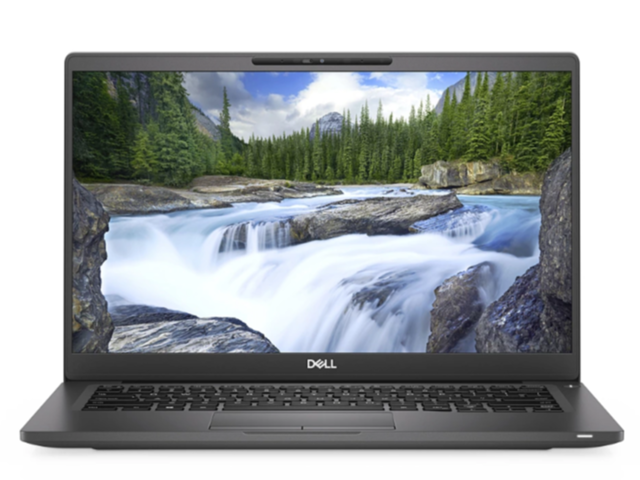
Dell Latitude 7400
- Date Published: 12 Aug 2020
- Intel Core i7-8665U
- Intel UHD Graphics 620
- 14.0”, Full HD (1920 x 1080), TN
- 256GB SSD
- 16GB DDR4
- 1.35 kg (3 lbs)
Specs
- Display

- HDD/SSD
- 256GB SSD
- RAM
- 16GB DDR4
- OS
- Windows 10 Home
- Body Material
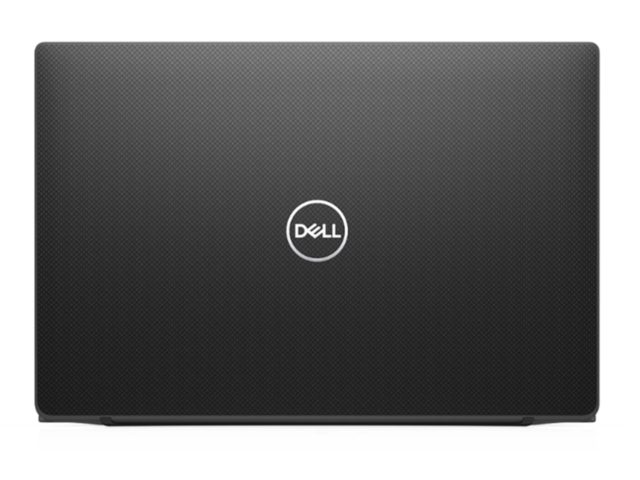
- Aluminum, Carbon (Silver devices are made out of aluminum, Black ones - of carbon fiber)
- Dimensions
- 321 x 214 x 16.8-18.2 mm (12.64" x 8.43" x 0.66")
- Weight
- 1.35 kg (3 lbs)
- Ports and connectivity
- 1x USB Type-C
- 3.2 Gen 2 (10 Gbps), Thunderbolt 3, Power Delivery (PD)
- 2x USB Type-A
- 3.2 Gen 1 (5 Gbps)
- HDMI
- 1.4a
- Card Reader
- Micro SD, SDHC, SDXC
- Wi-Fi
- 802.11a/b/g/n/ac/x
- Bluetooth
- 5.0
- Audio jack
- 3.5 mm combo
- LTE (optional)
- Features
- Web camera
- Microphone
- Speakers
- 2x 2W
- Optical drive
- Security Lock slot
- IR face recognition (optional), fingerprint reader (optional)
Portability
Review
Dell Latitude 7400 in-depth review
So, it feels like Dell is starting over with the naming of their Latitude brand. More specifically the numbers they use. This resulted in the newborn Dell Latitude 14 7400 for example. Surprise, surprise - this is exactly the device we have with us today.Make no mistakes, guys, this laptop sits deep in the premium segment. It starts at $1299, but you would surely want a higher spec configuration, as at this price you only get 4GB of RAM and a 768p display. So, Dell is basically pushing you to get the $1499 version with 8GB of RAM and a Full HD IPS display - not cool, Dell. Either way, let's see how does the device fare against some of its brightest competition.You can check the prices and configurations in our Specs System: https://laptopmedia.com/series/dell-latitude-14-7400/[...]
Read the full review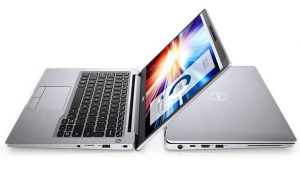
Pros
- Good performance in short tasks
- Comfortable for typing keyboard
- Good build quality with a choice between aluminum and carbon fiber
- Display doesn't use PWM to adjust its brightness levels
- Incredibly high contrast ratio
- Optional IR face recognition and fingerprint reader
- Amazing battery life
Cons
- Gets warm pretty quickly
- Keycaps are on the smaller side
- High retail price
- Some unevenness in the luminosity
Disassembly, maintenance and upgrade options
Dell has a good tradition of making its premium Latitude devices extremely easy to disassemble. Let's find out if the Latitude 14 7400 is continuing this newborn tradition.Check out all Dell Latitude 14 7400 prices and configurations in our Specs System, or read our In-Depth review.1. Remove the bottom plate Short answer - yes, it is. There are 8 Phillips-head screws that mount the bottom plate in place. However, all eight of them actually stay attached to the panel after you unscrew them so you don't lose them. After that, just pop the bottom panel with a plastic tool, starting[...]
Read more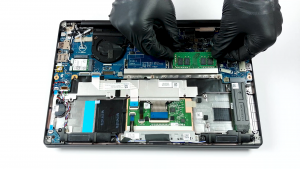


![[June 2026] Best-Selling Laptop Brands on Amazon Global – Apple’s Unrivaled Dominance in Units and Revenue](https://laptopmedia.com/wp-content/uploads/2026/07/GLOBAL-Best-Brands-400x225.jpg)
![[June 2026] Amazon Global: Top 10 Best-Selling Laptops – Apple’s New MacBook Neo Storms to #1, Reshaping the Market with Affordability](https://laptopmedia.com/wp-content/uploads/2026/07/Best-Selling-Laptops-GLOBAL-Top-10-400x225.jpg)
![[June 2026] Amazon Global: Top 10 Best-Selling Gaming Laptops – Acer’s Nitro V 16S AI Dominates Sales, While ASUS Leads Overall Revenue](https://laptopmedia.com/wp-content/uploads/2026/07/Best-Selling-Gaming-Laptops-GLOBAL-Top-10-400x225.jpg)
![[June 2026] Global Ranking of Best-Selling Laptop GPUs on Amazon – NVIDIA RTX 5060 is the Top-Selling Dedicated GPU](https://laptopmedia.com/wp-content/uploads/2026/07/Best-Selling-GPUs-GLOBAL-Top-10-400x225.jpg)
![[June 2026] Global Ranking of Best-Selling Laptop CPUs on Amazon – Apple M5 Dominates, AMD Ryzen 7 260 Gets Solid Premium Share](https://laptopmedia.com/wp-content/uploads/2026/07/Best-Selling-CPUs-GLOBAL-Top-10-400x225.jpg)
