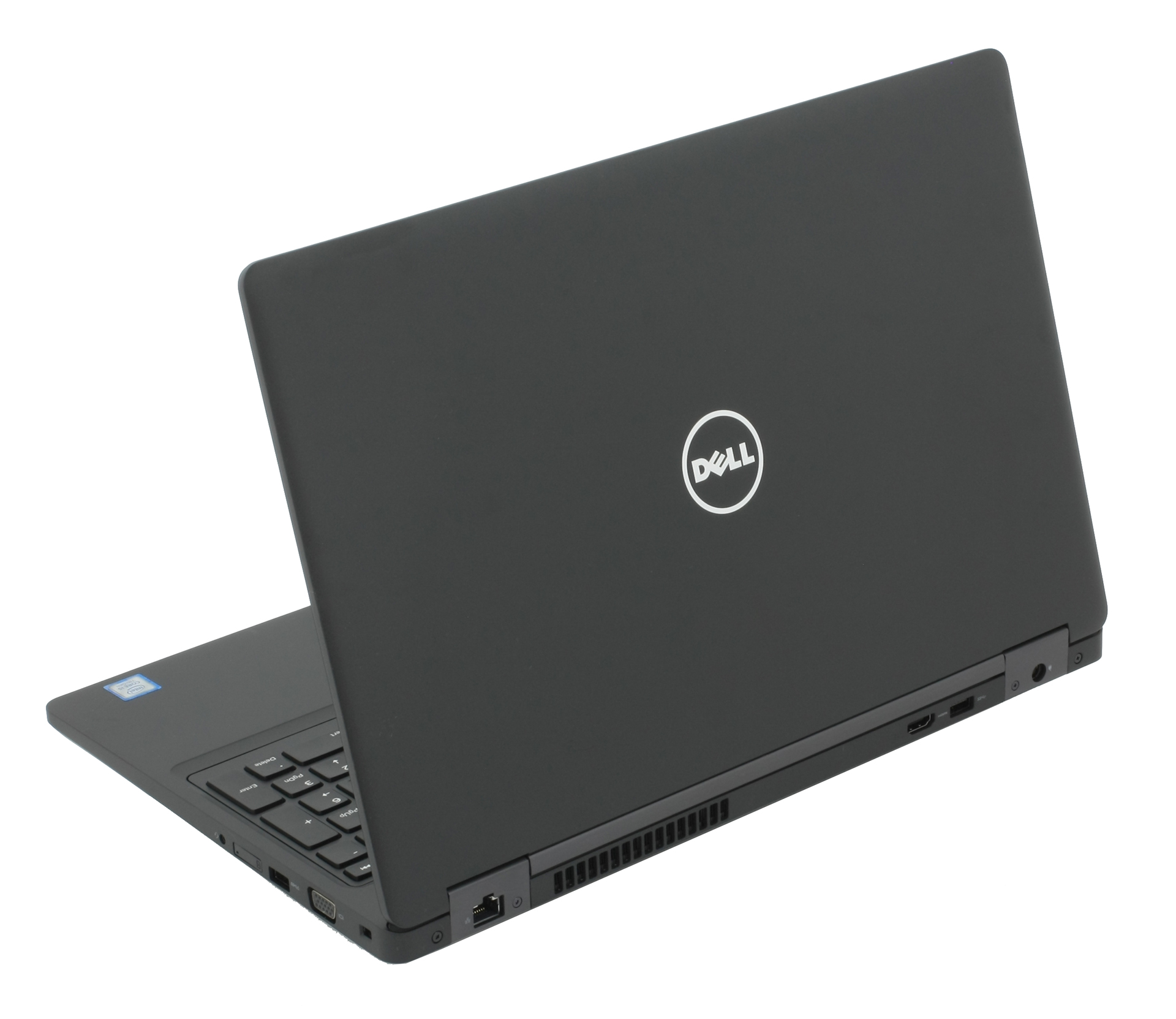
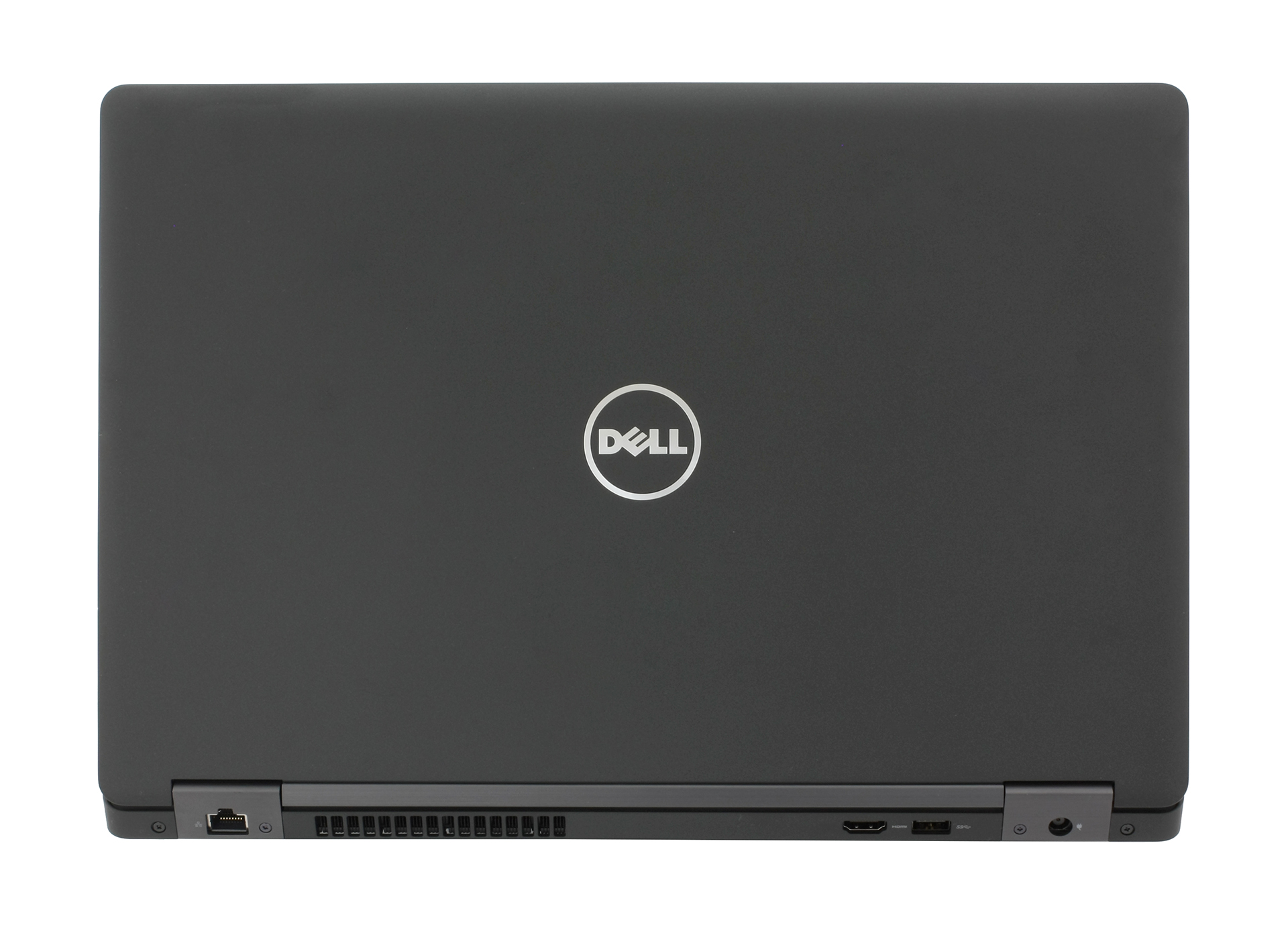
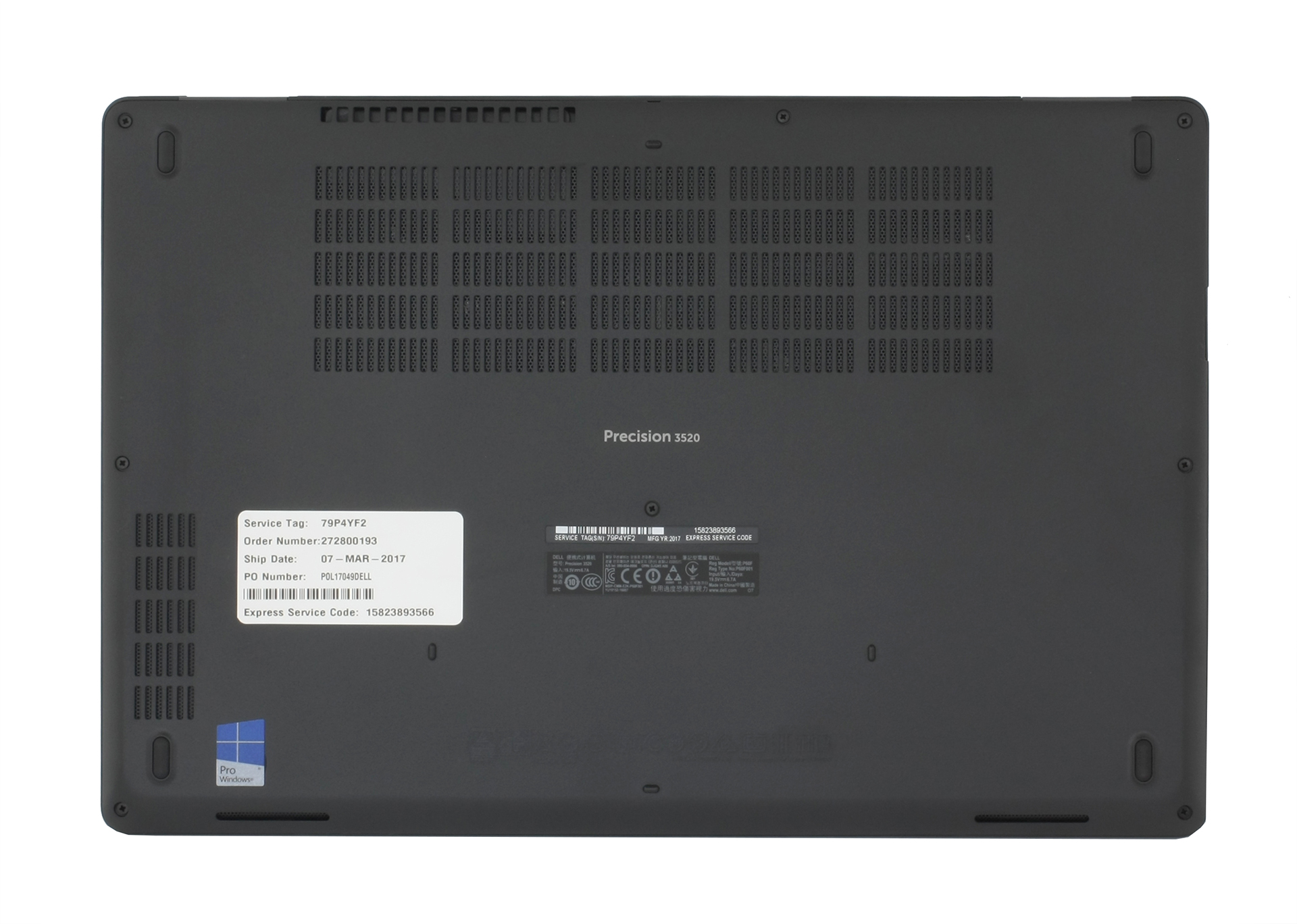
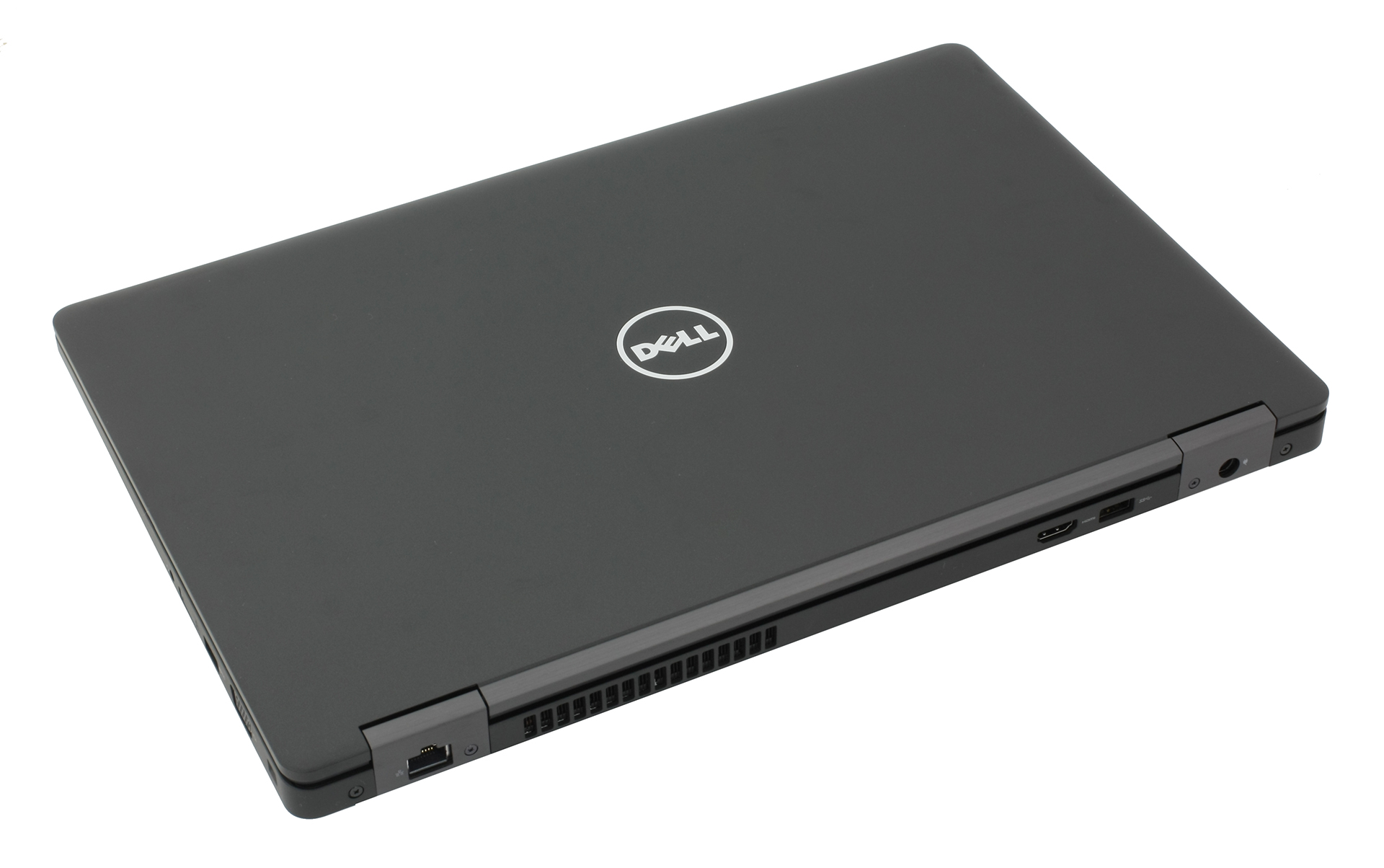
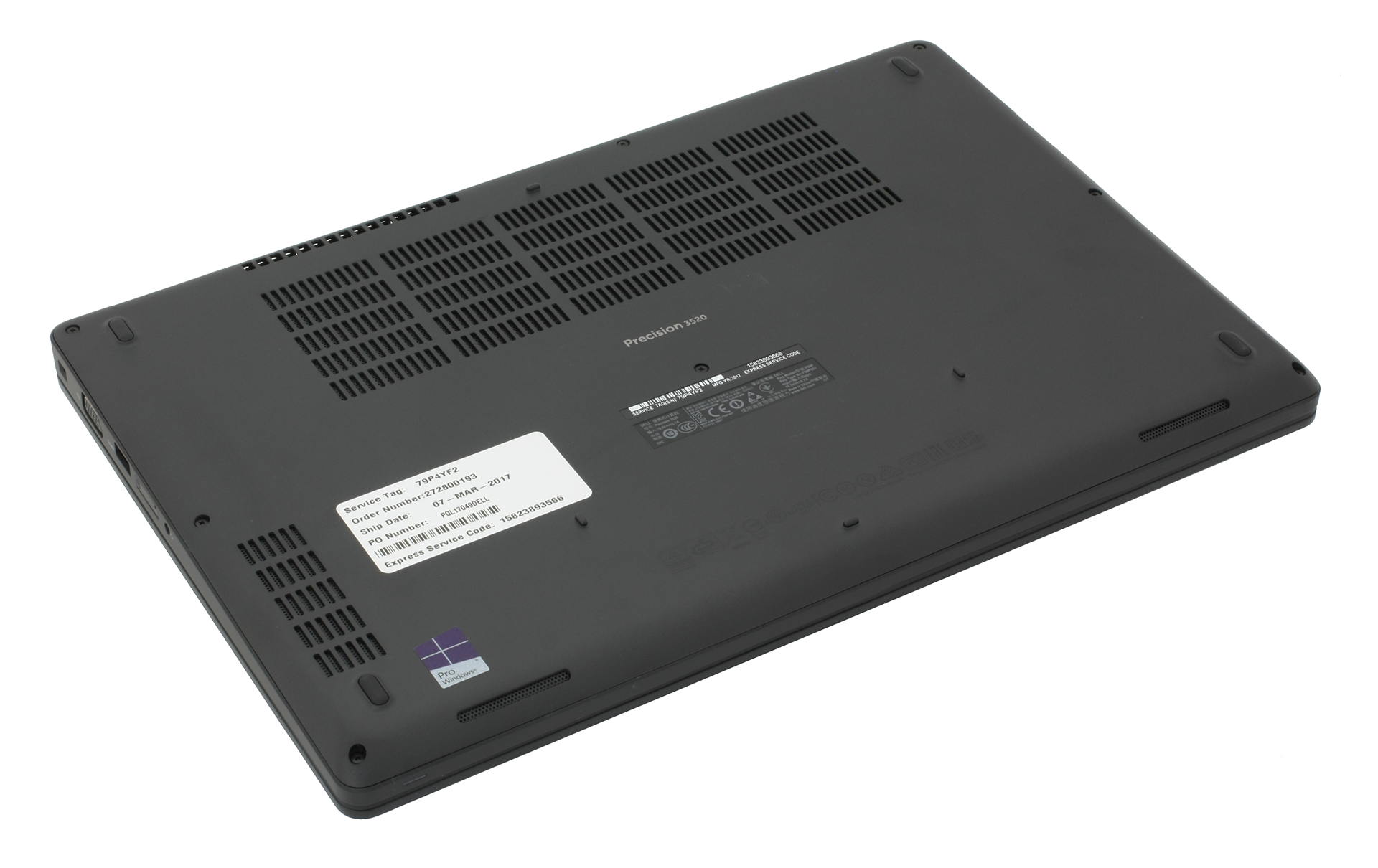
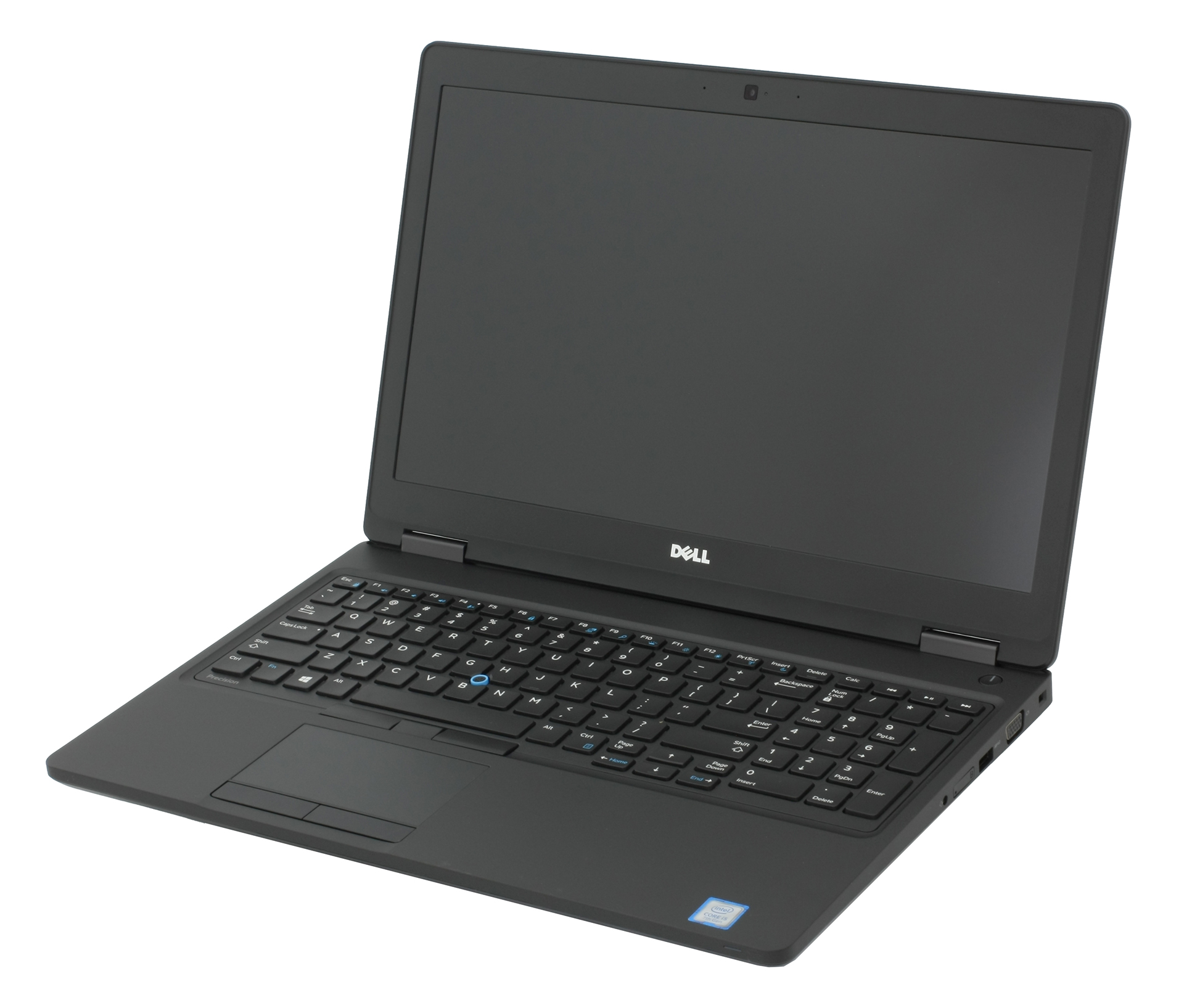
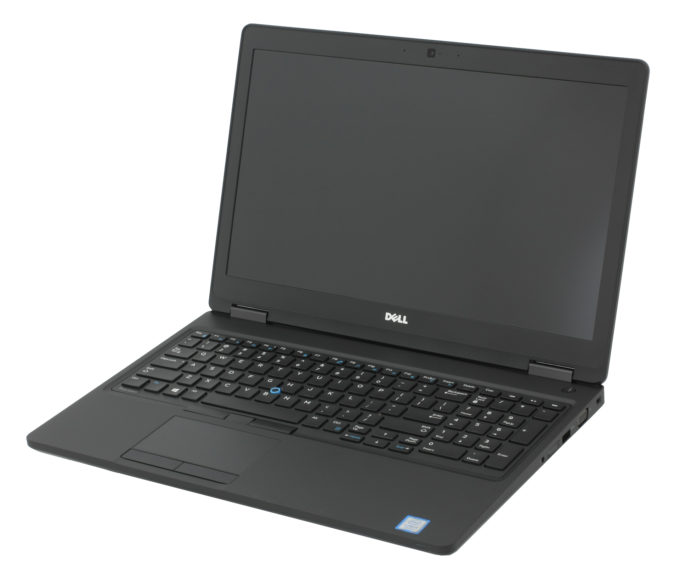
Dell Precision 15 3520
- Date Published: 21 Mar 2018
- Intel Core i5-7440HQ
- NVIDIA Quadro M620 (2GB GDDR5)
- 15.6”, Full HD (1920 x 1080), IPS
- 500GB HDD
- 8GB DDR4, 2400MHz
- 2.34 kg (5.2 lbs)
Specs

- HDD/SSD
- 500GB HDD, 7200 rpm
- M.2 Slot
- 1x 2280 PCIe 3.0 x4 NVMe (M key)
- RAM
- 8GB DDR4, 2400MHz
- OS
- Windows 10 Pro
- Body Material
- Plastic
- Dimensions
- 377 x 252 x 24.55 mm (14.84" x 9.92" x 0.97")
- Weight
- 2.34 kg (5.2 lbs)
- Ports and connectivity
- 3x USB Type-A
- 3.2 Gen 1 (5 Gbps)
- 1x USB Type-C
- 3.2 Gen 2 (10 Gbps), Thunderbolt 3
- HDMI
- Card Reader
- SD
- Ethernet LAN
- Wi-Fi
- 802.11ac
- Bluetooth
- 4.1
- Audio jack
- headphone/microphone
- SIM Card Slot
- Features
- Web camera
- Microphone
- Speakers
- Optical drive
- Security Lock slot
Portability
Review
Dell Precision 15 3520 in-depth review
We haven't done a lot of reviews of laptops for professional workstations suitable for CAD, DCC and CGI applications and there are probably a lot of people out there wondering if it's really worth spending so much money on NVIDIA Quadro-powered system or should they stick to the mainstream GeForce graphics solutions. We explore the pros and cons of such laptop, in this case, the Dell Precision 3520, and see what this laptop is capable of. Do you really need to spend so much money for good performance in CAD and DCC software and will the Precision 3520 fit another profile as well?If you don't know what CAD, DCC and CGI means, then you can skip this review and look for something more mainstream because the Precision 3520 packs some serious power under the hood thanks to the Intel Cor[...]
Read the full review
Pros
- Robust chassis, good build quality
- Fairly portable
- Excellent input devices
- Bright IPS panel with high contrast and wide sRGB coverage
- Amazing battery life
Cons
- Thermal throttling under heavy workload
- The panel flickers from 0 to 99% brightness (our Health-Guard profile fixes that)
- You can't insert a 2.5-inch drive and an M.2 SSD at the same time
- The base configuration comes with a TN panel


![[June 2026] Best-Selling Laptop Brands on Amazon Global – Apple’s Unrivaled Dominance in Units and Revenue](https://laptopmedia.com/wp-content/uploads/2026/07/GLOBAL-Best-Brands-400x225.jpg)
![[June 2026] Amazon Global: Top 10 Best-Selling Laptops – Apple’s New MacBook Neo Storms to #1, Reshaping the Market with Affordability](https://laptopmedia.com/wp-content/uploads/2026/07/Best-Selling-Laptops-GLOBAL-Top-10-400x225.jpg)
![[June 2026] Amazon Global: Top 10 Best-Selling Gaming Laptops – Acer’s Nitro V 16S AI Dominates Sales, While ASUS Leads Overall Revenue](https://laptopmedia.com/wp-content/uploads/2026/07/Best-Selling-Gaming-Laptops-GLOBAL-Top-10-400x225.jpg)
![[June 2026] Global Ranking of Best-Selling Laptop GPUs on Amazon – NVIDIA RTX 5060 is the Top-Selling Dedicated GPU](https://laptopmedia.com/wp-content/uploads/2026/07/Best-Selling-GPUs-GLOBAL-Top-10-400x225.jpg)
![[June 2026] Global Ranking of Best-Selling Laptop CPUs on Amazon – Apple M5 Dominates, AMD Ryzen 7 260 Gets Solid Premium Share](https://laptopmedia.com/wp-content/uploads/2026/07/Best-Selling-CPUs-GLOBAL-Top-10-400x225.jpg)
