Dell Precision 15 3591
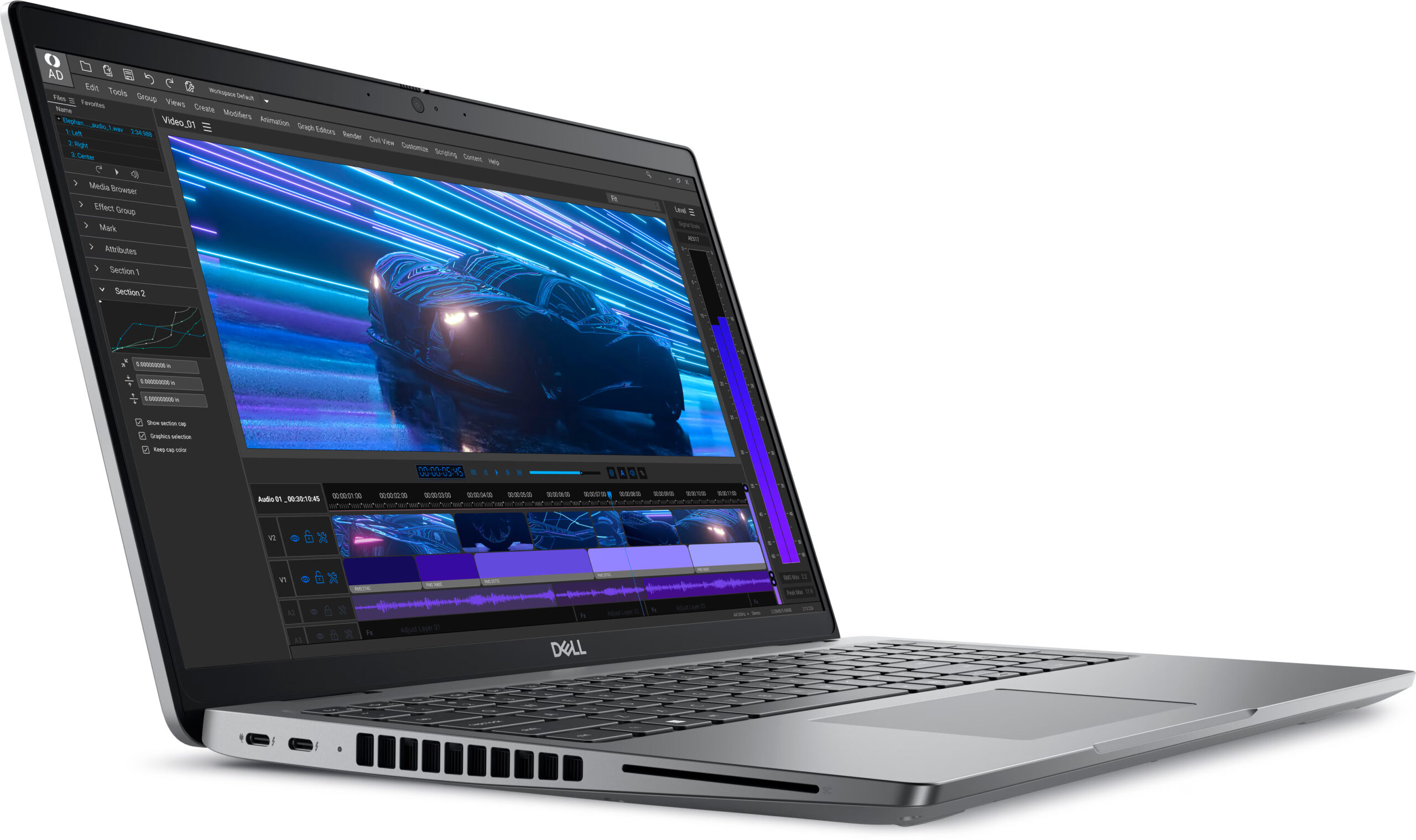
- Date Published: 10 Dec 2025
- Intel Core Ultra 7 165H
- NVIDIA RTX 1000 Ada Generation
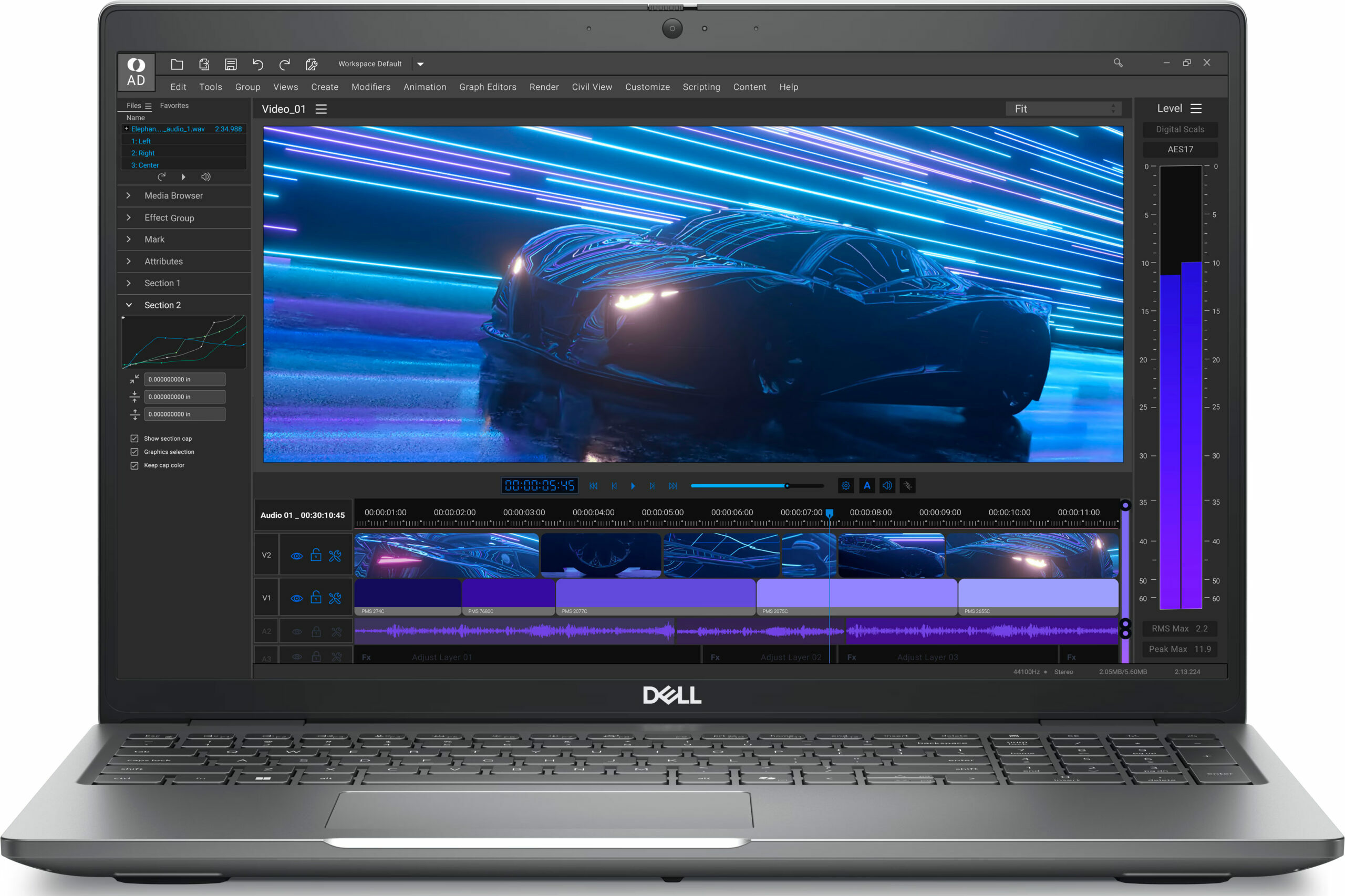
- 15.6”, Full HD (1920 x 1080), IPS
- 1000GB SSD
- 32GB RAM
- 1.79 kg (3.9 lbs)
Specs

- HDD/SSD
- 1000GB SSD
- M.2 Slot
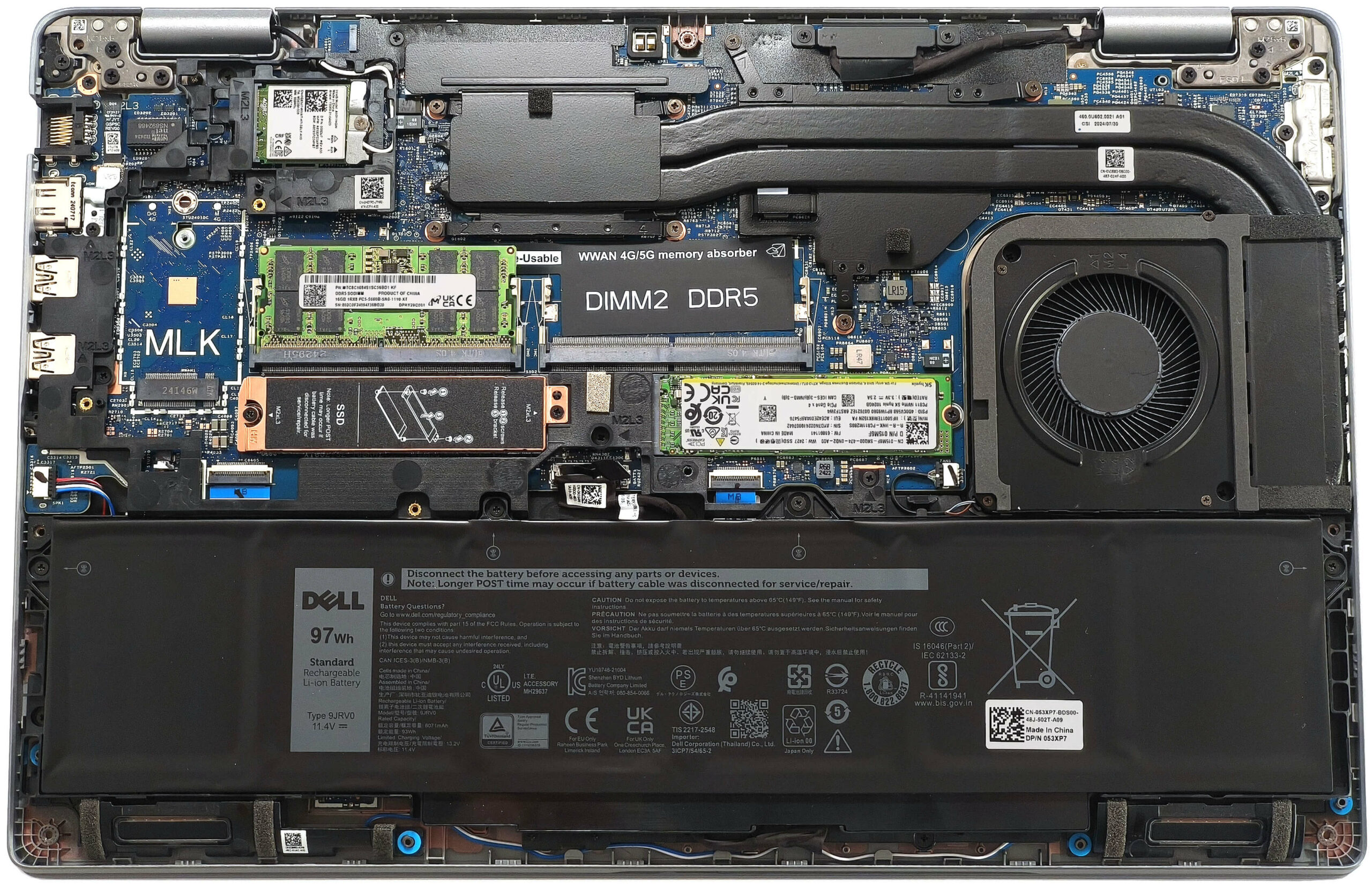
- 2x 2230 / 2280 M.2 NVMe PCIe 4.0 x4 See photo
- RAM
- 32GB RAM
- OS
- Windows 11 Pro
- Body Material
- Plastic / Polycarbonate, Carbon
- Dimensions
- 357.80 x 233.30 x 22.70 x 24.70 mm (14.09" x 9.19" x 0.89")
- Weight
- 1.79 kg (3.9 lbs)
- Ports and connectivity
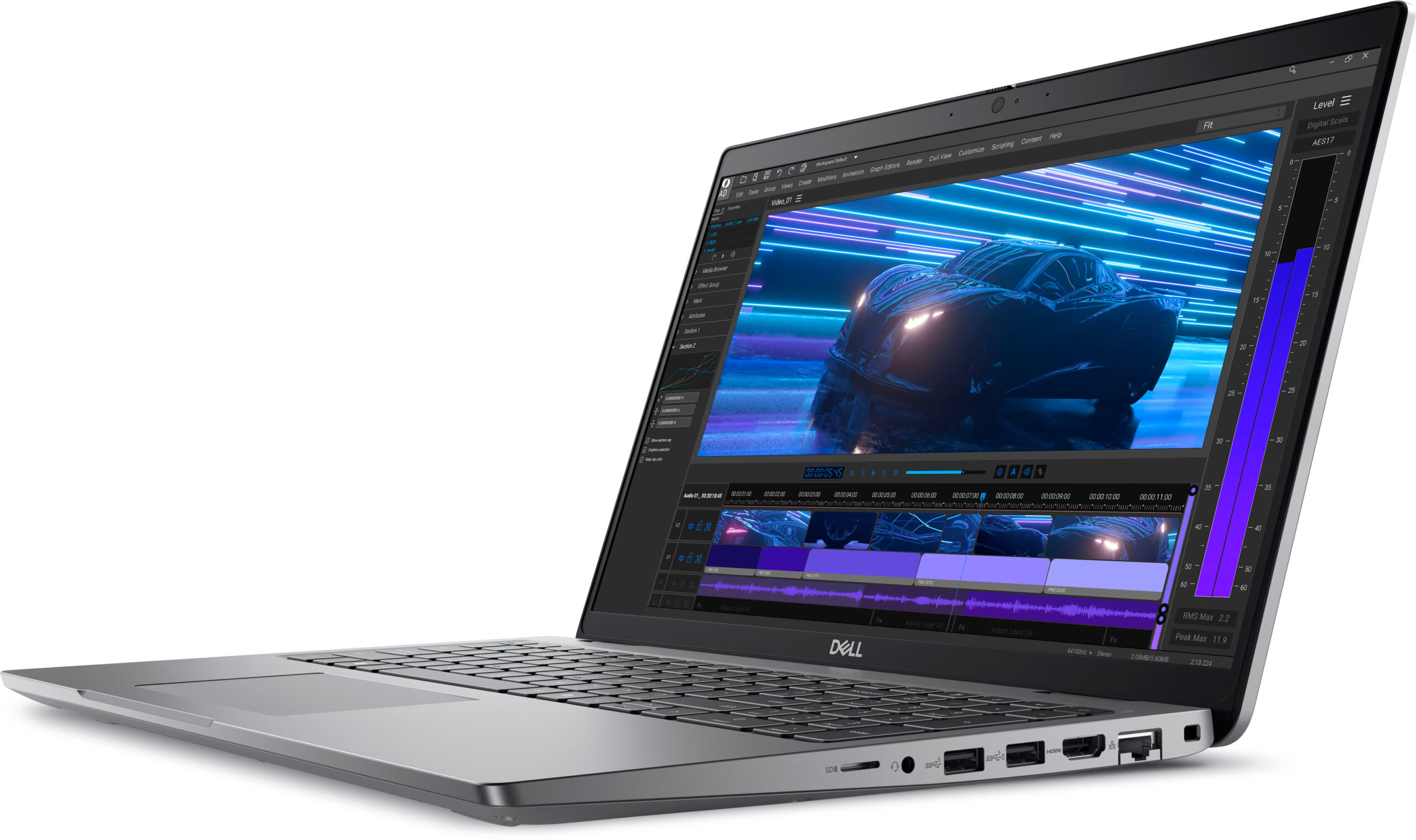
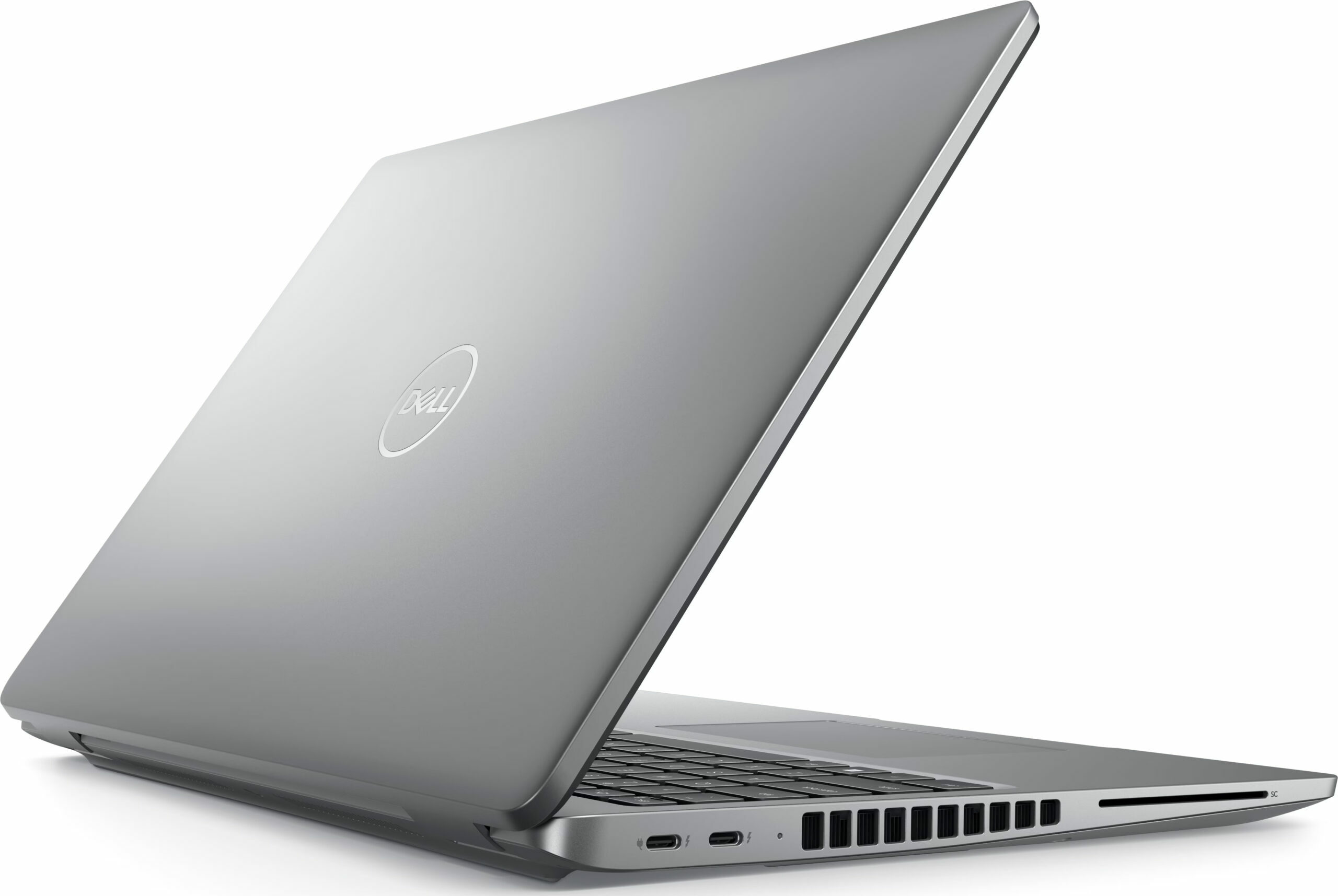
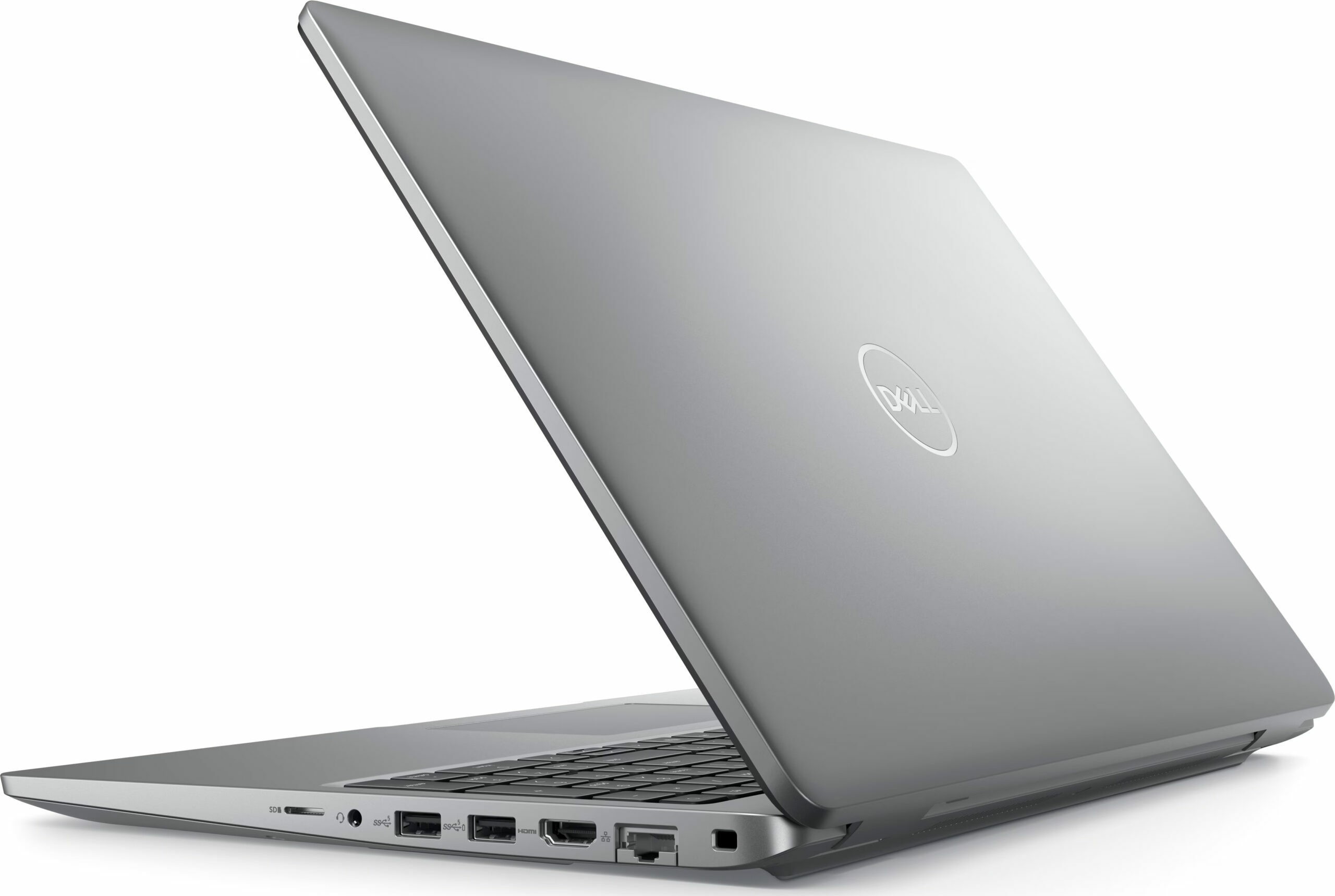
- 1x USB Type-A
- 3.2 Gen 1 (5 Gbps)
- 1x USB Type-A
- 3.2 Gen 1 (5 Gbps), Sleep and Charge
- 2x USB Type-C
- Thunderbolt 4, Power Delivery (PD), DisplayPort
- HDMI
- 2.1
- Card Reader
- microSD (microSD, microSDHC, microSDXC)
- Ethernet LAN
- 10, 100, 1000 Mbit/s
- Wi-Fi
- Wi-Fi 6E
- Bluetooth
- 5.3
- Audio jack
- 3.5mm Combo Jack
- Features
- Fingerprint reader
- Web camera
- FHD IR with Ambient Light Sensor, Express Sign-In with Presence Detection and Intelligent Privacy
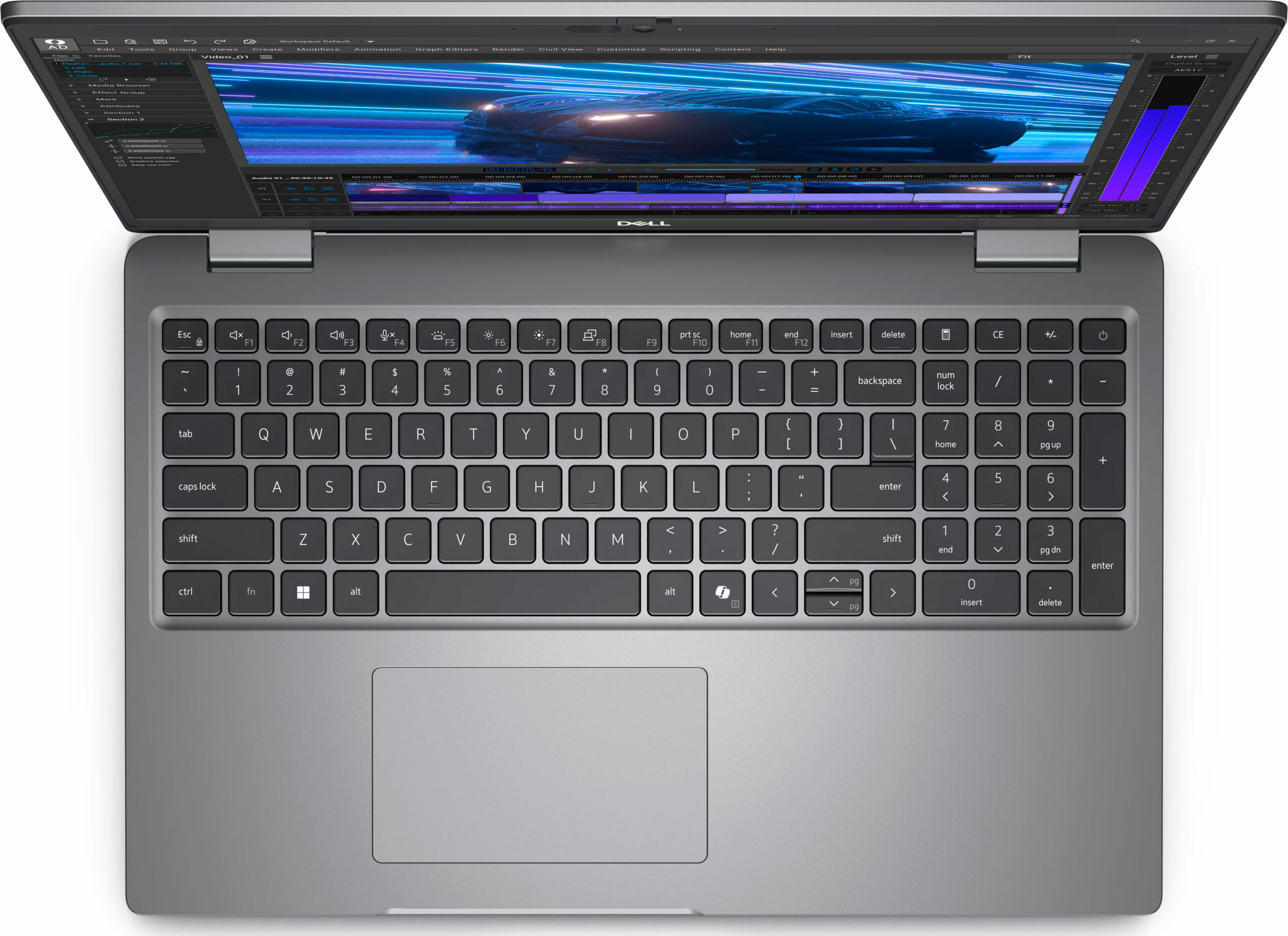
- Backlit keyboard
- Microphone
- Digital Array Microphones
- Speakers
- 2x 2.5W Stereo Speakers, Waves MaxxAudio
- Security Lock slot
- Wedge Lock
- Gifts
- 7-in-1 USB-C Hub
Portability
Review
Dell Precision 15 3591 in-depth review
The Dell Precision 3591 is a not-so-expensive workstation that delivers adequate performance, making it a good choice for professionals on a budget. The device is similar to the 3590 sibling, but the 3591 model is only offered with Meteor Lake-H series CPUs (no 15W U models here) and more powerful NVIDIA RTX Ada Generation graphics cards with bumped TGPs. Keep in mind that you can find iGPU-only iterations of this notebook. The port selection is good as well as the future-proof upgradability.All three display variants are 60Hz IPS units with 1080p resolution. One of them is a touchscreen and (according to the manufacturer) the top-tier panel fully covers the sRGB gamut.As a typical Dell workhorse, the optional features list is long and includes extras such as an IR Web camera, Smar[...]
Read the full review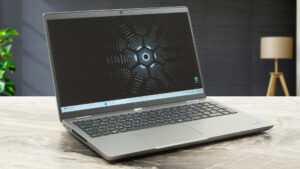
Pros
- Rigid build
- Comfortable keyboard
- PWM-free (LGD0764)
- Wide viewing angles (LGD0764)
- 4x USB ports + LAN and HDMI 2.1
- MicroSD card slot
- Very long battery life (~ 12 hours of videos)
- 1080p Web camera with a privacy shutter
- Fingerprint reader, NFC, Smart card reader, LTE / 5G, backlit keyboard, facial recognition (all are optional)
- The CPU can maintain ~2.46 GHz / 2.37 GHz P and E core clock in long loads
- Snappy and well-cooled SSD (SK Hynix PC811)
- 2x M.2 slots + 2x SODIMMs + replaceable Wi-Fi card and a WWAN slot
- The fan isn't noisy during heavy loads in "Ultra Performance" mode
- Good sound quality
- 180-degree hinge
Cons
- Thick profile (22.70 24.70 mm)
- Low sRGB coverage and max brightness (LGD0764)
- No high-res display options
Disassembly, maintenance and upgrade options
Opening the Dell Precision 3591 Hint: Ensure the laptop is completely powered off and unplugged before starting.Undo the eight captive Phillips-head screws on the bottom panel of the laptop. Use a lever tool to pry open the two zones around the hinges. Once the rear is loosened, fully pry the sides and front of the panel with a thin plastic tool to release all clips. Carefully remove the bottom plate to access the internals.More info: The inside of the bottom plate reveals key components and the cooling design.Battery Removal Caution: Handle the battery car[...]
Read more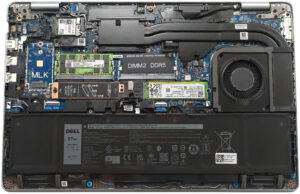


![[June 2026] Best-Selling Laptop Brands on Amazon Global – Apple’s Unrivaled Dominance in Units and Revenue](https://laptopmedia.com/wp-content/uploads/2026/07/GLOBAL-Best-Brands-400x225.jpg)
![[June 2026] Amazon Global: Top 10 Best-Selling Laptops – Apple’s New MacBook Neo Storms to #1, Reshaping the Market with Affordability](https://laptopmedia.com/wp-content/uploads/2026/07/Best-Selling-Laptops-GLOBAL-Top-10-400x225.jpg)
![[June 2026] Amazon Global: Top 10 Best-Selling Gaming Laptops – Acer’s Nitro V 16S AI Dominates Sales, While ASUS Leads Overall Revenue](https://laptopmedia.com/wp-content/uploads/2026/07/Best-Selling-Gaming-Laptops-GLOBAL-Top-10-400x225.jpg)
![[June 2026] Global Ranking of Best-Selling Laptop GPUs on Amazon – NVIDIA RTX 5060 is the Top-Selling Dedicated GPU](https://laptopmedia.com/wp-content/uploads/2026/07/Best-Selling-GPUs-GLOBAL-Top-10-400x225.jpg)
![[June 2026] Global Ranking of Best-Selling Laptop CPUs on Amazon – Apple M5 Dominates, AMD Ryzen 7 260 Gets Solid Premium Share](https://laptopmedia.com/wp-content/uploads/2026/07/Best-Selling-CPUs-GLOBAL-Top-10-400x225.jpg)