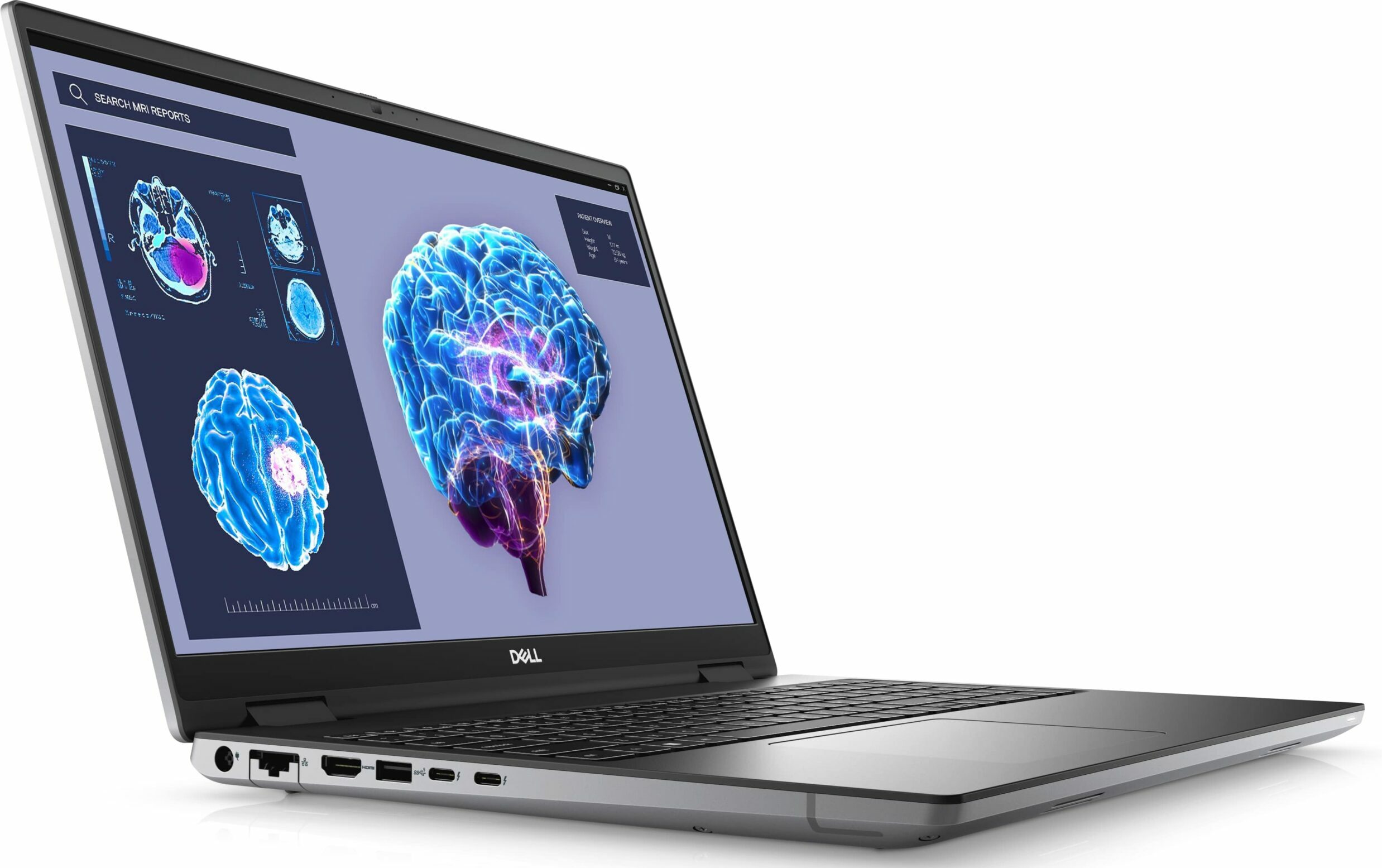
Dell Precision 16 7680




- Date Published: 08 Jul 2026
- Intel Core i9-13950HX
- NVIDIA RTX 2000 Ada Generation (Laptop)
- 16.0”, WUXGA (1920 x 1200), IPS
- 2000GB SSD
- 64GB RAM
- 2.60 kg (5.7 lbs)

Specs
- Display

- HDD/SSD
- 2000GB SSD
- M.2 Slot
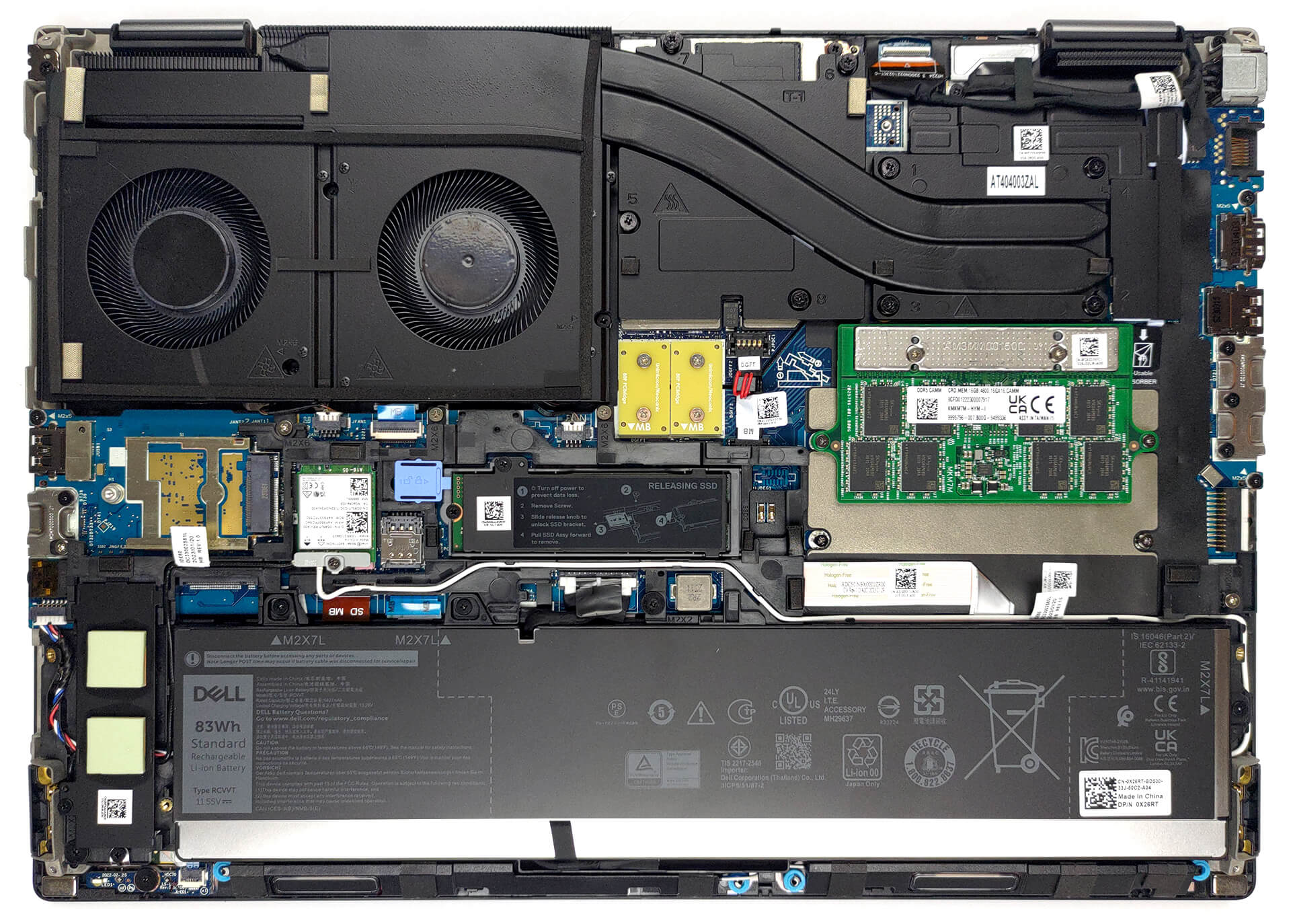
- 2x 2280 M.2 NVMe PCIe 4.0 x4 See photo
- RAM
- 64GB RAM
- OS
- Windows 11 Pro
- Body Material
- Aluminum
- Dimensions
- 356 x 258.34 x 22.30 - 23.20 mm (14.02" x 10.17" x 0.88")
- Weight
- 2.60 kg (5.7 lbs)
- Ports and connectivity
- 1x USB Type-A
- 3.2 Gen 1 (5 Gbps)
- 1x USB Type-A
- 3.2 Gen 1 (5 Gbps), Sleep and Charge
- 1x USB Type-C
- 3.2 Gen 2 (10 Gbps), DisplayPort
- 2x USB Type-C
- Thunderbolt 4
- HDMI
- 2.1
- Card Reader
- SD (SD, SDHC, SDXC)
- Ethernet LAN
- 10, 100, 1000 Mbit/s
- Wi-Fi
- 802.11ax
- Bluetooth
- 5.3
- Audio jack
- 3.5mm Combo Jack
- Features
- Fingerprint reader
- Web camera
- FHD IR
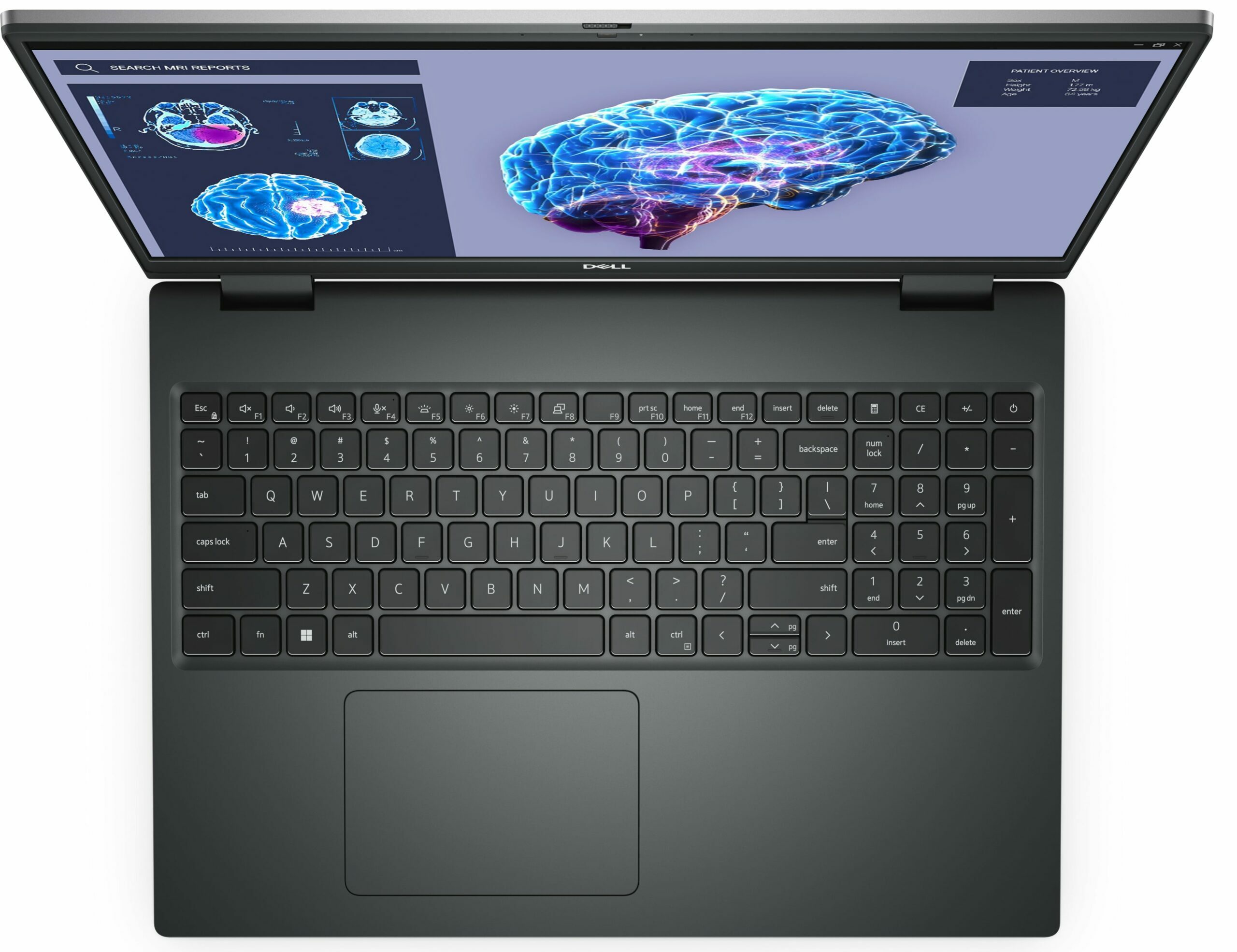
- Backlit keyboard
- Microphone
- Dual Digital Array Microphones
- Speakers
- 2x 2W Stereo Speakers
- Security Lock slot
- Wedge Lock
- Gifts
- IST HUB
Portability
Review
Dell Precision 16 7680 in-depth review
In the modern laptop world, there are ordinary notebooks, gaming devices, and then there are workstations. They range from the least expensive thing that will get the job done, to a mini powerhouse that is easily comparable to a desktop system.Today, we have one such notebook, which is called the Dell Precision 16 7680. It comes with a 16-inch display, and contrary to what we expected, is not that bulky. Oftentimes, when someone needs a powerful machine for work, they settle for a gaming machine, because it is similarly powerful, but comes at a far more convincing price tag.However, choosing a workstation ensures you get the pro-grade hardware you need to effortlessly run your professional software. After all, there are a bunch of certifications, besides the support guarantees you[...]
Read the full review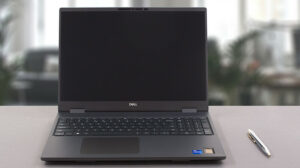
Pros
- Up to 128GB of DDR5 (CAMM) + two M.2 slots
- Capable hardware
- Fingerprint reader + optional IR face recognition and 5G connectivity
- SD card reader + 2x Thunderbolt 4 + HDMI 2.1
- Packs good security features
- Great spill-resistant keyboard and touchpad
Cons
- High price
- Horrendous battery life
- Gets really warm even on idle
Disassembly, maintenance and upgrade options
1. Accessing the Service Cover - The laptop comes with a designated service cover for quick access. - Simply pop it open to gain access to one of the M.2 PCIe x4 slots.2. Removing the Bottom Panel - First, ensure the device is powered off and disconnected from any power source. - Undo the six captive Phillips-head screws using a screwdriver. - Gently pry the bottom panel using a plastic tool. Start from the edges and work your way around. - Carefully lift the panel away from the chassis.3. Battery Removal - Begin by unplugging the battery connector from the motherboard[...]
Read more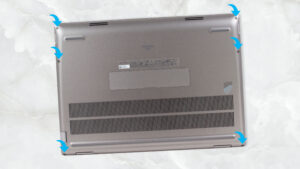


![[June 2026] Best-Selling Laptop Brands on Amazon Global – Apple’s Unrivaled Dominance in Units and Revenue](https://laptopmedia.com./wp-content/uploads/2026/07/GLOBAL-Best-Brands-400x225.jpg)
![[June 2026] Amazon Global: Top 10 Best-Selling Laptops – Apple’s New MacBook Neo Storms to #1, Reshaping the Market with Affordability](https://laptopmedia.com./wp-content/uploads/2026/07/Best-Selling-Laptops-GLOBAL-Top-10-400x225.jpg)
![[June 2026] Amazon Global: Top 10 Best-Selling Gaming Laptops – Acer’s Nitro V 16S AI Dominates Sales, While ASUS Leads Overall Revenue](https://laptopmedia.com./wp-content/uploads/2026/07/Best-Selling-Gaming-Laptops-GLOBAL-Top-10-400x225.jpg)
![[June 2026] Global Ranking of Best-Selling Laptop GPUs on Amazon – NVIDIA RTX 5060 is the Top-Selling Dedicated GPU](https://laptopmedia.com./wp-content/uploads/2026/07/Best-Selling-GPUs-GLOBAL-Top-10-400x225.jpg)
![[June 2026] Global Ranking of Best-Selling Laptop CPUs on Amazon – Apple M5 Dominates, AMD Ryzen 7 260 Gets Solid Premium Share](https://laptopmedia.com./wp-content/uploads/2026/07/Best-Selling-CPUs-GLOBAL-Top-10-400x225.jpg)