Dell XPS 13 9305

- Date Published: 11 Feb 2025
- Intel Core i5-1135G7
- Intel Iris Xe Graphics G7 (80EU)
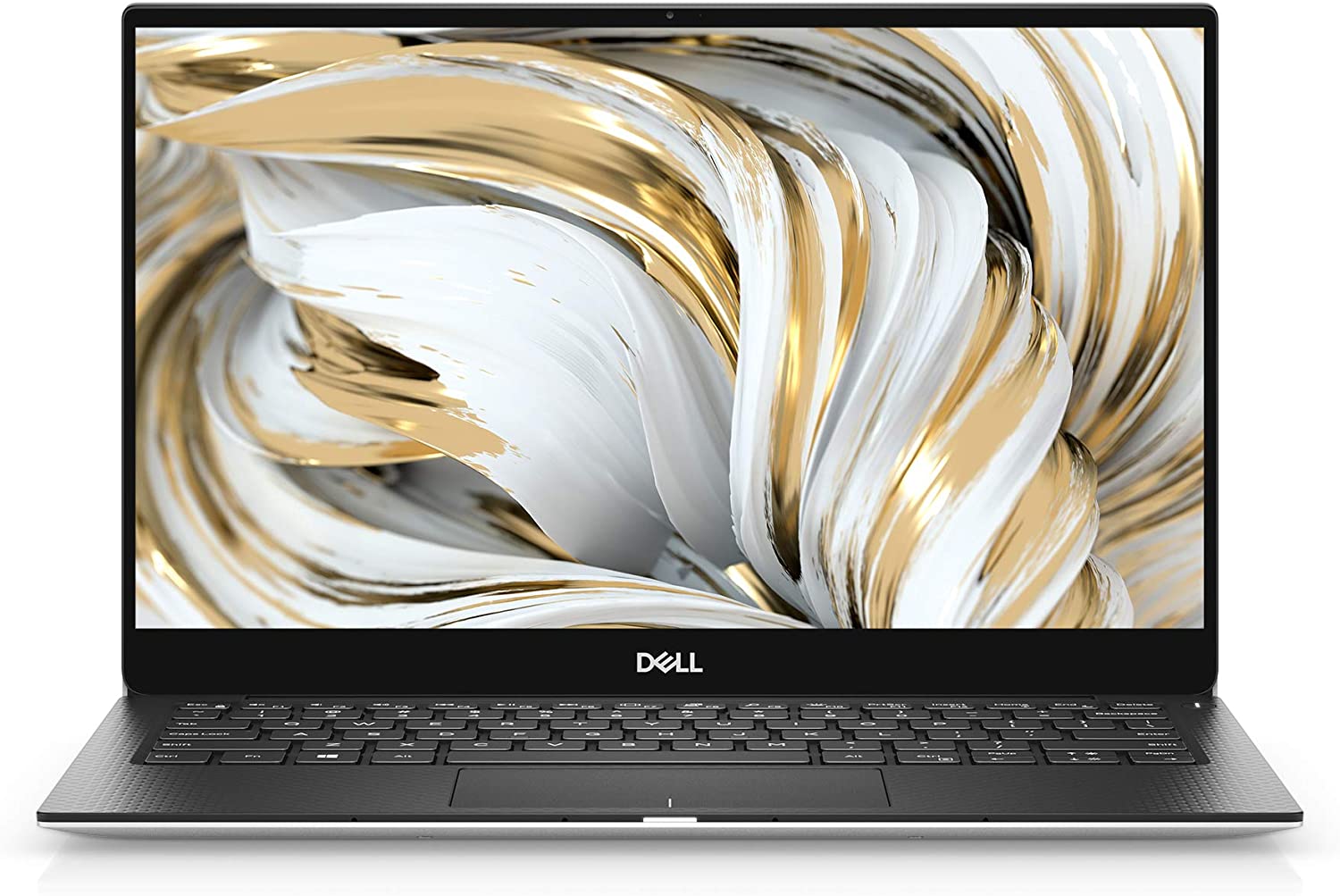
- 13.3”, Full HD (1920 x 1080), IPS
- 512GB SSD
- 8GB RAM
- 1.29 kg (2.8 lbs)
Specs

- HDD/SSD
- 512GB SSD
- M.2 Slot
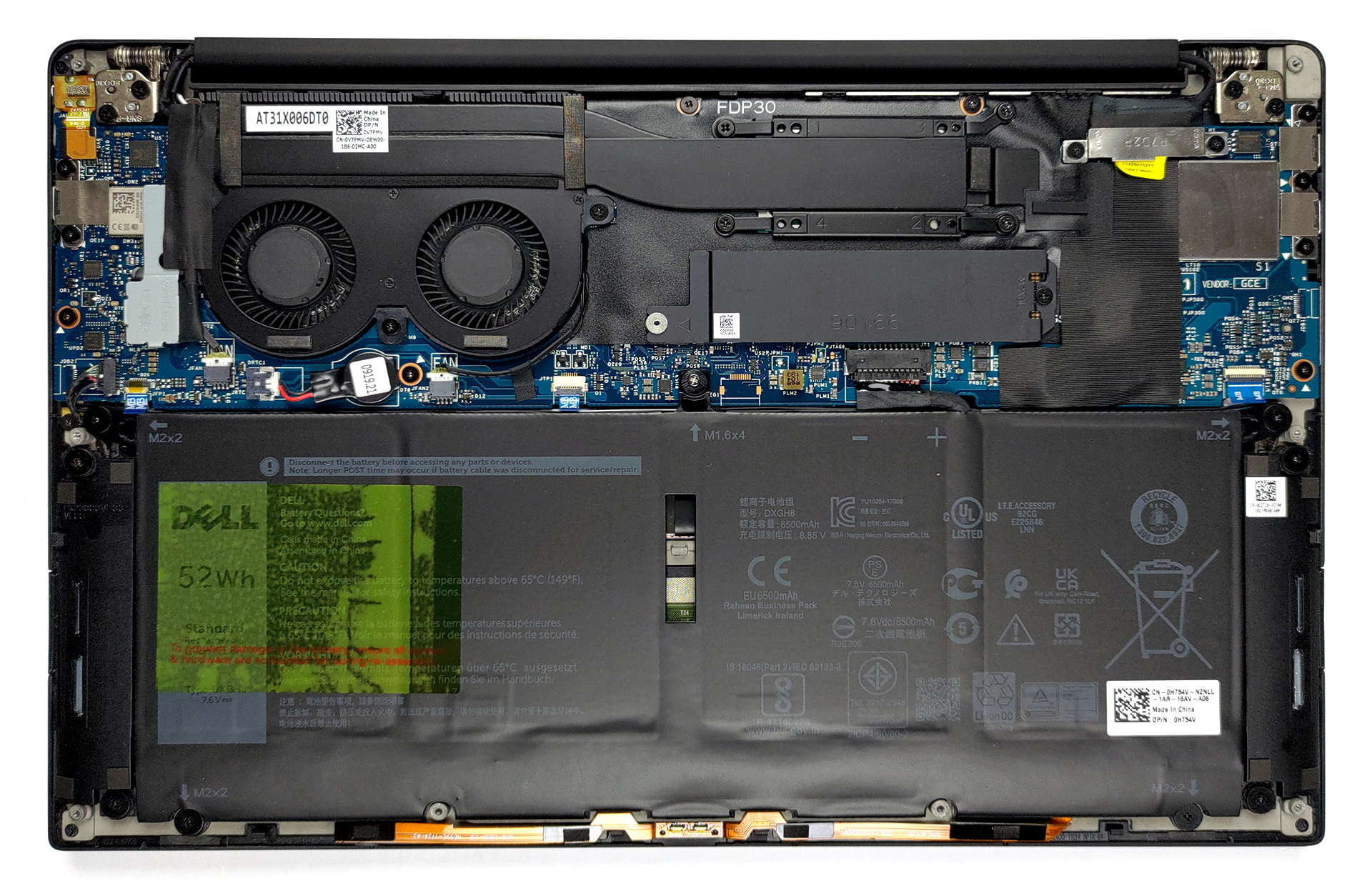
- 1x 2280 M.2 NVMe slot See photo
- RAM
- 8GB RAM
- OS
- Windows 11 Pro
- Body Material
- Aluminum, Carbon
- Dimensions
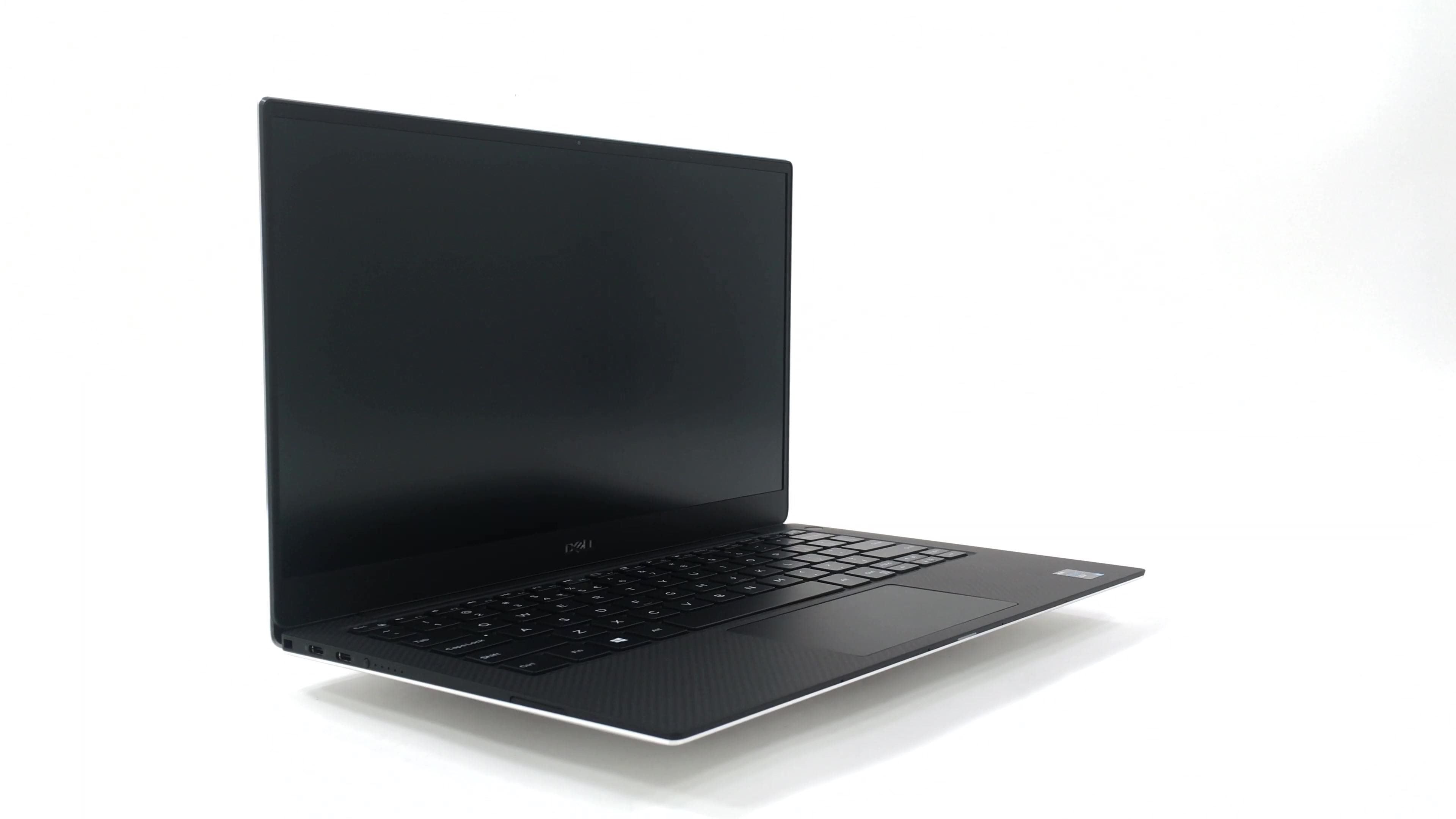
- 301.7 x 199.2 x 7.8 ~ 11.6 mm (11.88" x 7.84" x 0.31")
- Weight
- 1.29 kg (2.8 lbs)
- Ports and connectivity
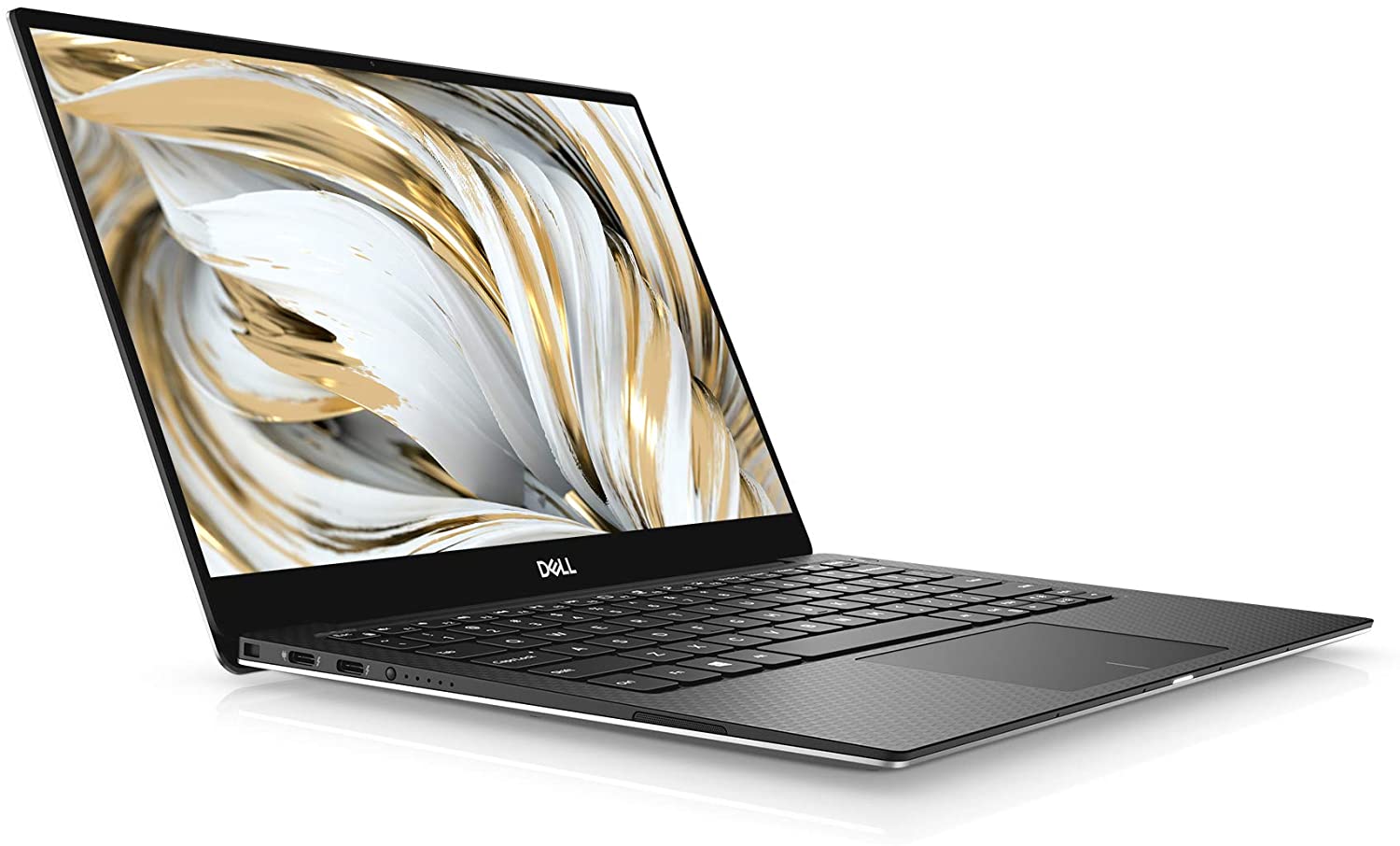
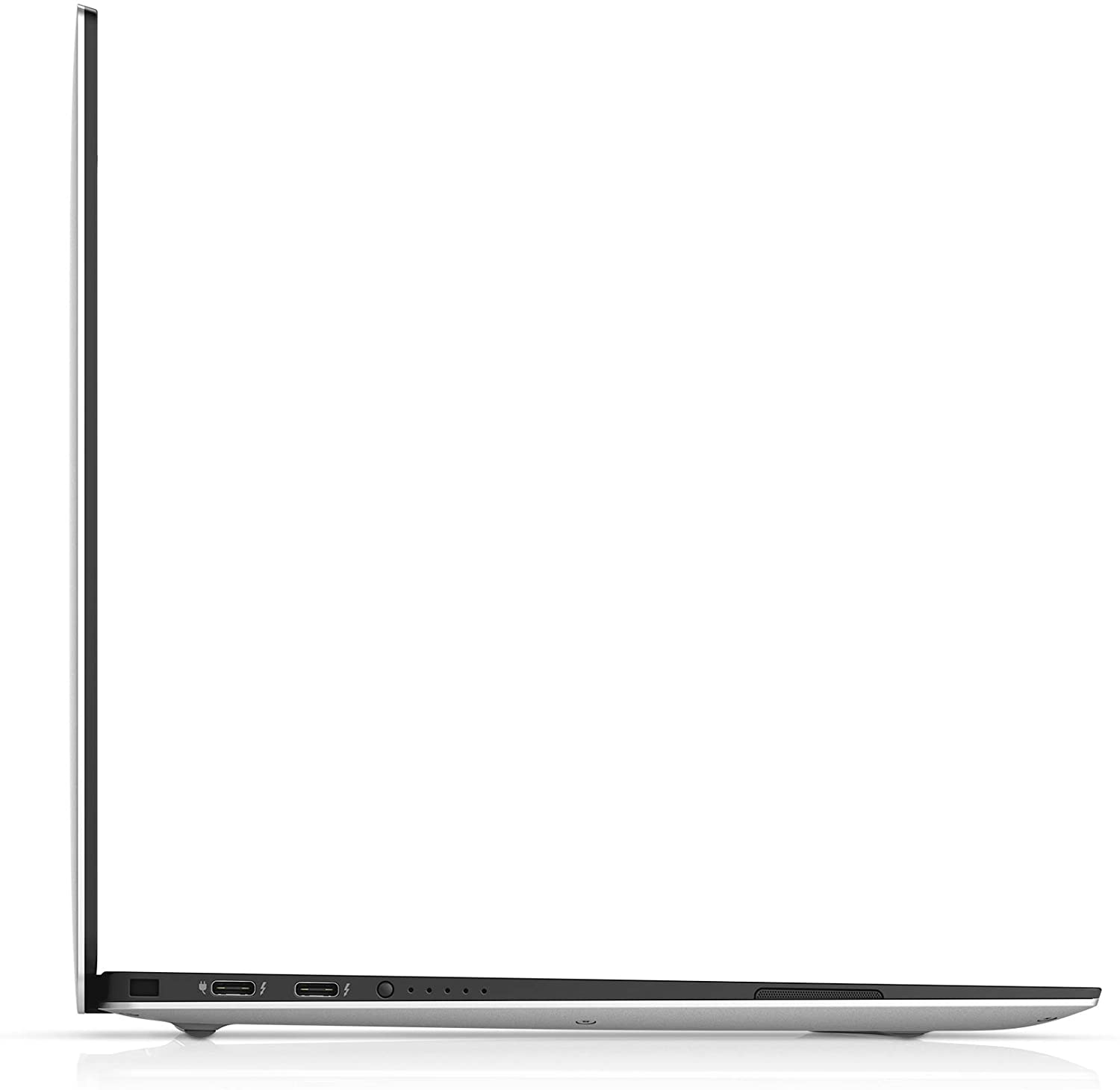
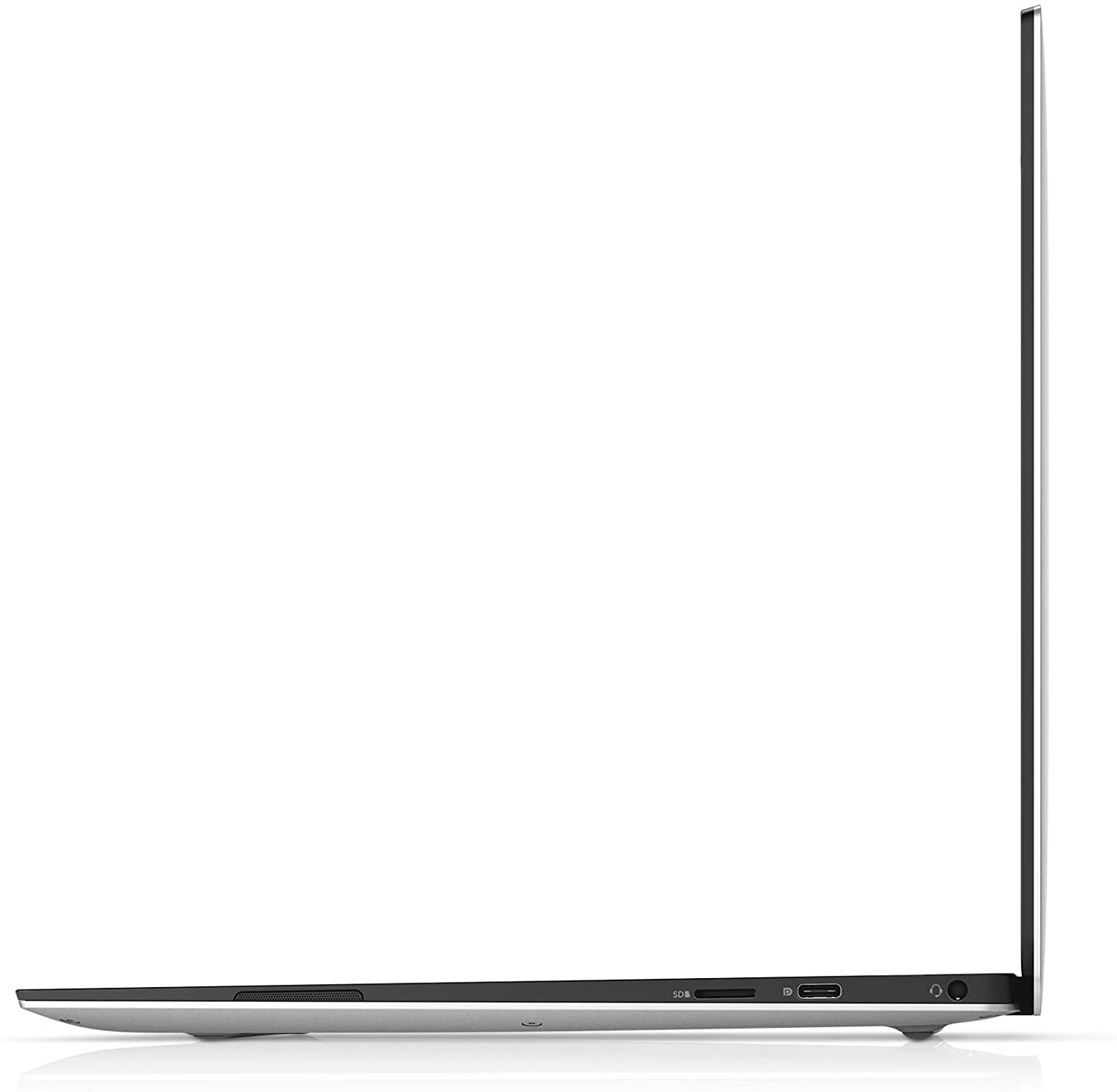
- 1x USB Type-C
- 3.2 Gen 2 (10 Gbps), Power Delivery (PD), DisplayPort
- 2x USB Type-C
- Thunderbolt 4, Power Delivery (PD)
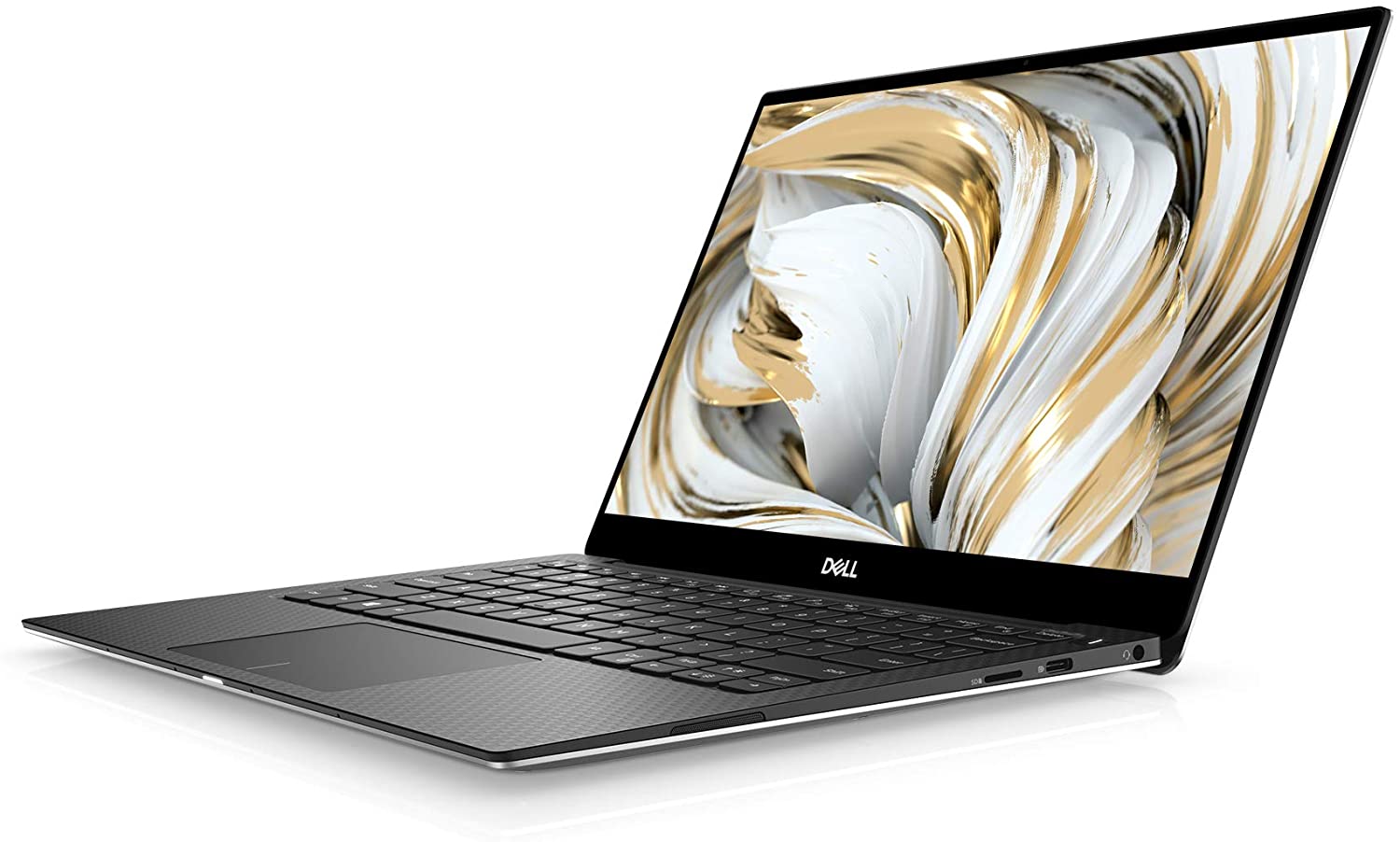
- Card Reader
- microSD (SD/SDHC/SDXC)
- Wi-Fi
- 802.11ax
- Bluetooth
- 5.1
- Audio jack
- 3.5mm Combo Jack
- Features
- Fingerprint reader
- Web camera
- HD
- Backlit keyboard
- Microphone
- Dual Array Microphones
- Speakers
- 2x 2W, Stereo Speakers
- Security Lock slot
- Wedge Lock Slot
Portability
Review
Dell XPS 13 9305 in-depth review
The XPS series is by far the most recognizable premium brand of Dell. It has not only been synonymous with the manufacturer's engineering excellence, but also with a design fashion that remained the same for more than three years. However, 2020 was the year Dell diverted to 16:10 displays and big changes to the chassis took place.Apparently, either due to popular demand or because of a high volume of unused inventory, the marque created their XPS 13 9305. It combines the best of both worlds, as it brings back the same chassis from before 2020 (with 16:9 displays), but equips it with 11th Gen Tiger Lake-U processors from Intel.So let's see together if this XPS device bodes well with the competition, or its lower price tag is an indication of some troubles you may get along the way.[...]
Read the full review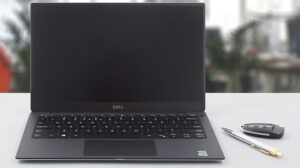
Pros
- Astonishing battery life
- Very thin profile
- 99% sRGB coverage and accurate colors with our Gaming and Web design profile (Sharp 4V0HY-LQ133M1 (SHP14AE))
- No harmfull PWM above 120 nits and reaches above 400 nits (Sharp 4V0HY-LQ133M1 (SHP14AE))
- Charges via Type-C
- 2x Thunderbolt 4 + MicroSD card slot
Cons
- Needs a dongle to expand the I/O
- Soldered memory
Disassembly, maintenance and upgrade options
As always, the XPS 13 is not the best notebook in terms of upgrade options. However, it has its own strengths.Check out all Dell XPS 13 9305 prices and configurations in our Specs System or read more in our In-Depth review.1. Remove the bottom plate To open this laptop, you need to undo all 8 Torx-head screws. Then, pry the bottom panel starting from the front corners. After that, lift the panel from the chassis.2. Battery Inside, you will find a 52Wh battery pack. Before you continue, unplug the battery connector. To remove the unit from the device, you need to undo a to[...]
Read more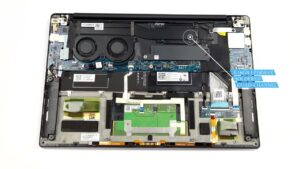


![[June 2026] Best-Selling Laptop Brands on Amazon Global – Apple’s Unrivaled Dominance in Units and Revenue](https://laptopmedia.com/wp-content/uploads/2026/07/GLOBAL-Best-Brands-400x225.jpg)
![[June 2026] Amazon Global: Top 10 Best-Selling Laptops – Apple’s New MacBook Neo Storms to #1, Reshaping the Market with Affordability](https://laptopmedia.com/wp-content/uploads/2026/07/Best-Selling-Laptops-GLOBAL-Top-10-400x225.jpg)
![[June 2026] Amazon Global: Top 10 Best-Selling Gaming Laptops – Acer’s Nitro V 16S AI Dominates Sales, While ASUS Leads Overall Revenue](https://laptopmedia.com/wp-content/uploads/2026/07/Best-Selling-Gaming-Laptops-GLOBAL-Top-10-400x225.jpg)
![[June 2026] Global Ranking of Best-Selling Laptop GPUs on Amazon – NVIDIA RTX 5060 is the Top-Selling Dedicated GPU](https://laptopmedia.com/wp-content/uploads/2026/07/Best-Selling-GPUs-GLOBAL-Top-10-400x225.jpg)
![[June 2026] Global Ranking of Best-Selling Laptop CPUs on Amazon – Apple M5 Dominates, AMD Ryzen 7 260 Gets Solid Premium Share](https://laptopmedia.com/wp-content/uploads/2026/07/Best-Selling-CPUs-GLOBAL-Top-10-400x225.jpg)