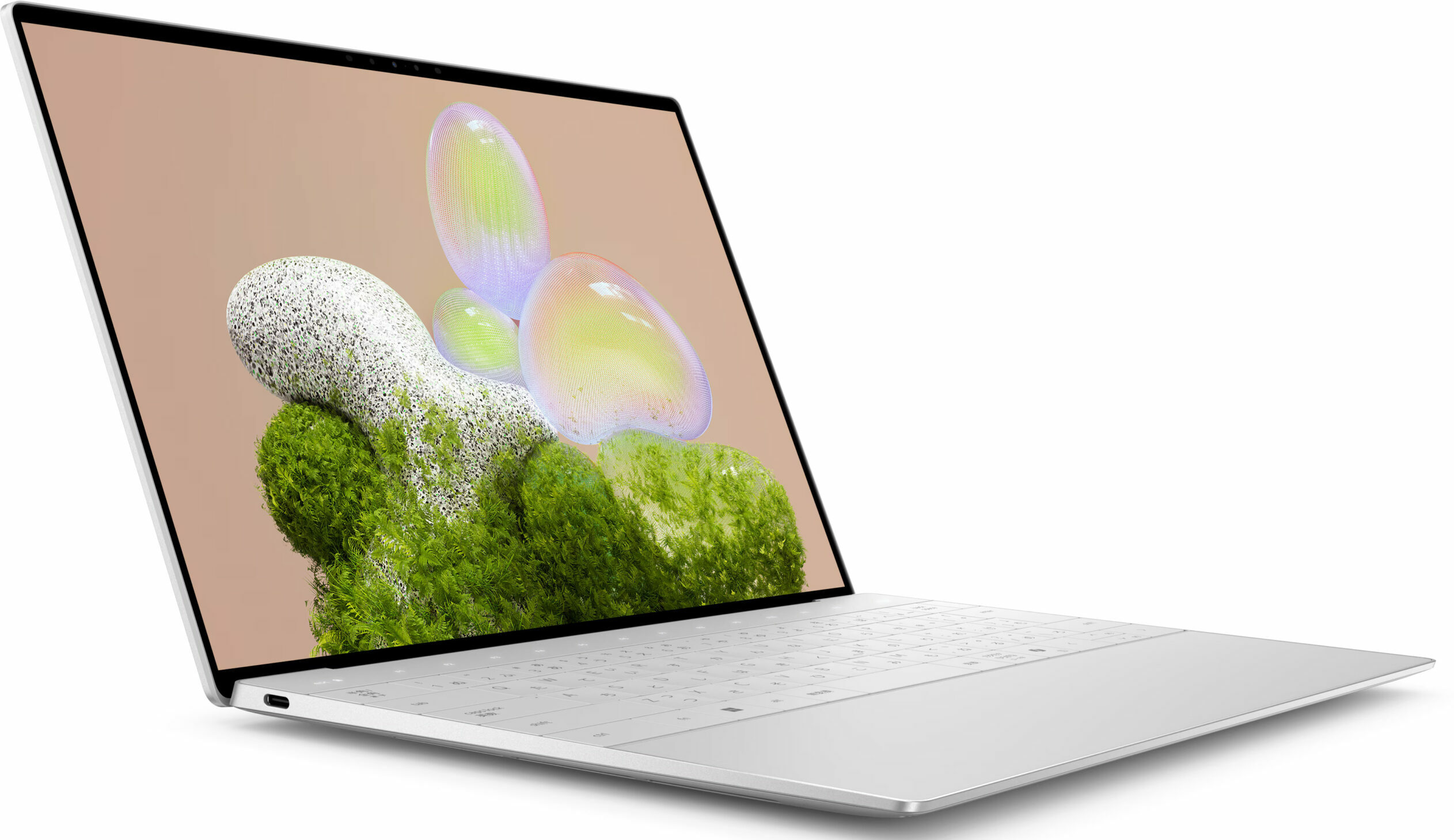
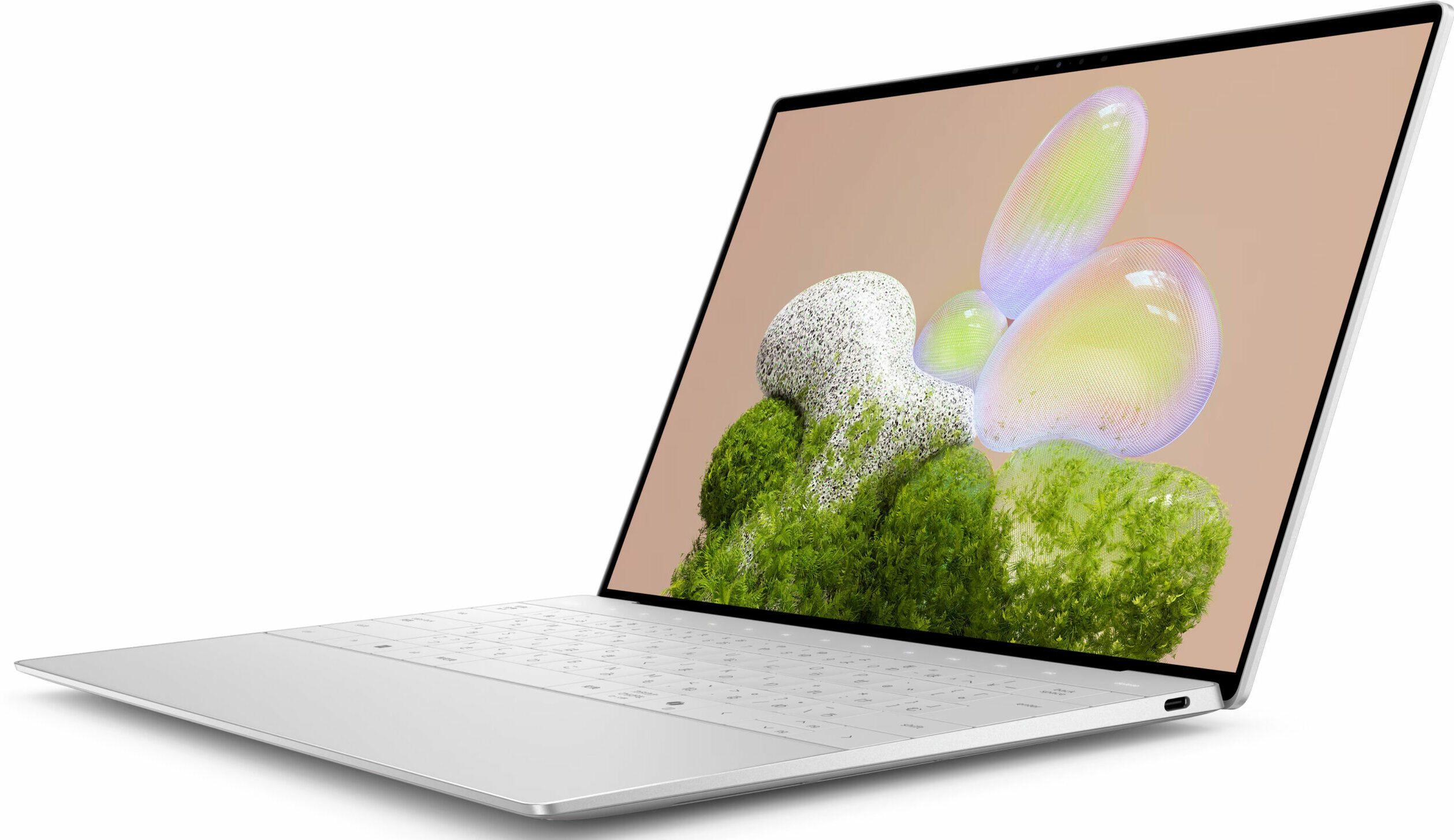
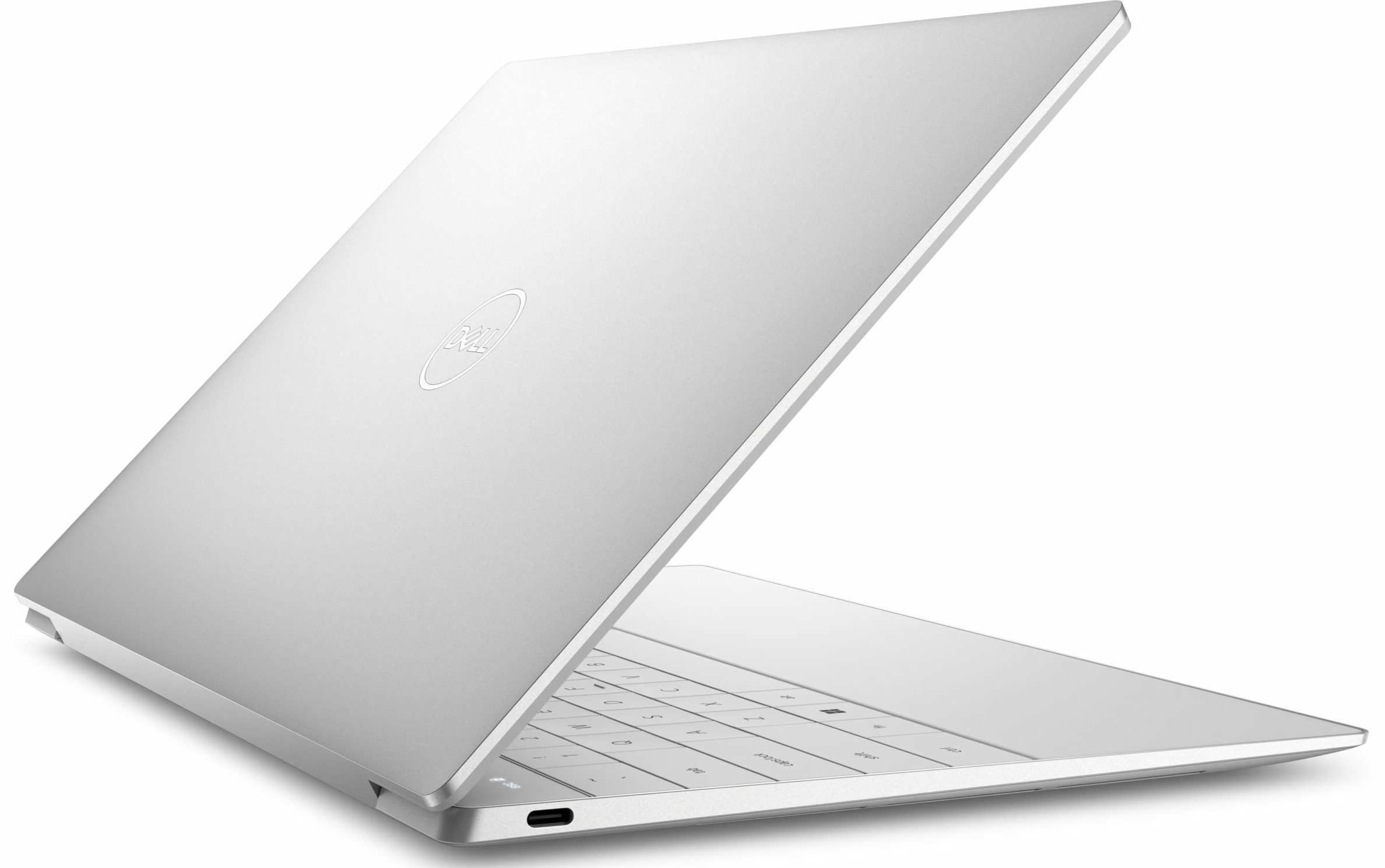
Dell XPS 13 9350
- Date Published: 16 Sep 2025
- Intel Core Ultra 7 258V
- Intel Arc Graphics 140V
- 13.4”, 2.8K (2880 x 1800), OLED
- 4000GB SSD
- 32GB RAM
- 1.18 kg (2.6 lbs)
Review
Dell XPS 13 9350 in-depth review
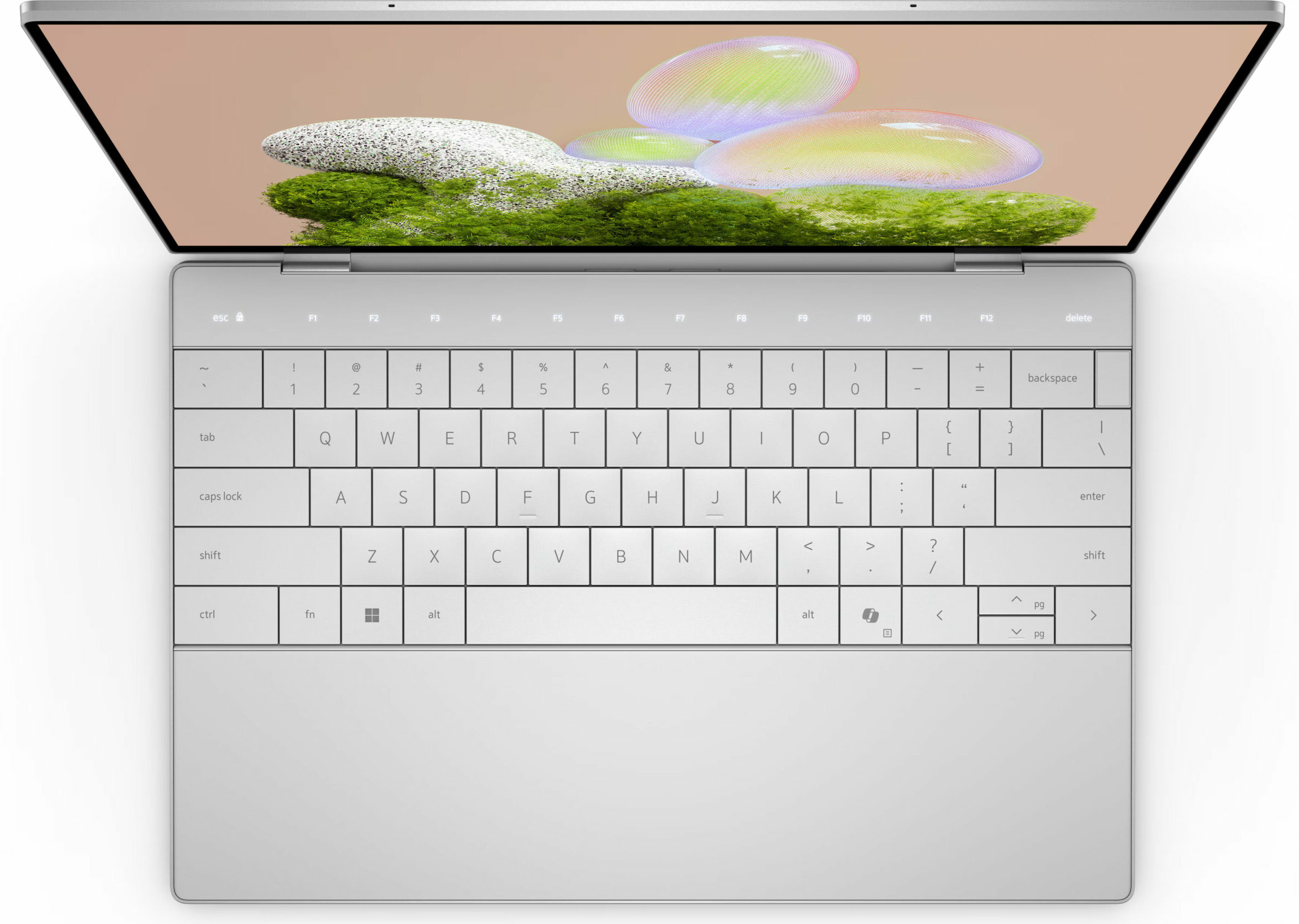
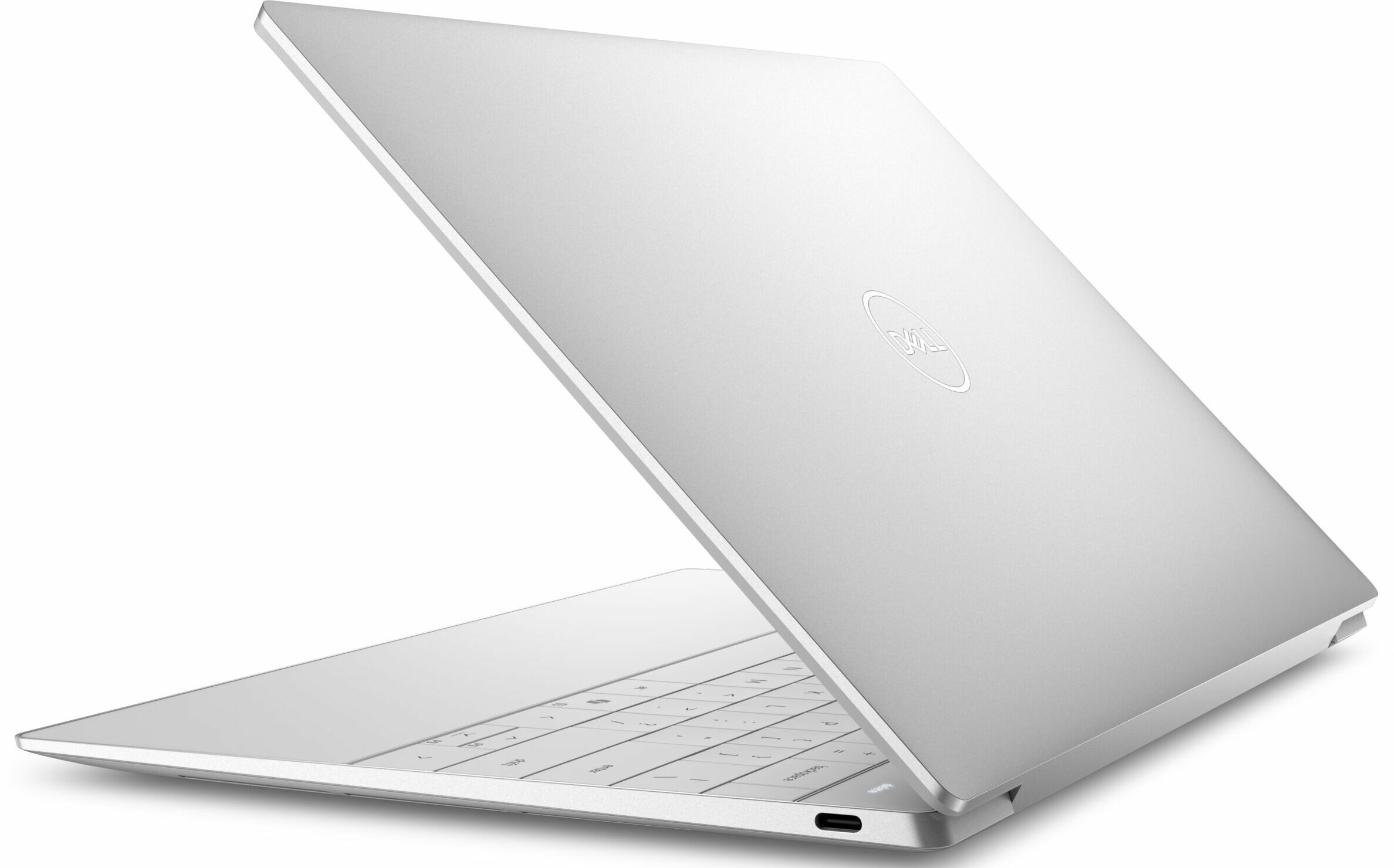
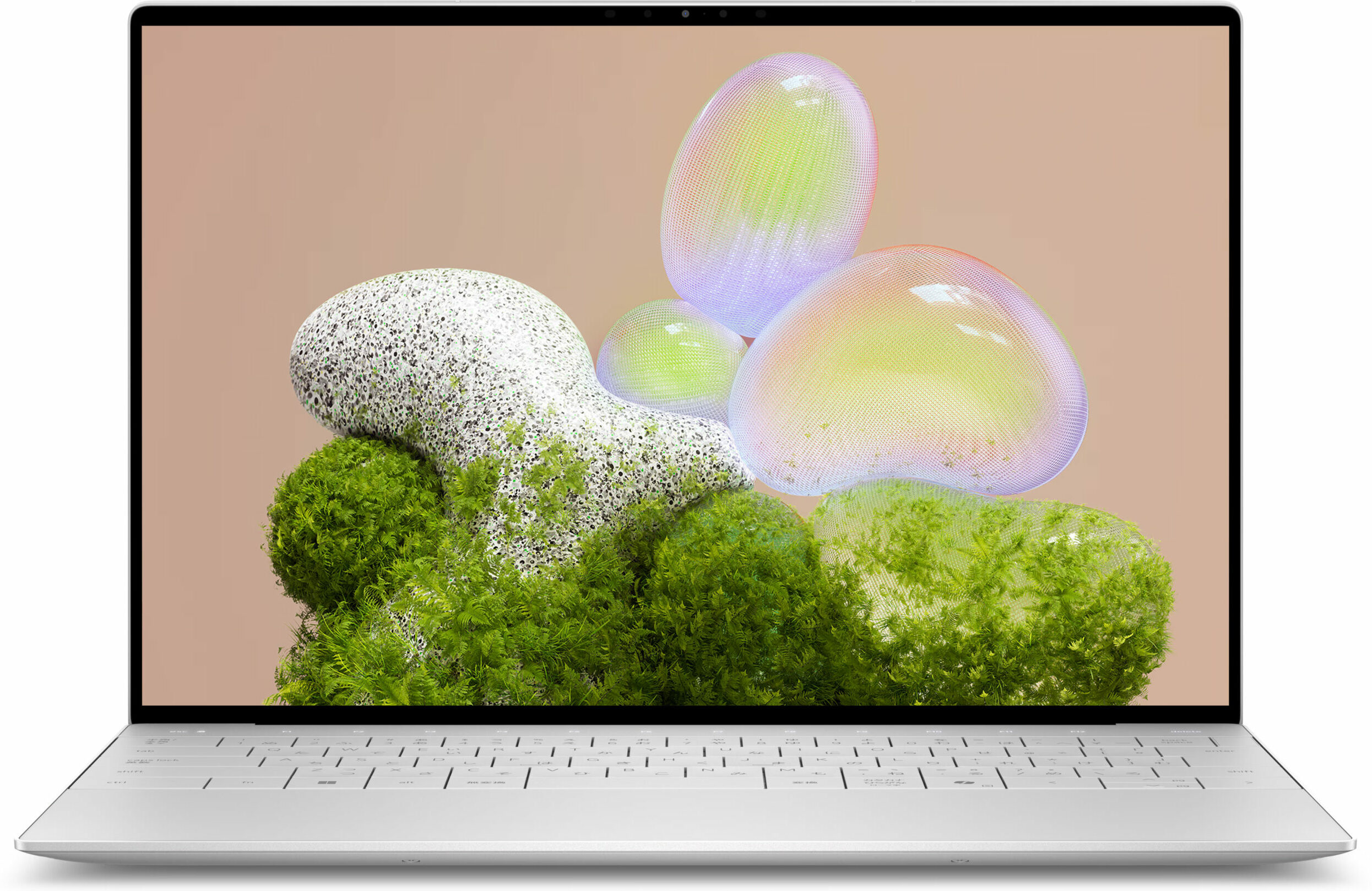
The Dell XPS 13 9350 is a bold declaration about the future of laptop design. It feels less like an iterative update and more like a concept car brought to life, with its seamless glass palm rest, invisible trackpad, and capacitive touch function row. It is, without a doubt, a stunning piece of industrial art, meticulously crafted to be as thin, light, and minimalist as possible. But this relentless pursuit of aesthetic perfection comes at a steep price, forcing major, user-hostile compromises in upgradeability and practicality. Is this a glimpse of a brilliant future, or a design experiment that asks too much of its user?You can check the prices and configurations in our Specs System: https://laptopmedia.com/series/dell-xps-13-9350-2024/Specs, Drivers, What's in the box [...]
Read the full review
Pros
- Stunning and exquisitely crafted CNC aluminium design
- Gorgeous 2.8K OLED display with 100% DCI-P3 coverage
- Very good battery life for an ultrabook
- Extremely thin, light, and portable
- Future-proof connectivity with Wi-Fi 7 and Thunderbolt 4
- Comfortable keyboard and unique invisible haptic trackpad
Cons
- Soldered RAM with no upgrade options
- Extremely limited port selection (only two USB-C)
- CPU runs hot and throttles under load
- OLED display is only a 60Hz panel
Disassembly, maintenance and upgrade options
Opening the Dell XPS 13 9350 (Core Ultra) Hint: Use a Torx T5 screwdriver for the bottom screws and a plastic tool to prevent scratches.Remove the six Torx T5 screws from the bottom cover. Use a plastic tool to release the clips along the edges. Lift the aluminum bottom panel away to expose the internals.Battery removal Caution: Always disconnect the battery before performing upgrades or cleaning.Locate the 55 Wh three-cell lithium-ion battery. Remove the six Phillips screws securing the battery. Disconnect the battery cable by pulling it straight up from [...]
Read more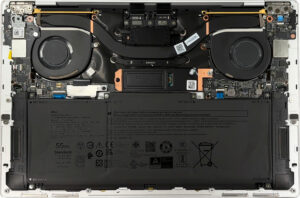


![[June 2026] Best-Selling Laptop Brands on Amazon Global – Apple’s Unrivaled Dominance in Units and Revenue](https://laptopmedia.com/wp-content/uploads/2026/07/GLOBAL-Best-Brands-400x225.jpg)
![[June 2026] Amazon Global: Top 10 Best-Selling Laptops – Apple’s New MacBook Neo Storms to #1, Reshaping the Market with Affordability](https://laptopmedia.com/wp-content/uploads/2026/07/Best-Selling-Laptops-GLOBAL-Top-10-400x225.jpg)
![[June 2026] Amazon Global: Top 10 Best-Selling Gaming Laptops – Acer’s Nitro V 16S AI Dominates Sales, While ASUS Leads Overall Revenue](https://laptopmedia.com/wp-content/uploads/2026/07/Best-Selling-Gaming-Laptops-GLOBAL-Top-10-400x225.jpg)
![[June 2026] Global Ranking of Best-Selling Laptop GPUs on Amazon – NVIDIA RTX 5060 is the Top-Selling Dedicated GPU](https://laptopmedia.com/wp-content/uploads/2026/07/Best-Selling-GPUs-GLOBAL-Top-10-400x225.jpg)
![[June 2026] Global Ranking of Best-Selling Laptop CPUs on Amazon – Apple M5 Dominates, AMD Ryzen 7 260 Gets Solid Premium Share](https://laptopmedia.com/wp-content/uploads/2026/07/Best-Selling-CPUs-GLOBAL-Top-10-400x225.jpg)
