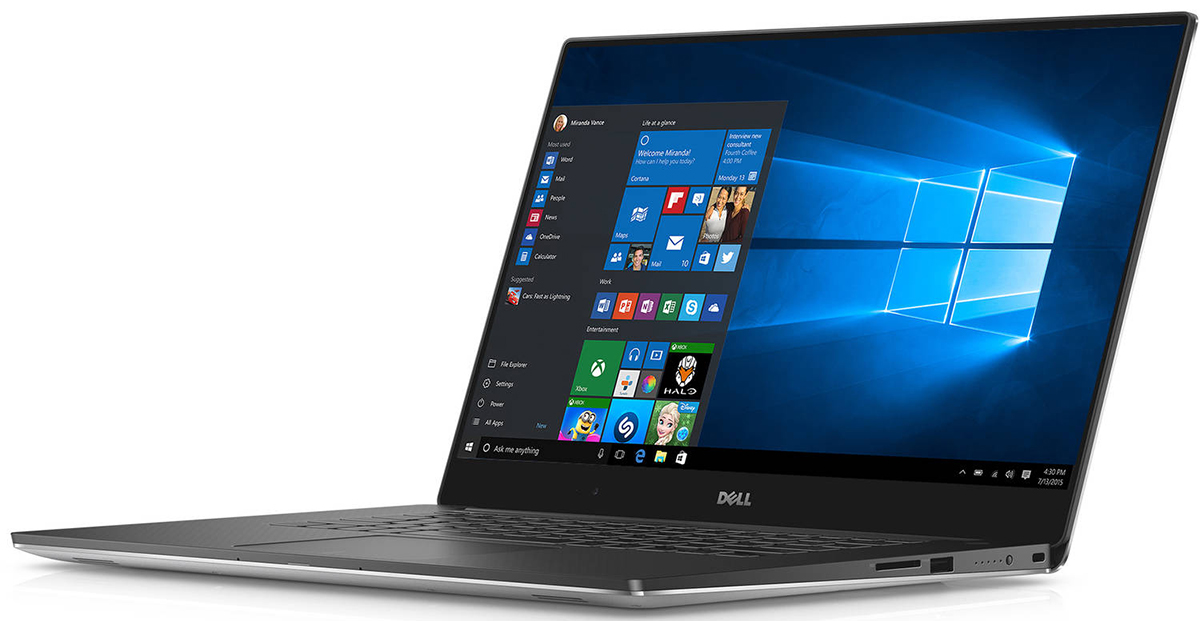
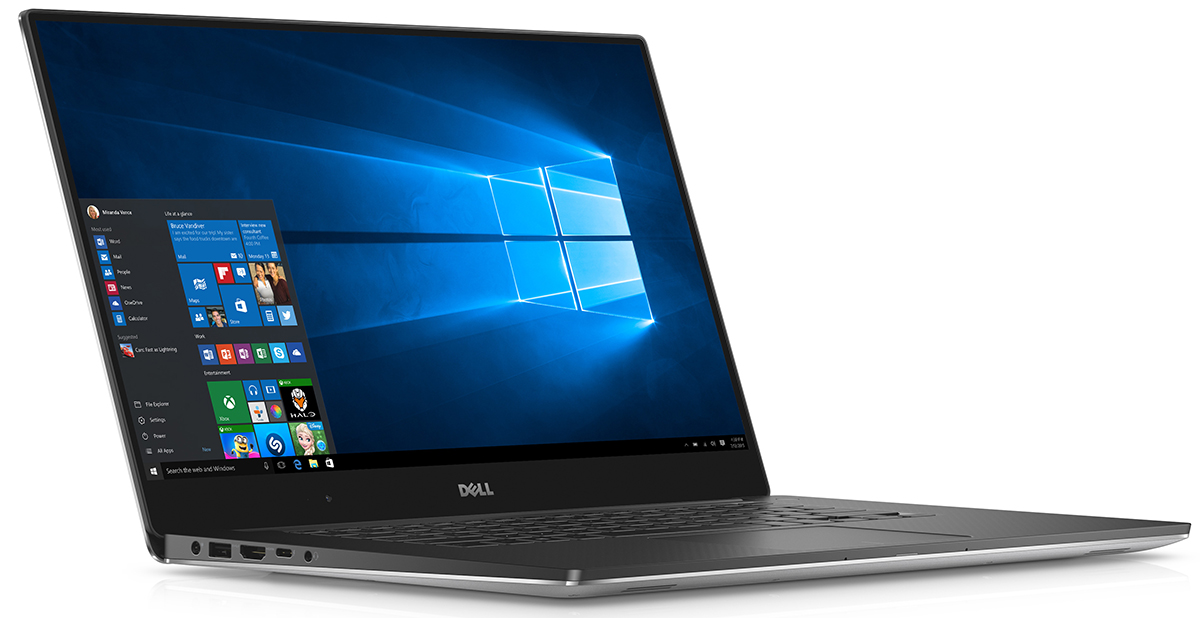
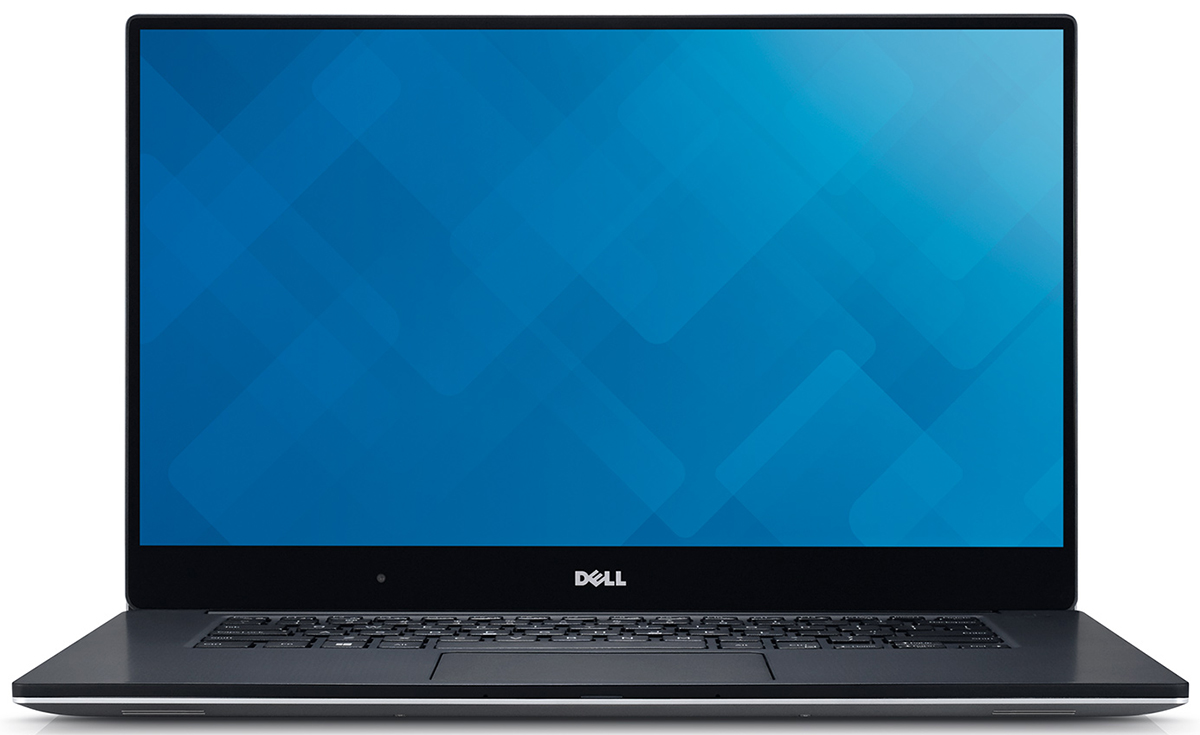
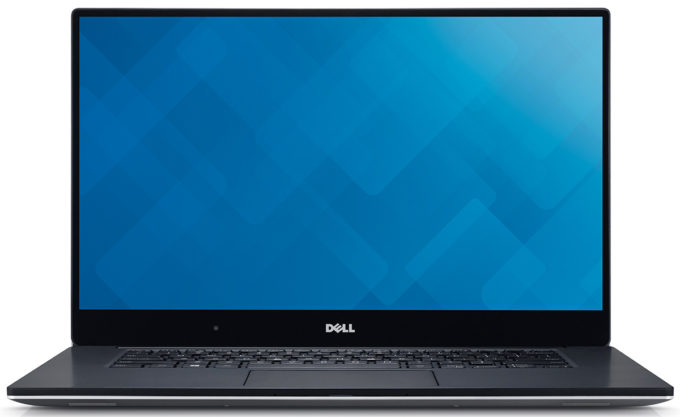
Dell XPS 15 9550
- Date Published: 06 Dec 2017
- Intel Core i7-6700HQ
- NVIDIA GeForce GTX 960M (2GB GDDR5)
- 15.6”, 4K UHD (3840 x 2160), IPS
- 256GB SSD
- 16GB DDR4, 2133 MHz
- 2.00 kg (4.4 lbs)
Specs
- Display
- HDD/SSD
- 256GB SSD
- M.2 Slot
- 1x 2280 PCIe NVMe
- RAM
- 16GB DDR4, 2133 MHz
- OS
- Windows 10 Home
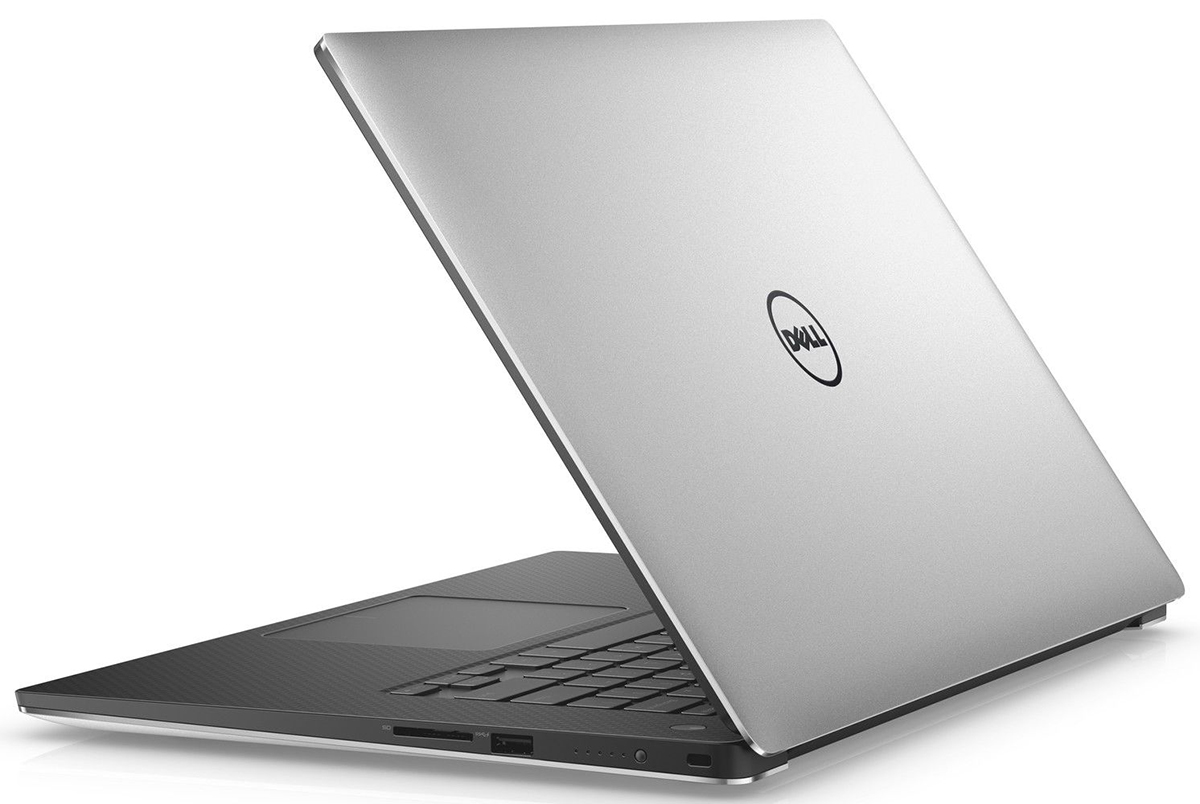
- Body Material
- Aluminum, Plastic
- Dimensions
- 357 x 235 x 11 - 17 mm (14.06" x 9.25" x 0.43")
- Weight
- 2.00 kg (4.4 lbs)
- Ports and connectivity
- 2x USB Type-A
- 3.2 Gen 1 (5 Gbps)
- 1x USB Type-C
- 3.2 Gen 2 (10 Gbps)
- HDMI
- Card Reader
- SD
- Ethernet LAN
- Wi-Fi
- 802.11ac
- Bluetooth
- 4.0
- Audio jack
- headphone/microphone
- Features
- Web camera
- Backlit keyboard
- Microphone
- Speakers
- Security Lock slot
Portability
Review
Dell XPS 15 9550 in-depth review
The new XPS 15 differs from its little brother in so many ways, not only in size. The 13-inch version, which we reviewed a couple of months ago, is more of a business-oriented machine - it's ultra-portable, light, has great battery, at least, the FHD version, and the keyboard is just right. Although, the touchpad performance was kind of wacky at times. Luckily, the 15-inch version improves that.So the XPS 15 is more powerful, has bigger screen, obviously, yet it's not much heavier or thicker than the 13-inch variant. While packing a 4K touch panel, Core i7-6700HQ CPU, and GTX 960M GPU with aluminum build, the XPS 15 weighs just 2.0 kg and it's 17 mm thick at its thickest point. It's really impressive compared to other machines that have the same hardware and Dell's creation can be [...]
Read the full review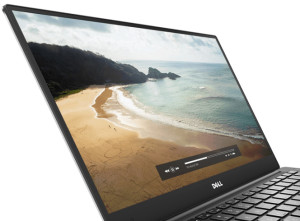
Pros
- Exemplary build quality and design
- Incredibly thin (11-17 mm), light (2.0 kg for the touch version) and mobile chassis
- Great input devices (comfortable keyboard, accurate and responisve touchpad)
- Impeccable screen quality with 100% sRGB and Adobe RGB color gamut coverage, high contrast, high brightness etc.
- USB Type-C connector and M.2 PCIe SSD slot for ultra-fast data transfer
- The cooling system manages to keep the exterior cool even under extreme conditions
- The screen doesn't use PWM above 25% screen brightness (it's quite unlikely to use the screen under 80 cd/m2 anyway)
Cons
- Reduced performance and even throttling when running CPU and GPU-intensive tasks
- The fan in the cooling system is louder than we would like
- The soft-touch matte plastic used for the interior attracts fingerprints and smudges
- A bit too pricey even if go for the Core i3 variant
- When the volume is turned up, there's a metal rattling sound
- The configuration with HDD offers sub-par battery life (4.5 hours of surfing with 120 cd/m2 brightness)


![[June 2026] Best-Selling Laptop Brands on Amazon Global – Apple’s Unrivaled Dominance in Units and Revenue](https://laptopmedia.com/wp-content/uploads/2026/07/GLOBAL-Best-Brands-400x225.jpg)
![[June 2026] Amazon Global: Top 10 Best-Selling Laptops – Apple’s New MacBook Neo Storms to #1, Reshaping the Market with Affordability](https://laptopmedia.com/wp-content/uploads/2026/07/Best-Selling-Laptops-GLOBAL-Top-10-400x225.jpg)
![[June 2026] Amazon Global: Top 10 Best-Selling Gaming Laptops – Acer’s Nitro V 16S AI Dominates Sales, While ASUS Leads Overall Revenue](https://laptopmedia.com/wp-content/uploads/2026/07/Best-Selling-Gaming-Laptops-GLOBAL-Top-10-400x225.jpg)
![[June 2026] Global Ranking of Best-Selling Laptop GPUs on Amazon – NVIDIA RTX 5060 is the Top-Selling Dedicated GPU](https://laptopmedia.com/wp-content/uploads/2026/07/Best-Selling-GPUs-GLOBAL-Top-10-400x225.jpg)
![[June 2026] Global Ranking of Best-Selling Laptop CPUs on Amazon – Apple M5 Dominates, AMD Ryzen 7 260 Gets Solid Premium Share](https://laptopmedia.com/wp-content/uploads/2026/07/Best-Selling-CPUs-GLOBAL-Top-10-400x225.jpg)
