Dell XPS 9530


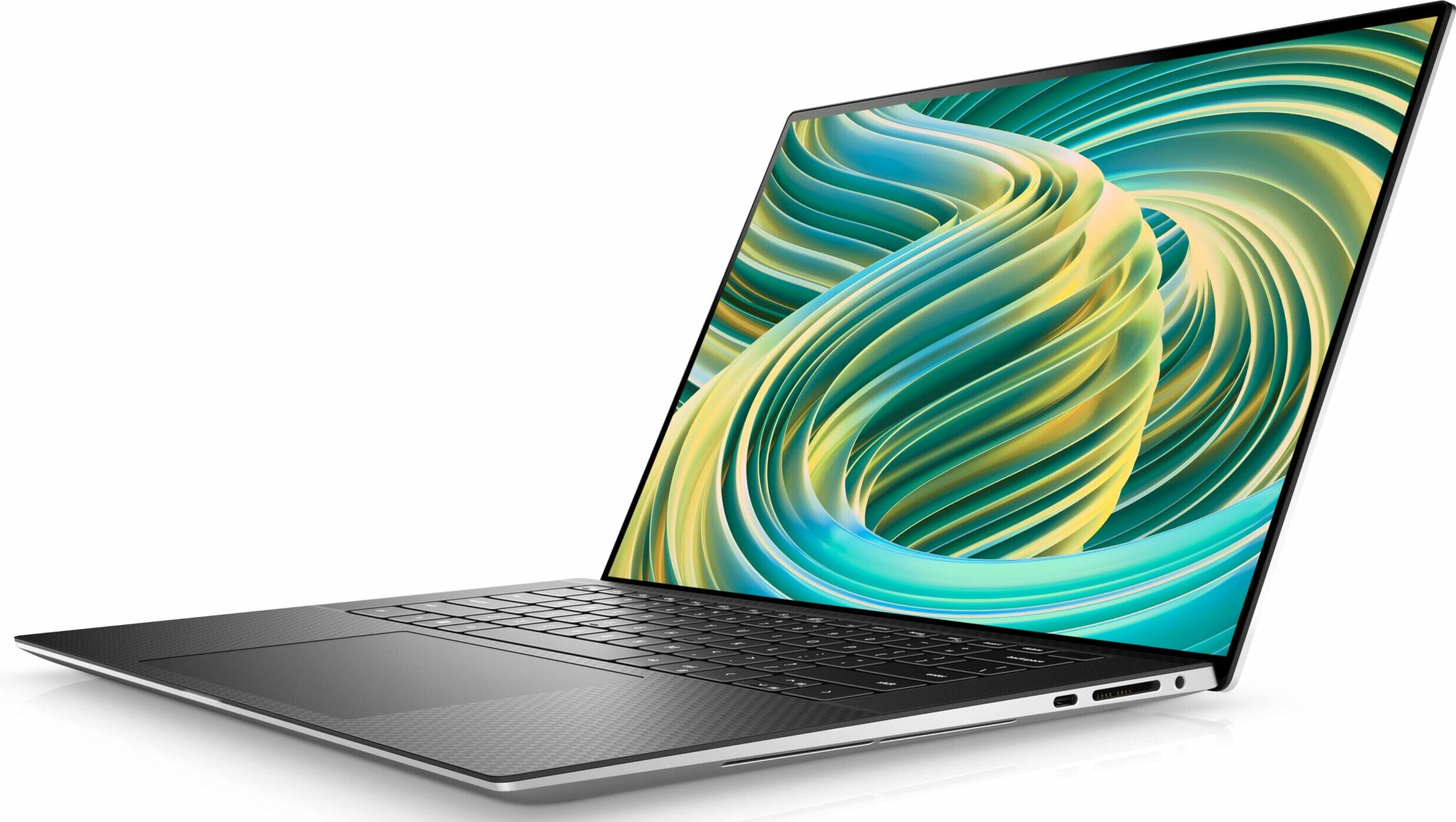
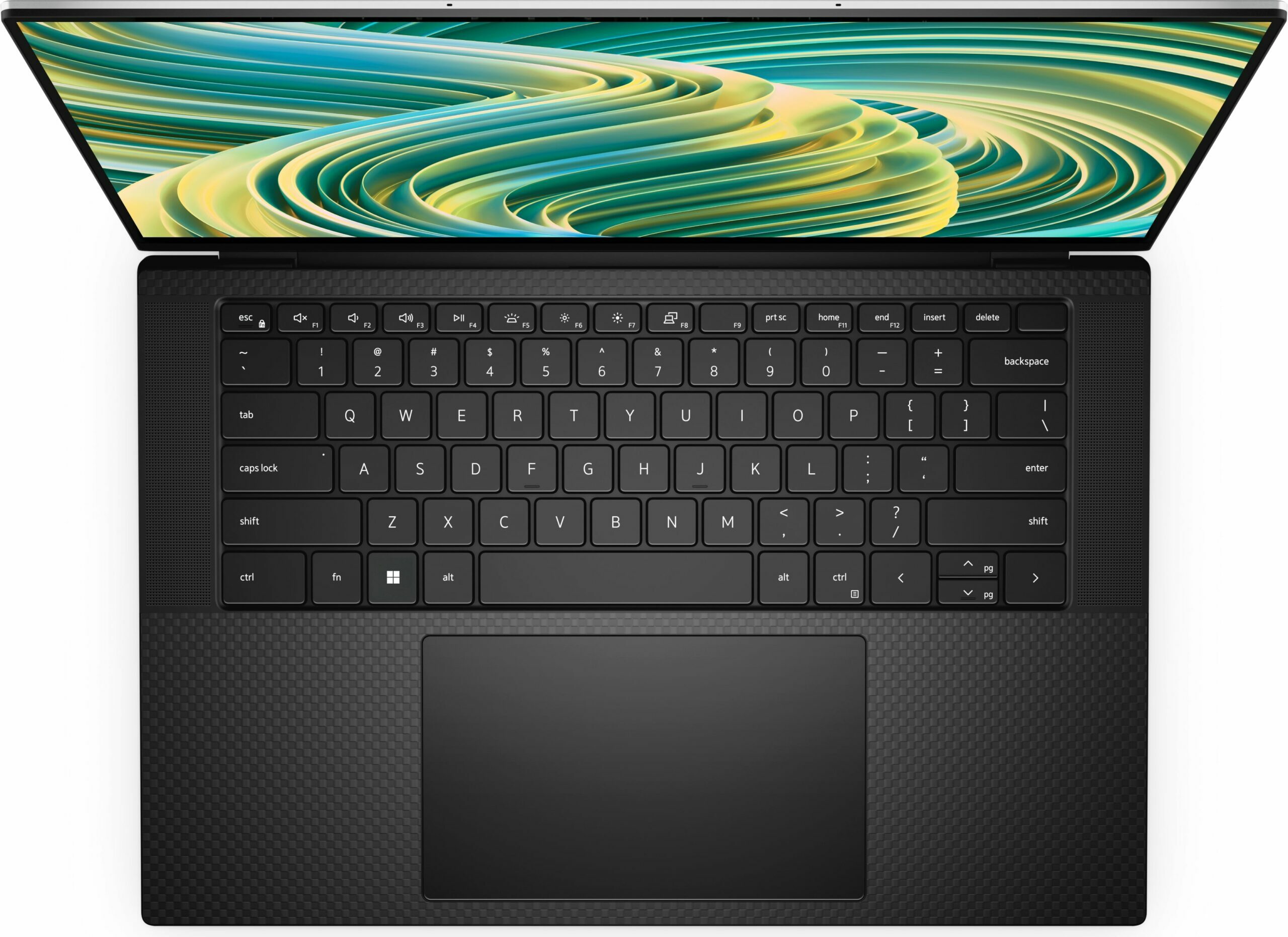
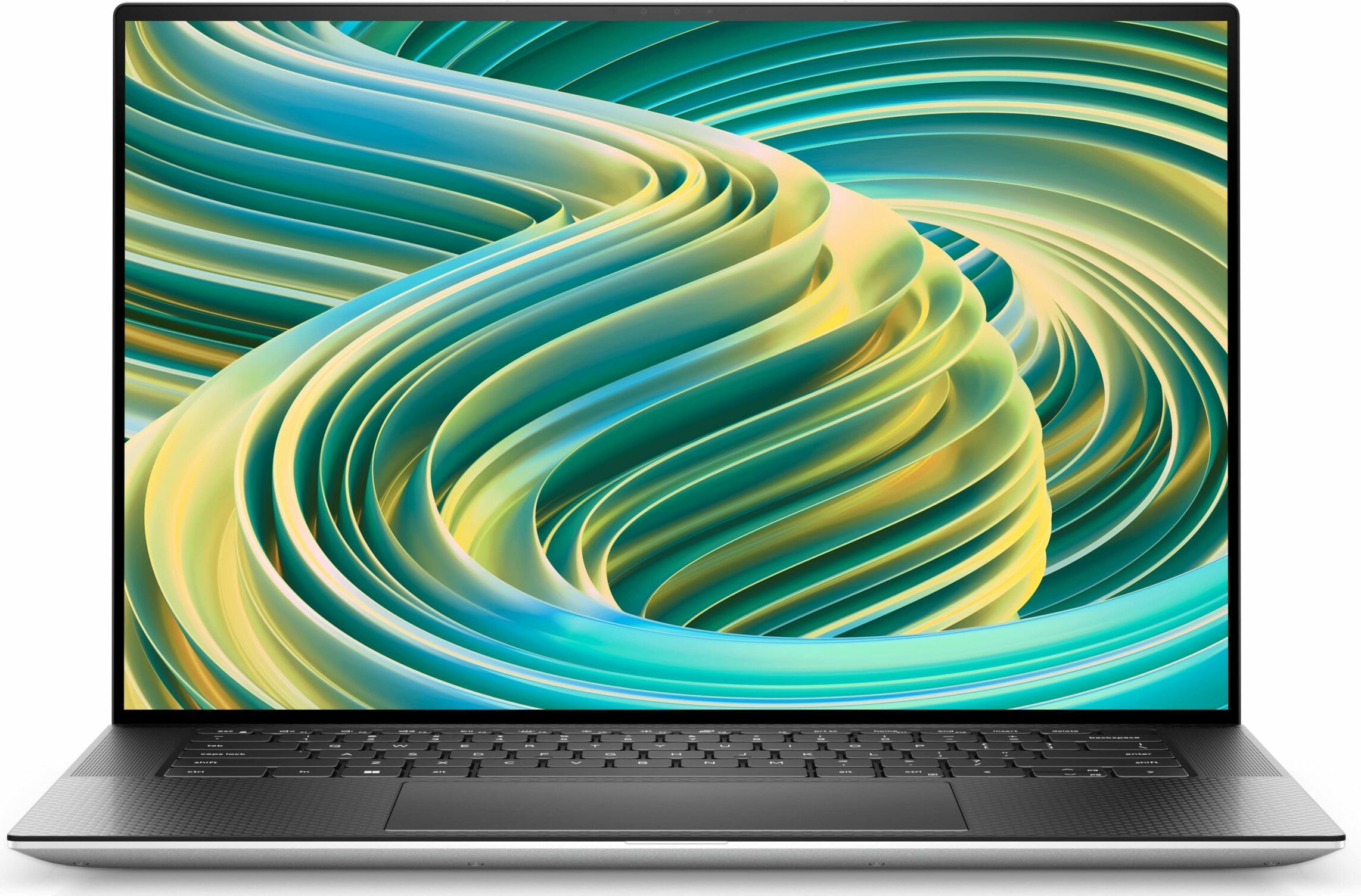
- Date Published: 03 Nov 2023
- Intel Core i7-13700H
- Intel Arc A370M
- 15.6”, FHD+ (1920 x 1200), IPS
- 4000GB SSD
- 64GB DDR5
- 1.92 kg (4.2 lbs)
Specs
- Display

- HDD/SSD
- 4TB SSD
- M.2 Slot
- 2x 2280 M.2 NVMe PCIe 4.0 x4 See photo
- RAM
- 64GB DDR5
- OS
- Windows 10 Pro
- Body Material
- Aluminum, Carbon
- Dimensions
- 344.72 x 230.14 x 11.65 - 18 mm (13.57" x 9.06" x 0.46")
- Weight
- 1.92 kg (4.2 lbs)
- Ports and connectivity
- 1x USB Type-C
- 3.2 Gen 2 (10 Gbps), Power Delivery (PD), DisplayPort
- 2x USB Type-C
- Thunderbolt 4, Power Delivery (PD)
- Card Reader
- SD, SDHC, SDXC
- Ethernet LAN
- Wi-Fi
- 802.11ax
- Bluetooth
- 5.3
- Audio jack
- 3.5mm Combo Jack
- Features
- Fingerprint reader
- Web camera
- HD IR
- Backlit keyboard
- Microphone
- Digital Array Microphones
- Speakers
- 2x 2W Tweeters + 2x 3W Woofers
- Optical drive
- Security Lock slot
- Wedge Lock
Portability
Review
Dell XPS 9530 in-depth review
Dell's XPS series has been around for more than 10 years. For this amount of time, it has undergone only a couple of major design changes. To be honest, Dell has always been ahead of its competitors in this aspect, so we have to cut them some slack in this perspective.On the other hand, the device gets yearly updates, with which comes an according name change - this is how the XPS 15 9530 was reborn (only in terms of its name, of course).This 2023 model features Intel's 13th Gen CPUs. In addition, you get a wide choice of graphics cards. Intel has become even more intrusive in the laptop world, as it now supplies low-end gaming GPUs too - the Arc A370M in this case.On the other hand, you can look up to NVIDIA's offers to get something more powerful and representable - the choi[...]
Read the full review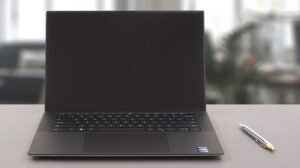
Pros
- Strong body build of carbon fiber and aluminum
- Virtually bezel-less screen
- High maximum brightness, full sRGB coverage, and accurate colors (LG 4DWVJ-156WU1 (LGD06B3))
- Thin and light
- Easy upgrade and maintenance
- Great keyboard, touchpad, and speakers
- Fingerprint reader embedded in the power button and an IR face recognition system
- Two Thunderbolt 4 connectors, USB Type-C charging, and an SD card reader (+ tiny dongle inside the box)
- No PWM (LG 4DWVJ-156WU1 (LGD06B3))
Cons
- Limited (but very quiet) cooling
- Pricey
- No USB Type-A ports
Disassembly, maintenance and upgrade options
1. Unscrewing the Back Panel To access the internals of the Dell XPS 15 9530 laptop, begin by undoing the 8 Torx-head screws on the back. You'll need a specific Torx screwdriver to do this.2. Removing the Back Panel After the screws have been removed, use a plastic pry tool to detach the bottom panel. Starting from the front two corners will help to make this process easier and safer.Caution: Be gentle during this step to prevent damage to the laptop's casing or internals.3. Disconnecting the Battery Inside, you'll see an 86Wh battery pack, which offers impressive long[...]
Read more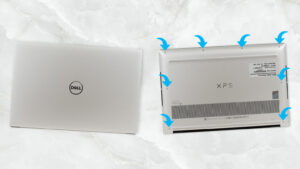


![[July 2026] Global Ranking of Best-Selling Laptop GPUs on Amazon – RTX 5060 Dominate Premium, Intel Still Rules Budget](https://laptopmedia.com/wp-content/uploads/2026/08/Best-Selling-GPUs-GLOBAL-Top-10-400x225.jpg)
![[July 2026] Global Ranking of Best-Selling Laptop CPUs on Amazon – Apple Dominates Premium, Intel Holds Overall Crown](https://laptopmedia.com/wp-content/uploads/2026/08/Best-Selling-CPUs-GLOBAL-Top-10-400x225.jpg)
![[July 2026] Amazon Canada: Top 10 Best-Selling Laptops – Apple MacBook Neo Dominates the Market to Claim the #1 Spot](https://laptopmedia.com/wp-content/uploads/2026/08/Best-Selling-Laptops-CA-Top-10-2-400x225.jpg)
![[July 2026] Best-Selling Laptop Brands on Amazon Japan – HP and Lenovo Dominate Units and Revenue Amid Fierce Competition](https://laptopmedia.com/wp-content/uploads/2026/08/CO.JP-Best-Brands-2-400x225.jpg)
![[July 2026] Amazon Italy: Top 10 Best-Selling Laptops – Apple MacBook Neo Claims the #1 Spot Amid Budget-Friendly Dominance](https://laptopmedia.com/wp-content/uploads/2026/08/Best-Selling-Laptops-IT-Top-10-400x225.jpg)

