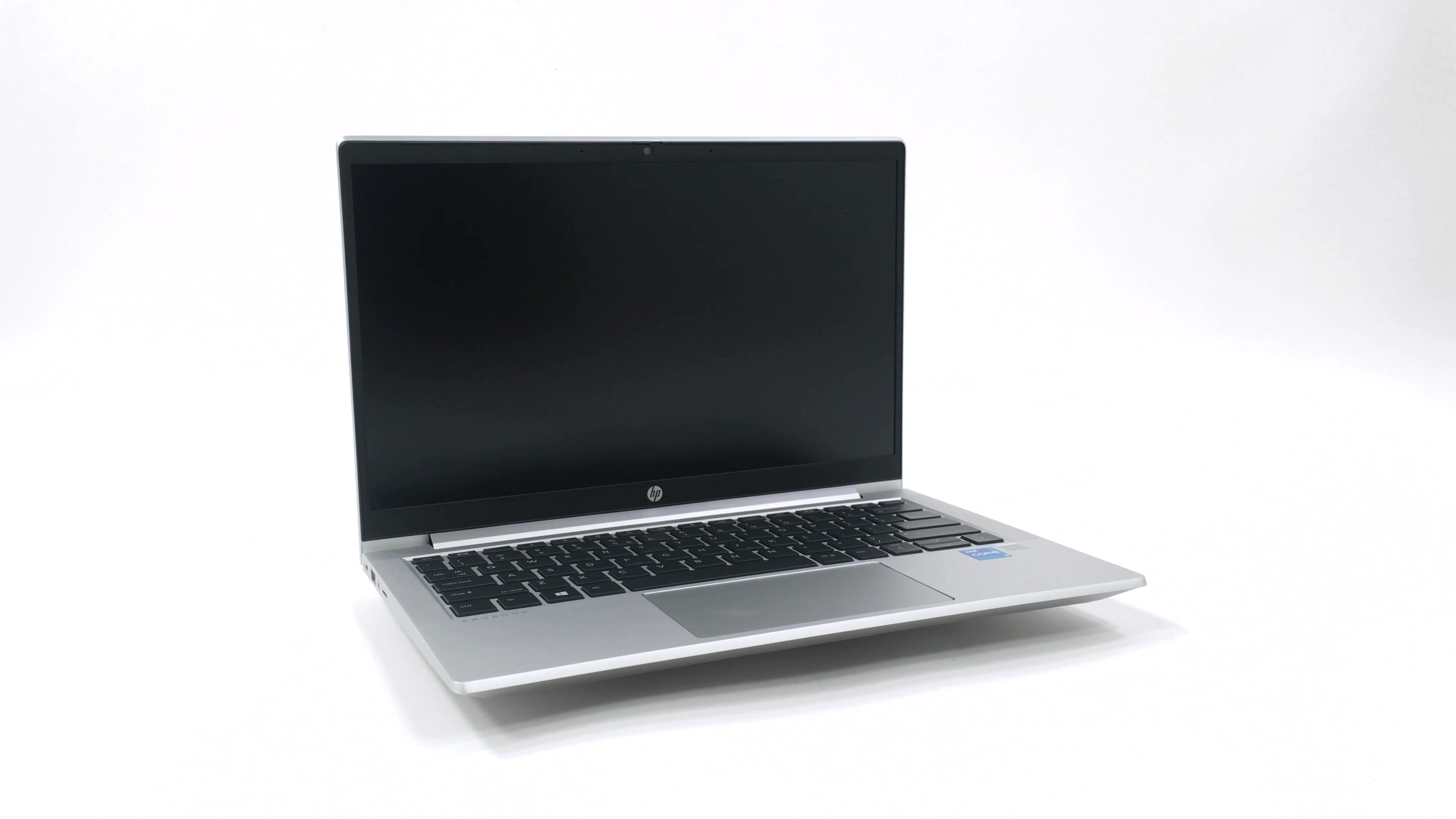
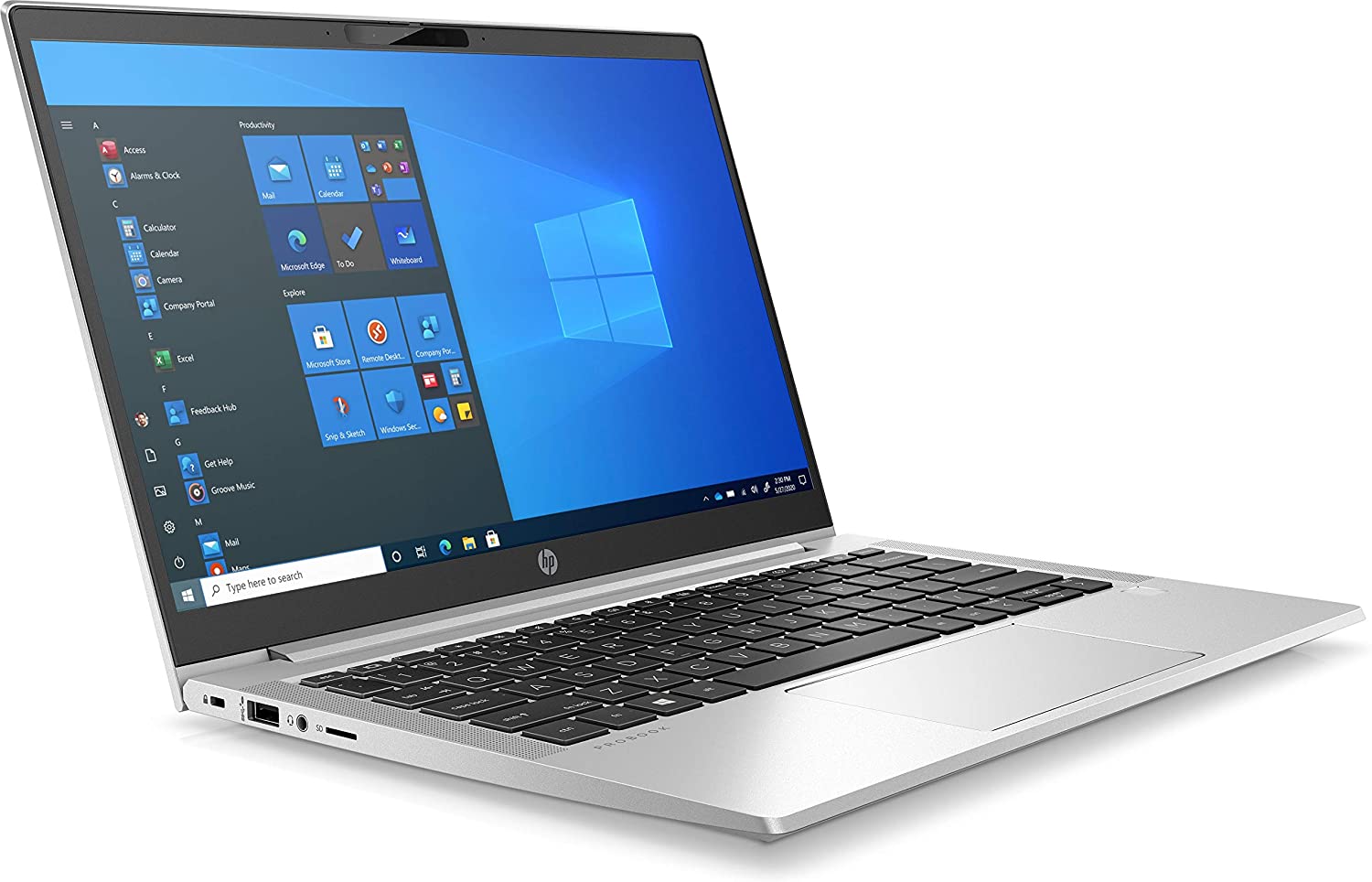
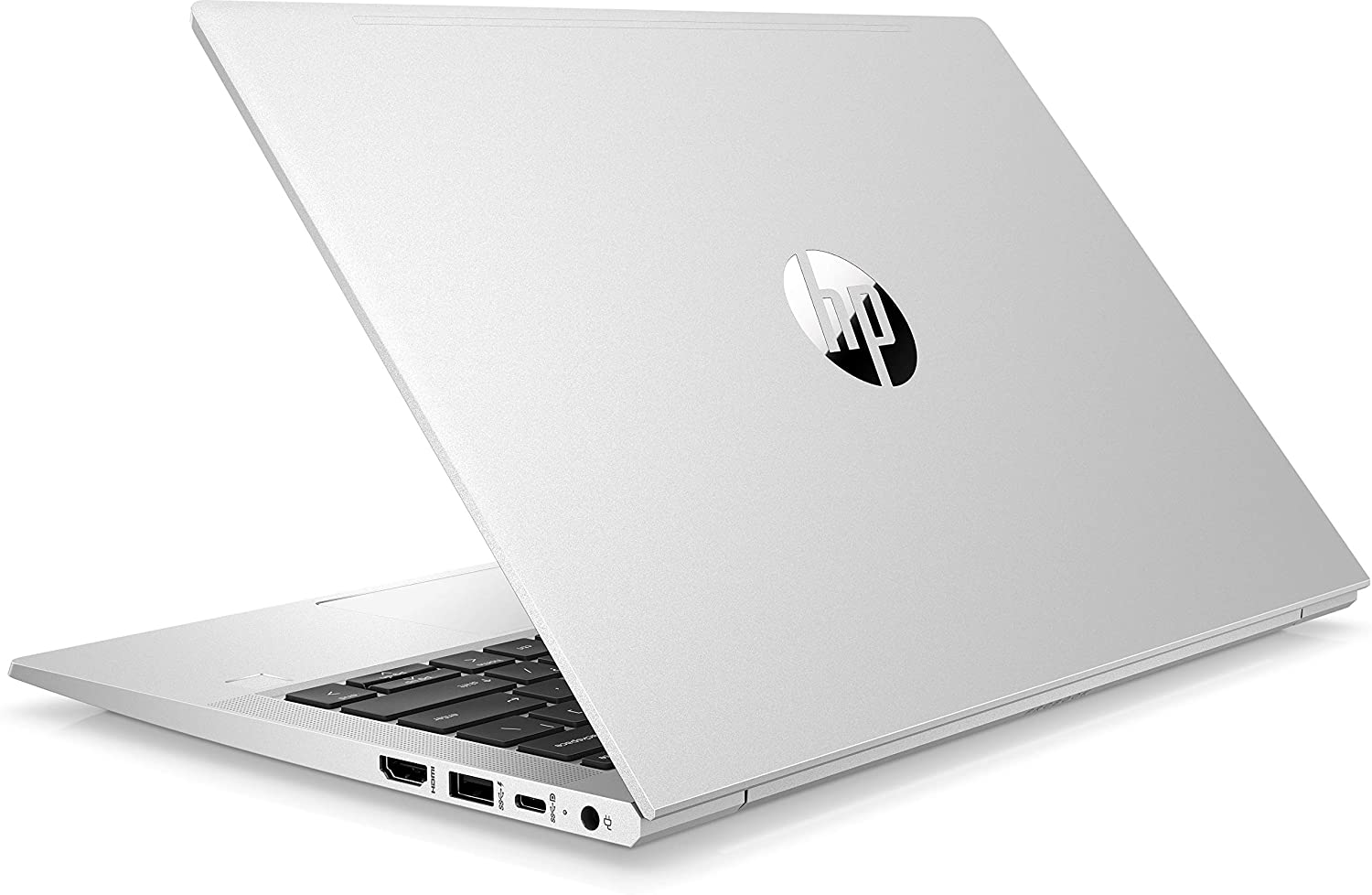
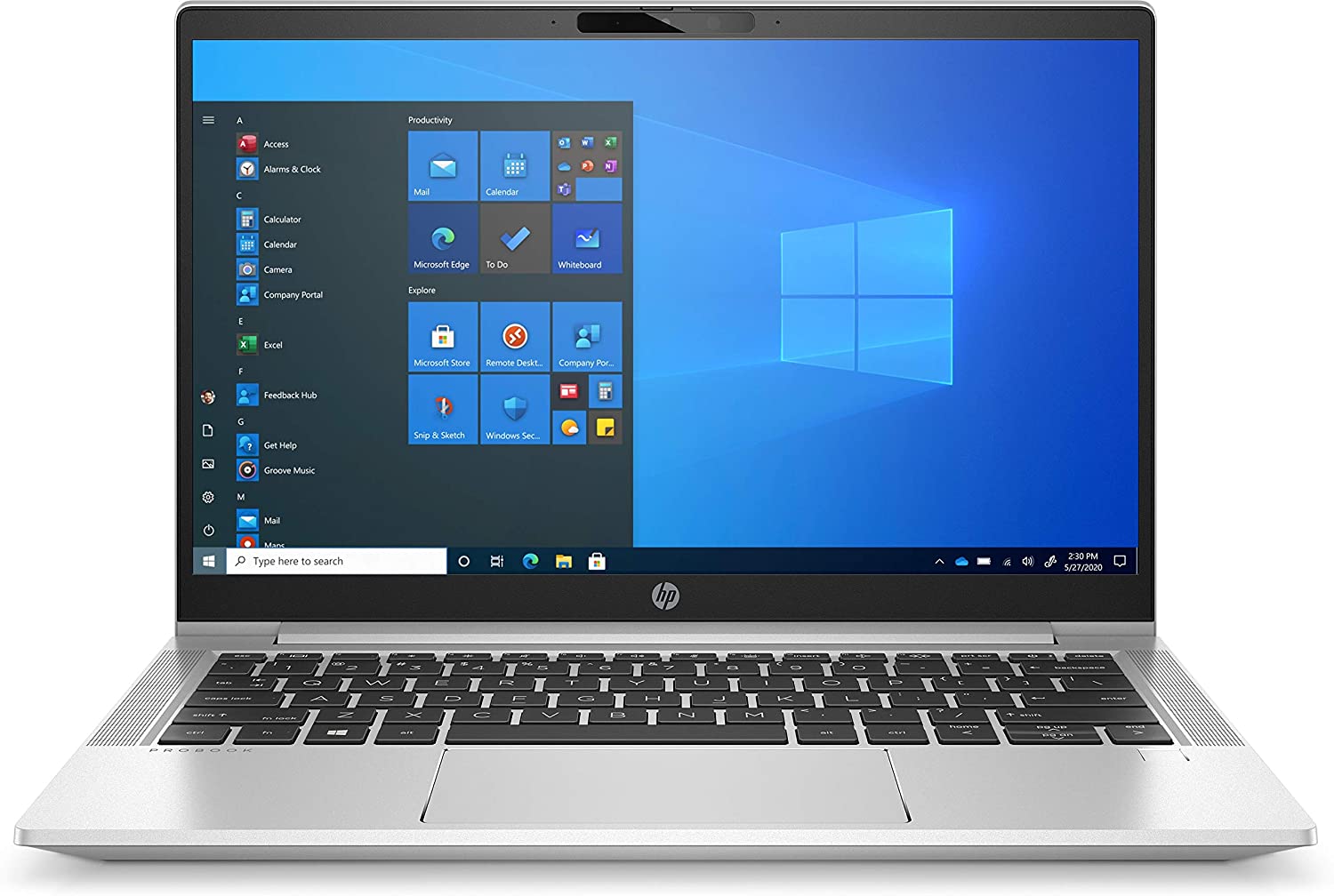
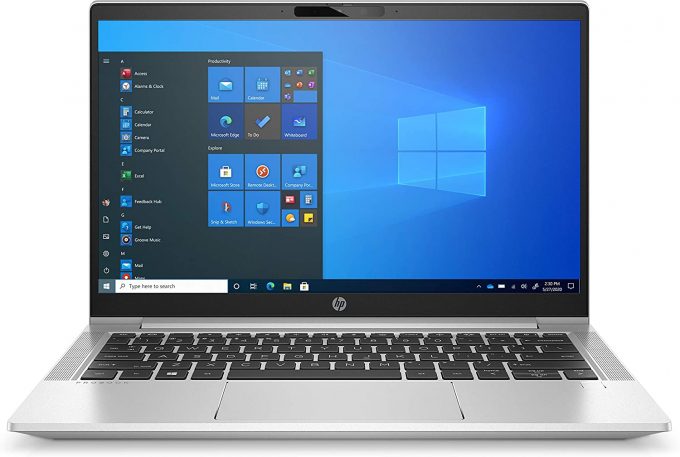
HP ProBook 430 G8


- Date Published: 28 Jan 2021
- Intel Core i3-1115G4
- Intel UHD Graphics
- 13.3”, HD (1366 x 768), TN
- 256GB SSD
- 4GB DDR4
- 1.28 kg (2.8 lbs)
Review
HP ProBook 430 G8 in-depth review
If you are in the search for a business notebook, then the ProBook 400 series should sound pretty familiar to you. Today, we are going to acquaintance you with the 13-inch ProBook 430 G8. It is offered with some security features like a hardware TPM 2.0 module, as well as the HP Client Security Manager.This laptop is powered by Intel's Tiger Lake-U processors, which are not only power efficient, but also pretty powerful. Especially for the porpuses of business computing. And if you happen to need more graphics power, you can configure it with the GeForce MX450.When it comes to displays, there are two options - a 768p TN panel, and a 1080p IPS panel. In our view, TN panels should be abolished for good, and the first of the two options should never be chosen.You can check the pr[...]
Read the full review
Pros
- Adequate price
- Compact design with decent quality
- Great input devices
- No PWM (AUO AUOCB8F)
- Feature-packed I/O (includes a MicroSD card slot)
- Good battery life
Cons
- Lacks Thunderbolt connectivity
- Covers 56% of sRGB (AUO AUOCB8F)
Disassembly, maintenance and upgrade options
The ProBook 430 G8 is one of the best 13-inch laptops in terms of upgrade options.Check out all HP ProBook 430 G8 prices and configurations in our Specs System or read more in our In-Depth review.1. Remove the bottom plate This device is pretty easy to take apart. First, you need to undo 5 captive Phillips-head screws. Then, pry the bottom panel, starting from the back.2. Battery Inside, we see a rather small 45Wh battery. To remove it, you have to undo 6 Phillips-head screws. Then, unplug the battery connector, and take it away from the chassis.3. Memory and storag[...]
Read more


![[June 2026] Best-Selling Laptop Brands on Amazon Global – Apple’s Unrivaled Dominance in Units and Revenue](https://laptopmedia.com/wp-content/uploads/2026/07/GLOBAL-Best-Brands-400x225.jpg)
![[June 2026] Amazon Global: Top 10 Best-Selling Laptops – Apple’s New MacBook Neo Storms to #1, Reshaping the Market with Affordability](https://laptopmedia.com/wp-content/uploads/2026/07/Best-Selling-Laptops-GLOBAL-Top-10-400x225.jpg)
![[June 2026] Amazon Global: Top 10 Best-Selling Gaming Laptops – Acer’s Nitro V 16S AI Dominates Sales, While ASUS Leads Overall Revenue](https://laptopmedia.com/wp-content/uploads/2026/07/Best-Selling-Gaming-Laptops-GLOBAL-Top-10-400x225.jpg)
![[June 2026] Global Ranking of Best-Selling Laptop GPUs on Amazon – NVIDIA RTX 5060 is the Top-Selling Dedicated GPU](https://laptopmedia.com/wp-content/uploads/2026/07/Best-Selling-GPUs-GLOBAL-Top-10-400x225.jpg)
![[June 2026] Global Ranking of Best-Selling Laptop CPUs on Amazon – Apple M5 Dominates, AMD Ryzen 7 260 Gets Solid Premium Share](https://laptopmedia.com/wp-content/uploads/2026/07/Best-Selling-CPUs-GLOBAL-Top-10-400x225.jpg)
