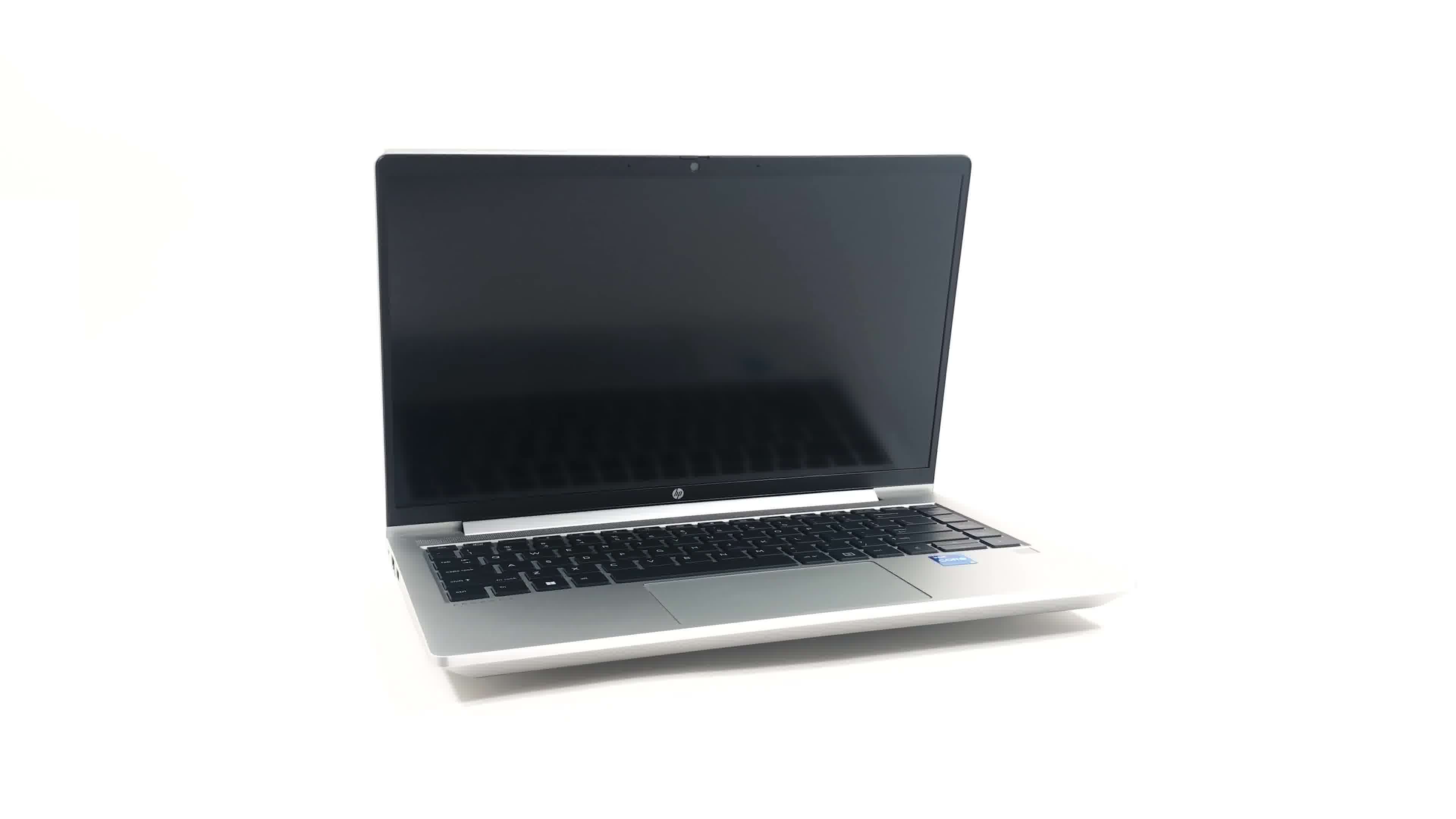
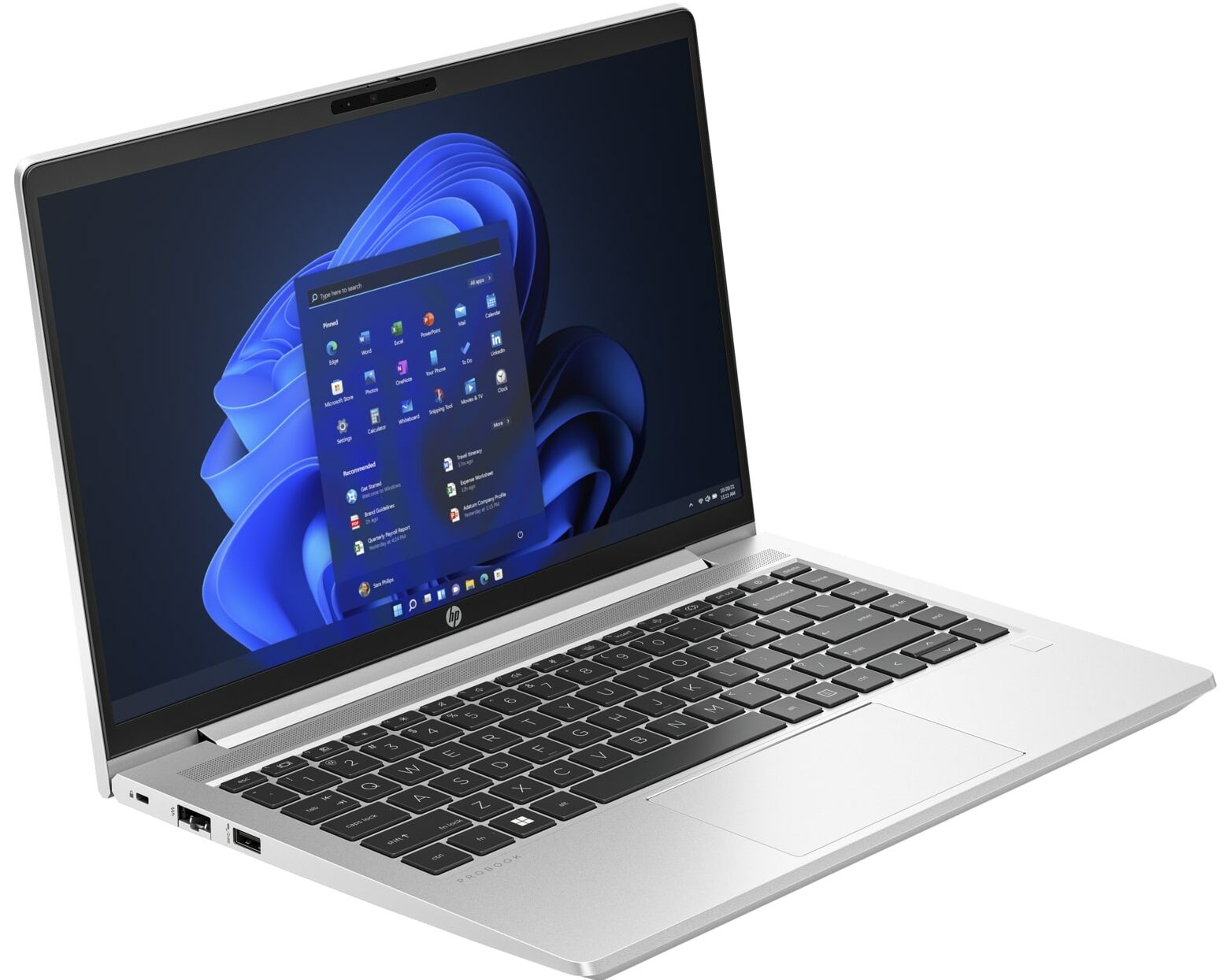
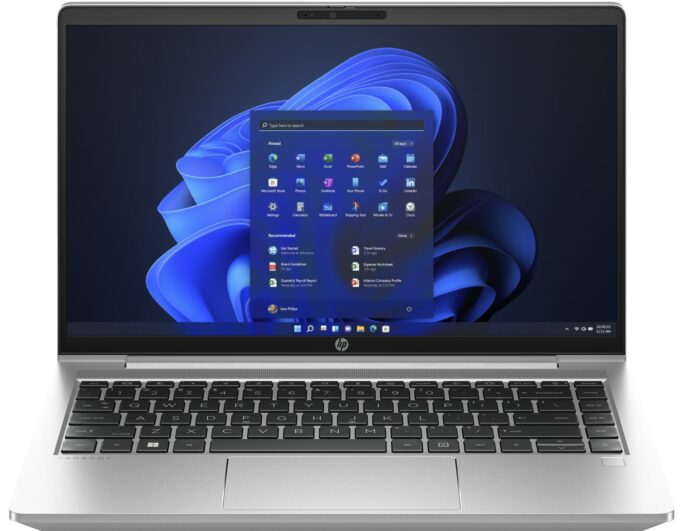
HP ProBook 440 G10



- Date Published: 20 May 2026
- Intel Core i7-1355U
- Intel Iris Xe Graphics G7 (96EU)
- 14.0”, Full HD (1920 x 1080), IPS
- 1000GB SSD
- 16GB RAM
- 1.37 kg (3 lbs)
Specs

- HDD/SSD
- 1000GB SSD
- M.2 Slot
- 1x 2280 M.2 NVMe PCIe 4.0 x4 See photo
- RAM
- 16GB RAM
- OS
- Windows 11 Pro
- Body Material
- Aluminum
- Dimensions
- 321.81 x 213.86 x 19.81 mm (12.67" x 8.42" x 0.78")
- Weight
- 1.37 kg (3 lbs)
- Ports and connectivity
- 1x USB Type-A
- 3.2 Gen 1 (5 Gbps), Sleep and Charge
- 1x USB Type-A
- 3.2 Gen 1 (5 Gbps), Power Delivery (PD)
- 2x USB Type-C
- 3.2 Gen 2 (10 Gbps), Power Delivery (PD), DisplayPort
- HDMI
- 2.1
- Card Reader
- Ethernet LAN
- 10, 100, 1000 Mbit/s
- Wi-Fi
- 802.11ax
- Bluetooth
- 5.3
- Audio jack
- 3.5mm Combo Jack
- Features
- Fingerprint reader
- Web camera
- HD
- Backlit keyboard
- Microphone
- Dual Microphone Array
- Speakers
- 2x Stereo Speakers
- Security Lock slot
Portability
Review
HP ProBook 440 G10 in-depth review
The last year's ProBook 440 G9 is a great inexpensive business laptop that is also suitable for home usage. Now, the successor is called HP ProBook 440 G10 and it looks almost identically compared to the predecessor. However, the new model can be configured with the 13th Gen Intel Raptor Lake U and P CPUs which means more torture for the cooling system.Of course, if you prefer AMD processors, you can have a look at the Team Red version of this device - the HP ProBook 445 G10. Let's get back to the Intel model - the 768p TN panel is still available. Avoid it like the plague! HP is also offering a 1080p IPS panel - this should be the logical choice for most people if money isn't a problem. In addition, there is a touchscreen variant for the ones whore prefer to use their laptop in a bit [...]
Read the full review
Pros
- Its keyboard is backlit (option), spill-resistant, and great for typing
- Optional fingerprint reader and IR face recognition
- Good contrast ratio and comfortable viewing angles (AUO AUO559C)
- 2x SODIMM + optional two M.2 PCIe slots for storage
- Doesn’t use PWM (AUO AUO559C)
- Wide port selection
- Great performance in short loads
- Decent battery life
Cons
- Covers only 51% of sRGB (AUO AUO559C)
- Lacks an SD card reader
- Most goodies are optional
- Basic cooling solution
Disassembly, maintenance and upgrade options
1. Remove the Bottom Plate - Ensure the laptop is powered off and unplugged from any power source. - Use a Phillips-head screwdriver to unscrew the 5 captive screws securing the bottom plate. Since these are captive screws, they will stay attached to the bottom panel, so you can't lose them. - Begin the prying process around the hinge area using a plastic tool, working your way around the edges to lift the plate off.2. Battery Removal - Prior to working with other components, disconnect the battery connector from the motherboard. - Unscrew the 4 Phillips-head screws that hold [...]
Read more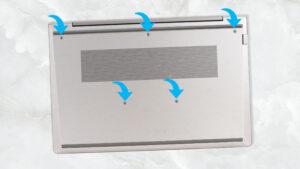


![[June 2026] Best-Selling Laptop Brands on Amazon Global – Apple’s Unrivaled Dominance in Units and Revenue](https://laptopmedia.com/wp-content/uploads/2026/07/GLOBAL-Best-Brands-400x225.jpg)
![[June 2026] Amazon Global: Top 10 Best-Selling Laptops – Apple’s New MacBook Neo Storms to #1, Reshaping the Market with Affordability](https://laptopmedia.com/wp-content/uploads/2026/07/Best-Selling-Laptops-GLOBAL-Top-10-400x225.jpg)
![[June 2026] Amazon Global: Top 10 Best-Selling Gaming Laptops – Acer’s Nitro V 16S AI Dominates Sales, While ASUS Leads Overall Revenue](https://laptopmedia.com/wp-content/uploads/2026/07/Best-Selling-Gaming-Laptops-GLOBAL-Top-10-400x225.jpg)
![[June 2026] Global Ranking of Best-Selling Laptop GPUs on Amazon – NVIDIA RTX 5060 is the Top-Selling Dedicated GPU](https://laptopmedia.com/wp-content/uploads/2026/07/Best-Selling-GPUs-GLOBAL-Top-10-400x225.jpg)
![[June 2026] Global Ranking of Best-Selling Laptop CPUs on Amazon – Apple M5 Dominates, AMD Ryzen 7 260 Gets Solid Premium Share](https://laptopmedia.com/wp-content/uploads/2026/07/Best-Selling-CPUs-GLOBAL-Top-10-400x225.jpg)

