HP ZBook Firefly 16 G11

- Date Published: 27 Sep 2024
- Intel Core Ultra 7 155U
- Intel Graphics (4-Cores)
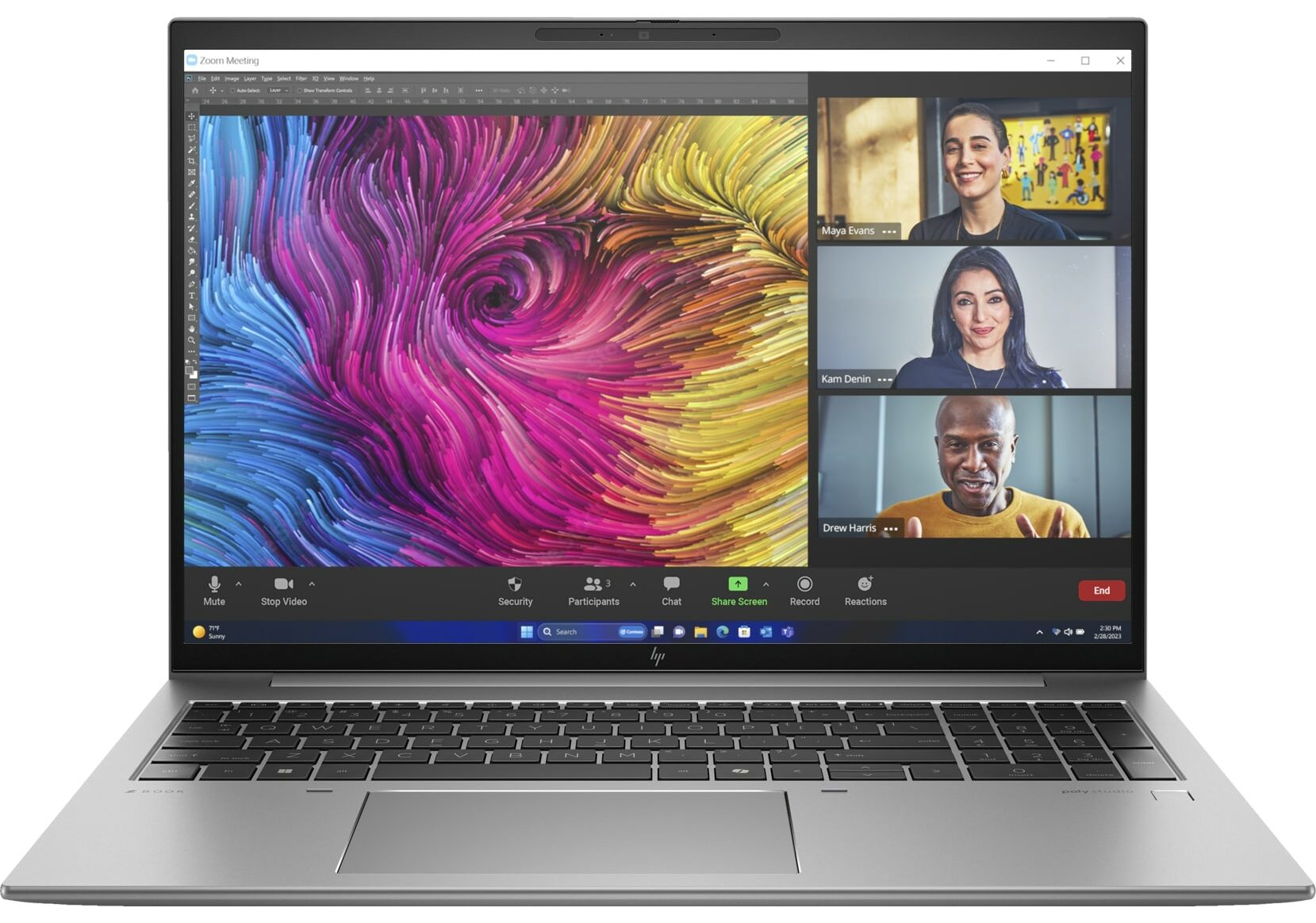
- 16.0”, WUXGA (1920 x 1200), IPS
- 2000GB SSD
- 64GB RAM
- 1.80 kg (4 lbs)
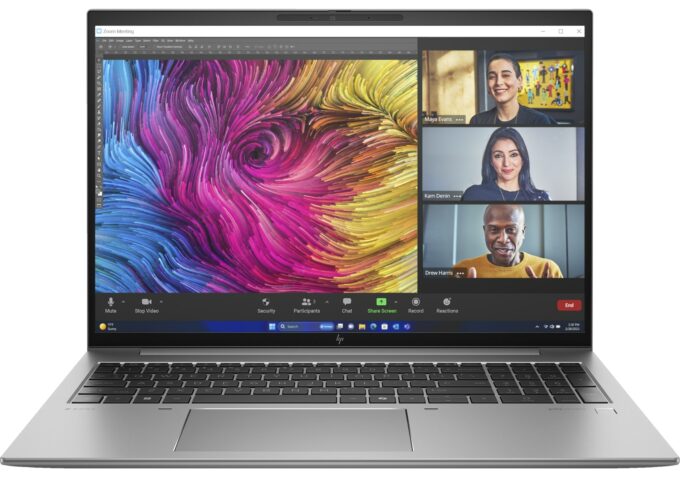
Specs
- Display

- HDD/SSD
- 2000GB SSD
- M.2 Slot
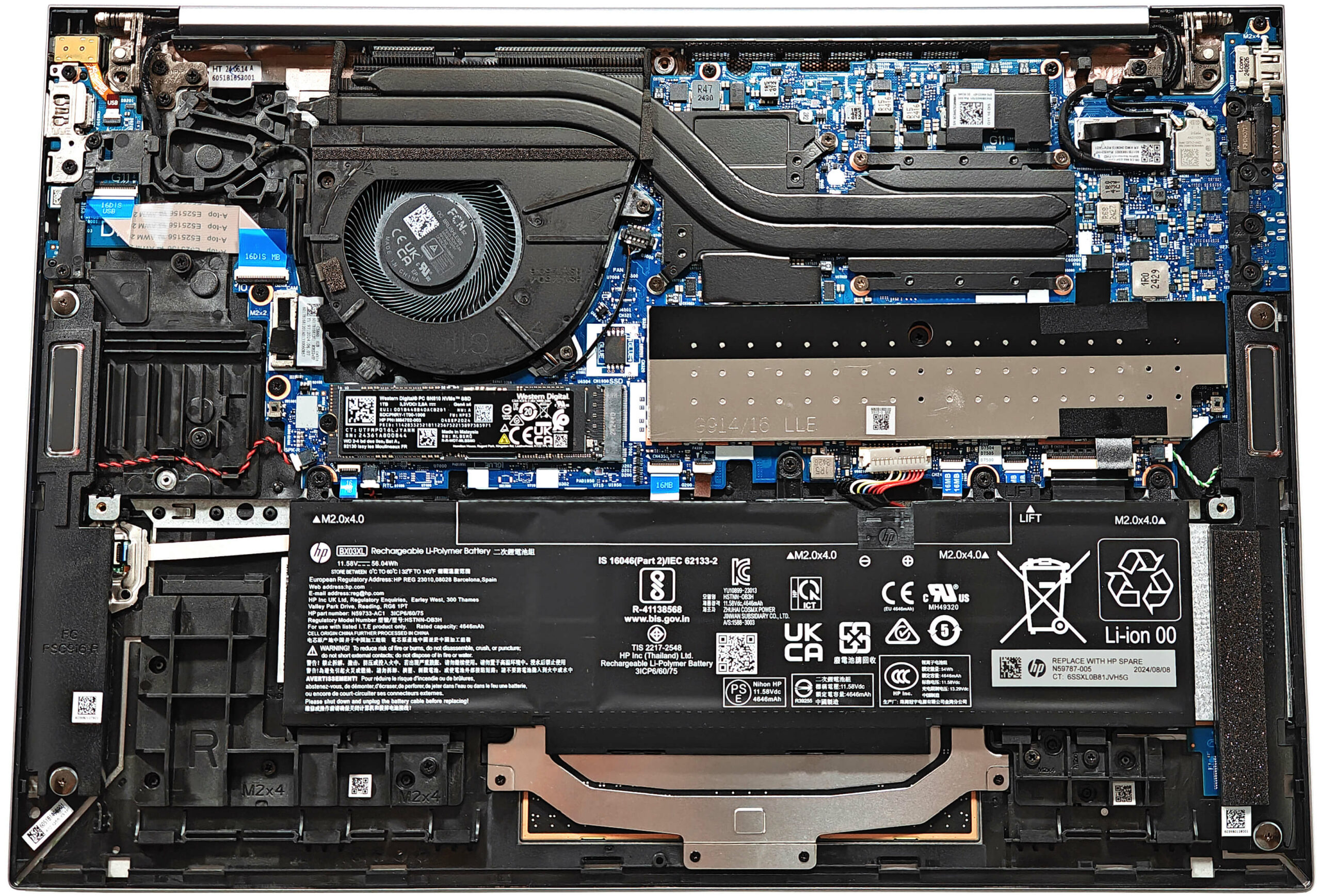
- 1x 2280 M.2 NVMe PCIe 4.0 x4 See photo
- RAM
- 64GB RAM
- OS
- Windows 11 Pro
- Body Material
- Aluminum
- Dimensions
- 358.7 x 251.3 x 19.2 mm (14.12" x 9.89" x 0.76")
- Weight
- 1.80 kg (4 lbs)
- Ports and connectivity
- 1x USB Type-A
- 3.2 Gen 1 (5 Gbps)
- 1x USB Type-A
- 3.2 Gen 1 (5 Gbps), Sleep and Charge
- 2x USB Type-C
- 4.0, Thunderbolt 4, Power Delivery (PD), DisplayPort, Sleep and Charge
- HDMI
- 2.0b
- Card Reader
- Ethernet LAN
- Wi-Fi
- Wi-Fi 6E
- Bluetooth
- 5.3
- Audio jack
- 3.5mm Combo Jack
- Features
- Fingerprint reader
- Web camera
- HP Wide Vision 5MP IR camera with temporal noise reduction
- Backlit keyboard
- Microphone
- Dual Array Digital Microphones
- Speakers
- Dual Speakers, HP Audio Boost, DTS:X Ultra, Poly Studio
- Security Lock slot
Portability
Review
HP ZBook Firefly 16 G11 in-depth review
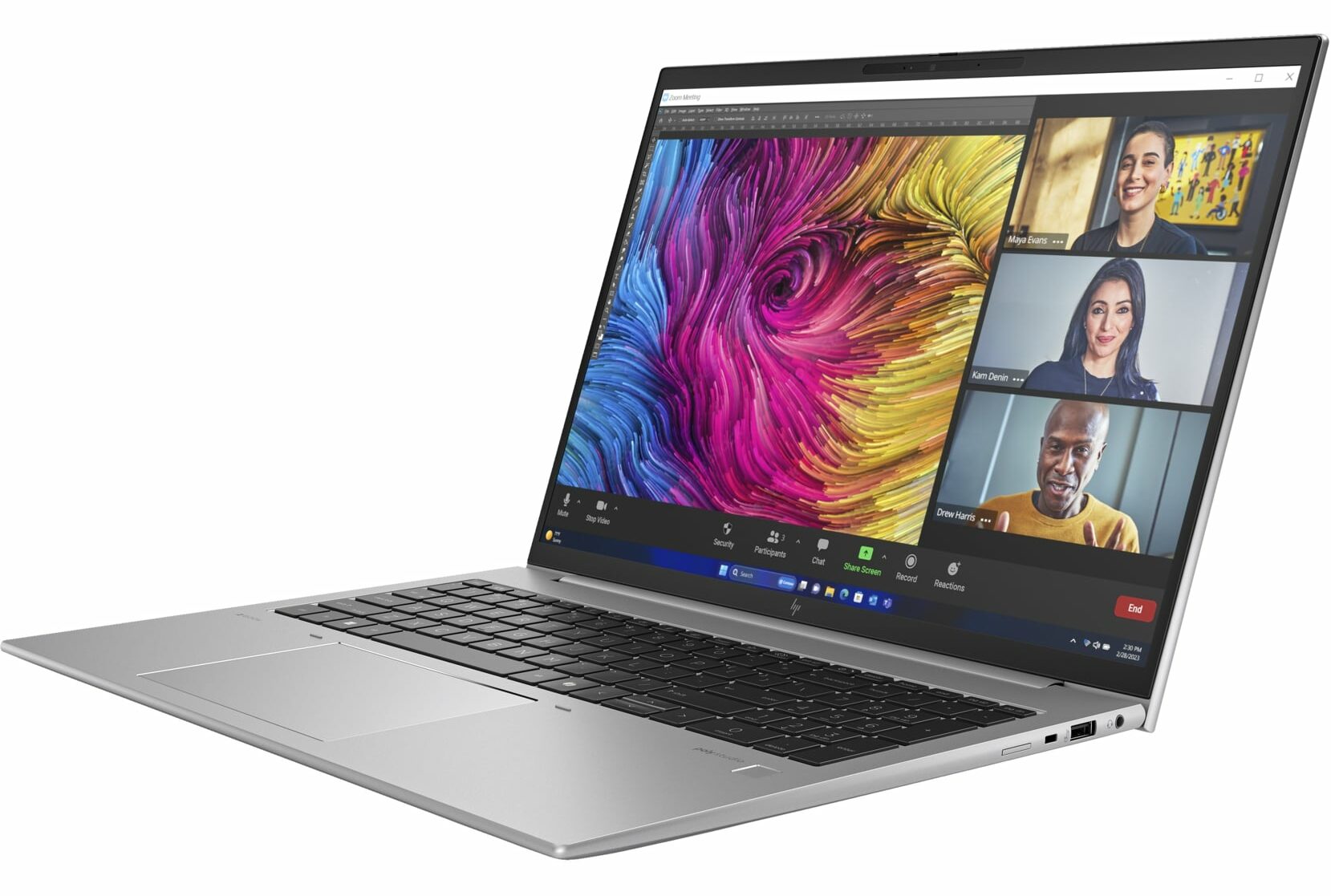
While the ZBook Firefly 16 G11 lacks the big cooling system and powerful professional-grade GPUs of the ZBook Power 16 G11, it offers a lighter design and similar Meteor Lake CPU options. Unlike its "Power" counterpart, the Firefly 16 G11 has fewer dedicated GPU choices, with the 35W NVIDIA RTX A500 being the only optional graphics card.The main question that remains is whether this machine can handle long heavy workloads, given its single-fan, dual-heat-pipe cooling system. While it's not a basic system, we hoped for a more robust thermal solution.Still, you get a device with a good port selection, two SODIMMs, and above-average built quality. You can opt for an optional high-end OLED screen with 2880 x 1800 resolution and 120Hz refresh rate. HP mentions a full DCI-P3 coverage reg[...]
Read the full review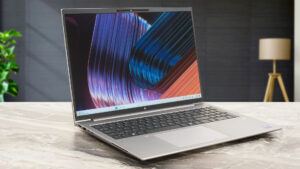
Pros
- All-metal chassis
- Feels snappy for normal home or office tasks
- Good comfort during long loads
- The matte finish is almost smudge-proof
- The Core Ultra 7 155H sustains ~ 2.92 GHz / 2.42 GHz P and E core clocks in short loads
- Wide viewing angles + 16:10 aspect ratio (BOE0C31)
- 327 nits of max brightness (BOE0C31)
- PWM-free (BOE0C31)
- Comfortable spill-resistant keyboard
- Smooth glass touchpad
- 2x Thunderbolt 4 + 2x Type-A ports
- The fans are quiet in "High Performance" mode during max CPU stress
- Long battery battery life given the H-series CPU and the modest 56Wh capacity (~11 hours and a half of videos)
- 5MP Web camera with a privacy shutter
- Fast NVMe (WD PC SN810 SDCPNRY-1T00-1006)
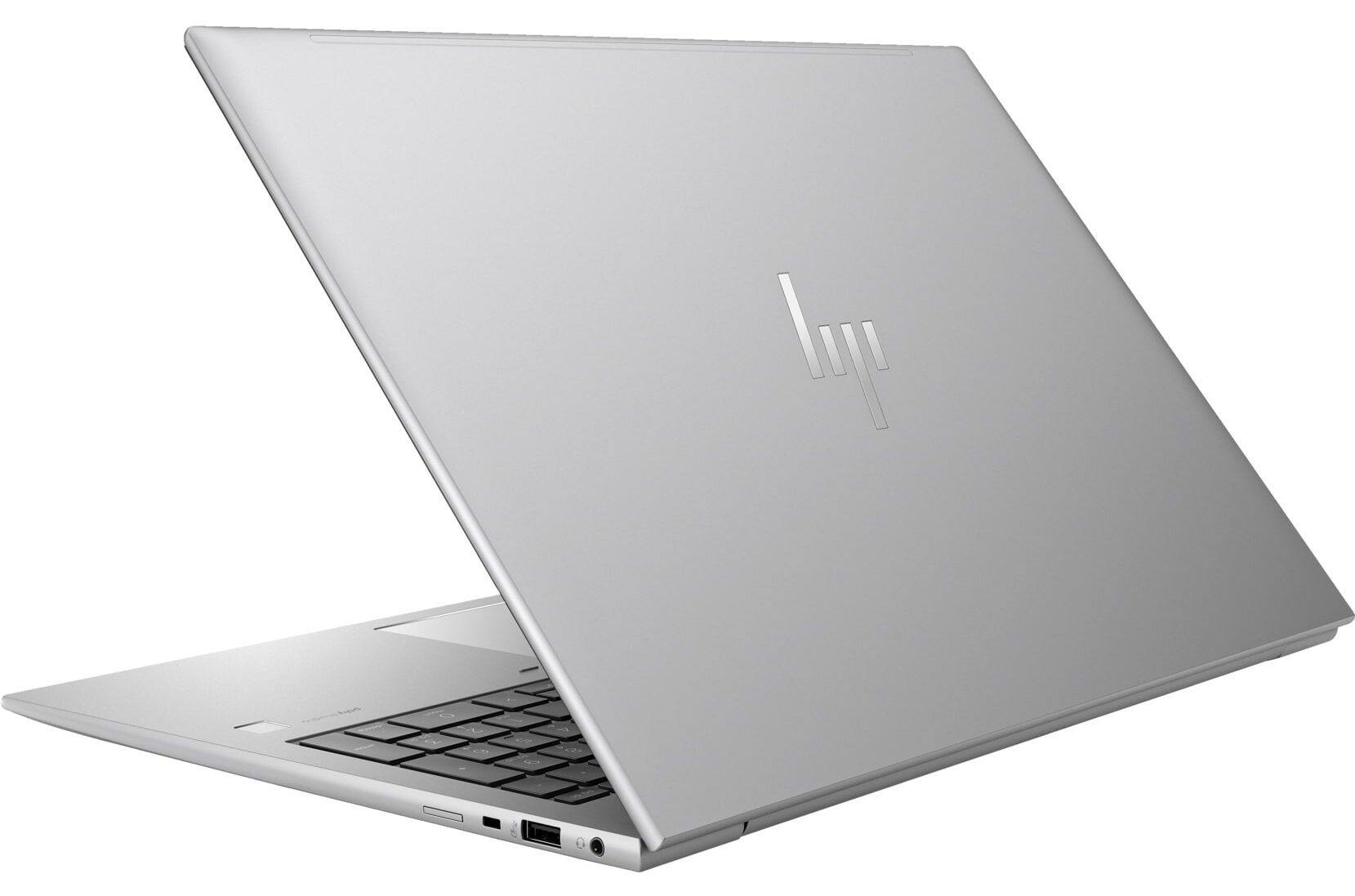
- Lid with a lever design
- LPWAN (Low-power WAN)
- SmartCard reader, NFC, fingerprint reader, IR Web camera, vPro, Intel Evo, Nano SIM card slot, backlit keyboard (all are optional)
Cons
- Seems too expensive for what it is
- No Wi-Fi 7
- Lid with a lever design that lacks rubber feet
- Just one M.2 slot
- The CPU clocks in long loads are too low for a workstation (1.75 GHz / 1.01 GHz for the P and E cores)
Disassembly, maintenance and upgrade options
Opening the Device Hint: Ensure the laptop is powered off and disconnected from any power source before starting.Undo the five captive Phillips-head screws on the bottom panel of the laptop. Use a lever tool to pop the two areas close to the top two corners, creating gaps in these sections. Insert a thin plastic tool to gently pop the edges. Be cautious as the hinge cover feels spongy; press with a finger where the spudger is to stabilize. Fully pry the rear panel using the thin plastic tool, ensuring you do not snap any internal clips. Proceed to pop the sides and the[...]
Read more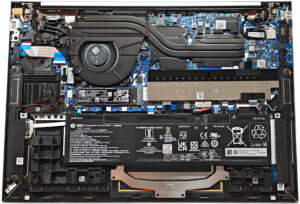


![[June 2026] Best-Selling Laptop Brands on Amazon Global – Apple’s Unrivaled Dominance in Units and Revenue](https://laptopmedia.com/wp-content/uploads/2026/07/GLOBAL-Best-Brands-400x225.jpg)
![[June 2026] Amazon Global: Top 10 Best-Selling Laptops – Apple’s New MacBook Neo Storms to #1, Reshaping the Market with Affordability](https://laptopmedia.com/wp-content/uploads/2026/07/Best-Selling-Laptops-GLOBAL-Top-10-400x225.jpg)
![[June 2026] Amazon Global: Top 10 Best-Selling Gaming Laptops – Acer’s Nitro V 16S AI Dominates Sales, While ASUS Leads Overall Revenue](https://laptopmedia.com/wp-content/uploads/2026/07/Best-Selling-Gaming-Laptops-GLOBAL-Top-10-400x225.jpg)
![[June 2026] Global Ranking of Best-Selling Laptop GPUs on Amazon – NVIDIA RTX 5060 is the Top-Selling Dedicated GPU](https://laptopmedia.com/wp-content/uploads/2026/07/Best-Selling-GPUs-GLOBAL-Top-10-400x225.jpg)
![[June 2026] Global Ranking of Best-Selling Laptop CPUs on Amazon – Apple M5 Dominates, AMD Ryzen 7 260 Gets Solid Premium Share](https://laptopmedia.com/wp-content/uploads/2026/07/Best-Selling-CPUs-GLOBAL-Top-10-400x225.jpg)