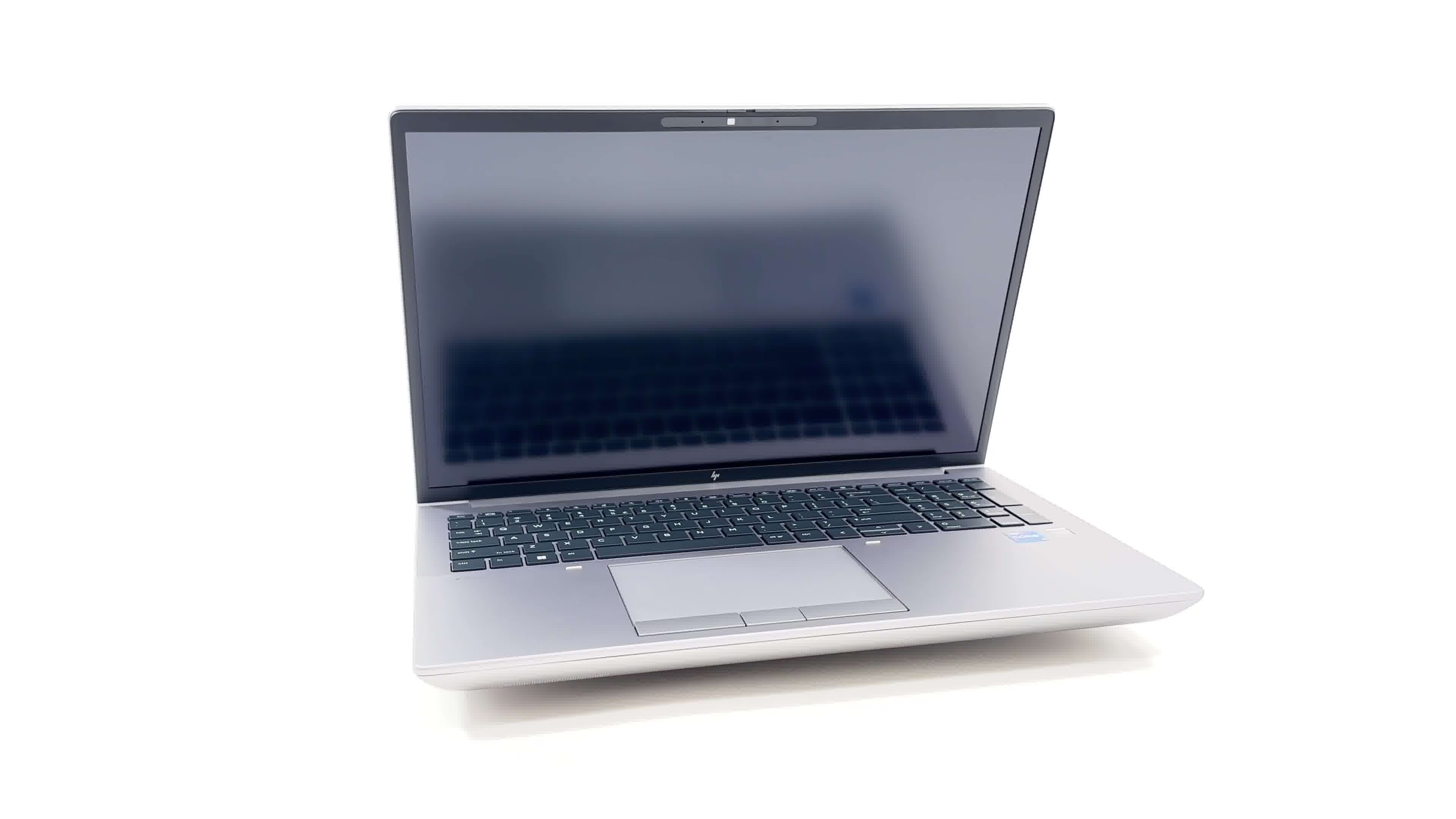
HP ZBook Fury 16 G10

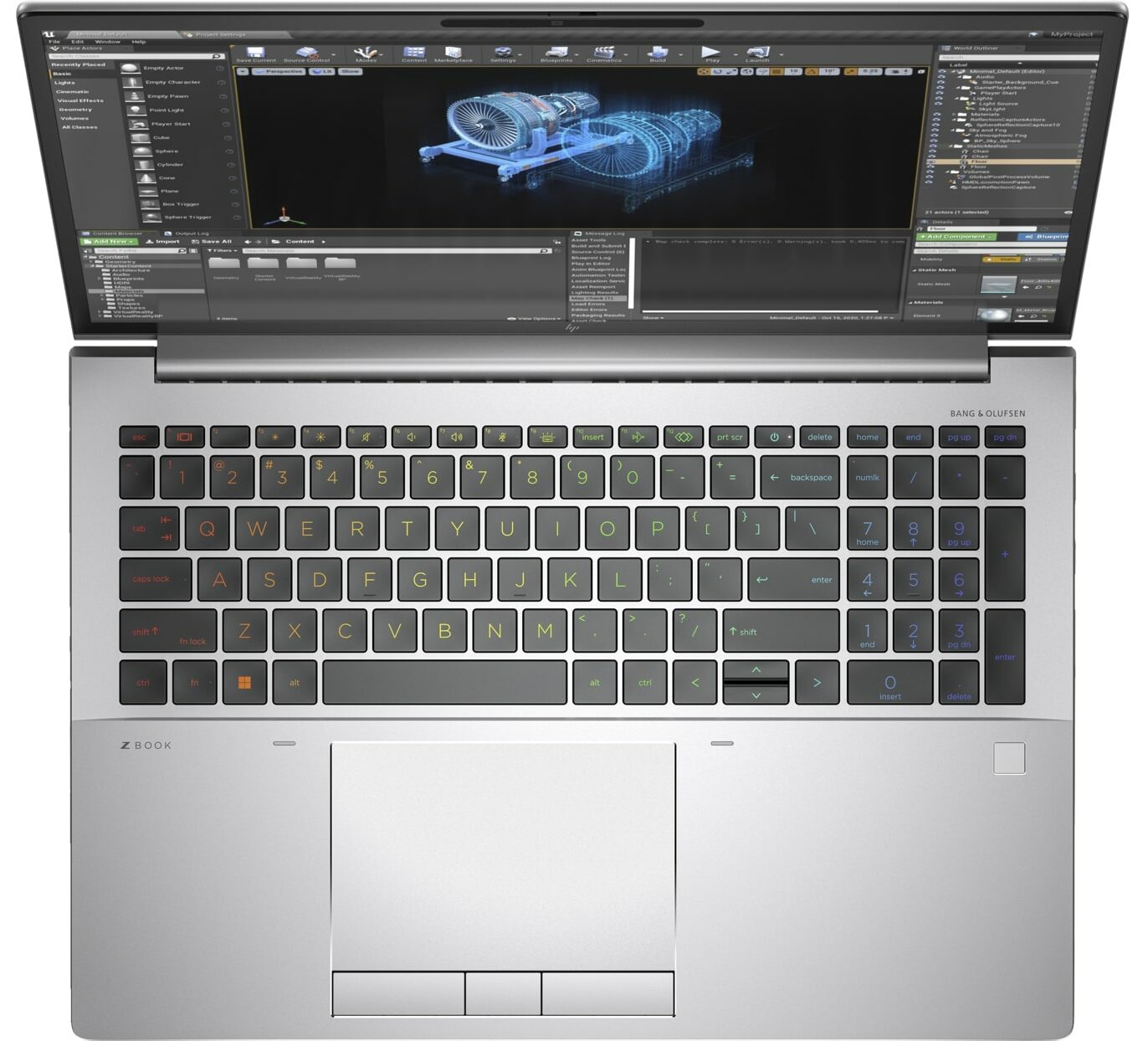
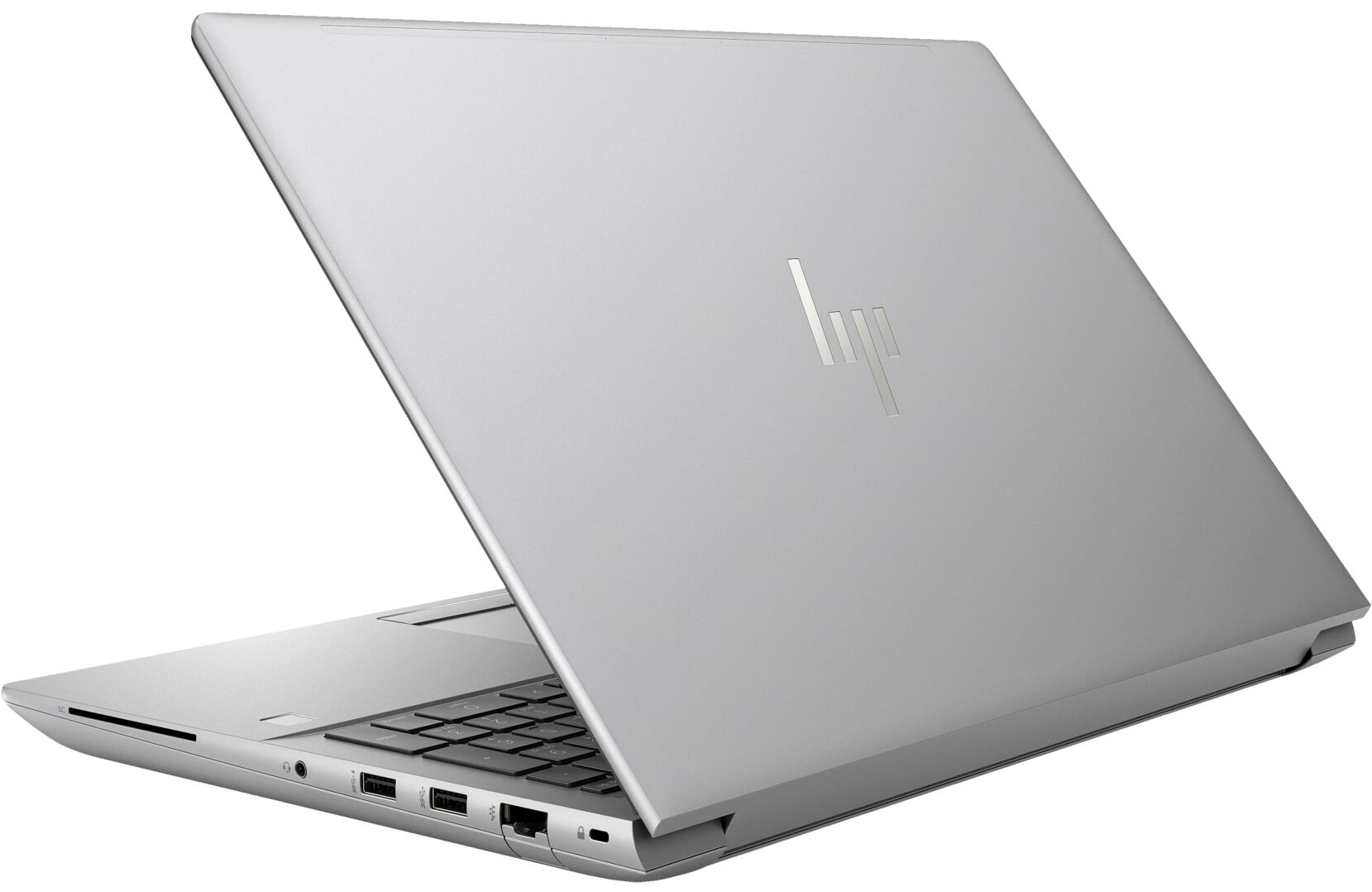
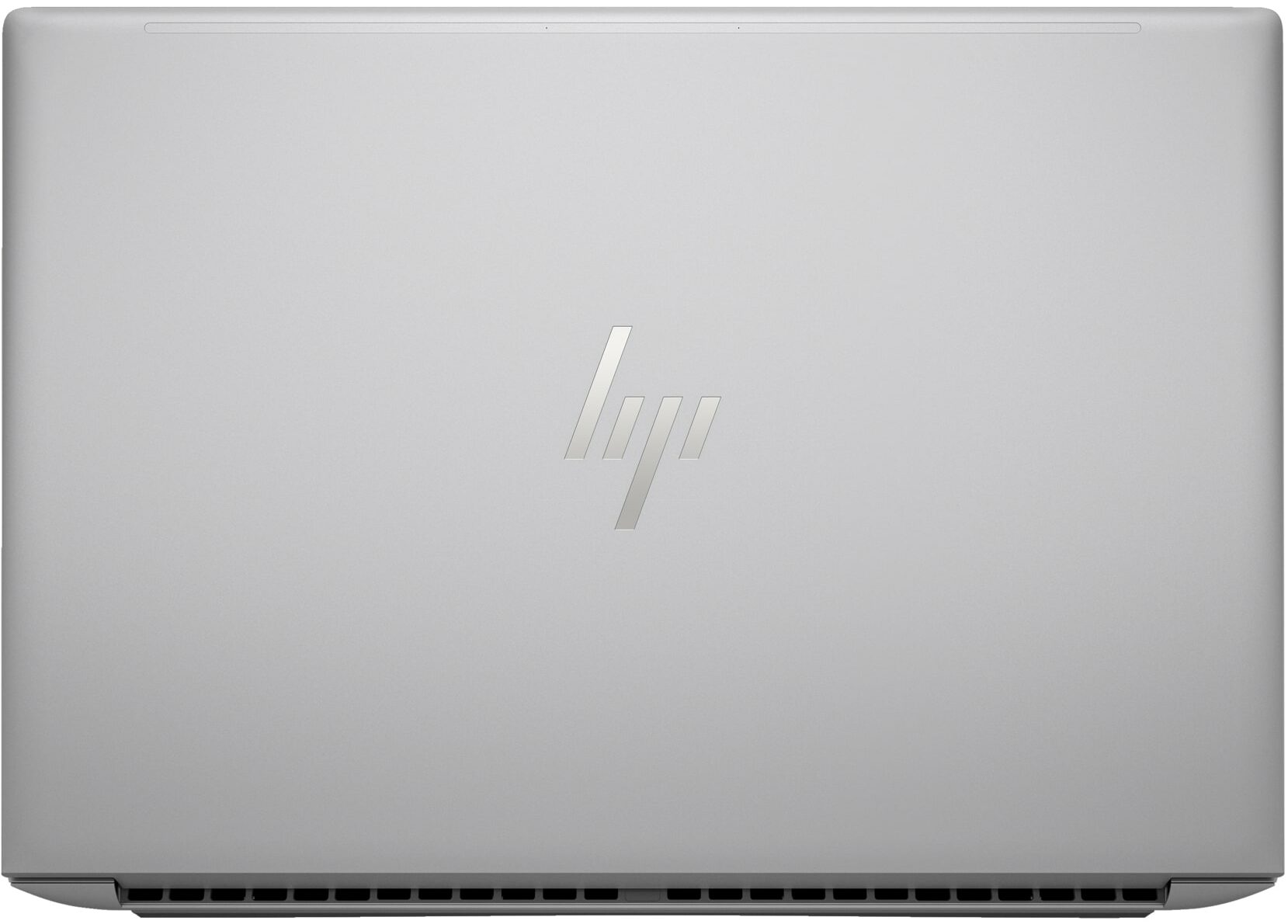
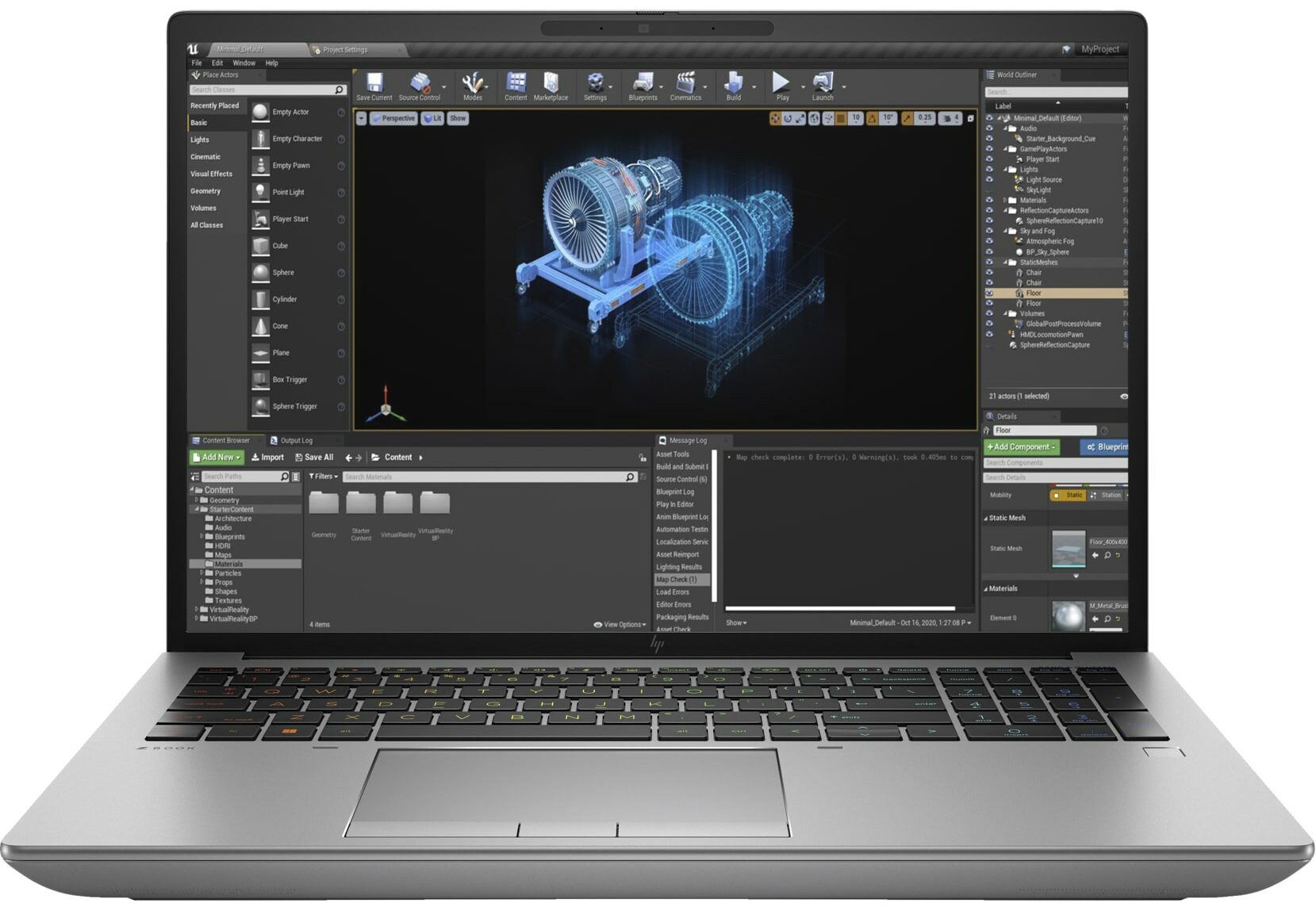
- Date Published: 18 Jan 2024
- Intel Core i7-13700HX
- NVIDIA RTX 2000 Ada Generation (65W)
- 16.0”, WUXGA (1920 x 1200), IPS
- 1000GB SSD
- 32GB DDR5
- 2.35 kg (5.2 lbs)
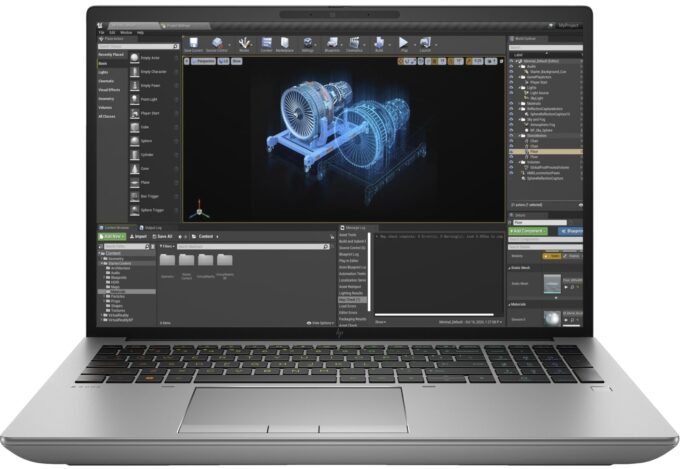
Specs
- Display

- HDD/SSD
- 1TB SSD
- M.2 Slot
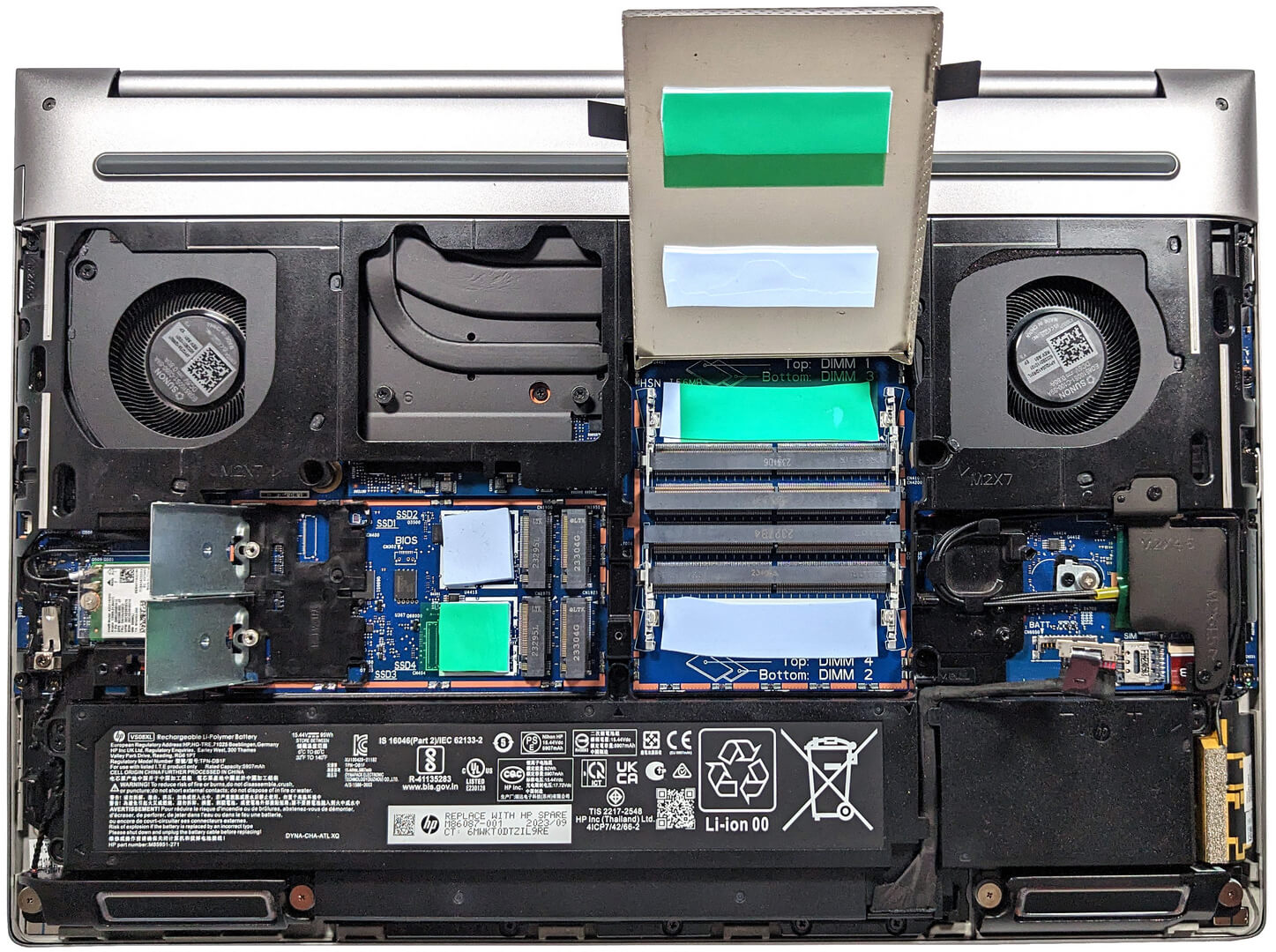
- 4x 2280 M.2 NVMe PCIe 4.0 x4 See photo
- RAM
- 32GB DDR5
- OS
- Windows 11 Pro
- Body Material
- Aluminum
- Dimensions
- 362.96 x 250.69 x 27.7 - 28.60 mm (14.29" x 9.87" x 1.09")
- Weight
- 2.35 kg (5.2 lbs)
- Ports and connectivity
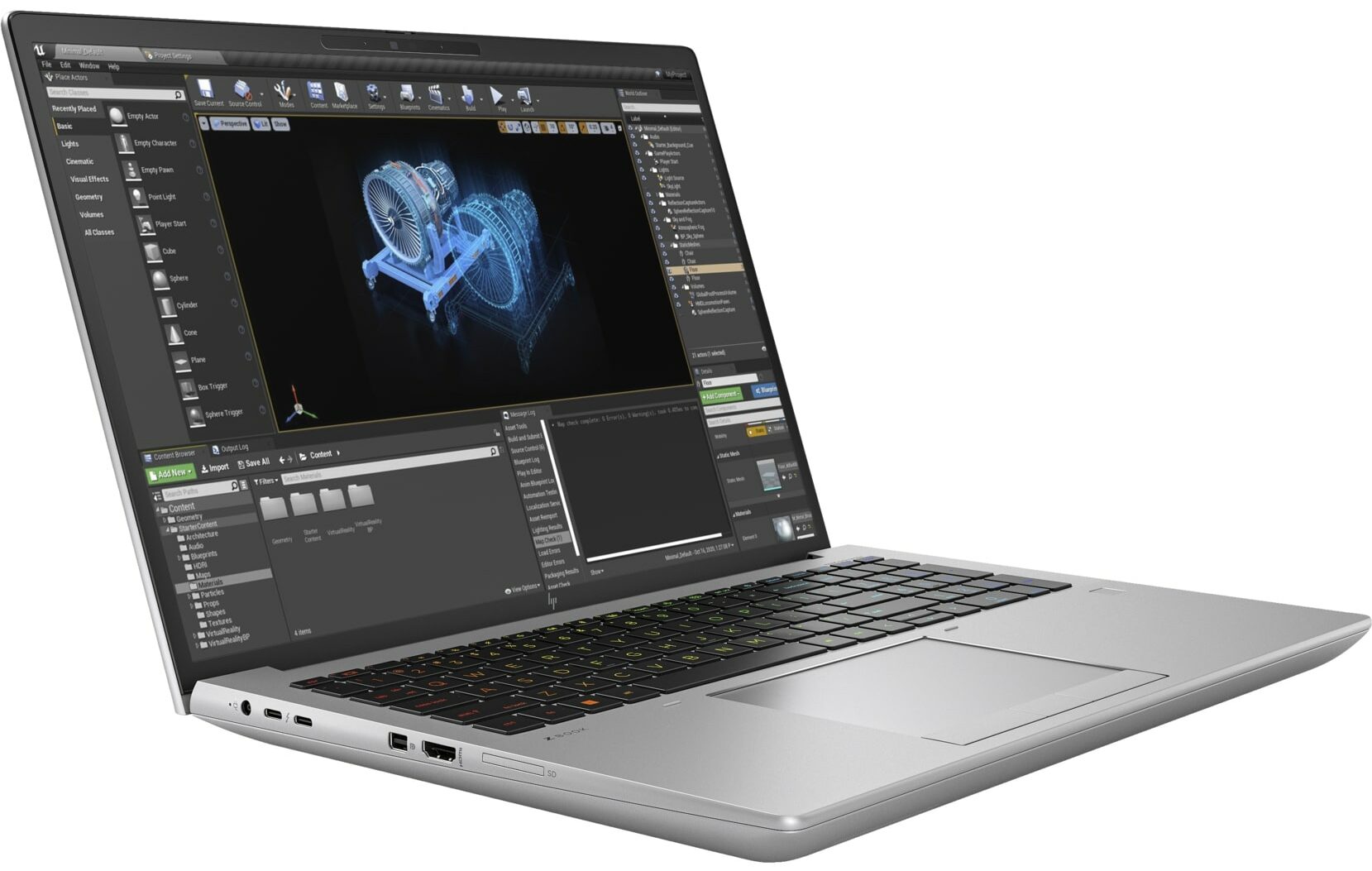
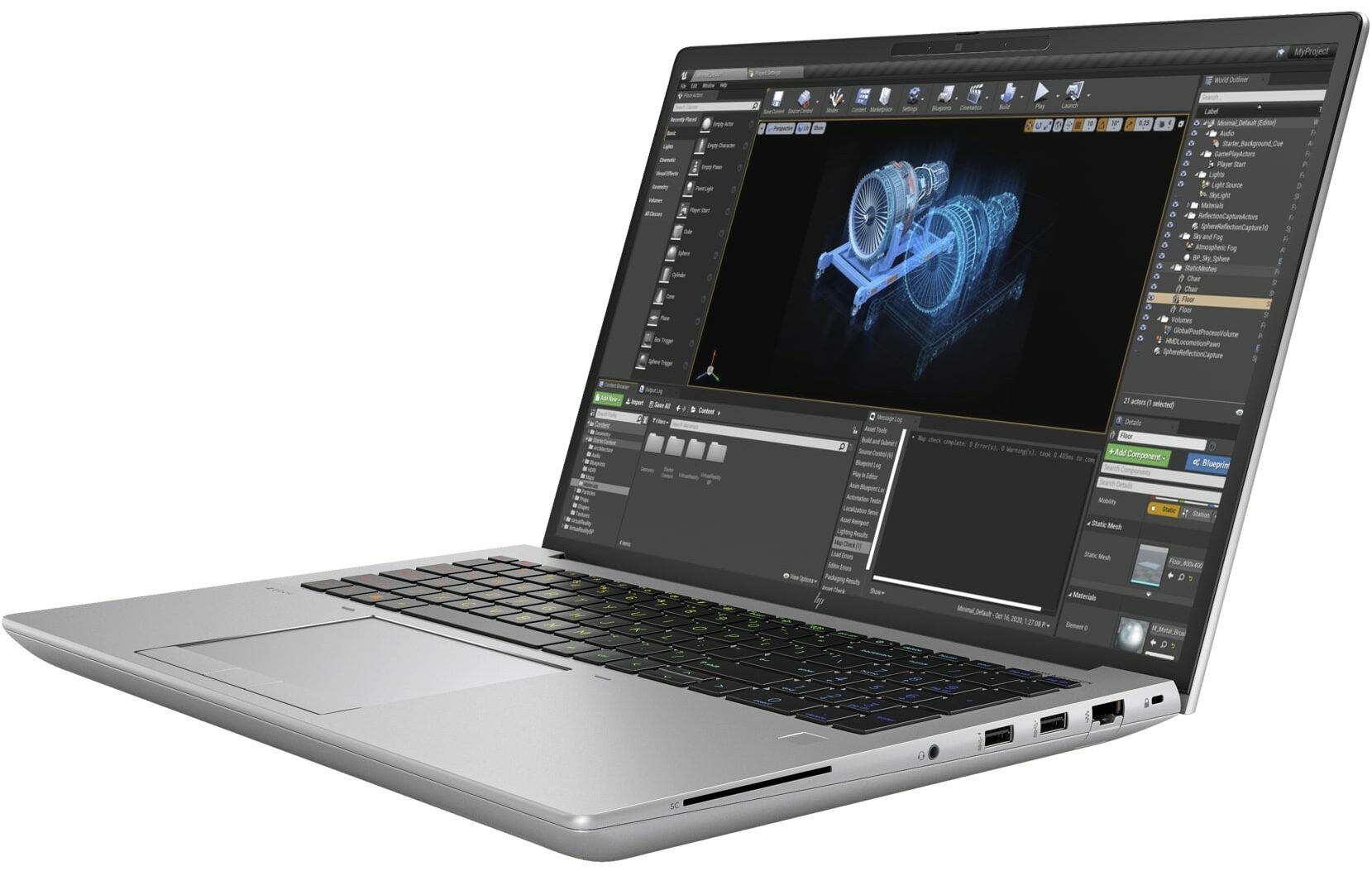
- 1x USB Type-A
- 3.2 Gen 1 (5 Gbps)
- 1x USB Type-A
- 3.2 Gen 1 (5 Gbps), Sleep and Charge
- 2x USB Type-C
- 4.0, Thunderbolt 4, Power Delivery (PD), DisplayPort, Sleep and Charge
- HDMI
- 2.1
- Mini DisplayPort
- Card Reader
- SD (SD, SDHC, SDXC)
- Ethernet LAN
- 10, 100, 1000 Mbit/s
- Wi-Fi
- 802.11ax
- Bluetooth
- 5.2
- Audio jack
- 3.5mm Combo Jack
- Features
- Fingerprint reader
- Web camera
- 5MP IR auto tracking camera
- Backlit keyboard
- Microphone
- HP World Facing dual array digital microphones
- Speakers
- 2x Stereo Speakers with discrete amps, Audio by Bang & Olufsen
- Optical drive
- Security Lock slot
- Nano Security Lock
Portability
Review
HP ZBook Fury 16 G10 in-depth review
If you need a capable mobile workstation for long and heavy workloads like 4K / 8K video editing or 3D rendering, your choice is kind of limited because these devices aren't as common as gaming laptops. Still, the HP ZBook Fury 16 G10 definitely falls into the category of machines meant for heavy-duty usage. Of course, it's not a thin and light notebook because its main purpose is to deliver desktop-like performance. In most cases, a laptop like this sits on a desk and the charger is always plugged in for maximum power under any kind of load.This gadget is offered with high-end hardware. This includes Intel 13th Gen Raptor Lake HX CPUs and NVIDIA RTX Ada Generation laptop GPUs. The top one is the RTX 5000 Ada Generation which is based on the AD103 chip just like the mobile GeForce RTX [...]
Read the full review
Pros
- Solid metal chassis
- Comfortable input devices
- 4x SODIMMs + 4x M.2 slots
- No PWM (AUO AUOAB9B)
- 97% sRGB coverage (AUO AUOAB9B)
- Capable vapor chamber cooling solution
- Great I/O with 2x Thunderbolt 4 + an SD 7.1 card reader
- IR face recognition + optional fingerprint reader
- Quality Bang & Olufsen speakers
- The fans are near-silent in CPU-intensive tasks
- Adequate CPU and GPU temperatures under full load
Cons
- Expensive
- Thick and heavy
- High NVMe temperatures during benchmarking
Disassembly, maintenance and upgrade options
Step 1: Opening the HP ZBook Fury 16 G10Position the workstation on a soft, clean surface to prevent scratches. Locate the service door latch in the middle of the bottom side and slide it to the right to unlock. Gently pull upwards on the bottom panel and lift it away from the chassis to reveal the internals.Tip: This process is designed to be user-friendly, requiring no tools for initial access.Step 2: Battery RemovalDisconnect the battery connector from the motherboard carefully to avoid damaging any pins. Remove the five Phillips-head screws securing the[...]
Read more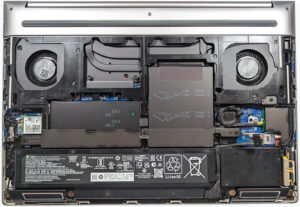


![[June 2026] Best-Selling Laptop Brands on Amazon Global – Apple’s Unrivaled Dominance in Units and Revenue](https://laptopmedia.com/wp-content/uploads/2026/07/GLOBAL-Best-Brands-400x225.jpg)
![[June 2026] Amazon Global: Top 10 Best-Selling Laptops – Apple’s New MacBook Neo Storms to #1, Reshaping the Market with Affordability](https://laptopmedia.com/wp-content/uploads/2026/07/Best-Selling-Laptops-GLOBAL-Top-10-400x225.jpg)
![[June 2026] Amazon Global: Top 10 Best-Selling Gaming Laptops – Acer’s Nitro V 16S AI Dominates Sales, While ASUS Leads Overall Revenue](https://laptopmedia.com/wp-content/uploads/2026/07/Best-Selling-Gaming-Laptops-GLOBAL-Top-10-400x225.jpg)
![[June 2026] Global Ranking of Best-Selling Laptop GPUs on Amazon – NVIDIA RTX 5060 is the Top-Selling Dedicated GPU](https://laptopmedia.com/wp-content/uploads/2026/07/Best-Selling-GPUs-GLOBAL-Top-10-400x225.jpg)
![[June 2026] Global Ranking of Best-Selling Laptop CPUs on Amazon – Apple M5 Dominates, AMD Ryzen 7 260 Gets Solid Premium Share](https://laptopmedia.com/wp-content/uploads/2026/07/Best-Selling-CPUs-GLOBAL-Top-10-400x225.jpg)