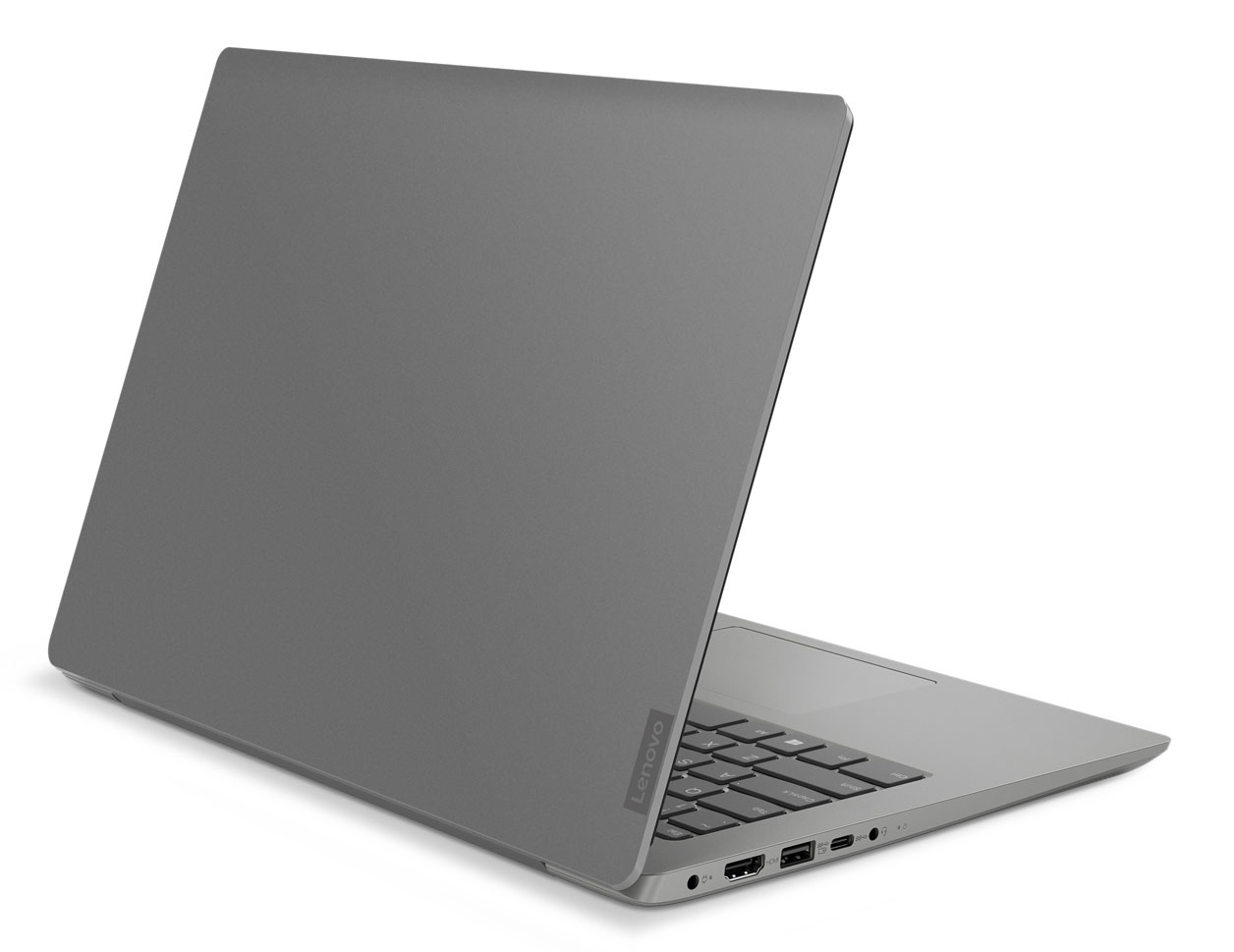
Lenovo IdeaPad 330s 14
- Date Published: 24 Jun 2020
- Intel Core i5-8250U
- Intel UHD Graphics 620
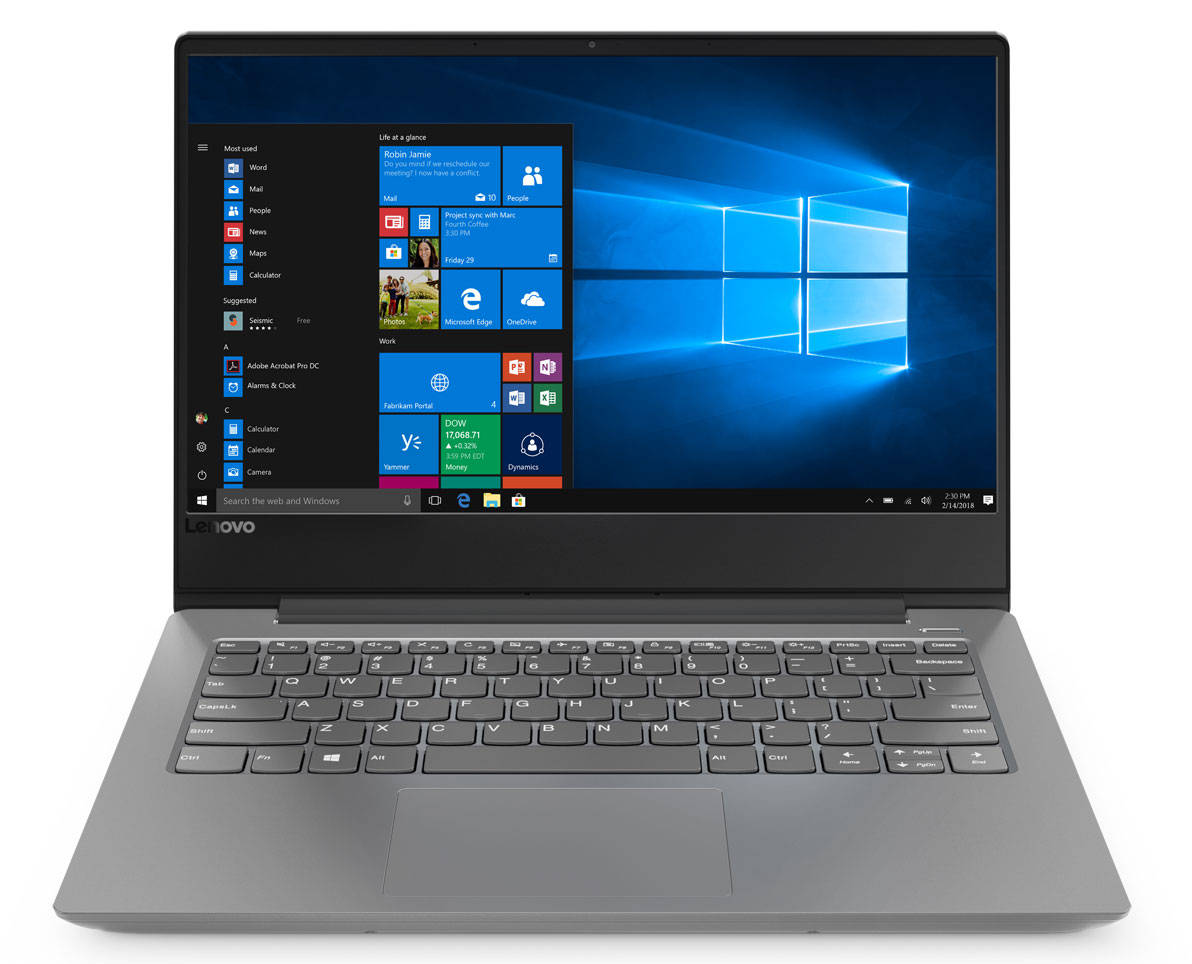
- 14.0”, Full HD (1920 x 1080), IPS
- 1000GB SSD
- 20GB DDR4
- 1.67 kg (3.7 lbs)

Specs

- HDD/SSD
- 1TB SSD
- RAM
- 20GB DDR4
- OS
- Windows 10 Home
- Body Material
- Plastic / Polycarbonate, Aluminum
- Dimensions
- 323 x 235 x 18.95 mm (12.72" x 9.25" x 0.75")
- Weight
- 1.67 kg (3.7 lbs)
- Ports and connectivity
- 1x USB Type-A
- 3.2 Gen 1 (5 Gbps), Sleep and Charge
- 1x USB Type-A
- 3.2 Gen 1 (5 Gbps)
- 1x USB Type-C
- 3.2 Gen 1 (5 Gbps)
- HDMI
- 2.0
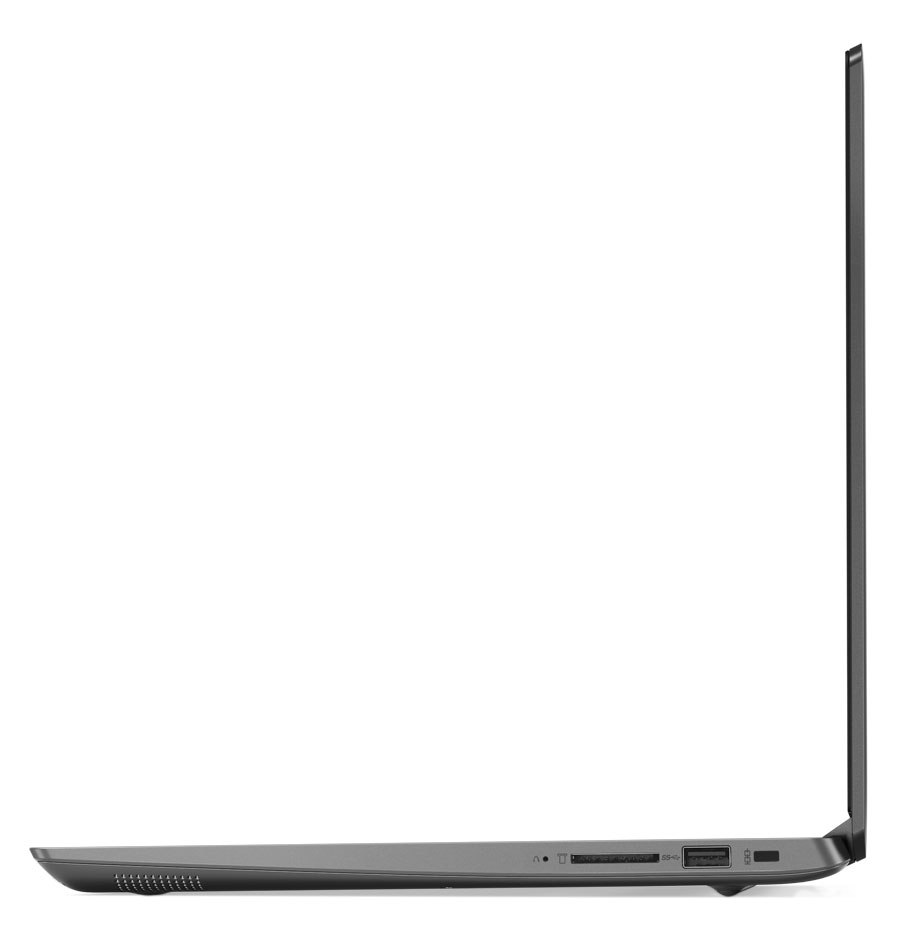
- Card Reader
- SD, SDHC, SDXC
- Ethernet LAN
- Wi-Fi
- 802.11ac
- Bluetooth
- 4.1
- Audio jack
- 3.5 mm combo
- Features
- Web camera
- HD
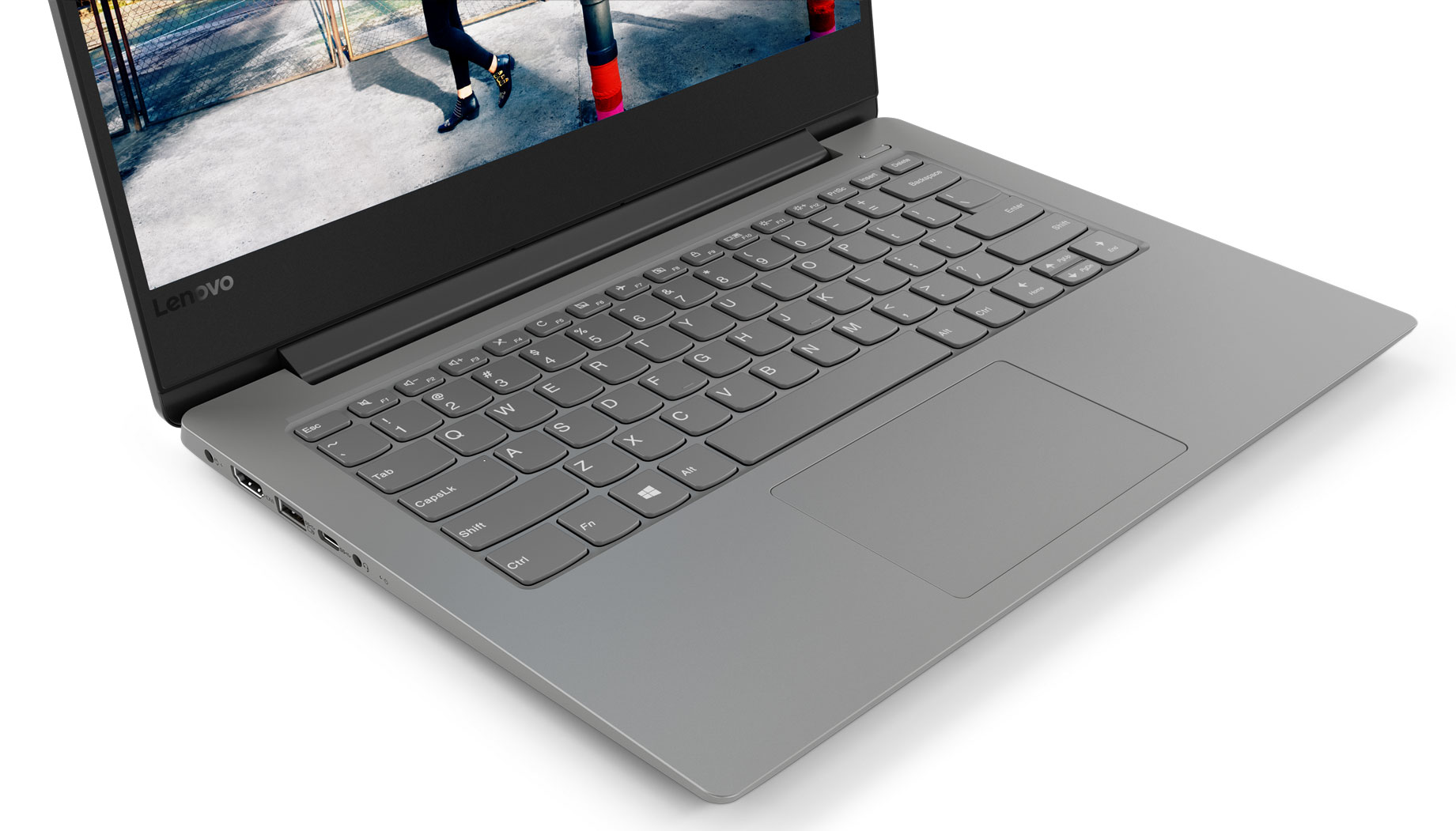
- Backlit keyboard
- Microphone
- Dual-Array Microphone
- Speakers
- 2x 2W, Dolby Audio
- Optical drive
- Security Lock slot
Portability
Review
Lenovo IdeaPad 330s 14 in-depth review
Lenovo is one of the major players in the laptop domain. Today we are going to inspect one of the pillars in the budget notebook market - the Lenovo IdeaPad 330s (14"). This device is aimed straight at students and offers a wide variety of configurations. By having such a device, Lenovo satisfies the needs of pretty much every market share you can think of.Basically, the Lenovo IdeaPad 330s (14") is one of the cheapest notebooks that can offer relatively good CPU in combination with an IPS display. At the same time, the build quality is kept on point as well. However, without further ado, let's check if the students are going to love this notebook.You can check the prices and configurations in our Specs System: https://laptopmedia.com/series/lenovo-ideapad-330s-14/Spe[...]
Read the full review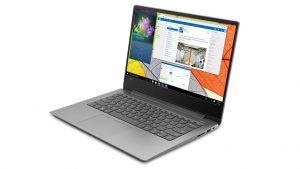
Pros
- Adequately priced
- IPS option available, despite the very low price
- Exceptional battery life
- Aluminum lid cover
Cons
- Screen (BOE NV140FHM-N48) uses aggressive PWM for brightness adjustment (addressed by our Health-Guard profile)
- Only 54% coverage of sRGB (BOE NV140FHM-N48)
- Wobbly keyboard


![[June 2026] Best-Selling Laptop Brands on Amazon Global – Apple’s Unrivaled Dominance in Units and Revenue](https://laptopmedia.com/wp-content/uploads/2026/07/GLOBAL-Best-Brands-400x225.jpg)
![[June 2026] Amazon Global: Top 10 Best-Selling Laptops – Apple’s New MacBook Neo Storms to #1, Reshaping the Market with Affordability](https://laptopmedia.com/wp-content/uploads/2026/07/Best-Selling-Laptops-GLOBAL-Top-10-400x225.jpg)
![[June 2026] Amazon Global: Top 10 Best-Selling Gaming Laptops – Acer’s Nitro V 16S AI Dominates Sales, While ASUS Leads Overall Revenue](https://laptopmedia.com/wp-content/uploads/2026/07/Best-Selling-Gaming-Laptops-GLOBAL-Top-10-400x225.jpg)
![[June 2026] Global Ranking of Best-Selling Laptop GPUs on Amazon – NVIDIA RTX 5060 is the Top-Selling Dedicated GPU](https://laptopmedia.com/wp-content/uploads/2026/07/Best-Selling-GPUs-GLOBAL-Top-10-400x225.jpg)
![[June 2026] Global Ranking of Best-Selling Laptop CPUs on Amazon – Apple M5 Dominates, AMD Ryzen 7 260 Gets Solid Premium Share](https://laptopmedia.com/wp-content/uploads/2026/07/Best-Selling-CPUs-GLOBAL-Top-10-400x225.jpg)
