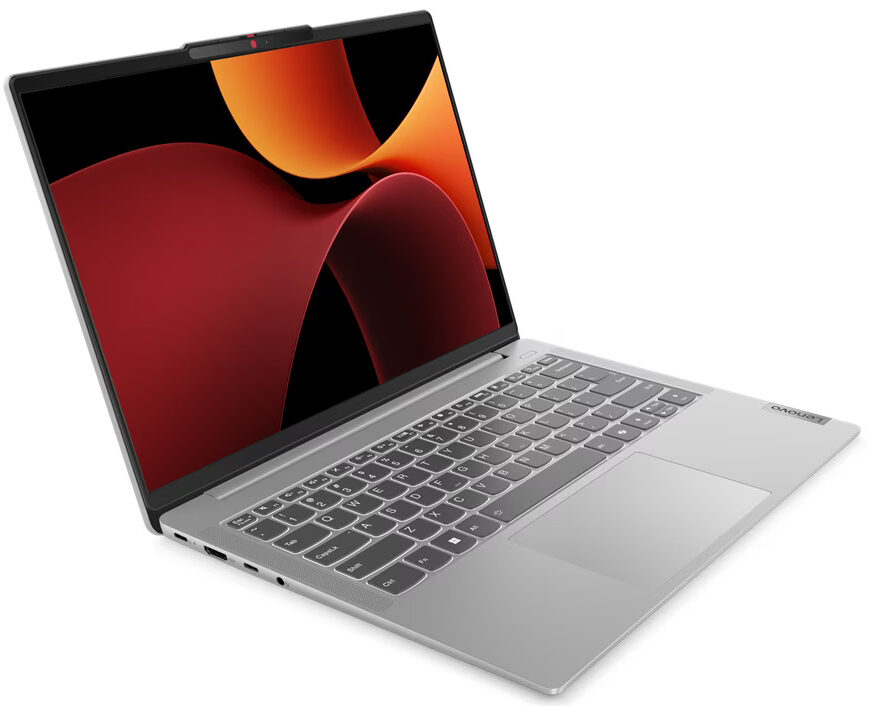
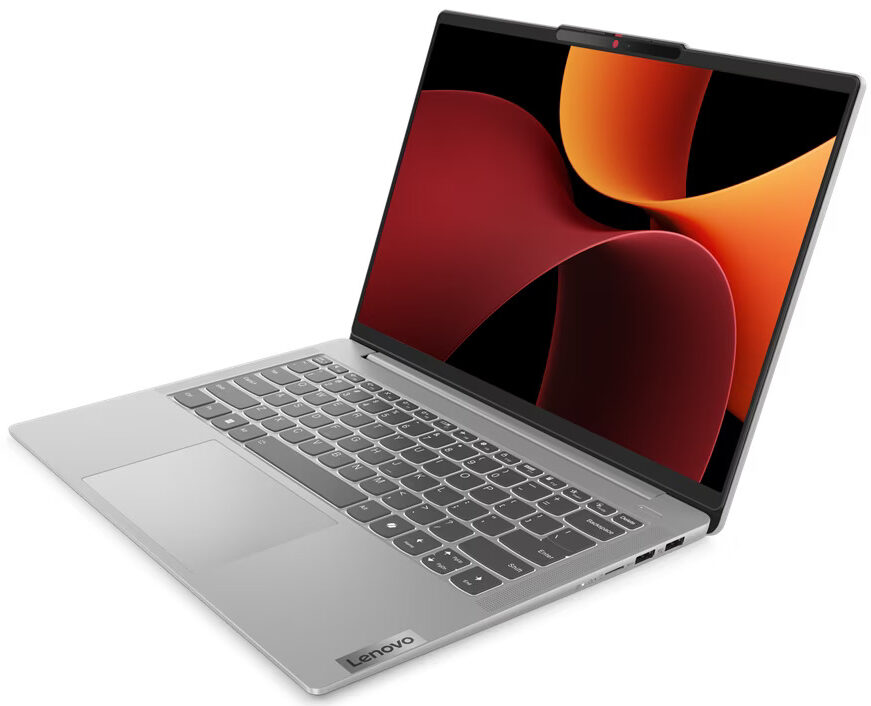
Lenovo IdeaPad Slim 5
- Date Published: 05 Aug 2026
- AMD Ryzen 5 8645HS
- AMD Radeon 760M
- 14.0”, WUXGA (1920 x 1200), OLED
- 512GB SSD
- 16GB RAM
- 1.44 kg (3.2 lbs)
Review
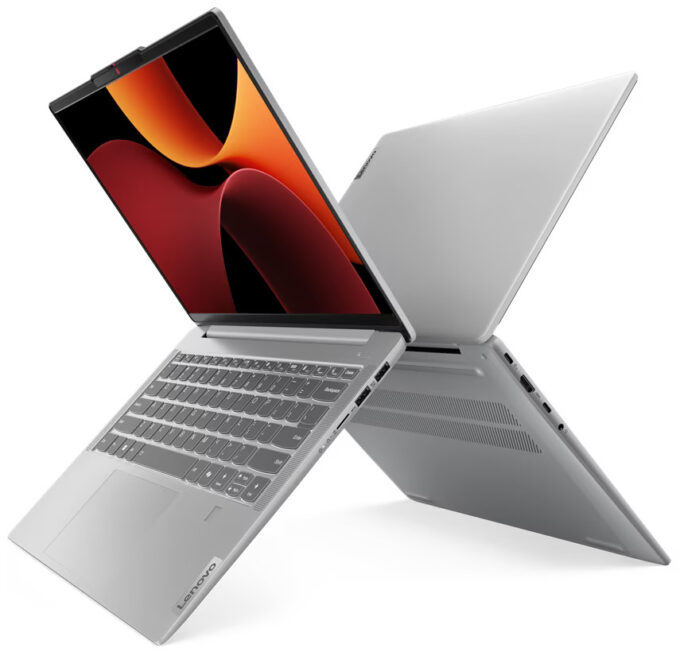
Lenovo IdeaPad Slim 5 in-depth review
The Lenovo IdeaPad Slim 5 Gen 9 (14" AMD) is a compact multipurpose machine. Its Gen 8 predecessor is powered by 15W Zen 3 Barcelo-U Refresh chips while the new kid on the block relies on the more thirsty and powerful 45W AMD Zen 4 Hawk Point-HS processors. These chips also require significant cooling. On the bright side, the thermal system of this laptop doesn't look weak so you can expect adequate overall performance.This is a thin 14-incher and that's why the absence of dGPU options isn't something unexpected. Since the CPUs have a hefty power limit this also has a positive impact on the iGPU performance and yes, we can confirm you can play light games such as Dota 2 even on High details with respectable FPS values.The upgradability isn't great. If you want, you can change the S[...]
Read the full review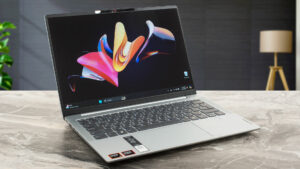
Pros
- Optional fingerprint reader and IR Web camera
- Thin, light, and rigid aluminum body
- No PWM (LEN9125)
- Wide viewing angles + 302 nits max brightness (LEN9125)
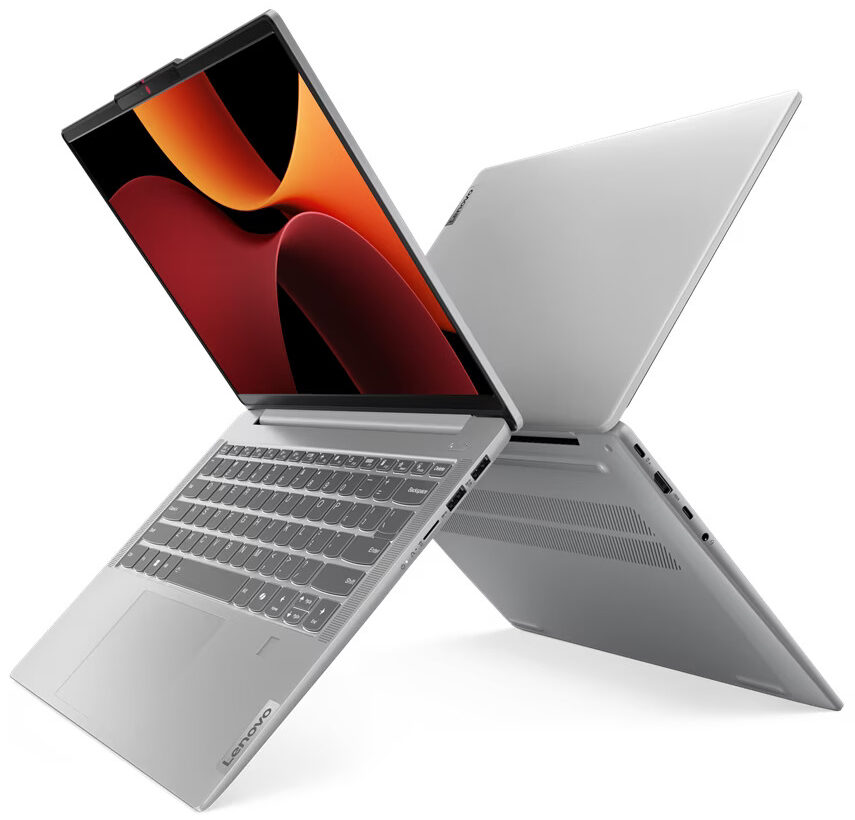
- MicroSD card slot and 4x USB ports
- Good performance for a 14-incher
- Long battery life
- The fan remains quiet during long full CPU loads
- Comfortable input devices
- Quality speakers
- Snappy iGPU
- 45W Zen 4 CPU options
Cons
- Soldered memory and just one M.2 slot
- Low sRGB coverage (LEN9125)
- All ports are rated at 5 Gbps
Disassembly, maintenance and upgrade options
Opening the DeviceUndo the six Torx-head screws securing the bottom panel. Raise the two sections behind the hinge cover near the top two corners. Use a thin plastic tool to pop the sides and the front. Fully pry the back to remove the bottom panel.More info: Here's how the bottom panel looks on the inside.Battery RemovalUnplug the battery connector from the mainboard. Undo the 4 Phillips-head screws securing the battery. Untangle the speaker cable around the battery housing. Lift the battery to remove it from the device.Note: The laptop ha[...]
Read more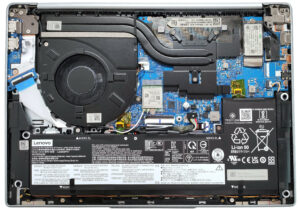


![[June 2026] Best-Selling Laptop Brands on Amazon Global – Apple’s Unrivaled Dominance in Units and Revenue](https://laptopmedia.com/wp-content/uploads/2026/07/GLOBAL-Best-Brands-400x225.jpg)
![[June 2026] Amazon Global: Top 10 Best-Selling Laptops – Apple’s New MacBook Neo Storms to #1, Reshaping the Market with Affordability](https://laptopmedia.com/wp-content/uploads/2026/07/Best-Selling-Laptops-GLOBAL-Top-10-400x225.jpg)
![[June 2026] Amazon Global: Top 10 Best-Selling Gaming Laptops – Acer’s Nitro V 16S AI Dominates Sales, While ASUS Leads Overall Revenue](https://laptopmedia.com/wp-content/uploads/2026/07/Best-Selling-Gaming-Laptops-GLOBAL-Top-10-400x225.jpg)
![[June 2026] Global Ranking of Best-Selling Laptop GPUs on Amazon – NVIDIA RTX 5060 is the Top-Selling Dedicated GPU](https://laptopmedia.com/wp-content/uploads/2026/07/Best-Selling-GPUs-GLOBAL-Top-10-400x225.jpg)
![[June 2026] Global Ranking of Best-Selling Laptop CPUs on Amazon – Apple M5 Dominates, AMD Ryzen 7 260 Gets Solid Premium Share](https://laptopmedia.com/wp-content/uploads/2026/07/Best-Selling-CPUs-GLOBAL-Top-10-400x225.jpg)
