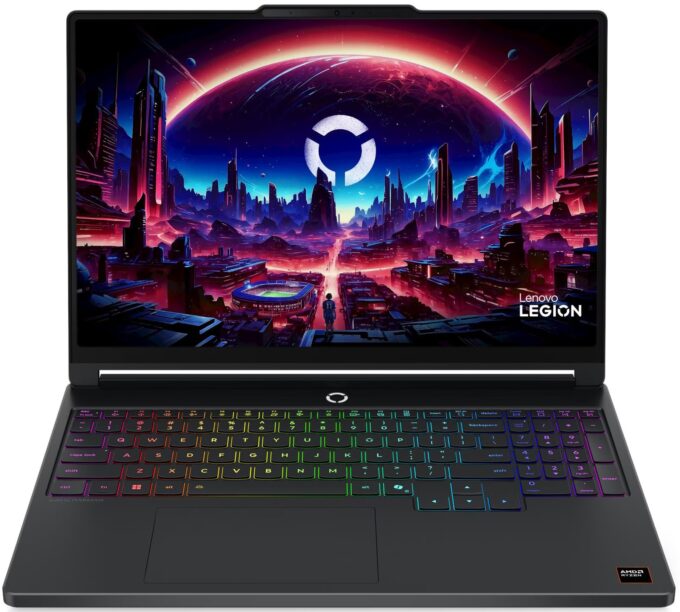
Lenovo Legion 5a
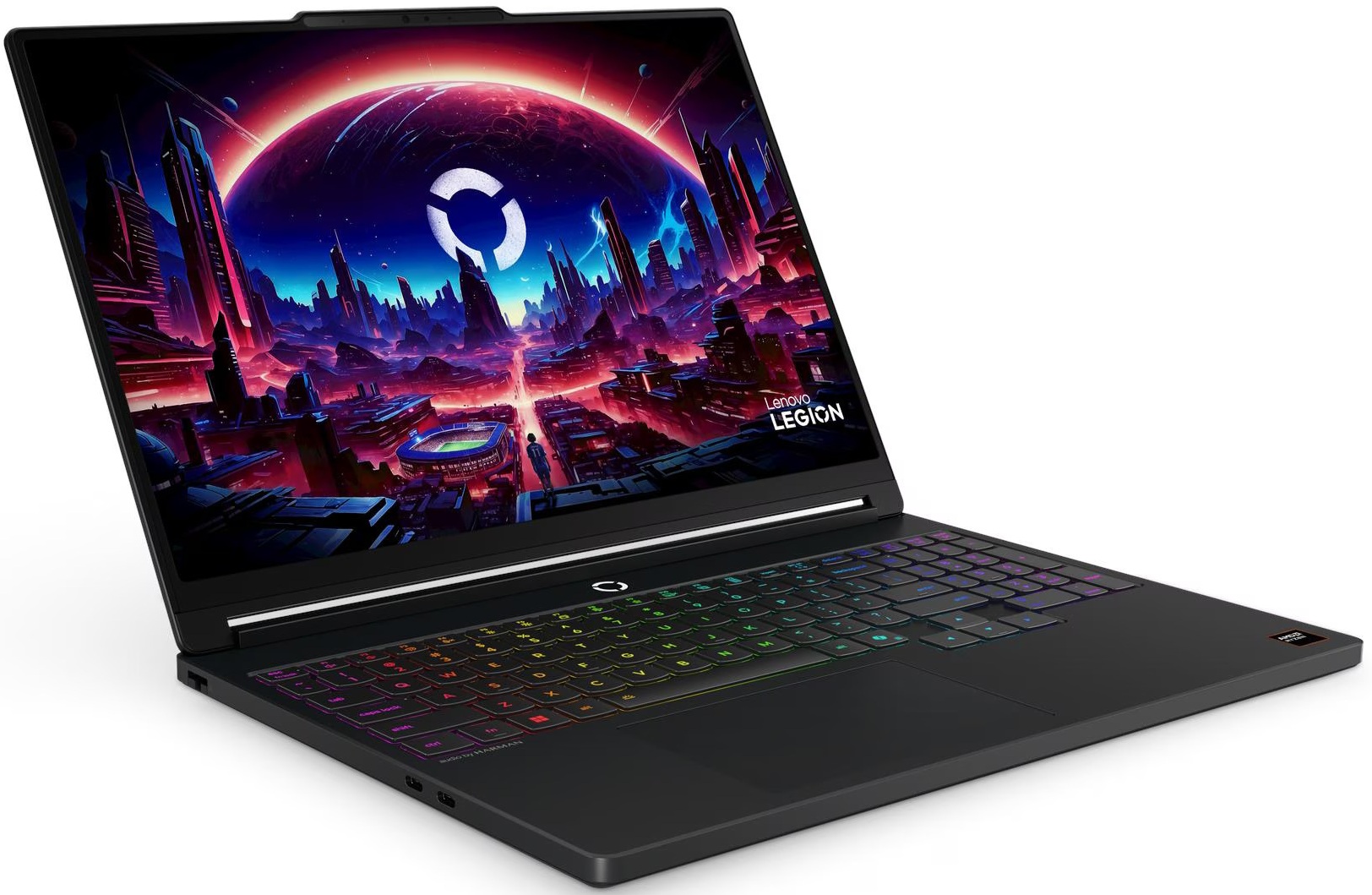
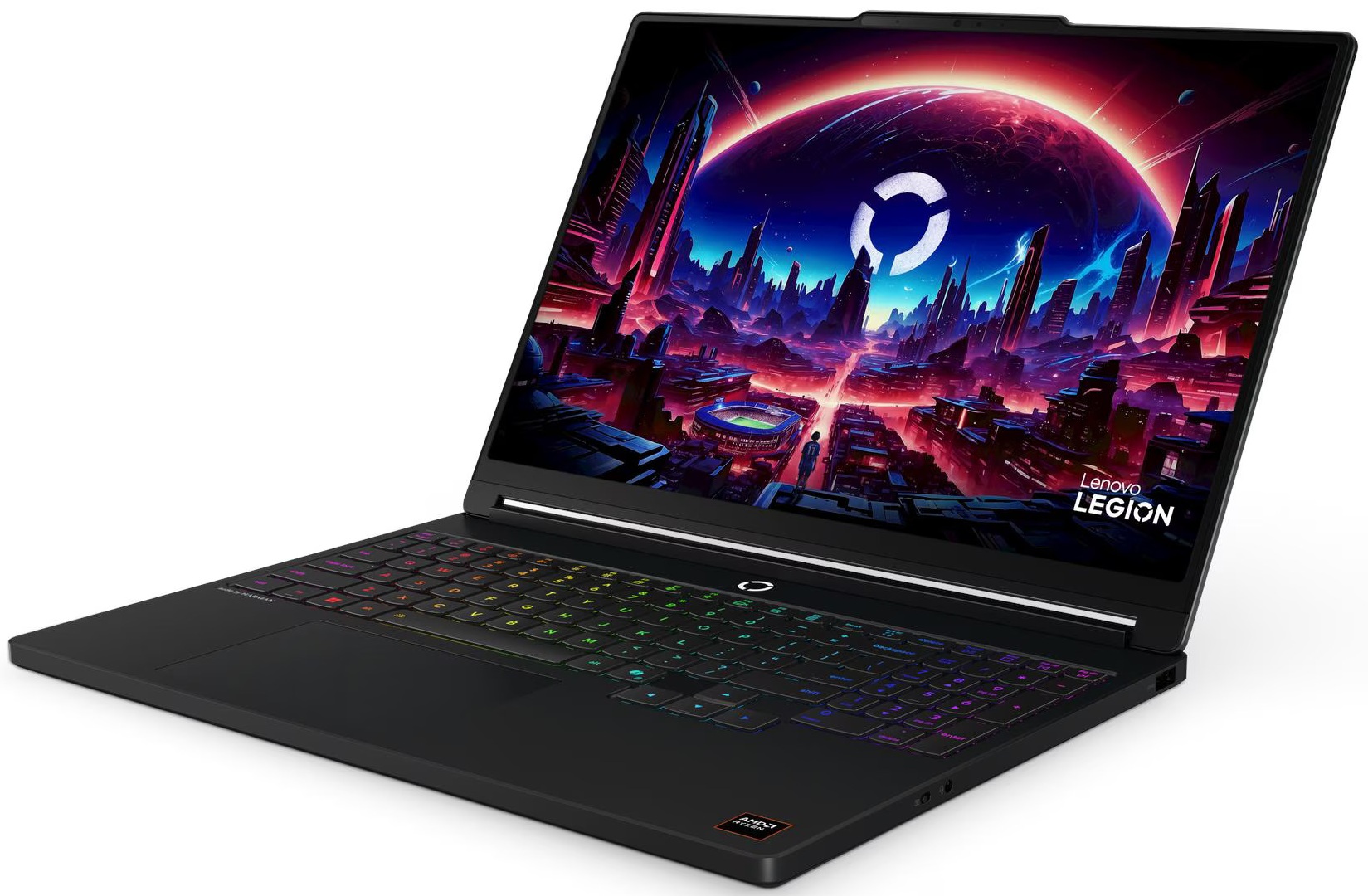
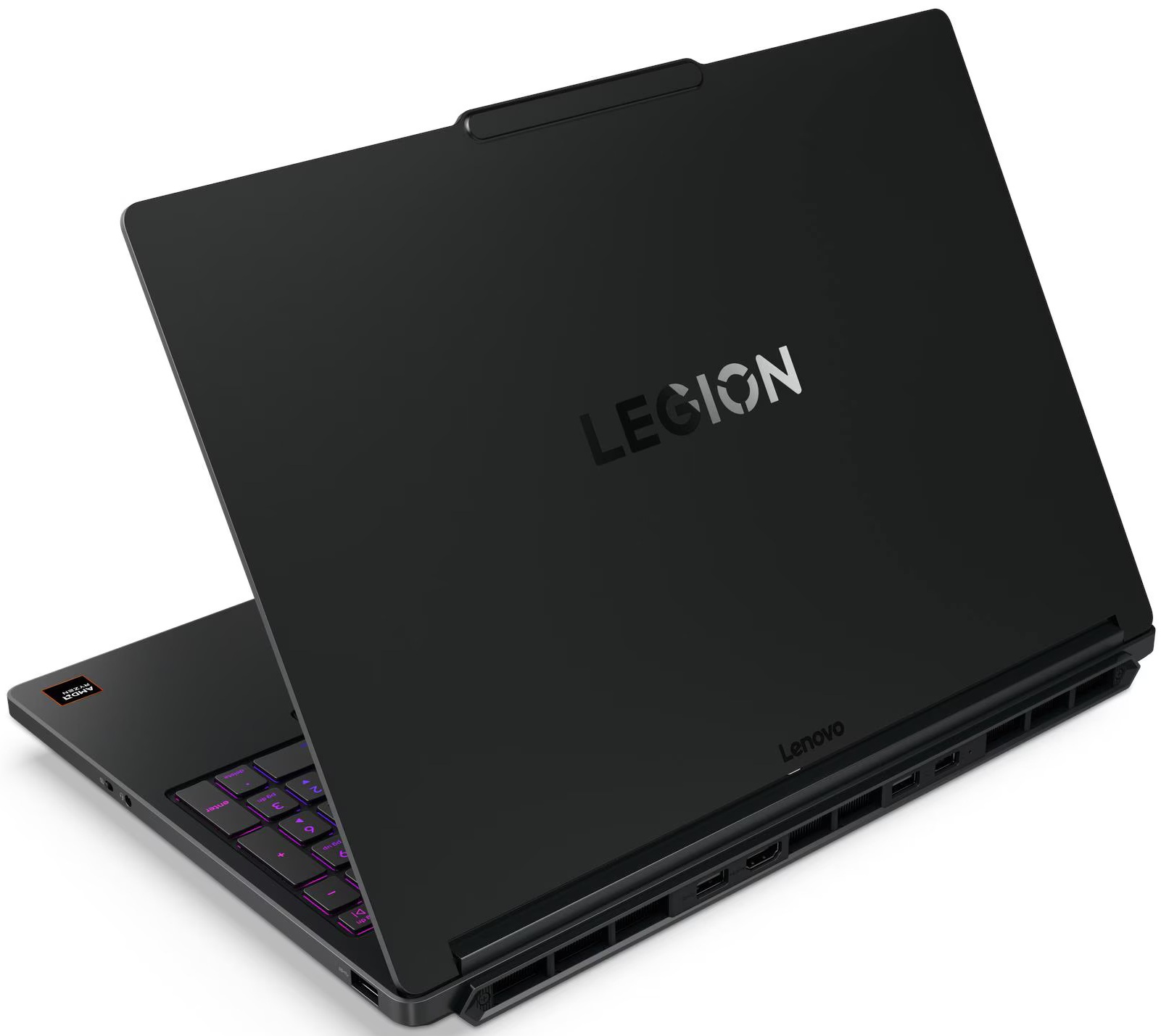
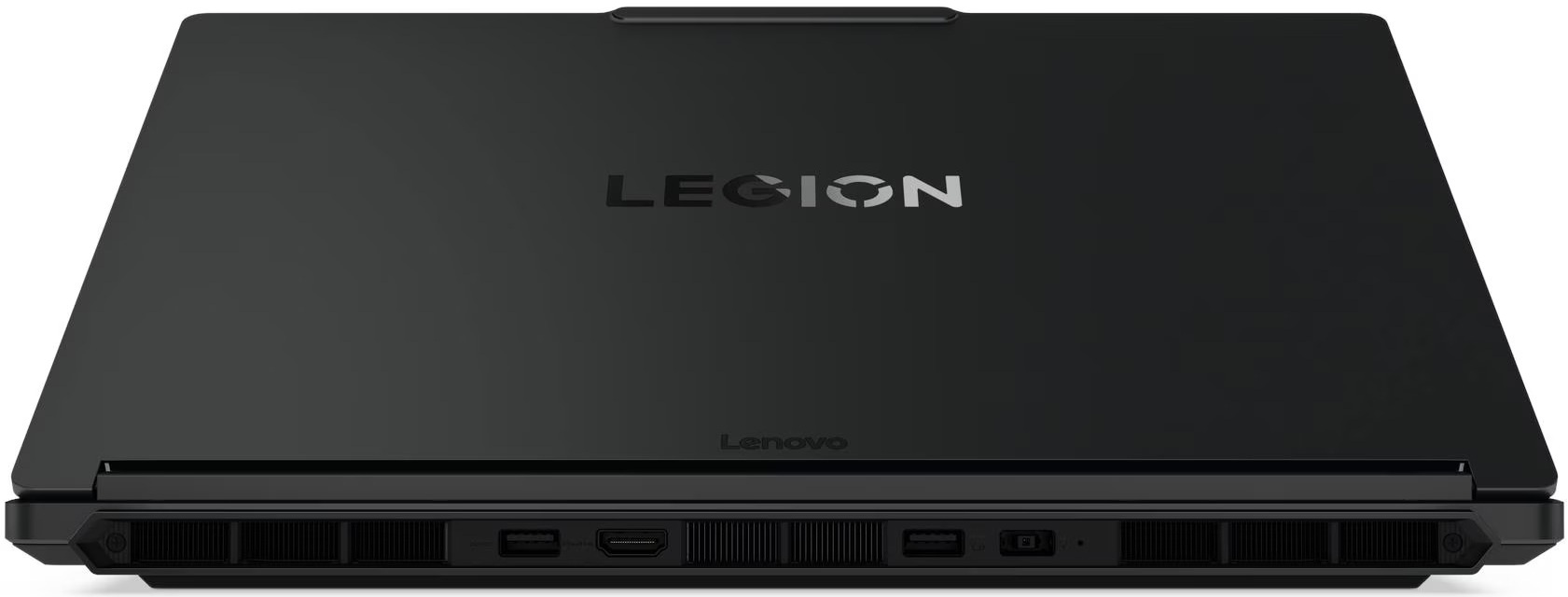

- Date Published: 20 May 2026
- AMD Ryzen AI 9 465
- NVIDIA GeForce RTX 5060 (Laptop)
- 15.3”, WQXGA (2560 x 1600), 165 Hz, OLED
- 1000GB SSD
- 32GB RAM
- 1.87 kg (4.1 lbs)
Review
Lenovo Legion 5a in-depth review
At first glance, Lenovo Legion 5a's sleek, understated "Eclipse Black" chassis and premium metal lid suggest a high-end business workstation, perfectly suited for the boardroom. But beneath this professional exterior beats the heart of a ferocious gaming machine. Packing the latest AMD Ryzen AI 9 processor and an NVIDIA RTX 5060, it promises top-tier performance hidden in a surprisingly portable sub-2kg frame. In our testing, this stealthy approach yielded some incredible results, shattering records for its class. But does this relentless pursuit of power in a slim chassis come at too high a cost when it's time to unplug? We put the new Legion 5a through its paces to separate the hype from the reality.TESTED CONFIGURATION:- AMD Ryzen AI 9 465 - NVIDIA GeForce RTX 5060 - 16GB [...]
Read the full review
Pros
- Stunning 165Hz QHD+ OLED display with perfect colors
- Class-leading RTX 5060 gaming performance for a 15-inch laptop
- Excellent GPU thermal management keeps the system stable
- Sleek, professional design with a fingerprint-resistant finish
- Great keyboard layout featuring full-sized arrow keys
- Future-proof connectivity with two USB4 ports
Cons
- Extremely poor battery life (just over 3 hours)
- CPU runs hot under sustained heavy load
- Highly reflective glossy OLED screen
- No biometric login options (fingerprint or IR)
Disassembly, maintenance and upgrade options
Step 1: Removing the bottom panelPower off the laptop and place it on a soft, clean surface. Undo the 10 screws securing the bottom panel. Use a thin plastic pry tool to carefully release the clips around the perimeter. Lift the bottom cover away from the chassis.More info: Once inside, the layout is clean and easy to navigate, with the cooling hardware at the top, the battery along the front edge, the memory in the center, and the storage area positioned nearby. Lenovo has also added thermal pads on the inside of the bottom cover to help cool the SSD area. [...]
Read more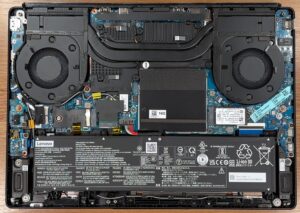


![[June 2026] Best-Selling Laptop Brands on Amazon Global – Apple’s Unrivaled Dominance in Units and Revenue](https://laptopmedia.com/wp-content/uploads/2026/07/GLOBAL-Best-Brands-400x225.jpg)
![[June 2026] Amazon Global: Top 10 Best-Selling Laptops – Apple’s New MacBook Neo Storms to #1, Reshaping the Market with Affordability](https://laptopmedia.com/wp-content/uploads/2026/07/Best-Selling-Laptops-GLOBAL-Top-10-400x225.jpg)
![[June 2026] Amazon Global: Top 10 Best-Selling Gaming Laptops – Acer’s Nitro V 16S AI Dominates Sales, While ASUS Leads Overall Revenue](https://laptopmedia.com/wp-content/uploads/2026/07/Best-Selling-Gaming-Laptops-GLOBAL-Top-10-400x225.jpg)
![[June 2026] Global Ranking of Best-Selling Laptop GPUs on Amazon – NVIDIA RTX 5060 is the Top-Selling Dedicated GPU](https://laptopmedia.com/wp-content/uploads/2026/07/Best-Selling-GPUs-GLOBAL-Top-10-400x225.jpg)
![[June 2026] Global Ranking of Best-Selling Laptop CPUs on Amazon – Apple M5 Dominates, AMD Ryzen 7 260 Gets Solid Premium Share](https://laptopmedia.com/wp-content/uploads/2026/07/Best-Selling-CPUs-GLOBAL-Top-10-400x225.jpg)
