Lenovo Legion 7a (16″, Gen 11)
- Date Published: 25 May 2026
- AMD Ryzen AI 9 HX 470
- NVIDIA GeForce RTX 5060 (Laptop)
- 16.0", WQXGA (2560 x 1600), 240 Hz, OLED
- 1000GB SSD
- 32GB RAM
- 1.80 kg (4 lbs)
Review
Lenovo Legion 7a (16″, Gen 11) in-depth review
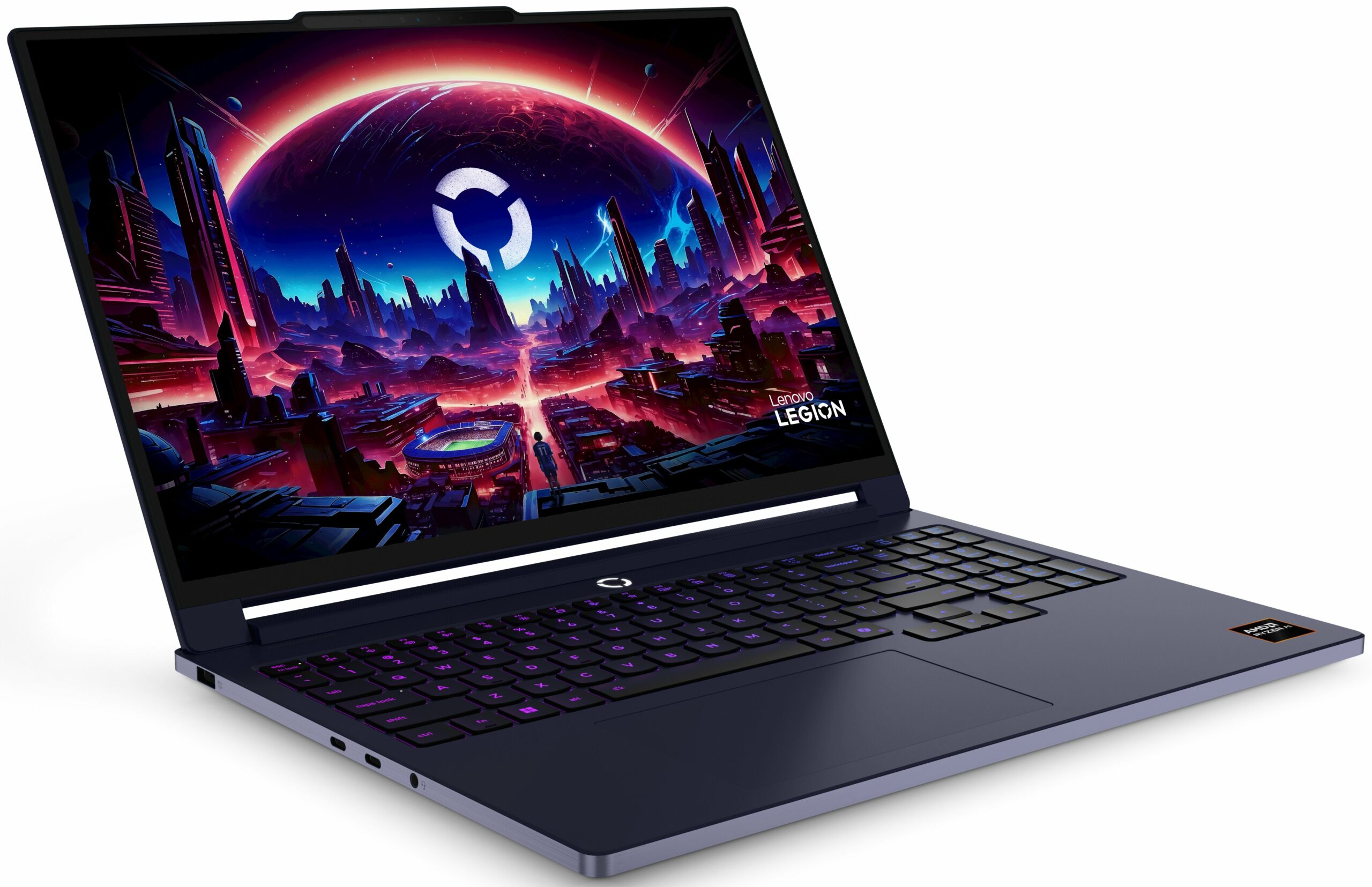
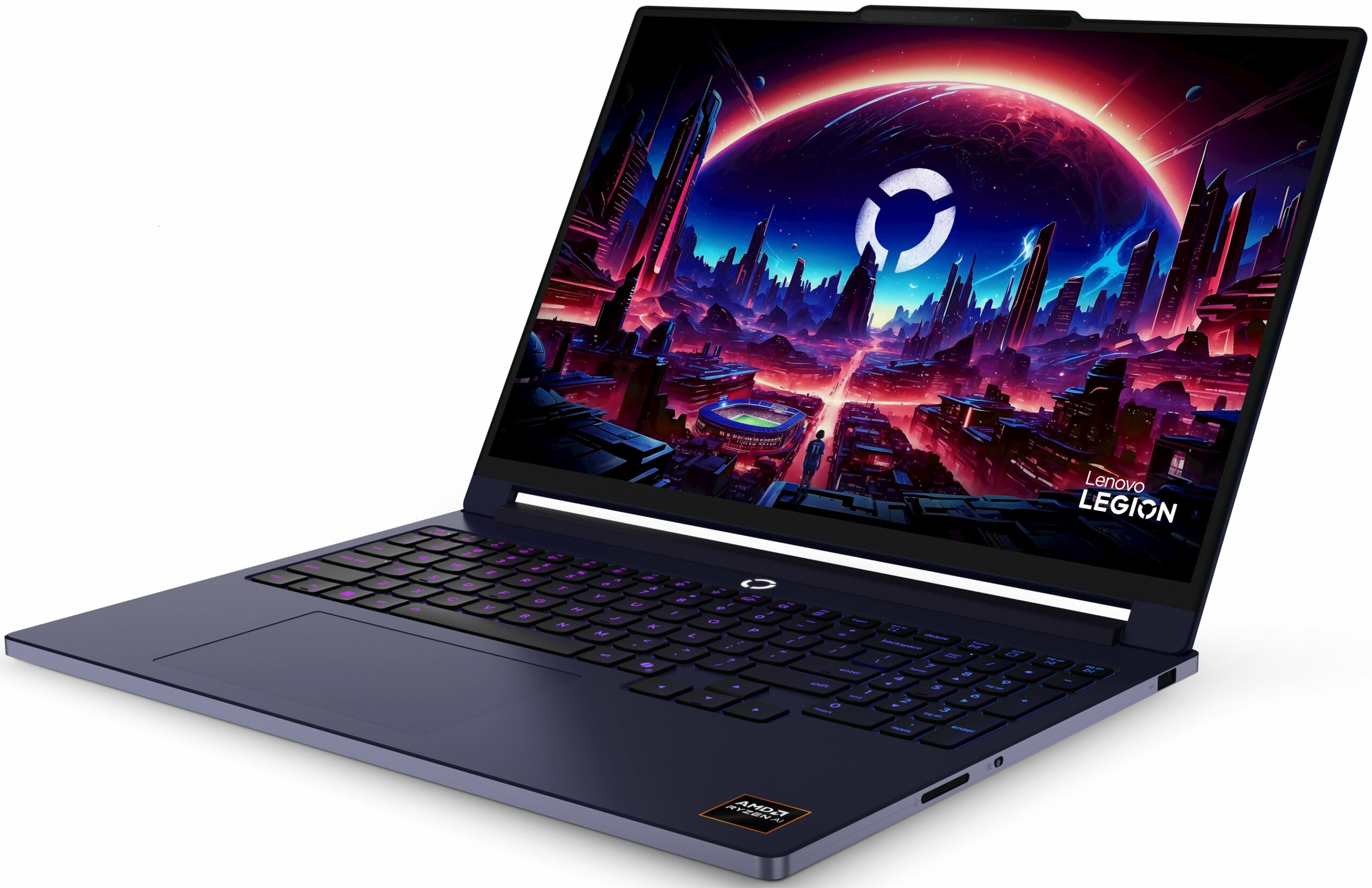
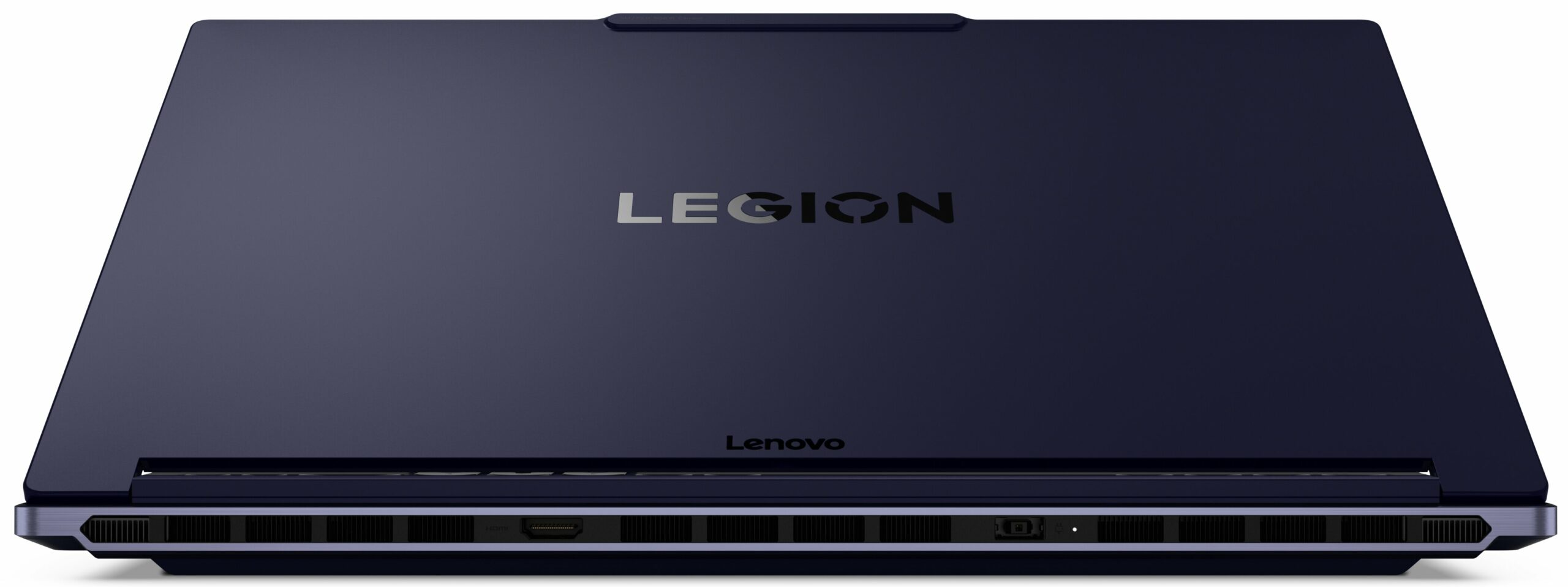
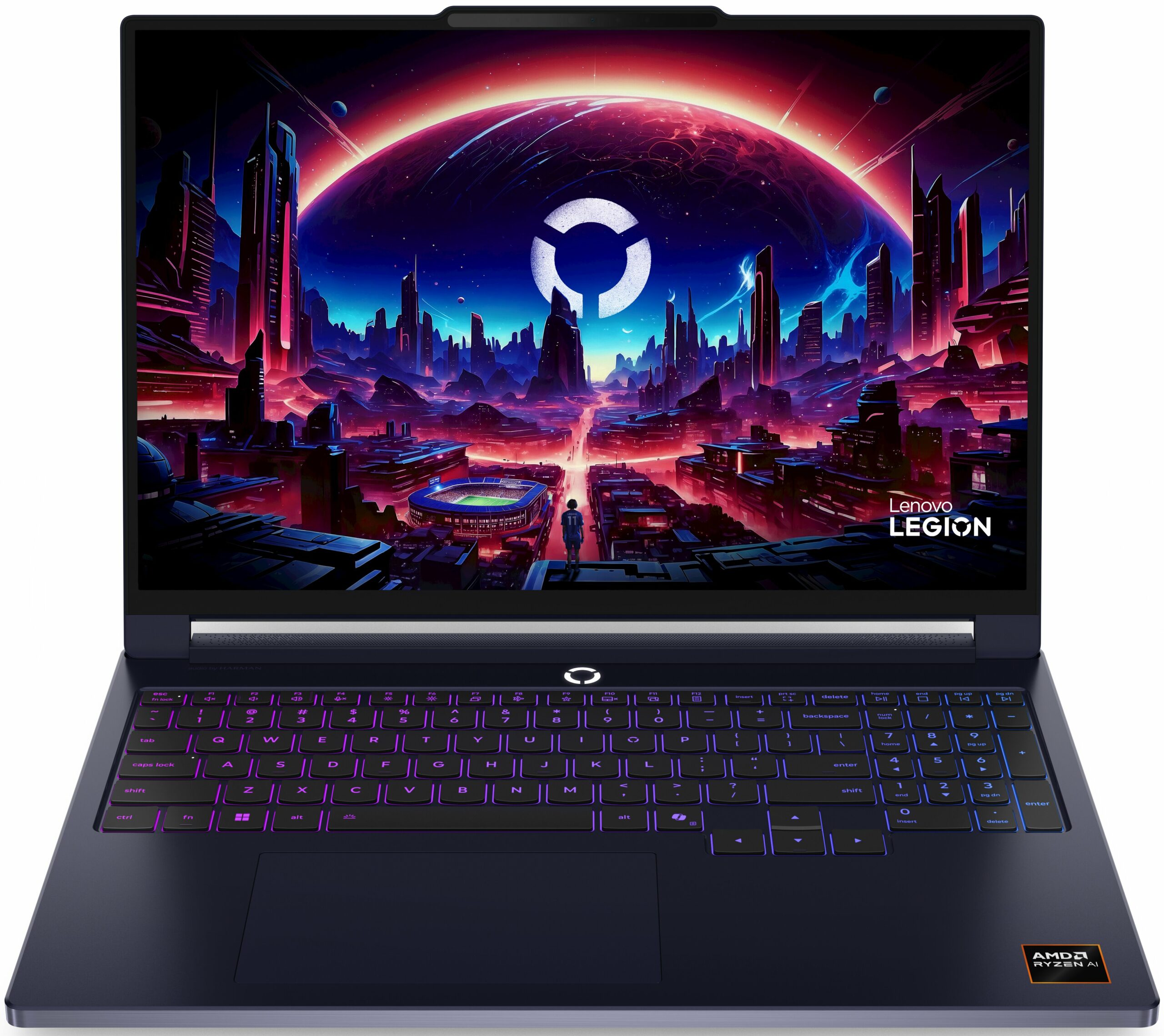
The modern gaming laptop no longer has to look like a prop from a sci-fi movie, and the Lenovo Legion 7a (16", Gen 11) is a good example of that. Instead of aggressive angles and oversized visual accents, it uses a slim aluminum chassis with a clean, minimalist design that can fit just as well in a professional environment as it does in a gaming setup. At less than 1.8 kg, it is unusually portable for a 16-inch laptop with discrete graphics, yet it still offers serious hardware, including AMD Ryzen AI processors, NVIDIA GeForce RTX 50-series GPUs, and a 240Hz OLED display that is easily one of its biggest selling points.Of course, fitting this level of hardware into such a thin body always requires compromise. The Legion 7a is not designed to be the thickest, loudest, and fastest gamin[...]
Read the full review
Pros
- Excellent 240Hz OLED display with perfect contrast, full DCI-P3 coverage, and accurate colors
- Premium, thin, and lightweight aluminum construction
- Very strong sustained CPU performance for heavy workloads
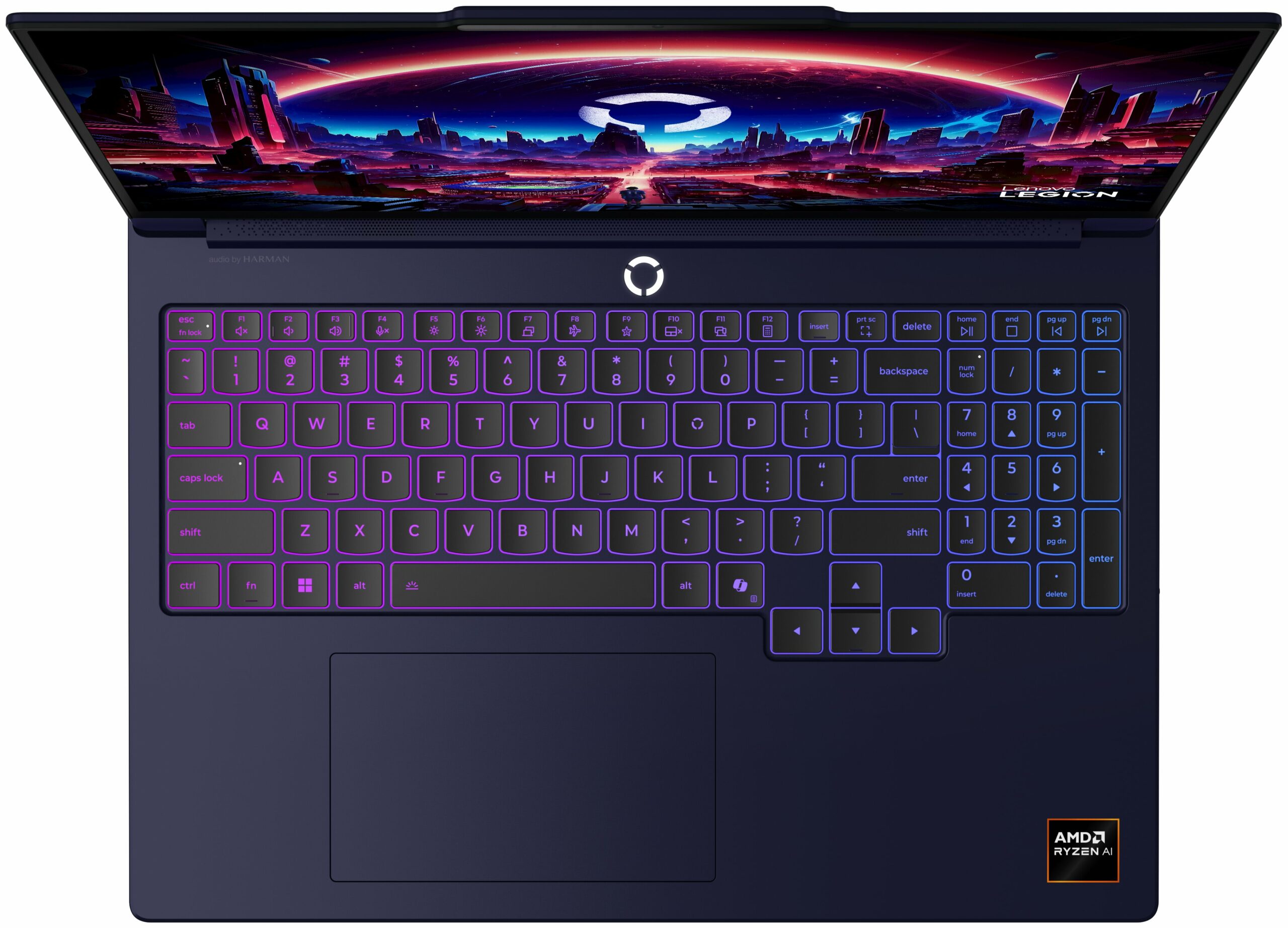
- Firm keyboard deck and well-tuned hinges with one-hand opening
- Great keyboard layout with full-sized, separated arrow keys
- Large and stable glass touchpad
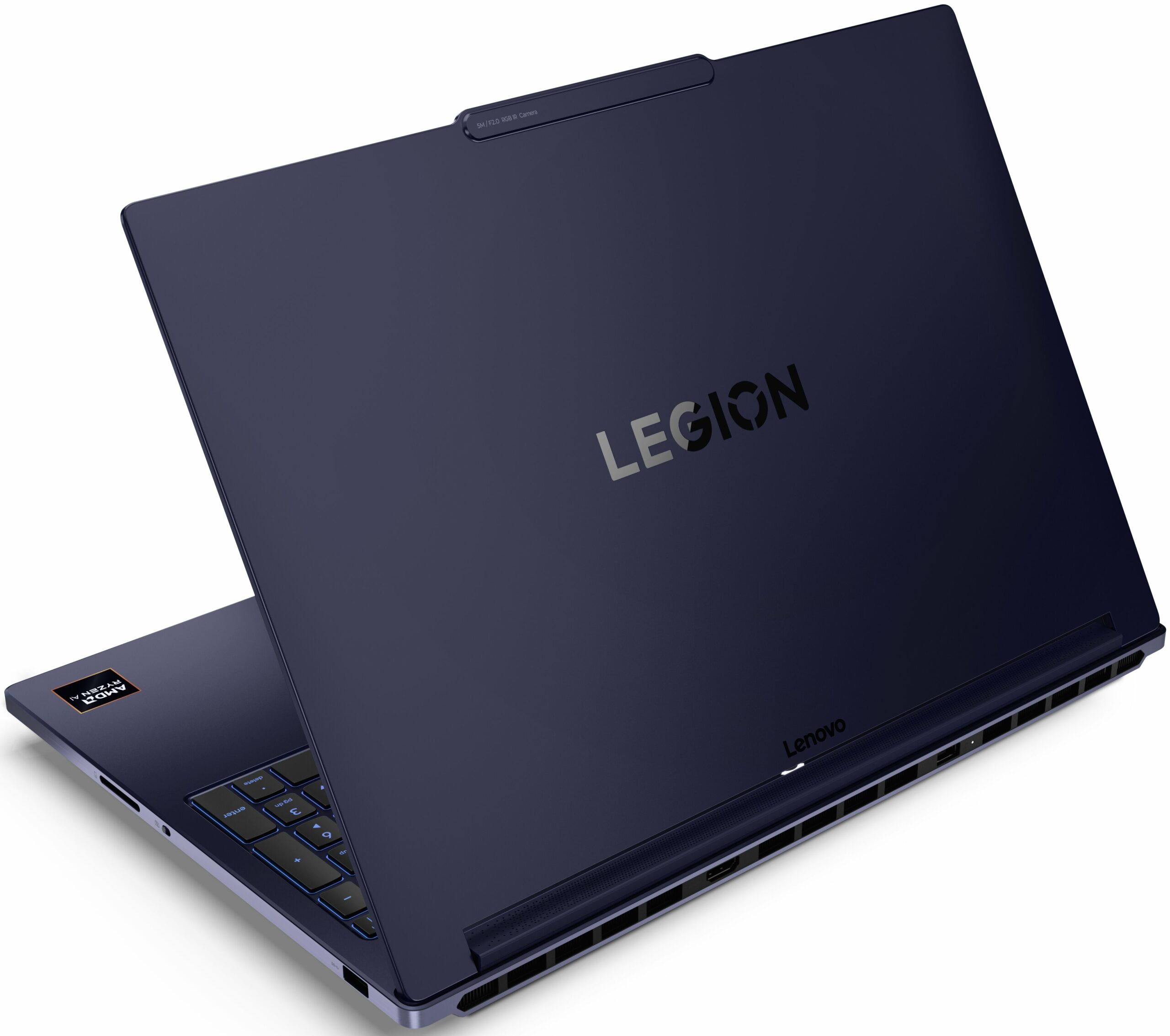
- Modern port selection with dual USB4, HDMI 2.1, and a full-size SD card reader
- 5MP + IR camera with Windows Hello support
- Physical E-shutter switch for the webcam
Cons
- Soldered RAM with no upgrade options
- Secondary M.2 slot is limited to PCIe 4.0 x2 speeds
- Conservative RTX 5060 tuning compared to thicker gaming laptops
- Highly reflective glossy OLED screen with 140 GU reflectance
- No built-in Ethernet port
Disassembly, maintenance and upgrade options
Step 1: Removing the bottom panelPower off the laptop and place it on a soft, clean surface. Undo the 8 screws securing the bottom panel. Keep the two central screws near the hinge side separated, because they are longer than the rest. Use a thin plastic pry tool to release the clips around the perimeter. Work especially slowly around the front edge, where the clips are the tightest. Lift the bottom cover away from the chassis.More info: The bottom panel is held very firmly, so patience is important here. Once inside, the layout is clean and service-frien[...]
Read more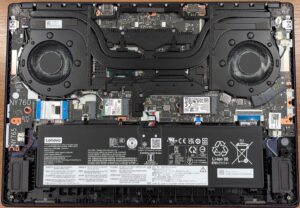


![[June 2026] Best-Selling Laptop Brands on Amazon Global – Apple’s Unrivaled Dominance in Units and Revenue](https://laptopmedia.com/wp-content/uploads/2026/07/GLOBAL-Best-Brands-400x225.jpg)
![[June 2026] Amazon Global: Top 10 Best-Selling Laptops – Apple’s New MacBook Neo Storms to #1, Reshaping the Market with Affordability](https://laptopmedia.com/wp-content/uploads/2026/07/Best-Selling-Laptops-GLOBAL-Top-10-400x225.jpg)
![[June 2026] Amazon Global: Top 10 Best-Selling Gaming Laptops – Acer’s Nitro V 16S AI Dominates Sales, While ASUS Leads Overall Revenue](https://laptopmedia.com/wp-content/uploads/2026/07/Best-Selling-Gaming-Laptops-GLOBAL-Top-10-400x225.jpg)
![[June 2026] Global Ranking of Best-Selling Laptop GPUs on Amazon – NVIDIA RTX 5060 is the Top-Selling Dedicated GPU](https://laptopmedia.com/wp-content/uploads/2026/07/Best-Selling-GPUs-GLOBAL-Top-10-400x225.jpg)
![[June 2026] Global Ranking of Best-Selling Laptop CPUs on Amazon – Apple M5 Dominates, AMD Ryzen 7 260 Gets Solid Premium Share](https://laptopmedia.com/wp-content/uploads/2026/07/Best-Selling-CPUs-GLOBAL-Top-10-400x225.jpg)
