Lenovo Legion Pro 5i
_000051.jpg)


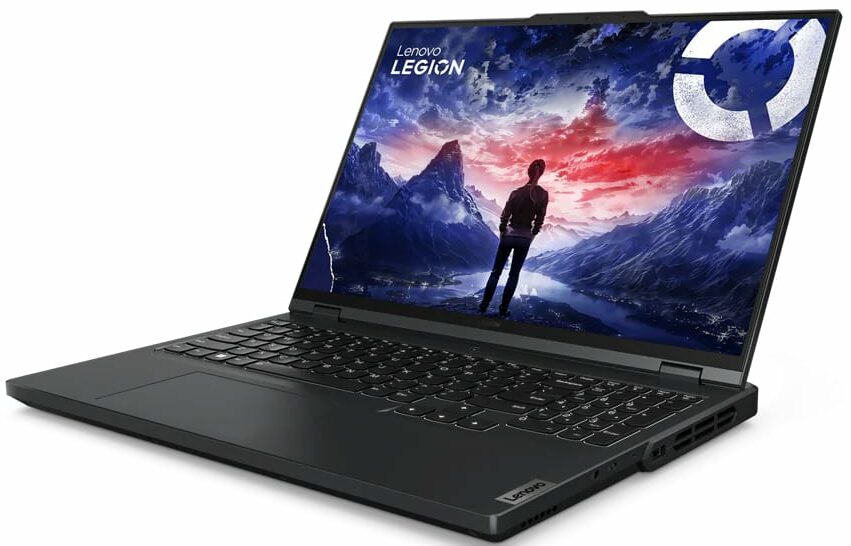


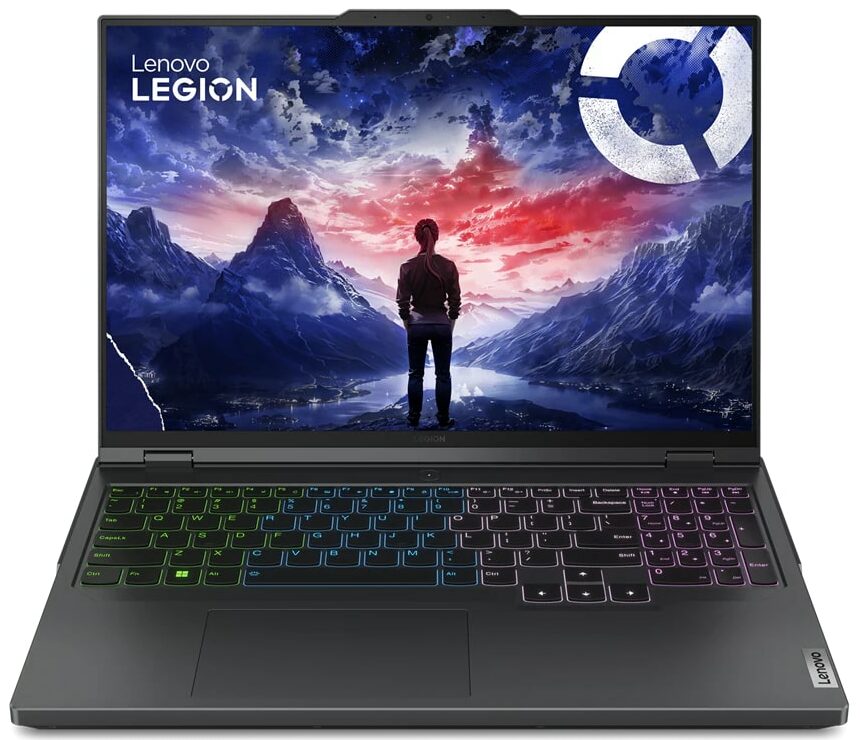
- Date Published: 13 May 2024
- Intel Core i9-14900HX
- NVIDIA GeForce RTX 4050 (Laptop, 140W)
- 16.0", WQXGA (2560 x 1600), 240 Hz, IPS
- 4000GB SSD
- 64GB RAM
- 2.50 kg (5.5 lbs)
Review
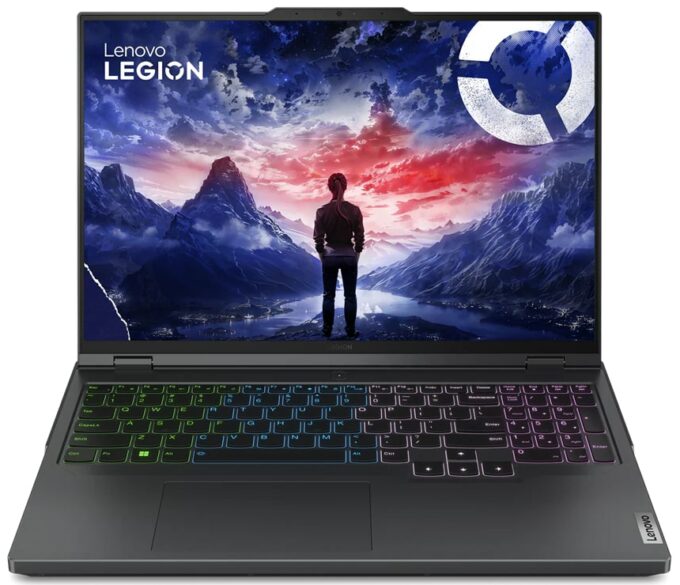
Lenovo Legion Pro 5i in-depth review
The Legion Pro machines always offer something extra compared to their non-Pro siblings. We already have a review of the Lenovo Legion 5i (16", Gen 9) which is a great gaming laptop that surprises us with its snappy performance. Now, it's time to test the Lenovo Legion Pro 5i (16", Gen 9) which isn't that different compared to the standard Legion 5i but the more expensive device has some useful tricks up in its sleeve.Here, you get only 14th Gen Intel Raptor Lake-HX Refresh CPU options which bring higher clocks and (some of them have) more cores compared to their 13th Gen counterparts. All the GPU options boast 140W max TGP limits. The most powerful combo for the series is the Core i9-14900HX + GeForce RTX 4070 (Laptop). The Legion ColdFront 5.0 thermal system looks massive with its ma[...]
Read the full review
Pros
- Very long battery life
- Top performance
- Stable build
- Potent cooling solution
- Up-to-date I/O
- PWM-free (BOE NE160QDM-NYC (BOE0B38))
- 97% sRGB coverage alongside great color accuracy when our "Design and Gaming" profile is applied (BOE NE160QDM-NYC (BOE0B38))
- 165Hz refresh rate and 1600p resolution (BOE NE160QDM-NYC (BOE0B38))
- The fans aren't too noisy during gaming
- Has an optional 1080p Web camera with an E-shutter
- The CPU and the GPU can sustain impressive clocks and power limits during full loads
- Comfortable input devices
- Supports NVIDIA G-SYNC and Advanced Optimus
- Has a MUX switch
Cons
- Plastic body
Disassembly, maintenance and upgrade options
Step 1: Accessing the Lenovo Legion Pro 5i (16, Gen 9) InternalsEnsure the Lenovo Legion Pro 5i is powered off and placed on a soft surface to prevent damage. Remove the 10 Torx-head screws that secure the bottom panel of the laptop. Begin prying the panel off with a plastic tool from the central zone at the back, then proceed around the sides and the front to fully detach it.Step 2: Battery RemovalFirst, disconnect the battery connector from the motherboard to ensure a safe disassembly process. Remove the 5 Phillips-head screws holding the 80Wh battery, noting[...]
Read more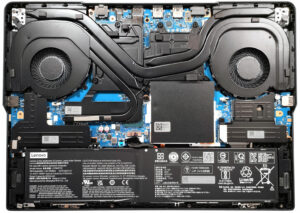


![[June 2026] Best-Selling Laptop Brands on Amazon Global – Apple’s Unrivaled Dominance in Units and Revenue](https://laptopmedia.com/wp-content/uploads/2026/07/GLOBAL-Best-Brands-400x225.jpg)
![[June 2026] Amazon Global: Top 10 Best-Selling Laptops – Apple’s New MacBook Neo Storms to #1, Reshaping the Market with Affordability](https://laptopmedia.com/wp-content/uploads/2026/07/Best-Selling-Laptops-GLOBAL-Top-10-400x225.jpg)
![[June 2026] Amazon Global: Top 10 Best-Selling Gaming Laptops – Acer’s Nitro V 16S AI Dominates Sales, While ASUS Leads Overall Revenue](https://laptopmedia.com/wp-content/uploads/2026/07/Best-Selling-Gaming-Laptops-GLOBAL-Top-10-400x225.jpg)
![[June 2026] Global Ranking of Best-Selling Laptop GPUs on Amazon – NVIDIA RTX 5060 is the Top-Selling Dedicated GPU](https://laptopmedia.com/wp-content/uploads/2026/07/Best-Selling-GPUs-GLOBAL-Top-10-400x225.jpg)
![[June 2026] Global Ranking of Best-Selling Laptop CPUs on Amazon – Apple M5 Dominates, AMD Ryzen 7 260 Gets Solid Premium Share](https://laptopmedia.com/wp-content/uploads/2026/07/Best-Selling-CPUs-GLOBAL-Top-10-400x225.jpg)
