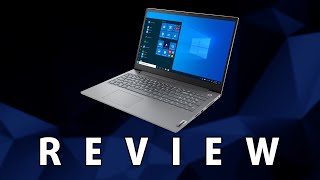
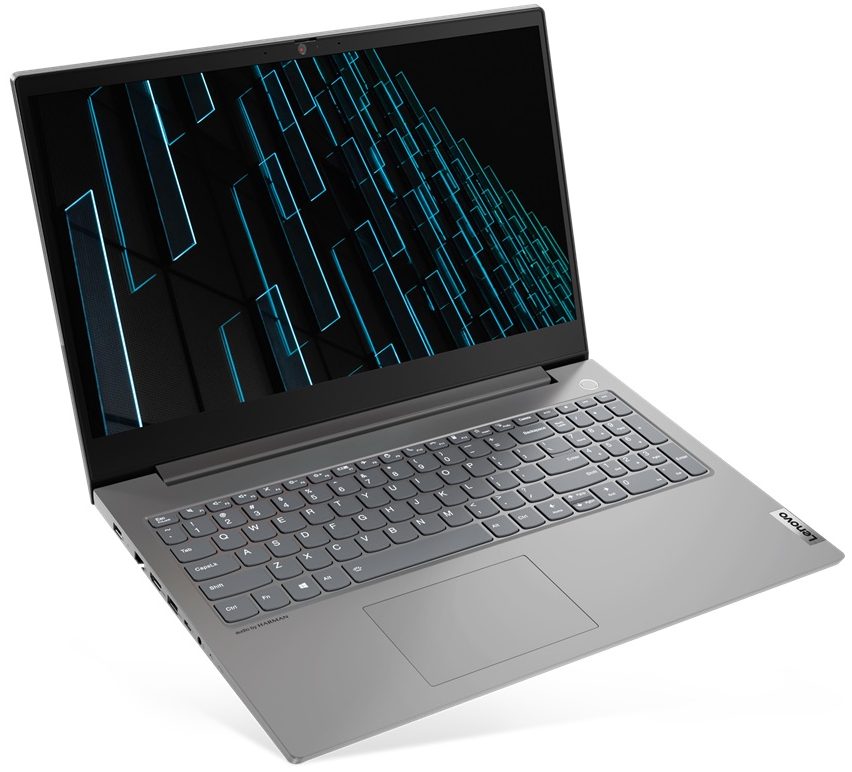
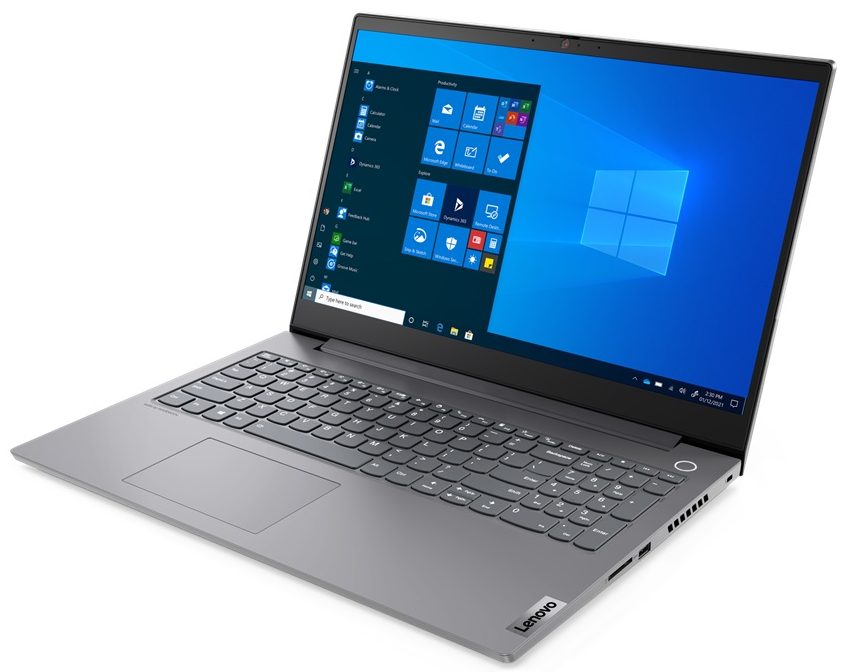
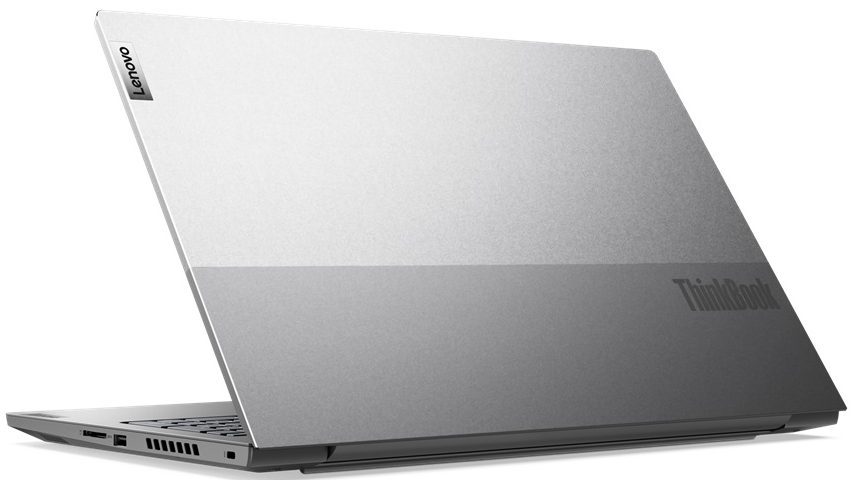
Lenovo ThinkBook 15p Gen 2


- Date Published: 14 Jun 2023
- Intel Core i7-11800H
- NVIDIA GeForce GTX 1650 (Laptop)
- 15.6”, Full HD (1920 x 1080), IPS
- 512GB SSD
- 16GB DDR4
- 1.90 kg (4.2 lbs)
Review
Lenovo ThinkBook 15p Gen 2 in-depth review
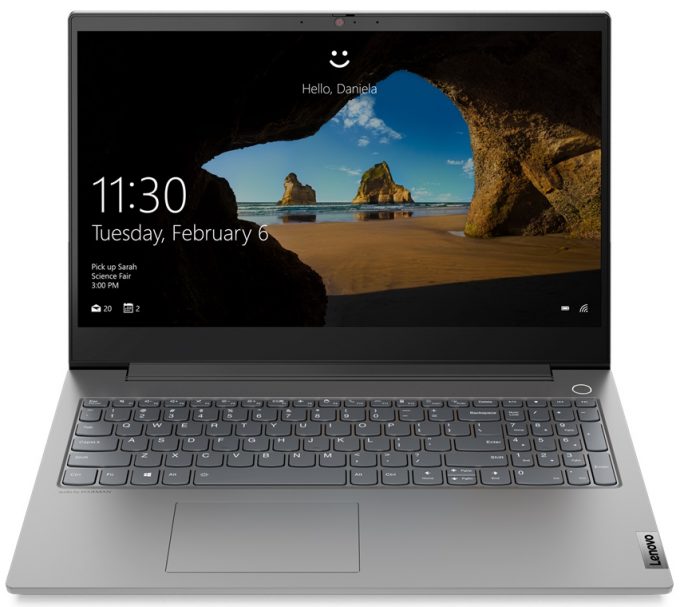
Lenovo offers a big step in performance with their second generation ThinkBook 15p. You know, the ThinkBook brand as a whole is a bit of a mix and match from the company's other devices. Essentially, it is their latest brainchild (already a couple of years old, though), and it aims to provide the perfect device for some very different target groups. Unlike the ThinkPad, which is a strictly business machine, the ThinkBook is more open-minded.And the ThinkBook 15p Gen 2 is one of the results of this approach. First of all, it still comes with some security goodies like a Firmware TPM and other encryption tech. Furthermore, the Web camera sports a privacy shutter, while the power button is paired with an optional fingerprint reader.We are just scratching the surface, though. Because [...]
Read the full review
Pros
- Up to 64GB of DDR4 + two M.2 slots (one supports Gen 4 drives)
- Capable hardware within a sleek, portable chassis
- Fingerprint reader + Wi-Fi 6 support
- 97% sRGB and 88% DCI-P3 coverage (LEN156UHD (LEN8C99))
- No PWM (LEN156UHD (LEN8C99))
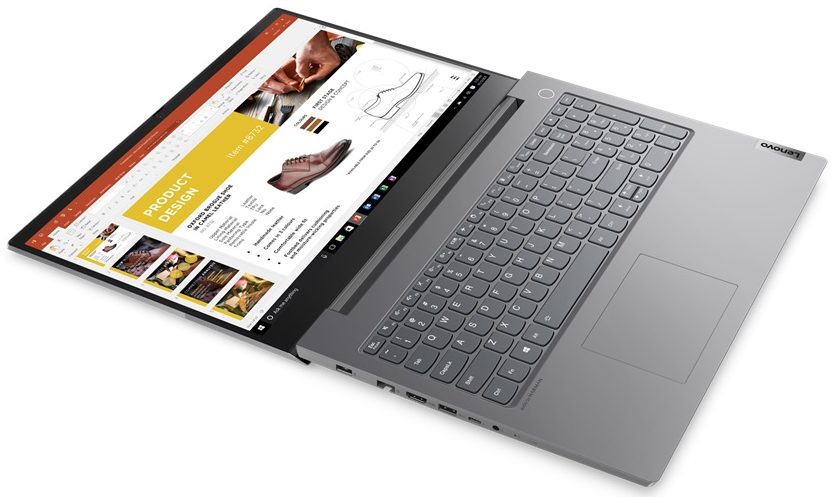
- SD card reader + Thunderbolt 4 + HDMI 2.0
- Packs good security features
- Spill-resistant keyboard
- Great cooling
Cons
- The touchpad is only average
- Unimpressive battery life with the UHD panel
Disassembly, maintenance and upgrade options
Lenovo could hardly do a better job with the ThinkBook 15p Gen 2 than they already did. We are really happy with the device, especially its upgrade options.Check out all Lenovo ThinkBook 15p Gen 2 prices and configurations in our Specs System or read more in our In-Depth review.1. Remove the bottom plate To access this notebook's internals, you need to undo 10 Phillips-head screws. After that, start prying the bottom panel from the back, using a plastic tool.2. Battery Inside, we see a 57Wh battery pack. To take the battery out, undo all four Phillips-head screws, and unp[...]
Read more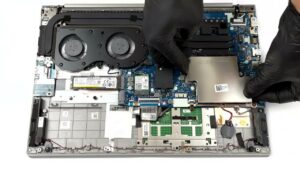


![[June 2026] Best-Selling Laptop Brands on Amazon Global – Apple’s Unrivaled Dominance in Units and Revenue](https://laptopmedia.com/wp-content/uploads/2026/07/GLOBAL-Best-Brands-400x225.jpg)
![[June 2026] Amazon Global: Top 10 Best-Selling Laptops – Apple’s New MacBook Neo Storms to #1, Reshaping the Market with Affordability](https://laptopmedia.com/wp-content/uploads/2026/07/Best-Selling-Laptops-GLOBAL-Top-10-400x225.jpg)
![[June 2026] Amazon Global: Top 10 Best-Selling Gaming Laptops – Acer’s Nitro V 16S AI Dominates Sales, While ASUS Leads Overall Revenue](https://laptopmedia.com/wp-content/uploads/2026/07/Best-Selling-Gaming-Laptops-GLOBAL-Top-10-400x225.jpg)
![[June 2026] Global Ranking of Best-Selling Laptop GPUs on Amazon – NVIDIA RTX 5060 is the Top-Selling Dedicated GPU](https://laptopmedia.com/wp-content/uploads/2026/07/Best-Selling-GPUs-GLOBAL-Top-10-400x225.jpg)
![[June 2026] Global Ranking of Best-Selling Laptop CPUs on Amazon – Apple M5 Dominates, AMD Ryzen 7 260 Gets Solid Premium Share](https://laptopmedia.com/wp-content/uploads/2026/07/Best-Selling-CPUs-GLOBAL-Top-10-400x225.jpg)
