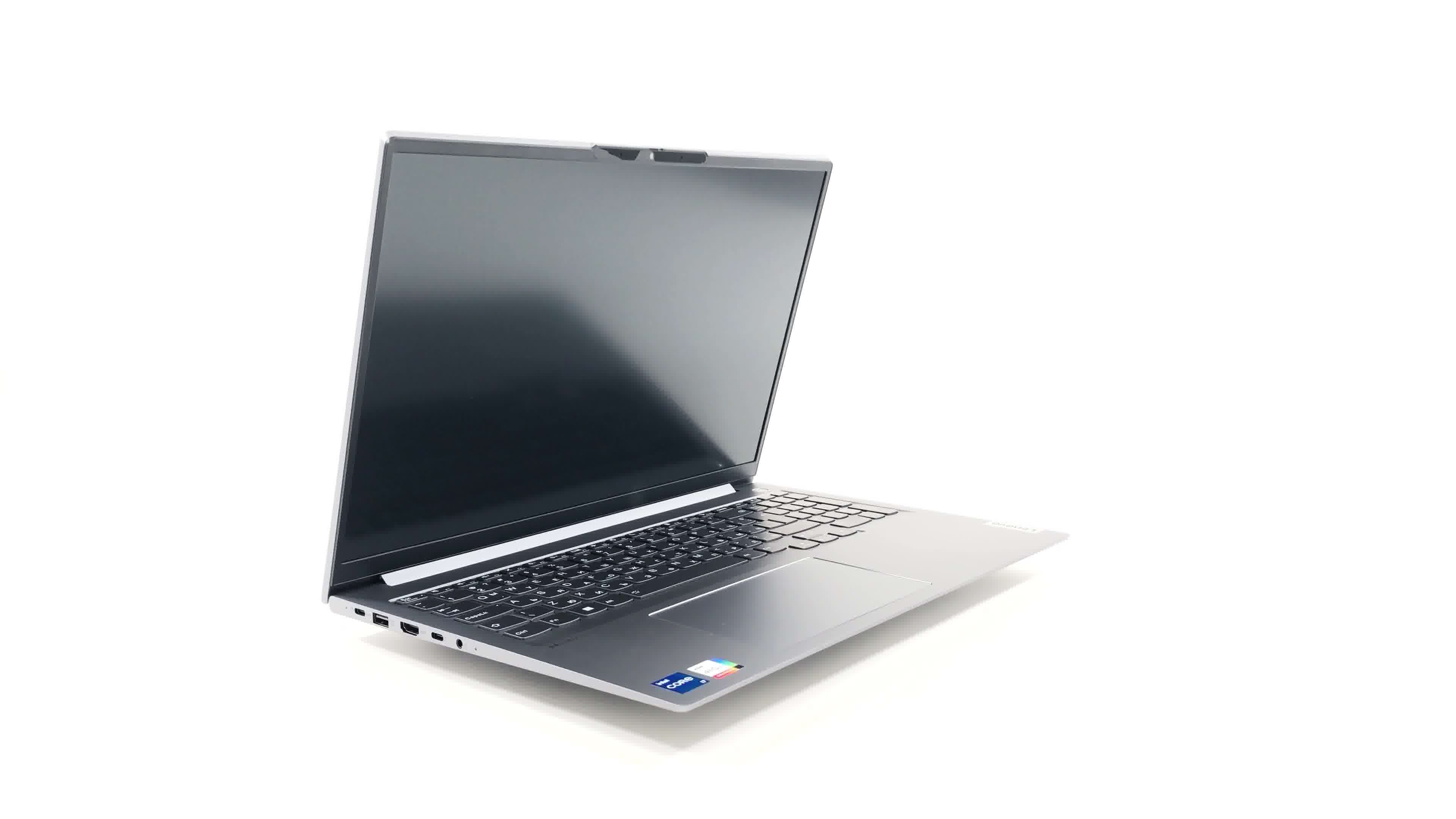
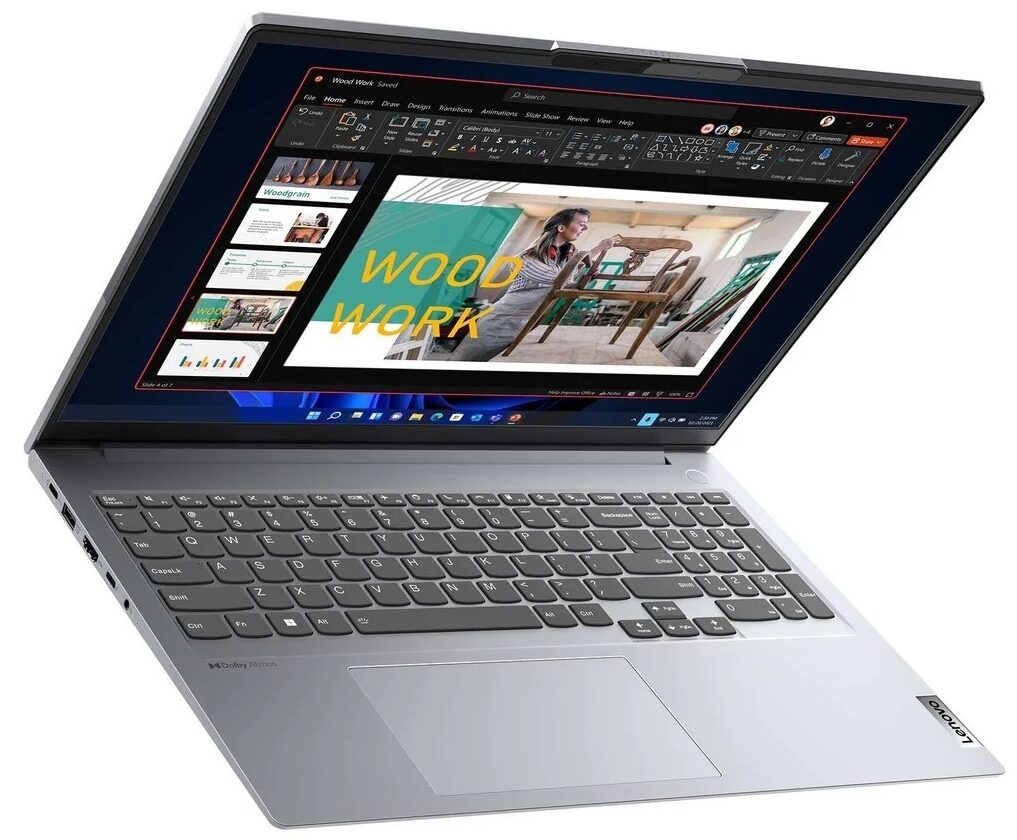
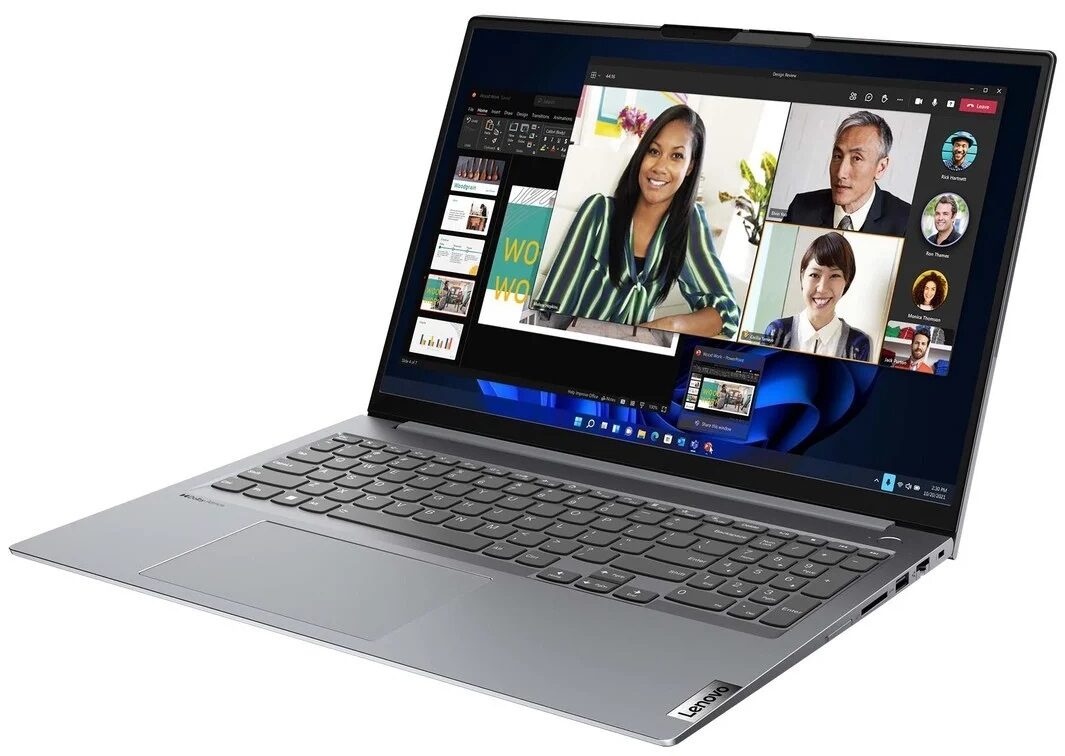
Lenovo ThinkBook 16 Gen 4+

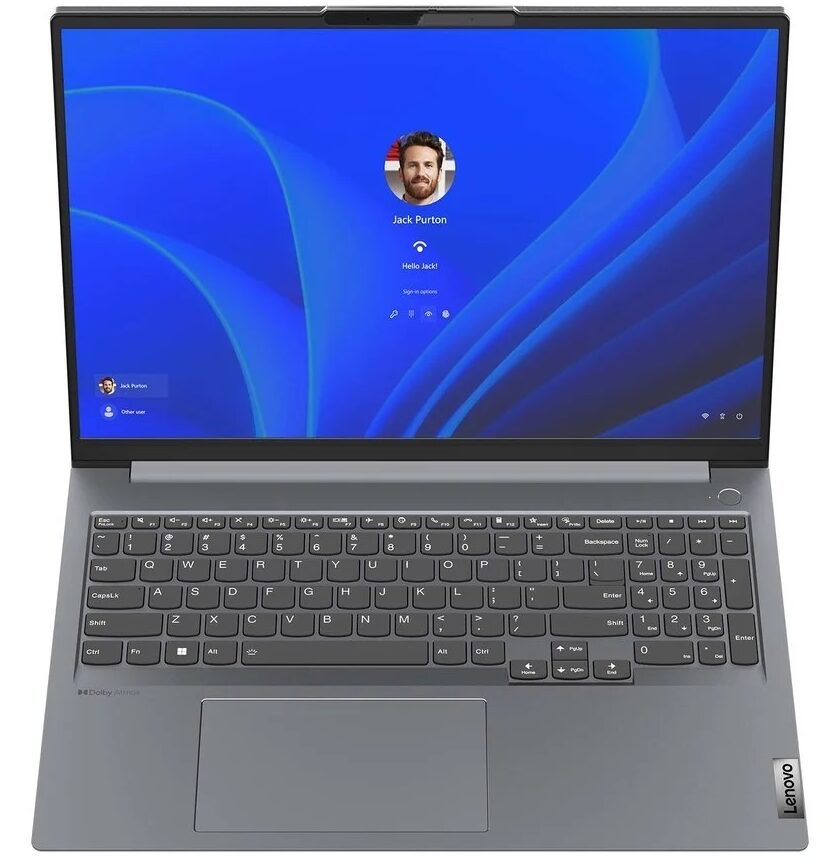
- Date Published: 30 Sep 2025
- Intel Core i5-1235U
- Intel Iris Xe Graphics G7 (80EU)
- 16.0”, WUXGA (1920 x 1200), IPS
- 256GB SSD
- 16GB RAM
- 1.80 kg (4 lbs)
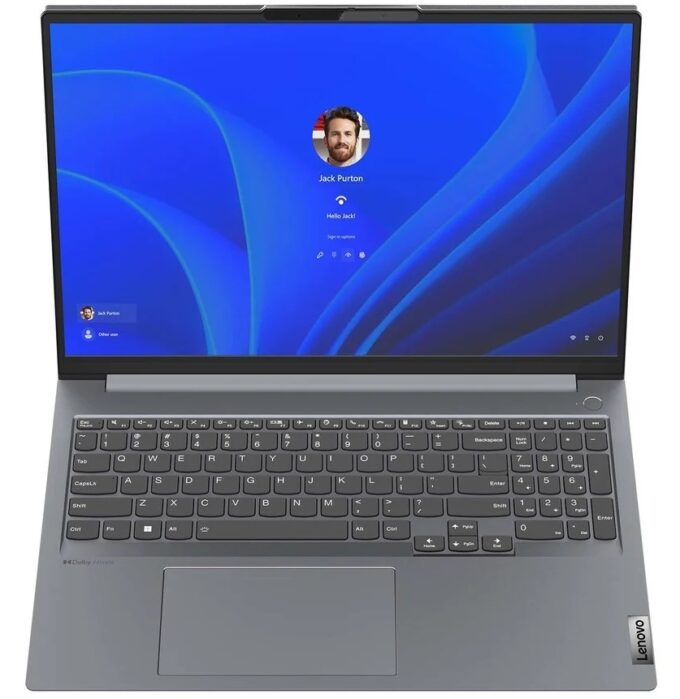
Specs
- Display

- HDD/SSD
- 256GB SSD
- M.2 Slot
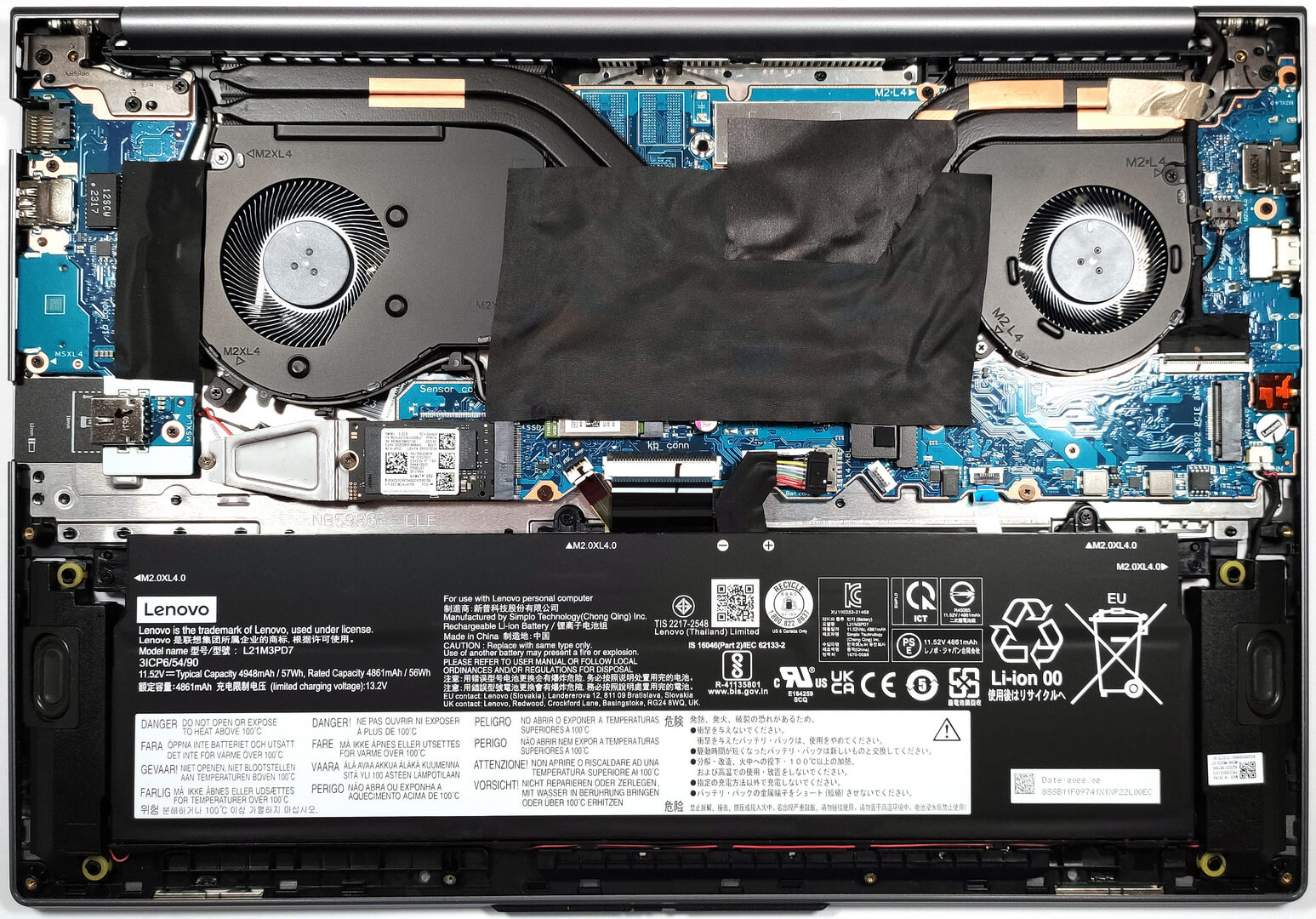
- 1x 2280 M.2 NVMe PCIe 4.0 x4 + 1x 2280 M.2 NVMe PCIe 3.0 x4 See photo
- RAM
- 16GB RAM
- OS
- Windows 11 Pro
- Body Material
- Aluminum
- Dimensions
- 356 x 251 x 16.5 - 16.9 mm (14.02" x 9.88" x 0.65")
- Weight
- 1.80 kg (4 lbs)
- Ports and connectivity
- 1x USB Type-A
- 2.0
- 1x USB Type-A
- 3.2 Gen 1 (5 Gbps)
- 1x USB Type-A
- 3.2 Gen 1 (5 Gbps), Sleep and Charge
- 1x USB Type-C
- 3.2 Gen 2 (10 Gbps), Power Delivery (PD), DisplayPort
- 1x USB Type-C
- 4.0, Thunderbolt 4, Power Delivery (PD), DisplayPort
- HDMI
- 2.1
- Card Reader
- SD, SDHC, SDXC, MMC
- Ethernet LAN
- 10, 100, 1000 Mbit/s
- Wi-Fi
- 802.11ax
- Bluetooth
- 5.2
- Audio jack
- 3.5mm Combo Jack
- Features
- Fingerprint reader
- Web camera
- HD / FHD / FHD & IR
- Backlit keyboard
- Microphone
- Dual Array Microphone with AI Noise Cancellation
- Speakers
- 2x Stereo Speakers, Dolby Atmos
- Security Lock slot
- Kensington Nano Lock
Portability
Review
Lenovo ThinkBook 16 Gen 4+ in-depth review
Some business users need powerful laptops for productivity tasks. In most cases, these machines aren't too portable so they stay in the office on a desk. On the flip side, if you are constantly on the go and you want a potent and thin laptop in your backpack, there are some interesting options on the market.Like the Lenovo ThinkBook 16 Gen 4+ which is more compact compared to its bigger sibling - the Lenovo ThinkBook 16p Gen 4. The Gen 4+ machine is light (for a 16-incher) and it comes with a choice of three display variants - one 1200p model and two 1600p variants. The good news is all of them are IPS panels with a 16:10 aspect ratio. There are many CPU options including 12th Gen U, P, and H-series processors and two Raptor Lake U chips. So you can choose the right device for you in t[...]
Read the full review
Pros
- Great performance for the class
- 2x M.2 slots
- up to 32GB of LPDDR5-4800MHz
- PWM-free IPS display(LEN160WUXGA (LEN9151))
- All-metal build
- Compact for a 16-incher
- Comfortable input devices
- Modern I/O
- The Lenovo Vantage application offers plenty of customization options
- Capable cooling solution
- High CPU P and E core frequencies and power limits during any kind of load
- Near silent fans
- Quality sound
Cons
- Soldered RAM
- One of the M.2 slots is limited to Gen 3 speeds
Disassembly, maintenance and upgrade options
Step 1: Accessing the Internal ComponentsEnsure the Lenovo ThinkBook 16 Gen 4+ is powered off and placed on a soft, clean surface to prevent scratches or damage. Remove the 9 Torx-head screws from the bottom of the laptop. Use a plastic tool to gently pry the bottom plate off, starting from the zone between the hinges.Hint: Be gentle during this process to avoid damaging the internal clips or the laptop casing.Step 2: Removing the BatteryDisconnect the battery by pulling out its connector from the motherboard. Remove the 4 Phillips-head screws securing the [...]
Read more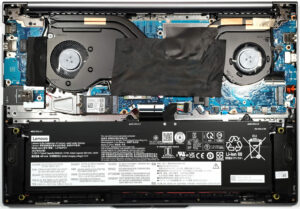


![[June 2026] Best-Selling Laptop Brands on Amazon Global – Apple’s Unrivaled Dominance in Units and Revenue](https://laptopmedia.com/wp-content/uploads/2026/07/GLOBAL-Best-Brands-400x225.jpg)
![[June 2026] Amazon Global: Top 10 Best-Selling Laptops – Apple’s New MacBook Neo Storms to #1, Reshaping the Market with Affordability](https://laptopmedia.com/wp-content/uploads/2026/07/Best-Selling-Laptops-GLOBAL-Top-10-400x225.jpg)
![[June 2026] Amazon Global: Top 10 Best-Selling Gaming Laptops – Acer’s Nitro V 16S AI Dominates Sales, While ASUS Leads Overall Revenue](https://laptopmedia.com/wp-content/uploads/2026/07/Best-Selling-Gaming-Laptops-GLOBAL-Top-10-400x225.jpg)
![[June 2026] Global Ranking of Best-Selling Laptop GPUs on Amazon – NVIDIA RTX 5060 is the Top-Selling Dedicated GPU](https://laptopmedia.com/wp-content/uploads/2026/07/Best-Selling-GPUs-GLOBAL-Top-10-400x225.jpg)
![[June 2026] Global Ranking of Best-Selling Laptop CPUs on Amazon – Apple M5 Dominates, AMD Ryzen 7 260 Gets Solid Premium Share](https://laptopmedia.com/wp-content/uploads/2026/07/Best-Selling-CPUs-GLOBAL-Top-10-400x225.jpg)