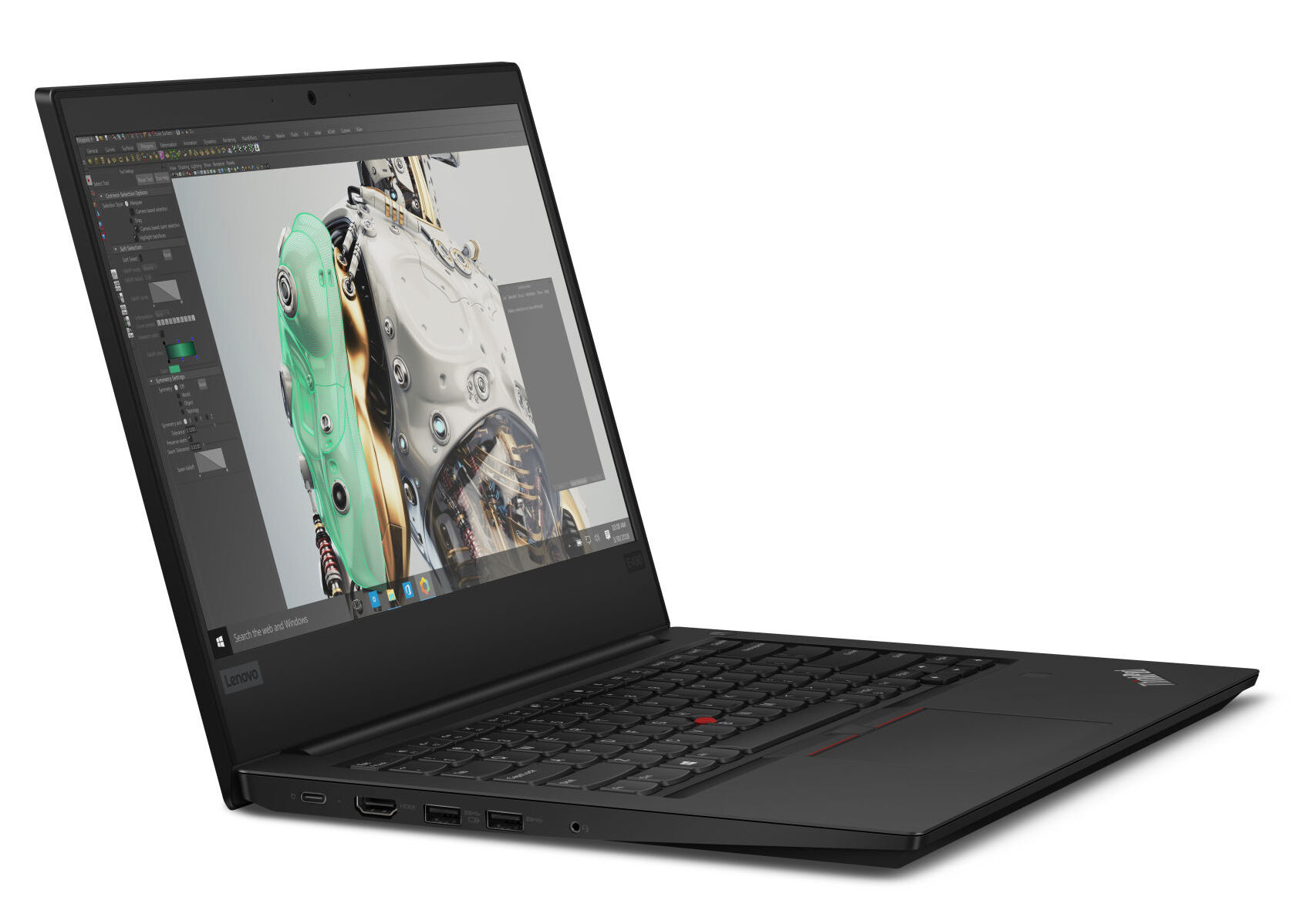
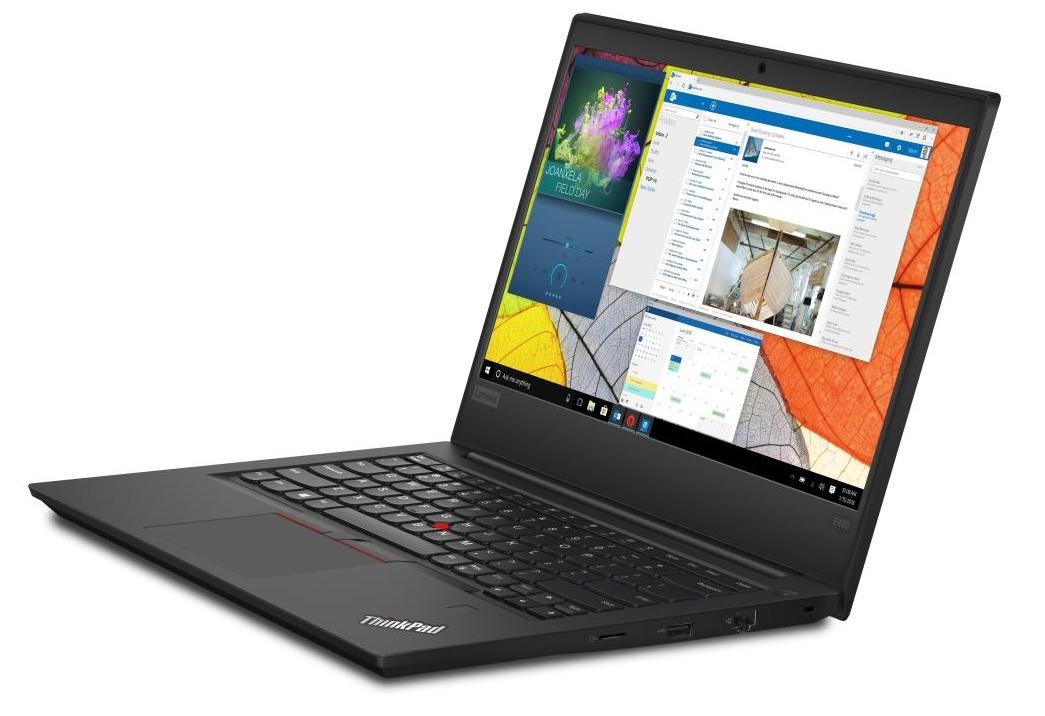
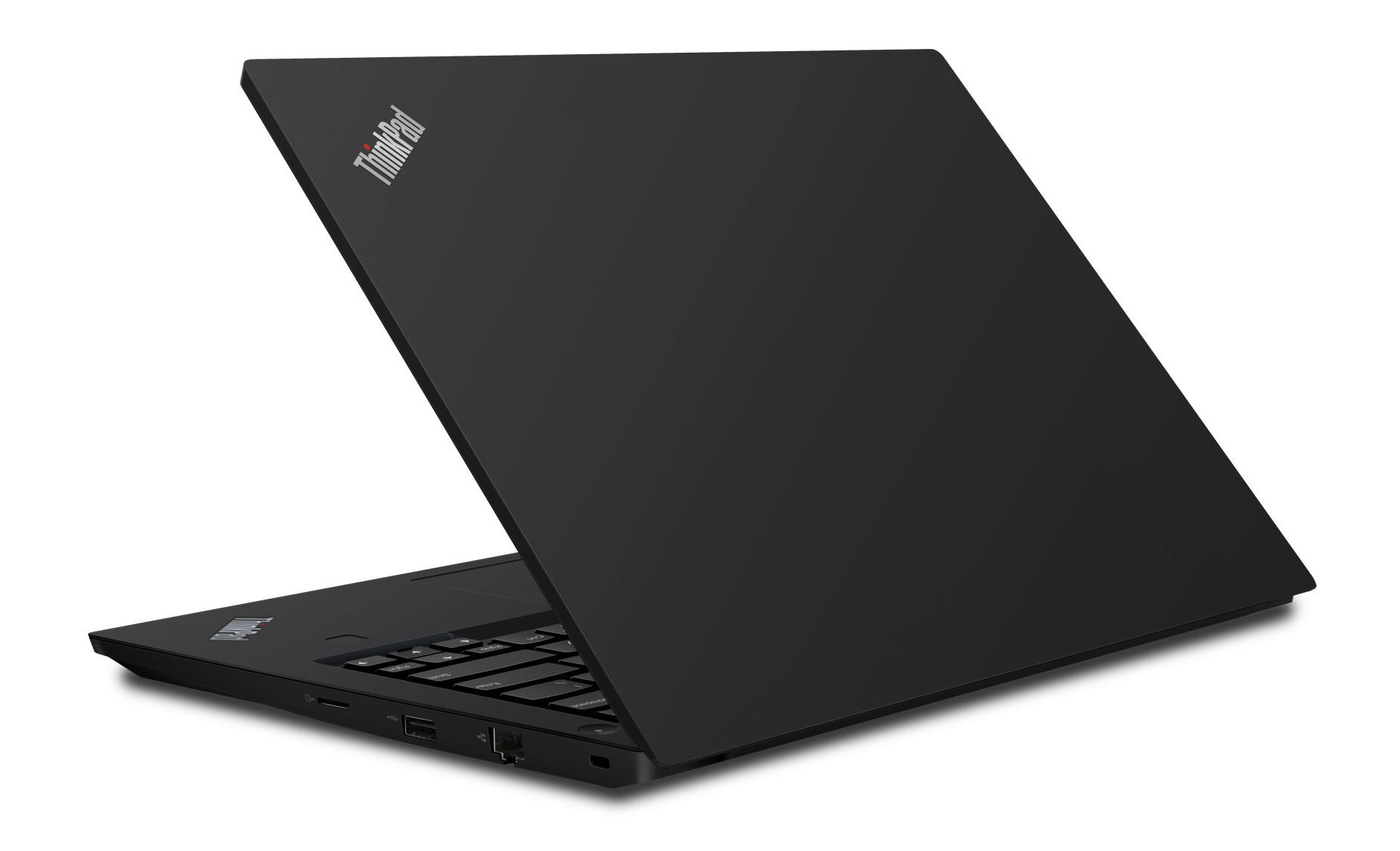
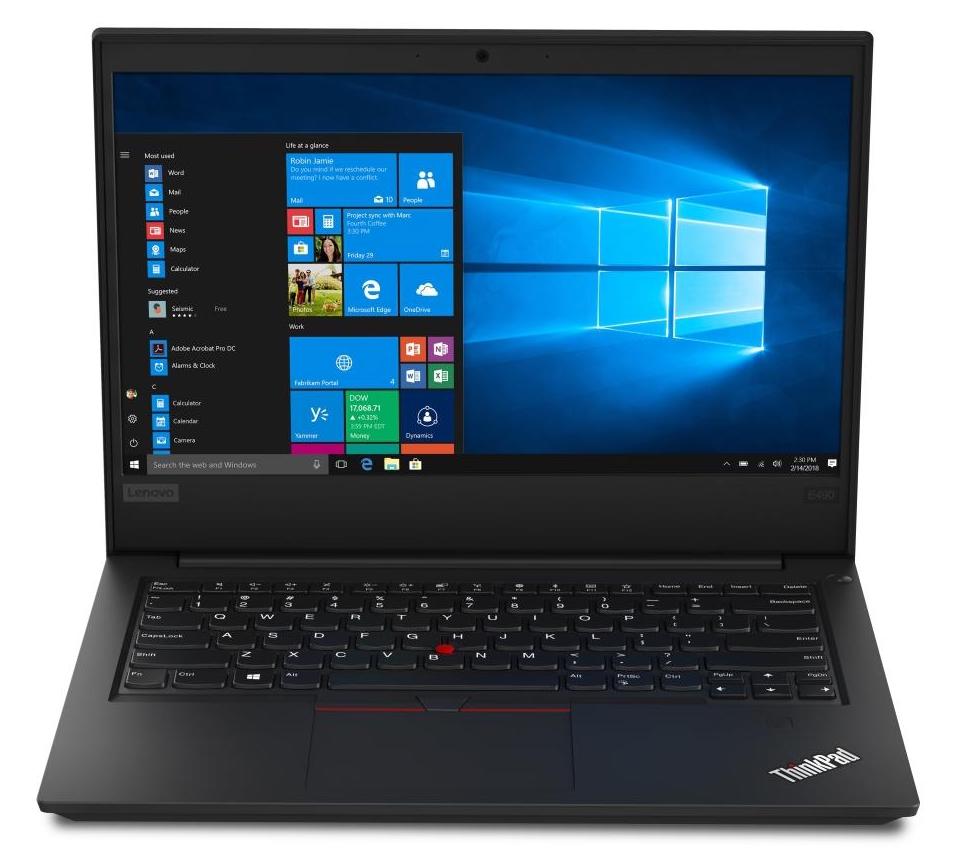
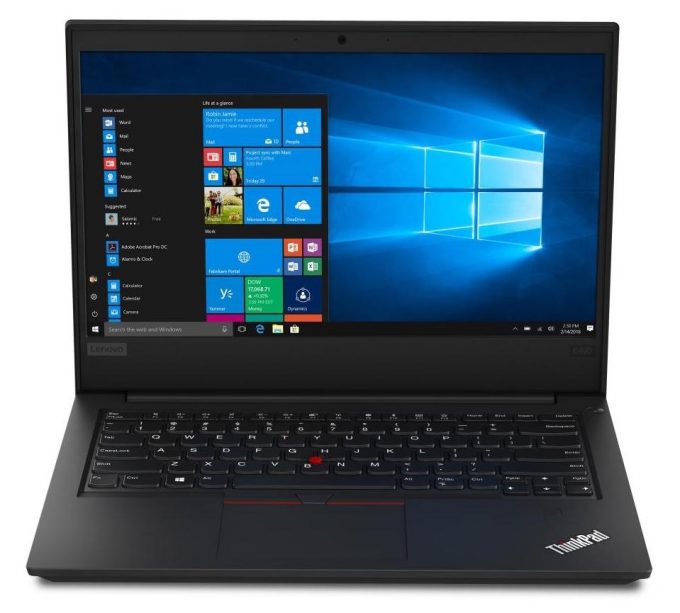
Lenovo ThinkPad E490
- Date Published: 22 Oct 2020
- Intel Core i5-8265U
- Intel UHD Graphics 620
- 14.0”, Full HD (1920 x 1080), IPS
- 256GB SSD
- 8GB DDR4, 2400 MHz
- 1.75 kg (3.9 lbs)
Review
Lenovo ThinkPad E490 in-depth review
Today, we are looking at the 14-inch version of a, apparently, very familiar device. It is called the Lenovo ThinkPad E490 and as with its bigger brother (the ThinkPad E590), it is a copy-paste of its predecessor - the ThinkPad E480, respectively. This is not a bad thing, whatsoever, since these devices are known for their rigid-ness and solid performance.Lenovo offers you a Full HD IPS screen or a 768p TN panel if you are more on the budget. However, we would strongly recommend getting the IPS model, even if that means less of the rest. Additionally, this laptop has a fingerprint reader option and is a true ancestor of the original ThinkPads - just transformed into a more up to date modification.You can check the prices and configurations in our Specs System: https://laptopmedia.[...]
Read the full review
Pros
- Very quiet under load
- Great battery life
- Simplistic and rigid design
- Astonishing keyboard with spill resistance and backlight
- Fingerprint recognition
Cons
- Uses PWM to adjust brightness (BOE NV140FHM-N49) (Our Health-Guard profile can take care of that)
- Covers only 53% of sRGB (BOE NV140FHM-N49)
- Underperforming GPU, probably because of software issues
DISPLAY: 14.0-inch, 1920 x 1080, IPS
- Name
- BOE NV140FHM-N49
- Diagonal
- 14.0"
- Pixel density
- 157.35 ppi
- Brightness
- 308 cd/m2
- sRGB
- 52%
- Panel Type
- IPS
- Resolution
- 1920 x 1080
- Becomes "Retina" from
- 22 inches (56 cm)
- Contrast
- 1200:1
- dE Color Checker
- 4.7 3.7

Buy our profiles for BOE NV140FHM-N49
In addition to receiving efficient and health-friendly profiles, by buying LaptopMedia's products you also support the development of our labs, where we test devices in order to produce the most objective reviews possible.

Office Work
Office Work should be used mostly by users who spend most of the time looking at pieces of text, tables or just surfing. This profile aims to deliver better distinctness and clarity by keeping a flat gamma curve (2.20), native color temperature and perceptually accurate colors.

Design and Gaming
This profile is aimed at designers who work with colors professionally, and for games and movies as well. Design and Gaming takes display panels to their limits, making them as accurate as possible in the sRGB IEC61966-2-1 standard for Web and HDTV, at white point D65.

Health-Guard
Health-Guard eliminates the harmful Pulse-Width Modulation (PWM) and reduces the negative Blue Light which affects our eyes and body. Since it’s custom tailored for every panel, it manages to keep the colors perceptually accurate. Health-Guard simulates paper so the pressure on the eyes is greatly reduced.



![[August 2026] Amazon Global: Top 10 Best-Selling Laptops – Apple MacBook Neo Dominates the Charts as Budget and Mid-Range Windows Portables Fight for Volume](https://laptopmedia.com/wp-content/uploads/2026/09/Best-Selling-Laptops-GLOBAL-Top-10-400x225.jpg)
![[August 2026] Best-Selling Laptop Brands on Amazon Global – Apple Dominates Revenue While HP Leads in Model Variety](https://laptopmedia.com/wp-content/uploads/2026/09/GLOBAL-Best-Brands-400x225.jpg)
![[August 2026] Amazon Global: Top 10 Best-Selling Gaming Laptops – HP Victus 15 Captures the Crown as Budget-Friendly Models Dominate the Charts](https://laptopmedia.com/wp-content/uploads/2026/09/Best-Selling-Gaming-Laptops-GLOBAL-Top-10-400x225.jpg)
![[August 2026] Best-Selling Laptop Brands on Amazon Japan – Apple Dominates Market Share and Revenue Led by Strong Unit Sales](https://laptopmedia.com/wp-content/uploads/2026/09/CO.JP-Best-Brands-1-400x225.jpg)
![[August 2026] Best-Selling Laptop Brands on Amazon USA – Apple Dominates Market Revenue and Volume Despite Lower Model Diversity](https://laptopmedia.com/wp-content/uploads/2026/09/COM-Best-Brands-1-400x225.jpg)
