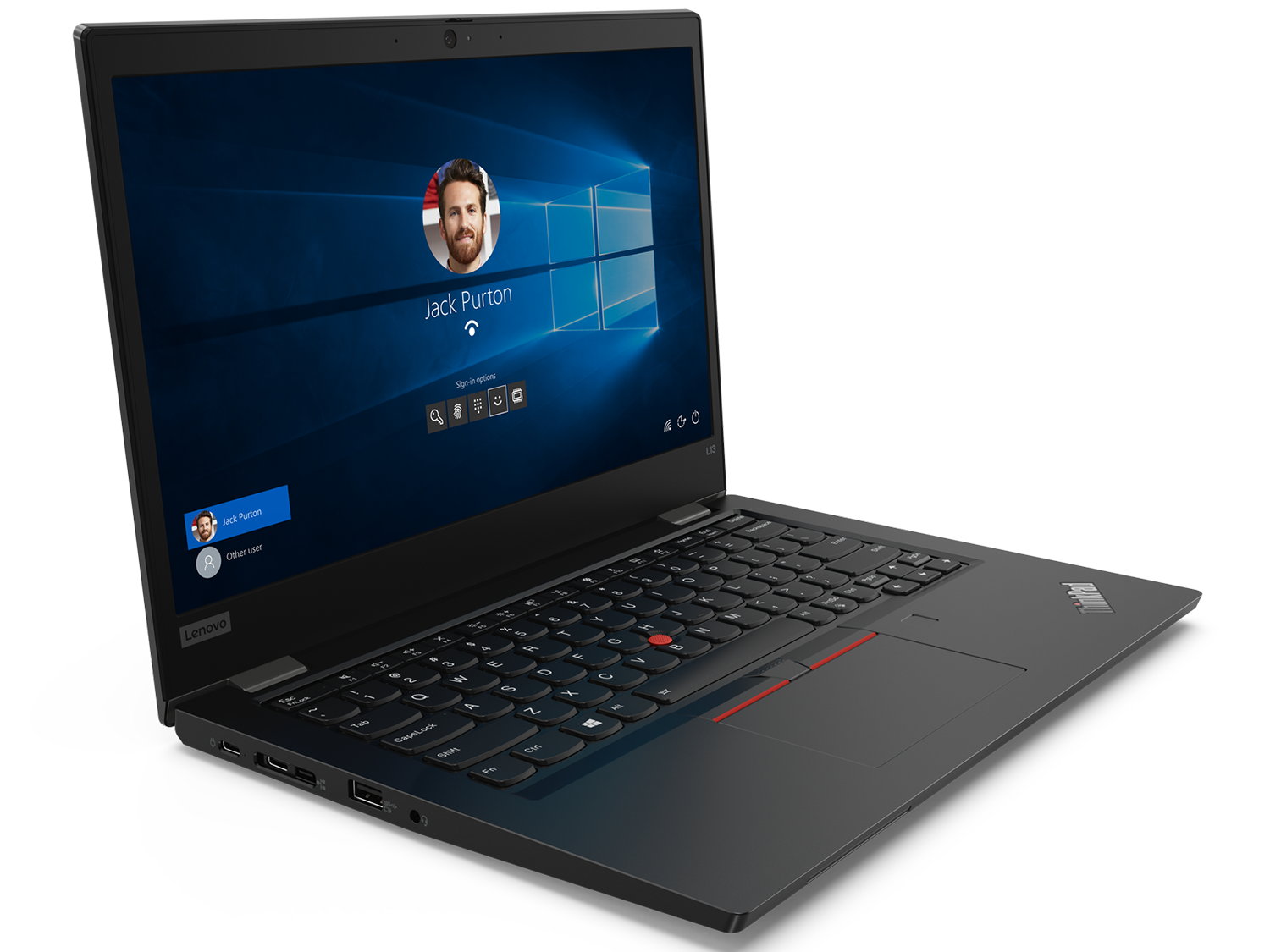
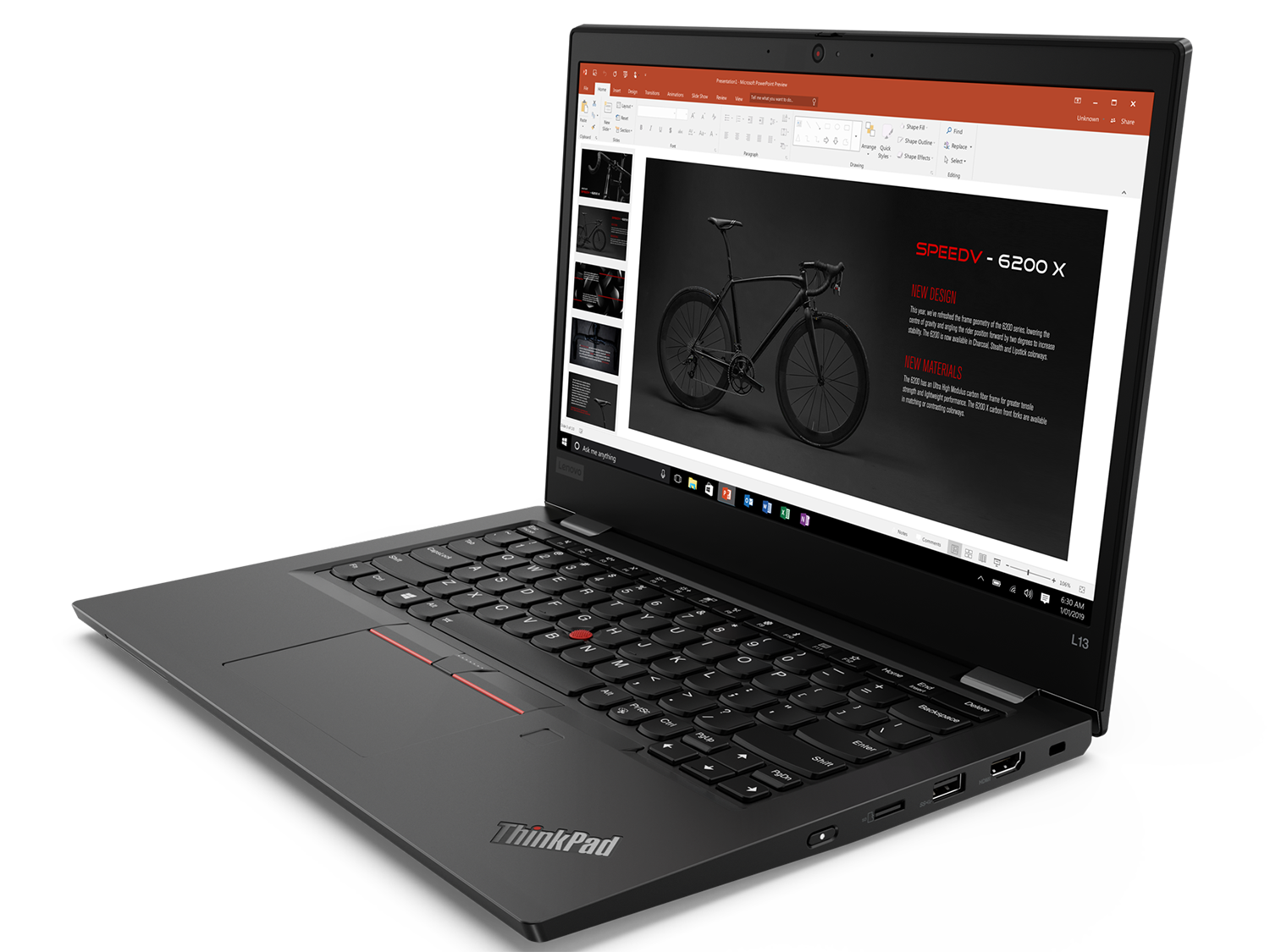
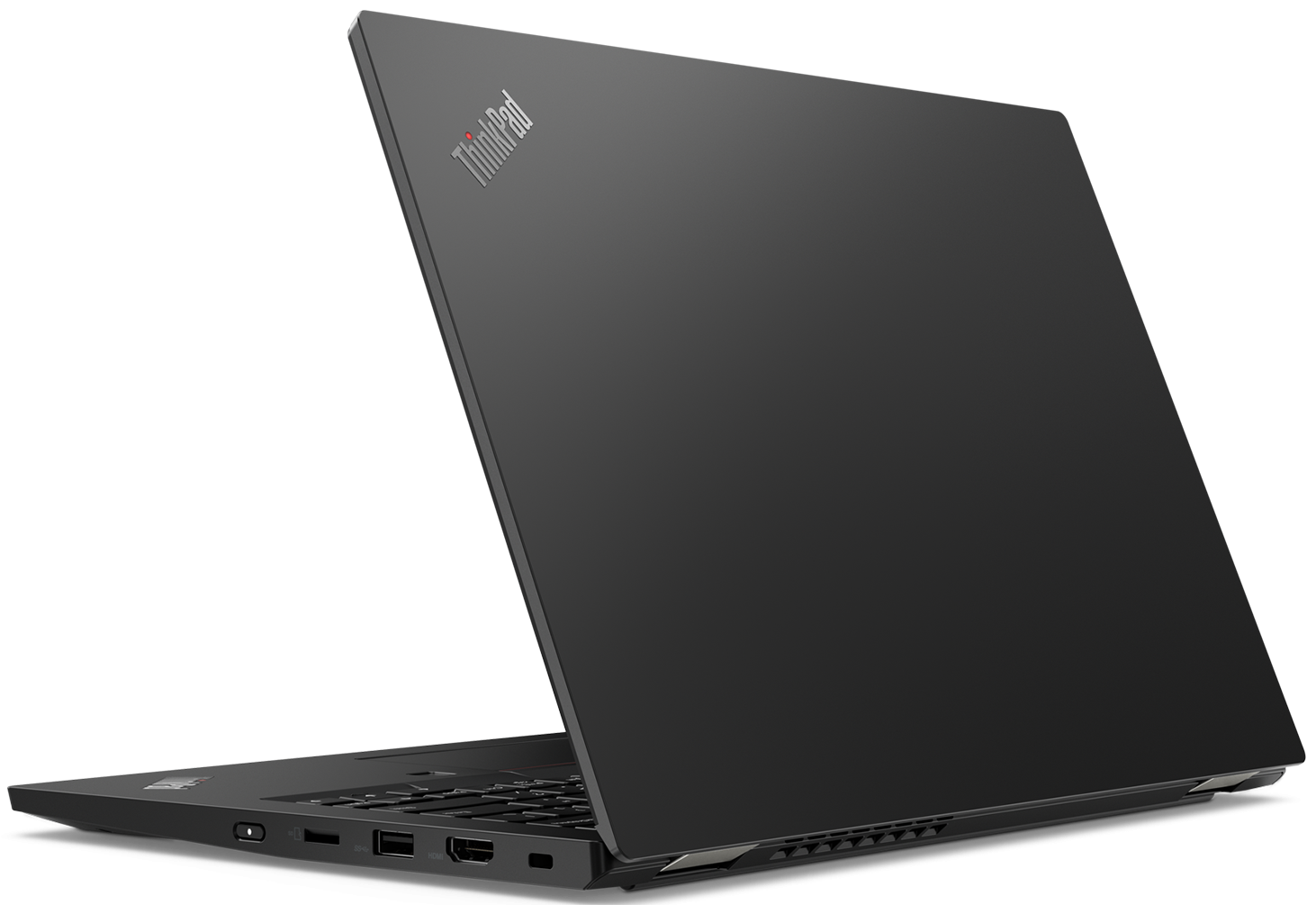
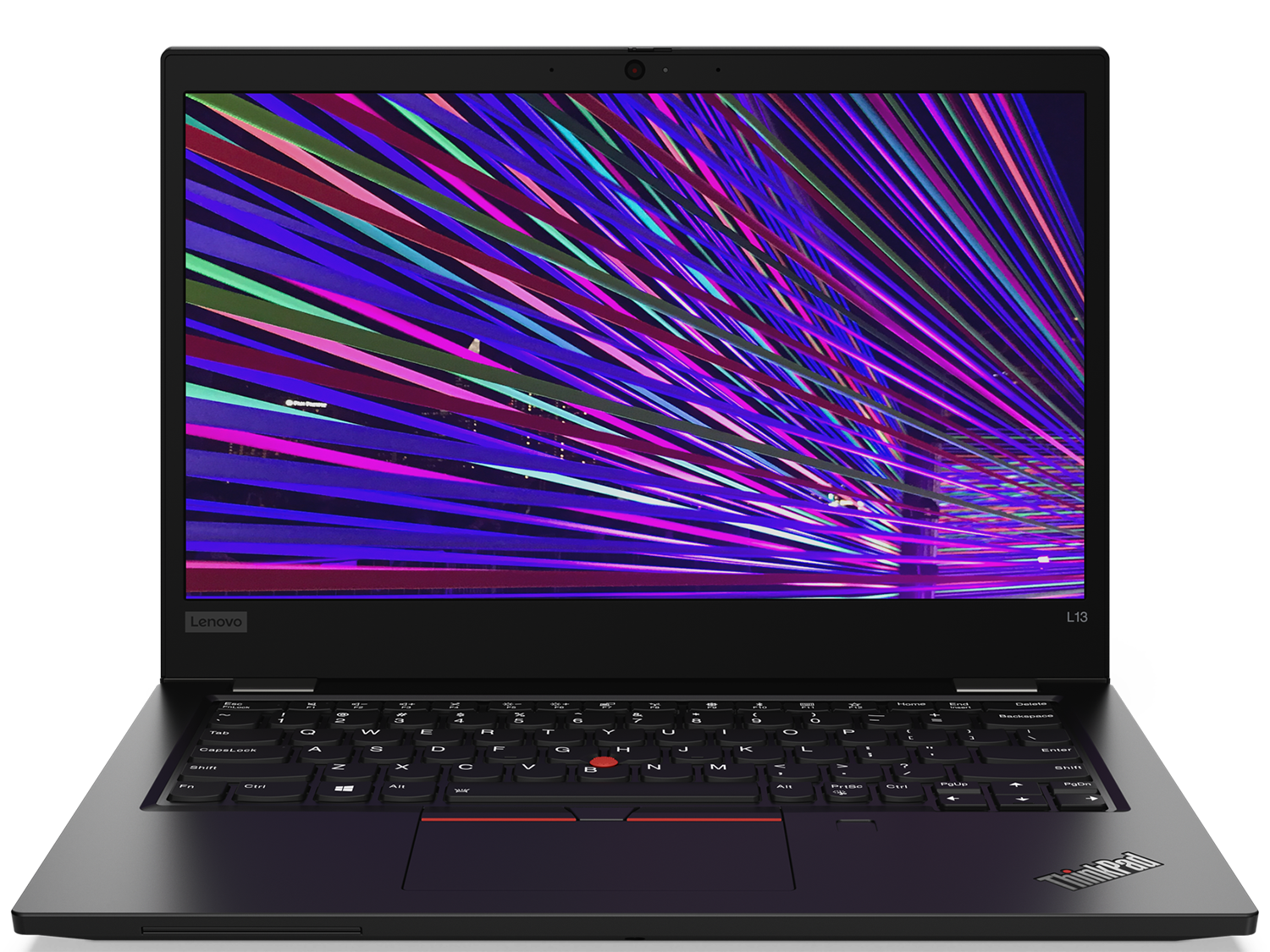
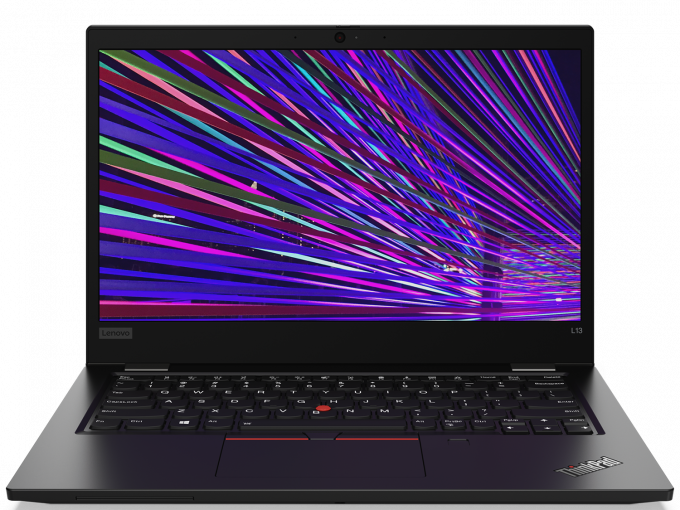
Lenovo ThinkPad L13
- Date Published: 07 Feb 2020
- Intel Core i5-10210U
- Intel UHD Graphics
- 13.3”, Full HD (1920 x 1080), IPS
- 256GB SSD
- 8GB DDR4
- 1.38 kg (3 lbs)
Review
Lenovo ThinkPad L13 in-depth review
Lenovo has one of the biggest business notebook brands in the world. Ever since they bought the IBM computer division together with the ThinkPad brand, they were expanding it to the extent we have today - a laptop at almost every standard size, at almost every price range. Today, we are looking at the "cost-conscious" ThinkPad L13.It has a 13.3" display which comes in two iterations - 768p TN one and a 1080p IPS one. Additionally, Lenovo has equipped it with the latest ULV CPUs to hit the market from Intel (the 14nm series) - the so-called Comet Lake processors. Additionally, it features a spill-resistant keyboard, industrial design, and a docking capability.You can check the prices and configurations in our Specs System: https://laptopmedia.com/series/lenovo-thinkpad-l13/[...]
Read the full review
Pros
- Spill-resistant backlit keyboard.
- Supports PCIe x4 drives
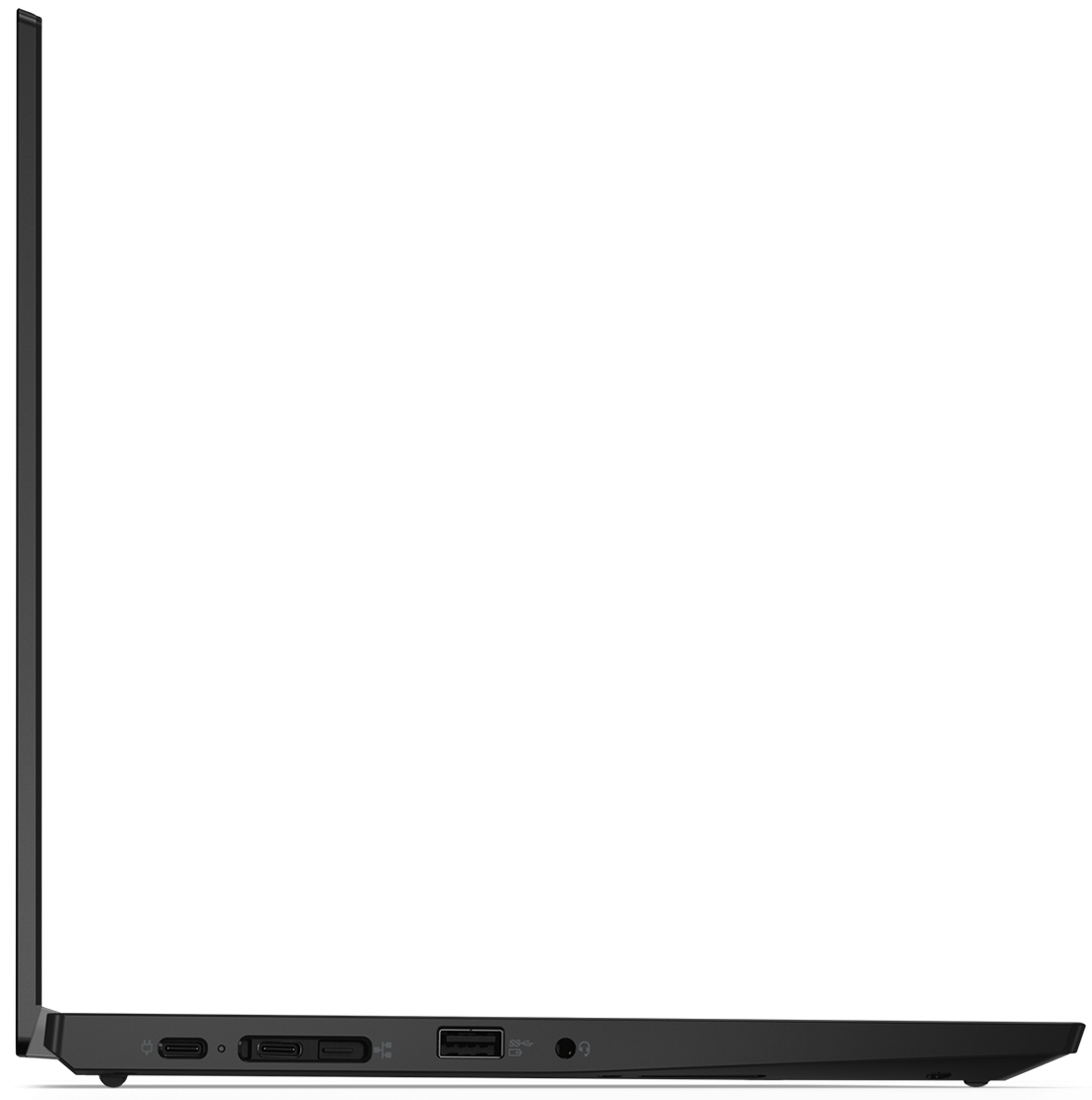
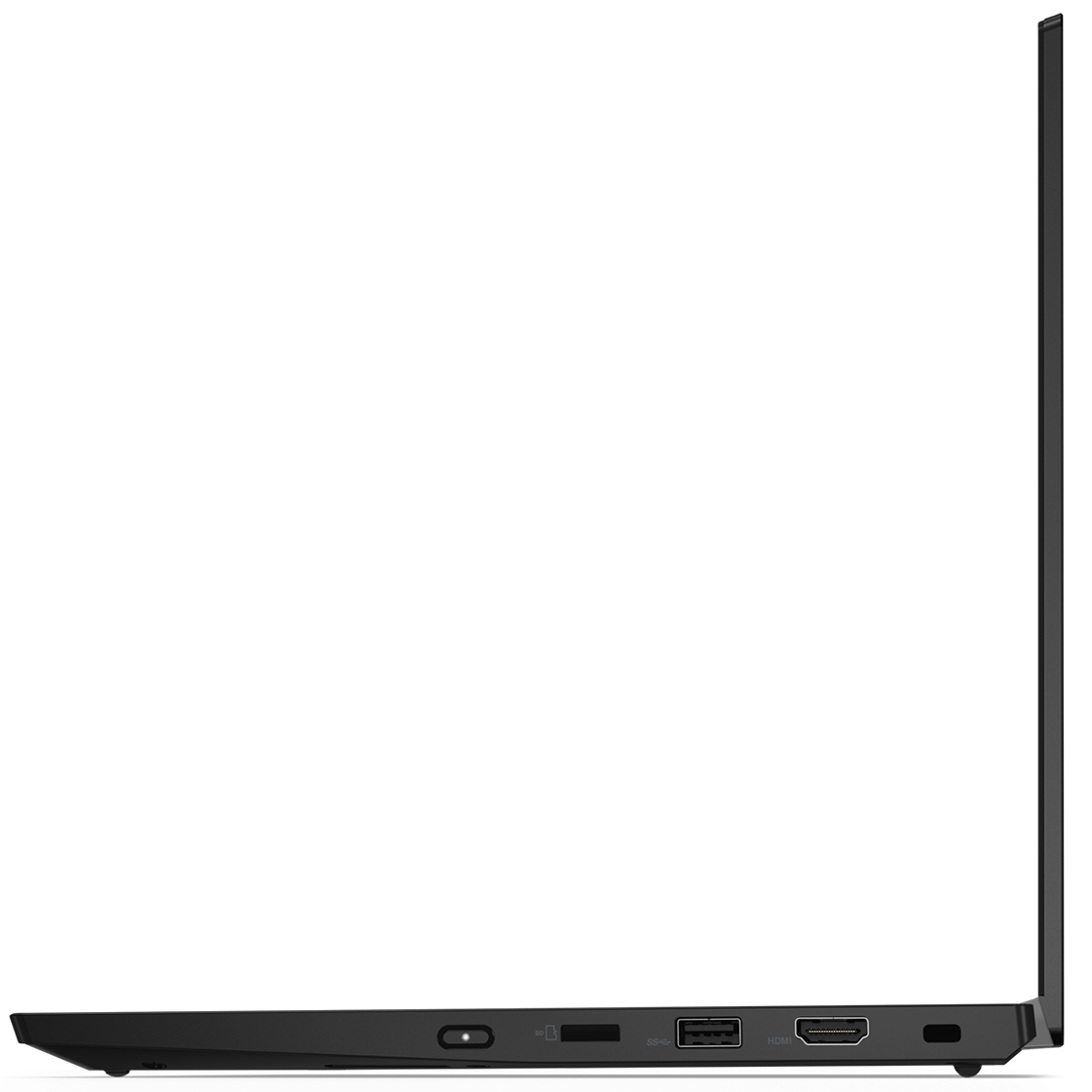
- Charges with USB Type-C and a MicroSD card reader
- Has a fingerprint reader
- Doesn't use aggressive PWM for brightness adjustment (IVO M133NWF4 RA)
Cons
- Memory is soldered to the motherboard
- There are better options at this price tag
- Covers only 55% of sRGB (IVO M133NWF4 RA)
- Heats up under heavy load
Disassembly, maintenance and upgrade options
This device is supposed to help you run and potentially expand your small-to-medium business. It offers stability, security and some options of upgradability.Check out all Lenovo ThinkPad L13 prices and configurations in our Specs System or read more in our In-Depth review.1. Remove the bottom plate This device's bottom plate has 9 mounting points. They are all Phillips-head screws, which stay attached to the panel even after you unscrew it - how neet!2. Battery All of this is powered by a 46Wh battery pack.3. Memory and storage Sadly, its memory is soldered to the[...]
Read more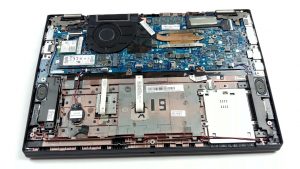
DISPLAY: 13.3-inch, 1920 x 1080, IPS
- Name
- IVO M133NWF4 RA
- Diagonal
- 13.3"
- Pixel density
- 165.63 ppi
- Brightness
- 284 cd/m2
- sRGB
- 55%
- Panel Type
- IPS
- Resolution
- 1920 x 1080
- Becomes "Retina" from
- 21 inches (53 cm)
- Contrast
- 1680:1
- dE Color Checker
- 4.3 3.3

Buy our profiles for IVO M133NWF4 RA
In addition to receiving efficient and health-friendly profiles, by buying LaptopMedia's products you also support the development of our labs, where we test devices in order to produce the most objective reviews possible.

Office Work
Office Work should be used mostly by users who spend most of the time looking at pieces of text, tables or just surfing. This profile aims to deliver better distinctness and clarity by keeping a flat gamma curve (2.20), native color temperature and perceptually accurate colors.

Design and Gaming
This profile is aimed at designers who work with colors professionally, and for games and movies as well. Design and Gaming takes display panels to their limits, making them as accurate as possible in the sRGB IEC61966-2-1 standard for Web and HDTV, at white point D65.

Health-Guard
Health-Guard eliminates the harmful Pulse-Width Modulation (PWM) and reduces the negative Blue Light which affects our eyes and body. Since it’s custom tailored for every panel, it manages to keep the colors perceptually accurate. Health-Guard simulates paper so the pressure on the eyes is greatly reduced.



![[August 2026] Amazon Global: Top 10 Best-Selling Laptops – Apple MacBook Neo Dominates the Charts as Budget and Mid-Range Windows Portables Fight for Volume](https://laptopmedia.com/wp-content/uploads/2026/09/Best-Selling-Laptops-GLOBAL-Top-10-400x225.jpg)
![[August 2026] Best-Selling Laptop Brands on Amazon Global – Apple Dominates Revenue While HP Leads in Model Variety](https://laptopmedia.com/wp-content/uploads/2026/09/GLOBAL-Best-Brands-400x225.jpg)
![[August 2026] Amazon Global: Top 10 Best-Selling Gaming Laptops – HP Victus 15 Captures the Crown as Budget-Friendly Models Dominate the Charts](https://laptopmedia.com/wp-content/uploads/2026/09/Best-Selling-Gaming-Laptops-GLOBAL-Top-10-400x225.jpg)
![[August 2026] Best-Selling Laptop Brands on Amazon Japan – Apple Dominates Market Share and Revenue Led by Strong Unit Sales](https://laptopmedia.com/wp-content/uploads/2026/09/CO.JP-Best-Brands-1-400x225.jpg)
![[August 2026] Best-Selling Laptop Brands on Amazon USA – Apple Dominates Market Revenue and Volume Despite Lower Model Diversity](https://laptopmedia.com/wp-content/uploads/2026/09/COM-Best-Brands-1-400x225.jpg)
